A:AnswerThey can found depending on where they were misplaced. However, they don't have a location sound like most phones where you can call to locate it; so you must be careful when not at home because locating them outside such as the gym, store, park, etc can be difficult.
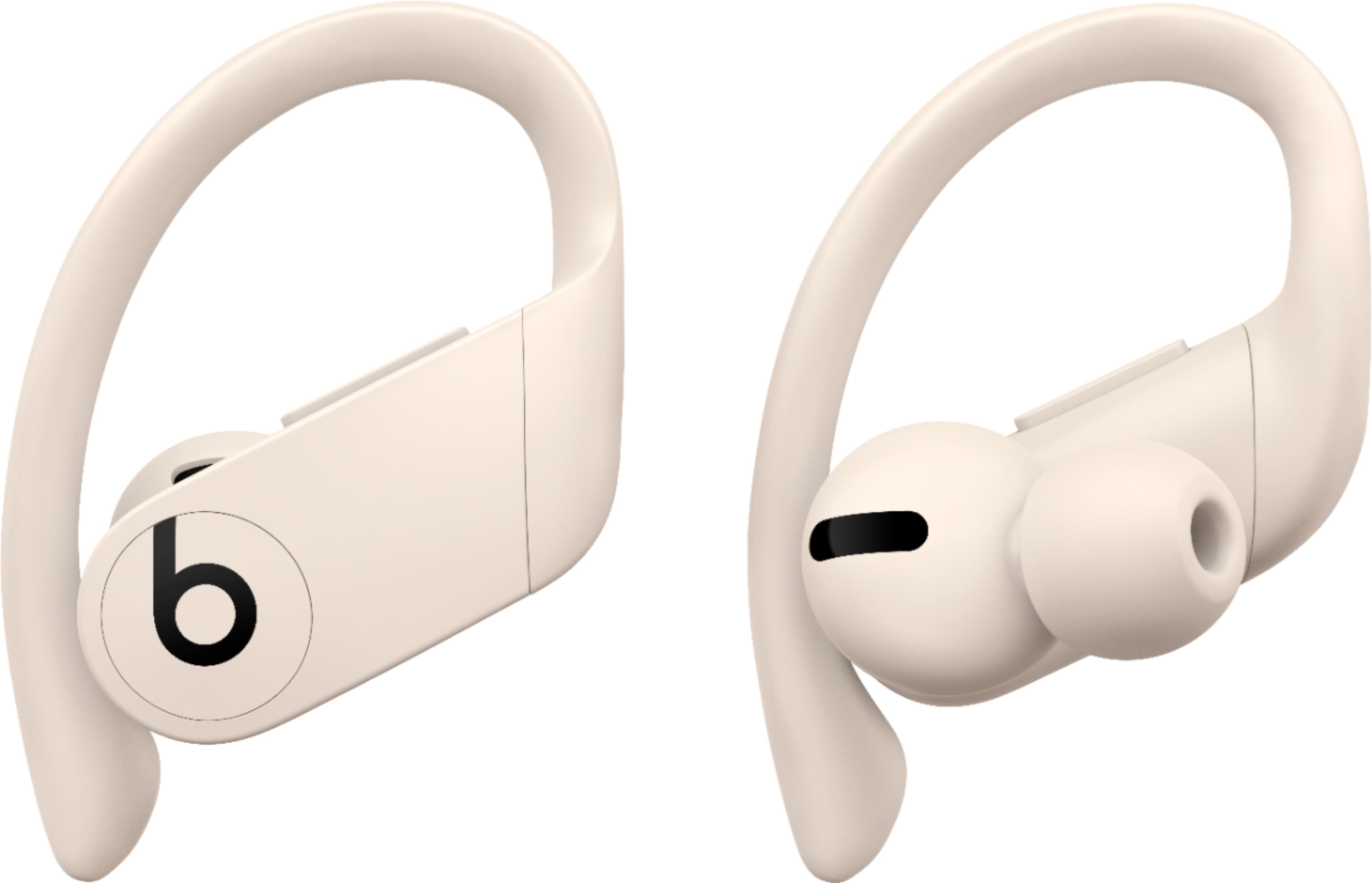
A:AnswerProBeats are so comfortable and convenient that you will forget that you re` wearing them regardless of masks, glasses or any other item that you wear.
A:AnswerDownload the Beats app from the Google Play store, then use it to pair your Beats products with your Android device. After you pair your Beats, you can view and adjust settings in the app.
A:AnswerI do it all the time with no trouble. On rare occasion, I think twice in the last 8 months, I have had to shut down my phone for them to reconnect. Each time it was just after I had connected the earbuds to my laptop and my phone to my vehicle so I think there are just too many connections overlapping. When I went back to earbuds on the phone, it was intermittent and erratic. I just placed the buds back in the case, shut down & restarted the phone and flawless connection again.
Hope this helps!
A:AnswerI went to Apples website. It's a year limited warranty, but you will have to send them in to be reviewed, and most likely (well in my case) they won't find anything wrong and will send them right back
A:AnswerUp to about 55-60 mph you can hear music pretty good using a Galaxy S10+ with these. I haven't used another phone and wanted to include the phone in case that matters, which I don't think it should. Listening to podcasts and audiobooks is good up to about 45 mph, but I use third party apps to boost the sound a little bit more to get it up to about 50 mph. I use a half shell helmet, btw, so my ears are exposed to wind noise. It does depend on how good of a seal you get. Sometimes I take them out and put them back in to ensure I have a good seal. Before the ride...not after. :D hope this helps!