A:AnswerPowerbeats Pro feature Class 1 Bluetooth for extended range and fewer dropouts when connected to any bluetooth enabled device. Simply use your device’s Bluetooth Setup to connect your Powerbeats Pro to your Android or other Bluetooth device.
A:AnswerPowerbeats Pro feature Class 1 Bluetooth for extended range and fewer dropouts when connected to any bluetooth enabled device. With the Apple H1 Chip, they’ll pair and get setup faster on iOS devices.If you’re having trouble pairing or connecting Powerbeats Pro to your device, try unpairing or “forgetting” Powerbeats Pro from your Bluetooth list. Then try re-pairing.
A:AnswerYes it does! I have a brand new Samsung Curved TV and sometimes I listen through my headphones at night (I live in an apartment) and I want the surround sound feel without the noise.
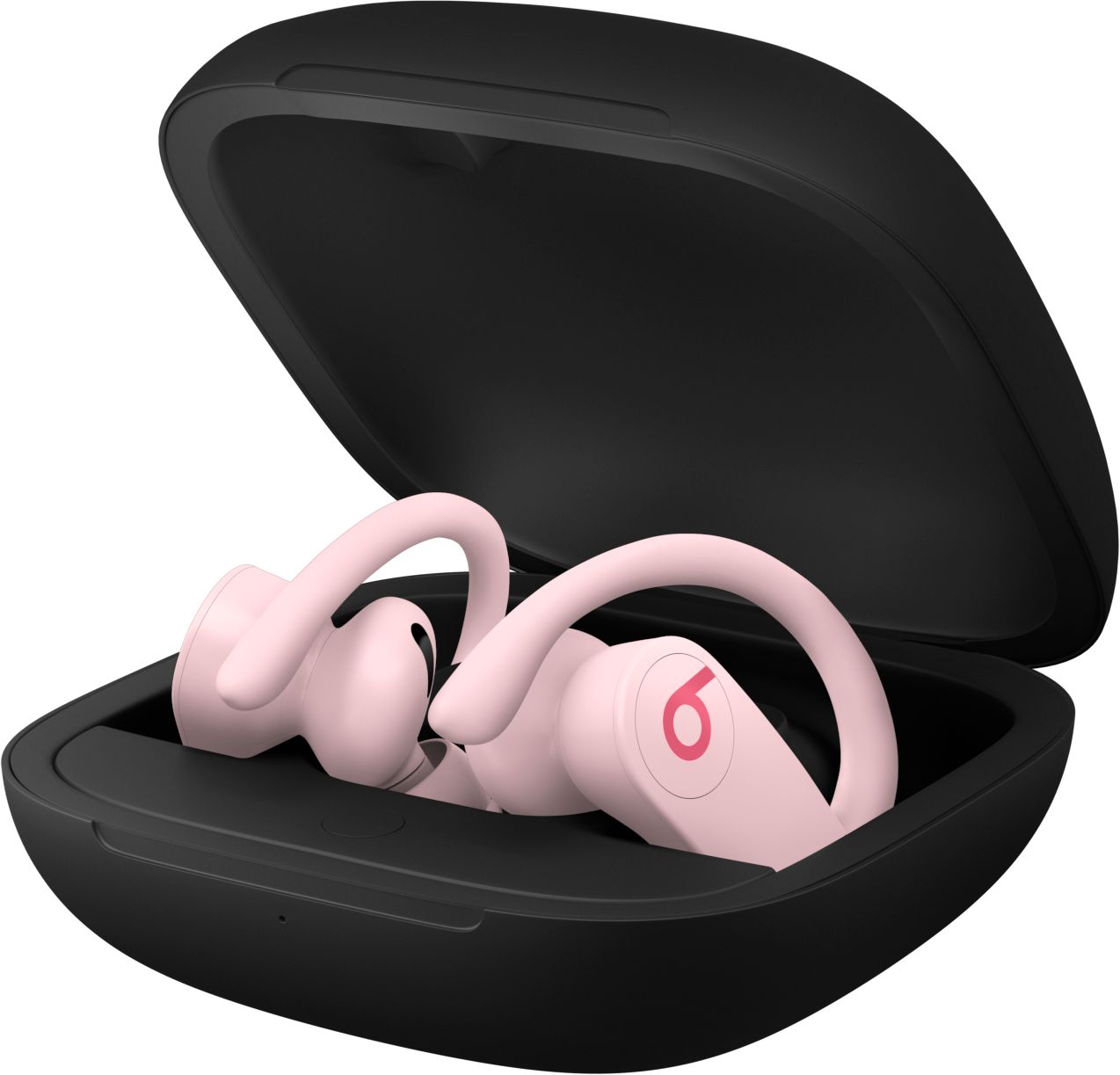
A:Answeryes. case hold enought to charge the pair up to 4 times before requiring a charge but battery on the headphones has an amazing life without charge at almost 9 hours
A:AnswerAll wireless bluetooth headphones and earphones connect to your bluetooth. So, yeah, they will work with your Android. It's just the seamless switching to your iCloud devices are an Apple feature, but you can just do that in your settings on your Android phone.
A:AnswerUnfortunately, the new "Find My" app (on iOS, iPadOS, and macOS) cannot find the PowerBeats Pro. This was a surprise, given that they have the same H1 chip as AirPods 2.