A:AnswerI have the Samsung s20. You need the app to connect it to your phone and should work fine. Only downside is you need to rely on the case to connect the beats so if the case is dead, you can't connect the beats to your phone. I don't charge my case often so found myself frustrated often
A:AnswerThough I do not snowboard I would think so. They’re supposed to be water resistant. They stay in place and the controls seem like they would be easy to operate while wearing gloves.
A:Answer40 m- 50m good to go Hey, you will be reaching near its max but I find they will do this distance unless their is obstruction in the way. Then it gets choppy but it fights impressively hard to stay connected
A:AnswerI have an iPhone and if you have your side button turned on yes you will have your notification sound but it’s best to let Siri read them to you
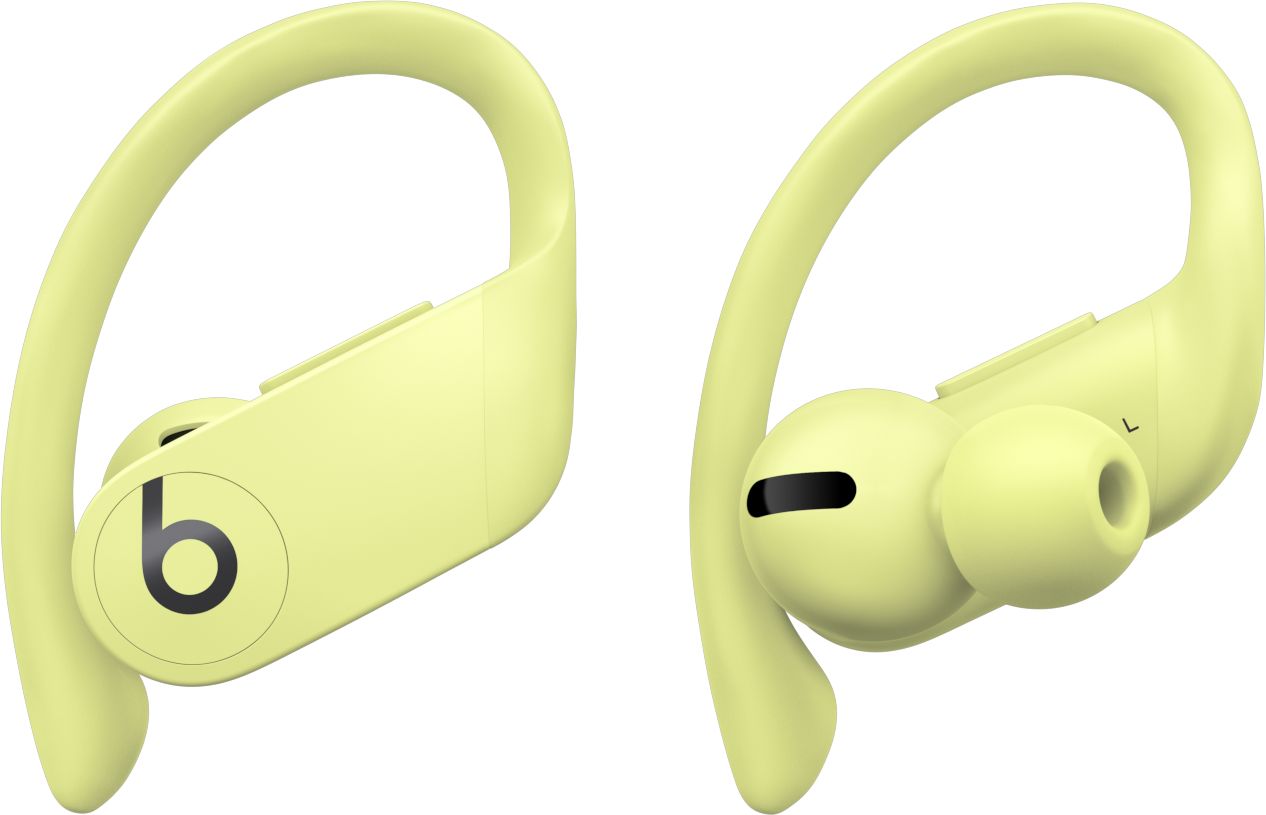
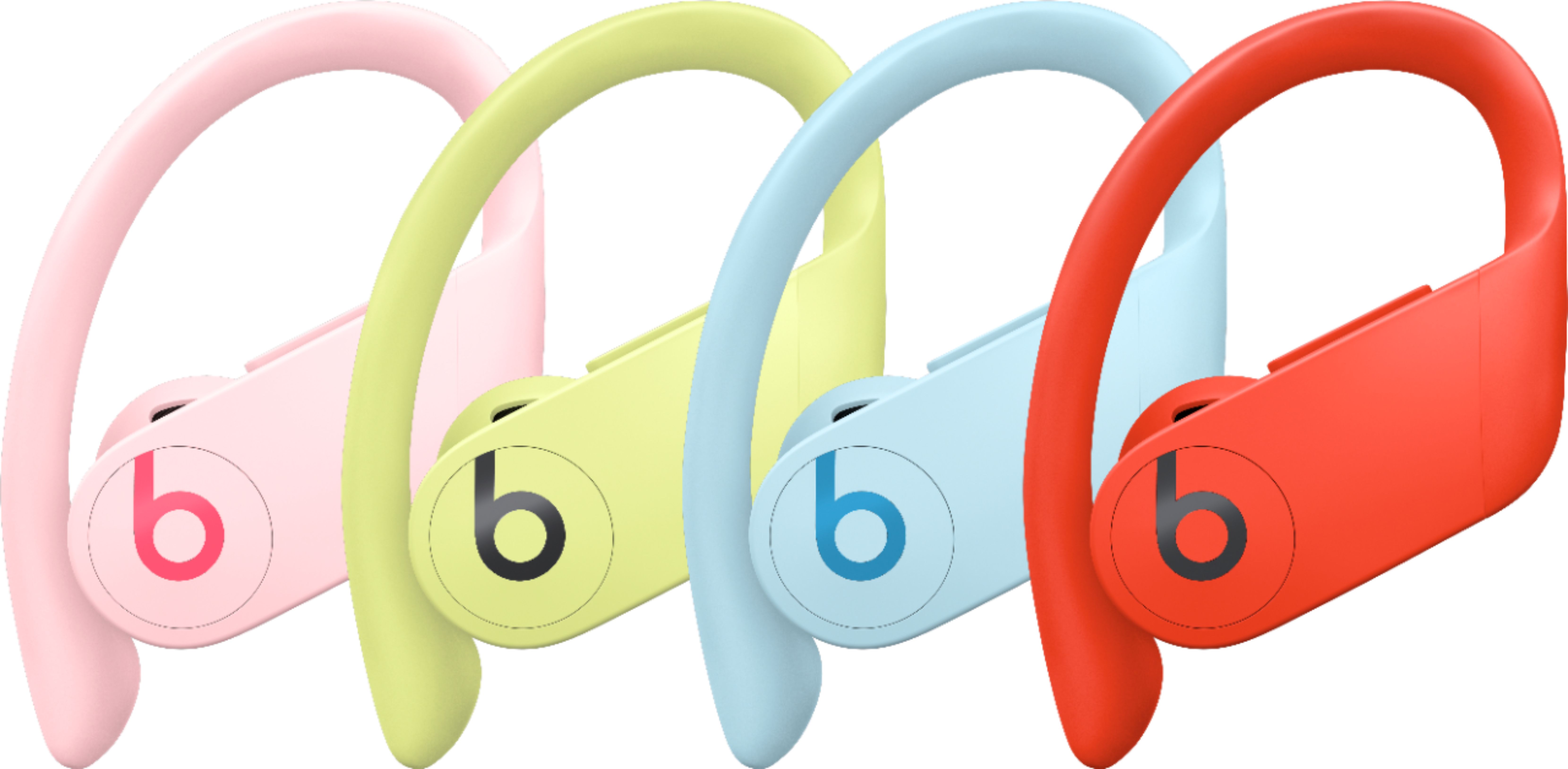
A:AnswerI don’t think it’s an option not to have them behind your ear. They seem to be designed to hook over your ear, probably to make them more secure. The ear hooks are adjustable and pretty slim, so they’re not uncomfortable.
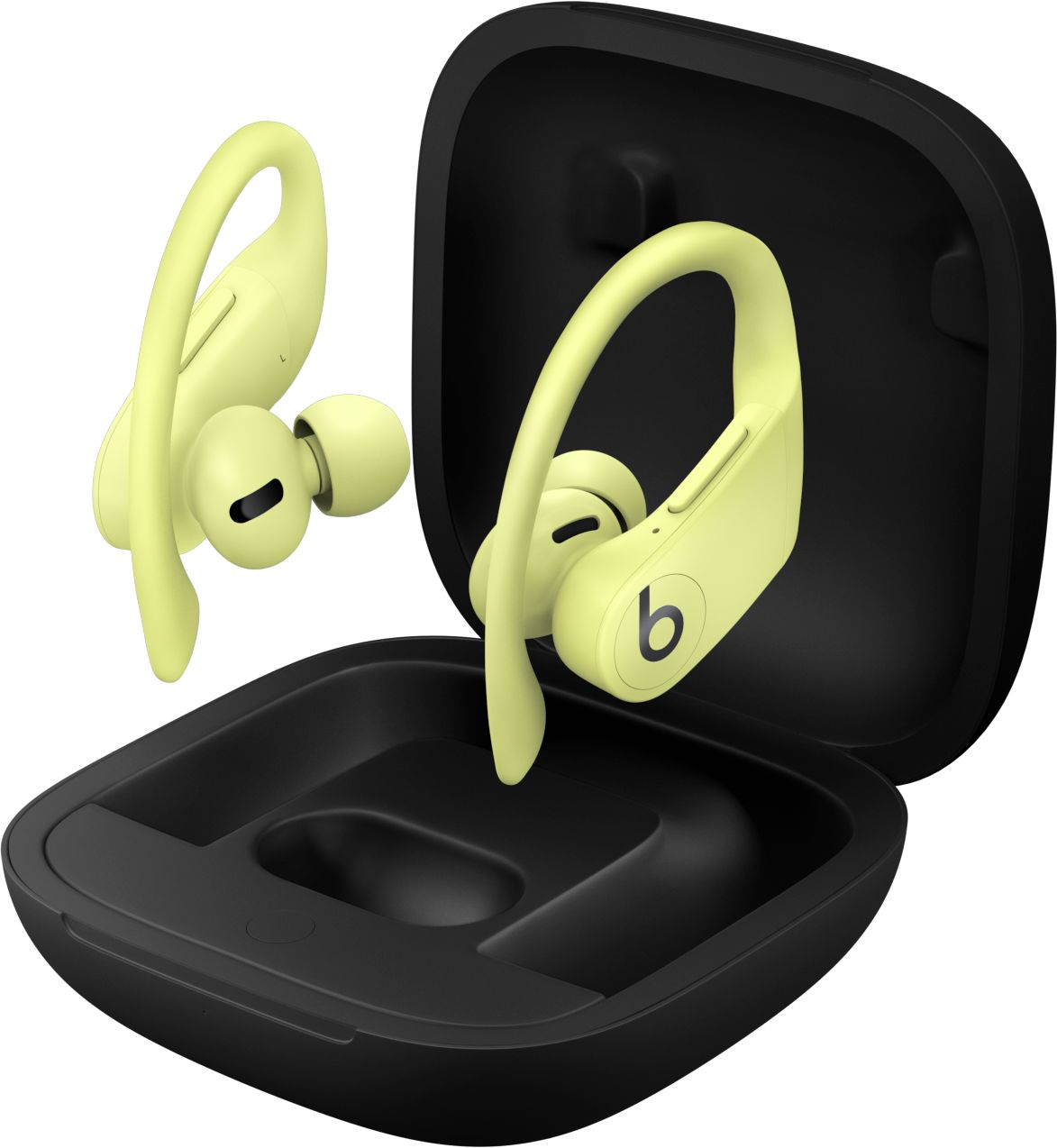
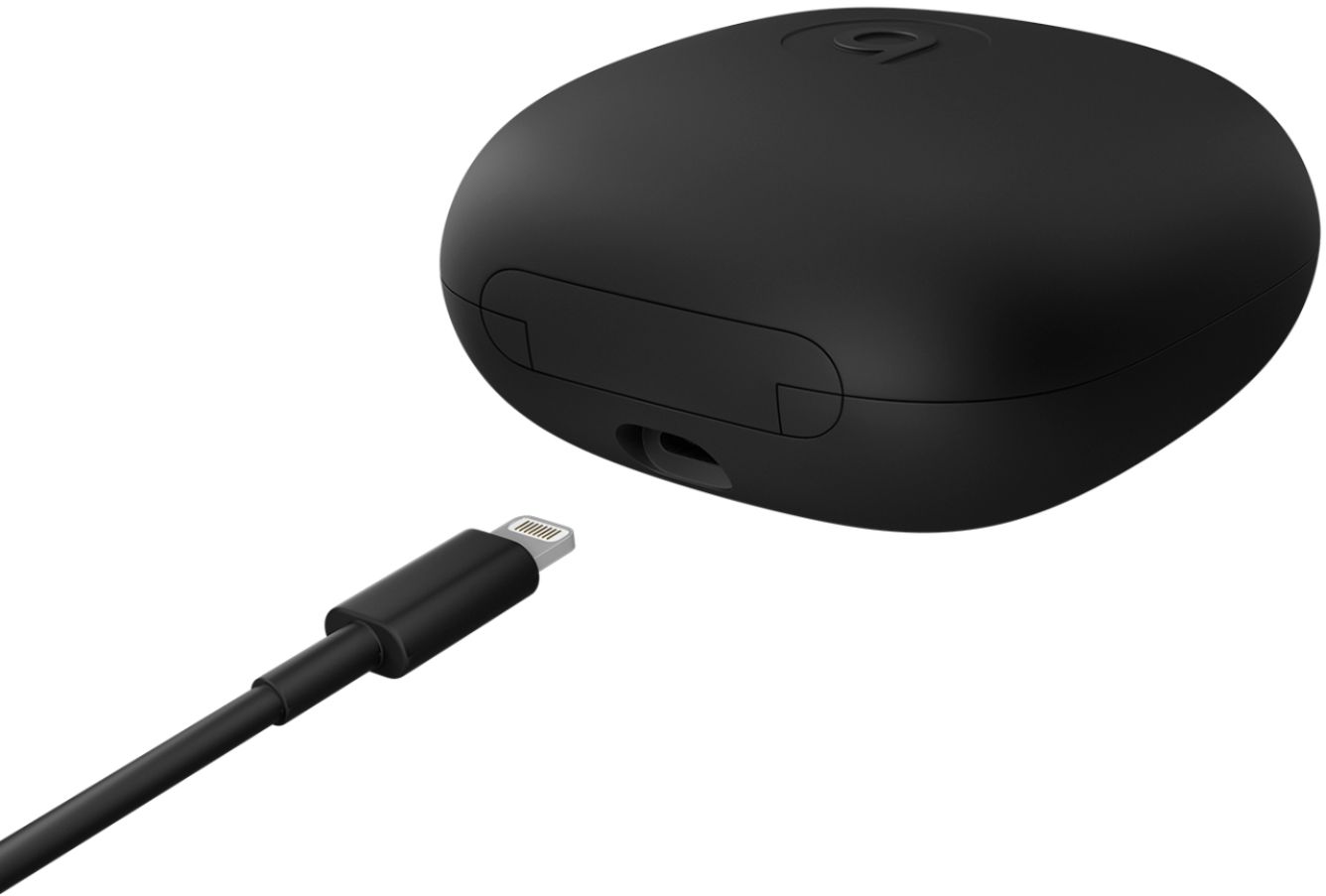
A:AnswerMust be placed back in case they came in, which has to be plugged in with charging cable. When placed back in the case they are attached magnetically which is great and don't have to hassle with adjusting or worry about any cables in the way as headphone with a cable. the case is for pairing, charging, and keeping headphones from damage. so don't lose the case.
A:AnswerCharge the beats with the cable provided.. put them in together... open the case and leave the earbud in the case and hold the little circle thats in the case for 5 seconds...
This should reset them.
Turn on your phone and go to bluetooth..
it should appear there are Powerbeats Pro.
Youre welcome