A:AnswerReceived code for 4 months of free Apple Music from Best Buy.
Entered code but not sure it’s working as phone keeps asking if I want music fee for 3 months.
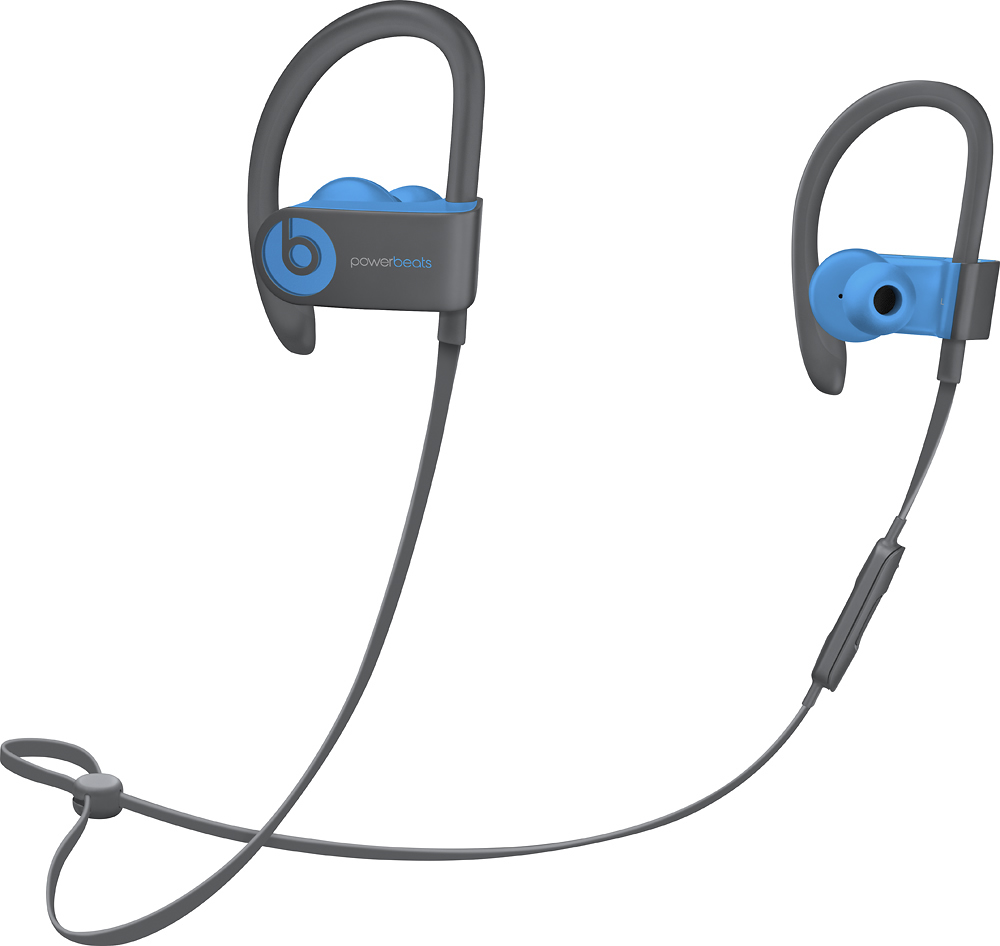
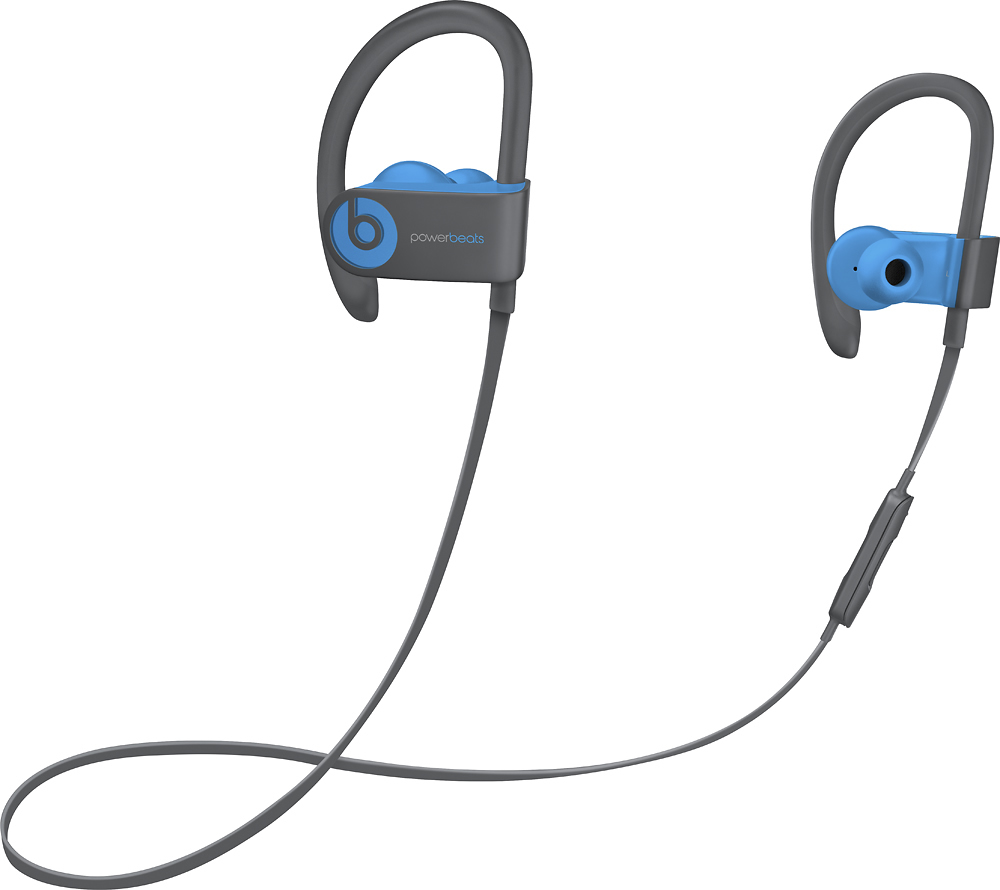
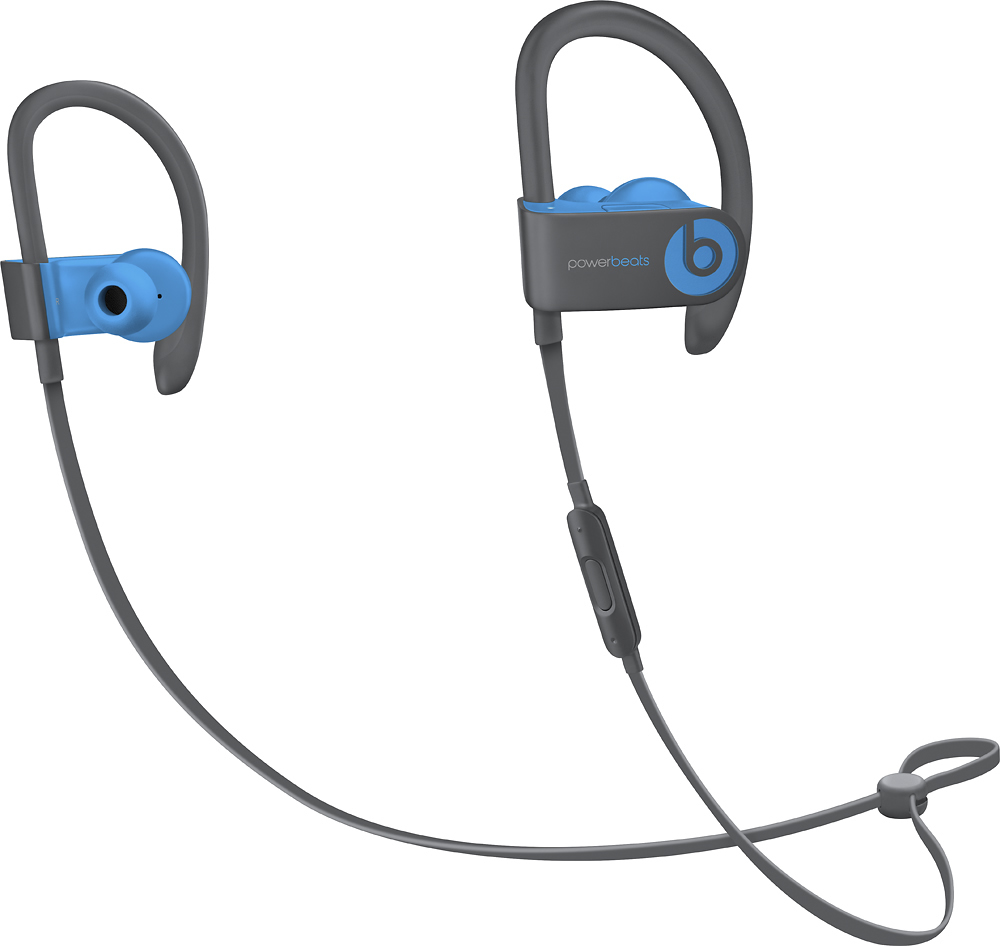
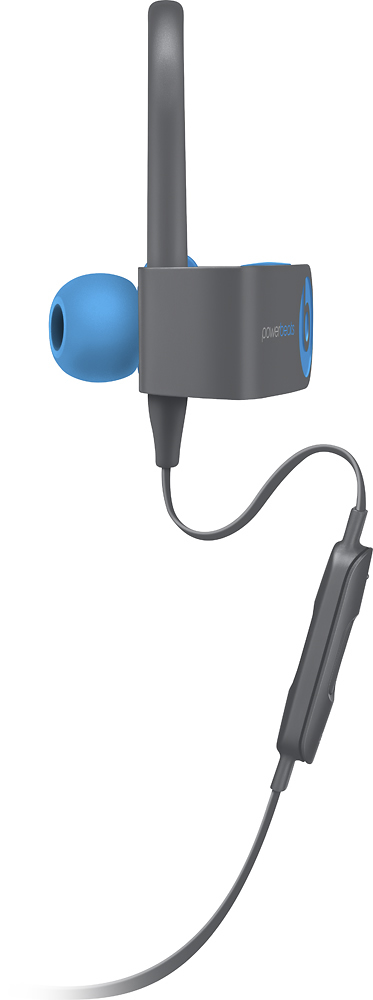
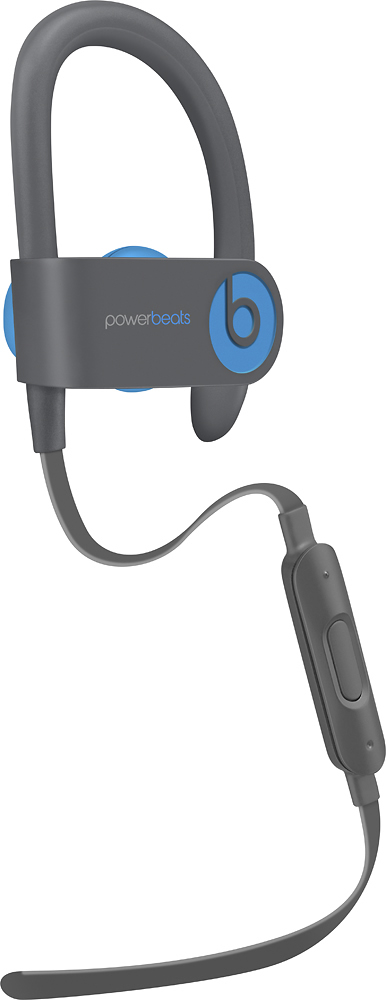
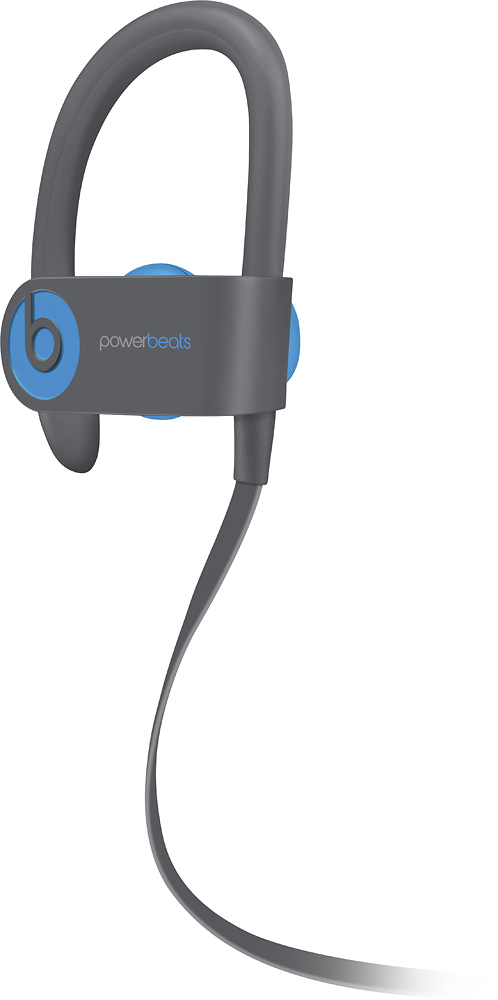
A:AnswerThey stay very secure. A part folds behind the ear and there are three sizes that come with the product so u can change based on ear canal size and comfort.
A:AnswerI got these for my girlfriend, and had the same worry. She works out 3-4 times a week, and has had them for a few weeks with no discoloring so far. She wipes them down with anti bacteria cloths when she remembers to.
A:AnswerYes you can answer calls and if the noise is minimal it will be cancelled but if extremely loud and close to your call it will be heard. These are great for workouts and answering when you can’t use your phone.
A:AnswerYou should contact the numbers provided in the box that the head phones came in with. I registered mine soon as I opened the box to make the process go faster in case I have to use the warranty
A:AnswerOn the Android phone go to Settings. Flip the switch to turn on Bluetooth if it isn't already on. ... When the phone says Pair with Device, tap on the Bluetooth button. In the device list, tap Beats Solo Wireless to connect your phone to the headset and you're done!
A:AnswerWhen I bought mine I asked the same question and unfortunately no, they do not offer and extended warranty on the headphones. Just the one year warranty they come with.
A:AnswerThey fit with my glasses and usually just rest beside them or underneath, so I haven’t had any issues. Also I assume they’d be fine if you could only hear through one ear you’d just have to decide whether to wear the second ear pod or just clip it to your shirt. Just use the accessibility settings in your phone to move all sound to one ear
A:AnswerThey come with a charging cable and a carrying case. HOWEVER, if you previously owned an earlier model of Beats by Dre you will be dissapoined with by the sound quality of this newer model.