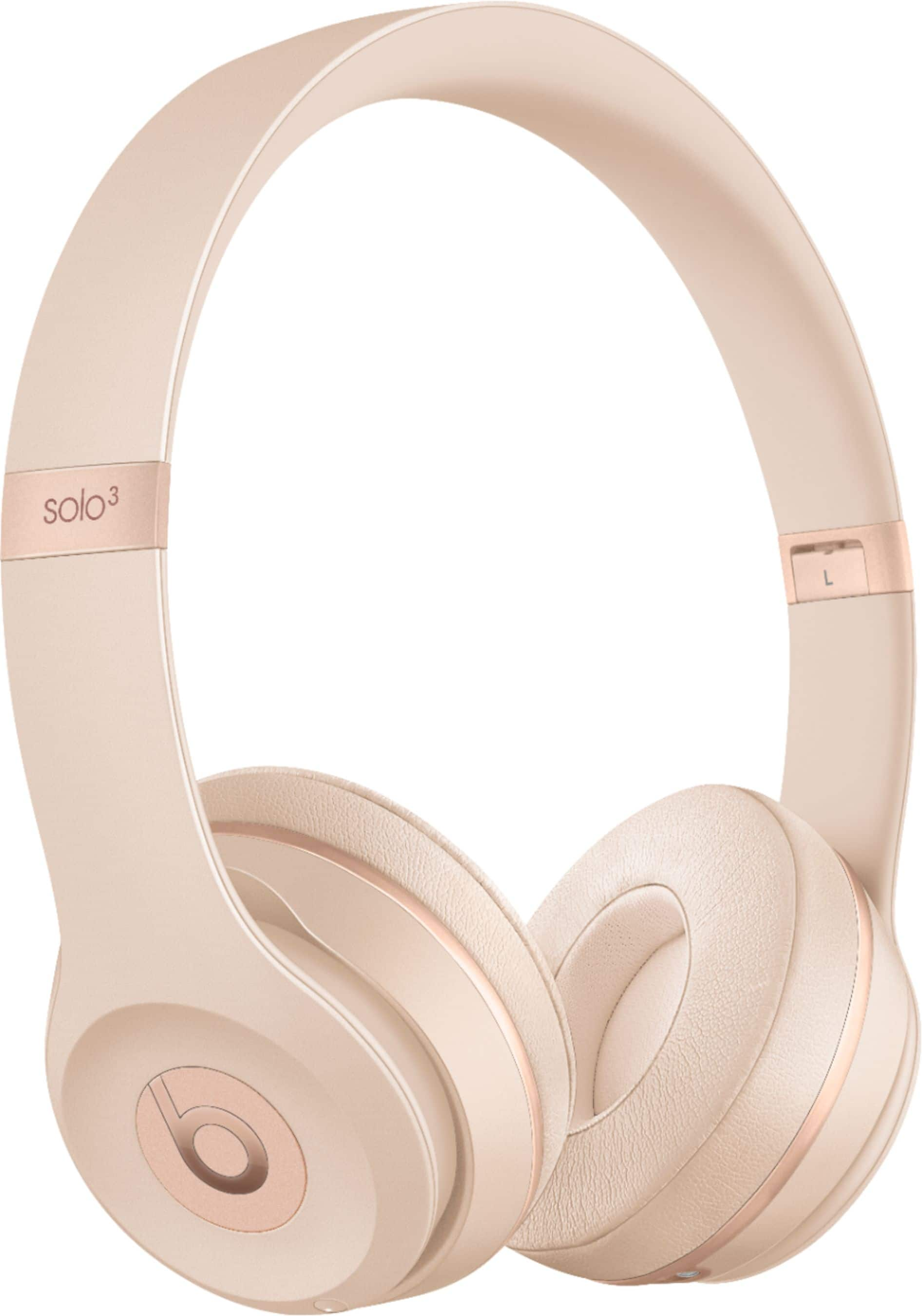
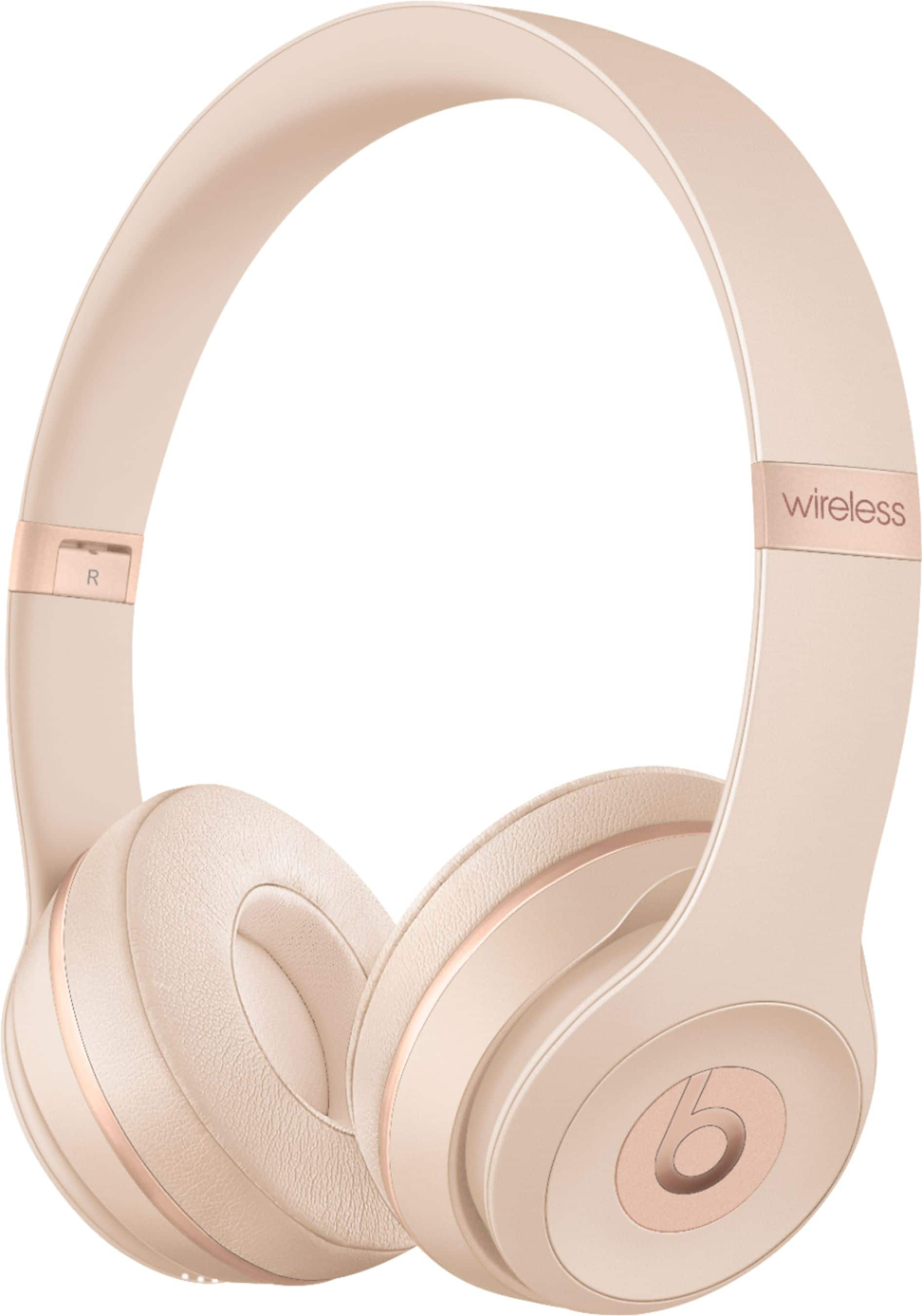
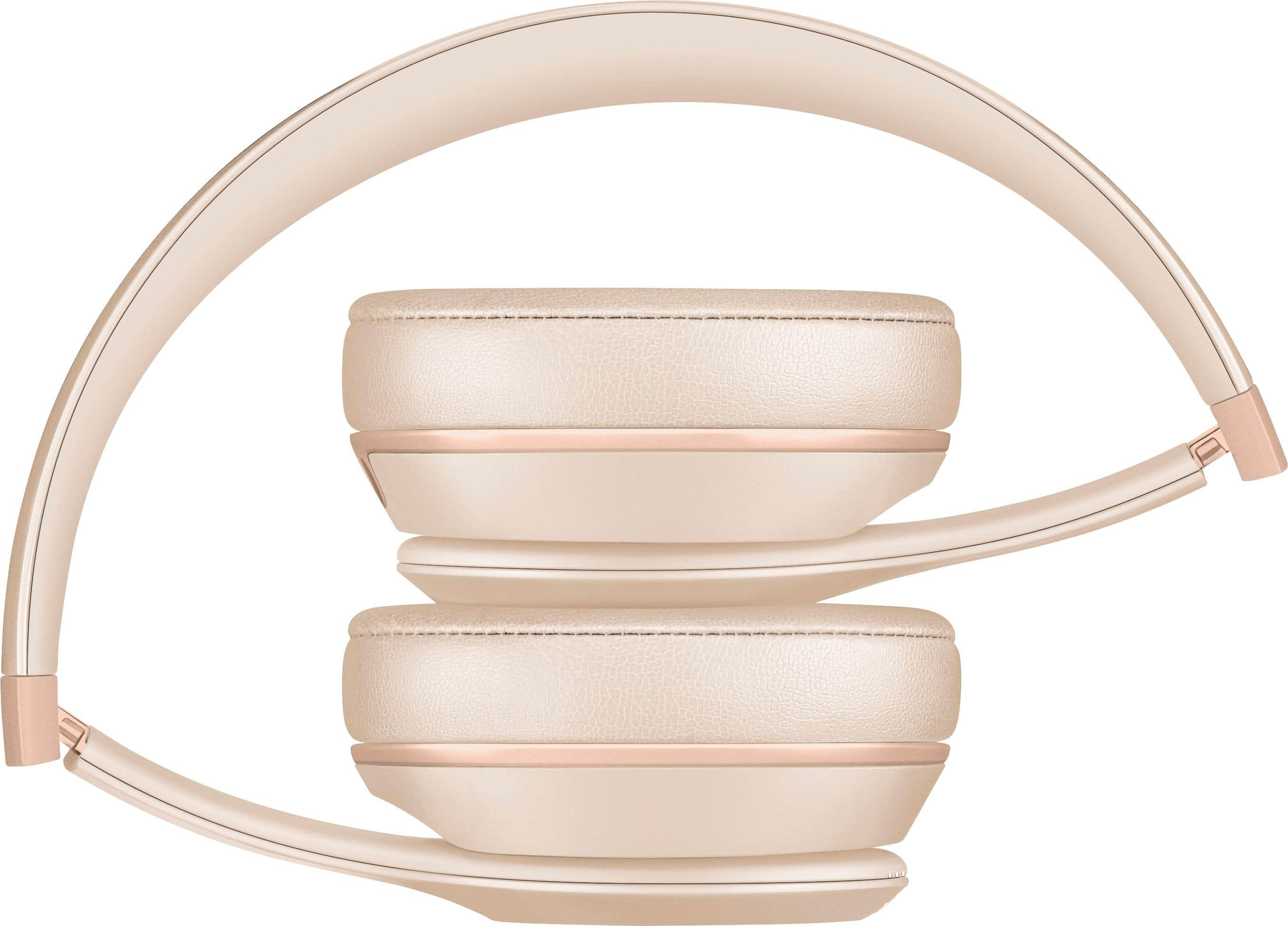
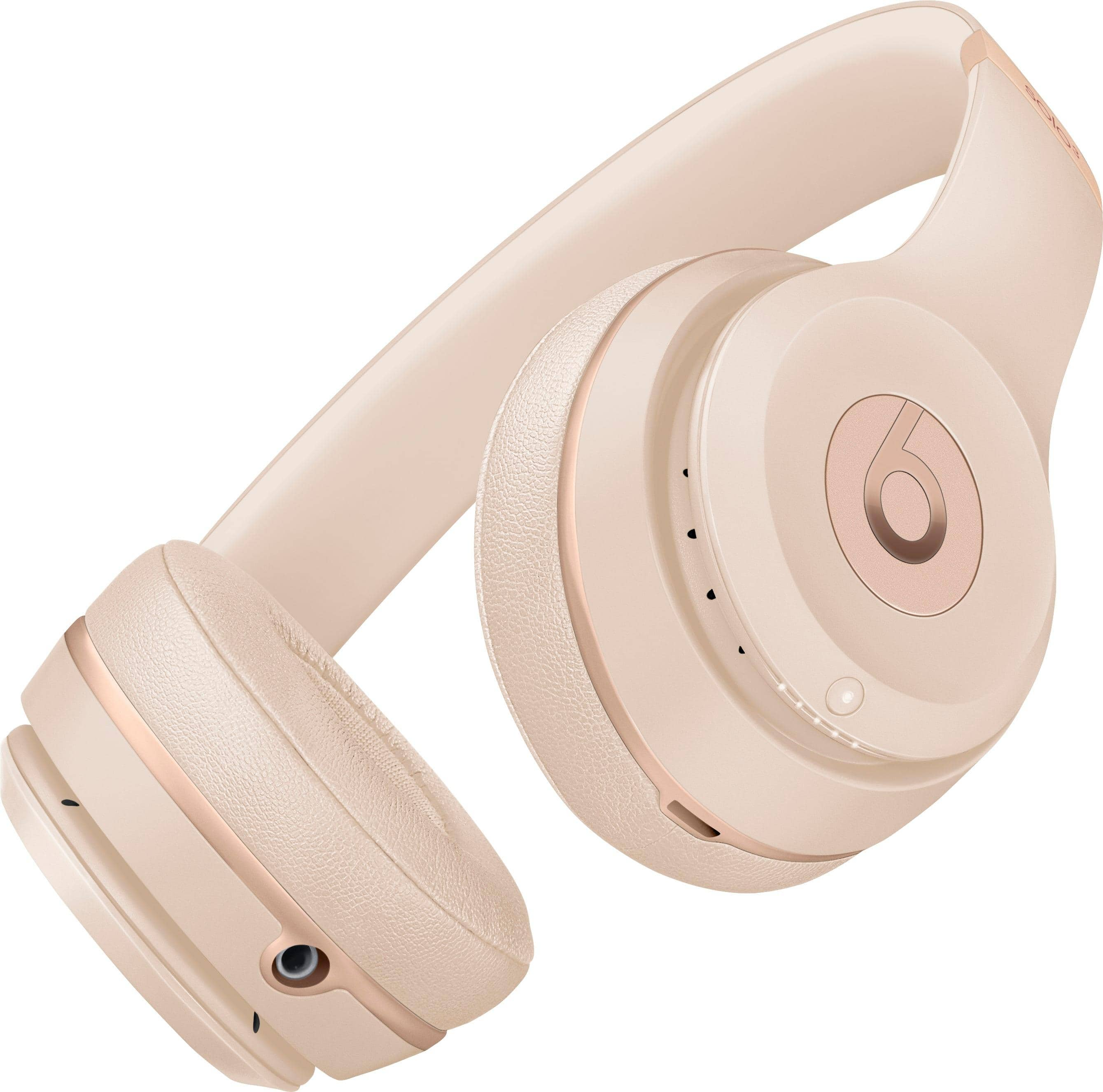
A:AnswerTo check the Fuel Gauge, which shows battery level and charging status, press and release the power button. Each light represents approx 20% battery.
When charging, each of the LED lights will flash one at a time until all are lit solid indicating that your headphones have reached a full charge. After fully charged, please unplug your device from the charger.
Please review this resource for more on Beats Solo 3 Wireless headphones: https://www.beatsbydre.com/support/how-to/set-up-and-use-solo3-wireless
A:AnswerYes. You have to click the little button in the back of the case then it will show up on Bluetooth. Once you did that they will connect atumaticaly if Bluetooth is on. The Apple AirPods are a great product