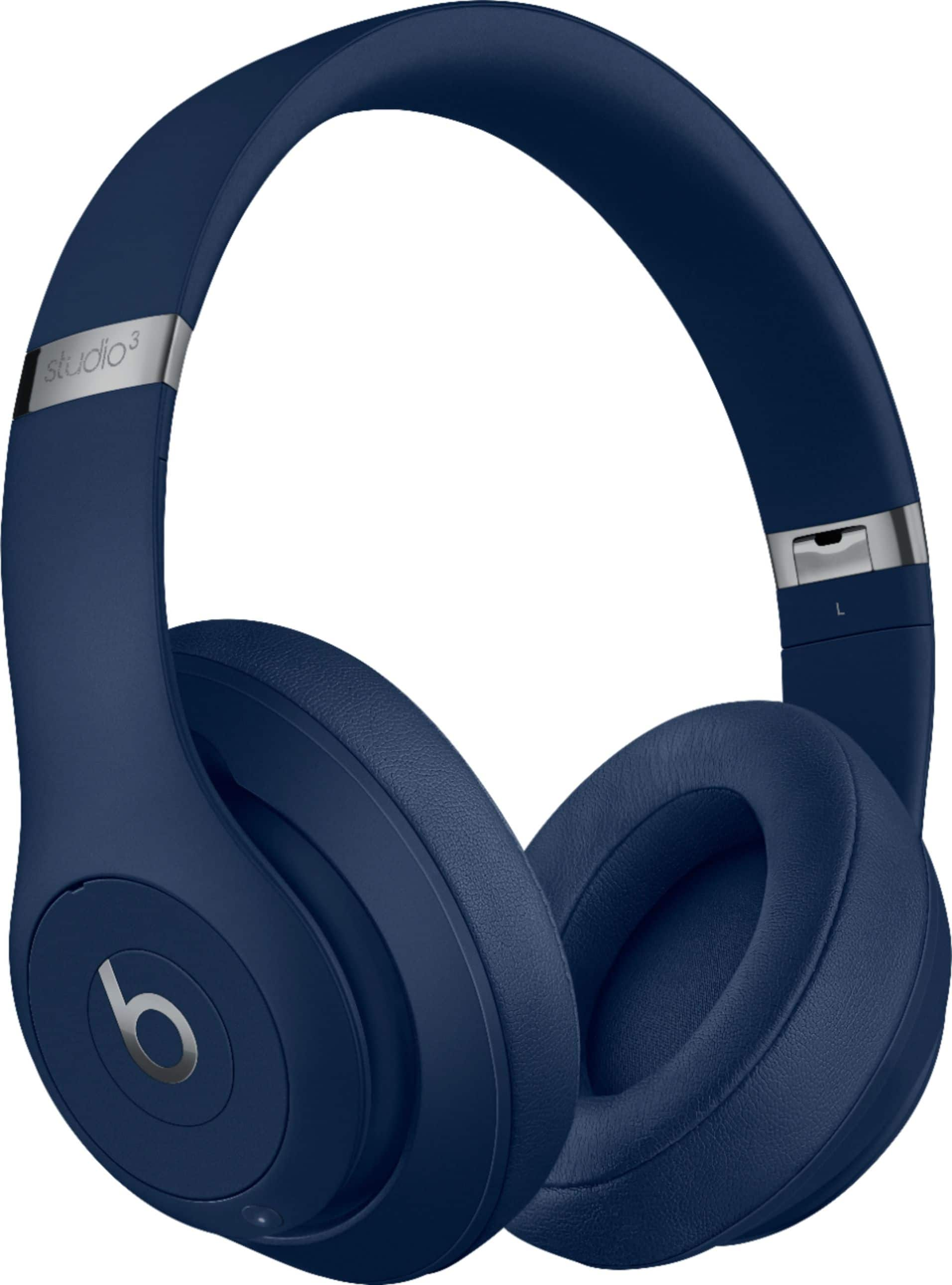
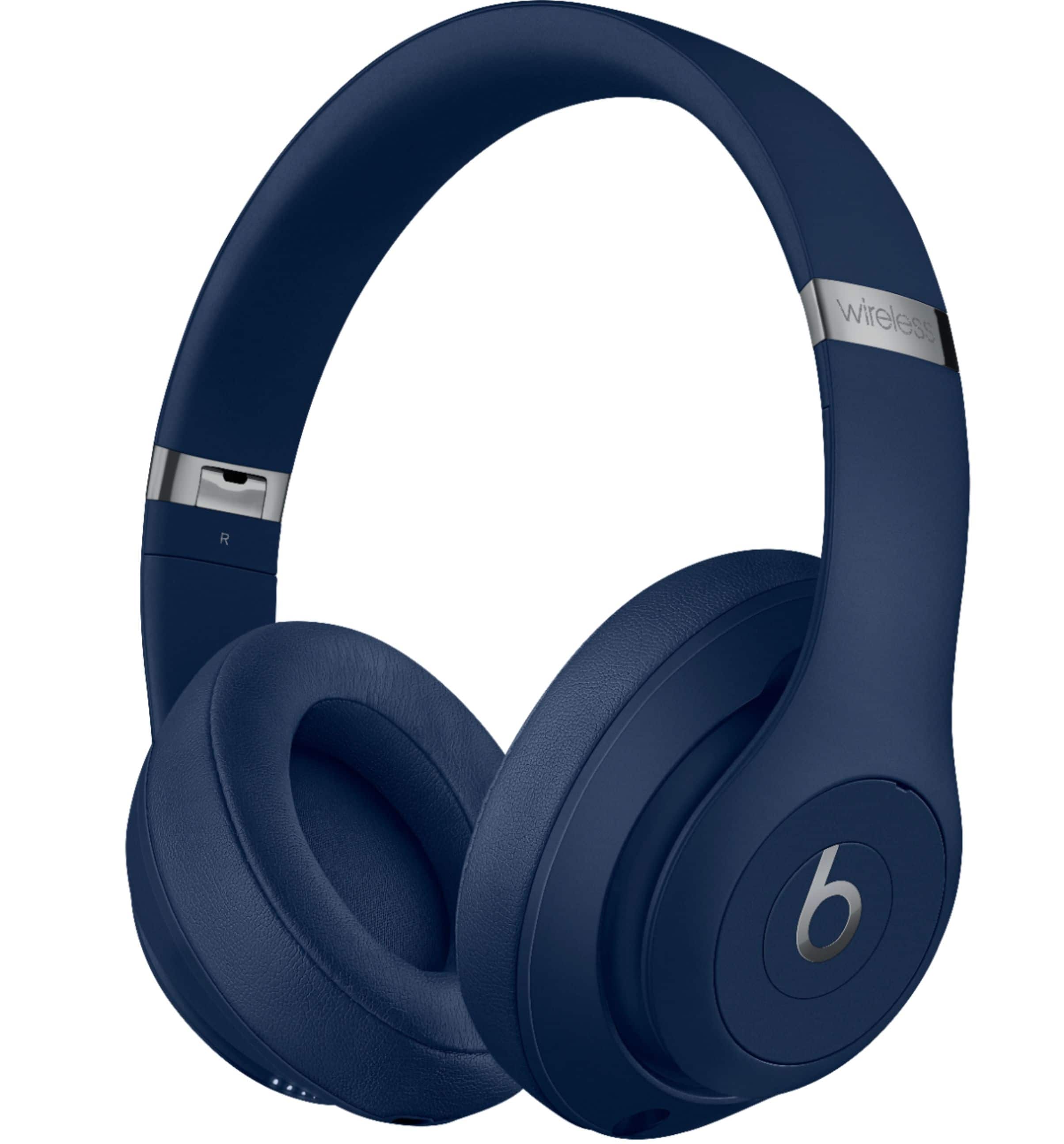
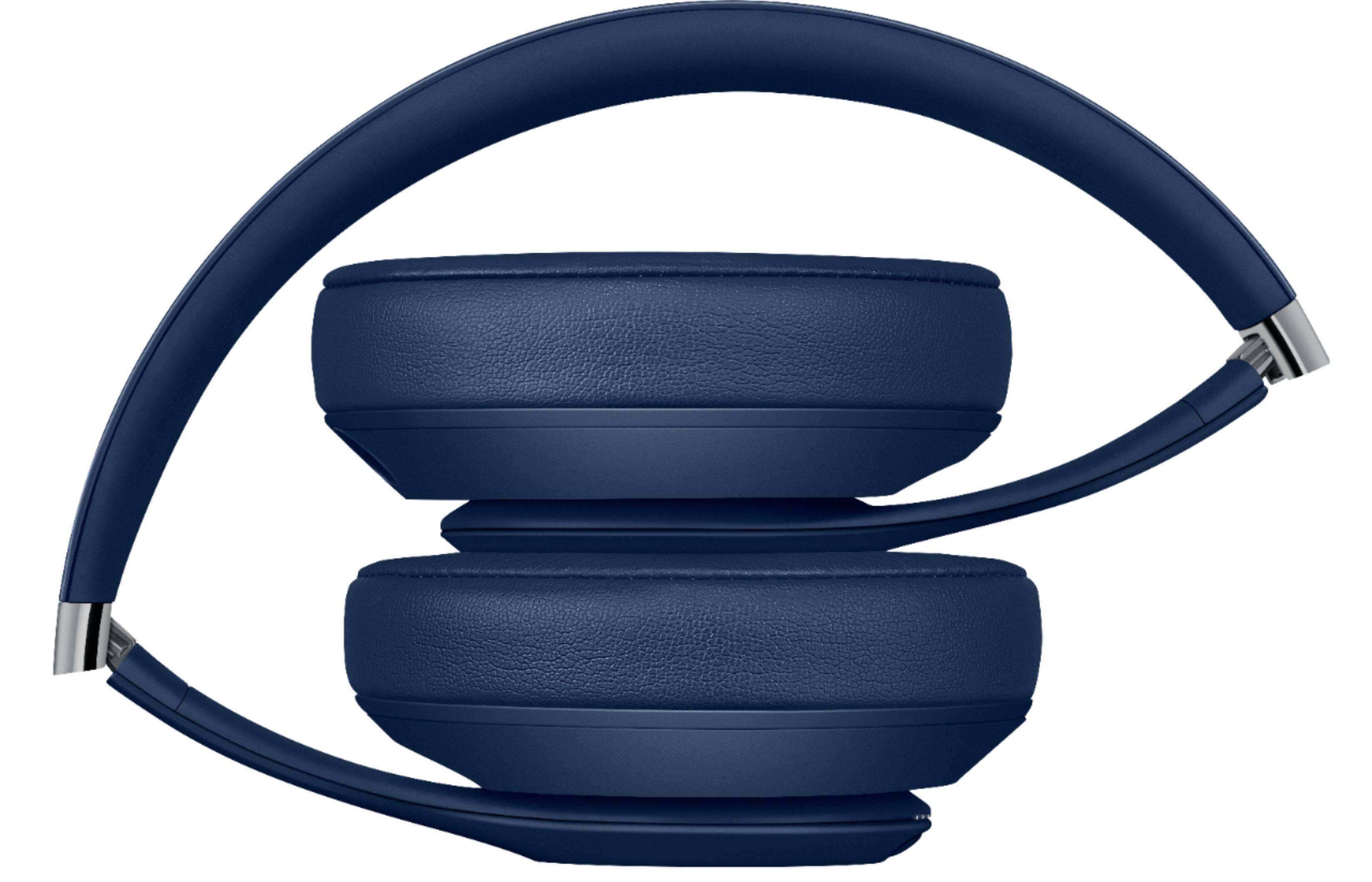
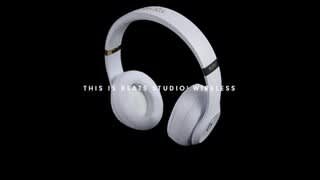
A:AnswerI believe they can be connected to any sort of Bluetooth device, just make sure they are in pairing mode and your device is searching for other (new) nearby Bluetooth devices. Hope this helps! :)
A:AnswerI did not connect to any other devices when I wanted to use the noise canceling feature. I just hit the button on the left headphone while I had the headphones on and all of the background noise all but vanished when the power of the headphones kicked in. As far as the base adjustment, I have no issue with that since it was perfect when I first used these headphones.
A:Answerif you still have the warranty, call apple and would gladly help you with no hassle.
They have awesome customer service.
Turn around repair is 3-5 business days.
A:AnswerHave you tried, on your device, unpairing or forgetting device, and then pairing again? I wish I could be more helpful, if you are still having issues, it may be worth sending them back to BestBuy to have them fix them.
A:AnswerIf it helps! You have to hold the power switch for like 1-2 seconds(a firm press) then go into your iPhone Bluetooth and click on your beats to connect! It definitely helps out when you havE multiple Bluetooth connections and want to only choose 1