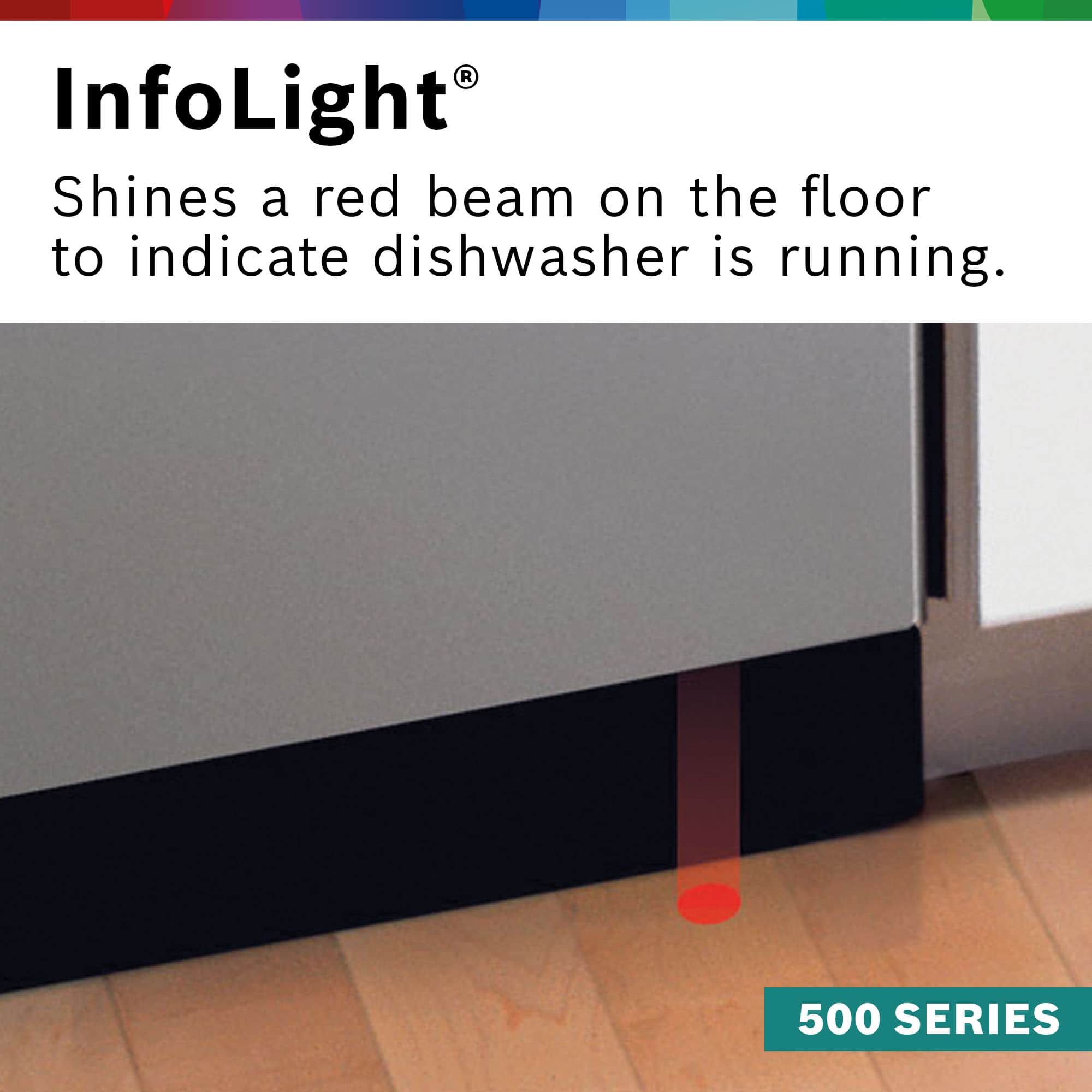
A:AnswerNot on this model. It has a red light that shine on the floor below the door, but it does not indicate remaining time. If you connect with the app it will send you an alert when the cycle finishes.
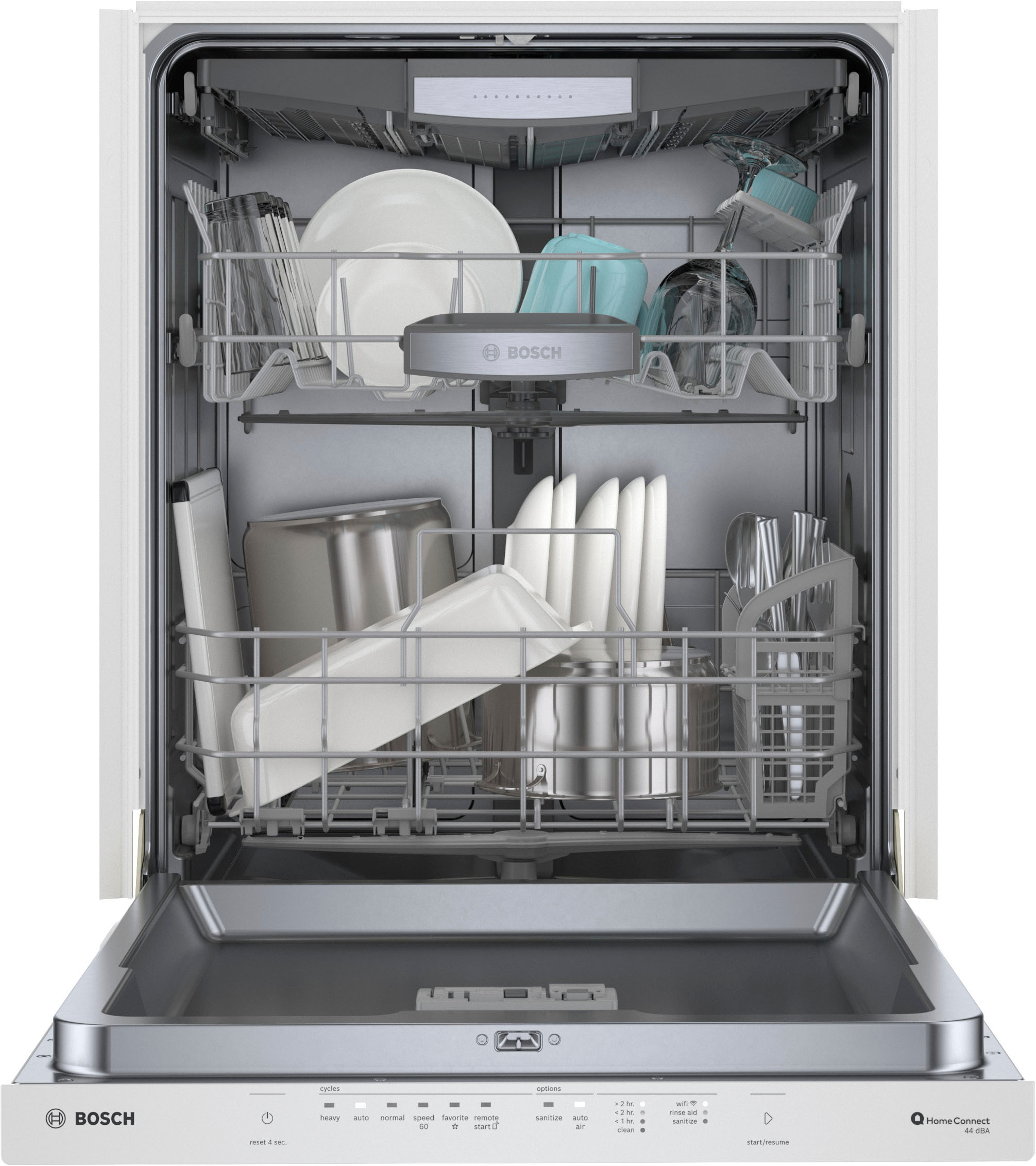
A:AnswerGreat question! To access the filter in your Bosch dishwasher, remove the bottom rack and twist the filter to lift it out. For best results, we recommend cleaning the filter monthly or whenever you notice a buildup of food particles or debris.
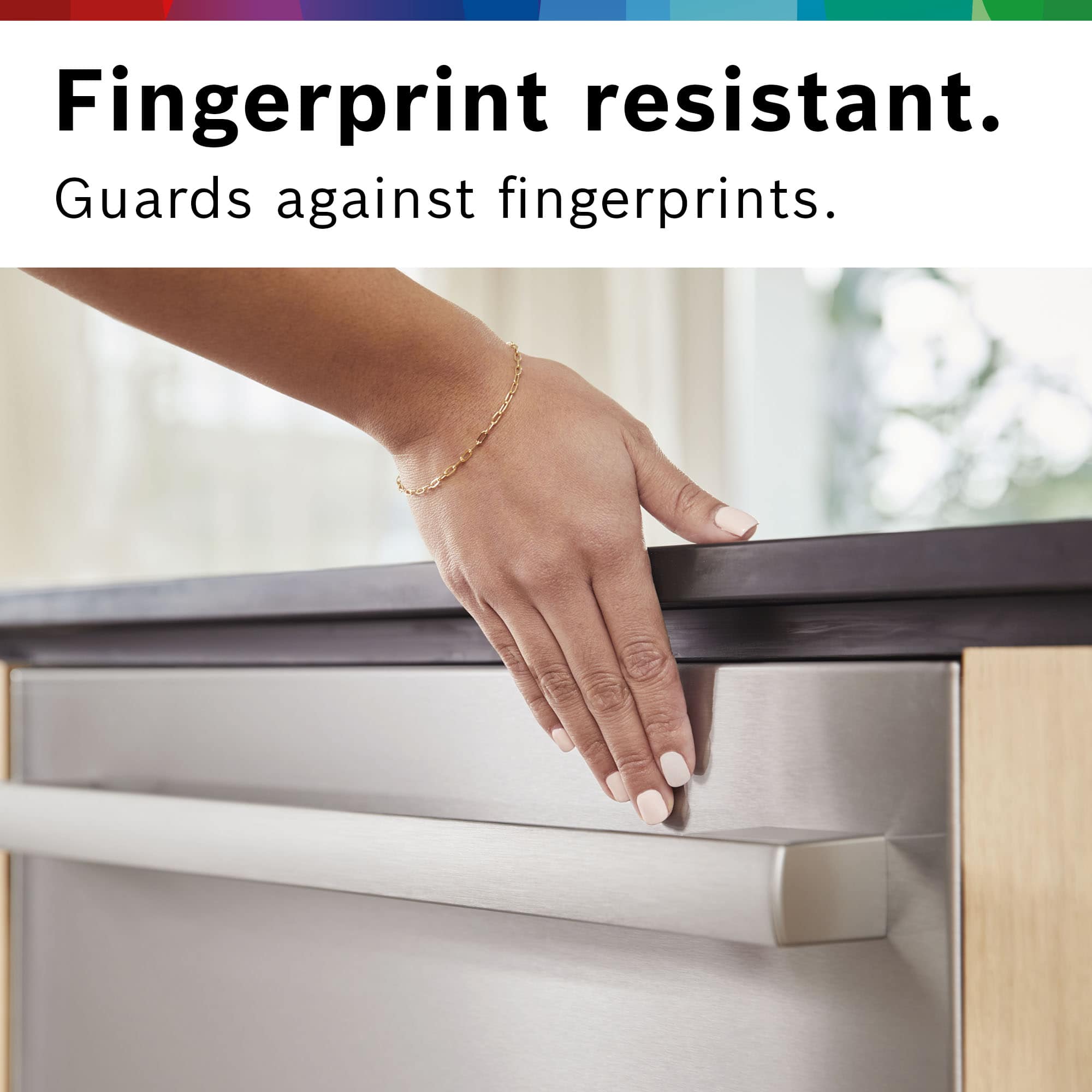
A:AnswerHi, Thank you for your question and interest in model #SHP65CM5N! Most of our dishwashers should come equipped with a protective film on the exterior of the door to safeguard it from cosmetic damage during shipping, unless it has been removed by the retailer. If your dishwasher still has this protective film after installation, you can easily remove it by opening the door and gently peeling it away. Should any adhesive residue remain, we recommend using mineral oil to clean it off effortlessly.
A:AnswerHi TomFLL, thanks for your question. Yes, the dishwasher can still be used without being connected to the internet. There are just some cycles that can only be used through the app such as delay start.
A:AnswerHi DB, thank you for your interest in our dishwashers. We offer a product comparison tool that can be found directly on the Bosch website to view the differences between models. If you are still unsure of which appliance you may be interested in, we would invite you to work with your local dealer directly to help find the unit that is right for you.
A:AnswerI have the same problem. the rinse aid seems to leak out. I just put in a little. I think I am going to buy the tablets with the rinse aid in them.
A:AnswerHi Mark, thank you for your question and interest in model # SHP65CM5N. We encourage you to follow our Social channels or visit our website to find the most up to date information on upcoming product features. Thank you again for considering Bosch!
A:AnswerHello sdr321, thank you for your question and interest in Bosch dishwashers. If you have any inquiries regarding delivery and installation, we recommend reaching out to your local Best Buy store. They will be able to provide you with more detailed information.
A:AnswerYou can use the app to remotely start it. I haven’t gotten to use it yet to see if it will set a later start in the app. I am a little paranoid about running now when I am not around after my last dishwasher leaked ( not a Bosch)
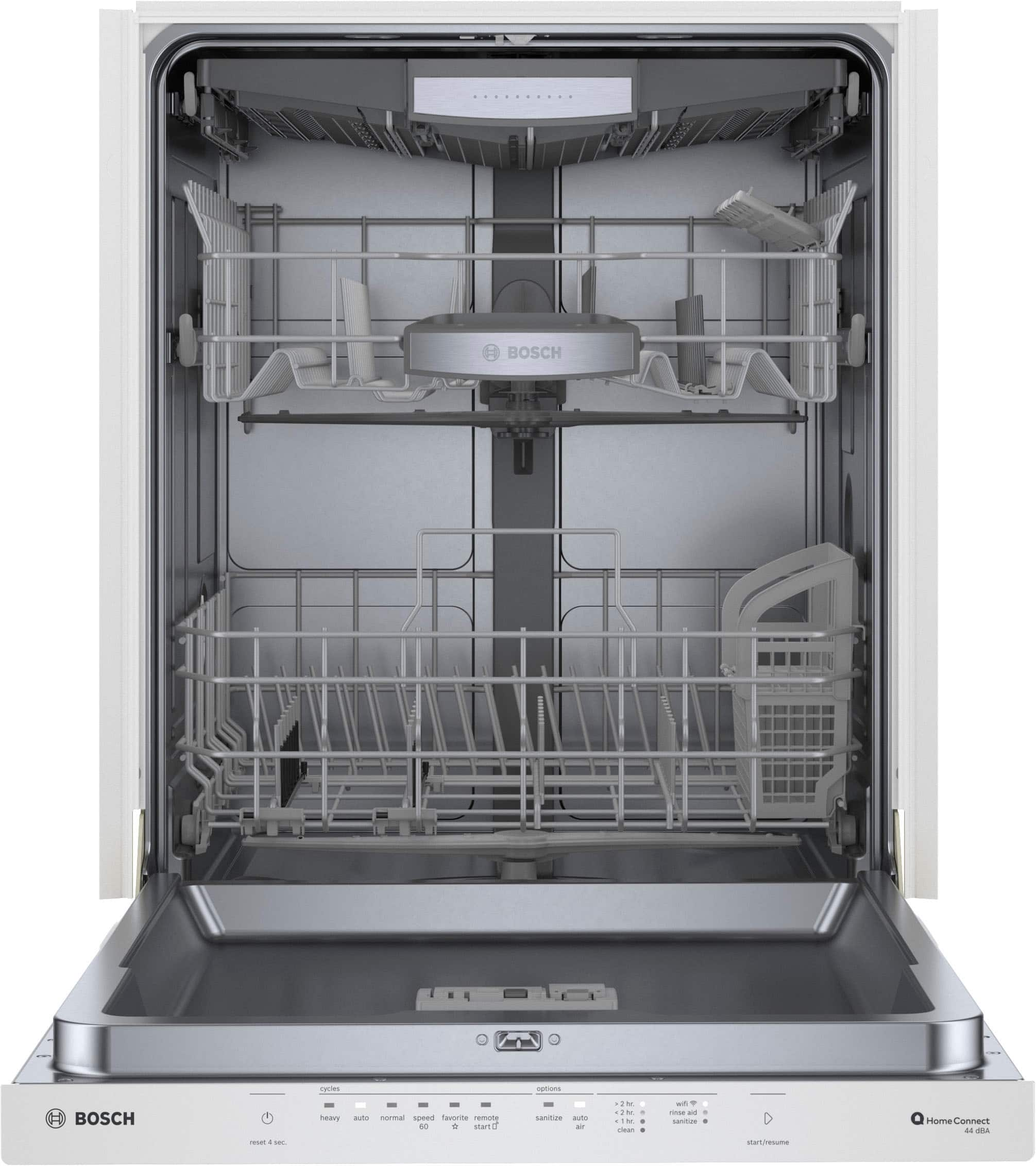
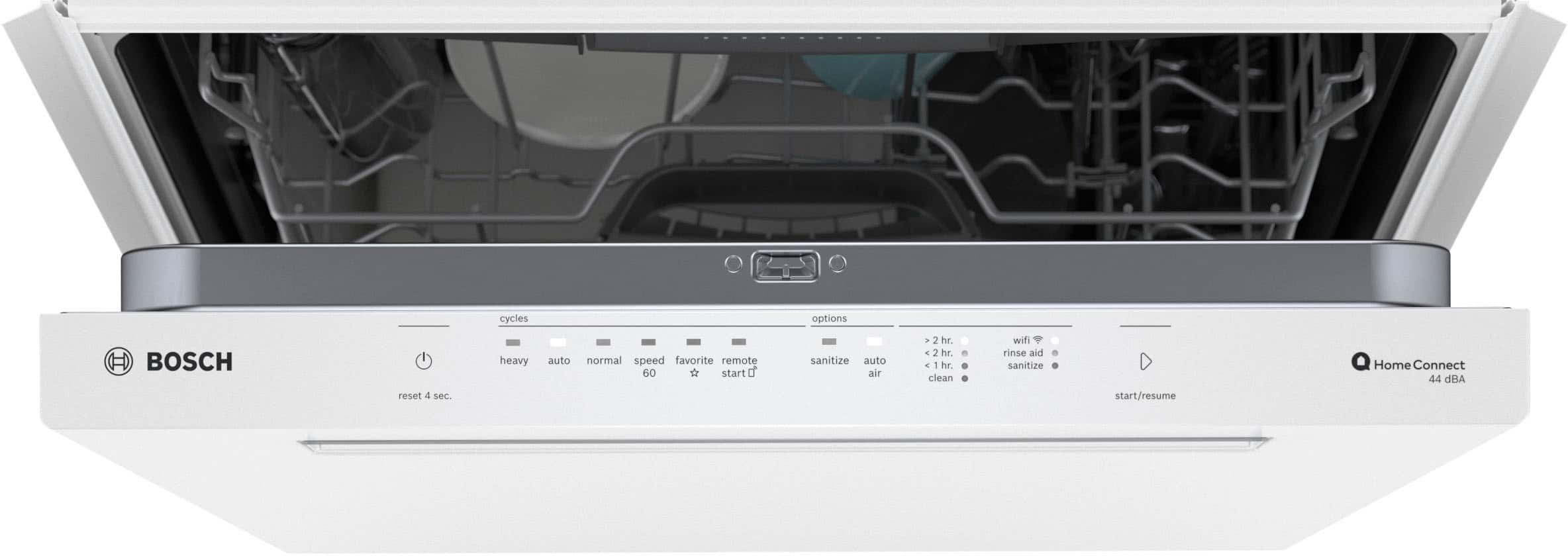
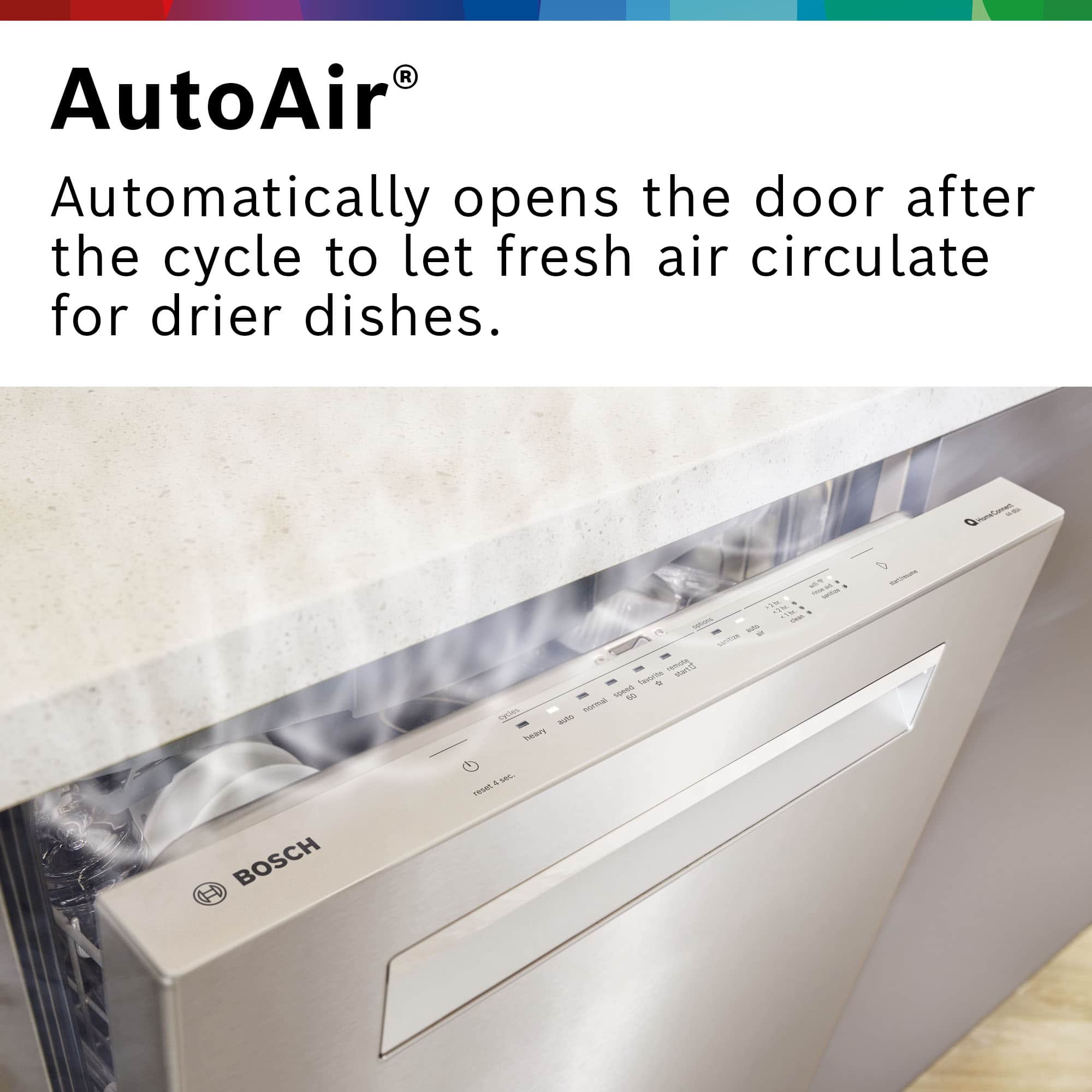
A:AnswerHi, thanks for your question. To begin a cycle, please follow these steps: 1) Press On/Off button. 2) Select desired cycle/options. 3) Press Start button and close the dishwasher door within 4 seconds. The InfoLight® will project a red solid light onto the floor (or a white light in the pocket handle on select models) to signal that a cycle is running. It turns off once the dishes are done. Feel free to contact our customer care team at 1-800-944-2904 if you have additional product inquiries. Thank you for choosing Bosch!
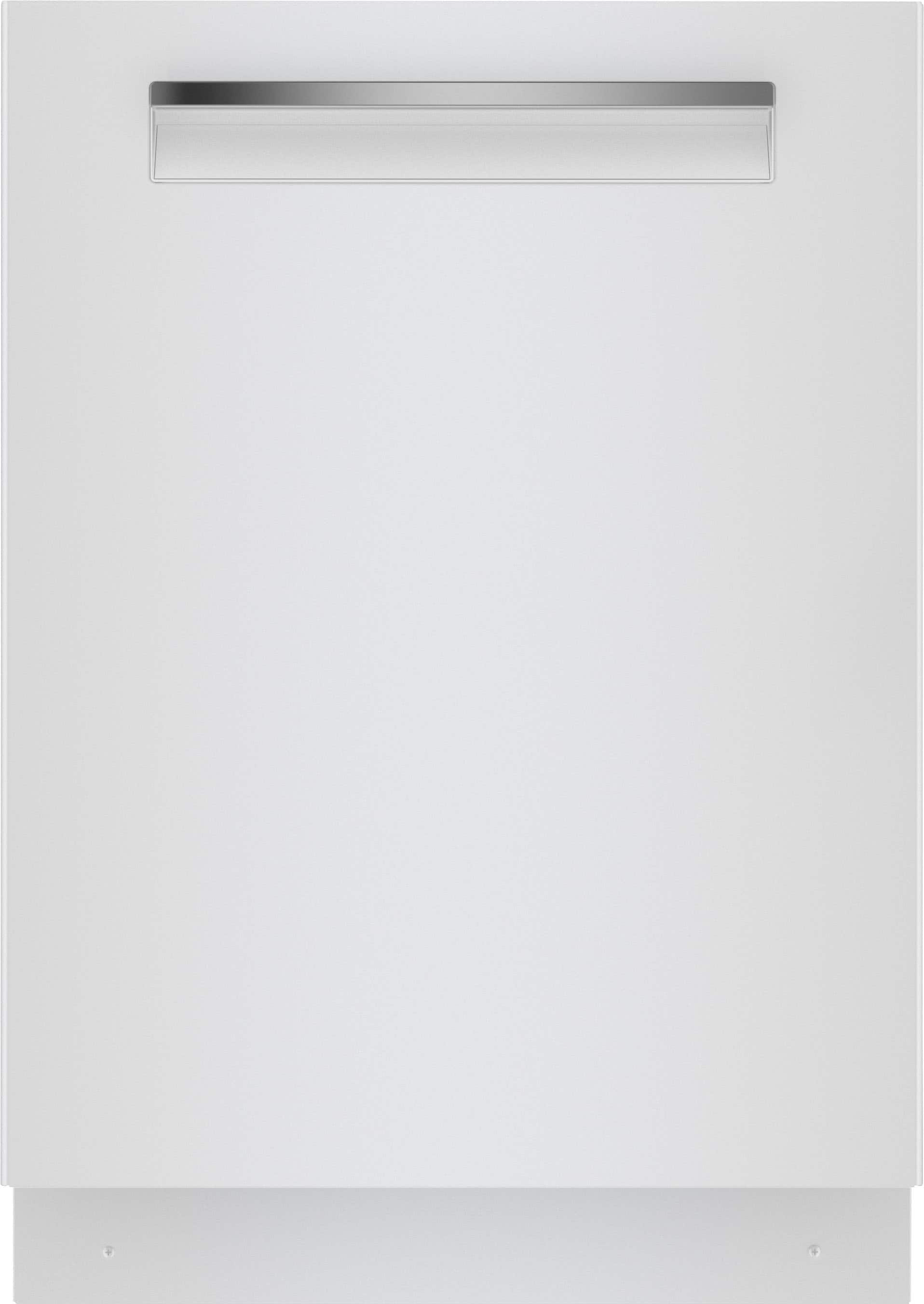
A:AnswerHi Plasticphobe, thank you for your question. Our redesigned 500 Series dishwashers now feature a modern pocket handle design and touch controls with a simplified interface. For more information, please feel free to contact our customer care team at 1-800-944-2904 or BoschCare@bshg.com. Thank you!