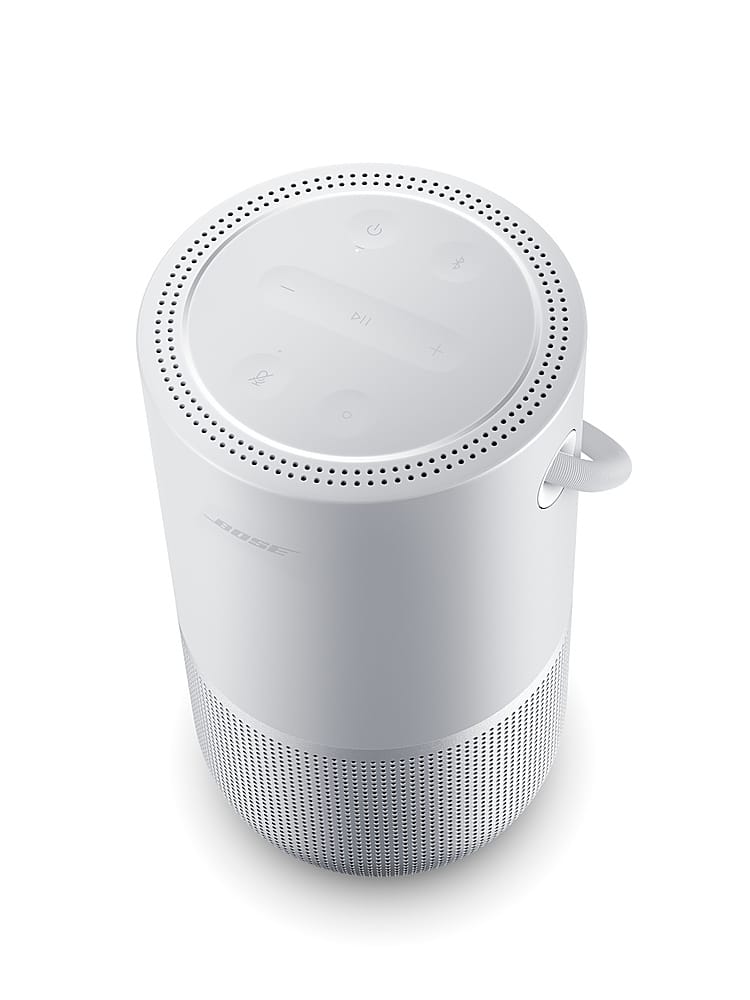
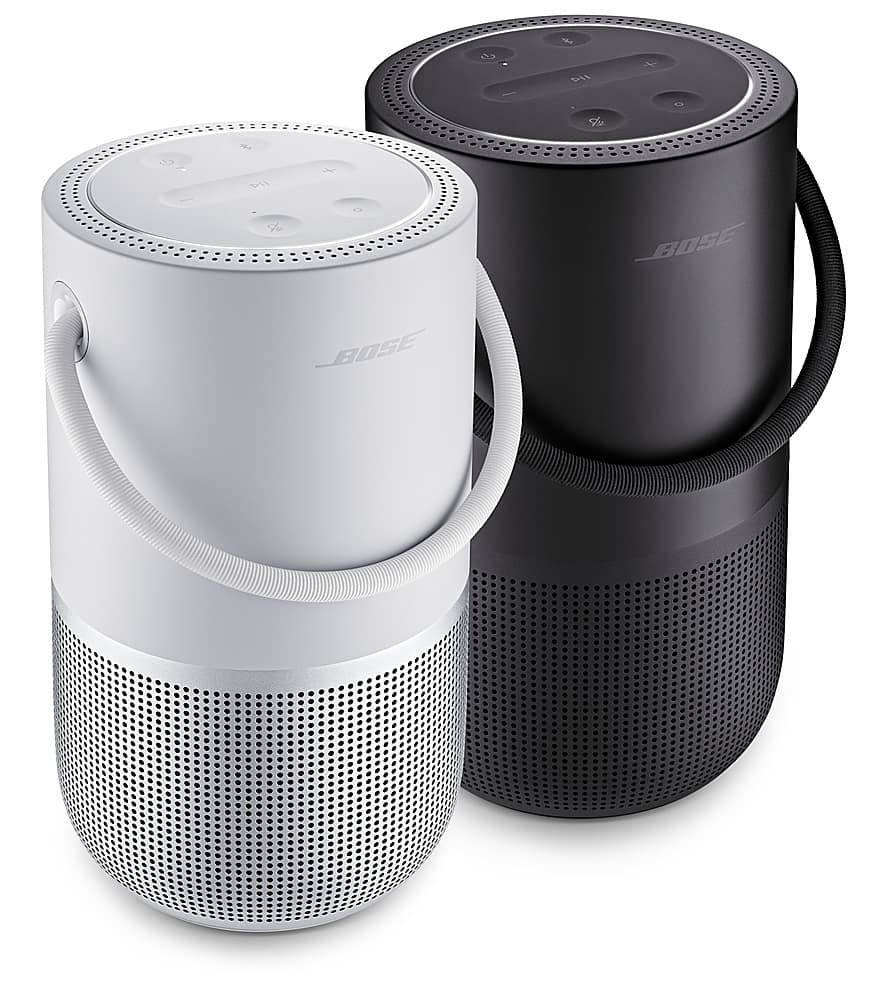
A:AnswerYou can definitely group the Bose Portable Smart Speaker with the Bose Soundbar 600 using the Bose Music app. This allows them to play in sync across rooms or together in one space.
For step‑by‑step instructions, you can check this helpful link: https://bose.life/4leJLxv which walks you through how to create and manage speaker groups.
A:AnswerHi there! Thank you for your inquiry! Bluetooth disconnections can occur due to several factors, including low battery power, physical distance between devices, interference from other wireless signals, outdated firmware or drivers. To resolve this, ensure that both devices are fully charged, maintain close proximity between them, restart the devices, update firmware or drivers.
To resolve this, try the following steps: http://bose.life/4nkXYbS
Jelyn - Bose Customer Support
A:AnswerYes. you can easily use this as a bluetooth speaker with your iphone.
I generally use it via the Bose Music app but that only has a few approved music services like Pandora, Amazon, Sirius XM, Spotify, etc. It doesn't have a connection to Apple Music which forces you to use the bluetooth connection instead of your wifi network. Not a huge issue but means your phone has to be nearby.
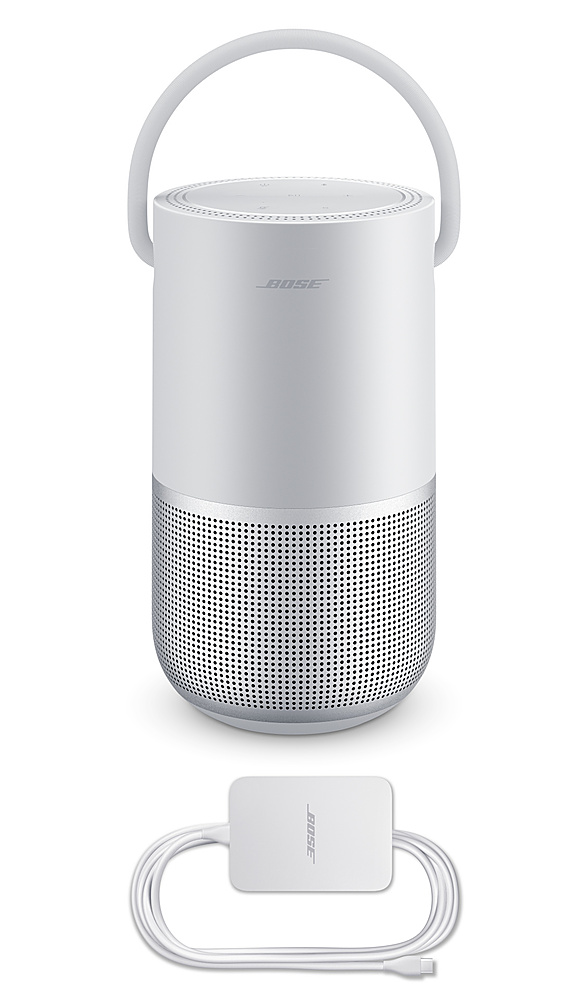
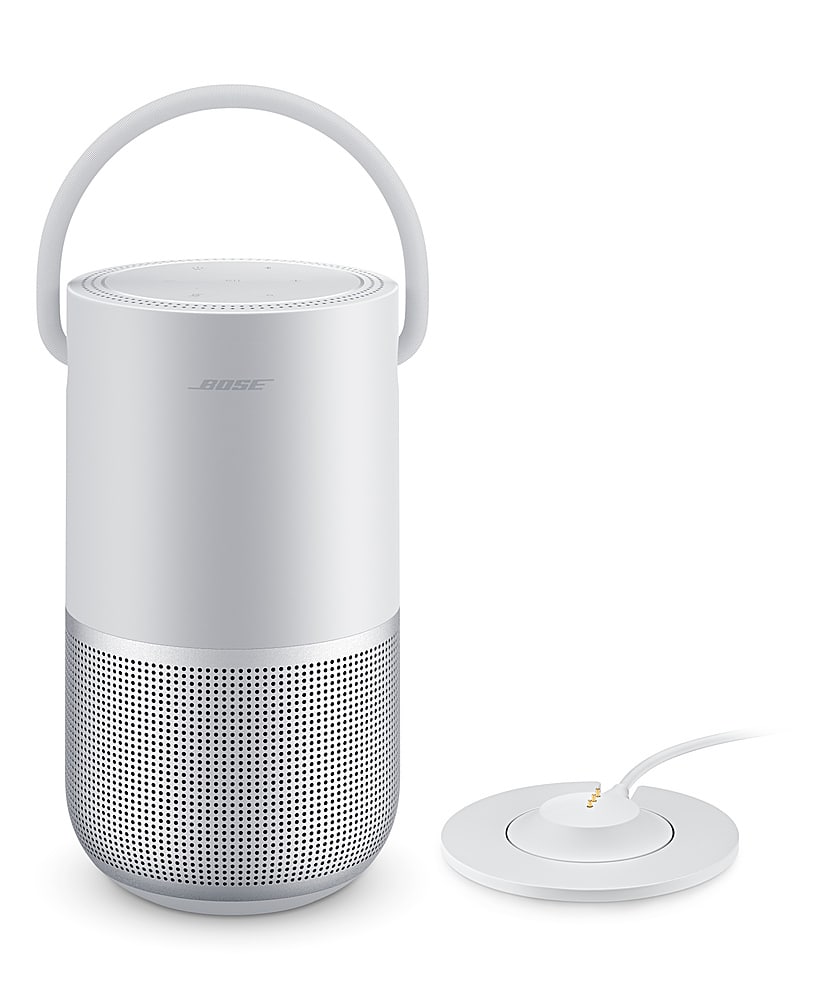
A:AnswerIt has two ways to charge, the easiest and the option it comes with is with the C cable on both sides. It takes a regular plug from 2 to 3 hours and there is also an option but you have to buy it separately, a base with a magnet to charge it and you always leave it. on and therefore it will always be charged but I don't know if it damages the battery faster
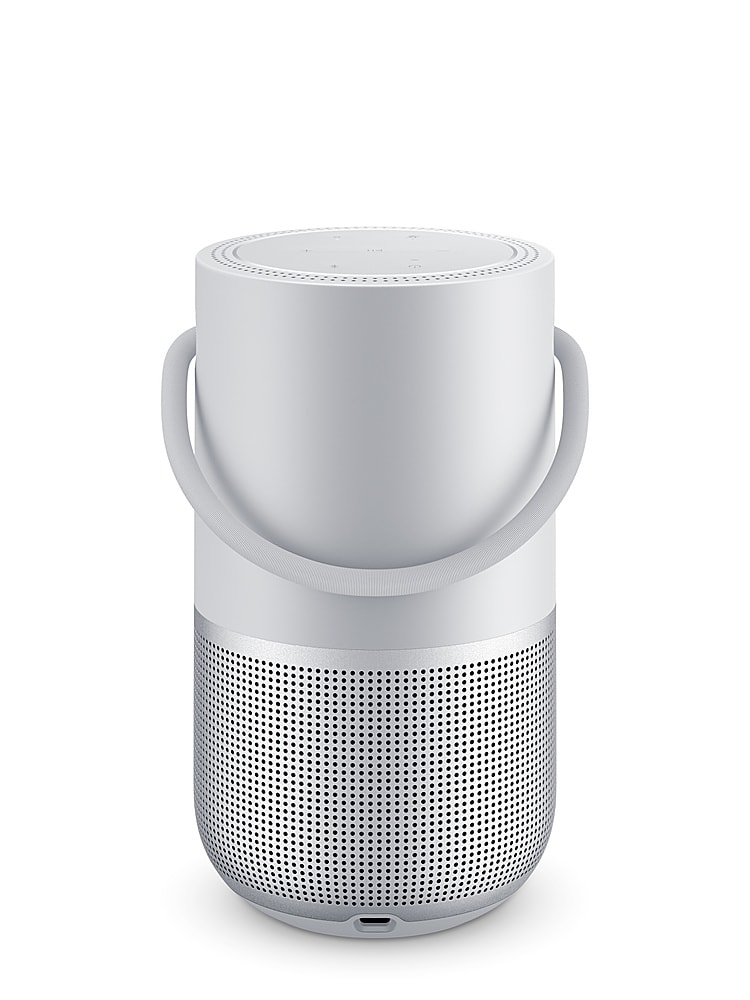
A:AnswerNo, it's Bluetooth only, its a smart speaker so you can set it up to Alexa and play music without Bluetooth, but only spot to plug anything in is the power port for charging
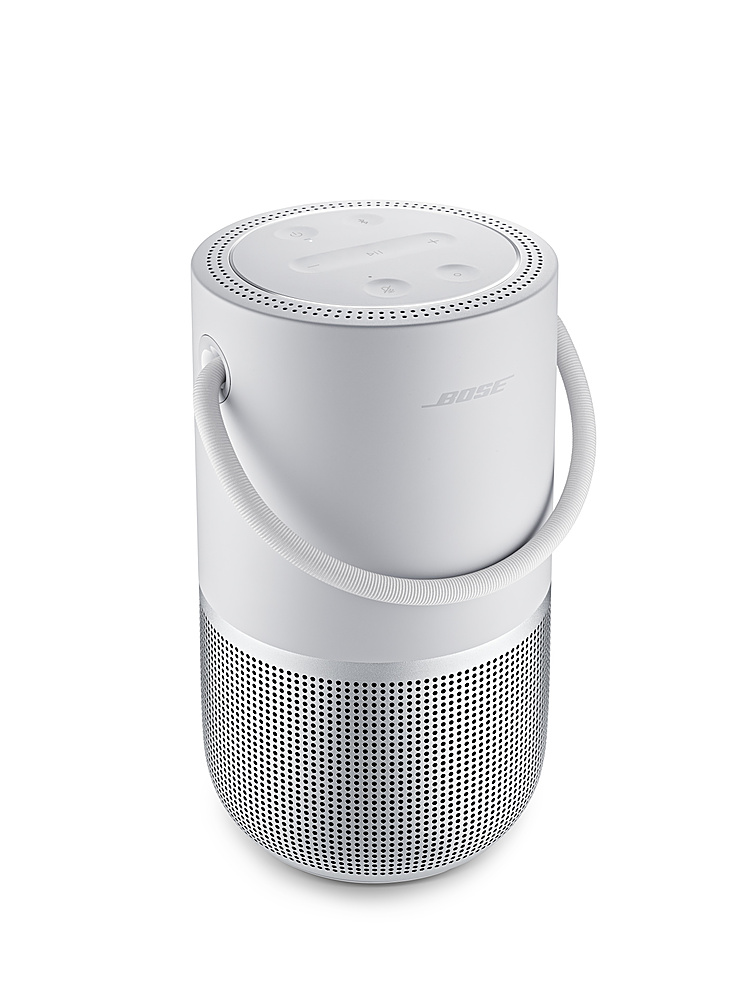
A:AnswerThe light ring showing white in two places indicates that the speaker is paused. Please try asking it to play the music again, or see if you can resume it from the Bose Music app.
A:AnswerThe speaker doesn't support physical auxiliary inputs but you could pair via Bluetooth if the TV supports that. It is not a soundbar so be aware that you won't be getting the same experience.
A:AnswerYou’re gonna hold down the play button and the volume up button down until it glows amber and then u have to log in to ur Bose account and start over