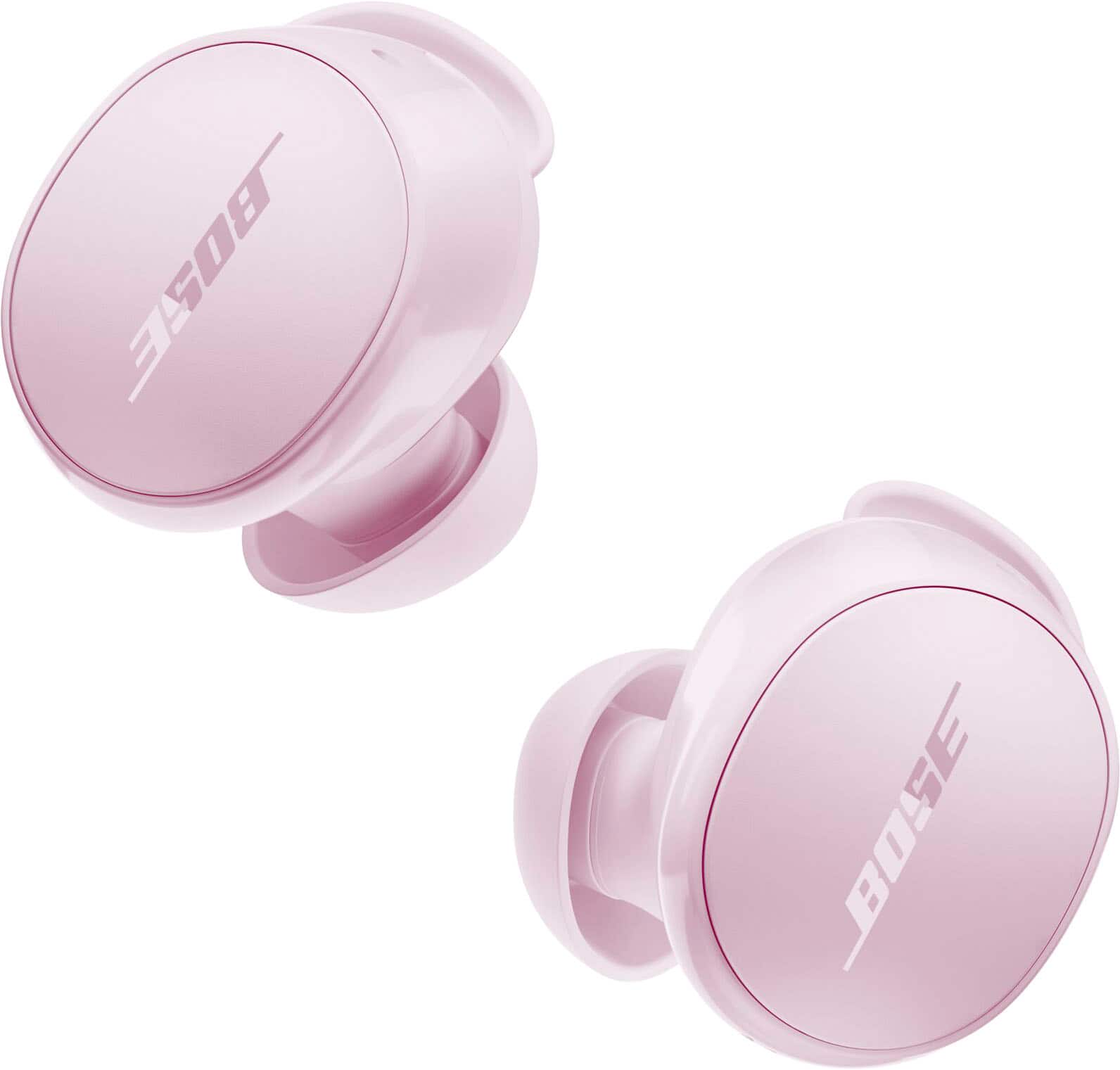
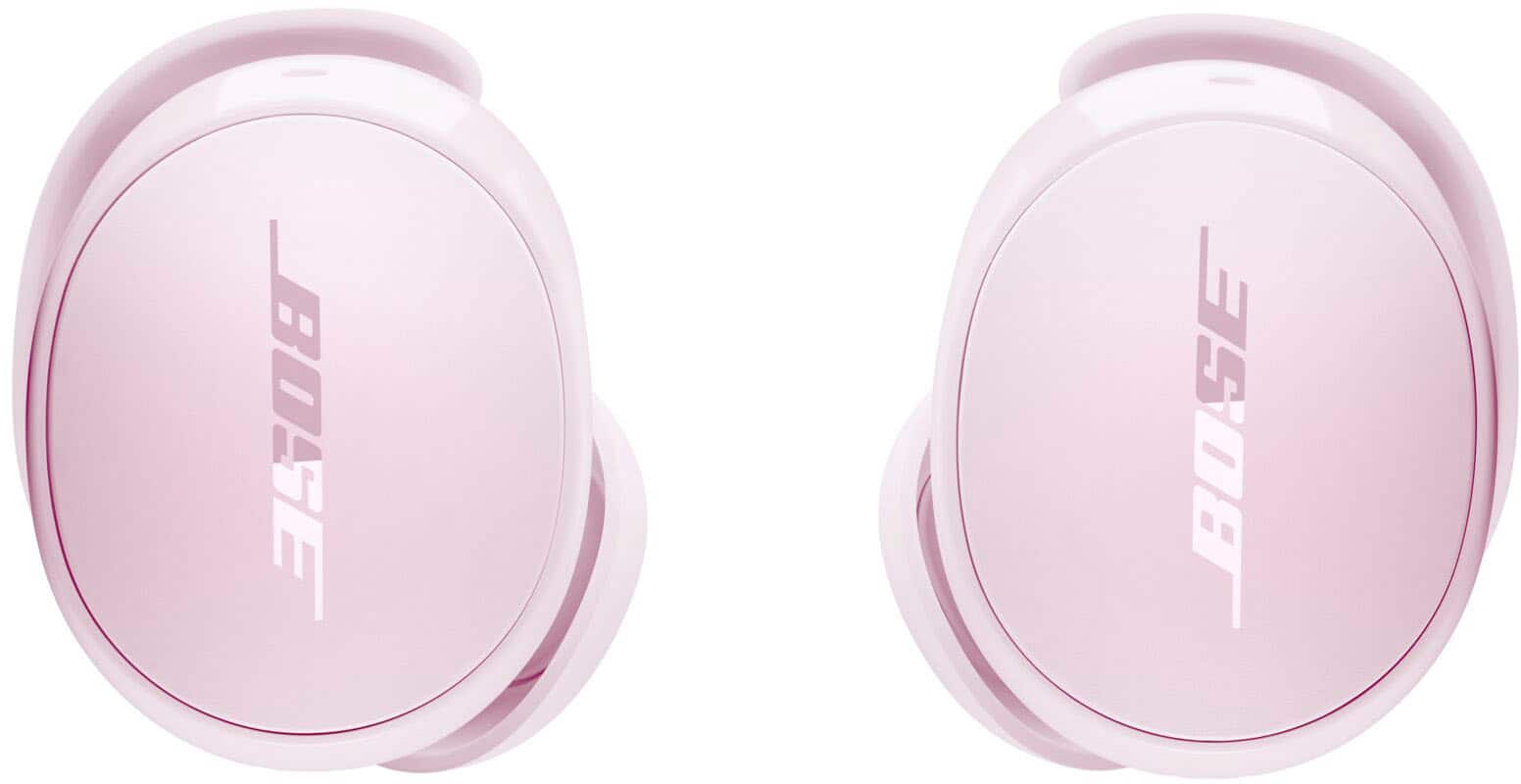
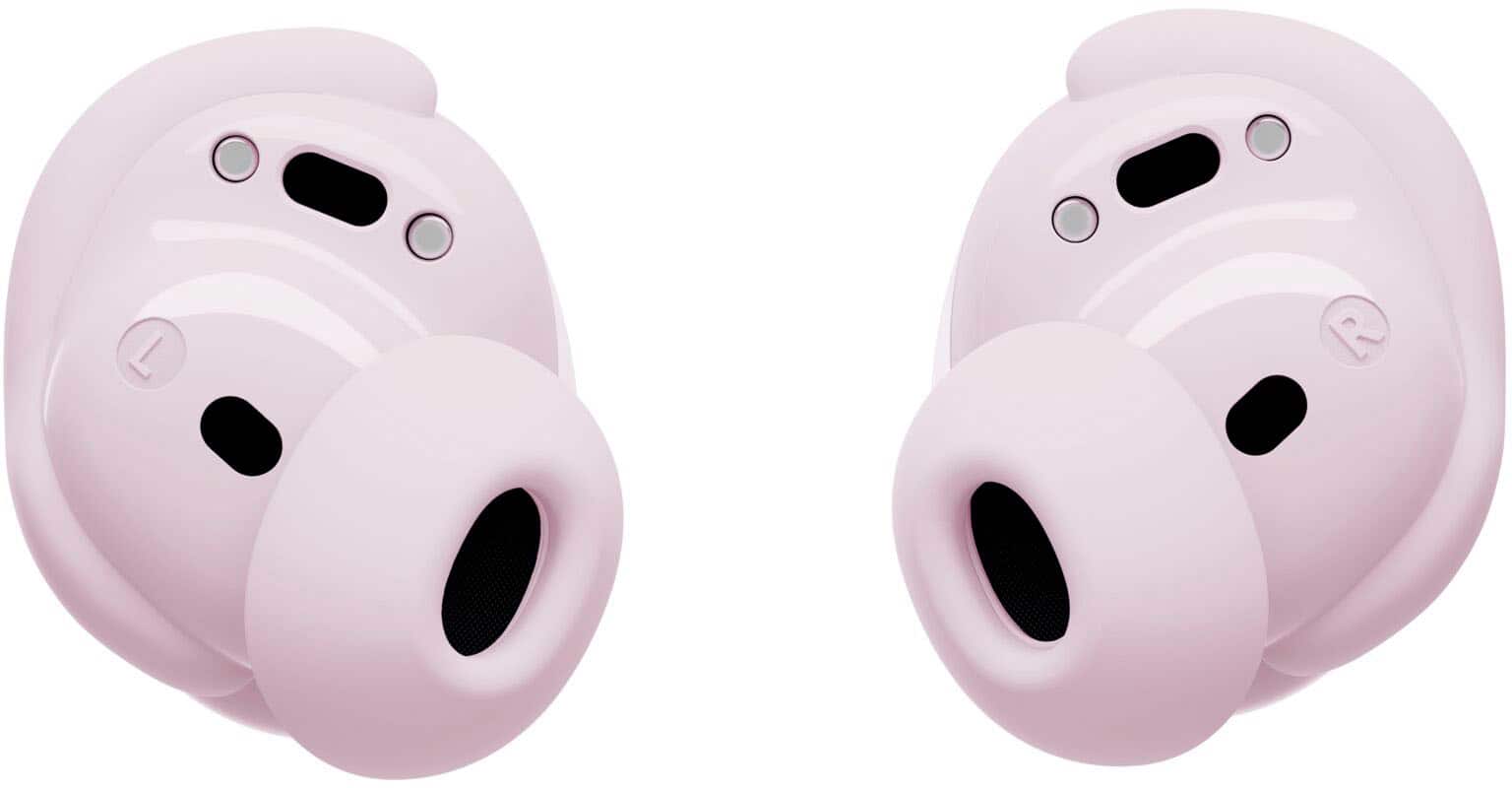
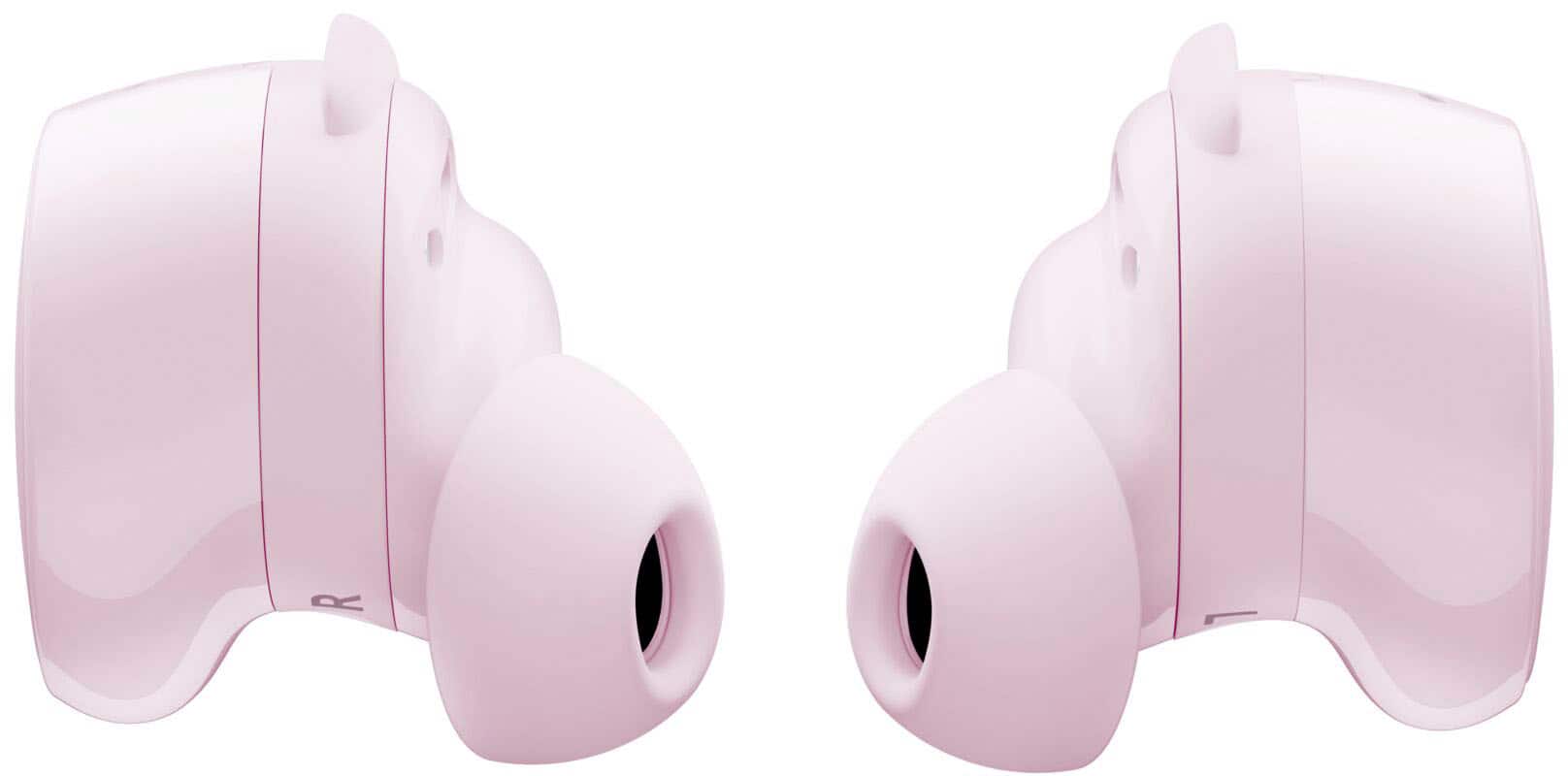
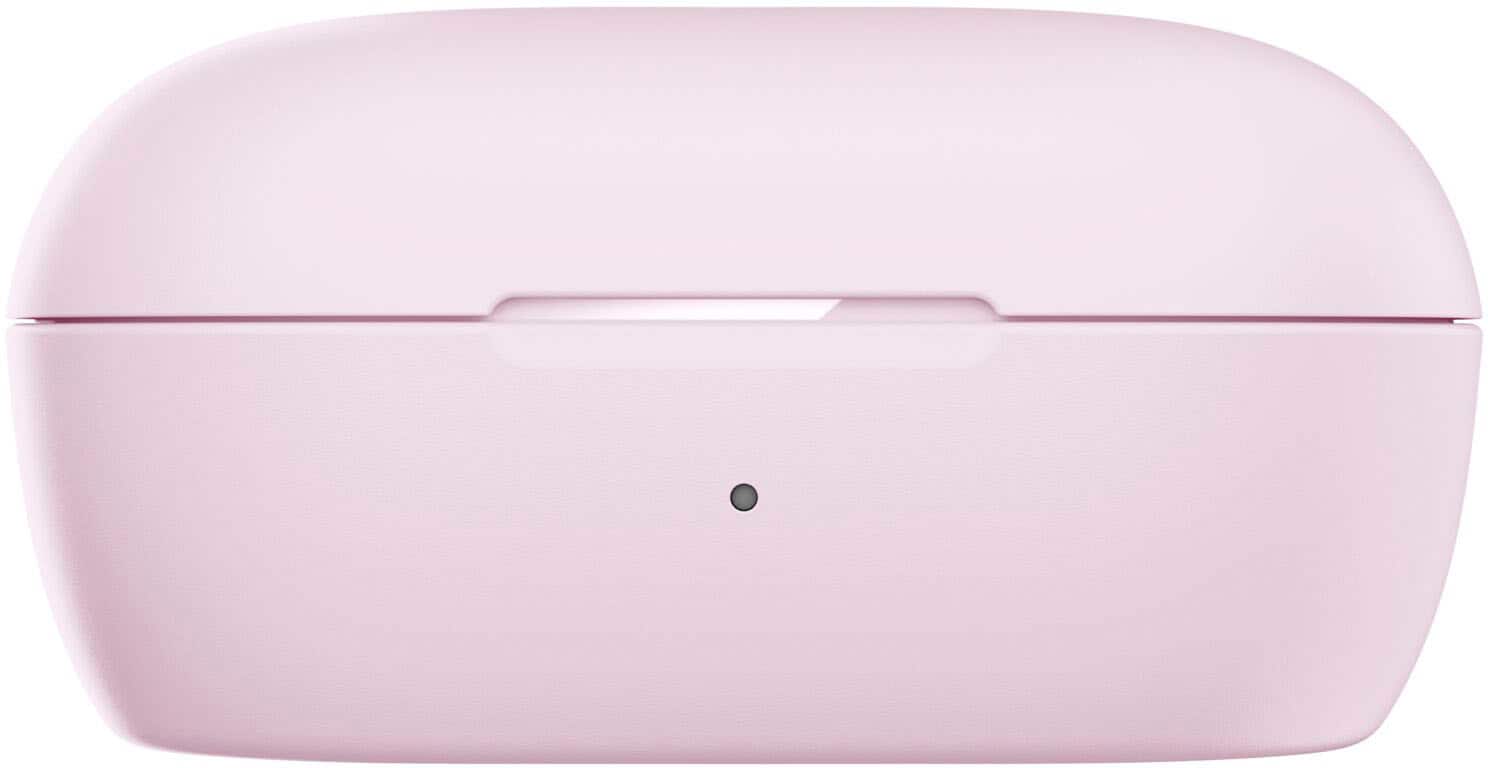
A:AnswerYes, you can turn ANC (Active Noise Cancellation) off on the Bose QuietComfort Earbuds. They offer three modes: Quiet, which provides full noise cancellation with Bose-optimized audio; Aware, which lets in surrounding sounds while keeping audio optimized; and Off, which disables ANC to conserve battery. This gives you full control to choose between blocking distractions, staying aware of your environment, or turning ANC off entirely based on your preference.
A:AnswerIt really depends on your preference. However, please note that the QuietComfort Earbuds already come with stability bands designed to help keep them secure and comfortable during use.
A:AnswerYes, the Bose QuietComfort Earbuds are compatible with Siri. They allow users to access their mobile device’s voice assistant, including Siri, Google Assistant, and Bixby, directly from the earbuds.
Voice Command Functions
Simply say “Hey headphones” to use voice control for:
Calls: Answer or reject
Media: Play, pause, next, previous
Volume: Increase or decrease (single steps or by 1–5 levels)
Noise Control: Switch between Aware and Quiet modes
Camera: Take a photo
Assistant Access: Summon Siri, Google Assistant, or Bixby
- Cedrick Customer Support
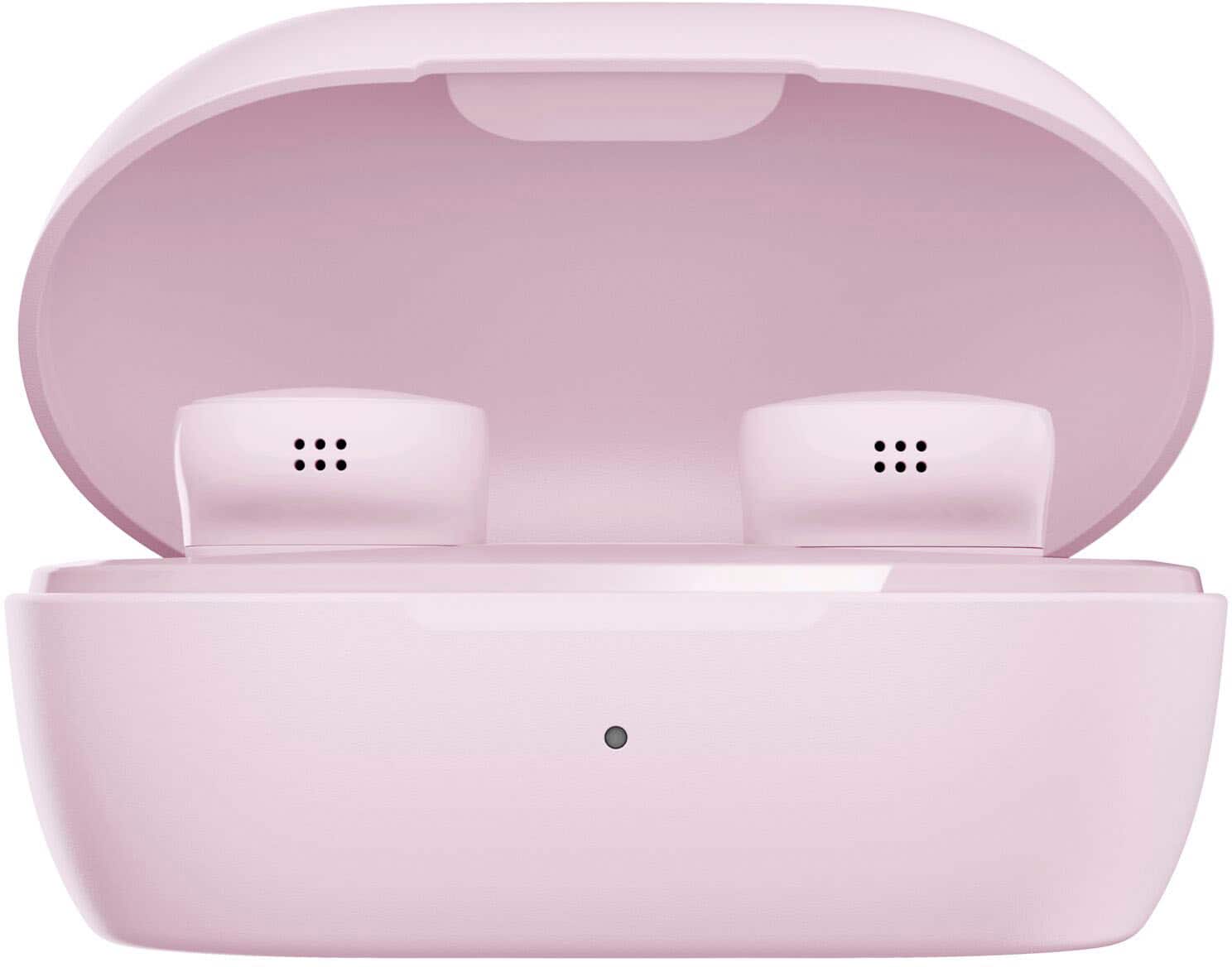
A:AnswerNo, the Bose QuietComfort Earbuds do not support wireless charging. They can only be charged by placing them in their charging case. However, while the earbuds don’t support wireless charging, the case can be charged via USB cable or on a compatible third‑party wireless charger.
A:AnswerNo, the QuietComfort Ultra Earbuds do not include location technology to track them if they are lost. Please also note that the warranty does not cover lost items, nor does it cover defects or damage resulting from improper use or maintenance, normal wear and tear, commercial use, accidents, or external causes. Additionally, any unauthorized repair, modification, or customization of the product will void the warranty.
A:AnswerHello, thank you for sharing this experience with us. We appreciate you taking the time to let us know what’s happening with the earbuds, and we understand how important it is for them to work smoothly, especially since they were a gift.
From what you’ve described, it sounds like the earbuds aren’t charging while in the case. To help you get this resolved as quickly as possible, we’ve put together a guide that walks through a few simple steps to check the charging contacts, the case, and the power source. You can view it here: https://bose.life/49OOL6A
If you have any questions while going through the steps or if the earbuds still won’t charge afterward, please feel free to reach out to us using this link: https://bose.life/49SSe5s
We’re here to help every step of the way.
A:AnswerYes, Bose QuietComfort Earbuds will work fine at a deer lease even with limited cell coverage, because they connect via Bluetooth directly to your phone or device, not through cellular service.
A:AnswerYes, the QuietComfort Earbuds work with Samsung Galaxy phones. And as long as your device has Bluetooth capability, you can pair and use them without any issues.
A:AnswerHello, Nicky! Yes, you can use QuietComfort Earbuds with Siri. Bose QuietComfort Earbuds support your phone’s built‑in voice assistant, which includes Siri on iPhone. Once connected to your iOS device, you can activate Siri using your phone.
A:AnswerHi Elsa, yes, you can pair the Bose QuietComfort Earbuds with your Sony XBR49X800H TV since it has built‑in Bluetooth. Once paired, the TV will route sound directly to your earbuds instead of the built‑in speakers. Just keep in mind that some audio delay is normal, as TVs aren’t optimized for Bluetooth earbuds. Dialogue may occasionally feel slightly out of sync.
A:AnswerThe Bose QuietComfort Earbuds (2024) are the second-generation model in the QuietComfort line. Released in September 2024, they serve as an updated version of the original QuietComfort Earbuds
A:AnswerThanks for your question. No, the PlayStation 5 does not natively support standard Bluetooth wireless earbuds like the Bose QuietComfort Earbuds.
A:AnswerHi Jan, yes, the Bose QuietComfort Earbuds will announce the name of a caller if they are saved in your contacts, as long as the “Announce Calls” feature is enabled in the Bose app. To turn this on, simply open the Bose app, go to the “Smart Calls” feature card, and activate the “Announce Calls” or “Caller ID announcement” option. Once enabled, your earbuds will audibly announce the caller’s name whenever you receive a call, provided the number is stored in your phone’s contact list.
Jelyn - Bose Customer Support
A:AnswerHi Tina, thank you for your inquiry. The Bose products being sold, including this one, are brand new and sealed. Items are only tagged as refurbished if they are not brand new.
Jelyn - Bose Customer Support