A:AnswerI believe it’s 30days. Best Buy customer service has really upped their game, they got new leadership and new tech. Experts working the front lines, they are great at answering questions and take whatever amount of time you need to answer all your questions
A:AnswerThey will fit a baby or small child, but not that well. The crosspiece will not rest on their head, but it will hold the headphone cups on their ears and provide excellent noise reduction
A:AnswerI wouldnt use them for any sweaty activity. Although the headphones would be fine I believe it comes down to your comfort while working and sweating. In hot climates they do tend to be a little warm and make my ears sweat.
A:AnswerThe QuietComfort Wireless Headphones were not designed to be connected directly to an xBox. However, you should be able to connect them to your TV for when you play your xBox, if your TV supports Bluetooth 5.1, A2DP (Advanced Audio Distribution Profile) and BLE (Bluetooth Low Energy).
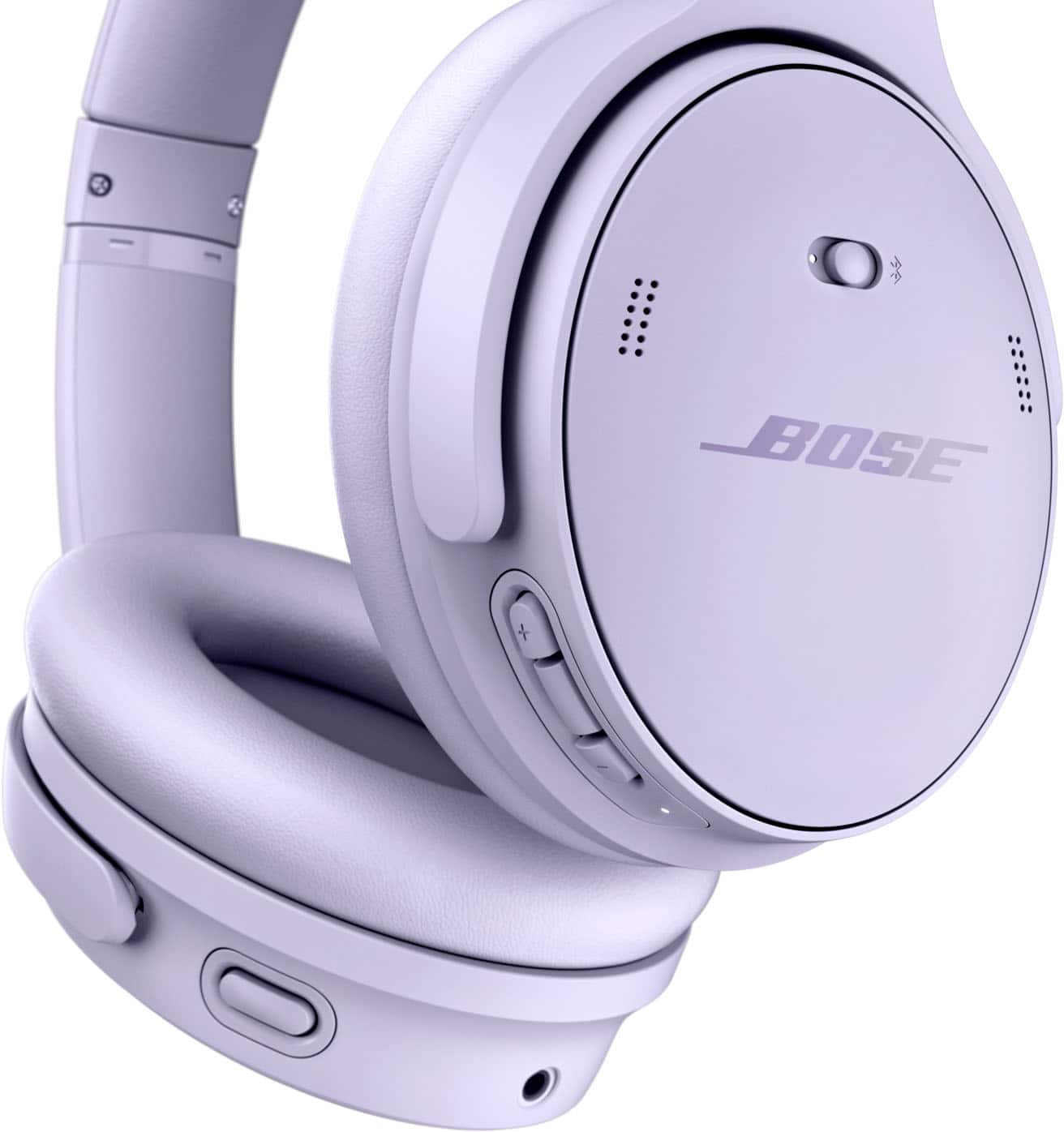
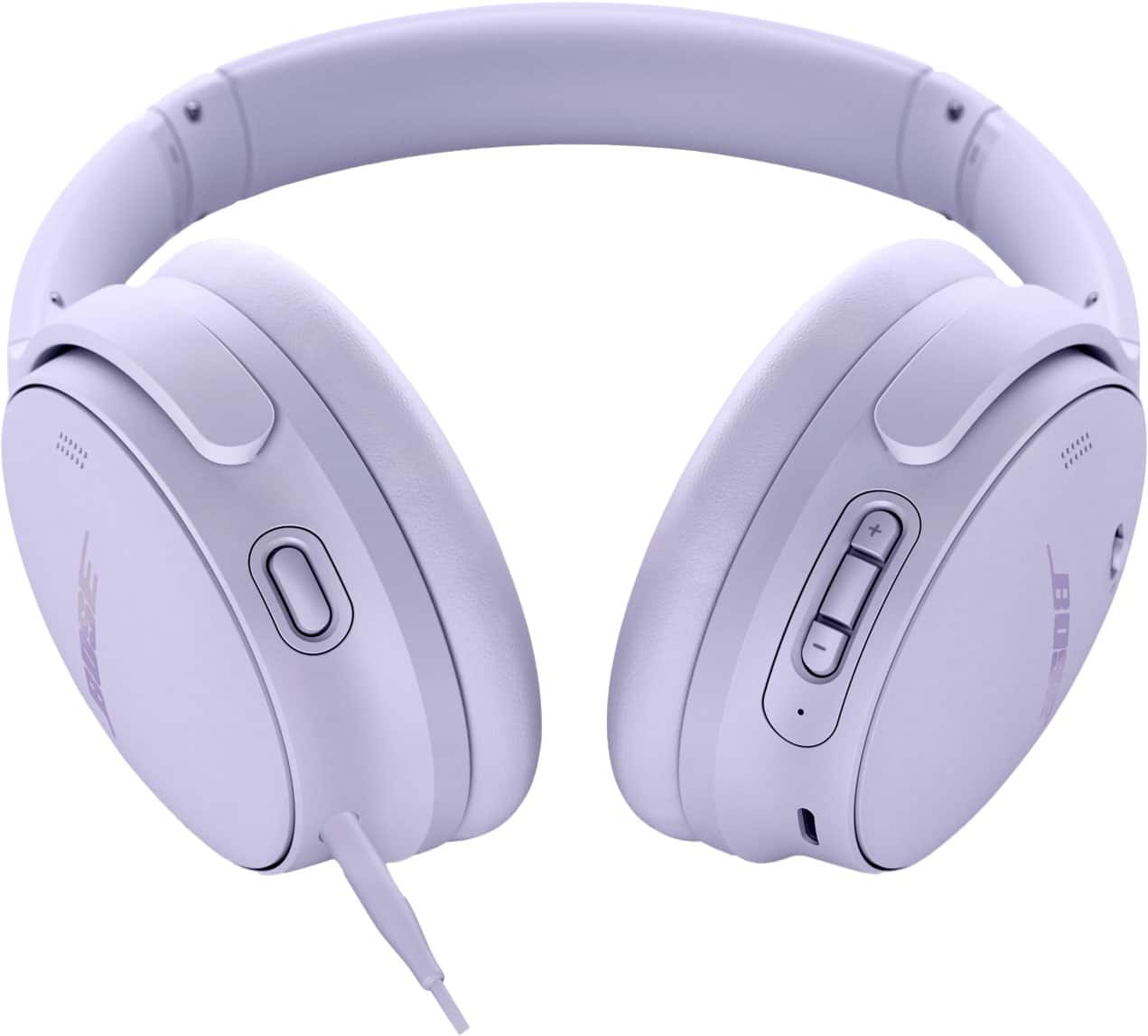
A:AnswerYes - you'll need to connect the small end of the USB cable (provided) to the USB-C port on the headphones, and the other end to a USB-A power source, e.g. a wall charger or a computer.
A:AnswerIf you mean whether the headphones should be used while they are charging, then we must advise that the headphones not be worn or used whilst they are charging.
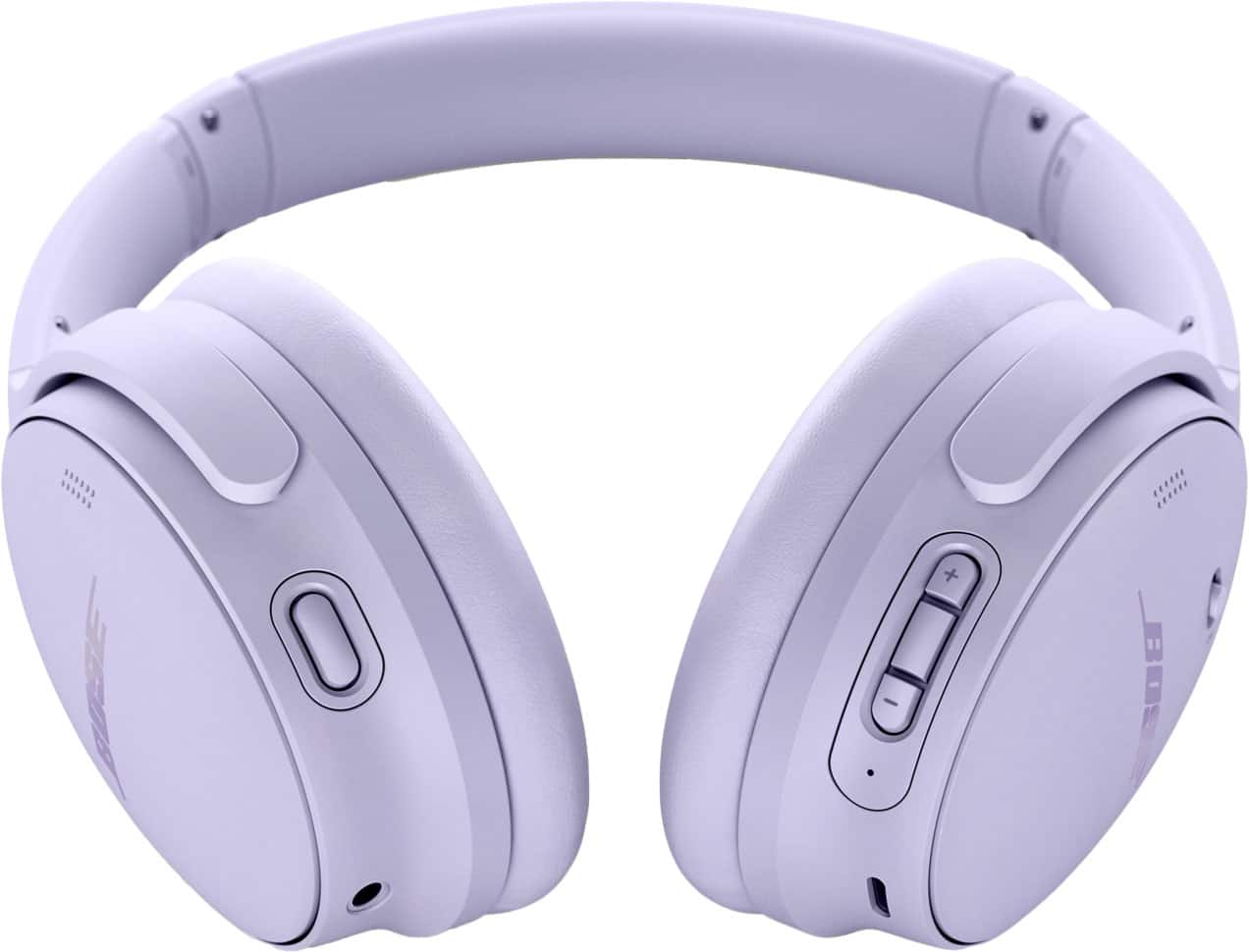
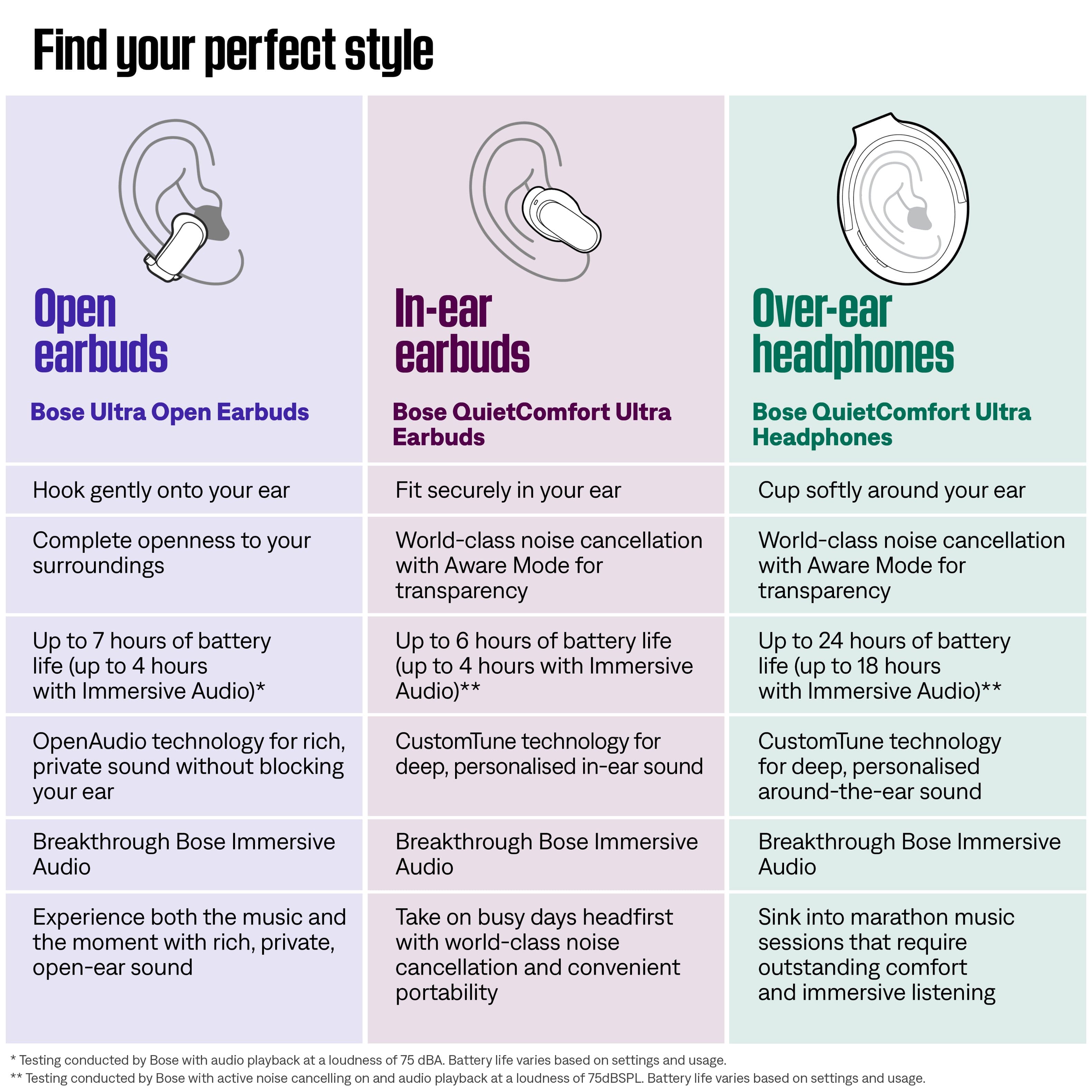
A:AnswerYes, the Bose QuietComfort Ultra Headphones are designed with swiveling earcups that allow them to lay flat. This makes them easy to store in a case or pack in a bag, while also helping with comfort when resting them around your neck.
A:AnswerYes, the Bose QuietComfort Headphones can be paired with a Samsung TV, as long as your TV supports Bluetooth. In that case, you can connect them wirelessly for audio playback. And if your Samsung TV doesn’t have Bluetooth, you can still connect the headphones using a 3.5 mm wired connection, provided your TV has a headphone jack or compatible audio output.