A:AnswerI believe it’s 30days. Best Buy customer service has really upped their game, they got new leadership and new tech. Experts working the front lines, they are great at answering questions and take whatever amount of time you need to answer all your questions
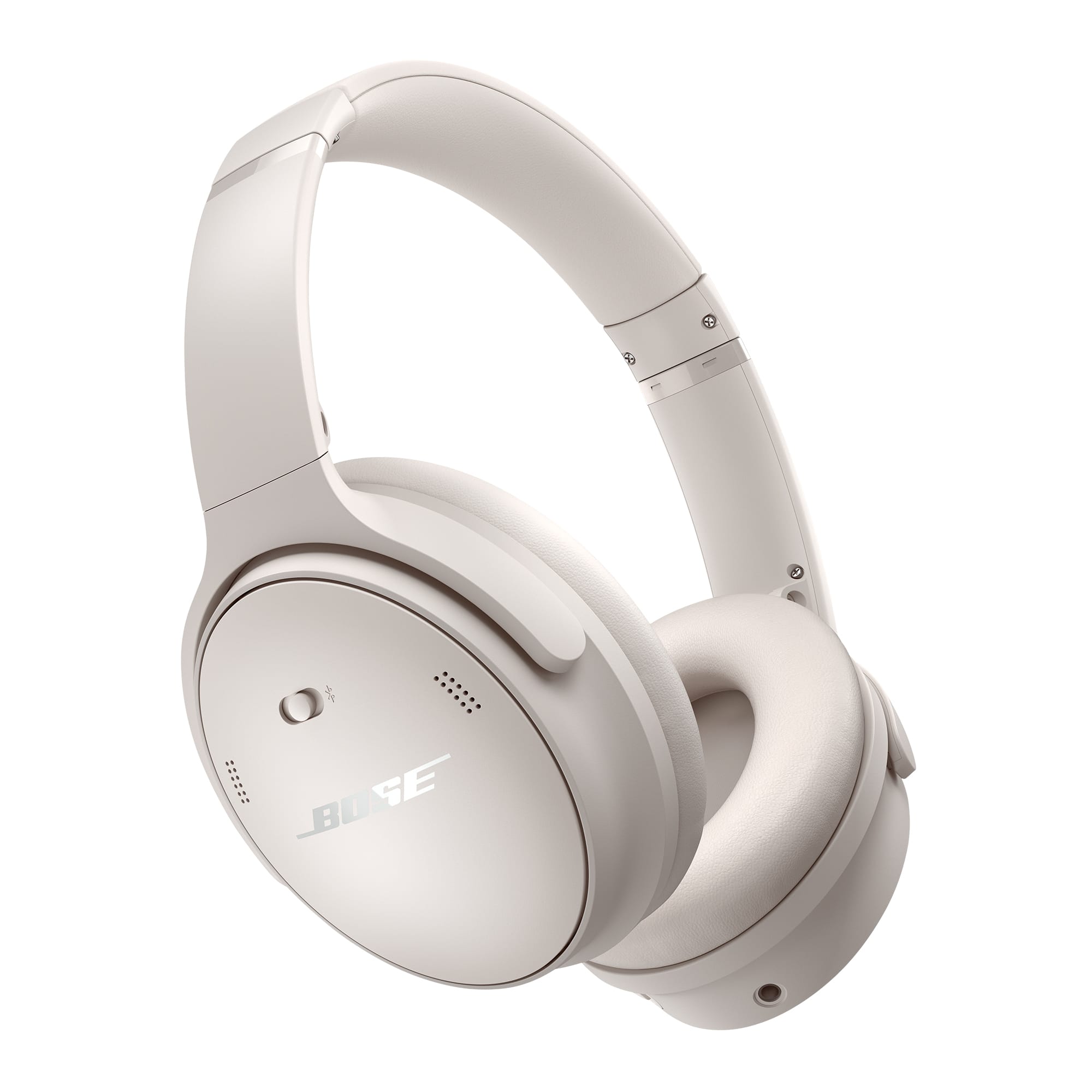
A:AnswerThey will fit a baby or small child, but not that well. The crosspiece will not rest on their head, but it will hold the headphone cups on their ears and provide excellent noise reduction
A:AnswerI wouldnt use them for any sweaty activity. Although the headphones would be fine I believe it comes down to your comfort while working and sweating. In hot climates they do tend to be a little warm and make my ears sweat.
A:AnswerThe QuietComfort Wireless Headphones were not designed to be connected directly to an xBox. However, you should be able to connect them to your TV for when you play your xBox, if your TV supports Bluetooth 5.1, A2DP (Advanced Audio Distribution Profile) and BLE (Bluetooth Low Energy).
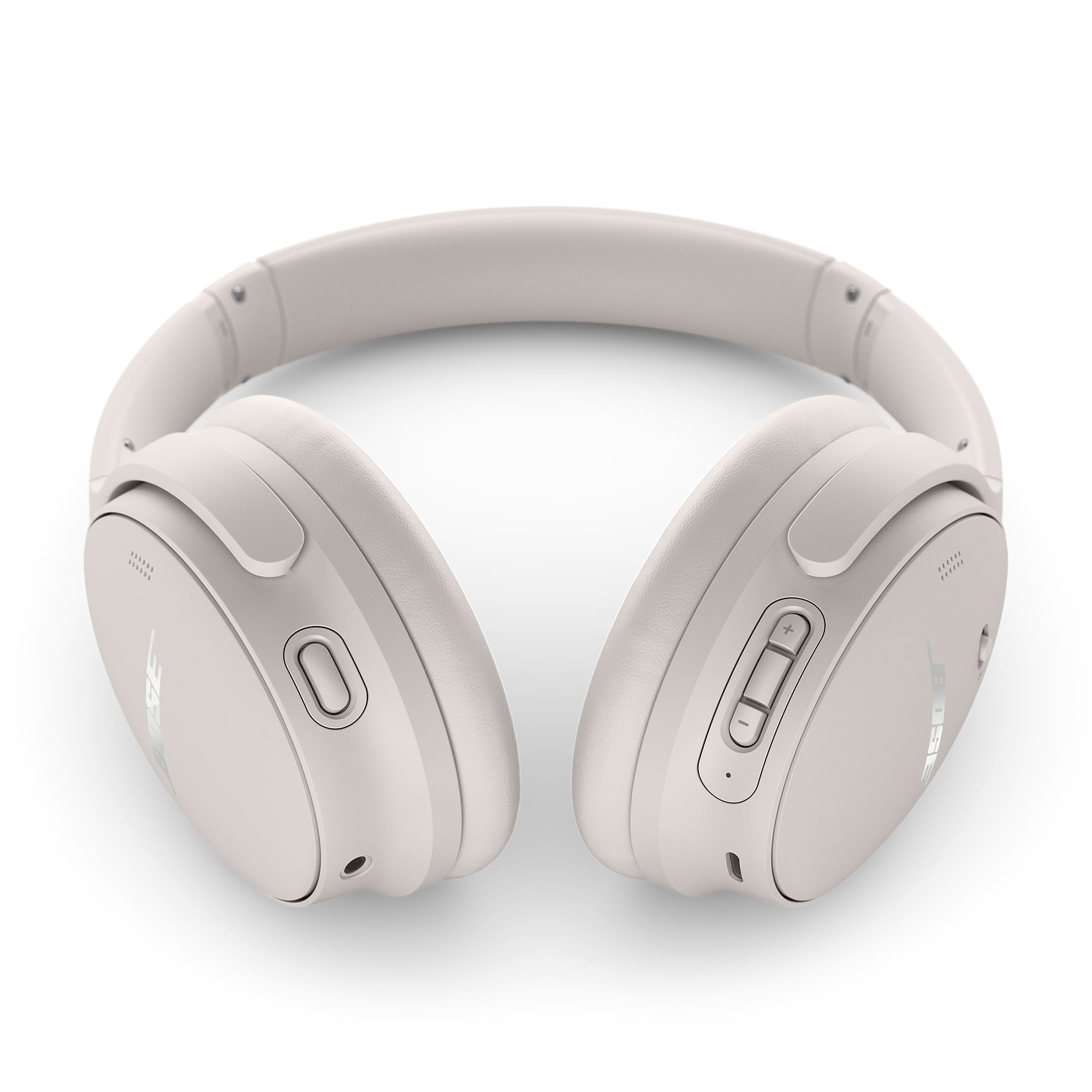
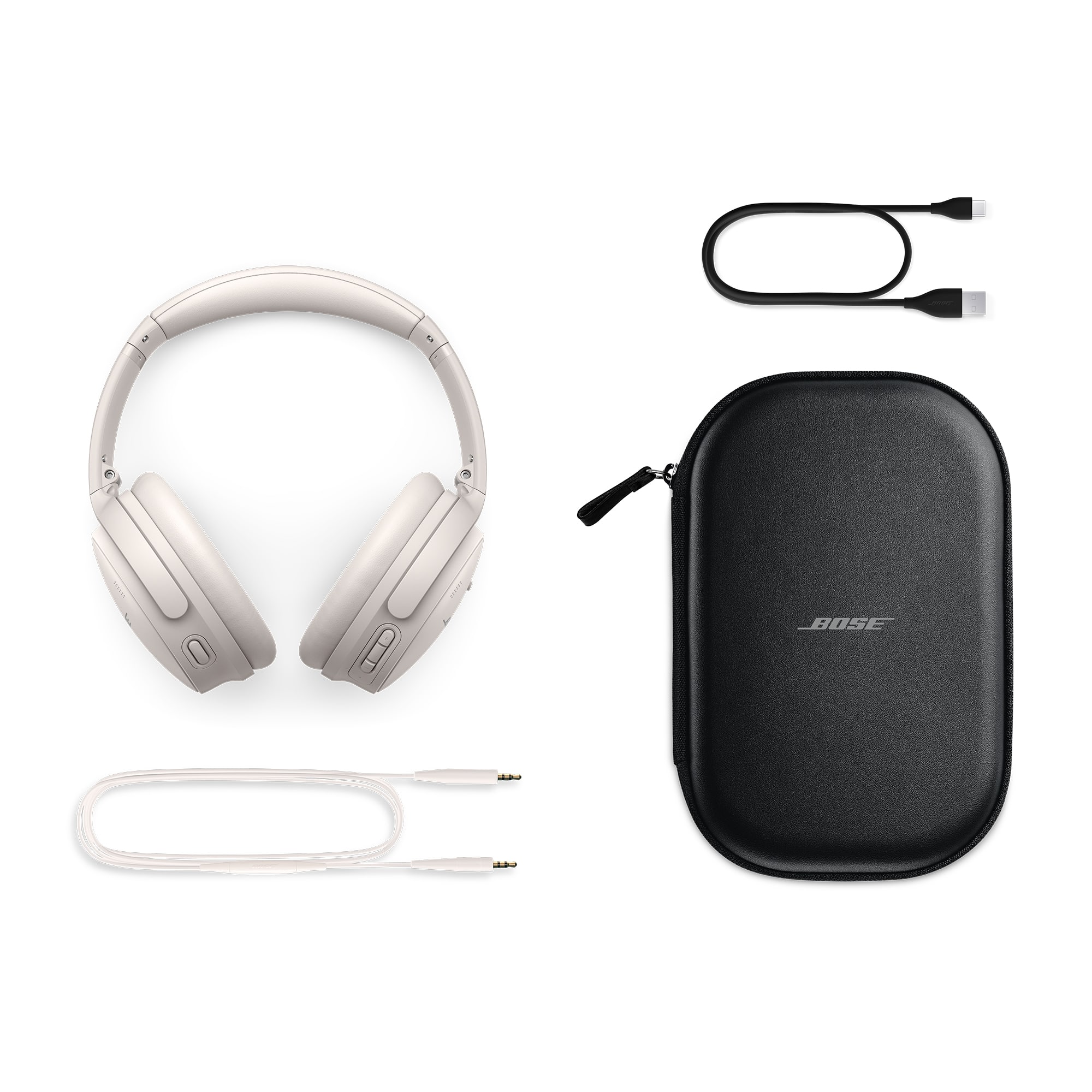
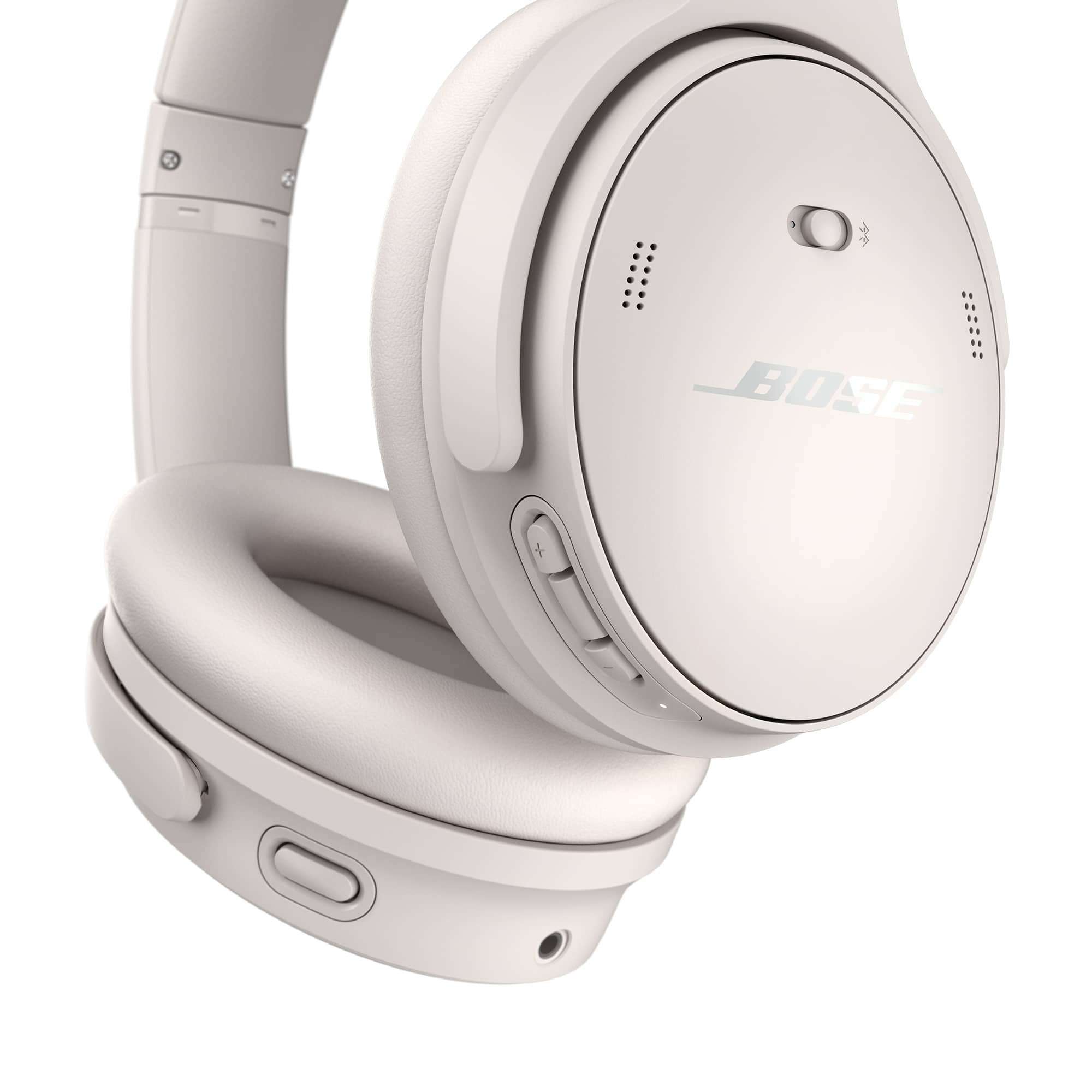
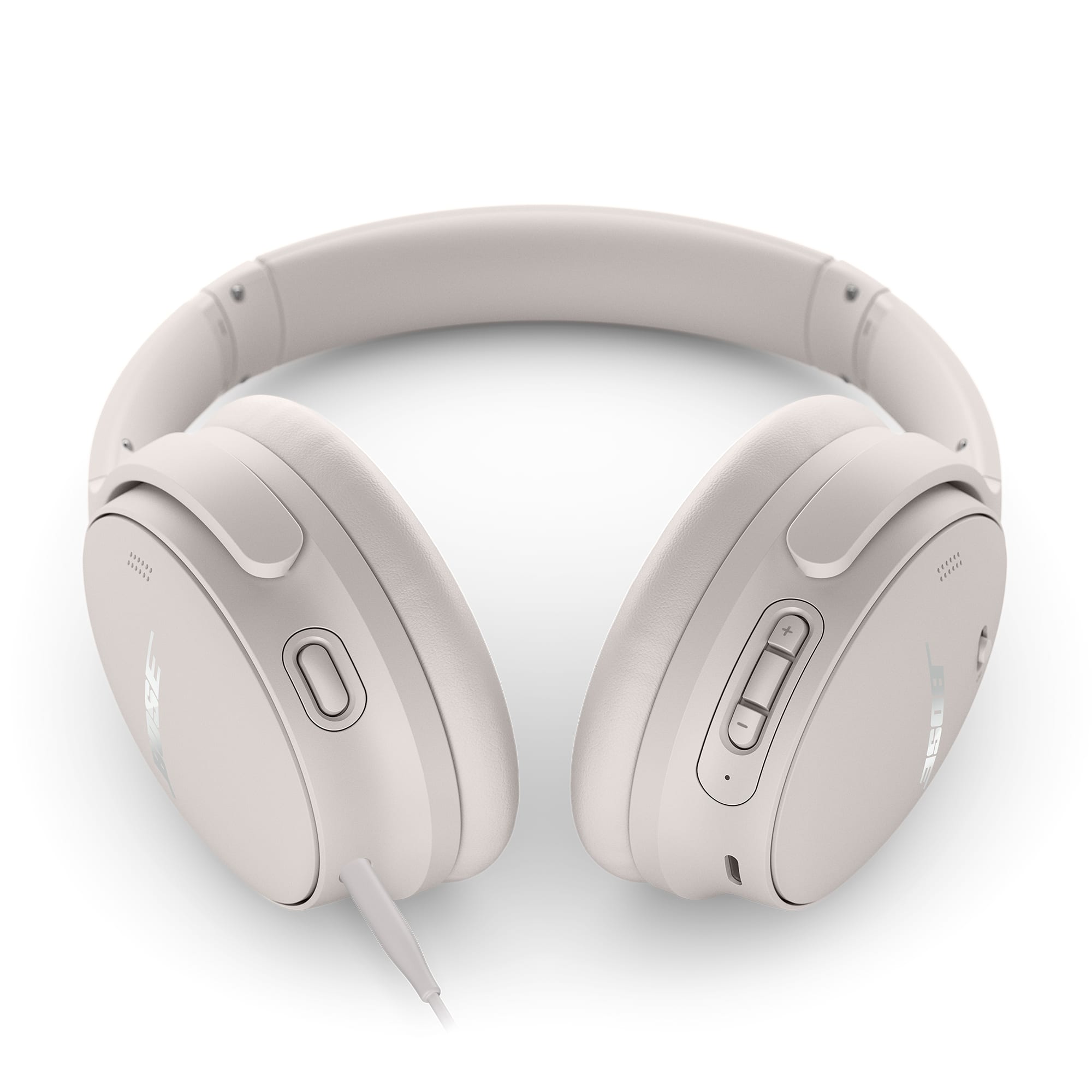
A:AnswerYes - you'll need to connect the small end of the USB cable (provided) to the USB-C port on the headphones, and the other end to a USB-A power source, e.g. a wall charger or a computer.
A:AnswerIf you mean whether the headphones should be used while they are charging, then we must advise that the headphones not be worn or used whilst they are charging.
A:AnswerHi Sally! To answer your inquiry, the Bose QuietComfort Headphones are designed for everyday listening, travel, work, and general activities. They have a secure and comfortable fit for walking and light movement, but they are not specifically designed for exercise or high-impact workouts. If your primary use is exercising, many customers prefer earbuds designed for active use, as they tend to stay more secure during vigorous workouts.
A:AnswerThe Bose QuietComfort Headphones are compatible with Samsung smartphones. As long as your smartphone supports Bluetooth connectivity, you can pair and use the headphones wirelessly via Bluetooth. Additionally, if your device supports a 3.5 mm audio connection, you can use the headphones with the included audio cable for a wired listening experience.
A:AnswerWhile Connected to a charger:
Blinks white twice - Charging begins
Solid amber - Charging
Solid white - Full charge
Battery Status:
Solid white - Medium to full charge
Solid amber - Low charge