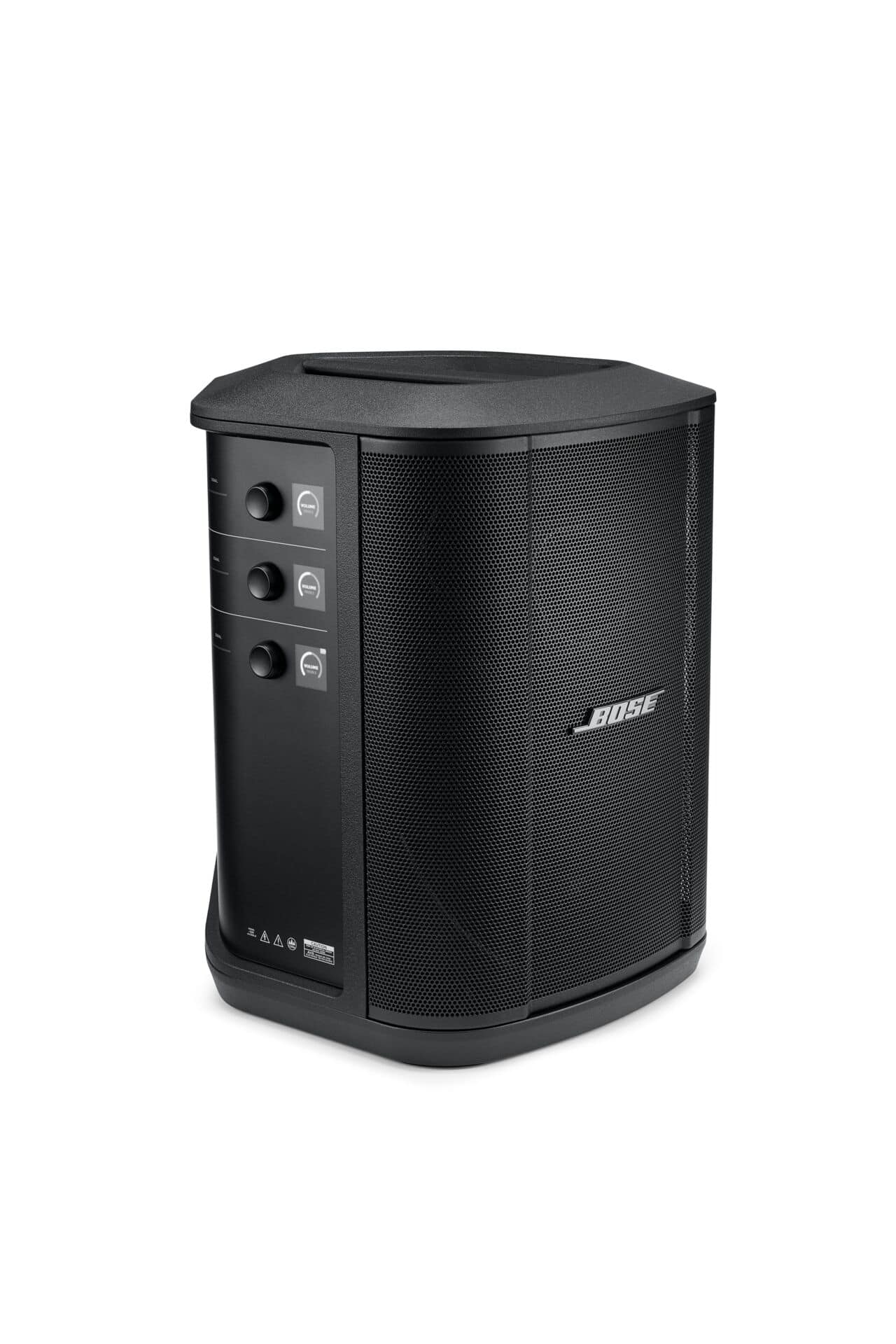
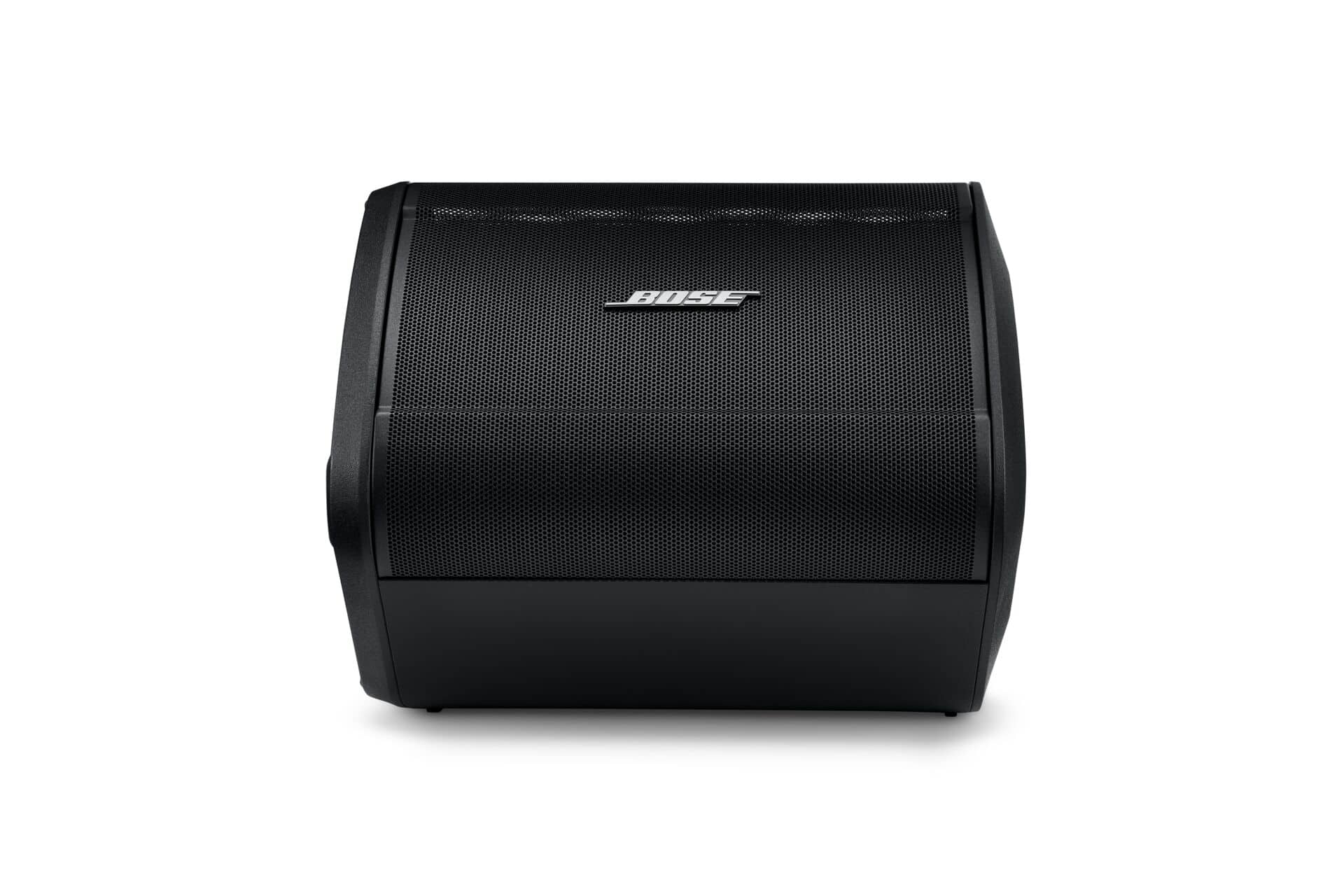
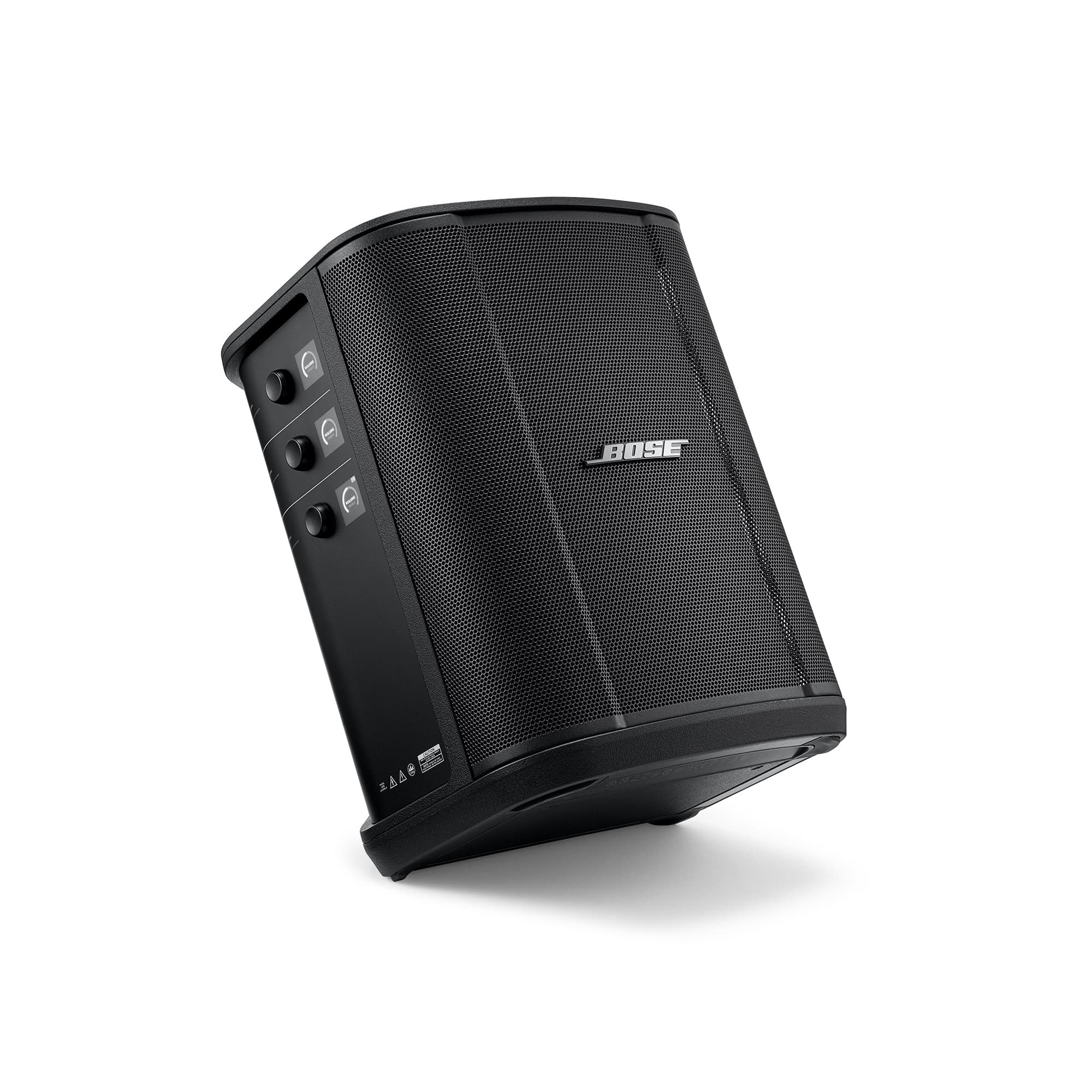
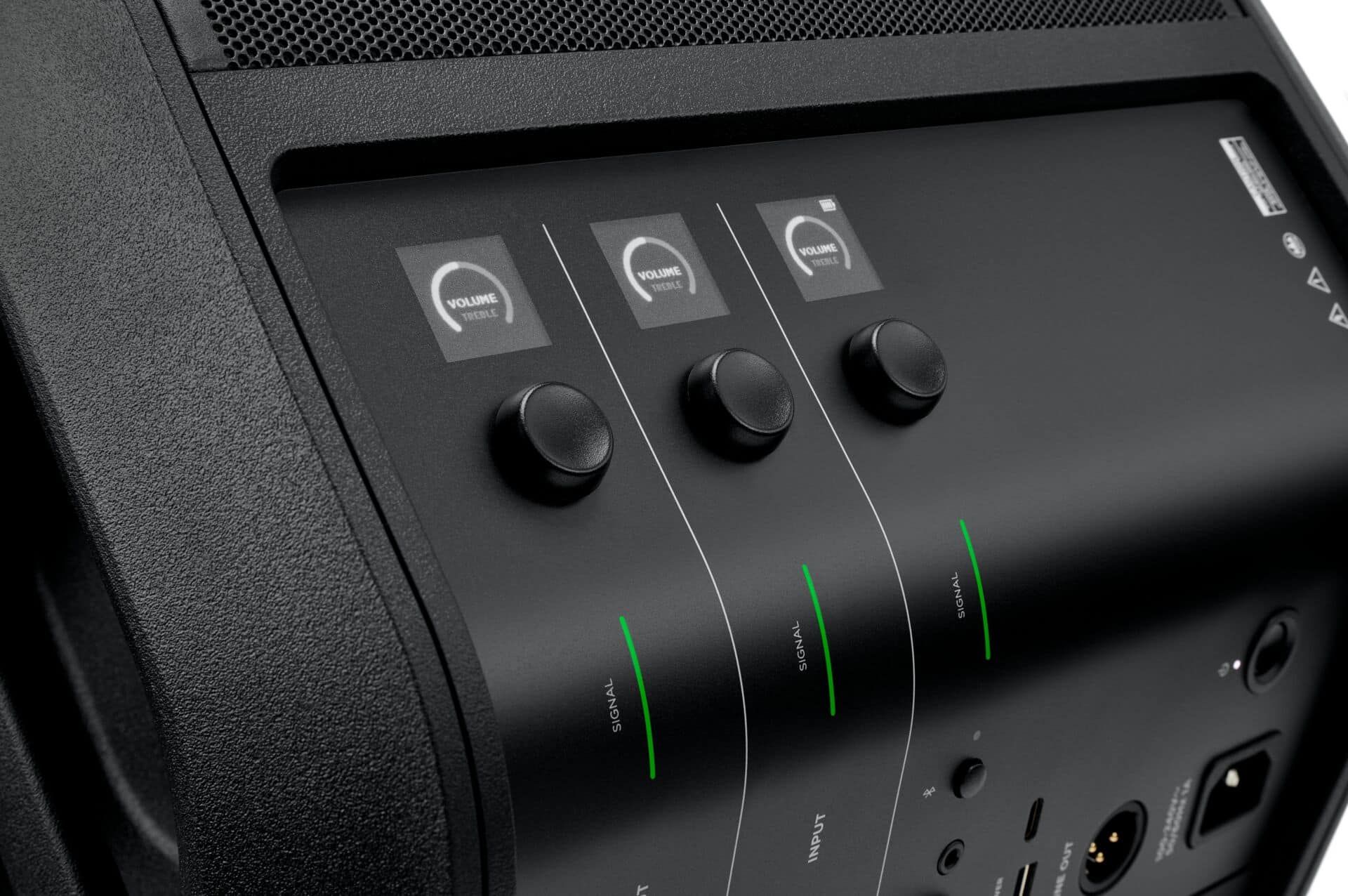
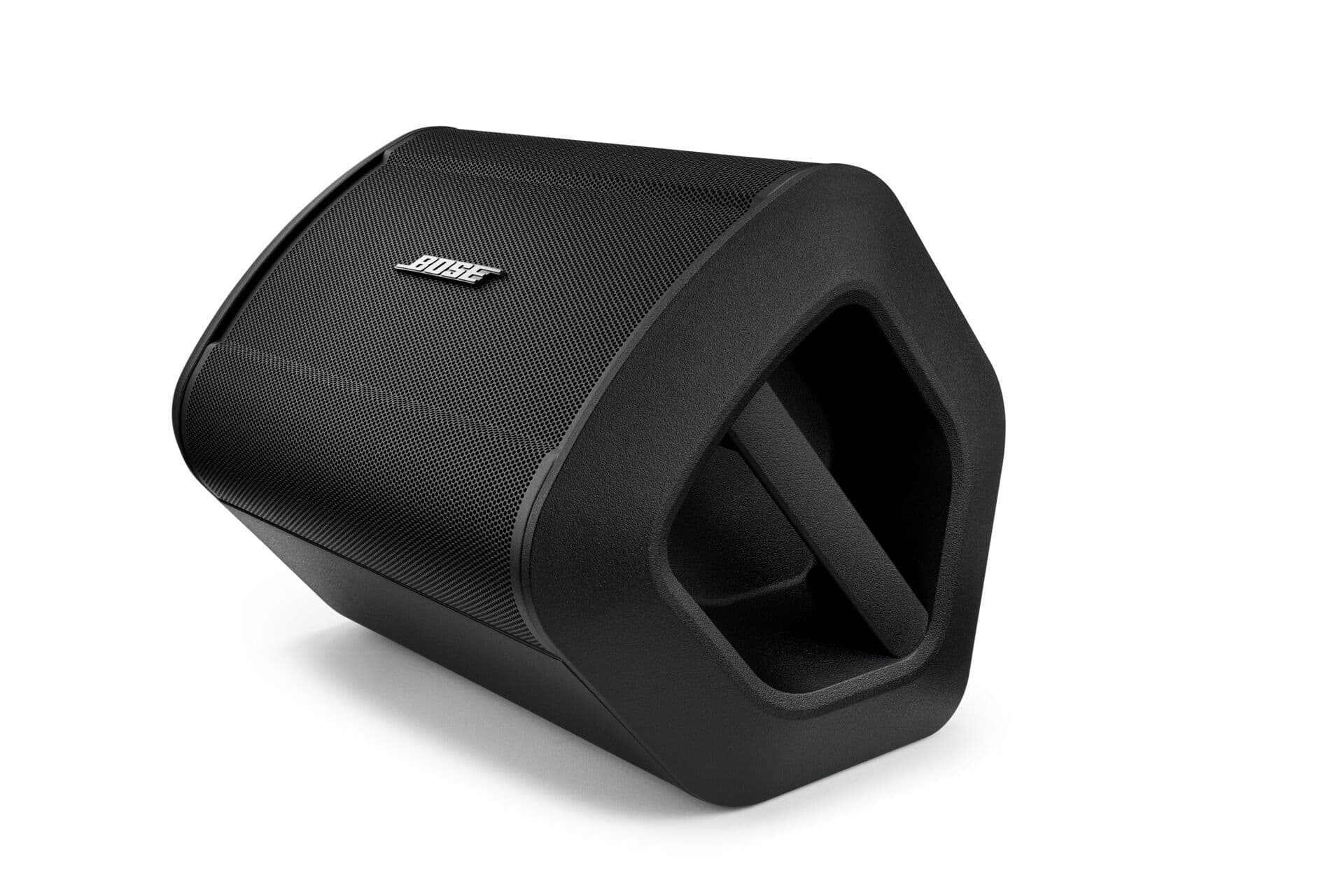
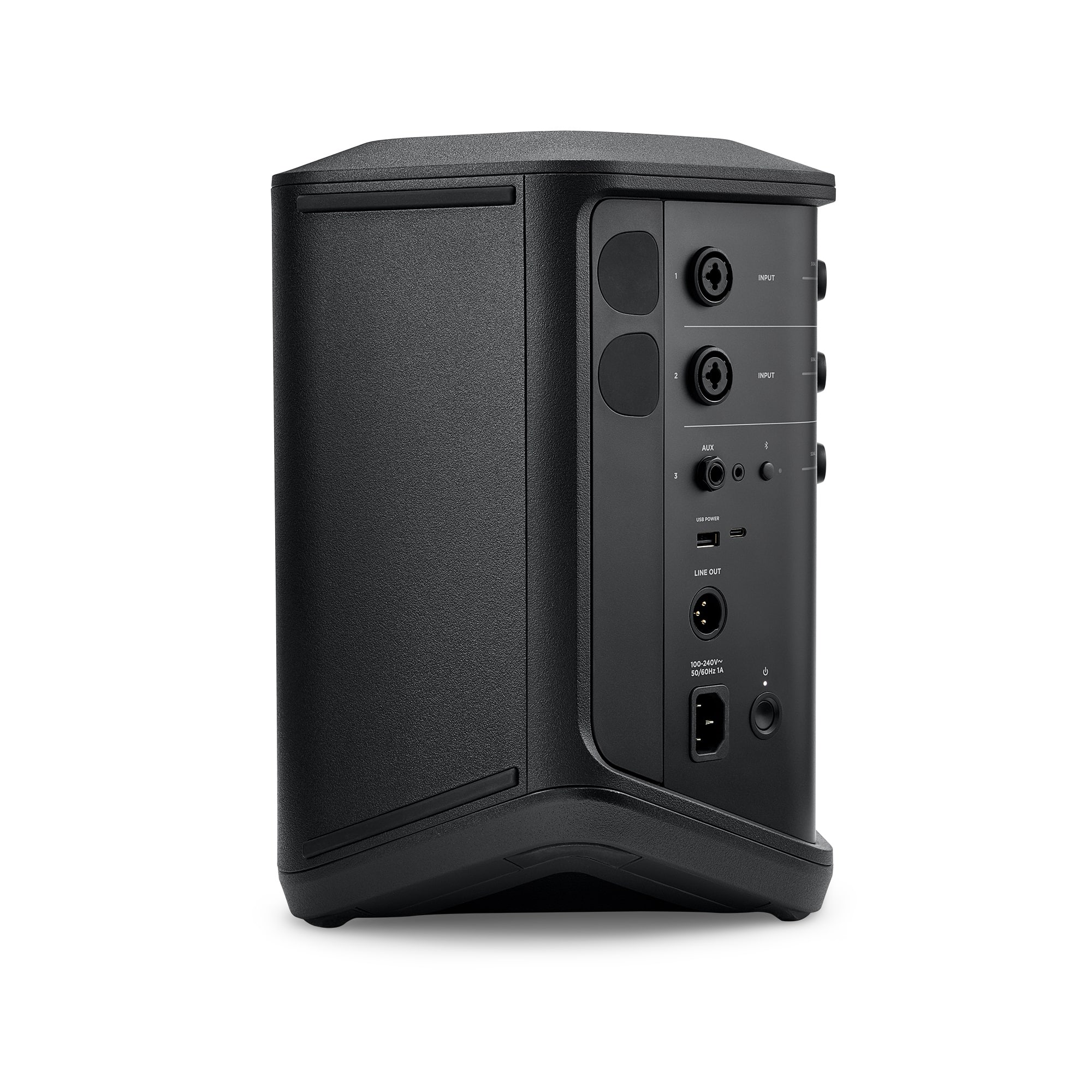
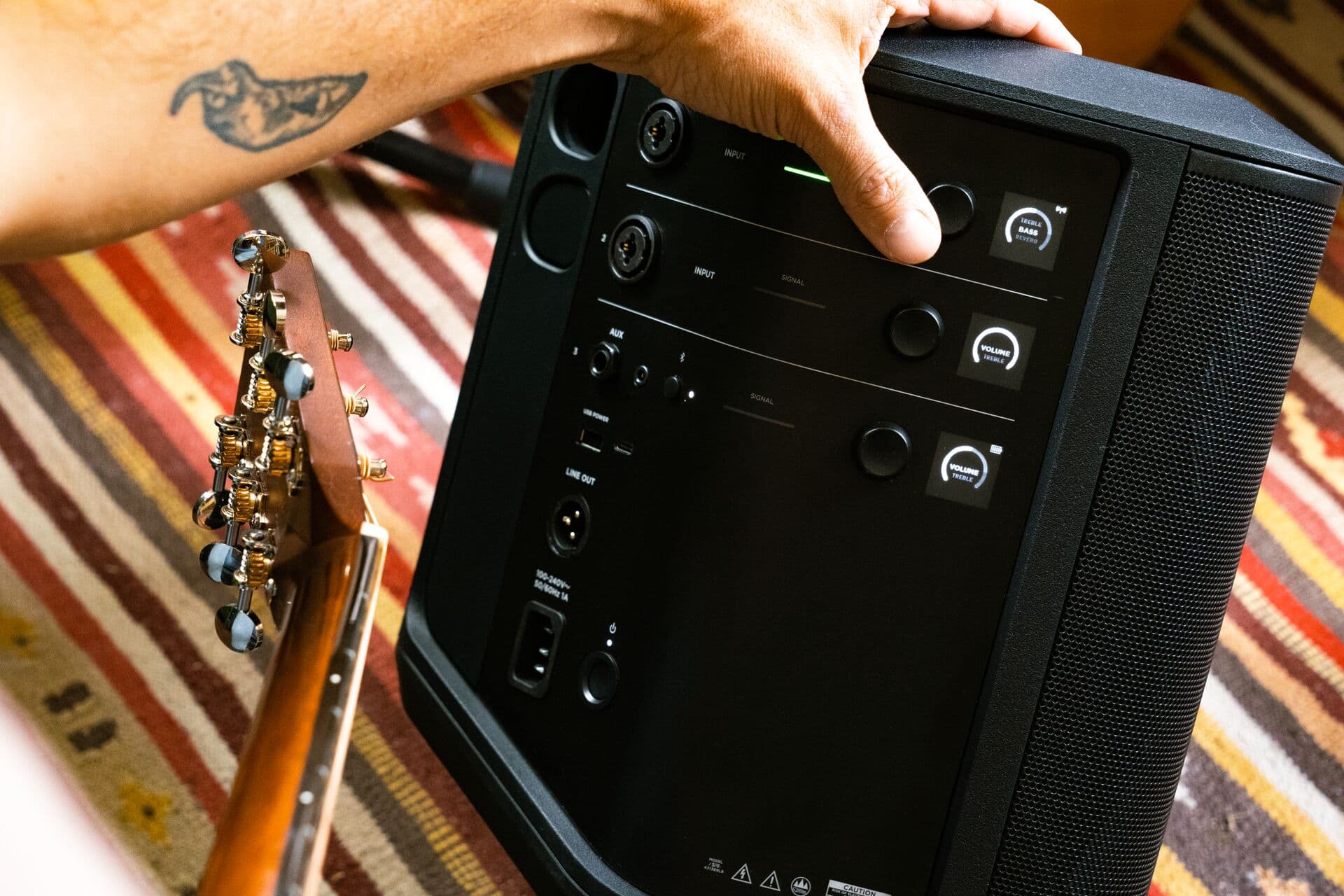
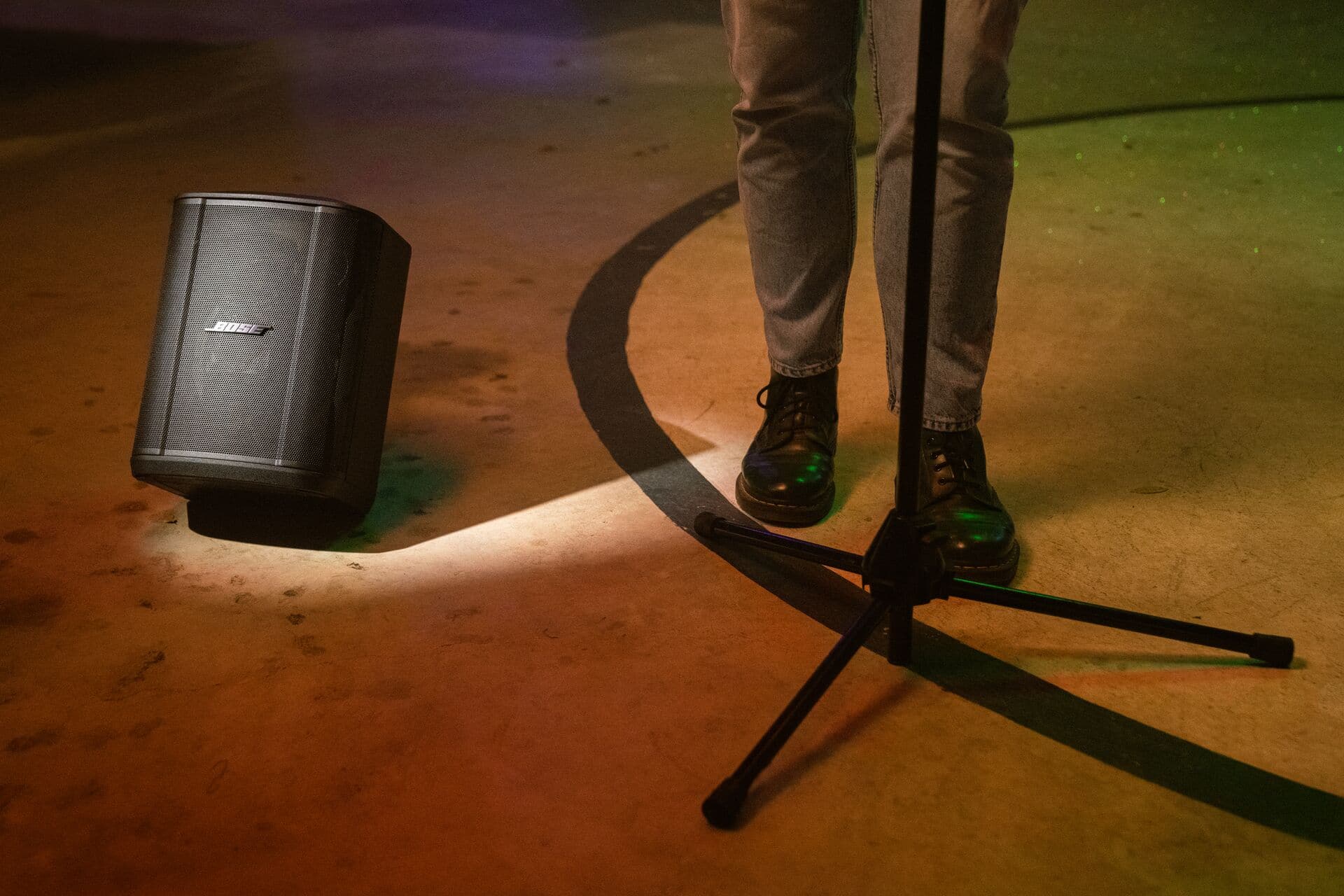
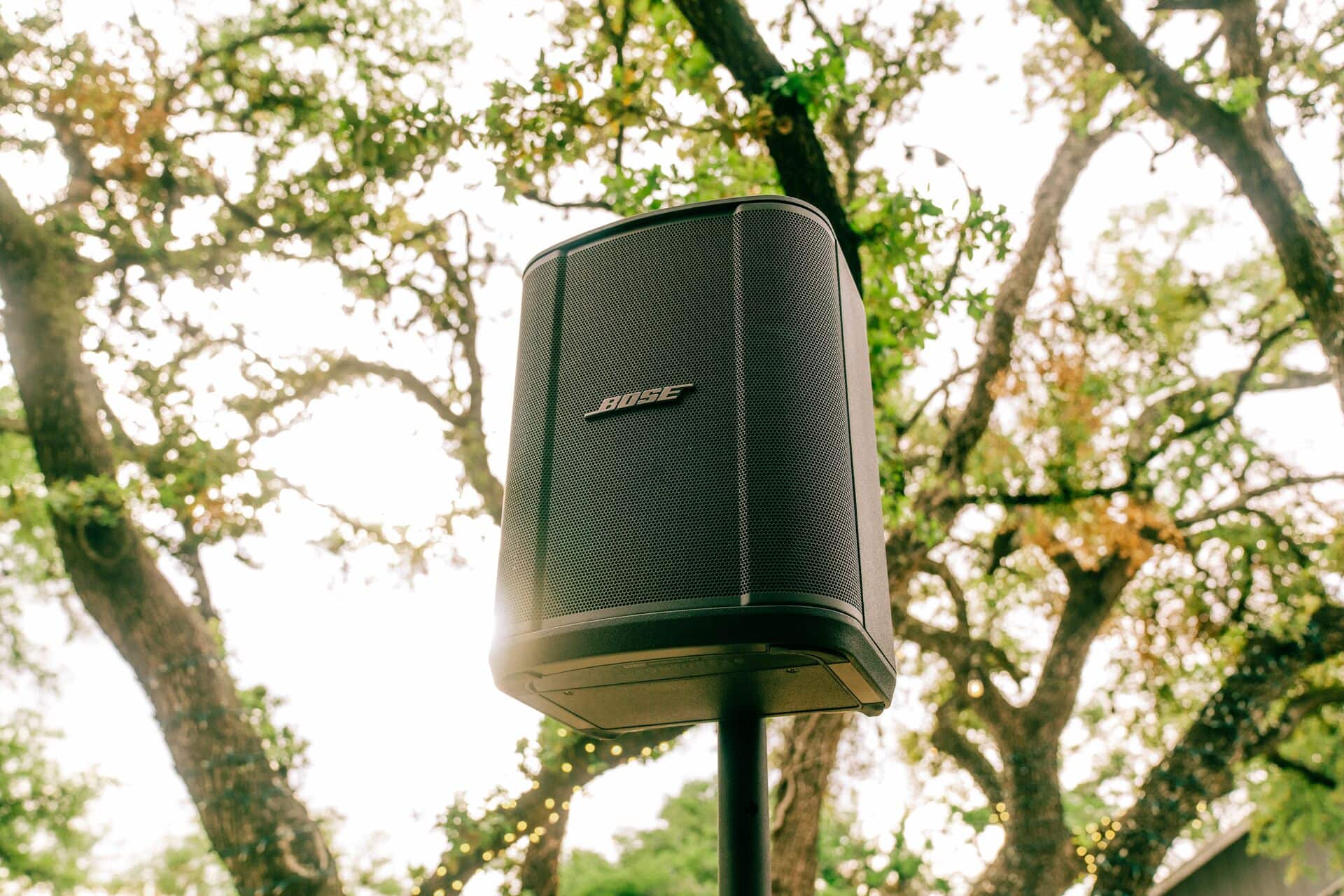
A:AnswerYes you can adjust volume and reverb from the Bose app from your phone. The great thing about it is the range of the signals which is really good. I tried it from about 70feet and it was effective
A:AnswerI used a powered Seismic Audio 10" sub with my S1Pro+, I
connected it with an xlr cable from the line out on the
S1 pro+ to the input on the sub. although the sub did need a power cable. The S1 Pro+ was on battery power only it sounded great.
A:AnswerTo enter Party Mode, simultaneously press and hold the volume and Bluetooth buttons on the first speaker until you hear a voice prompt. Repeat this process on the second speaker until you hear a tone play.
After around 10 seconds, the two speakers should say “Party Mode” to confirm the audio is playing in unison.
A:AnswerThe sound quality will beat any monitor in its class.
The bass will handle all low frequencies from musical instruments without any distortion even at high volumes
A:AnswerYes - if the projector you're using sends Bluetooth signals, or has an Audio Out port (e.g. a headphone port). For example, you could run one end of a 1/8" cable into the headphone port on your projector, and the other end of the cable into the headphone-sized port on the Bose S1 Pro+, next to the AUX port.
A:AnswerNo - the Bluetooth function on the S1 Pro+ system is designed to receive signals from mobile devices, tablets, or any other device that broadcasts a Bluetooth signal. In this sense, a wireless headset does not broadcast Bluetooth signals, it receives them - therefore a wireless headset cannot be connected to the Bluetooth in the S1 Pro+ system.
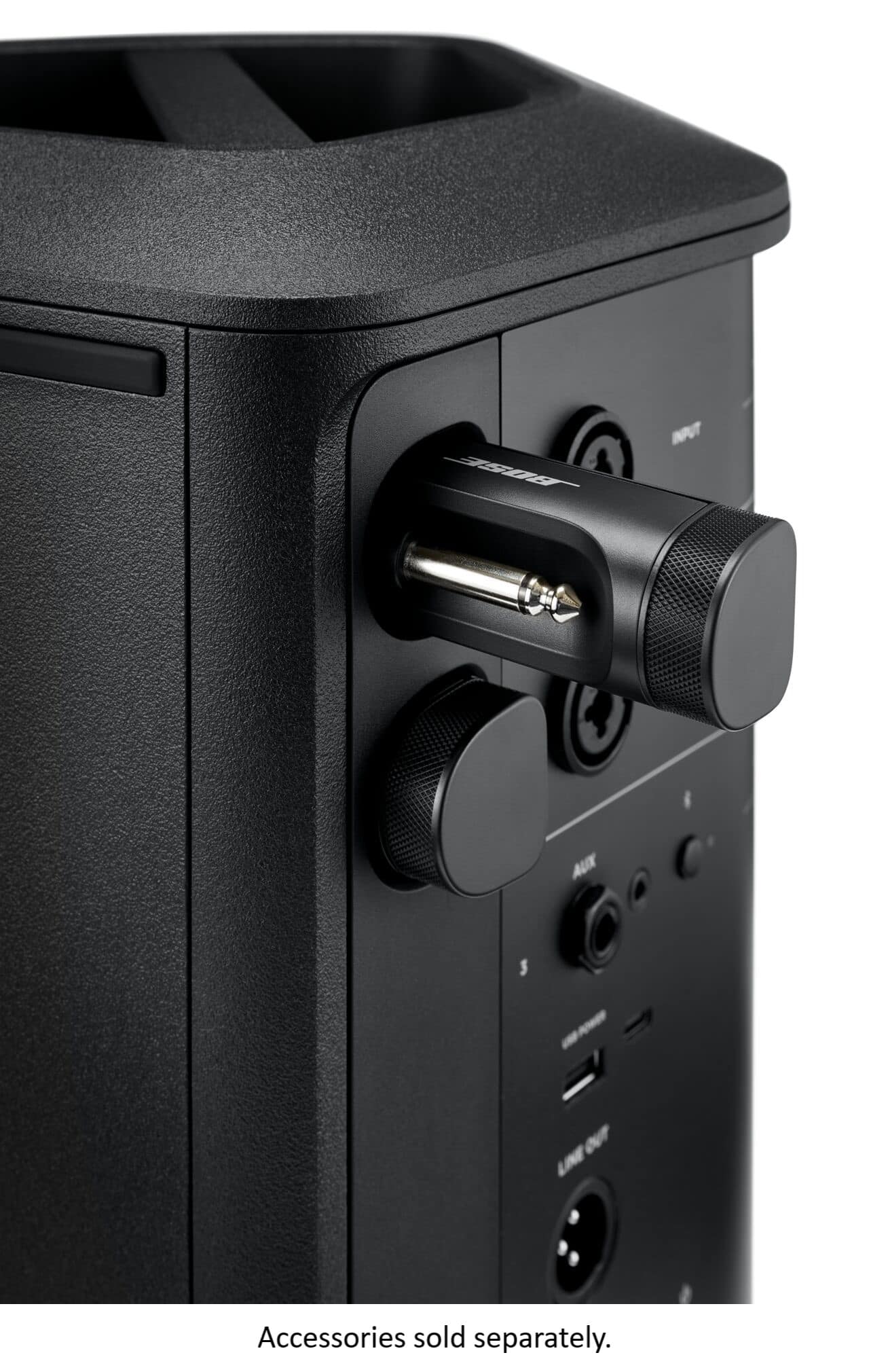
A:AnswerYou can pair two Transmitters, or one Transmitter and connect one XLR connection, or connect 2 XLR connections are the same time.
You can't pair a transmitter to input 1 or input 2 while there is an XLR connection present.