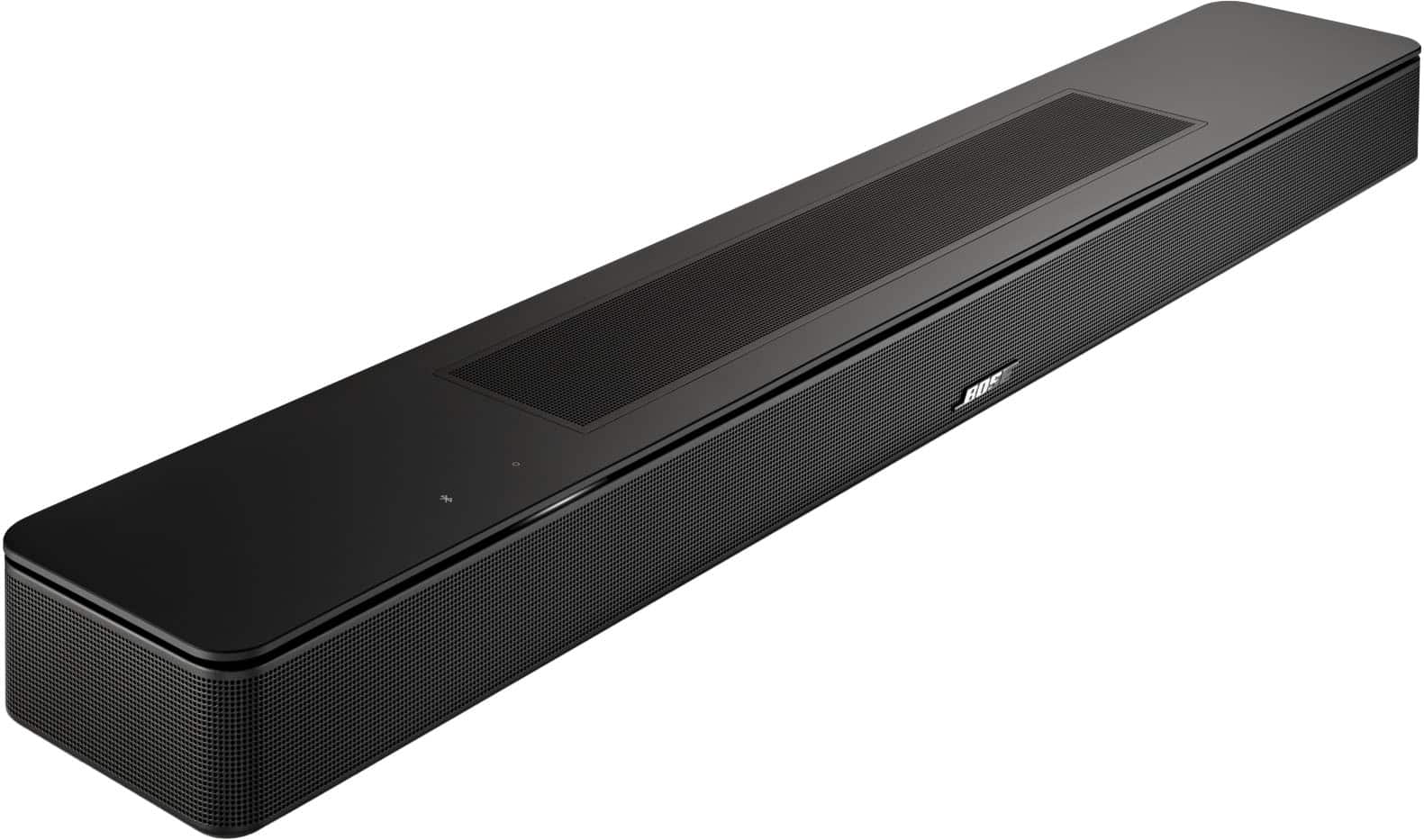
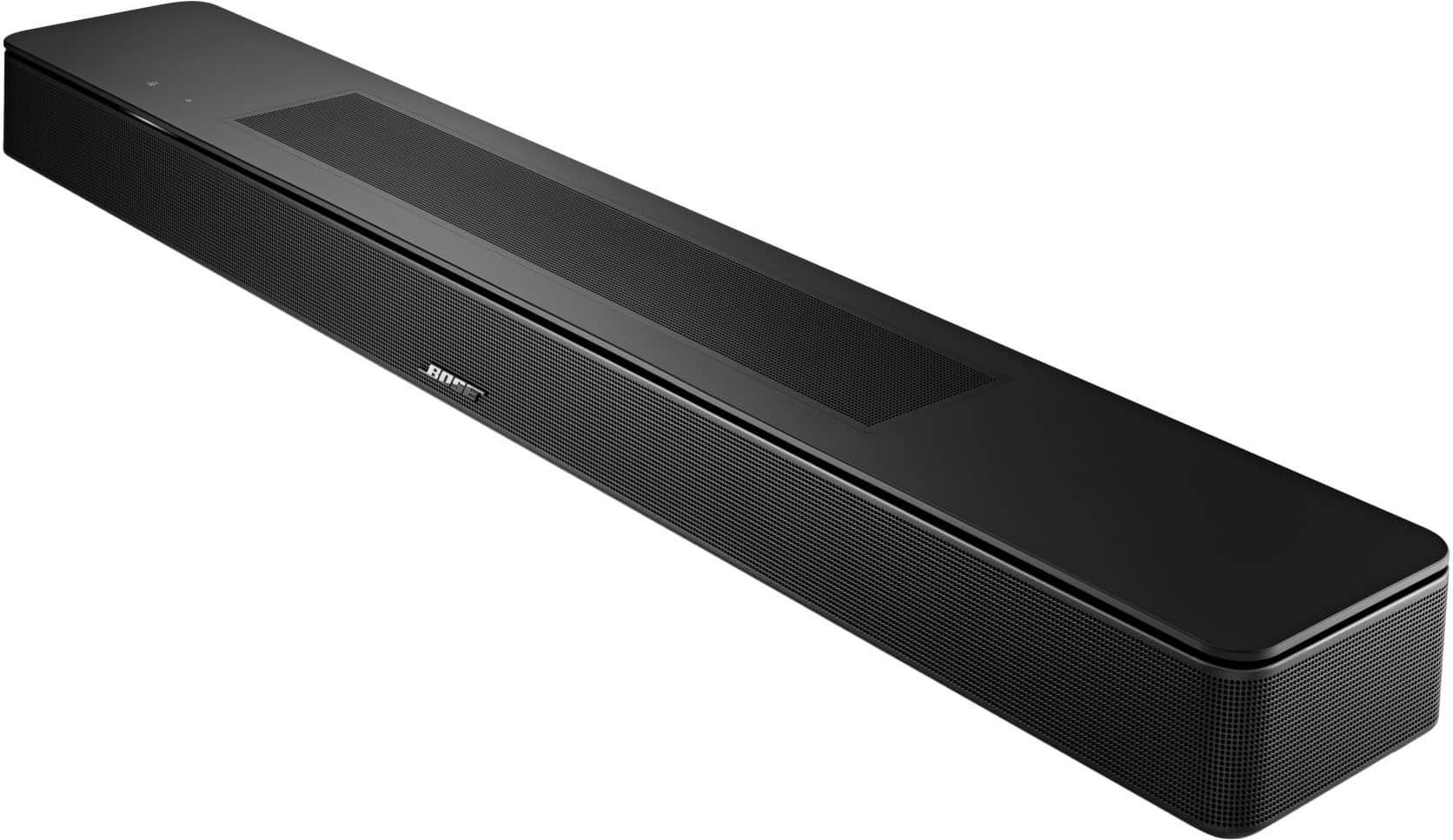
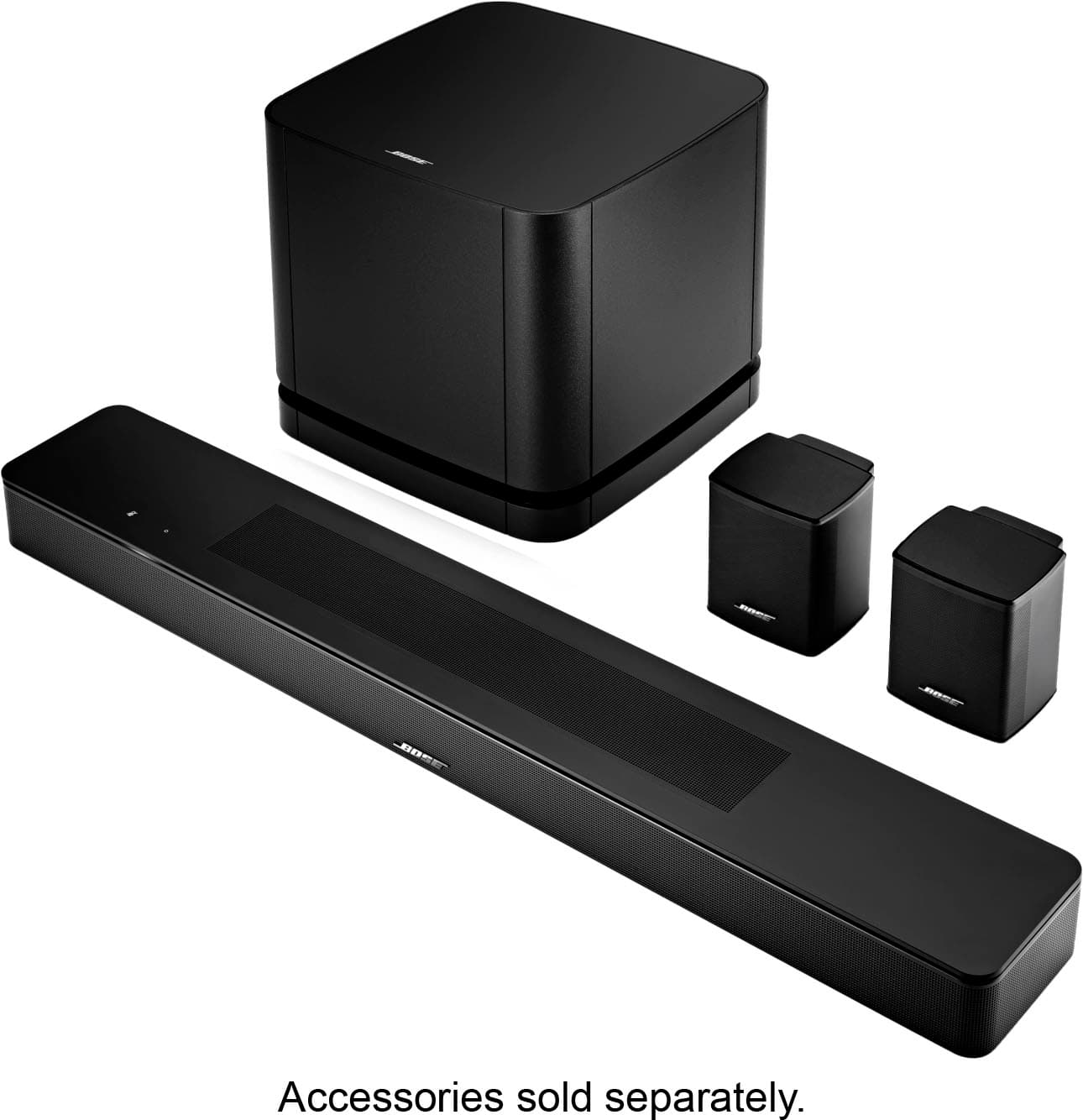
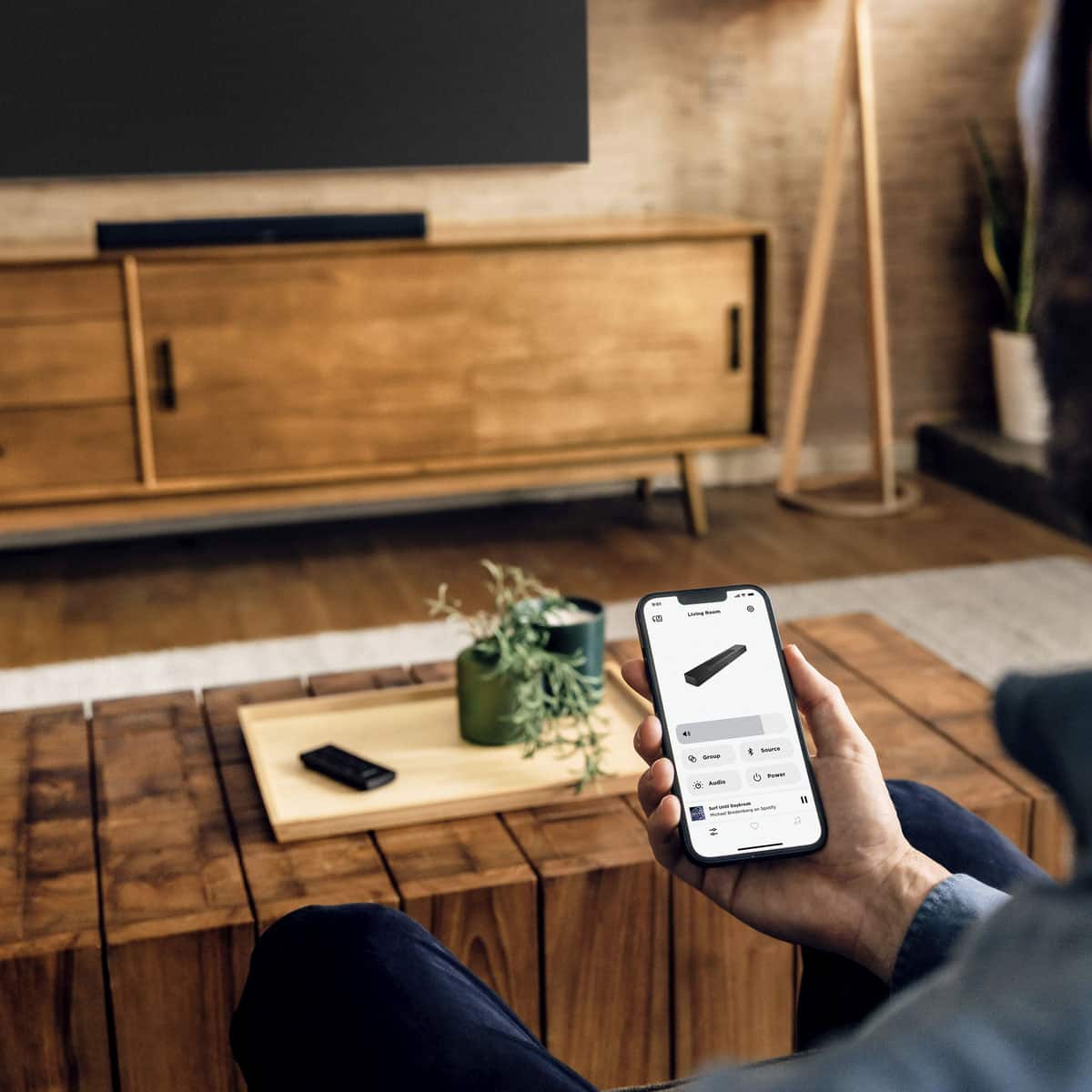
A:AnswerYes, the Smart Soundbar can be paired with one or two Acoustimass 300 Bass Modules (this bass module is also known as "Bass Module 700"). If using two bass modules, both will need to be of the same model, and both will need to be connected wirelessly.
A:AnswerSetting up Amazon Alexa or Works with Google is done through the Bose app and can be done during initial setup, or after via the Soundbar settings in the app.
A:AnswerThis issue doesn't necessarily indicate a product fault. There could be an issue with the HDMI-CEC settings in the Bose app. Please contact your local Bose support team so we can do full troubleshooting.
A:AnswerHello DM, yes you can connect the Smart Soundbar to an LG TV via HDMI ARC or Optical. If your LG remote is an universal remote, you should be able to control the soundbar.
A:AnswerHello Amy, in order to get the best experience while watching TV we would recommend a soundbar that you would plug to your TV via HDMI or Optical. With Bluetooth you might have some audio and video delays. You can find our different soundbars here: https://www.bose.com/c/home-theater/soundbars
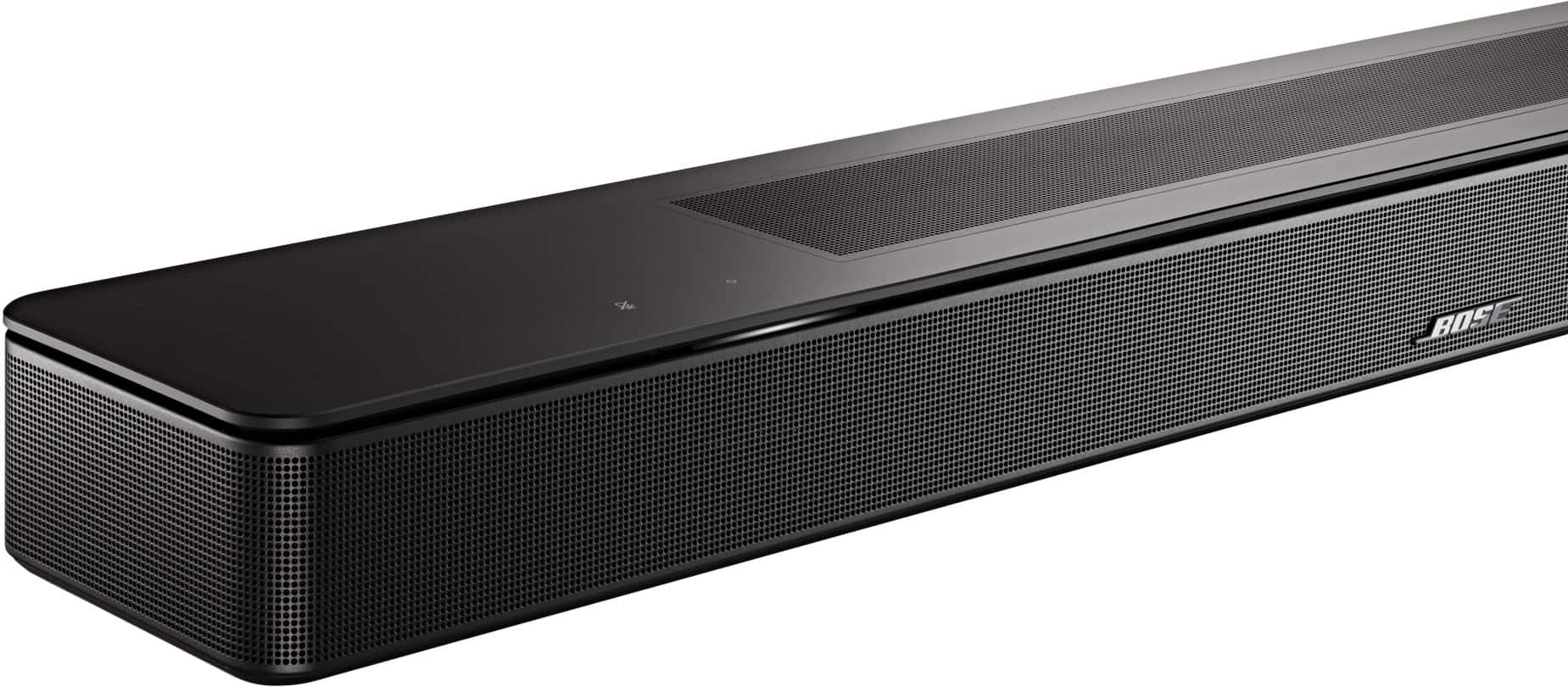
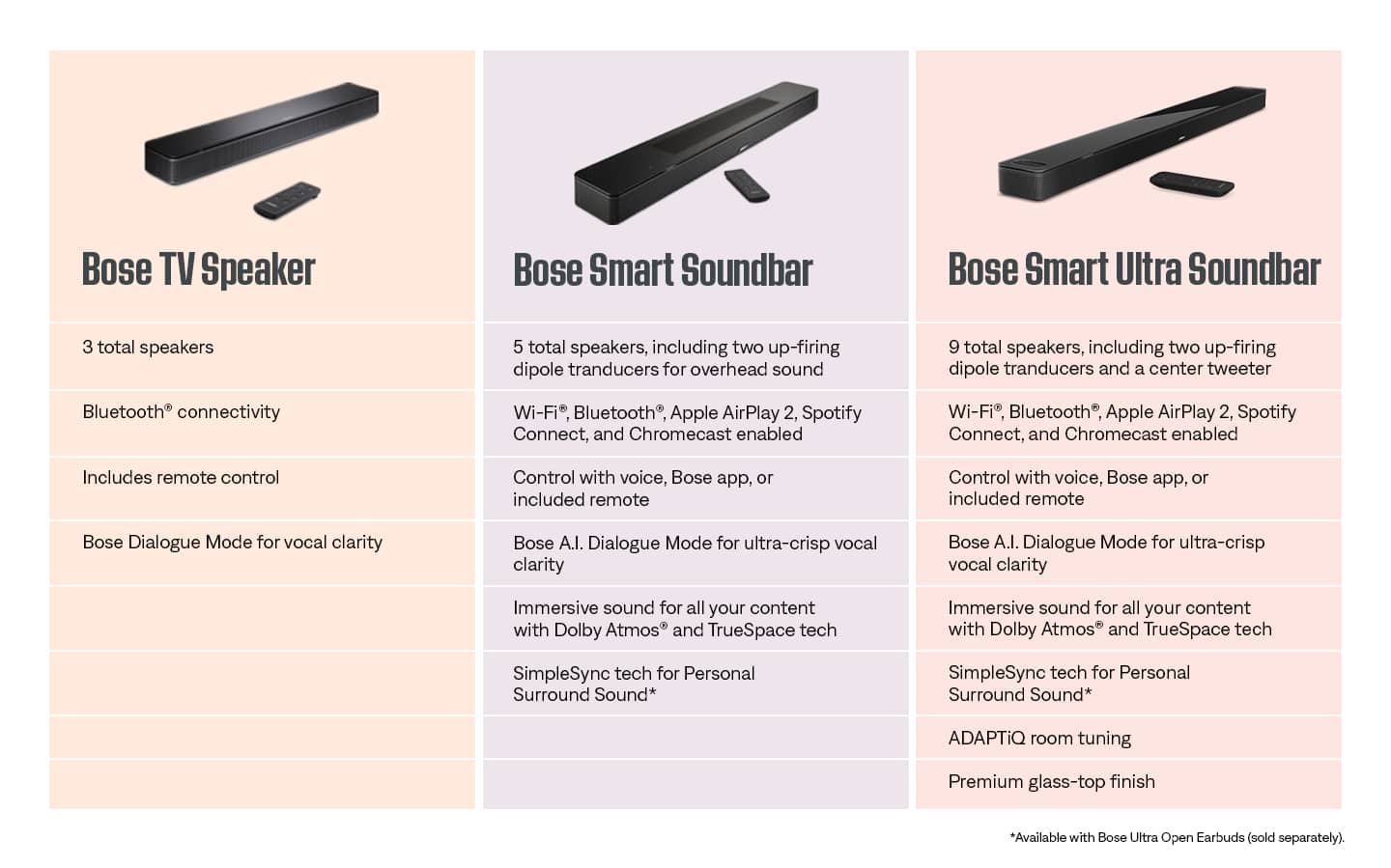
A:AnswerThe "Smart Soundbar" is neither a Smart Soundbar 300 nor a Soundbar 500, but a separate product. It is similar to the Smart Soundbar 600, but it has A.I. Dialogue Mode that automatically senses when dialogue is occurring and adjusts the tonal balance accordingly. It also has Personal Surround, meaning you can pair the Bose Ultra Open Earbuds to it, adding a new dimension to your movies.
A:AnswerYes, the Bose Smart Soundbar does require power to operate. It needs to be plugged into a standard electrical outlet using the included power cable.
For full details on technical specifications, please visit the link below and check under the Product Details section, then look for Technical Specification: https://bose.life/4569GR0
A:AnswerIf your LG TV remote control is a universal remote that is compatible with the soundbar, you might be able to control it. For assistance, check your TV remote manual or contact LG support.