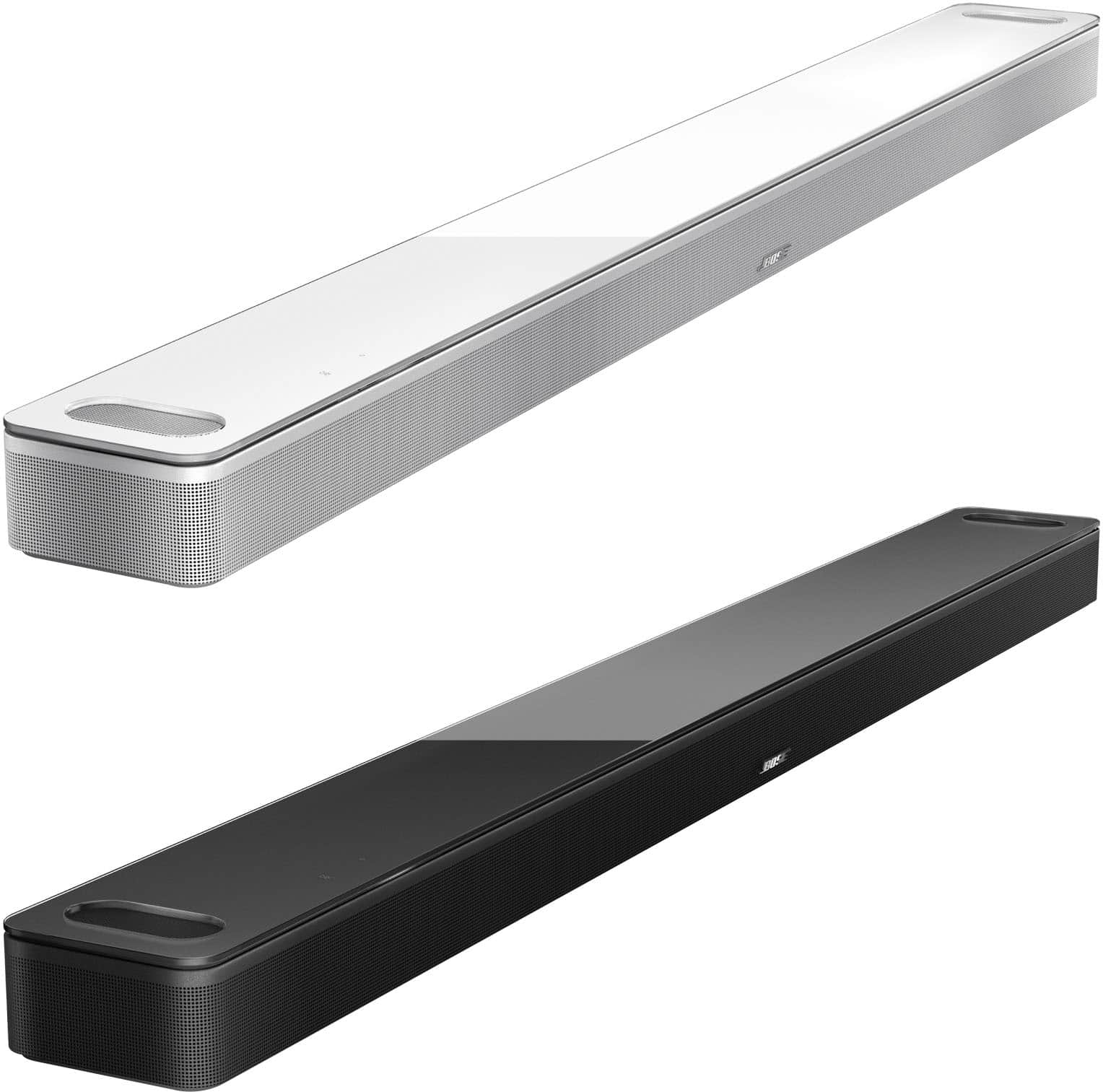
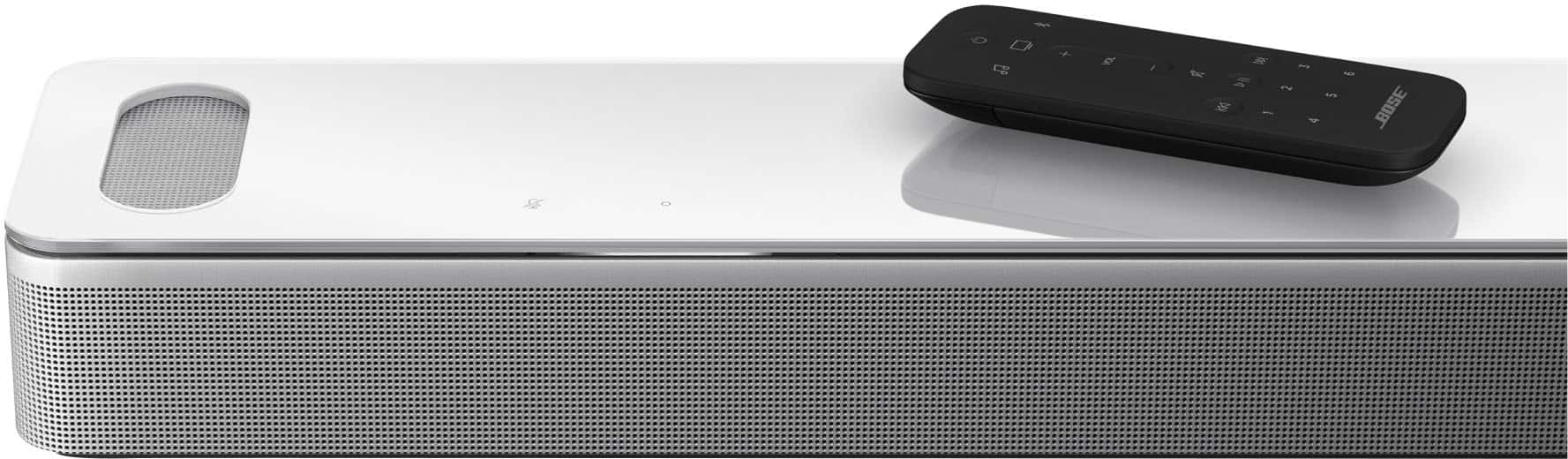
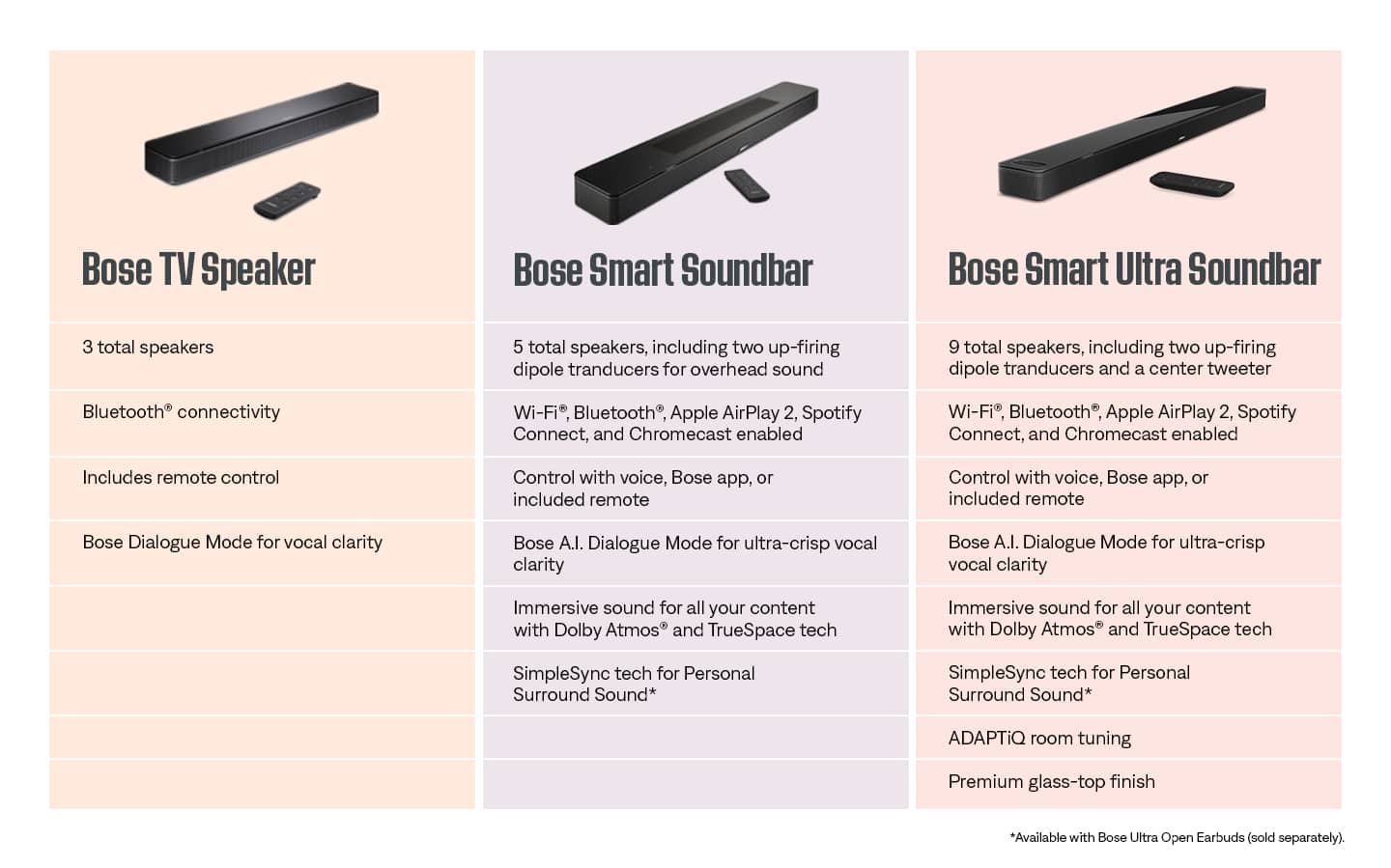
A:AnswerThanks for your question - we're not sure that we understand it fully, however we can confirm that the Smart Ultra Soundbar does not feature a "night mode" (for e.g. quieter volume). We hope this helps!
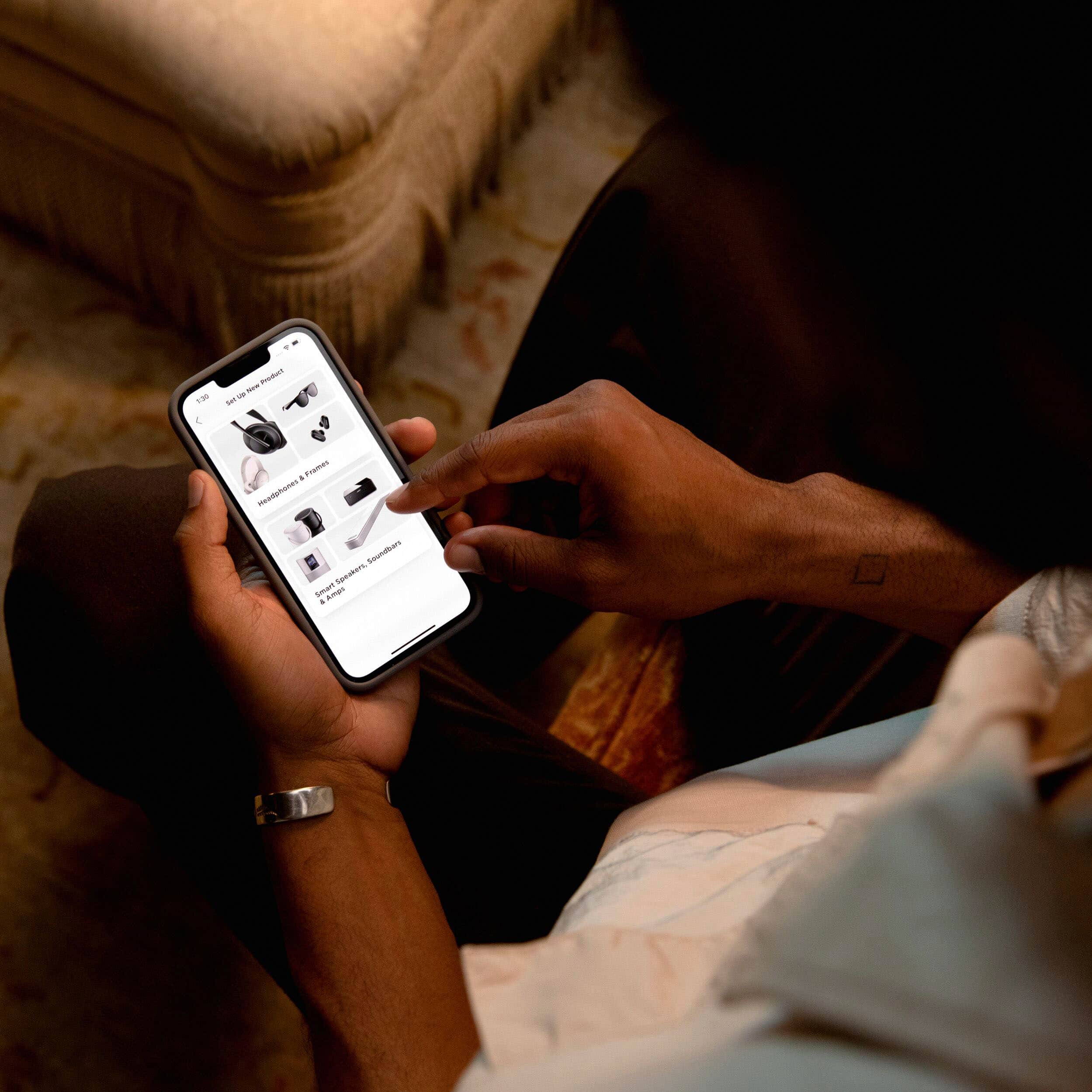
A:AnswerPlease double check the HDMI-CEC settings of the Soundbar through the Bose Music app by using the "HDMI Power and Audio" settings. We would recommend using option 5 for this, or you can contact Bose support for help.
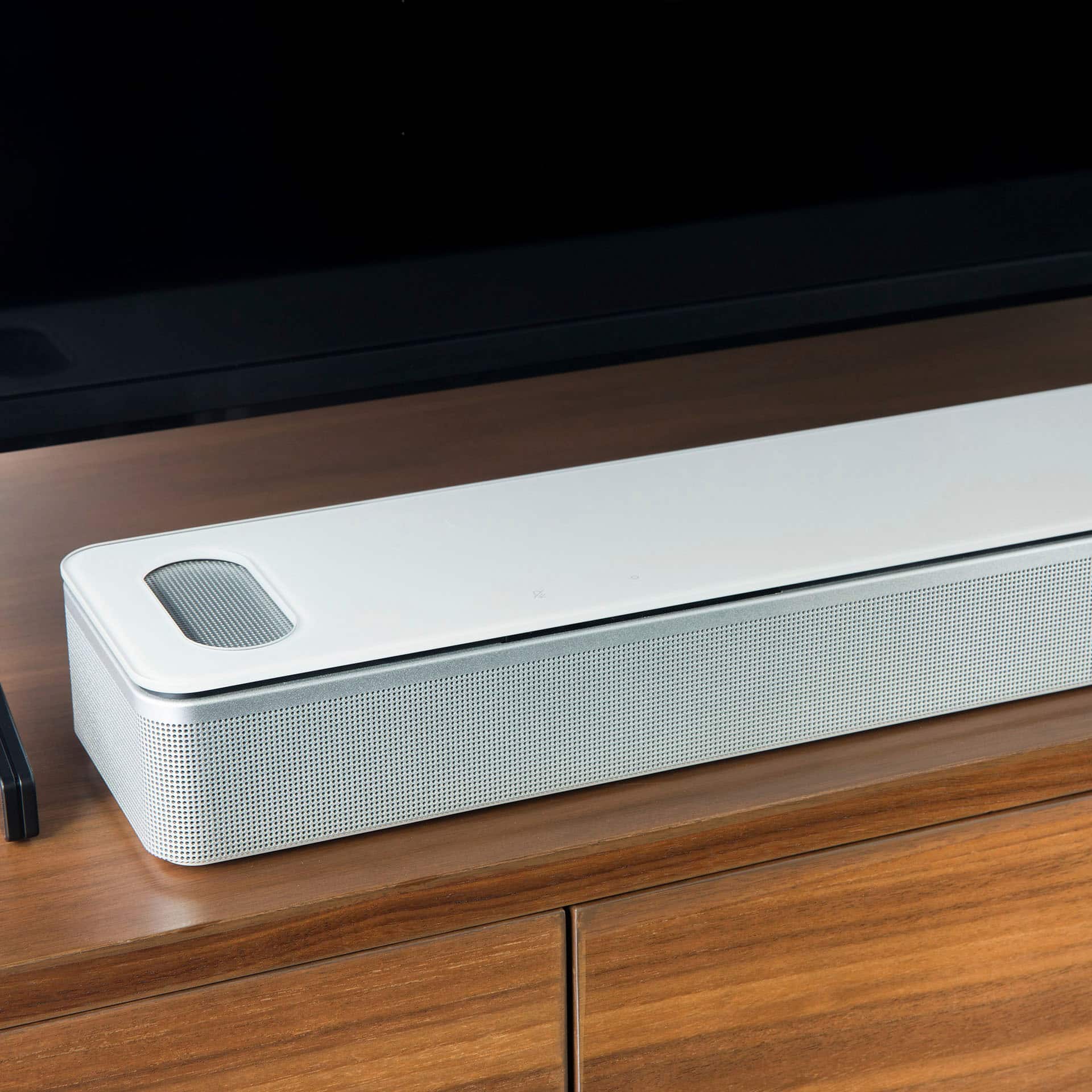
A:AnswerWe recommend placing the Soundbar below the TV for best results. In certain situations, if there is no TV Unit or Shelf to place the Soundbar on, it is better to mount it directly onto the wall. In case you would like to ask further questions about this, please feel free to reach out to us directly.
A:AnswerYou will be able to connect to the Bose app on your phone and it very convenient, the Bose speaker will also be a absolute fantastic improvement you will be shocked once fully installed and watching a movie, it shocked us with just the start up noises, it’s absolutely amazing
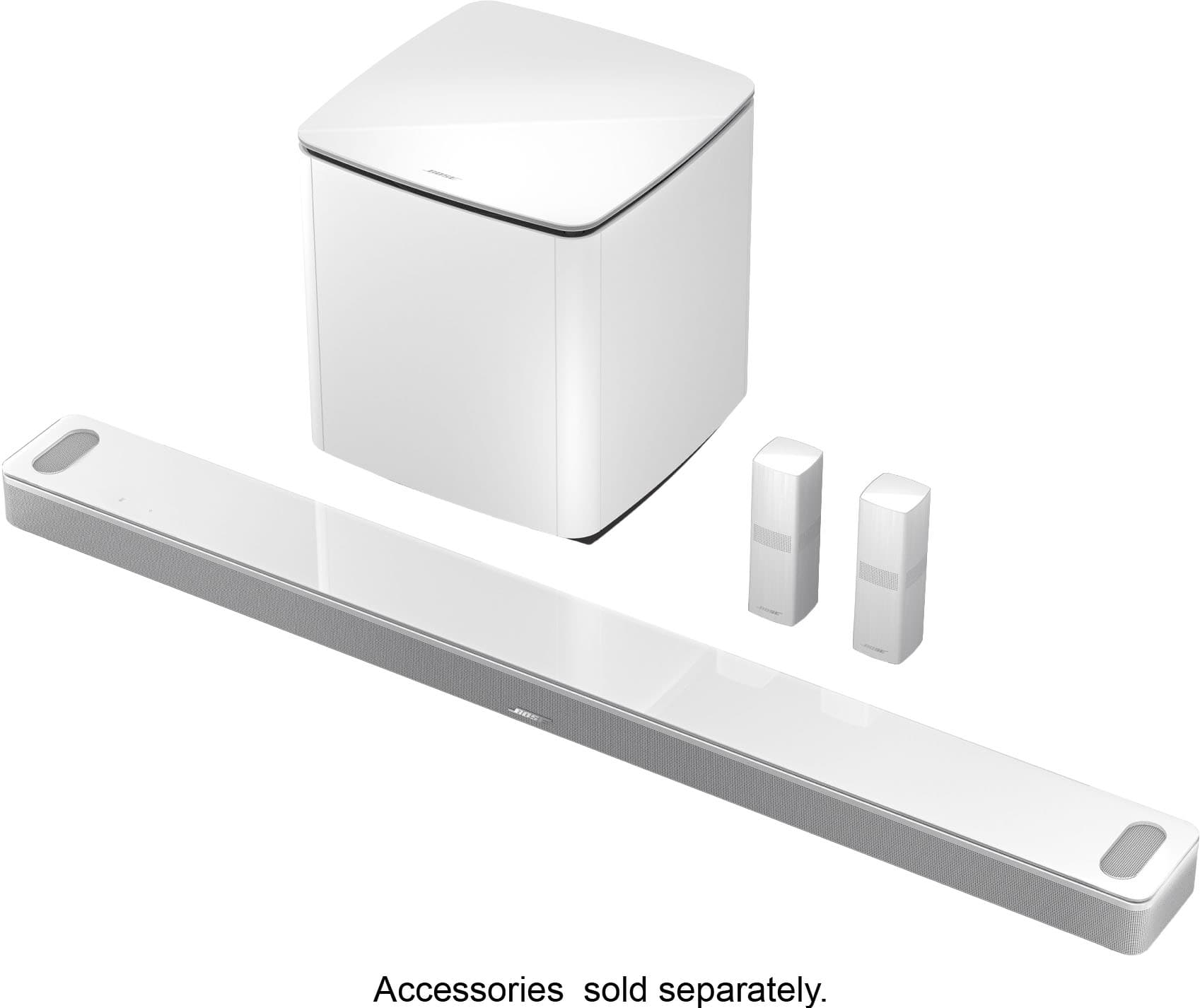
A:AnswerI have mine in a 15 x 15 room. The Sounder is great, but there was a HUGE difference adding the Base Module. I cave mine positioned under an end table and it's hidden. It connects wirelessly, so no need to have it anywhere in the open...
A:AnswerHello,
In the Bose app, there is a sync option in your product settings. This is useful when playing audio from a video source—like a TV sports channel—to a group of Bose speakers. You can use the sync option to decide if the grouped speakers should play in sync to the picture on the TV or if they should play in sync will all other grouped speakers.
Syncing sound with the TV picture is recommended if people can see the TV while listening accompanying audio on grouped speakers. Syncing sound with all grouped speakers is recommended if the TV picture is not as important as having all grouped speakers playing in unison.