A:AnswerThe dock on this speaker is designed specifically for Apple iPhones and iPods. However, if your Sirius radio has a headphone jack or audio output, you can connect it with a simple audio cable. If you have further questions, don't hesitate to reach out to us directly. You can reach us at 1-800-379-2073. We are open from Mon. – Fri., 9 AM – 9 PM and on Sat., 9 AM – 7 PM ET.
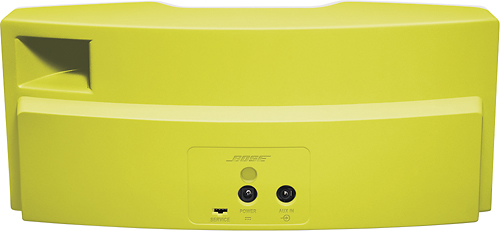
A:AnswerWhile the dock on this speaker is designed for newer iPods with Apple's Lightning connector, you can use your nano with this speaker by connecting a standard 3.5mm audio cable to the auxiliary jack on the back of the speaker.
A:AnswerMy pick would be the UE Boom2 or UE Roll. Both are waterproof and sound really good. Bluetooth range is up to 100' and they have a 5mm phono plug as well.
A:AnswerWhile this speaker requires wall power to operate, we'd like to show you a similar speaker that operates on battery power. Here is a link to check it out: http://bit.ly/2dfriwZ
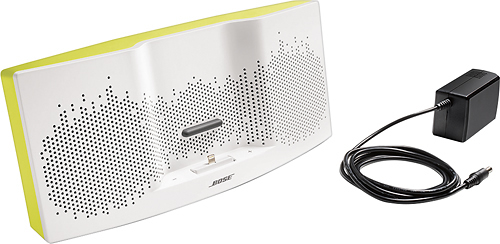
A:AnswerNo u will not be able to add batteries. It only comes with a AC power cord but why would you want to get this product all messy with sand and salt water....It belongs in your home or office.
A:AnswerWhile the dock on this speaker is not compatible with older iPods, you could connect it to the auxiliary jack on the back of the speaker with a standard male to male 3.5mm audio cable.
A:AnswerHello Don, We're glad you asked. As the iPod Classic has the original 30 pin connector you will need to connect to this speaker's AUX input, which will provide stereo audio.
A:AnswerHello Willie,
As the iPod Classics all seem to have the original 30 pin connector you would need to connect to the AUX Input. If your iPod offers Bluetooth connectivity the SoundLink Bluetooth III Mobile speaker may be a better choice.