A:AnswerYes - the SoundLink Micro Bluetooth speaker can be used to answer calls on your Samsung S24. You can also access voice control to make calls, as long as your device supports this.
A:AnswerPlease try the steps here https://bose.life/3R0McVC to help with the battery, or contact us https://bose.life/contact for support.
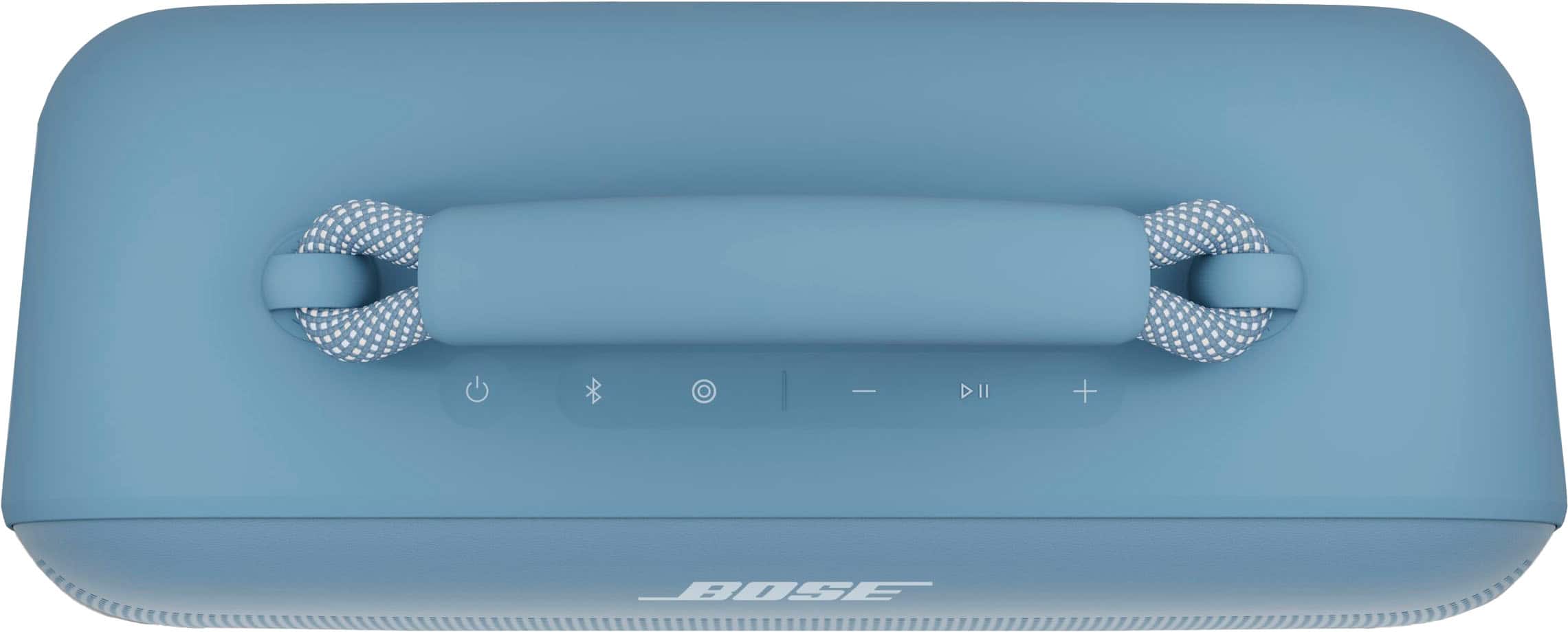
To use the speaker with Siri, press the Multi-Function button on the speaker down until you hear a tone from the speaker while the speaker is connected via Bluetooth to your iPhone.
A:AnswerNo. It does not seem to synch with my HP-Spectre tablet. I am guessing there is a Bluetooth setting that is amiss. I will be on the road sans WiFi next week, so take your time with returning any suggestions.
A:AnswerThis depends on what output options are offered by the television. Please refer to your TV's user manual to check if it supports Bluetooth audio output. If it does, then yes, it should be able to pair with the speaker.
A:AnswerHi.
Chargers with a higher current rating generally charge products faster than those with a lower rating. Chargers typically list a current rating on the label in Amps (A) or milliamps (mA). A current rating of 1 A / 1000 mA or higher is recommended.