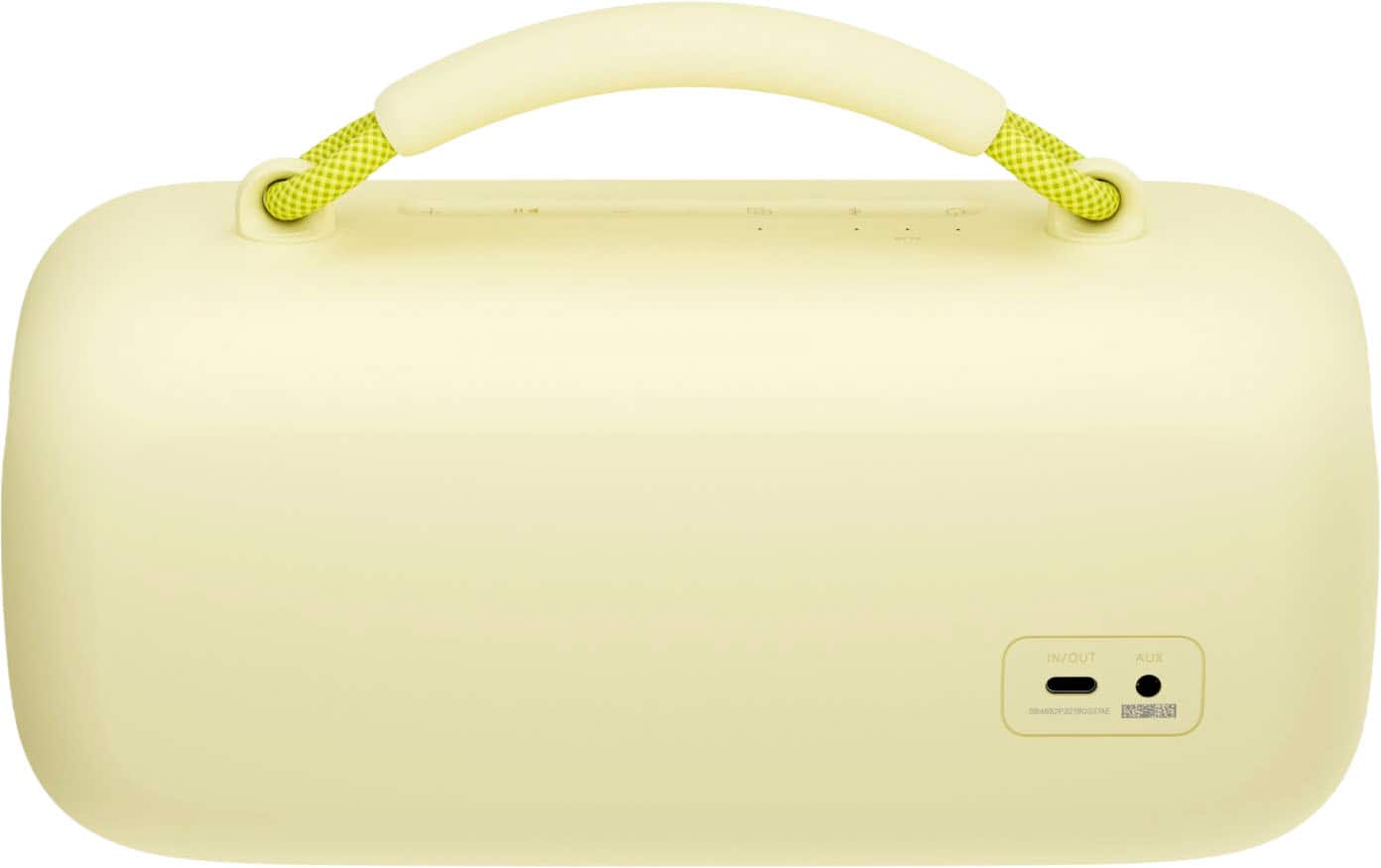
A:AnswerI’ve been able to connect a DJI Lav mic through the 3.5mm input but the latency can be quite a challenge. Still looking for a self (battery) powered mic to plug in directly. Hoping that directly in will eliminate the Blue Tooth latency challenge.
A:AnswerYes, you can connect the SoundLink Micro to another SoundLink Speaker via the Bose Connect app or another Bose Smart Speaker via the Bose Music app.
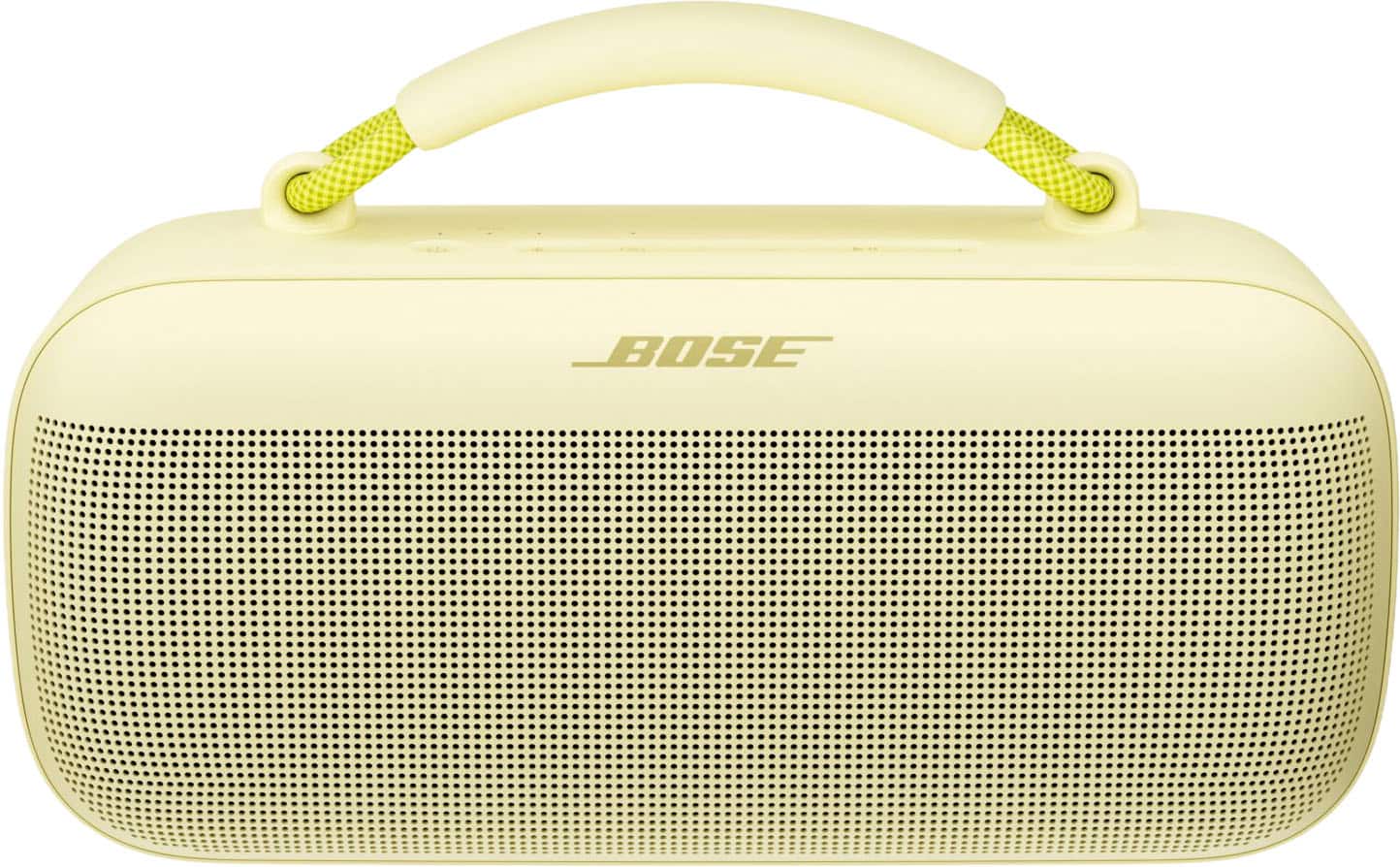
A:AnswerThe SoundLink Micro projects sound from the front and back. In this respect, the speaker can be used lying on the strap side, as sound will still project from the front.
A:AnswerThe speaker can be used without the Bose Connect app, just by connecting through Bluetooth. The Bose Connect app is used to adjust settings on the speaker.
A:AnswerYes - the SoundLink Micro Bluetooth speaker can be used to answer calls on your Samsung S24. You can also access voice control to make calls, as long as your device supports this.
A:AnswerPlease try the steps here https://bose.life/3R0McVC to help with the battery, or contact us https://bose.life/contact for support.
To use the speaker with Siri, press the Multi-Function button on the speaker down until you hear a tone from the speaker while the speaker is connected via Bluetooth to your iPhone.
A:AnswerNo. It does not seem to synch with my HP-Spectre tablet. I am guessing there is a Bluetooth setting that is amiss. I will be on the road sans WiFi next week, so take your time with returning any suggestions.