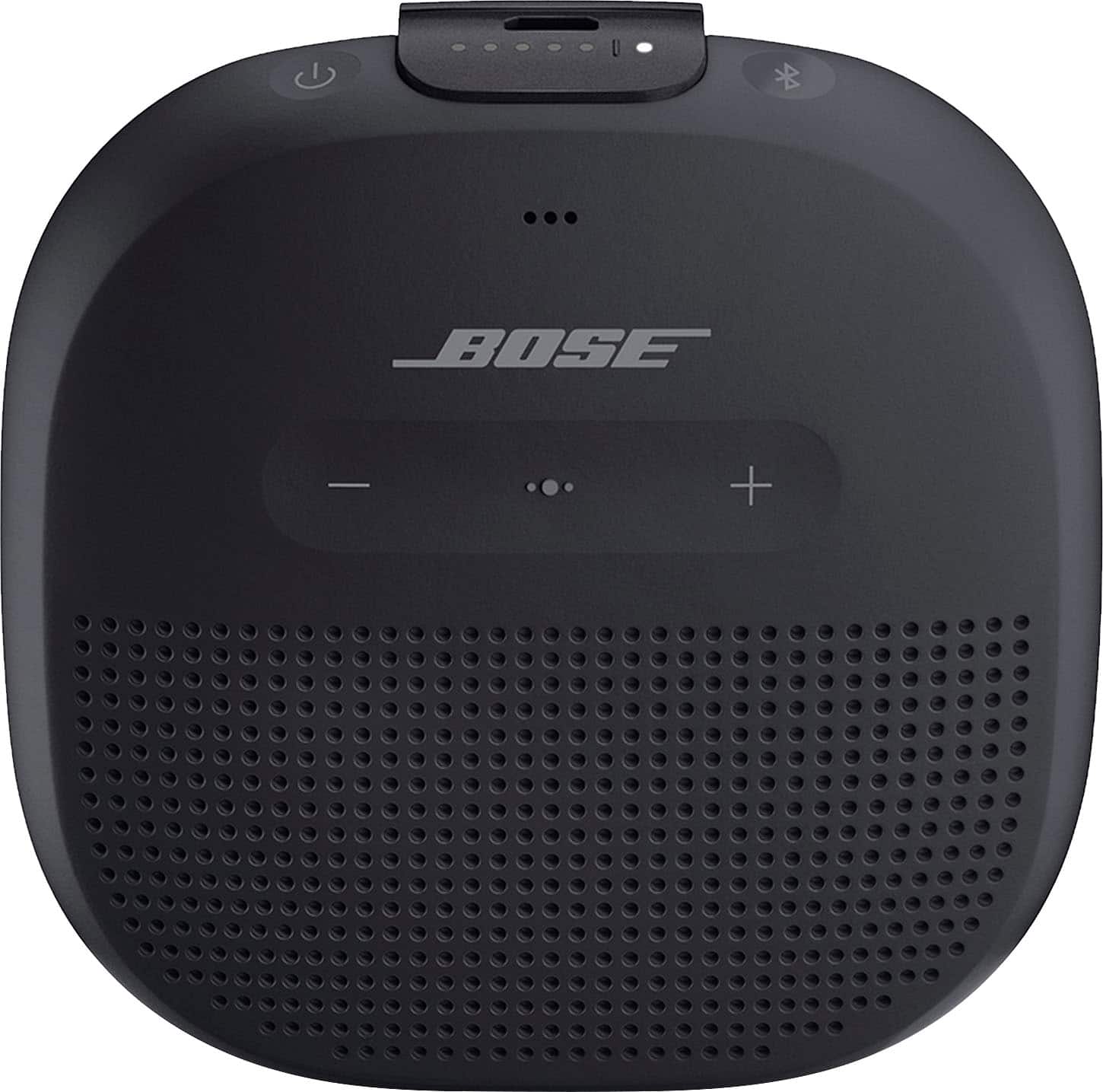
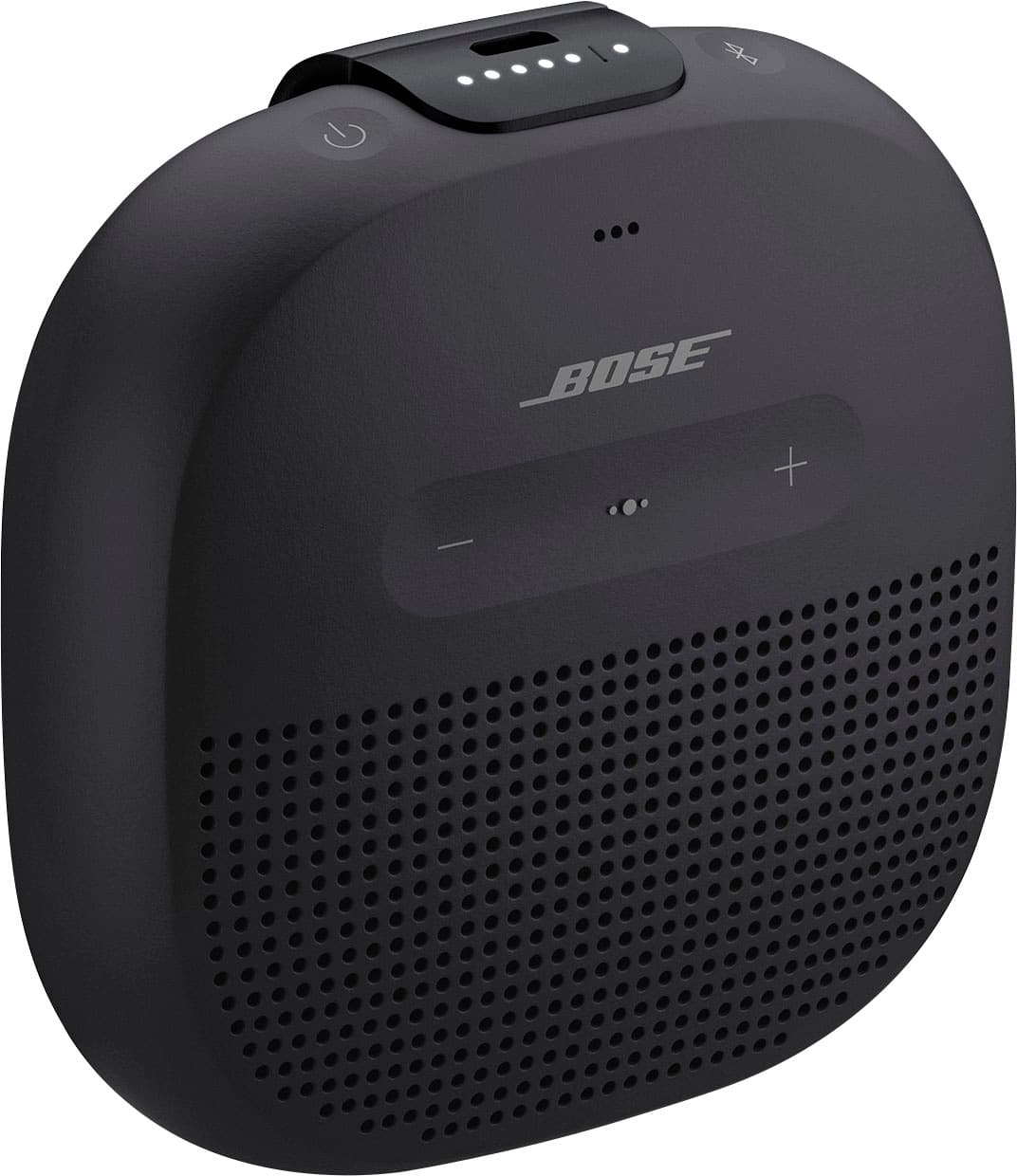
A:AnswerThere’s really no telling how many charge cycles the battery has b4 it can no longer hold a charge and has to be plugged in at all times just like the fact that nobody can really tell how many times you can charge your phone until the battery can no longer hold a charge like it used to. All products that used lithium ion battery like this speaker and other speakers and phone batteries, they all have charge cycles depends how high the the battery capacity is and how often the user (you) utilizes charging your Devices. 1 year manufacturers warranty is generous enough to know that your product is covered in any case it doesn’t hold a charge at all within 1 year since purchased date. Hope this helps but if you have more technical questions, you are better off calling manufacturer directly and get the answers you need.
A:AnswerHi! As noted by the other users here, this SoundLink Micro can be used as a speaker for phones, as well as the ringer to play any notifications through. Please note that some devices may need you to select the ringer device separately should you want to do this.
We hope this helps!
A:AnswerThe Soundlink Micro is only capable of playing music through Bluetooth. This means you need a Bluetooth compatible device to pair with the Soundlink Micro.
A:AnswerHello Alabama,
Thanks for the question. Absolutely! The Auto-off feature can be set for 5 minutes and up to a 5 hour time.
Take care,
Mohsin - Bose Support
A:AnswerYes - it works with any bluetooth device from what I can tell. I've used it with my Microsoft book and my galaxy note 8 and it worked just fine.
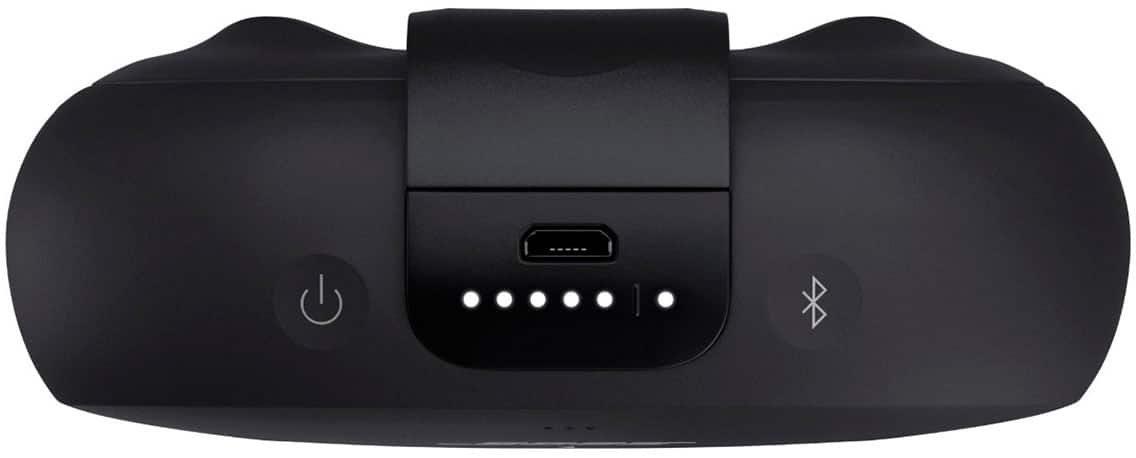
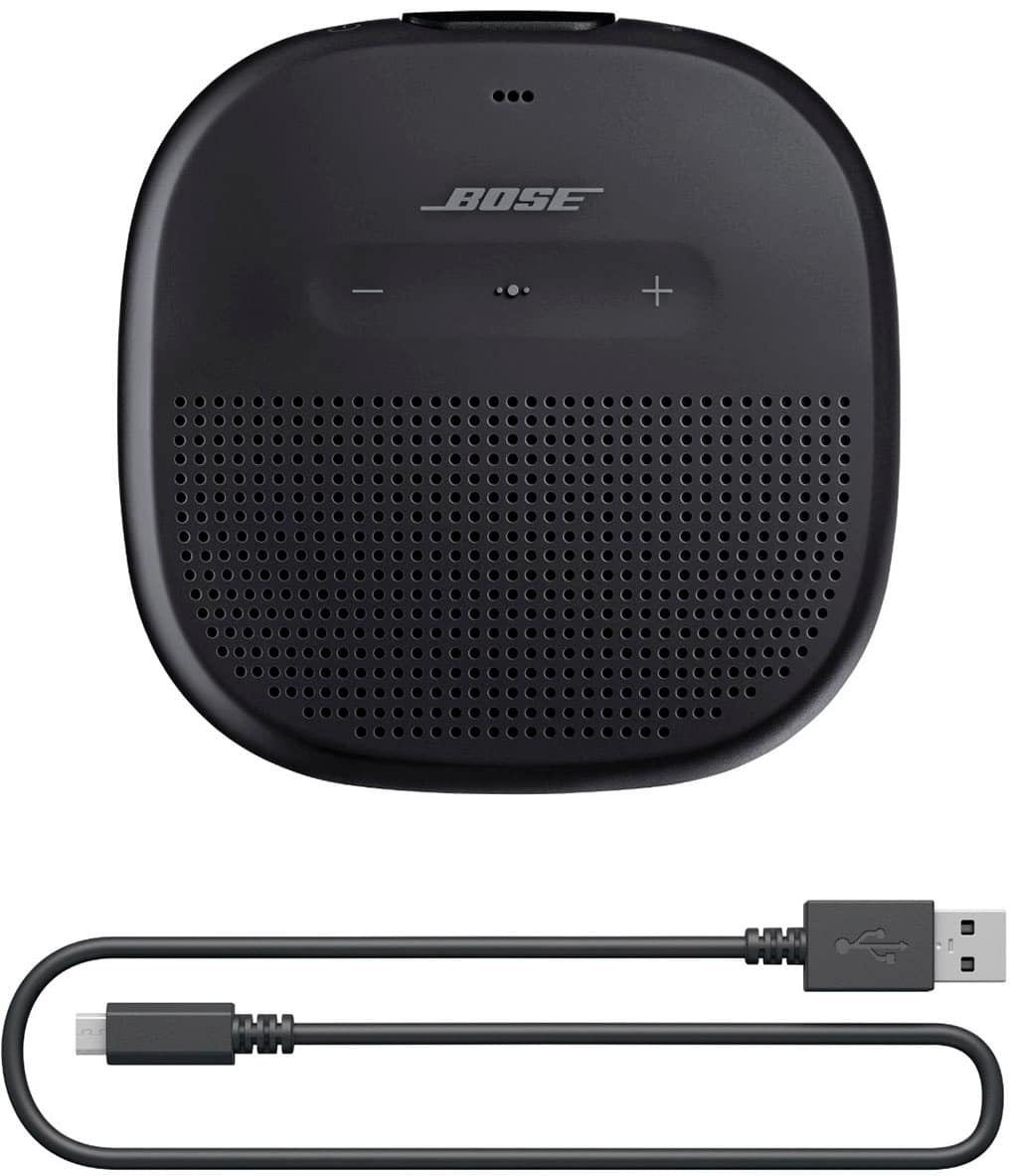
A:AnswerHey Phil, we're happy to help you with this. The SoundLink Micro Bluetooth speaker has a Micro-B USB port, and uses a Male Type A to Male Micro B USB charging cable. If you could please contact our Support team, we'd be happy to further assist (https://bose.life/1RwxI8E). Thank you! Josselyn - Bose Support
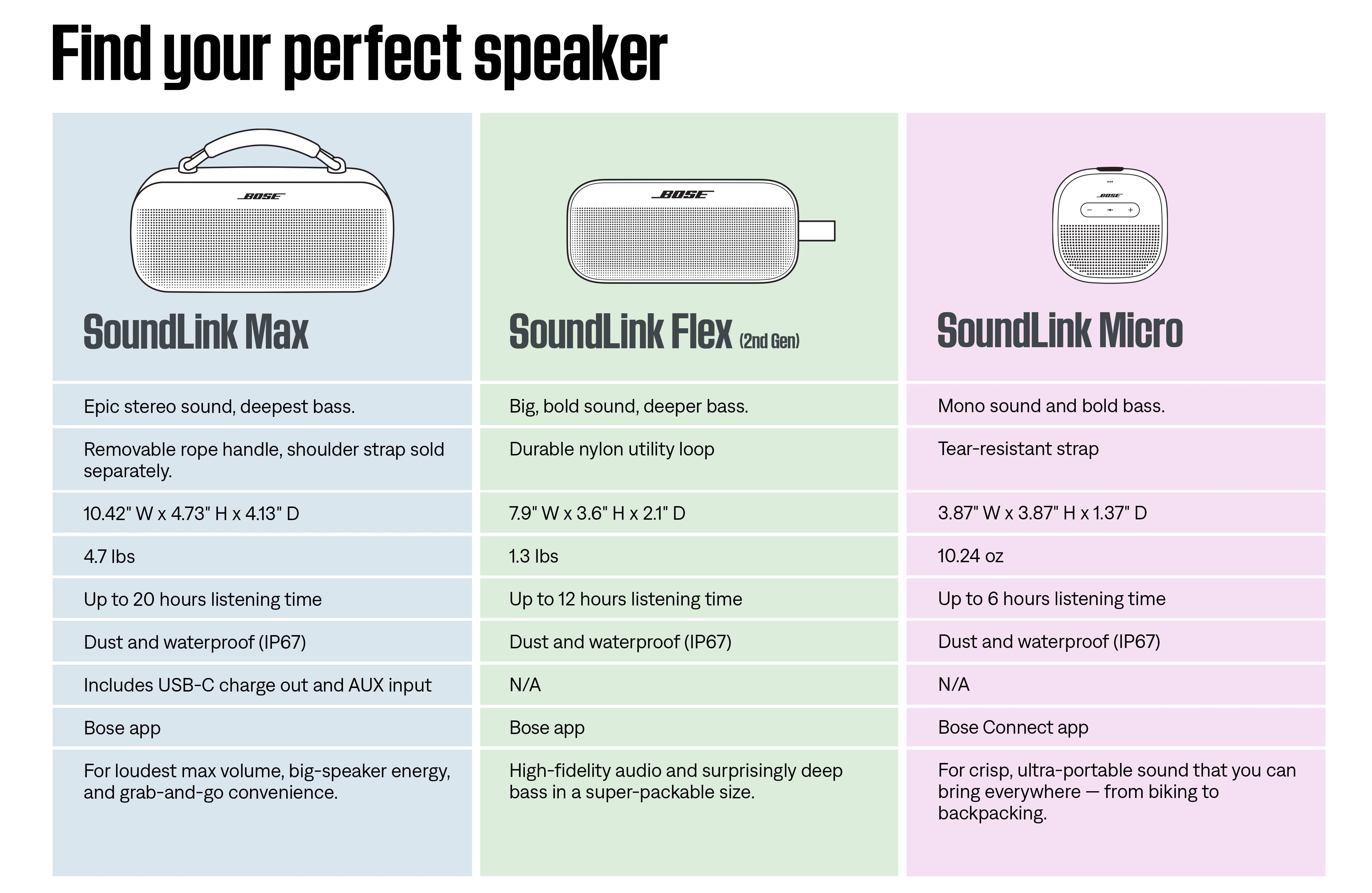
A:AnswerThe Micro only accepts Bluetooth as a source. Also, there is no AUX input. If Google Home can act as a Bluetooth host (a source like your phone), then it should be possible.
A:AnswerOf course you can.. just be careful plugging and unplugging it, bc thats the sole reason my soundlink flex wore out (the usb port starts coming out w charger, eventually won't charge at all).. idk if theyve improved this in later gens, but id still be extra gentle with it. Its one thing for a charging cord to wear out and be unfunctional, total different story for the device charging port to go poo poo on you.
A:AnswerTo connect your SoundLink Max Portable Speaker to your HP Omni computer, make sure the speaker is in Bluetooth pairing mode by holding the Bluetooth button until the light blinks. Then, turn on Bluetooth on your computer and look for the speaker in the device list to connect. For more details, you may refer to the Bose support page at https://bose.life/4lAFAw2
A:AnswerUnfortunately, no. The SoundLink Max Portable Speaker cannot be paired directly with Echo Studio. Most Bluetooth speakers and headphones, including Bose products, are Bluetooth receivers. They can receive and play sound from a Bluetooth transmitter (like a smartphone or laptop), but they cannot send sound to one another.
A:AnswerYes, the Bose SoundLink Max Portable Bluetooth Speaker can play music directly from your iPhone. Once paired via Bluetooth, your iPhone can stream audio (music, videos, etc.) wirelessly to the speaker.