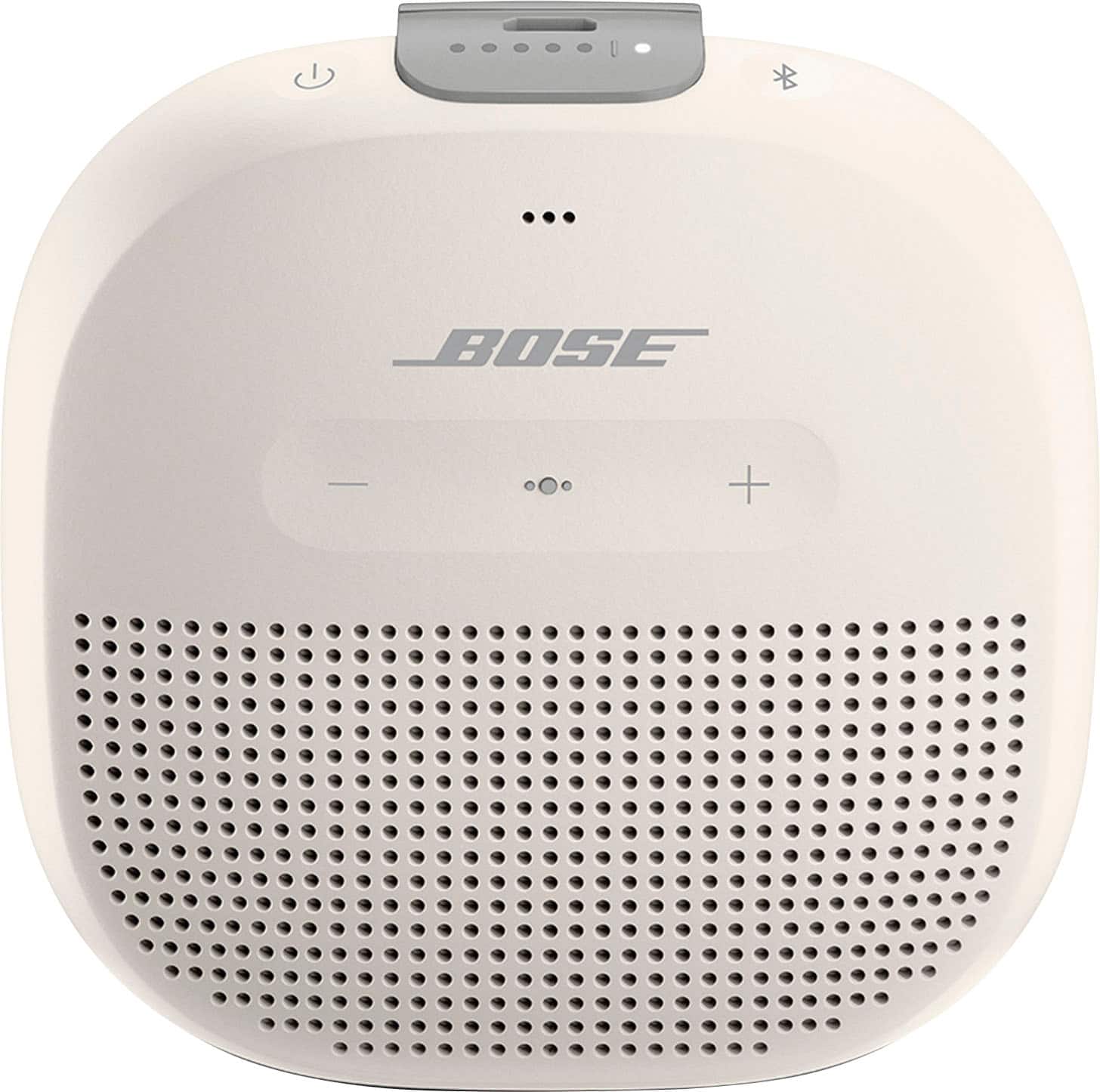
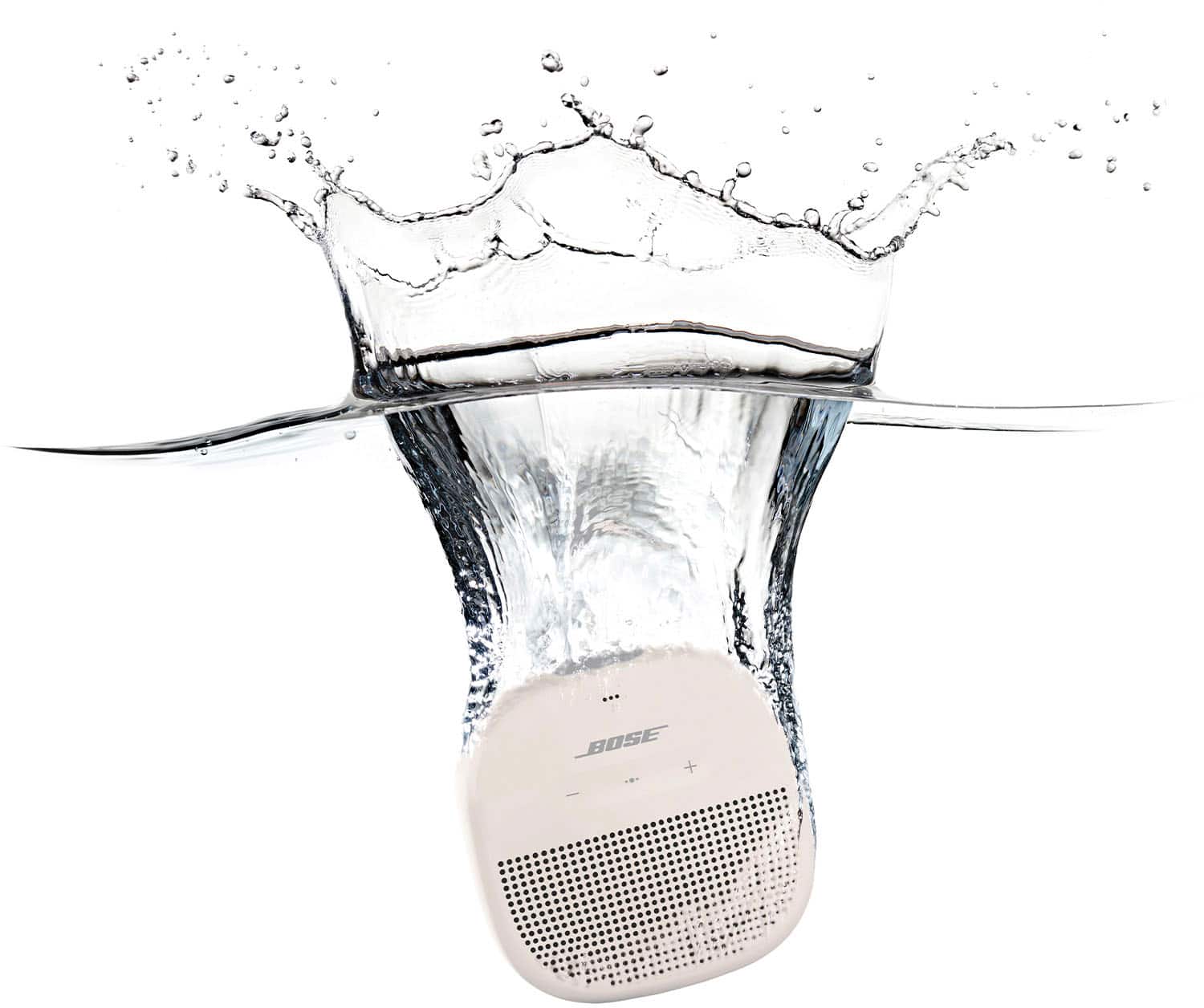
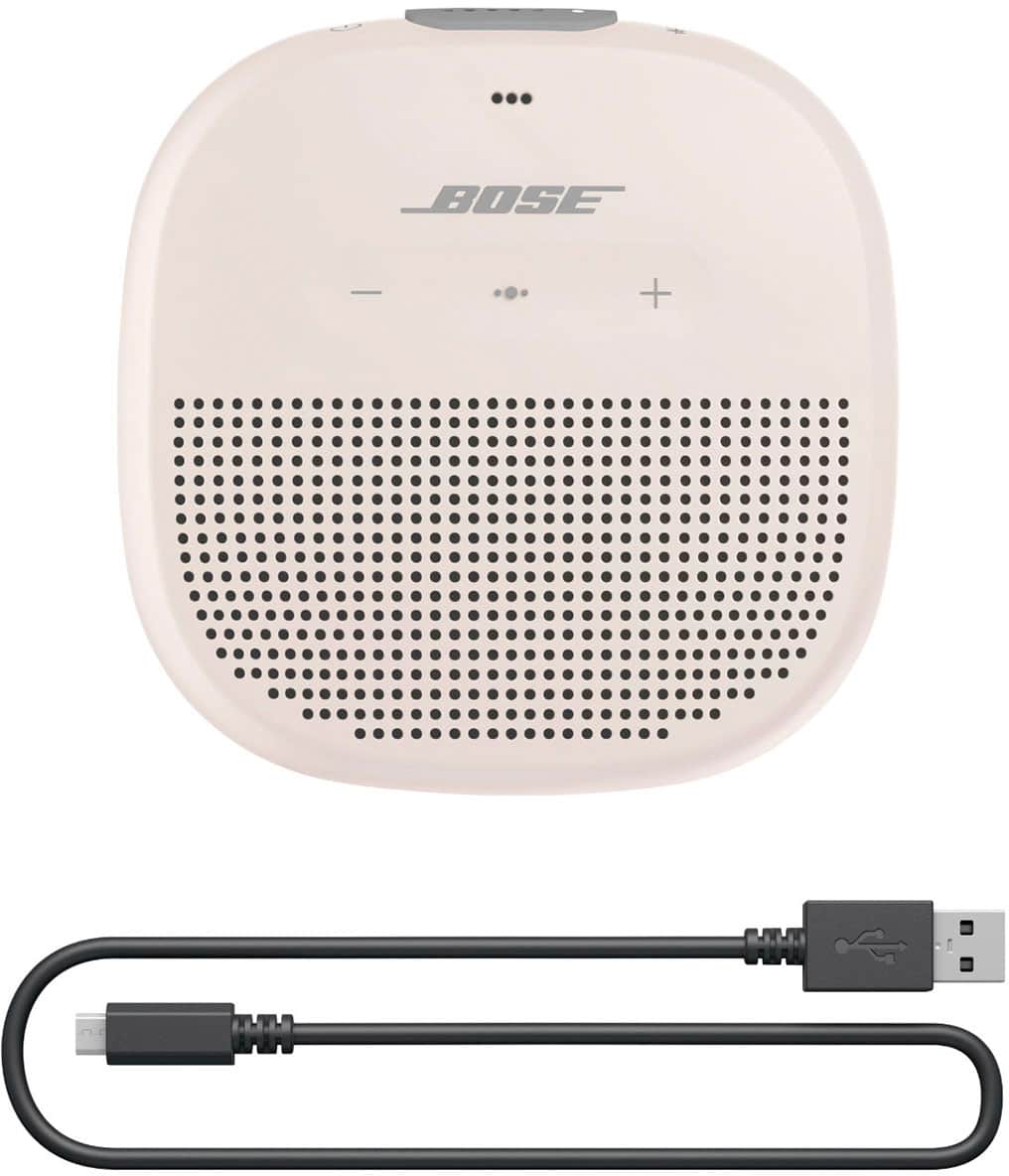
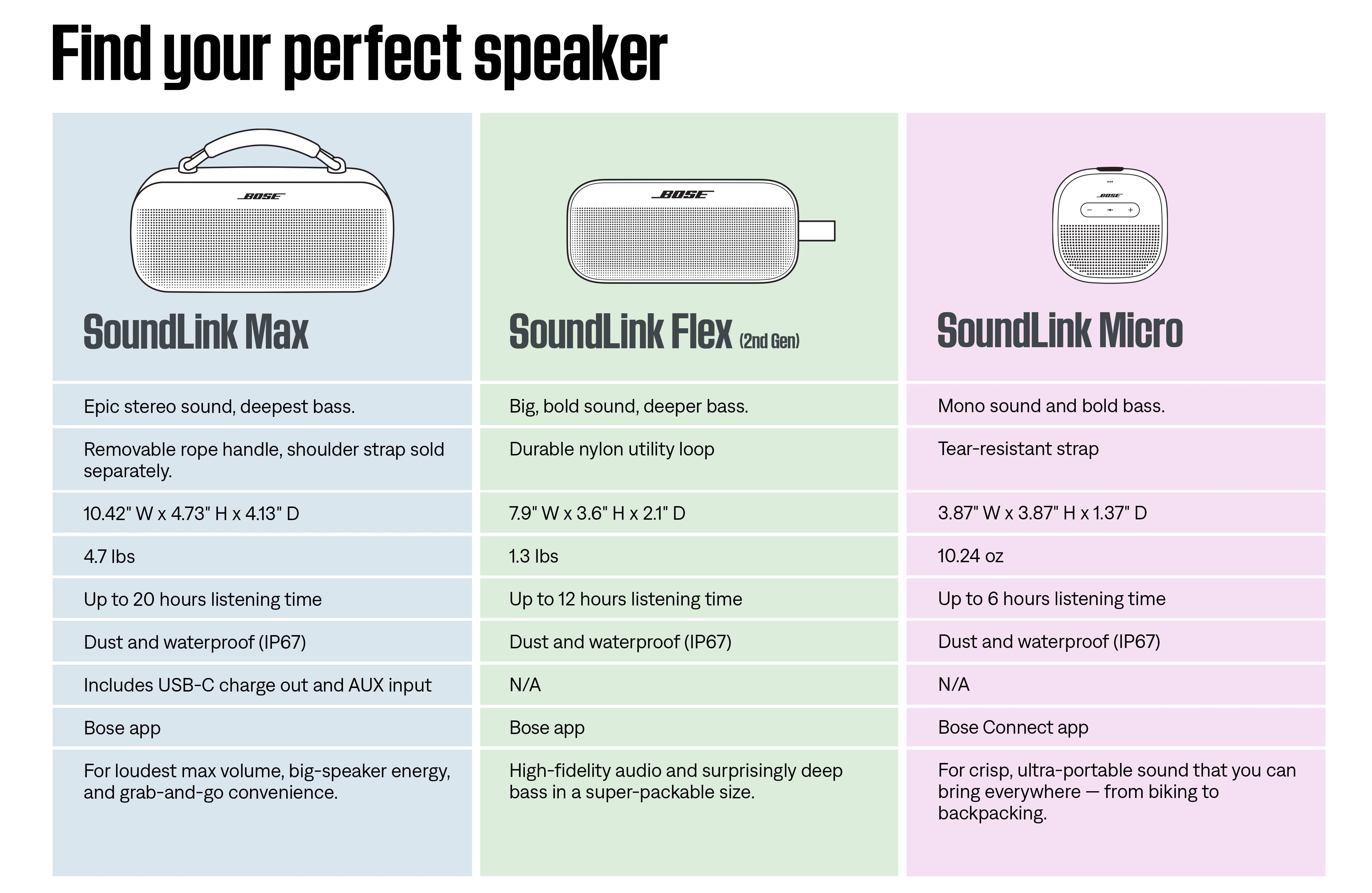
A:AnswerHi Iliana, thanks for reaching out! While the Bose SoundLink Micro Bluetooth Speaker doesn’t have an AUX port at this time, there’s no need to worry, the Bluetooth connection offers stable performance up to 30 ft (9 m). You can still enjoy your favorite music wirelessly via Bluetooth with ease.
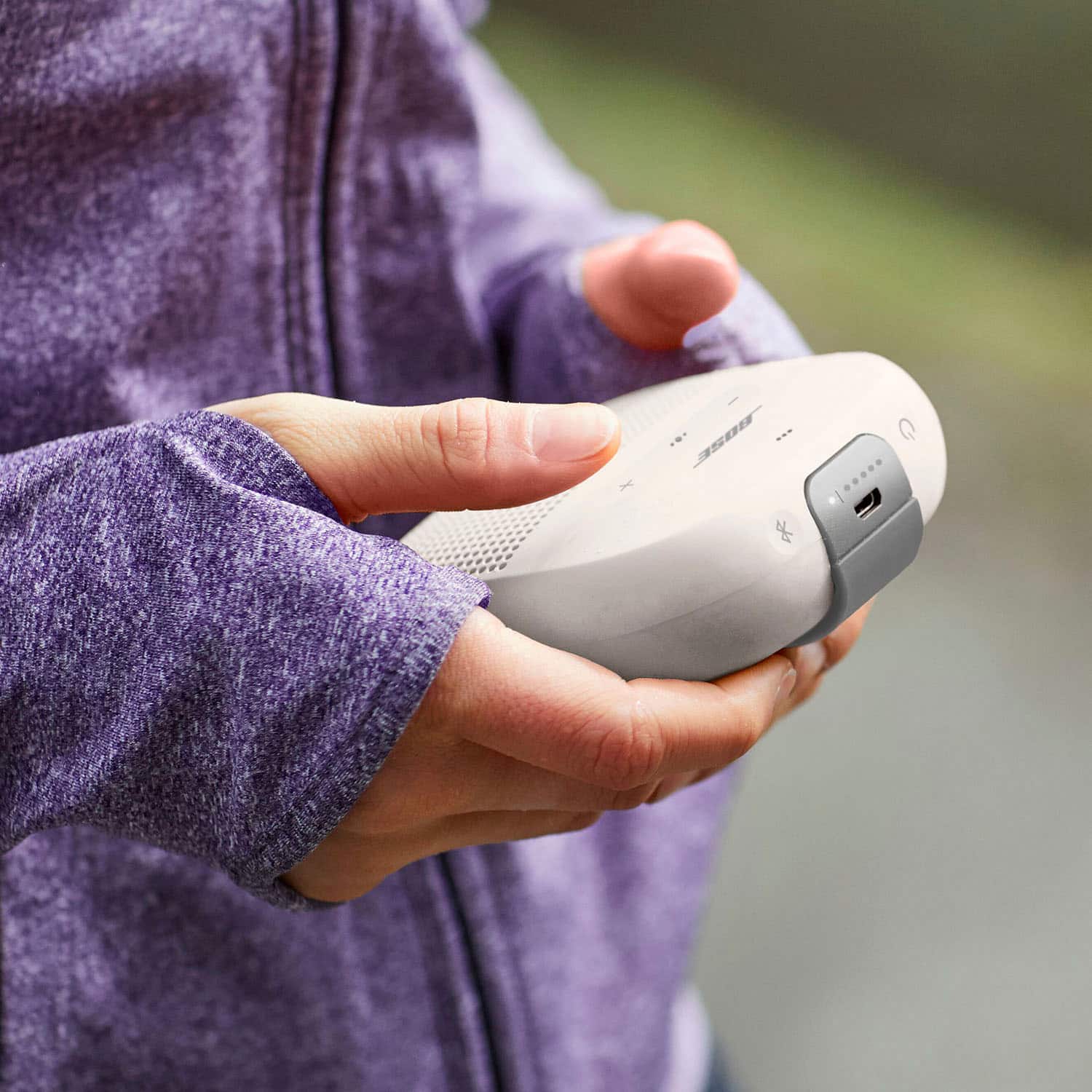
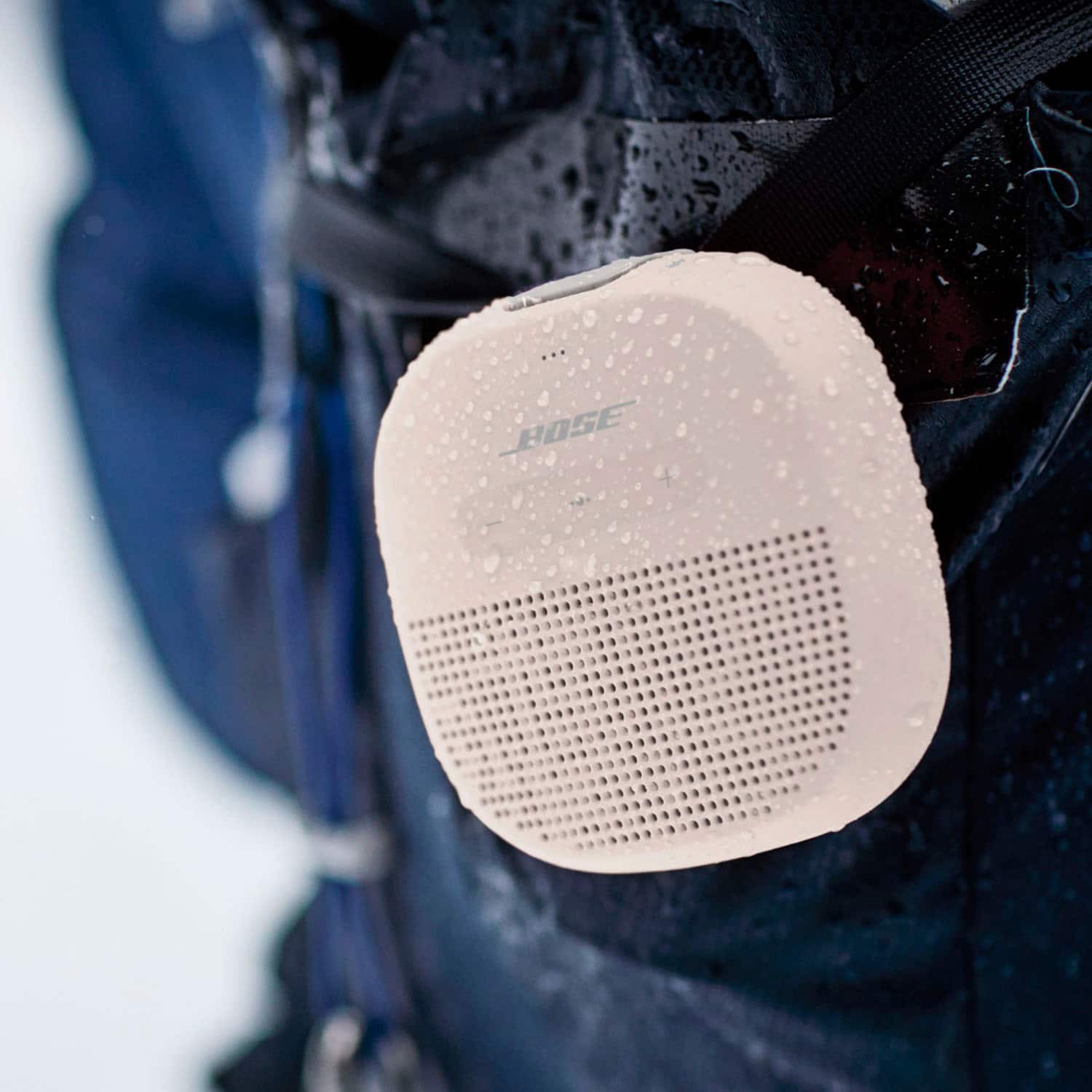
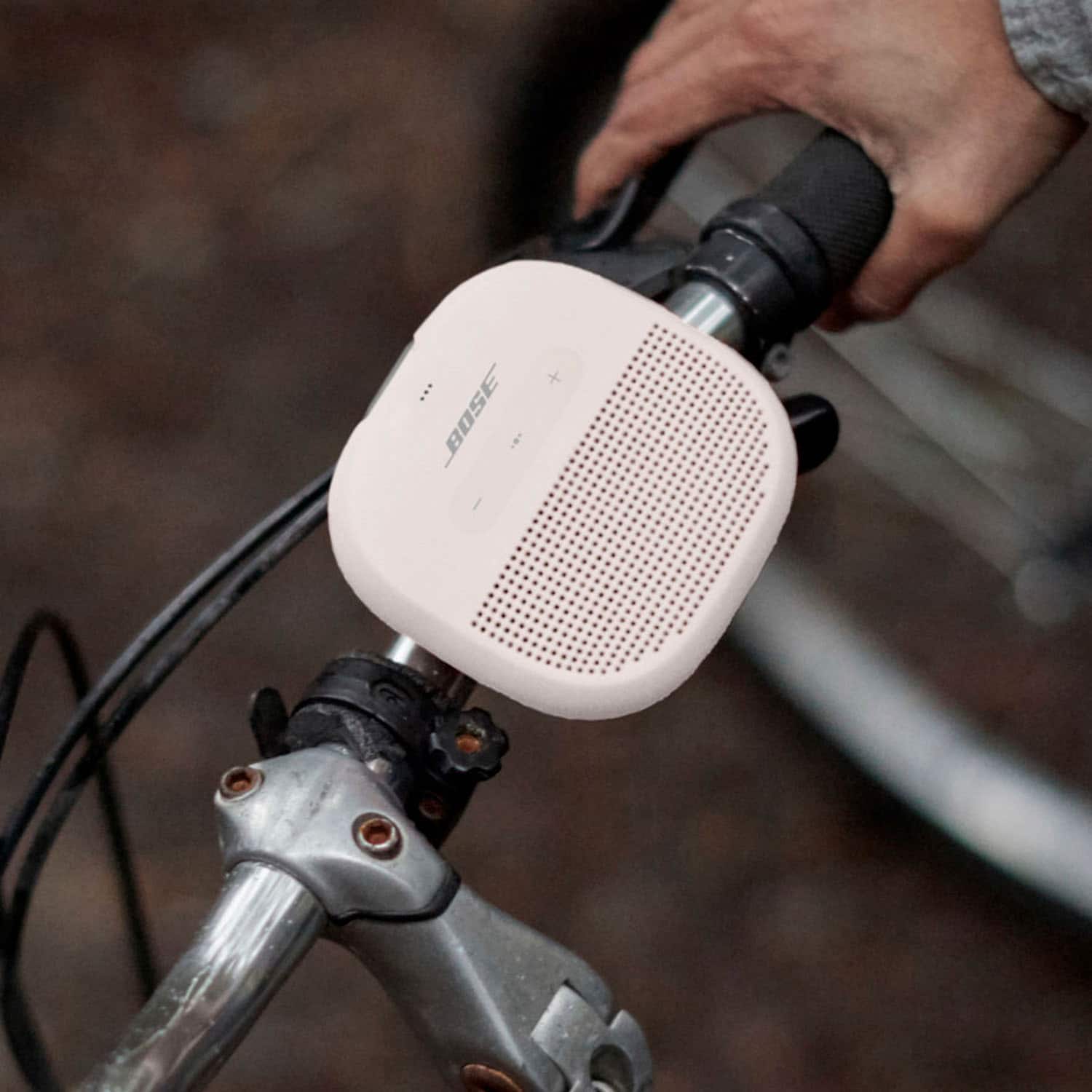
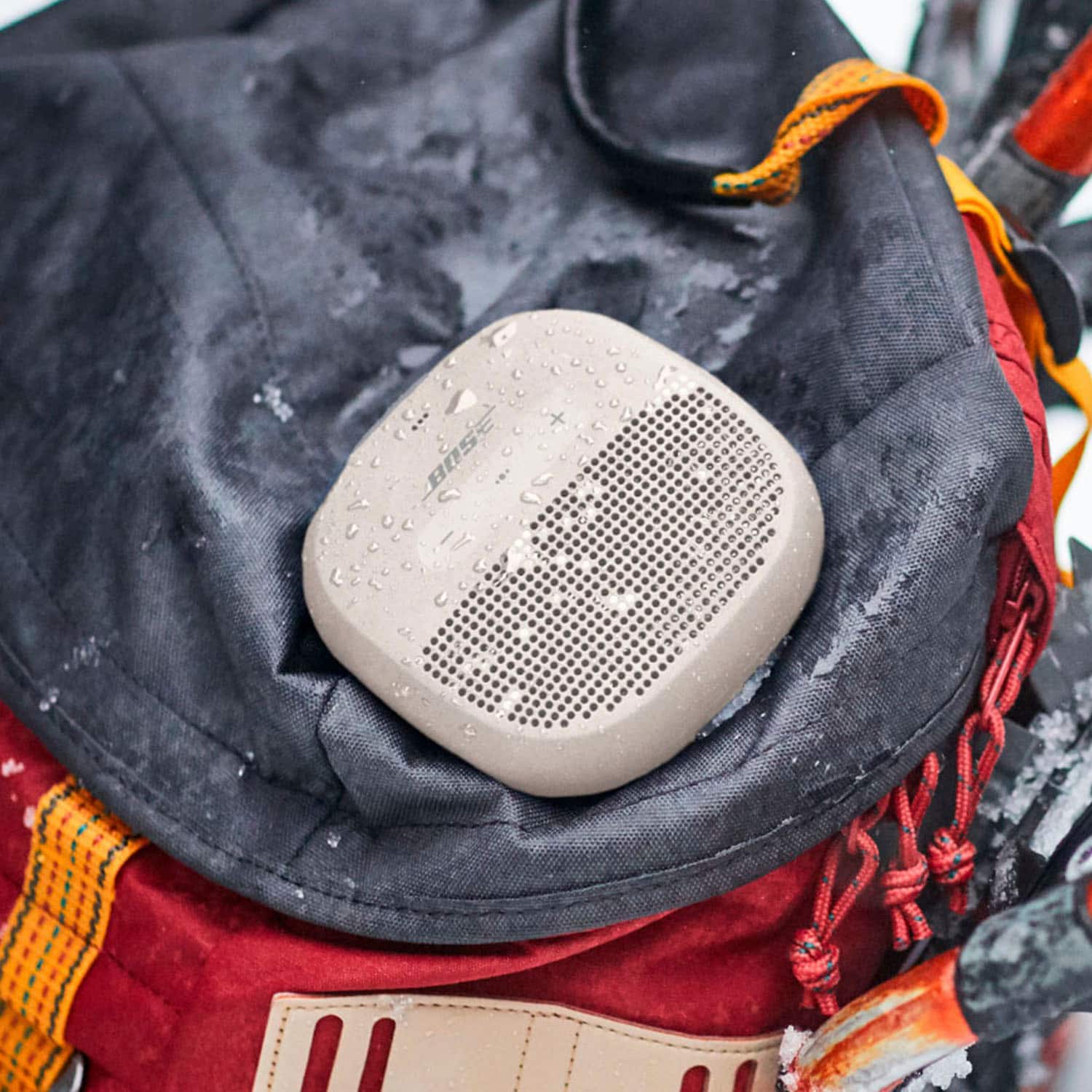
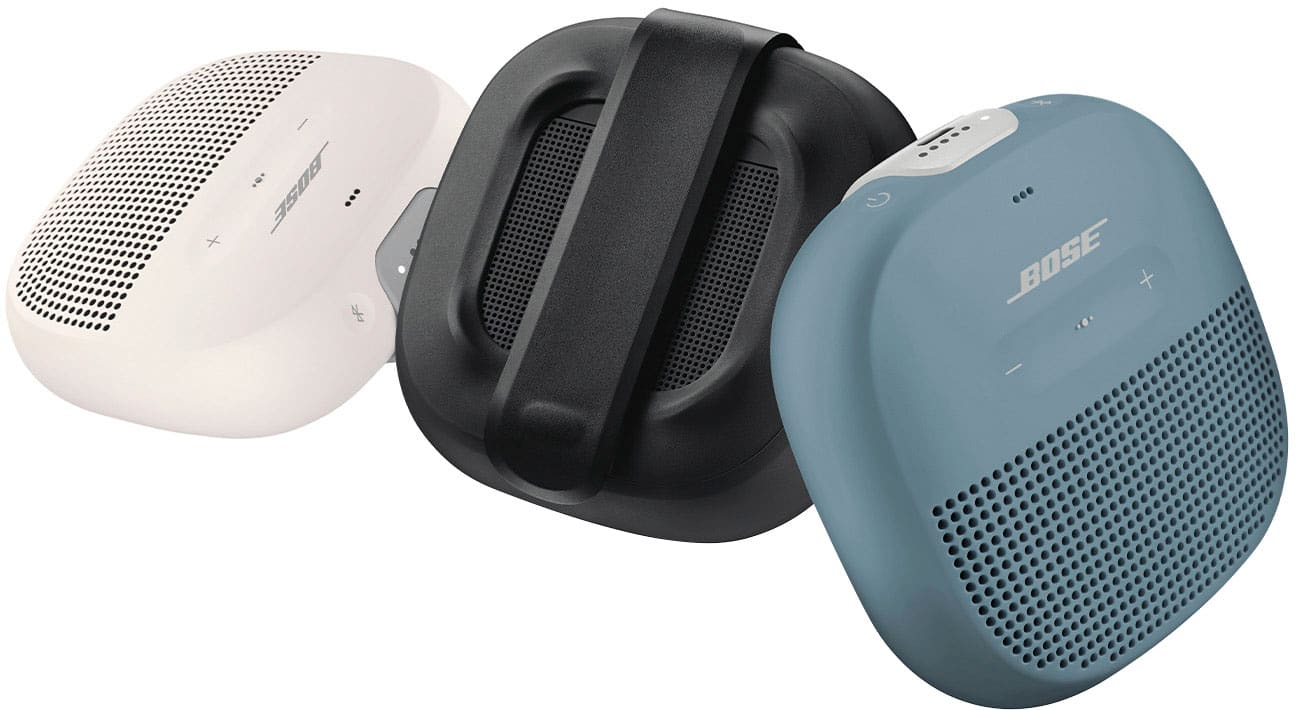
A:AnswerThanks for your question! Yes, the Bose SoundLink Micro does come with a built-in tear-resistant strap that makes it easy to attach to a backpack, bike handlebars, or other gear.
If you're looking for a longer strap or a carry case, we don’t sell those directly, but you can find compatible accessories online—Amazon is a great place to start. They offer a variety of Bose SoundLink Micro carry cases and mounting options that might suit your needs.
-Jelyn, Bose Customer Support
A:AnswerYou can try adjusting the bass controls on the connected Bluetooth device, if it has any. Alternatively, try placing the SoundLink Micro speaker near a wall or corner, which will naturally increase the bass response.
A:AnswerThe micro function in the SoundLink Micro speaker will only be activated when you use it as a speakerphone, so when you want to place or receive a call.
A:AnswerThe SoundLink Micro speaker is not specifically designed for this purpose, however you are welcome to try it and to see if you enjoy the sound.
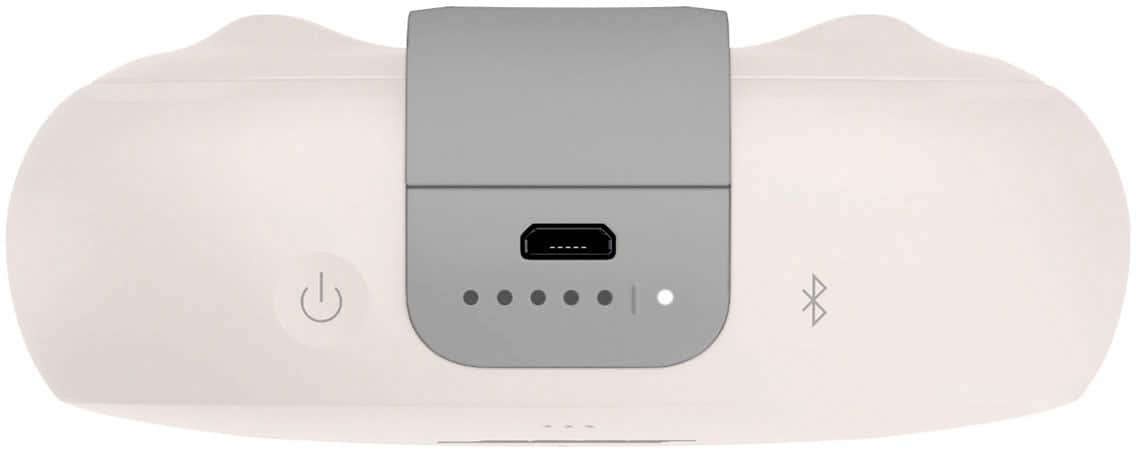
A:AnswerHello, to turn on your product, quickly press and release the Power button. Then the voice prompt will invite you to connect your Bluetooth device to the speaker.
A:AnswerYes, you can connect the SoundLink Micro to another SoundLink Speaker via the Bose Connect app or another Bose Smart Speaker via the Bose Music app.
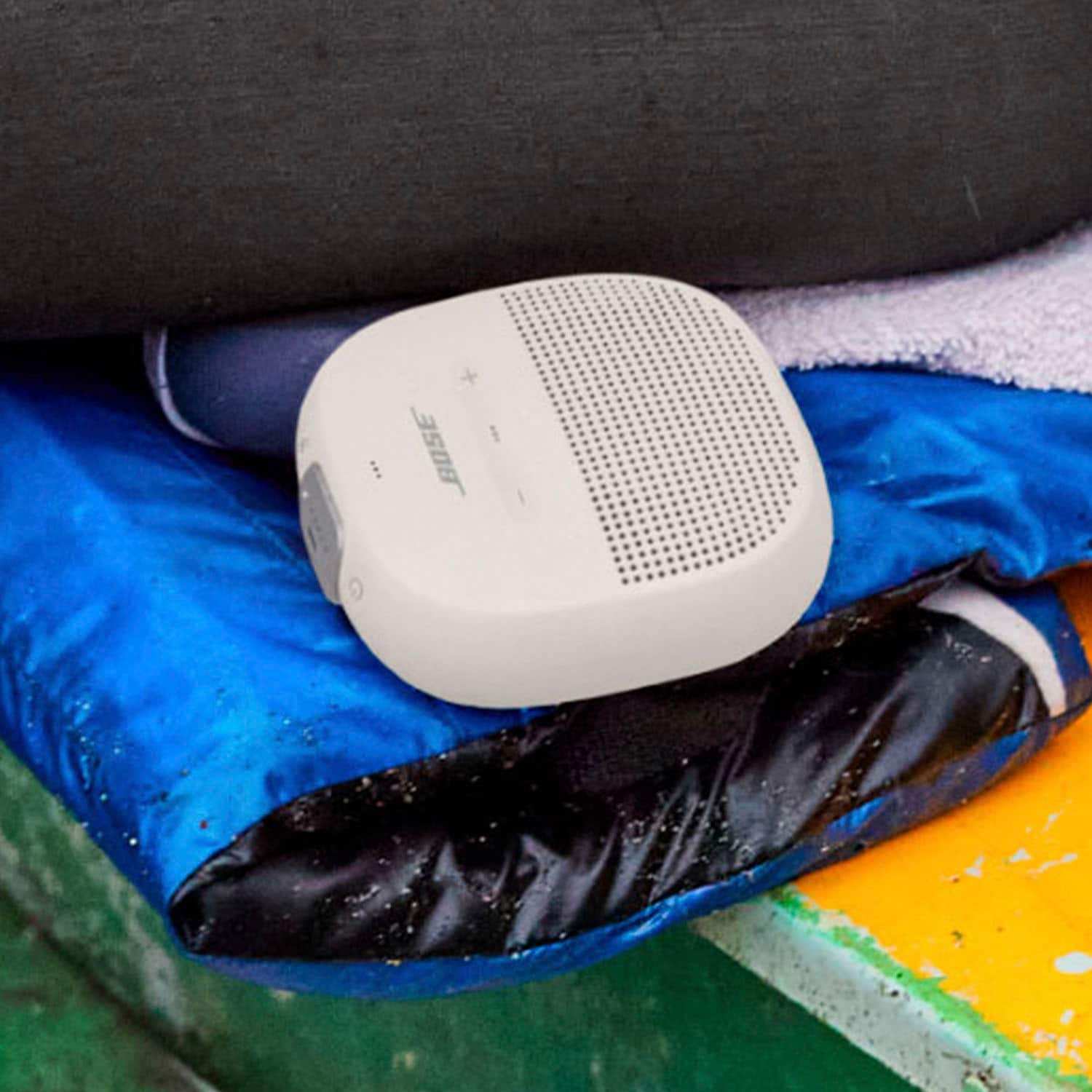
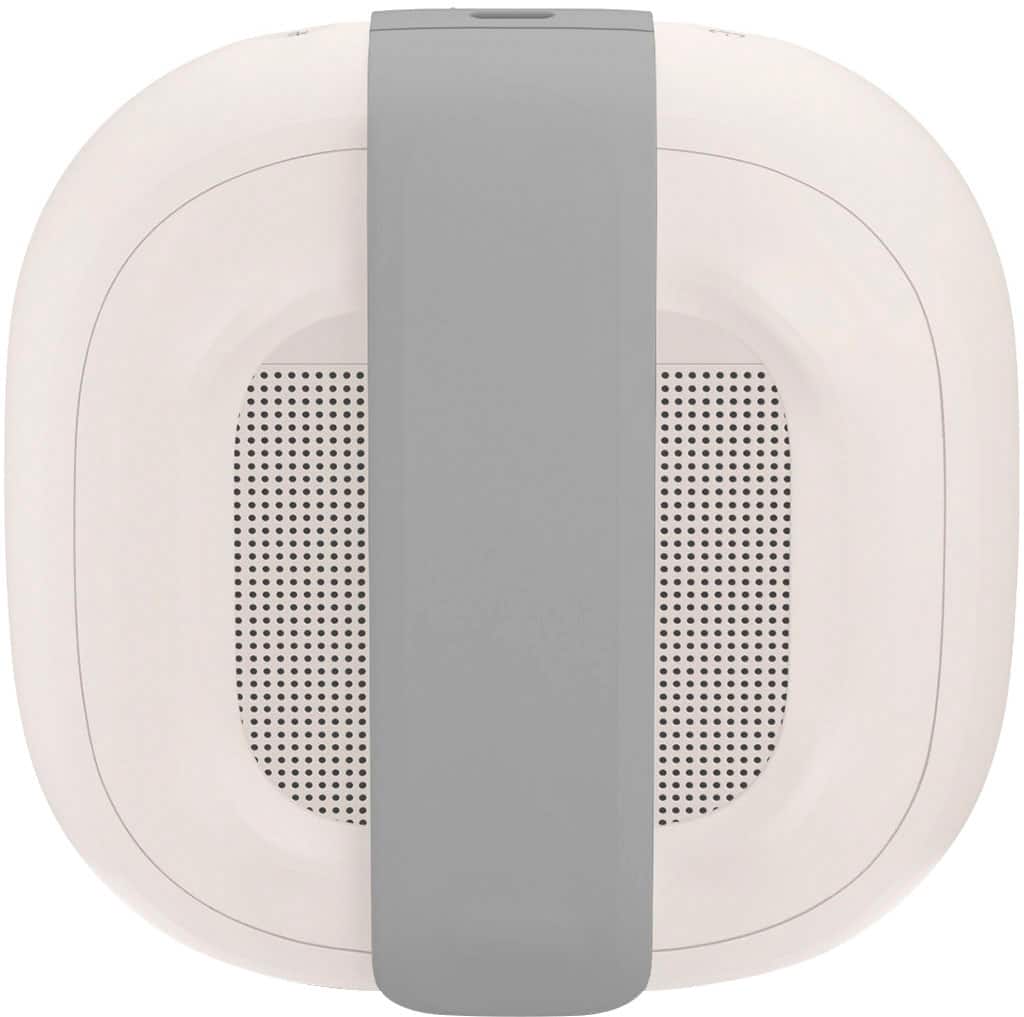
A:AnswerThe SoundLink Micro projects sound from the front and back. In this respect, the speaker can be used lying on the strap side, as sound will still project from the front.
A:AnswerThe speaker can be used without the Bose Connect app, just by connecting through Bluetooth. The Bose Connect app is used to adjust settings on the speaker.
A:AnswerYes - the SoundLink Micro Bluetooth speaker can be used to answer calls on your Samsung S24. You can also access voice control to make calls, as long as your device supports this.