A:AnswerBoses calibration can be iffy in regards to its rear speakers, it may sound odd but the best way to calibrate them it to wrap them in a cloth or something to muffle them, they’ll output more sound compensate as a result when the test is done.
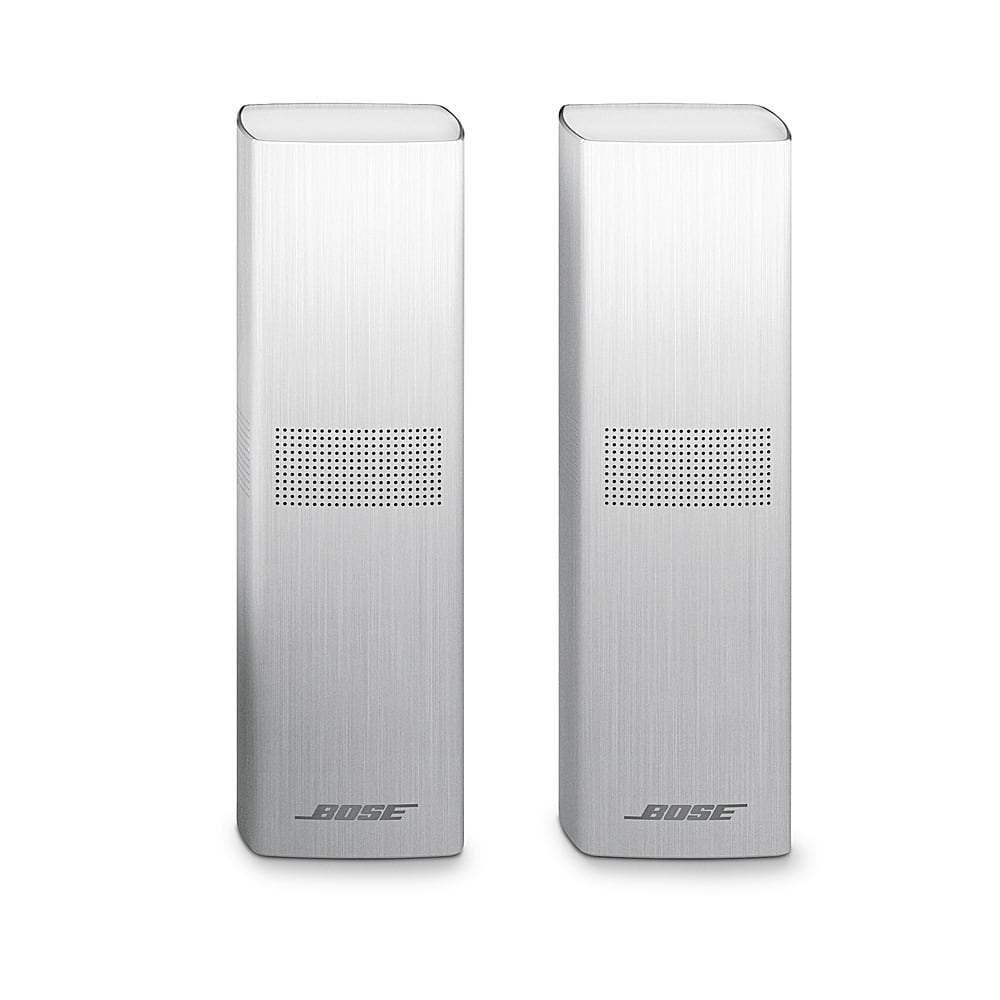
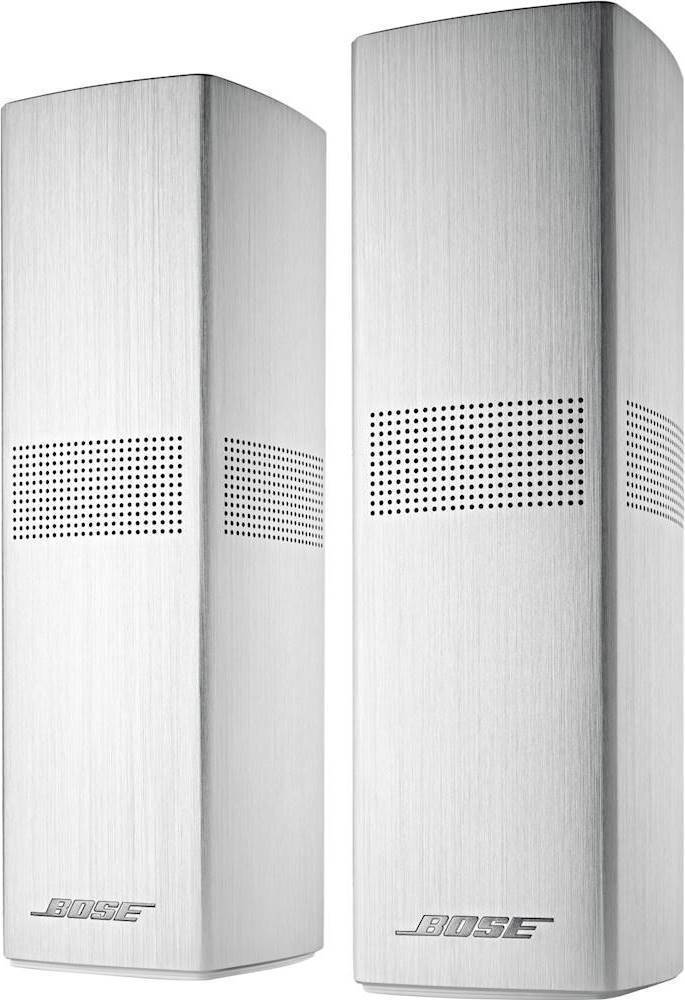
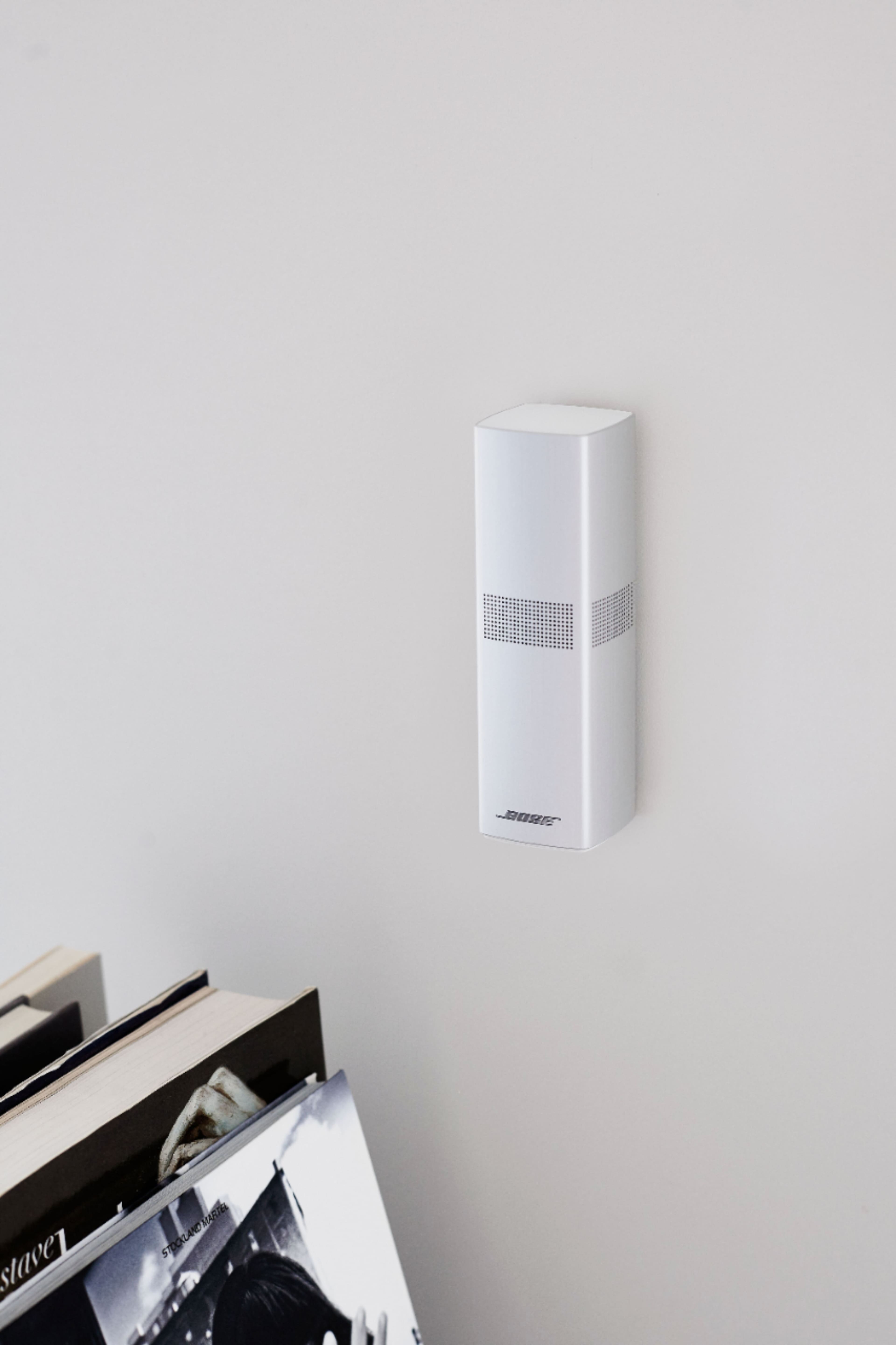
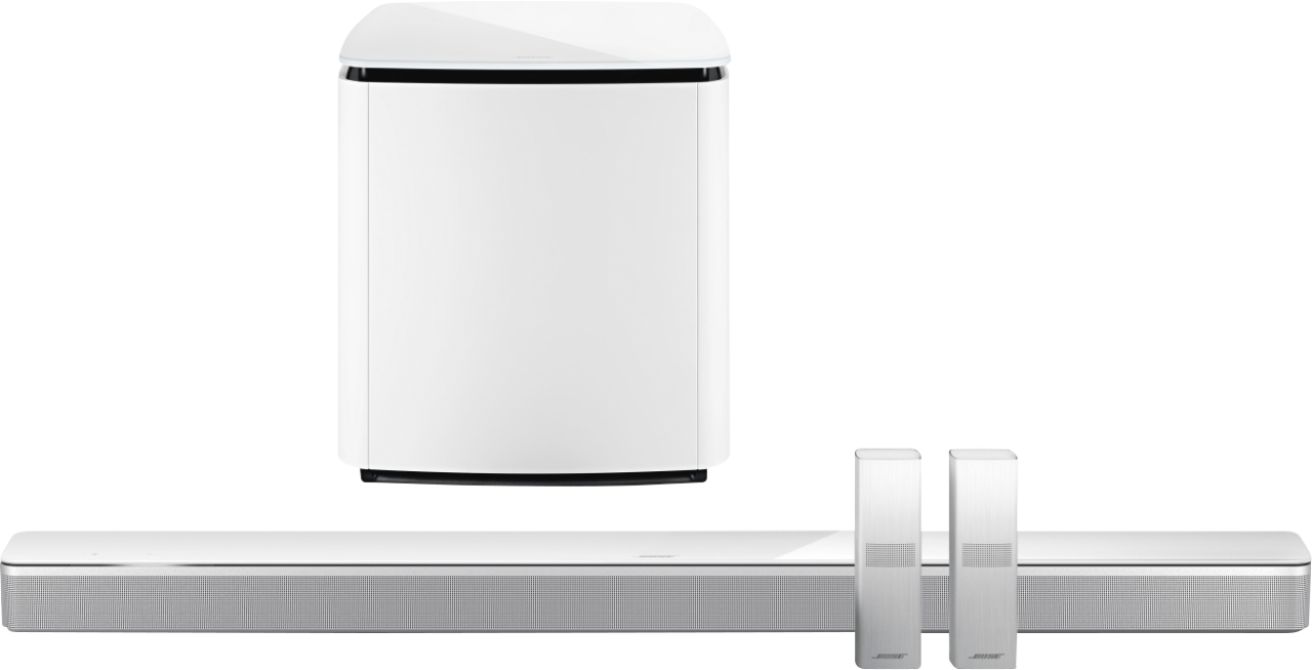
A:AnswerThe Surround Speakers 700 connect to the Soundbar 300, Soundbar 500, or Soundbar 900, wirelessly, meaning they can be placed at a distance of up to 30 feet (9 m) from your speaker.
A:AnswerWhile volume levels can be adjusted for the Surround Speaker 700 using the Bose Music app, for best performance we recommend using sources encoded in 5.1 surround sound with dedicated surround channel audio.
A:AnswerYes,
I have soundbar 300 with bass.
At first the surround 700 speakers didn't sync in because the soundbar need it to be updated.
The BOSE techs helped me, it will take 1 to 2 hours to do this process.
A:AnswerThe Surround Speakers connect wirelessly to the Soundbar 300, 500, 700, or 900 system. The speakers are connected via wire to a wireless receiver, which is connected to a mains (AC) power outlet, and can be placed around your room. The wireless receivers and wiring are included.
A:AnswerYes, they are wireless. They each connect to their own power brick that plugs into a wall. The brick handles wireless communication to the soundbar.
A:AnswerThe Surround Speakers 700 can only be connected to the Soundbar 700 and the Smart Soundbar 300 & 900 units, through the Bose Music app or with remote control configuration.