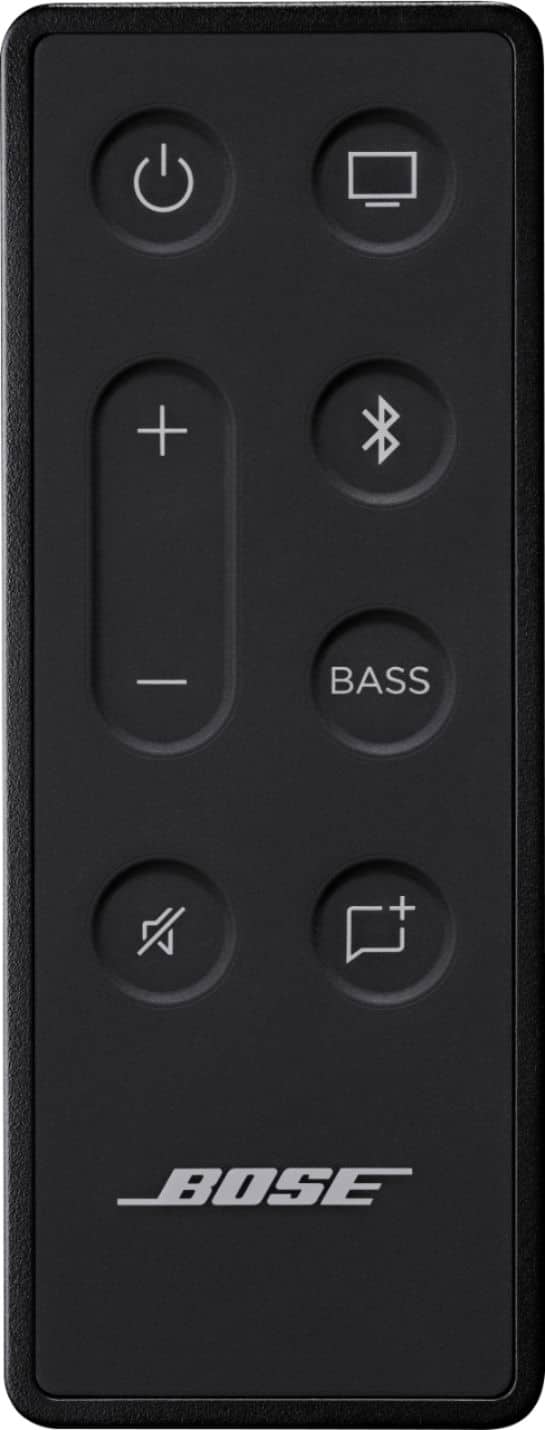
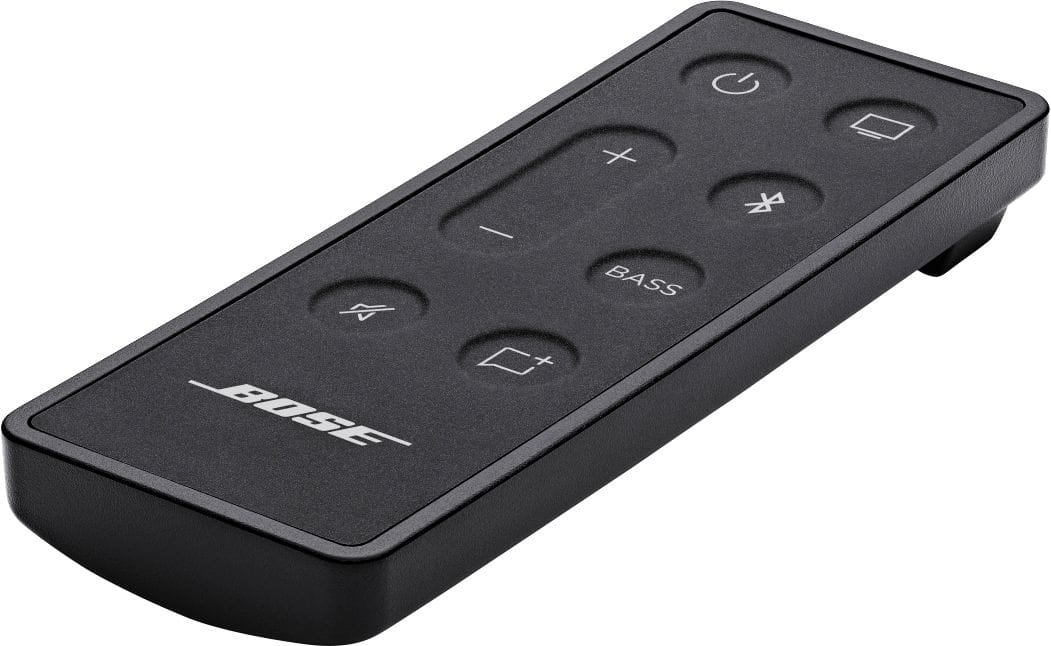
A:AnswerYes, the bluetooth connectivity is super easy! There is a bluetooth button on the remote and you can connect by using the settings app on your phone. The connection is strong and the sound is great.
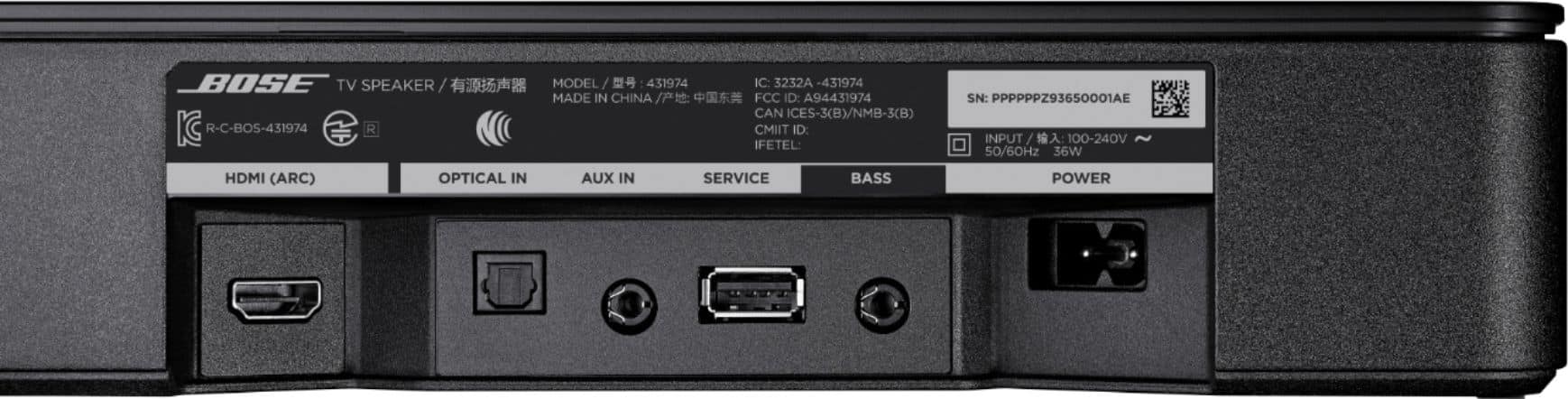
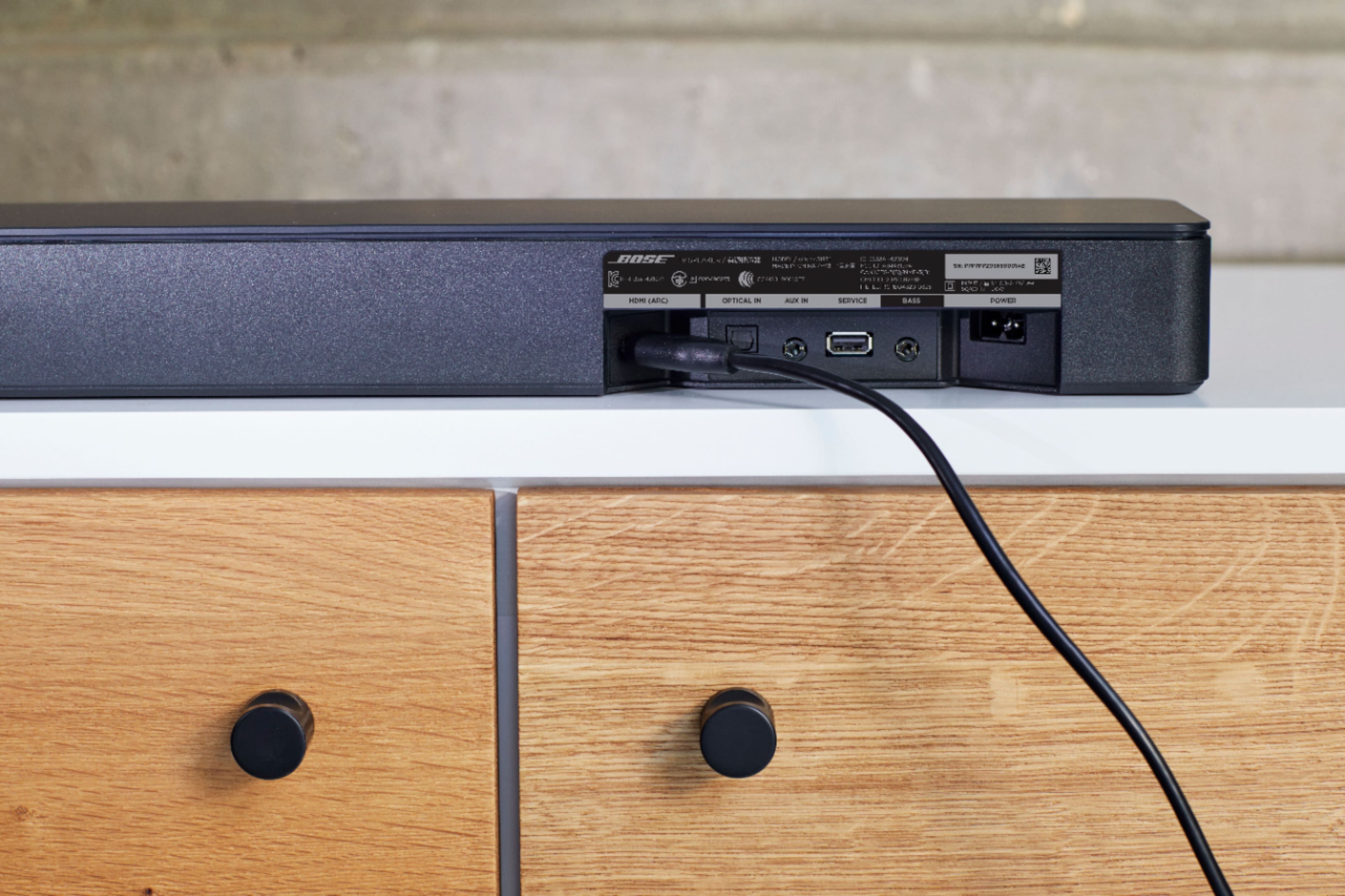
A:AnswerNo, it does have bluetooth, but is connected by either an optical cord (provided) or an HDMI card (not provided) and is plugged into an outlet.
A:AnswerFor complete info, suggest you find Bose TV Speaker on the Bose website. The answer is YES, the speaker can be connected to Bose Bass Module. It requires an additional cable.
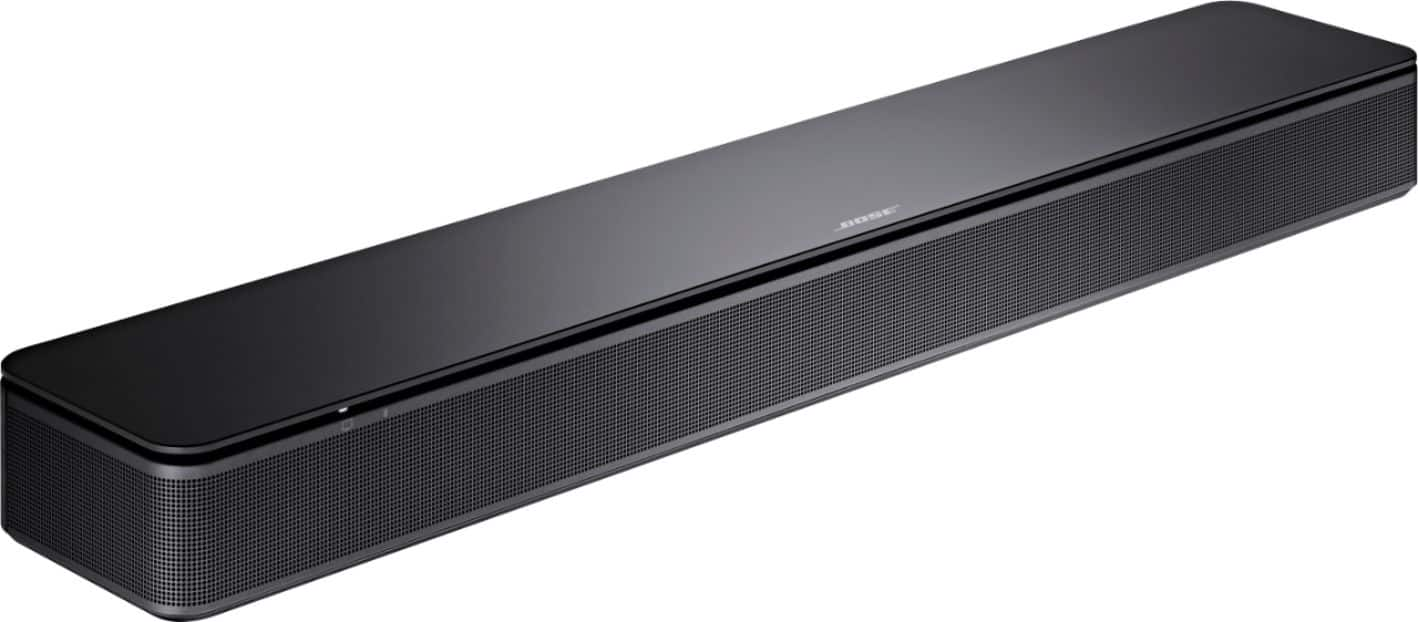
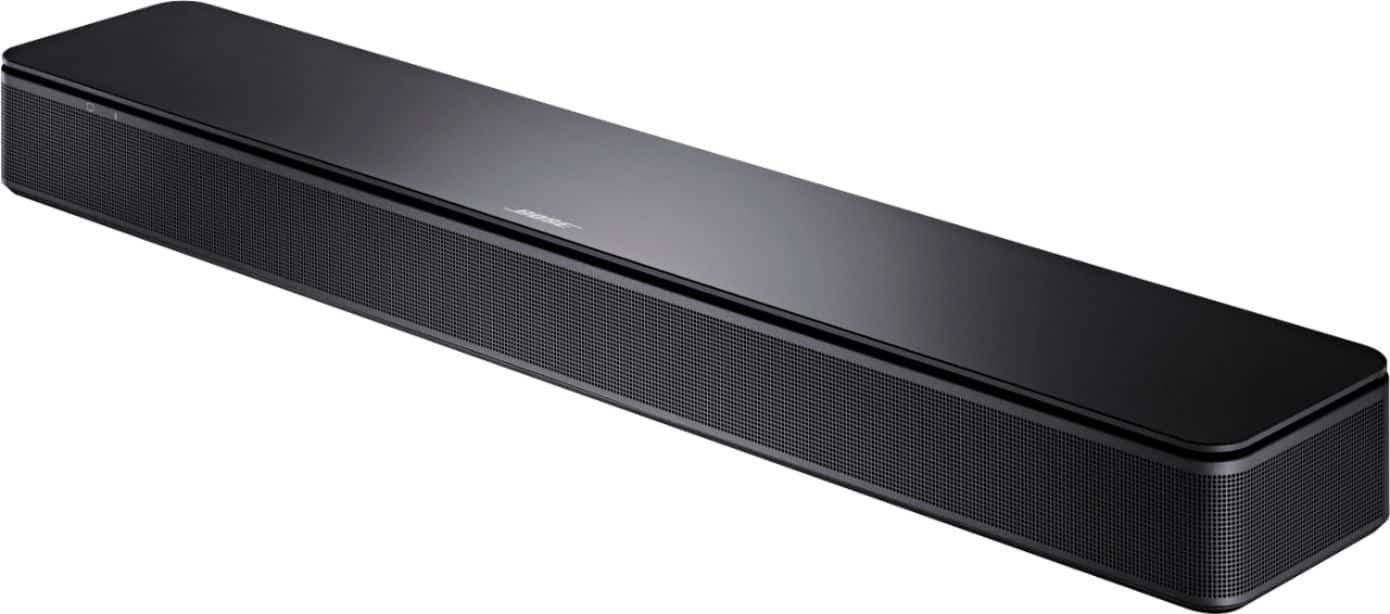
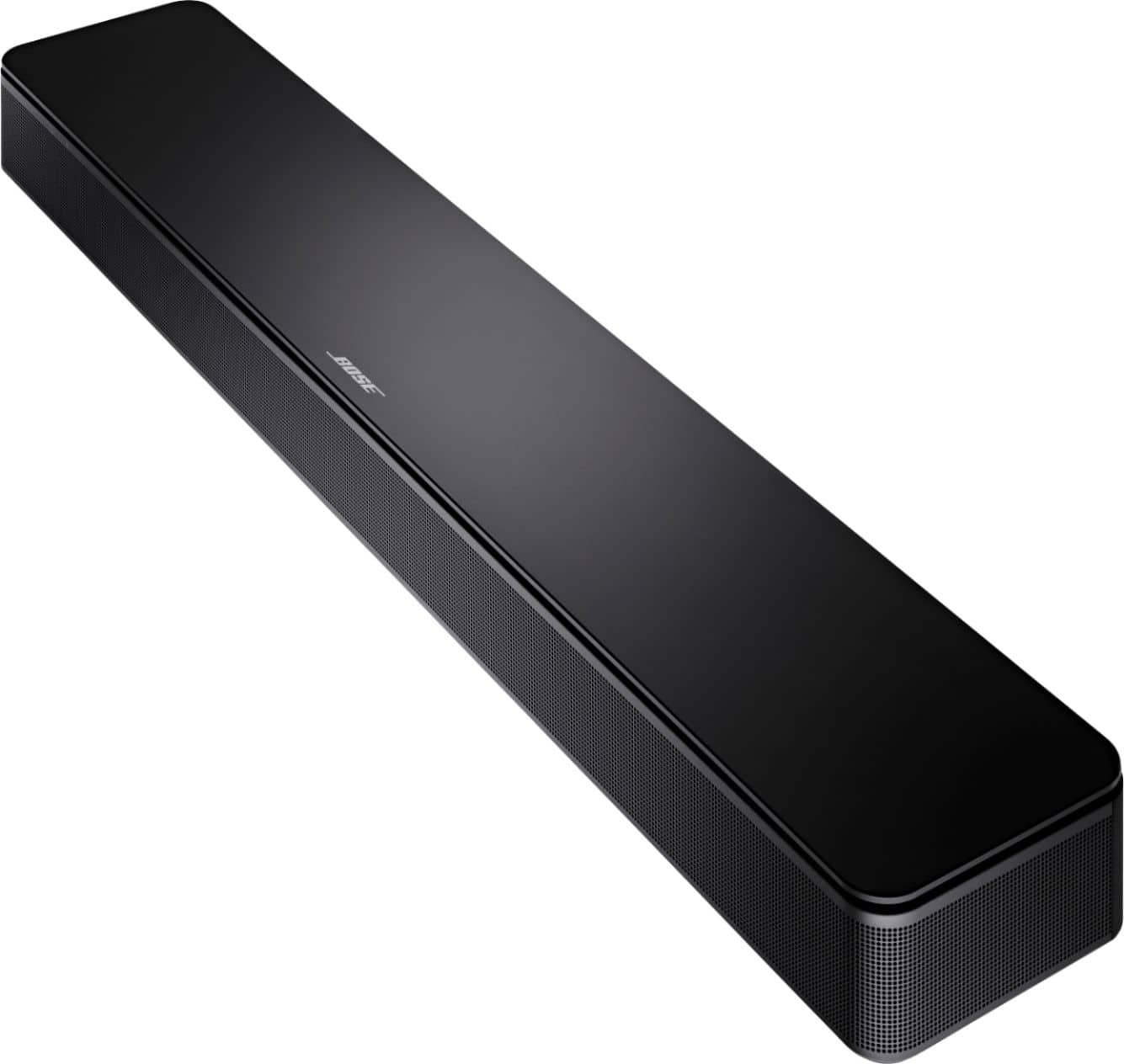
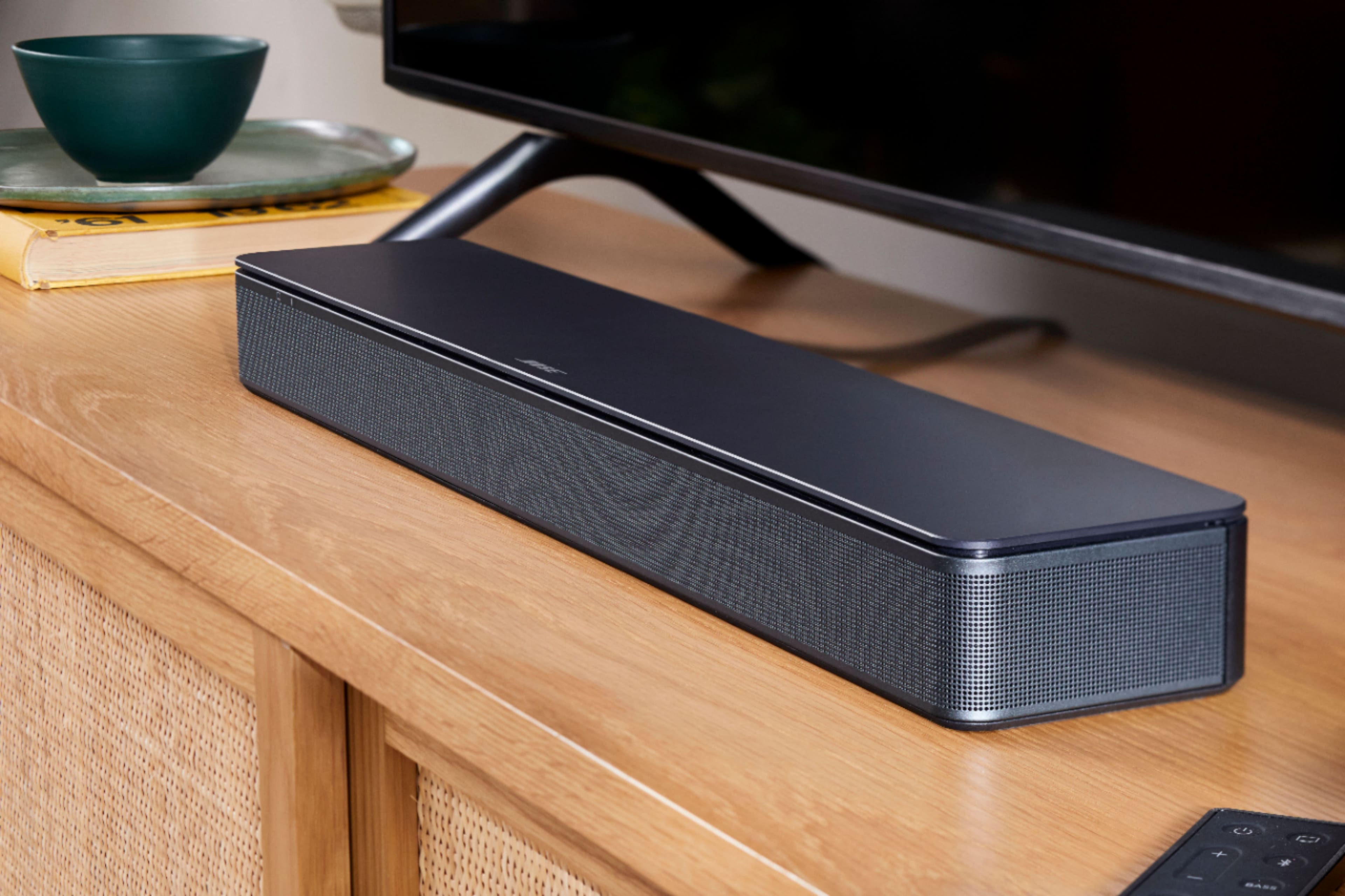
I purchased the TV Speaker about 3 weeks ago to replace a Solo unit that had died, stopped operating, whatever. I really didn't want to purchase another Bose product given my experience with the Solo, but found the TV Speaker to have the right features at the right price, and am very pleased with the sound it delivers.
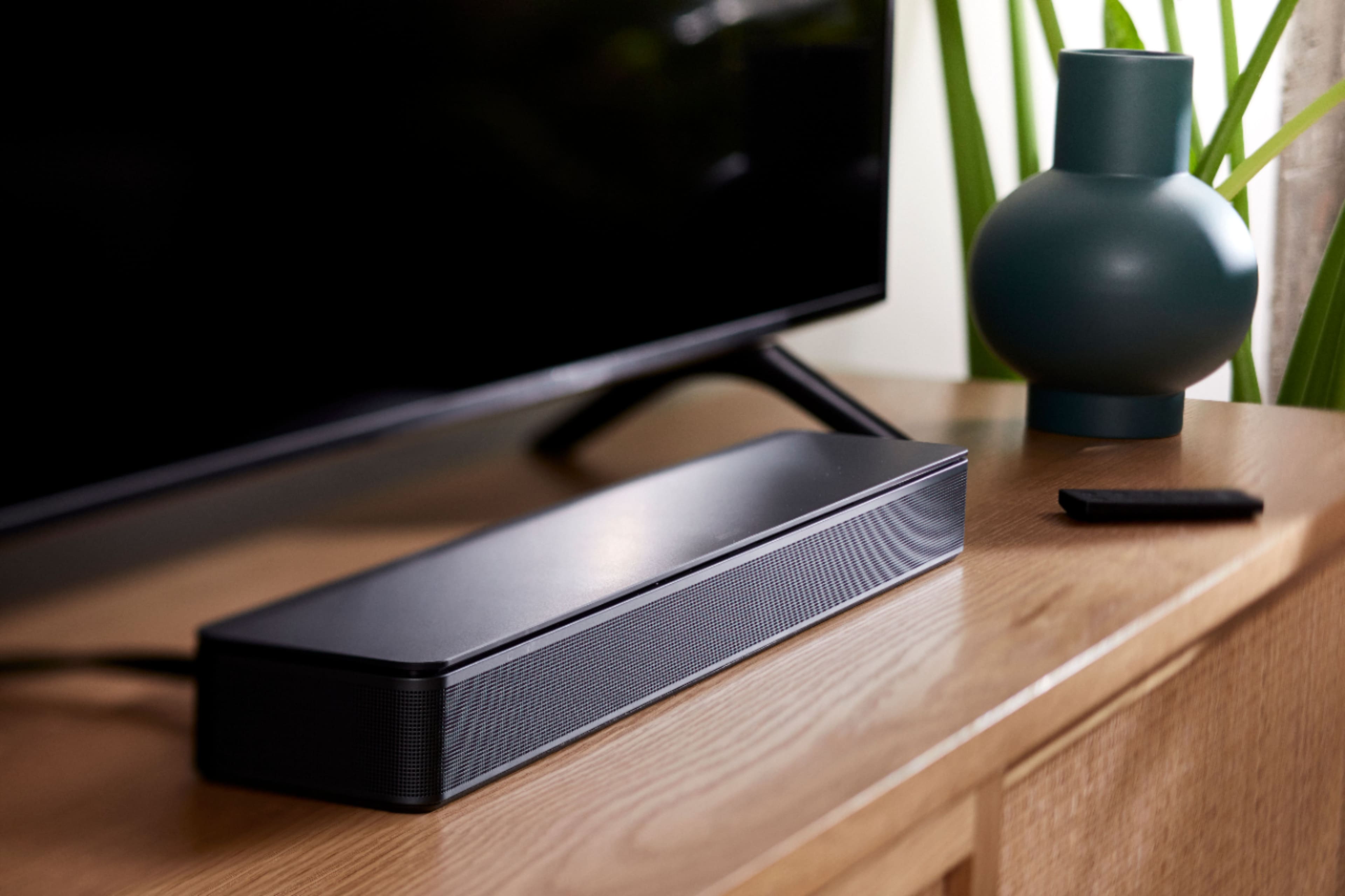
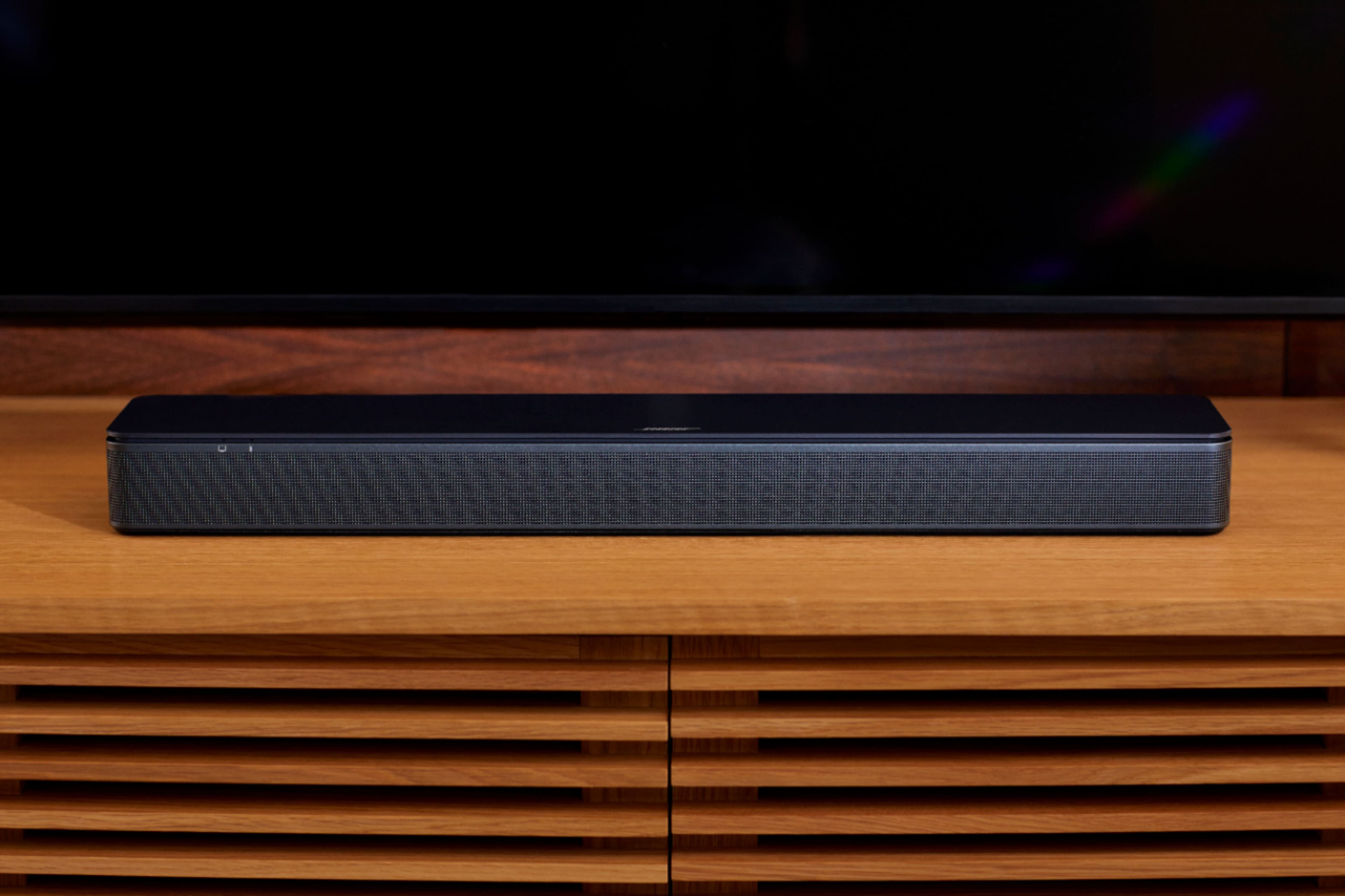
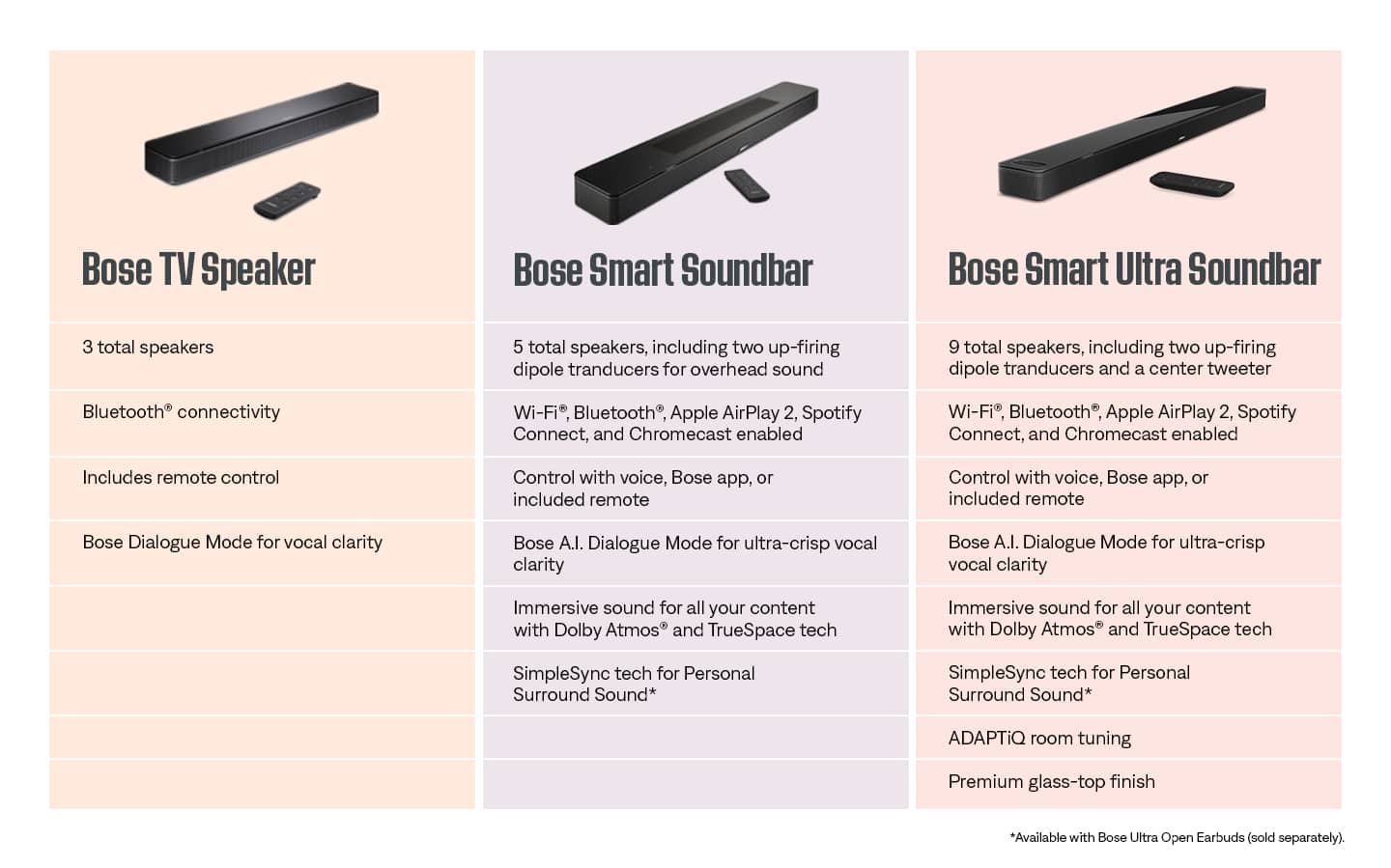
A:AnswerThe TV Speaker features a dedicated left speaker and dedicated right speaker. It also features a center tweeter to produce higher-frequency audio. When used in conjunction with the Bass Module 500 or Bass Module 700, the system can be used as a 2.1 package.
A:AnswerSetting up the Bose TV Speaker Bluetooth Soundbar with a Samsung TV is straightforward. Here are the basic steps and items you’ll need:
1. Cables: Depending on your preference and the available ports on your Samsung TV, you can use either:
• An Optical Cable (usually included with the Bose TV Speaker).
• An HDMI Cable (if your TV supports HDMI ARC, which most modern Samsung TVs do).
2. Power Source: You’ll need access to a power outlet to plug in the soundbar’s power cord.
3. Steps for Setup:
• Optical Connection: Connect one end of the optical cable to the soundbar and the other end to the optical out port on your Samsung TV.
• HDMI ARC Connection: If using HDMI ARC, connect one end of the HDMI cable to the soundbar and the other end to the HDMI ARC port on your TV. This method is often preferred as it can allow the TV remote to control the soundbar’s volume and power.
• Plug in the power cord of the soundbar into a power outlet.
• Turn on your Samsung TV and the Bose soundbar.
• The soundbar should automatically detect which connection you are using. If not, you may need to manually select the appropriate input source on the soundbar.
• If using HDMI ARC, ensure that the TV’s audio output settings are configured to use the soundbar. This might involve turning off the TV’s internal speakers and selecting the HDMI ARC as the primary audio output.
4. Bluetooth Pairing (Optional):
• If you wish to use Bluetooth, put the soundbar in pairing mode and use your TV’s Bluetooth settings to locate and pair with the soundbar.
A:AnswerYes, I would give this sound bar a 10 on voice sound. Not so good hearing for old ears here, but this sound bar really brings out the voice well. It does have some bass sounds that I noticed that are new to me. I like them. Of course those dubbed Netflix movies from Norway have no matched voices - these are much more common than they used to be. Overall this sound bar gets a 10. It is hooked up with a high quality HDMI cable. A cheap cable may just make the issue you are having be more noticeable.
A:AnswerThe button on the top-right of the remote designated with a TV symbol can be used to change the input of the TV Speaker to the TV (HDMI or optical connection) source. This enables you to easily toggle between Bluetooth and TV sources when needed, by using each individual corresponding button on the included remote.
A:AnswerYes, while the TV Speaker does feature Bluetooth, this is not used to connect to the TV. The speaker can be connected to any TV using either an optical or HDMI cable, making it widely compatible with a huge range of TV systems.