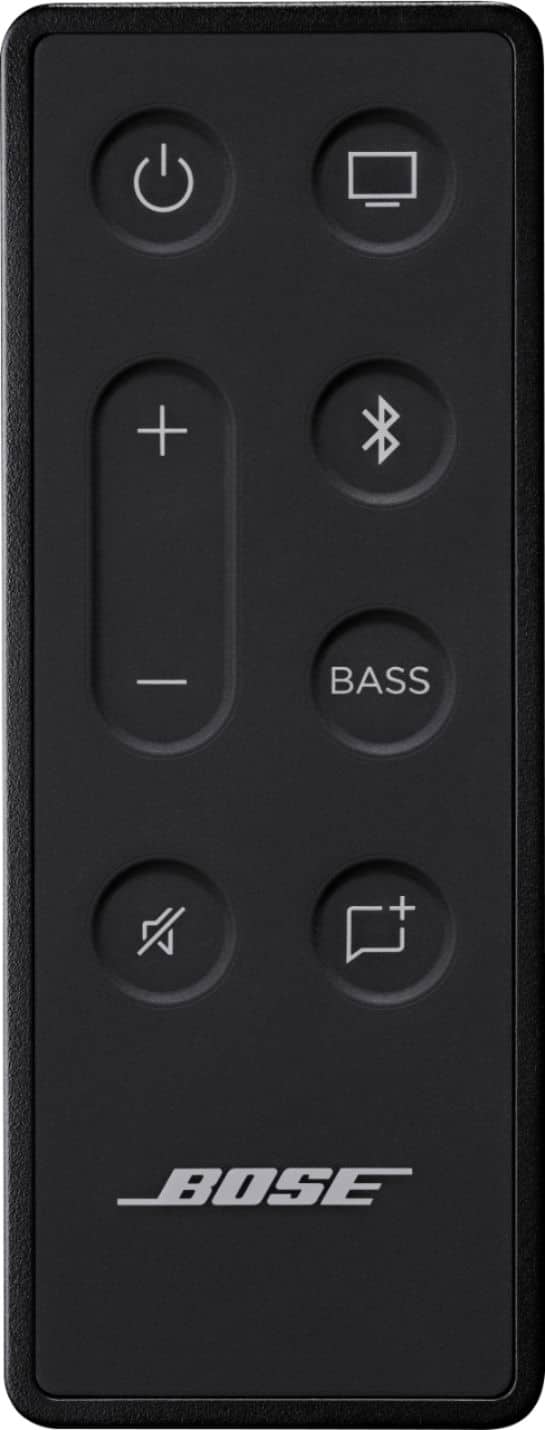
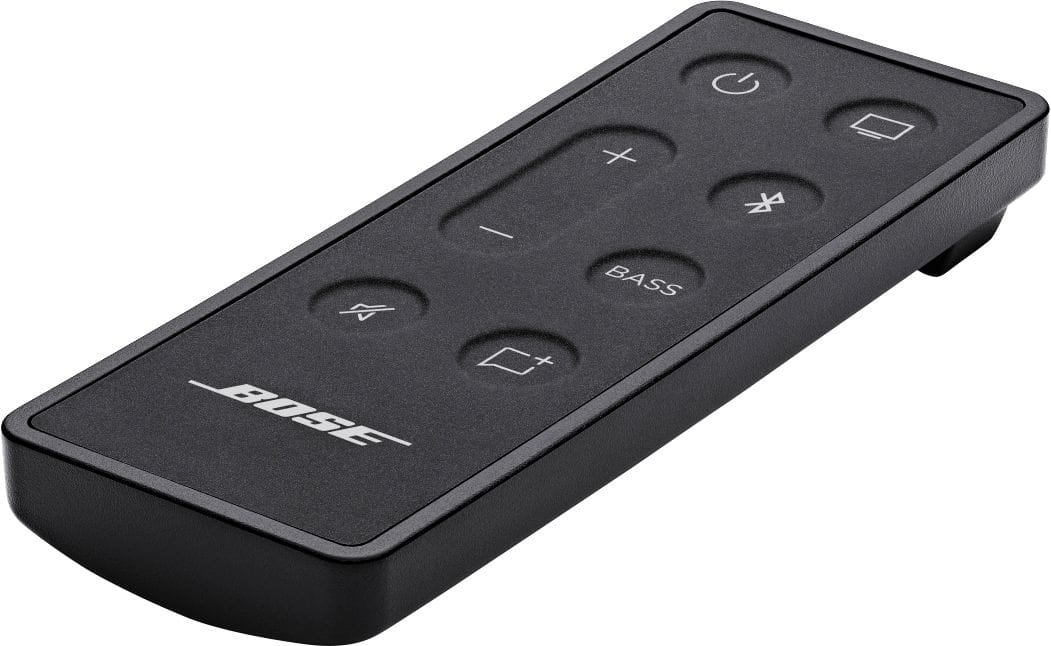
A:AnswerYes, your soundbar can be programmed to accept volume commands from virtually any remote control. Learn more here: https://www.bose.com/en_us/support/articles/HC1987/productCodes/bose_tv_speaker/article.html
A:AnswerHi Art.
You can use a remote that sends IR (infrared) commands to control your speaker. Your speaker cannot be controlled by remotes that use RF (radio frequency) commands.
A:AnswerThe soundbar doesn't handle video pass-thru so we recommend connecting your 4K devices directly to the TV, then connect the TV to the soundbar via the HDMI cable via the ARC port on the TV.
A:AnswerYes, they can be used for separate purposes. Press the TV button to jump between sources.
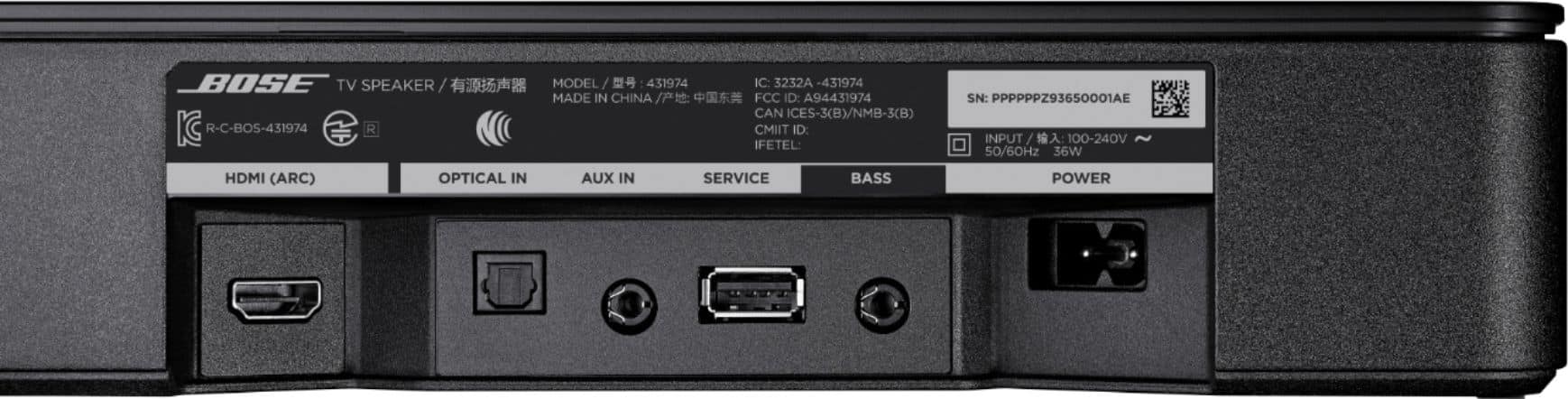
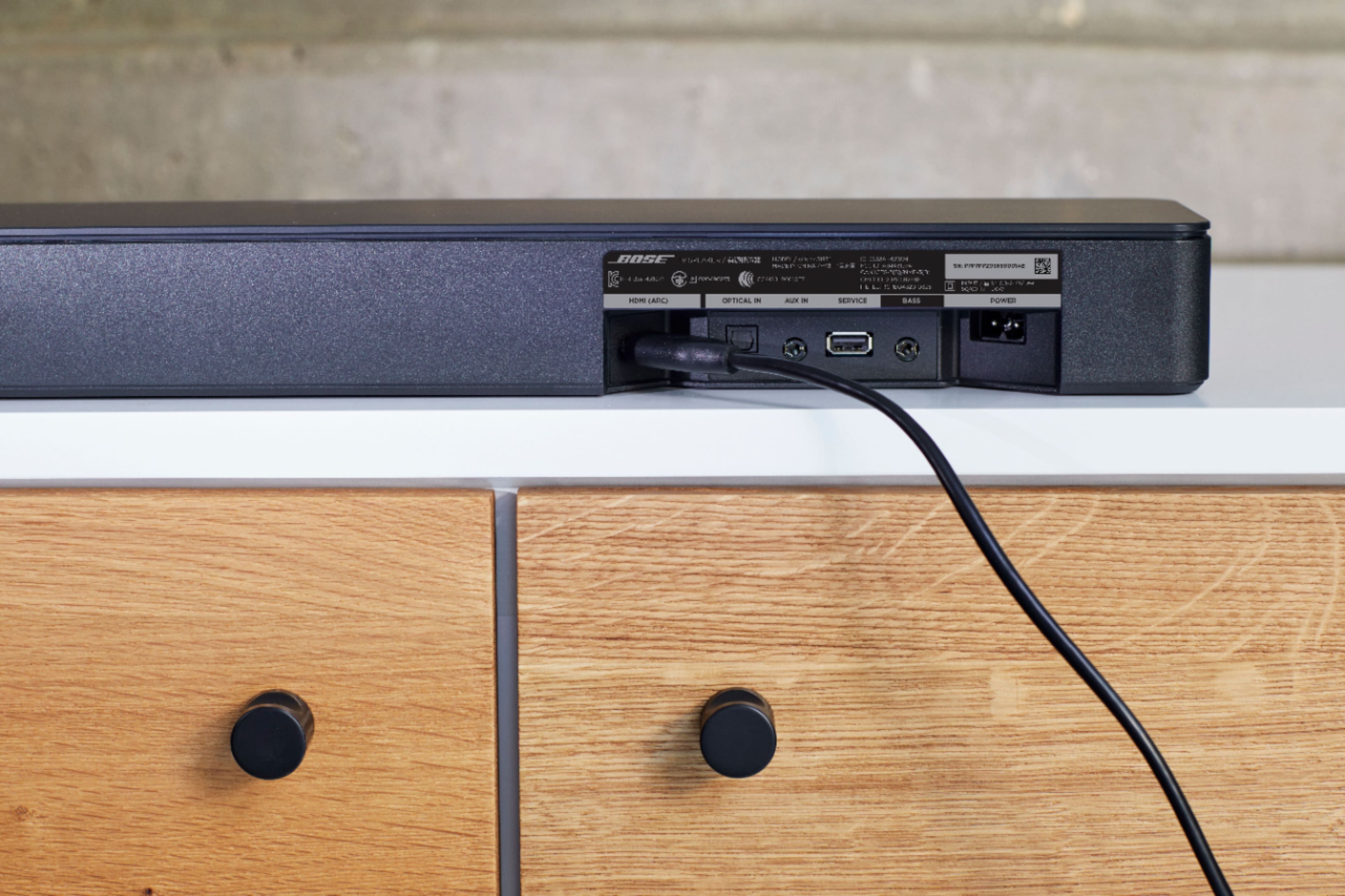
Press the TV button to hear the TV or device connected to the HDMI (ARC), Optical or AUX IN input
Tip: If necessary, you can plug in up to three devices using the HDMI, OPTICAL IN and AUX IN jacks on your speaker. In these setups, press the TV button on your remote, then power on only the device you want to hear. If more than one device is powered on, your speaker automatically selects the device it detects first, which might not be the one you want to hear.
A:AnswerI have a remote and it works for bose tv speaker Sounbar, but i got the module 500 for it also and no way of turning it up because there is no app. Just make them with controls peeps.
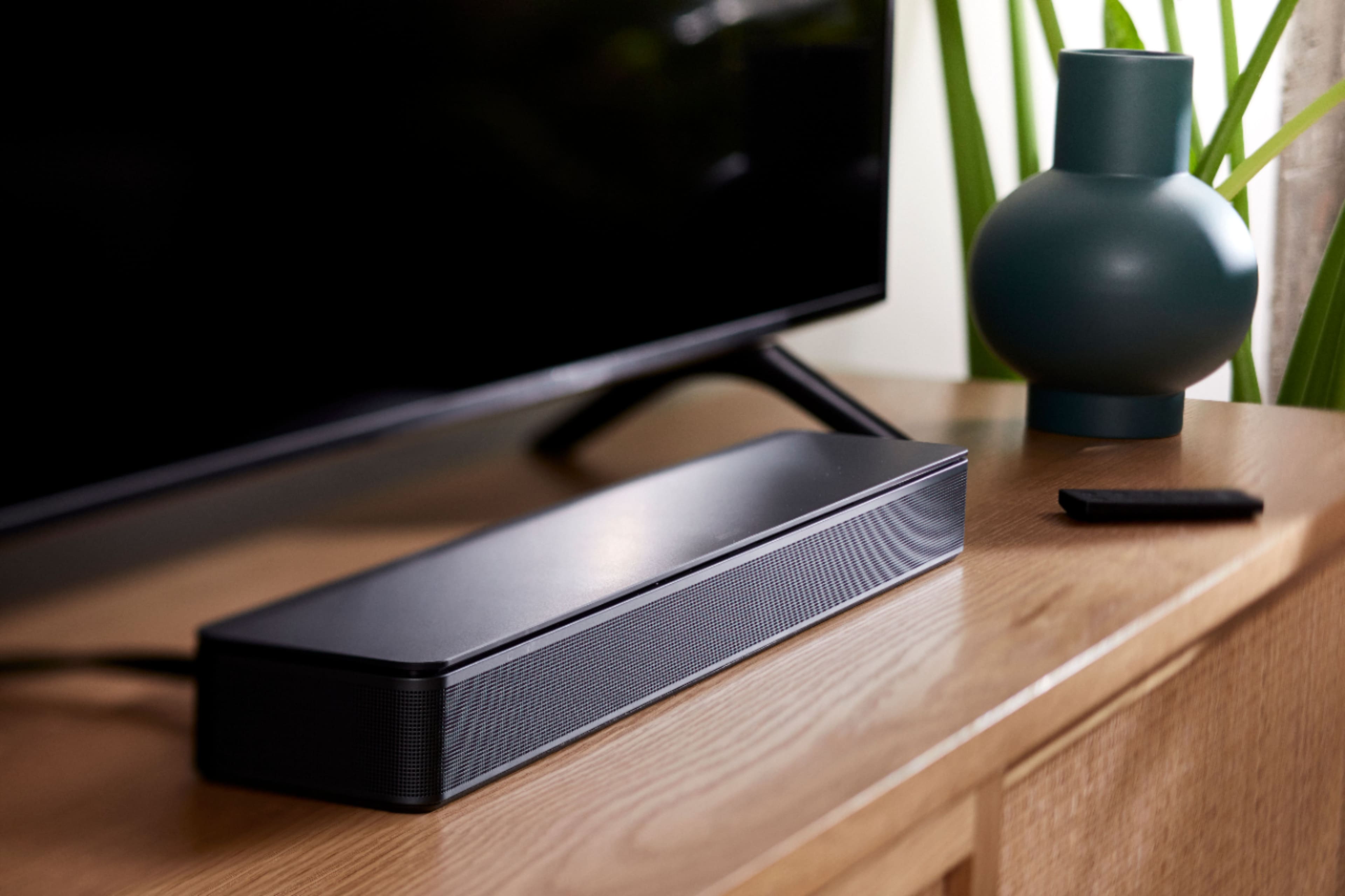
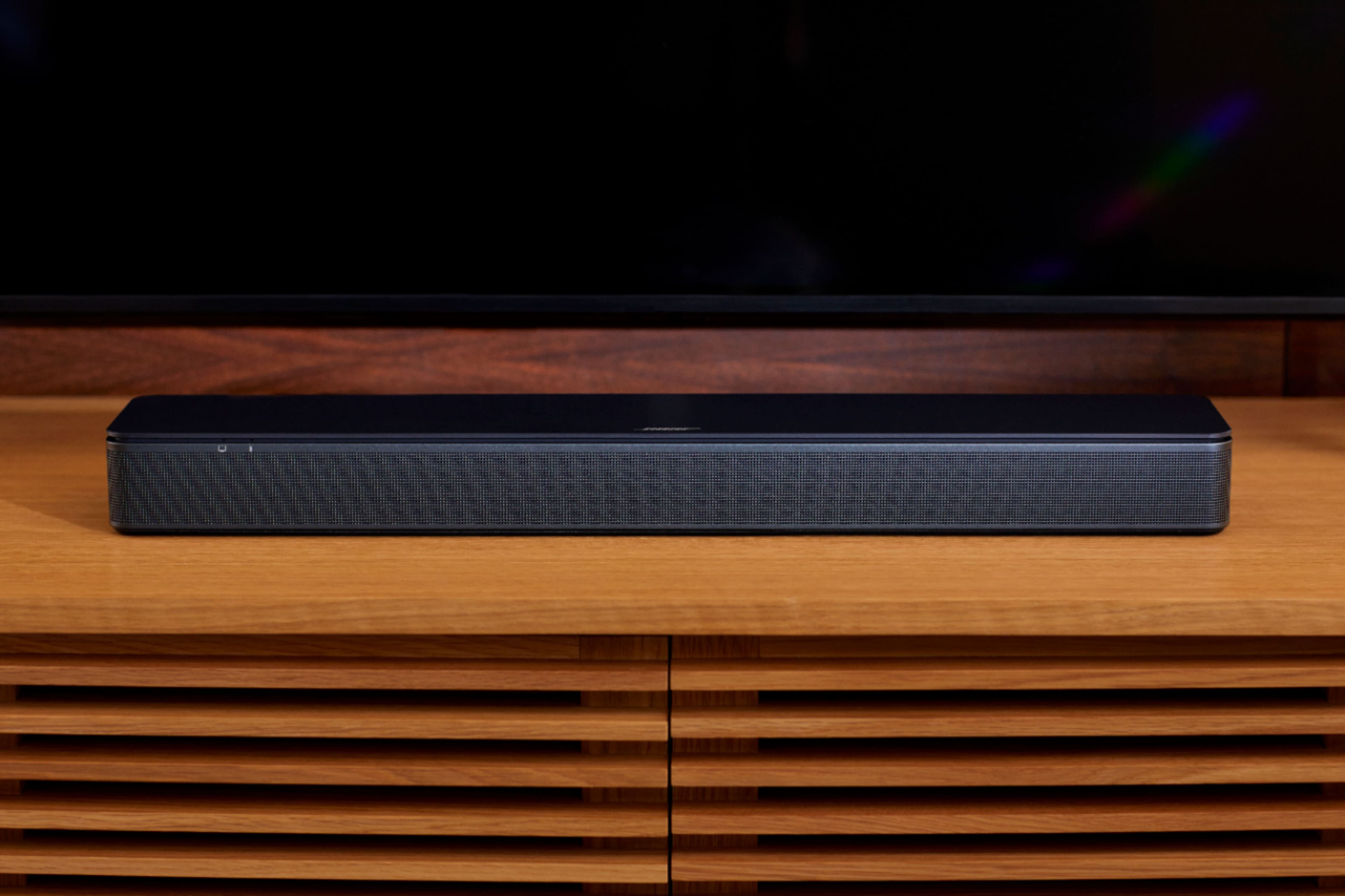
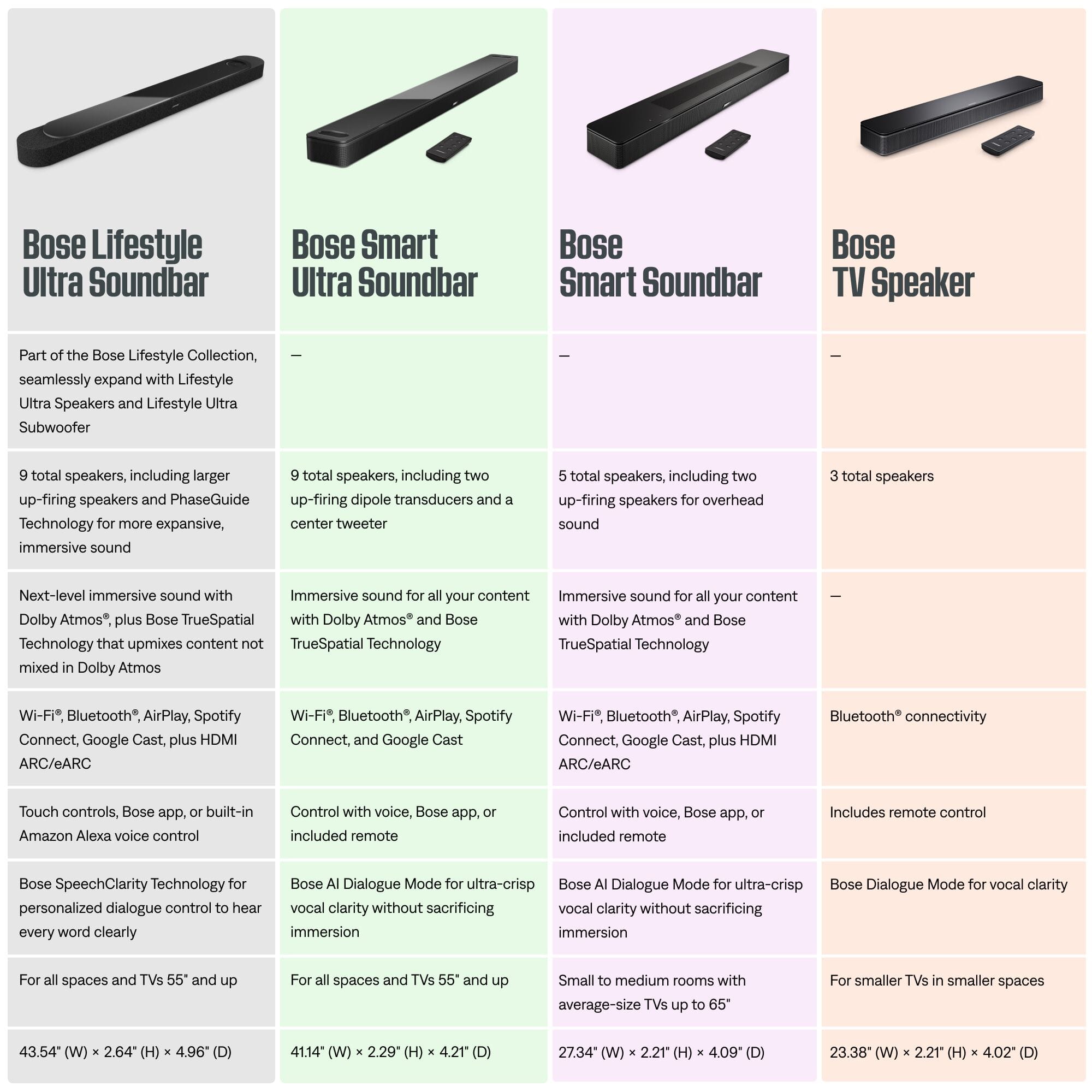
A:AnswerDon’t quote me but off the top of my head I think only one person can connect to the Bluetooth at a time. I only used it briefly when I got my speaker to test out the range and volume with music streaming from YouTube playlists. Again, I’m not %100 sure so take it with a grain of salt or whatever. It’s really made to replace factory TV speakers and REALLY shines in dialogue mode especially at low volume at night. It’s an all in one setup meaning it has decent bass for being a TV speaker replacement. It’s not body rockin bass… but it’s more than sufficient for most people. You could always add the Bose Bass 500 or 700 module’s if you feel you need more bass. But I would’ve gotten the next step up for $150 more with the Bose 300 smart soundbar that allows not only to add the Bass module but also additional wireless speaker’s. For me Bose TV Speaker has fantastic build quality with crystal clear… I mean CRYSTAL clear dialogue!!! You can switch modes with the push of a button and even in dialogue mode it doesn’t completely strip out the bass like in other brands. This is really ideal for a bedroom setup IMHO… but would work in any room if need be.
A:AnswerAs long as you have a power supply absolutely. Obviously you want to keep it out of weather that would damage it like rain but if you have some people over for say a cookout in the backyard you could easily set this up as the music using Bluetooth with your phone
A:AnswerI recommend the Bose 900 sound bar. It provides excellent room filling tv sound, and superior music quality as a stand alone unit. I am very pleased with mine.