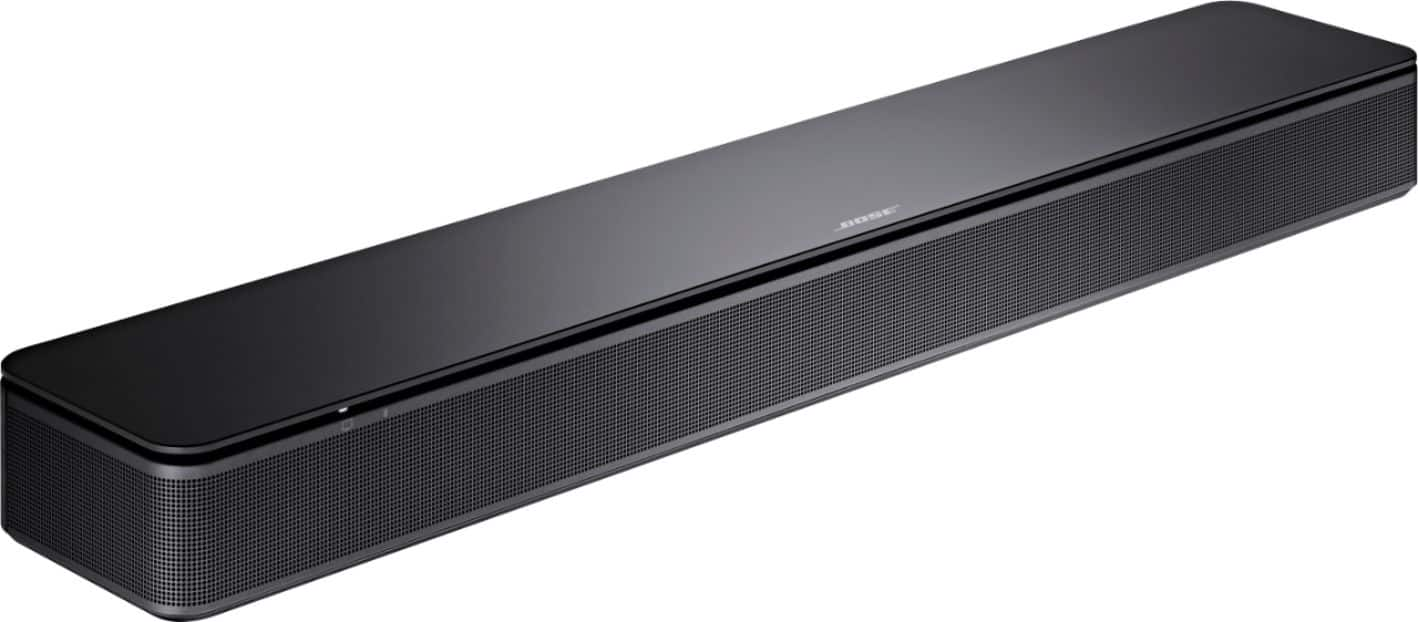
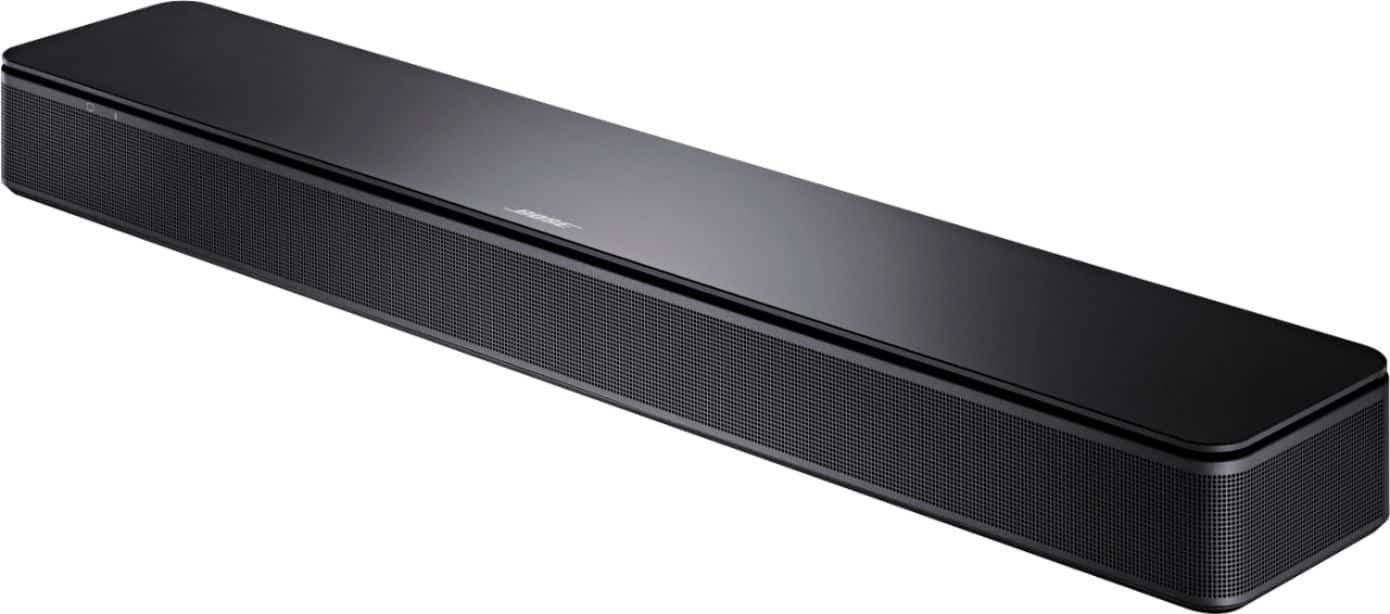
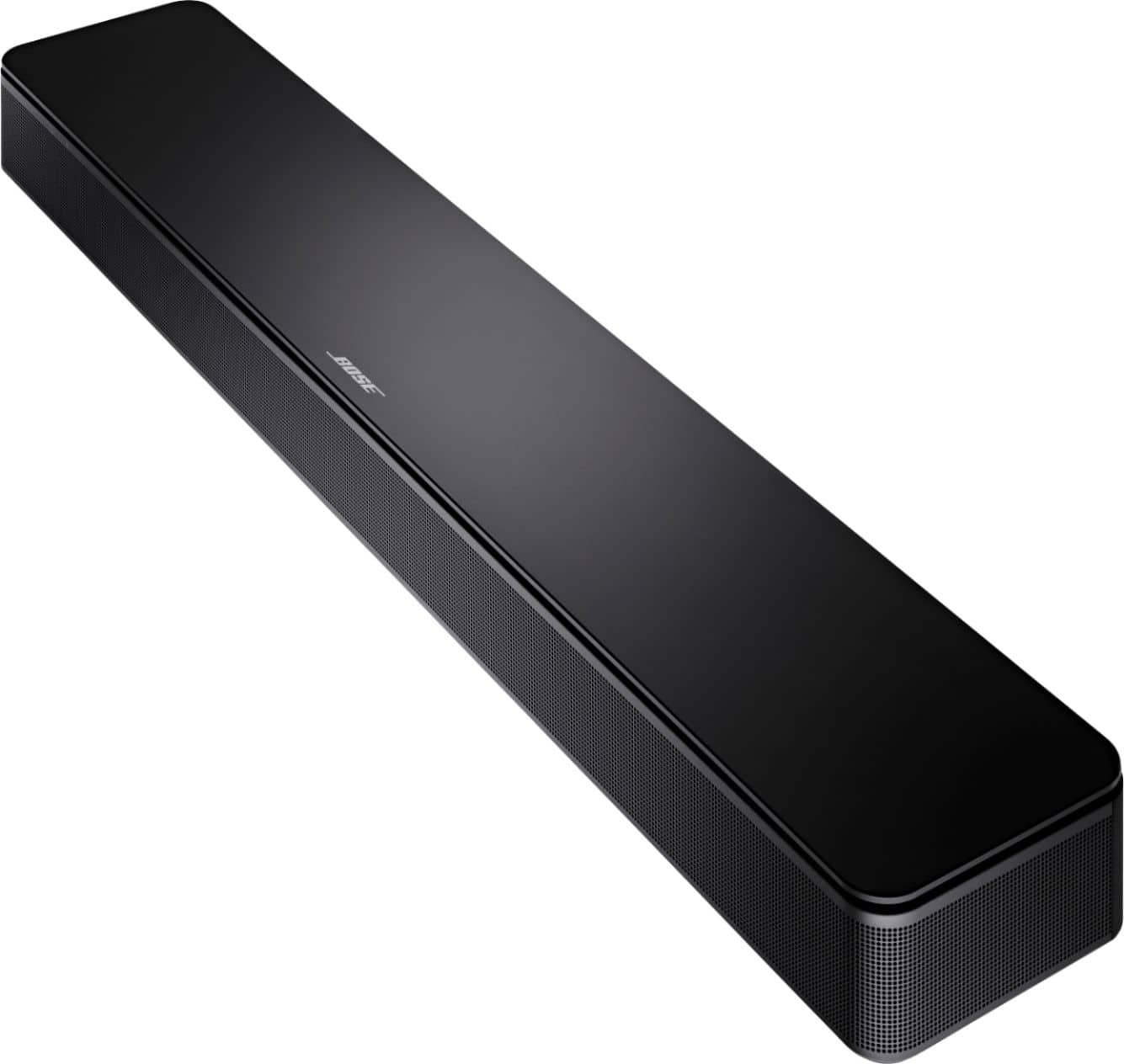
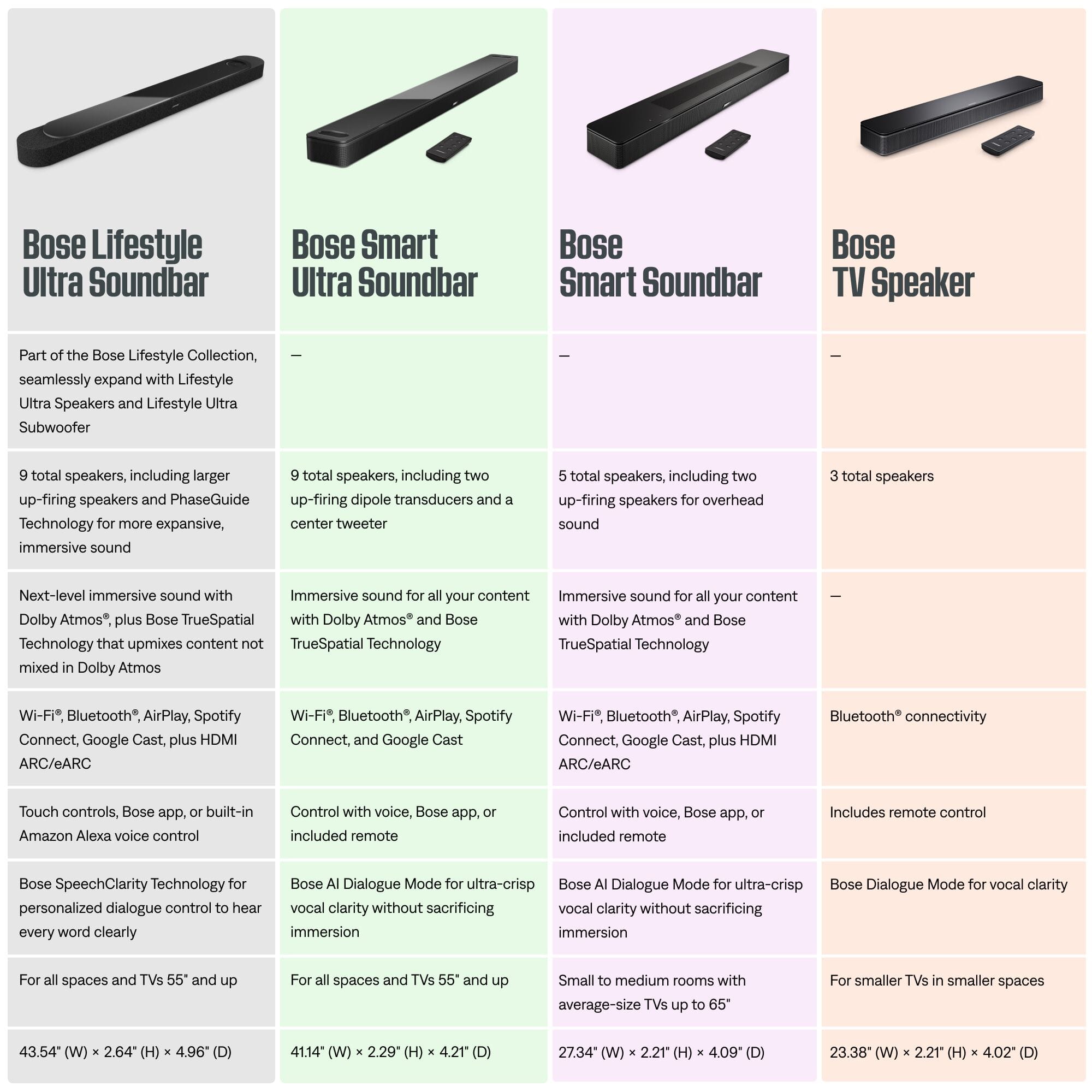
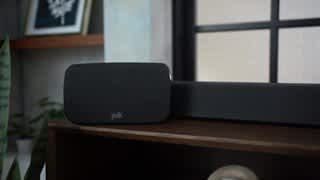
A:AnswerNo, you need to get the Bose Smart Soundbar 600 and make sure you use Bose headphones to get seamless headphone use. I found the Bose QC headphones where best. Not worth getting the Ultra. You just download the app and pretty easy to hook them up from there. Very happy with the setup I have and started out with the TV speaker until I found out there is no headphone use.
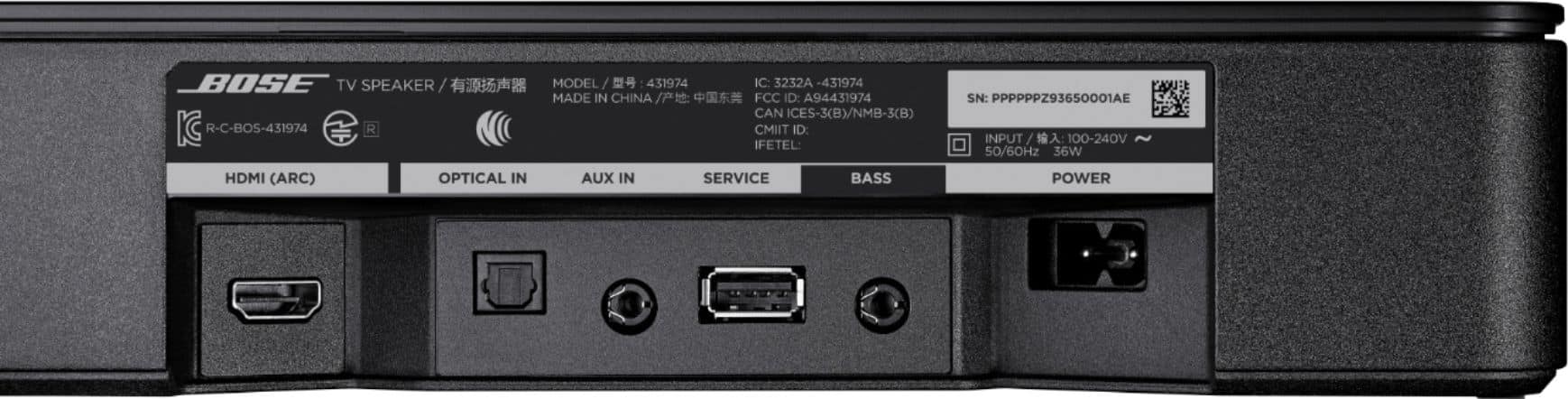
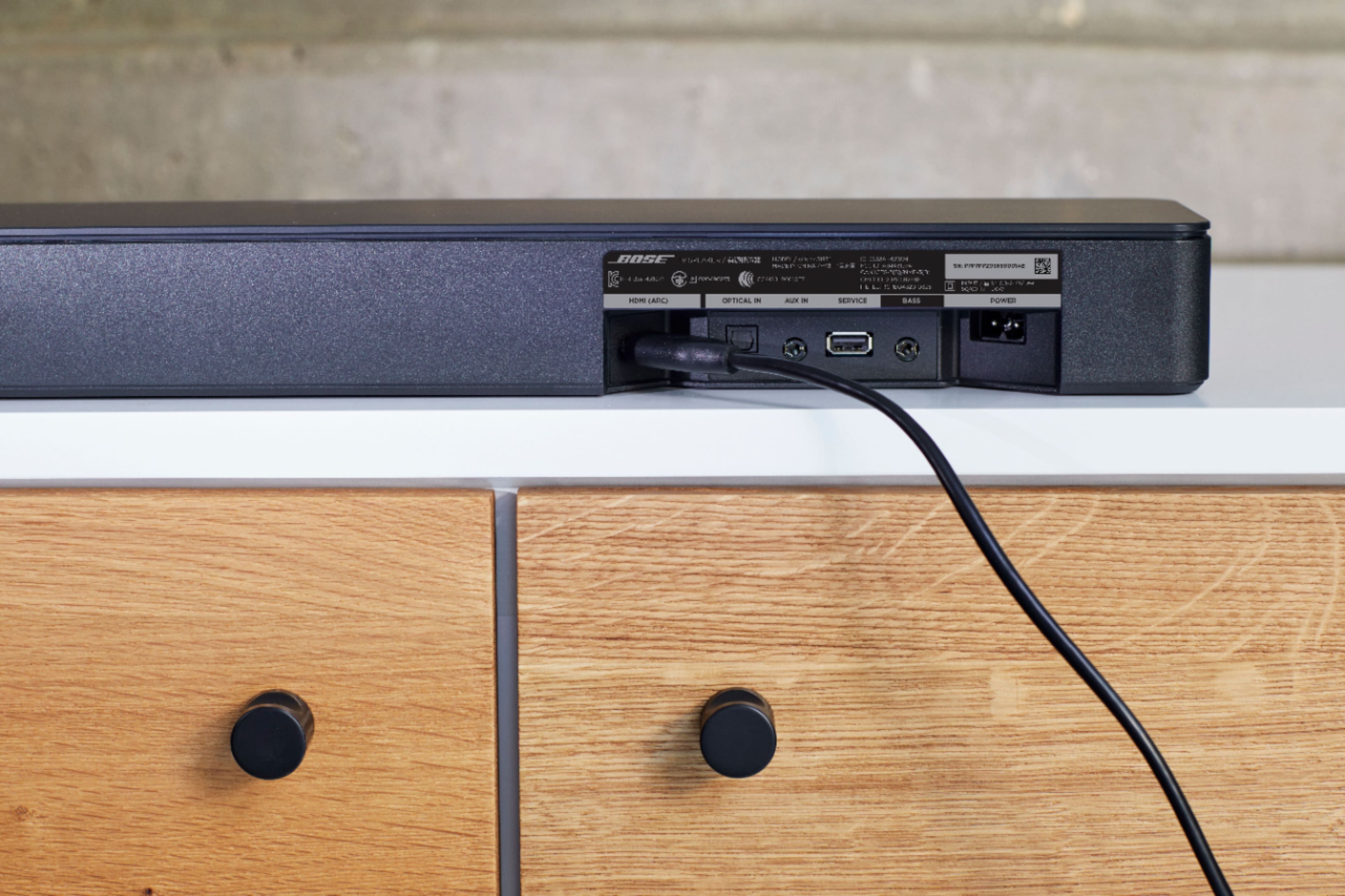
A:AnswerIf the projector doesn't have a HDMI ARC connection. We would recommend connecting through either an optical or 3.5mm AUX cable when connecting to a projector.
A:AnswerThis soundbar does not pair with surround speakers or other speakers wirelessly. You can only add the bass module 500 or 700 and is through a wired connection. If you want to add wireless surround speakers and wireless bass module you have to get the smart soundbar 300.
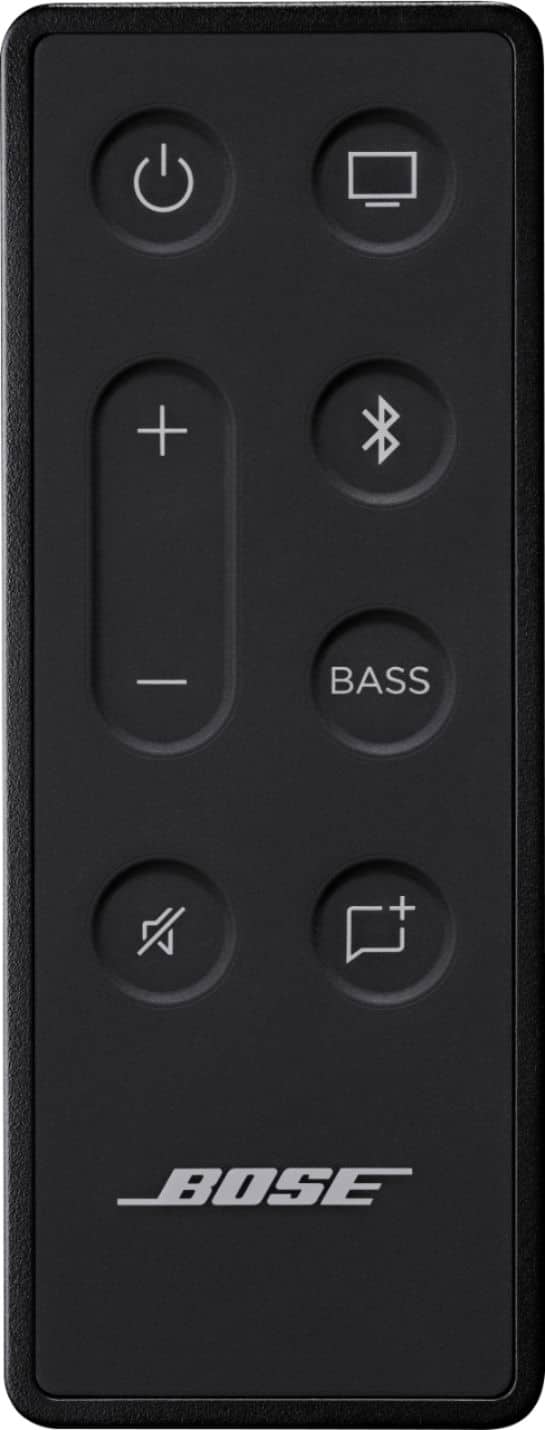
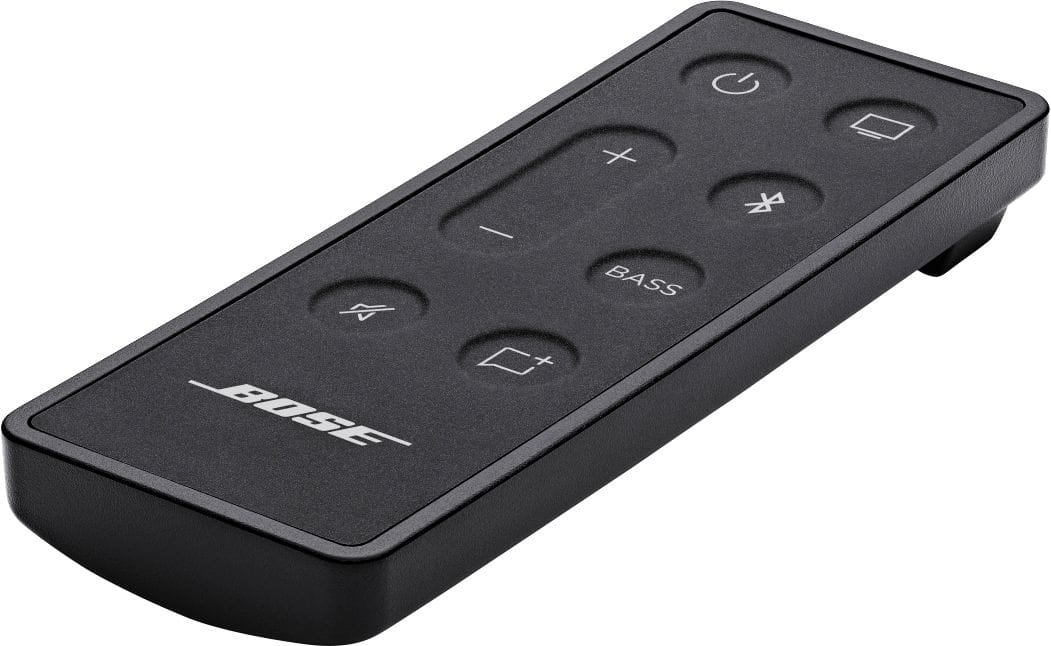
A:AnswerI connected my Bose speaker with the audio cable provided to an older model TV that I have had for years. I have a Roku stick in one of the TV HDMI ports and the Bose Speaker works well with this setup. Its not fully integrated as it is suppose to be by connecting the soundbar through HDMI so I need to fiddle with multiple remotes to work the various devices.
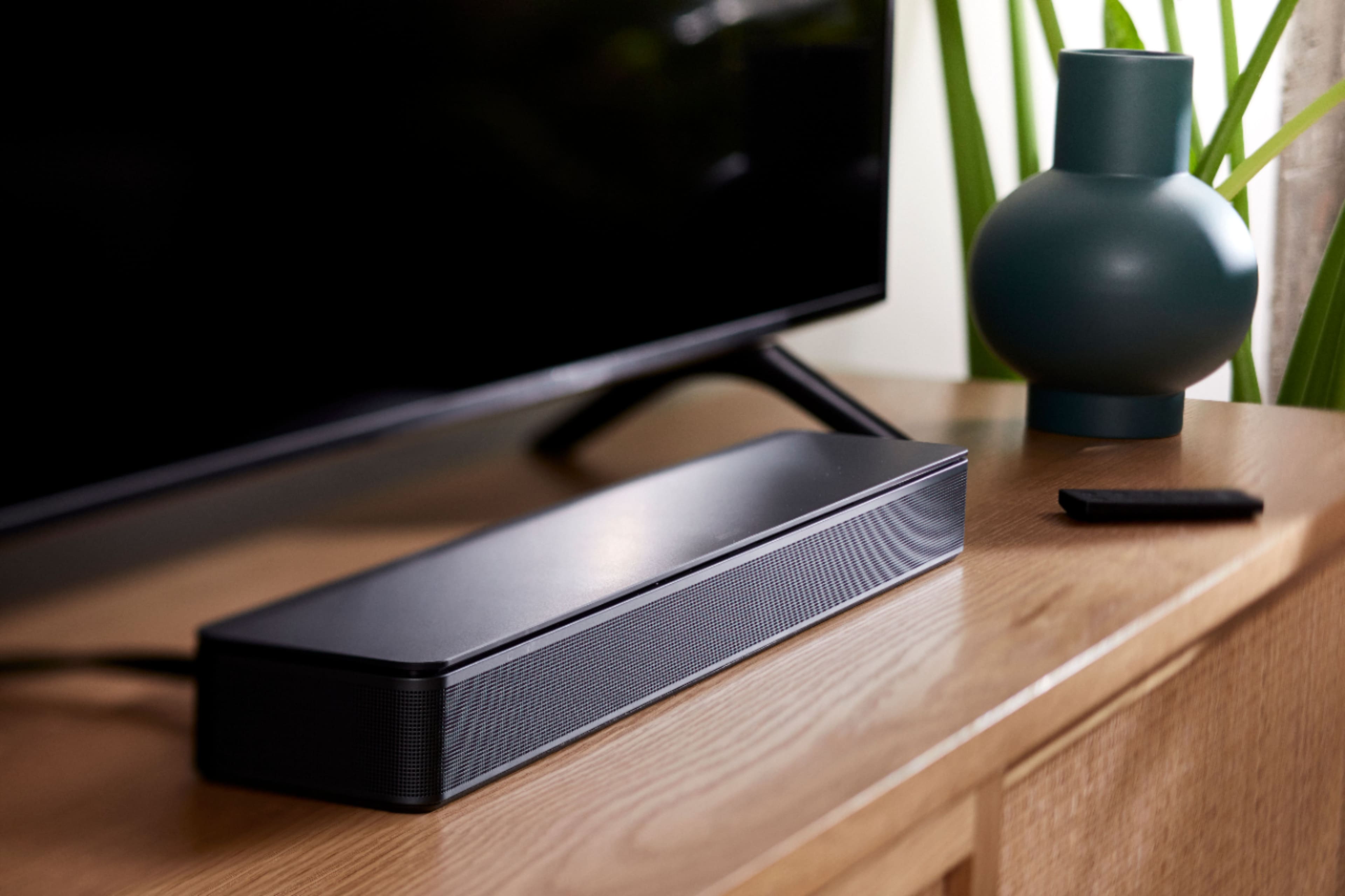
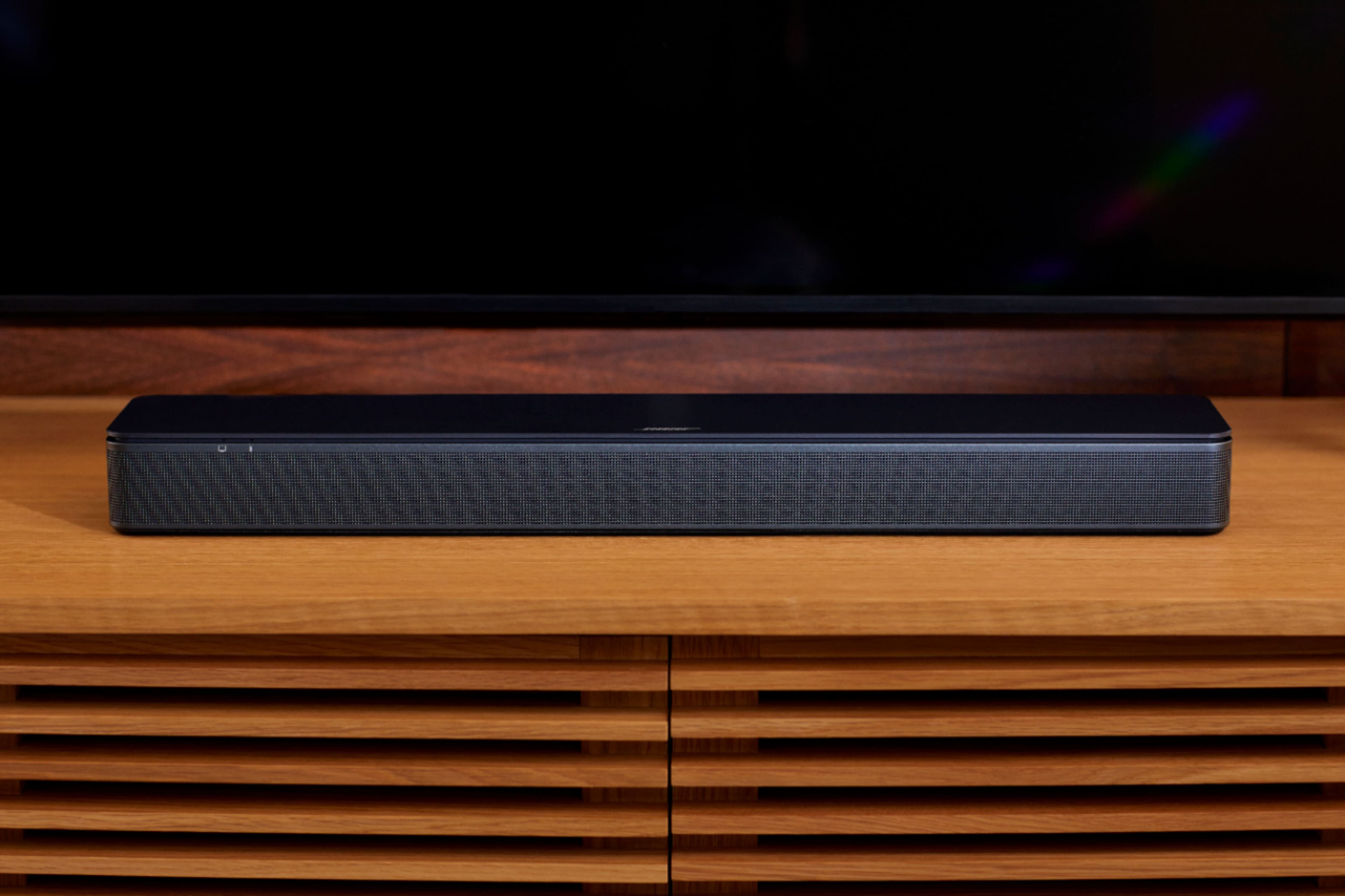
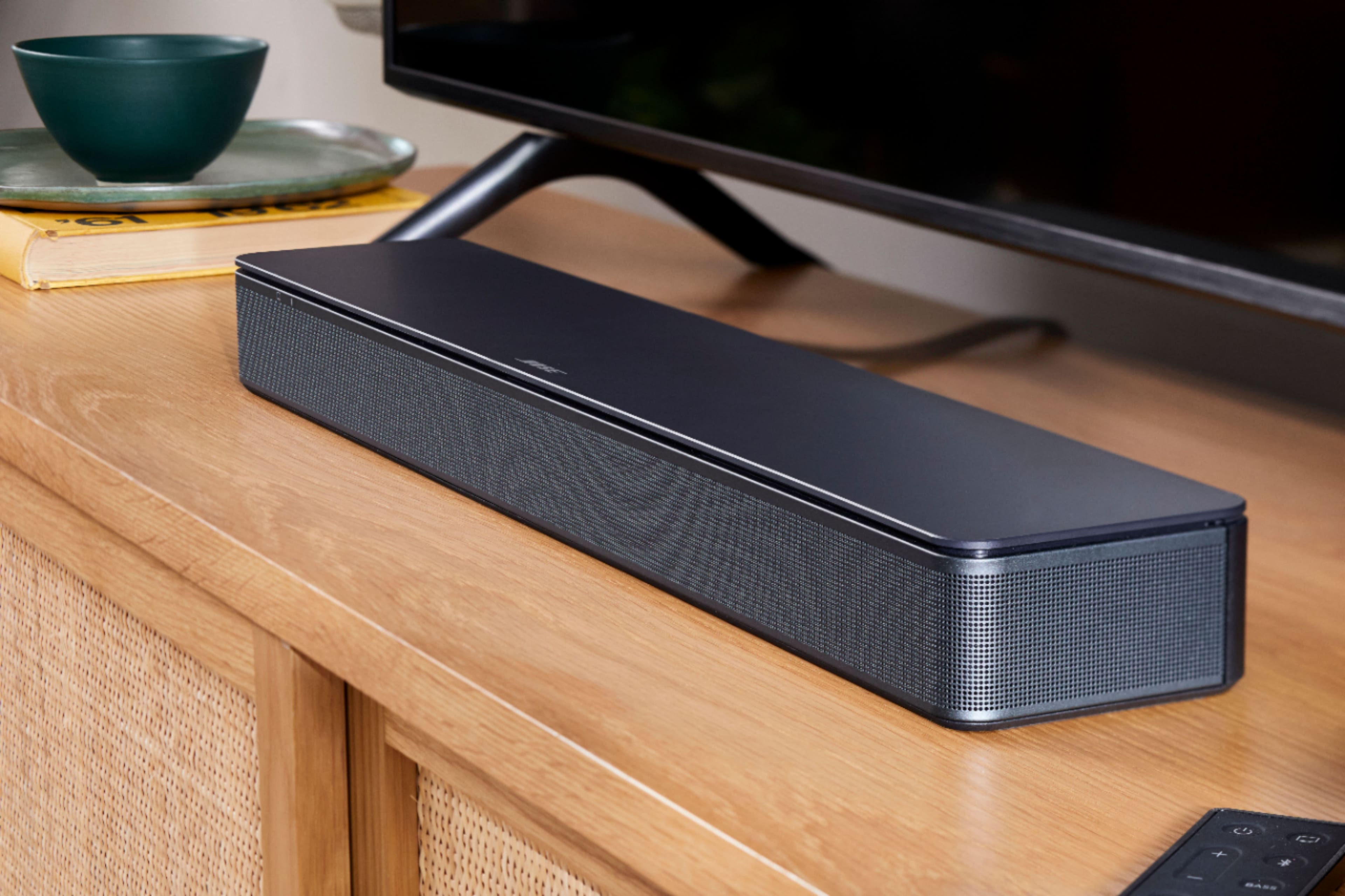
A:AnswerThank you for reaching out! Yes, the Bose TV Speaker should be compatible with your 2016 LG UH8500.
The Bose TV Speaker is designed for use with almost any TV that has an optical audio output or HDMI-ARC connectivity Your LG UH8500 has both of these: it includes three HDMI 2.0 connections with ARC/CEC support, plus a dedicated optical audio output. Our recommended setup for you is the HDMI ARC Since your TV has ARC support, connecting via HDMI ARC is the easiest route. Most HDTVs with HDMI-CEC (which the UH8500 supports as "SIMPLINK") let you control the Bose TV Speaker's volume using your existing TV remote once connected this way, with no extra remote needed.
Gem - Bose Customer Support