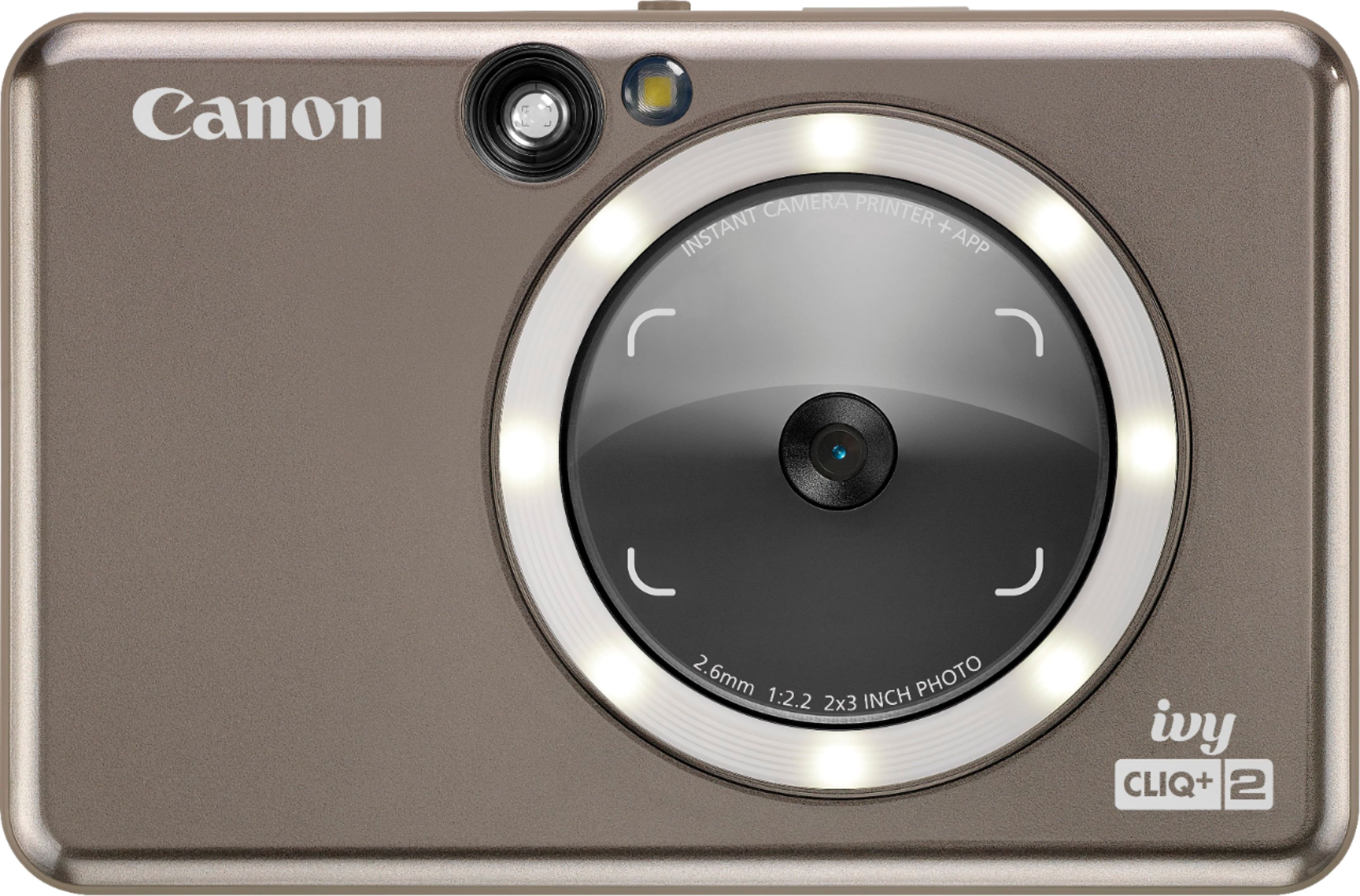
A:AnswerIt is printing every pic and I don't see an option to not print. There is a slot for a memory card to save the pics but I think it still prints each time.
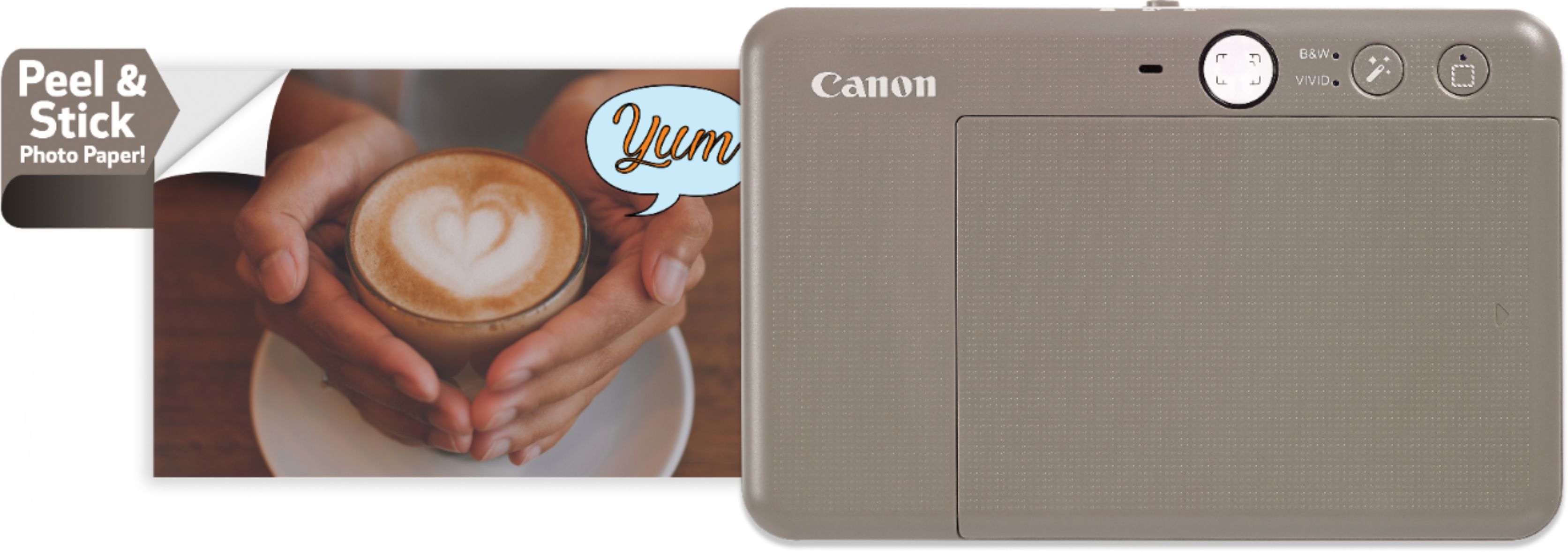
A:AnswerI would say this particular camera would be for any child 8 or older. Especially if they know how to use electronics very well. This camera uses an app where you can print pictures from your smart phone, change the picture settings from vivid to black n white and add or remove a white boarder.
A:AnswerYou may have a speck of dust on the thermal strip that "prints" the image on the paper. You can try running the blue calibration card through again as it is also supposed to act as a cleaning card. If that doesn't work, I'd suspect your camera is defective and needs to be replaced.
A:AnswerThere is no SD card. you can purchase a MicroSD card. The device can hold up to around 10 images at a time to print, it depends on MicroSD card capacity. Print queue will be cleared once the device is powered off and cannot be resumed. If no MicroSD card is inserted, the device can hold up to 5 images at a time to print. User can take photos with the device even with no paper if MicroSD card is inserted, photos will be saved in MicroSDcard. See page 10 of manual.
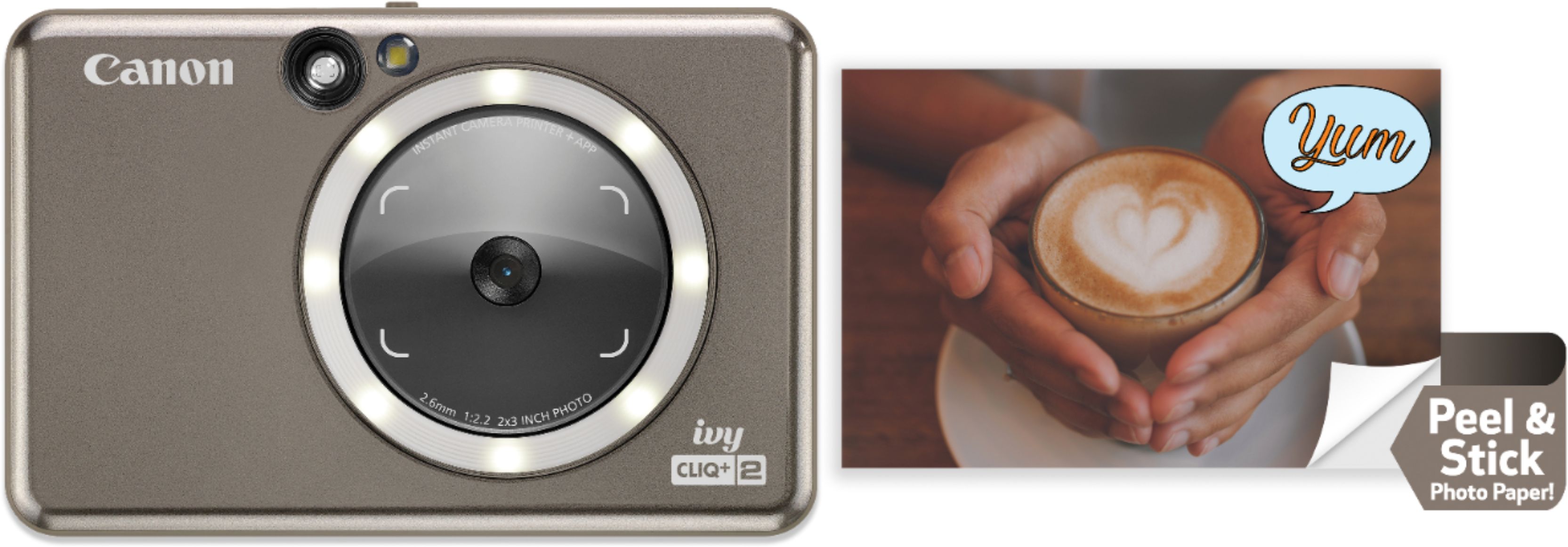
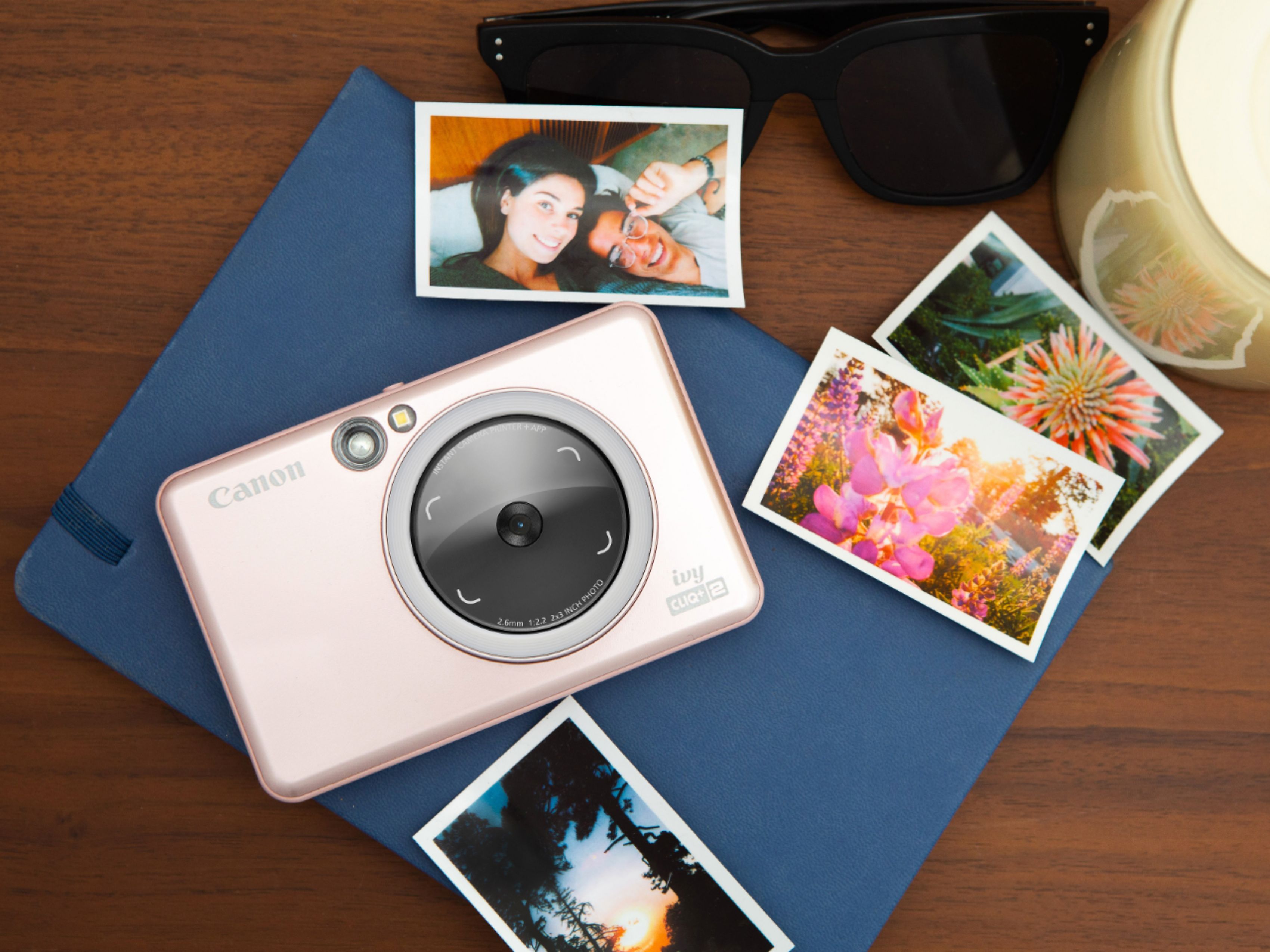
A:AnswerThere smaller than the og polorids from back in the day but not to small. An the film is $24.99 for 50 stickers and that's the same price everywhere.
A:AnswerNope - another downside. It just runs out and has a blinking red light, which is difficult to distinguish from every other type of blinking red light when you're just starting to learn the camera unfortunately.
A:Answeryes - Connect the device to a computer with the USB cable provided. double-click the external drive image when it appears on the computer to view and save the photos. see page 8 of the manual.