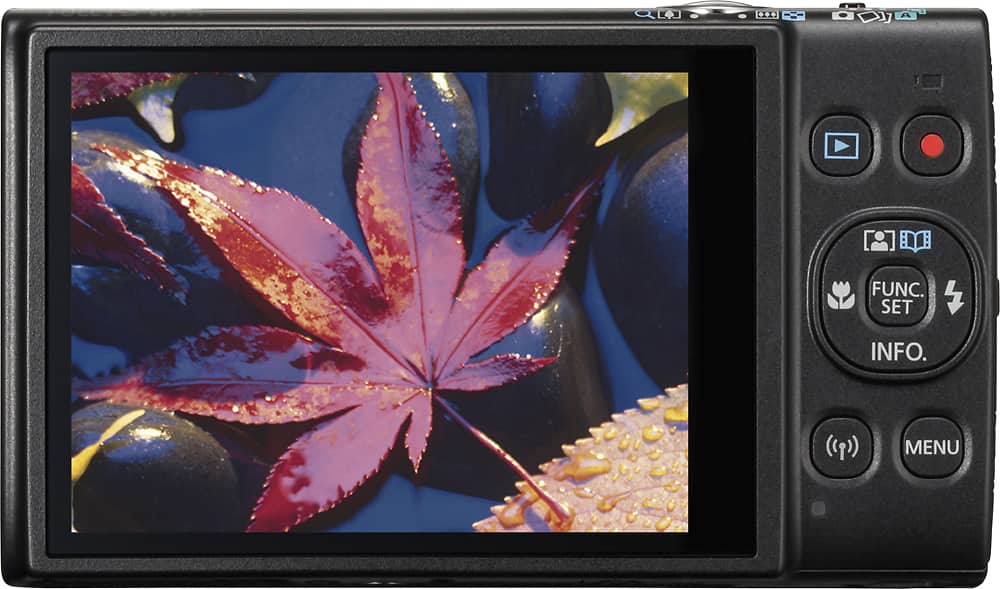
A:AnswerYes. Press the Playback button, then press Func Set (the one in the middle of the 4-way arrow), then use the up and down arrows, if necessary, to select the trash can symbol at the left edge of the screen (it will probably already be selected automatically). Press Func Set to display the Erase menu at the bottom of the display, then press the right arrow to highlight the Erase feature. Hit Func Set 1 last time to complete the erase procedure. It is much simpler to do and more intuitive than the lengthy description here. There is also a more advanced Erase feature using the Menu button that allows you to select individual pictures or all of them to be erased in a single operation.