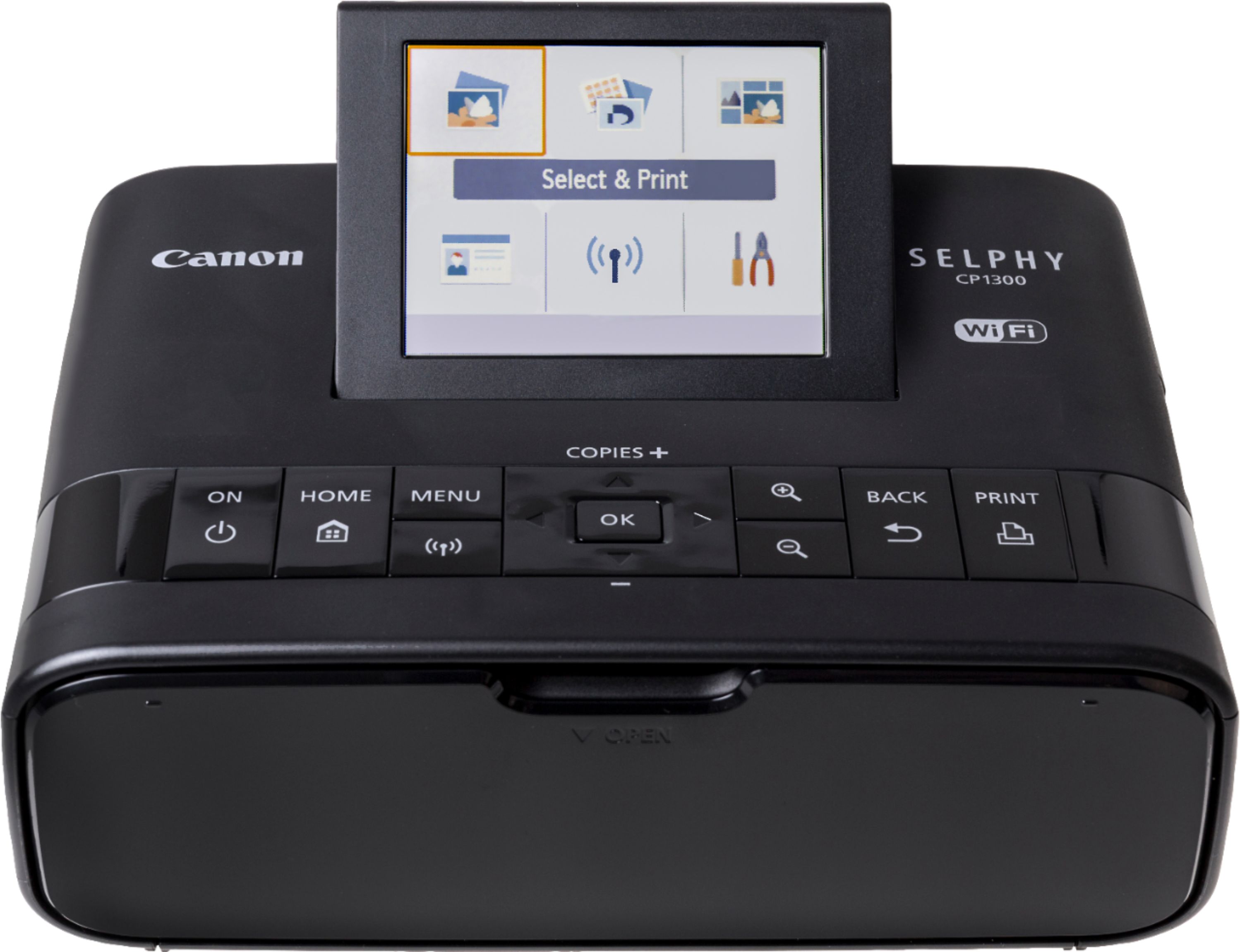
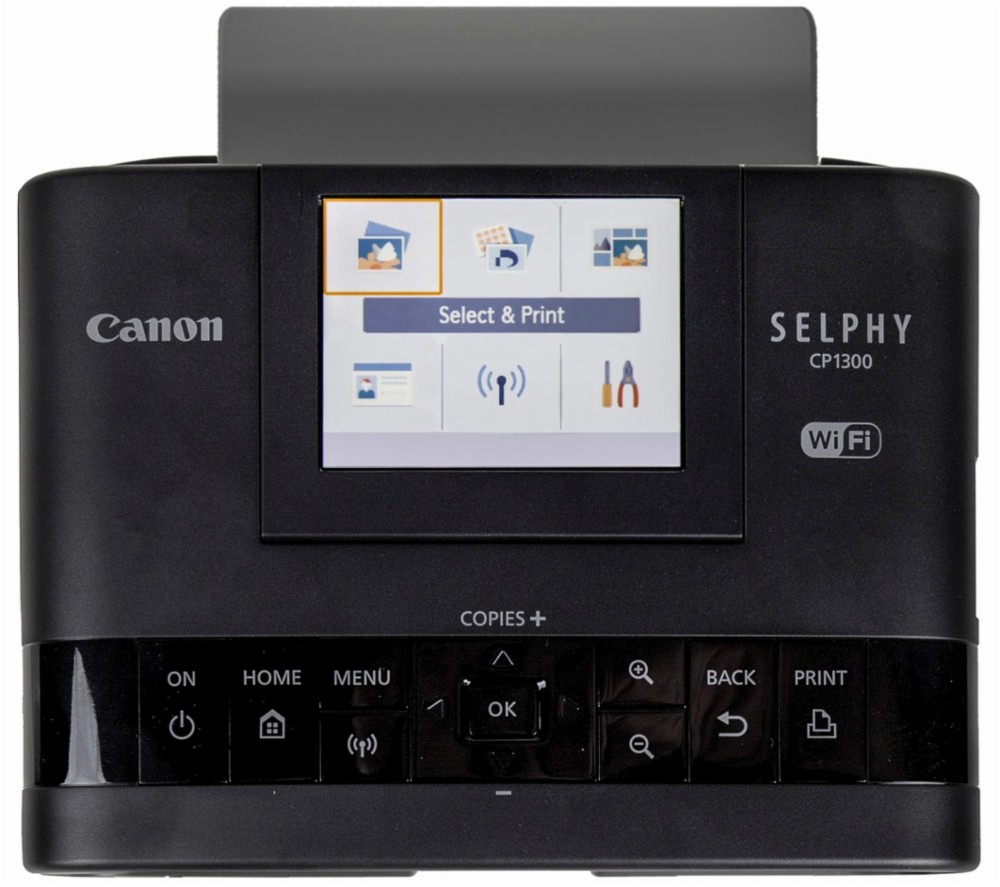
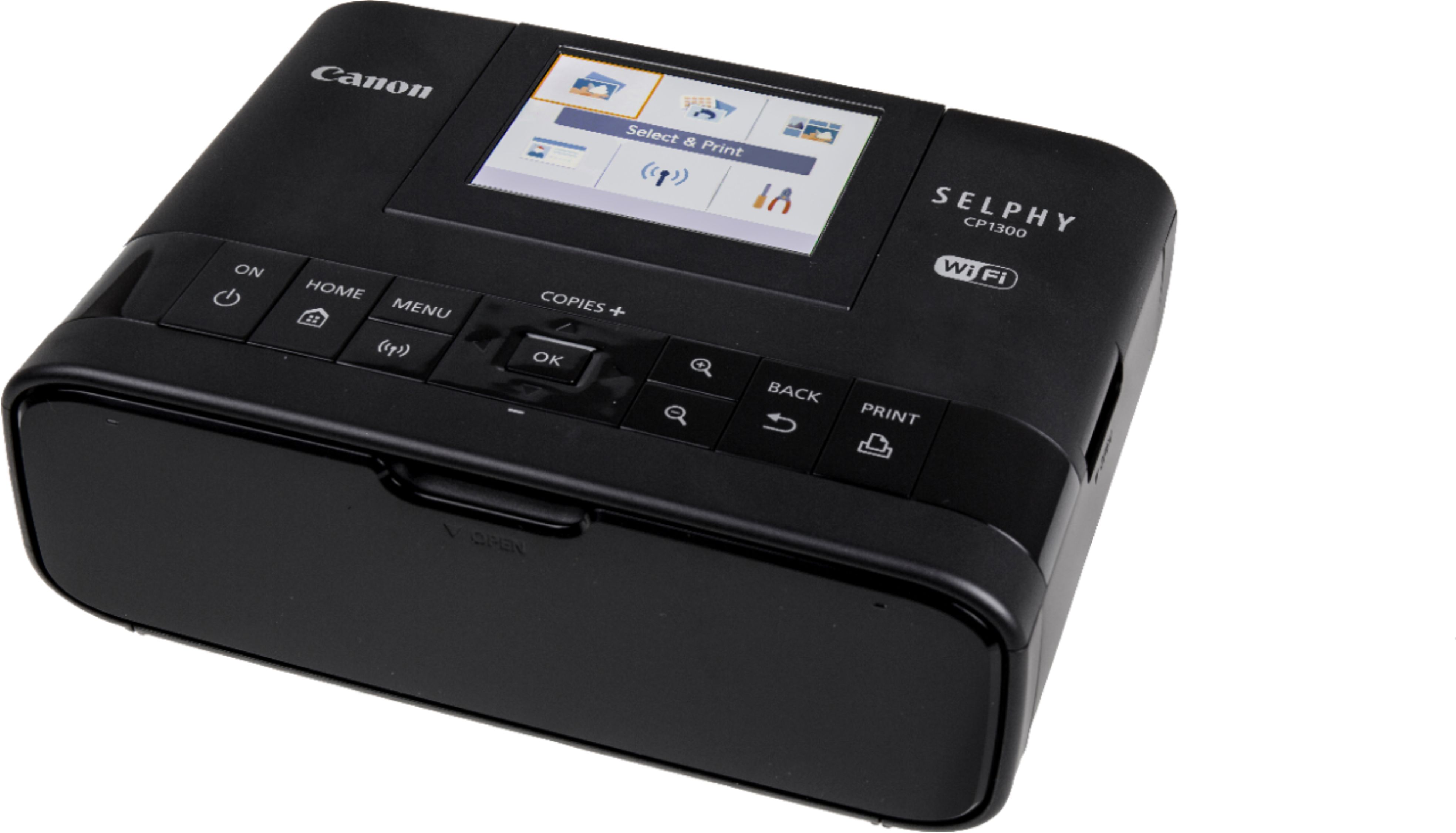
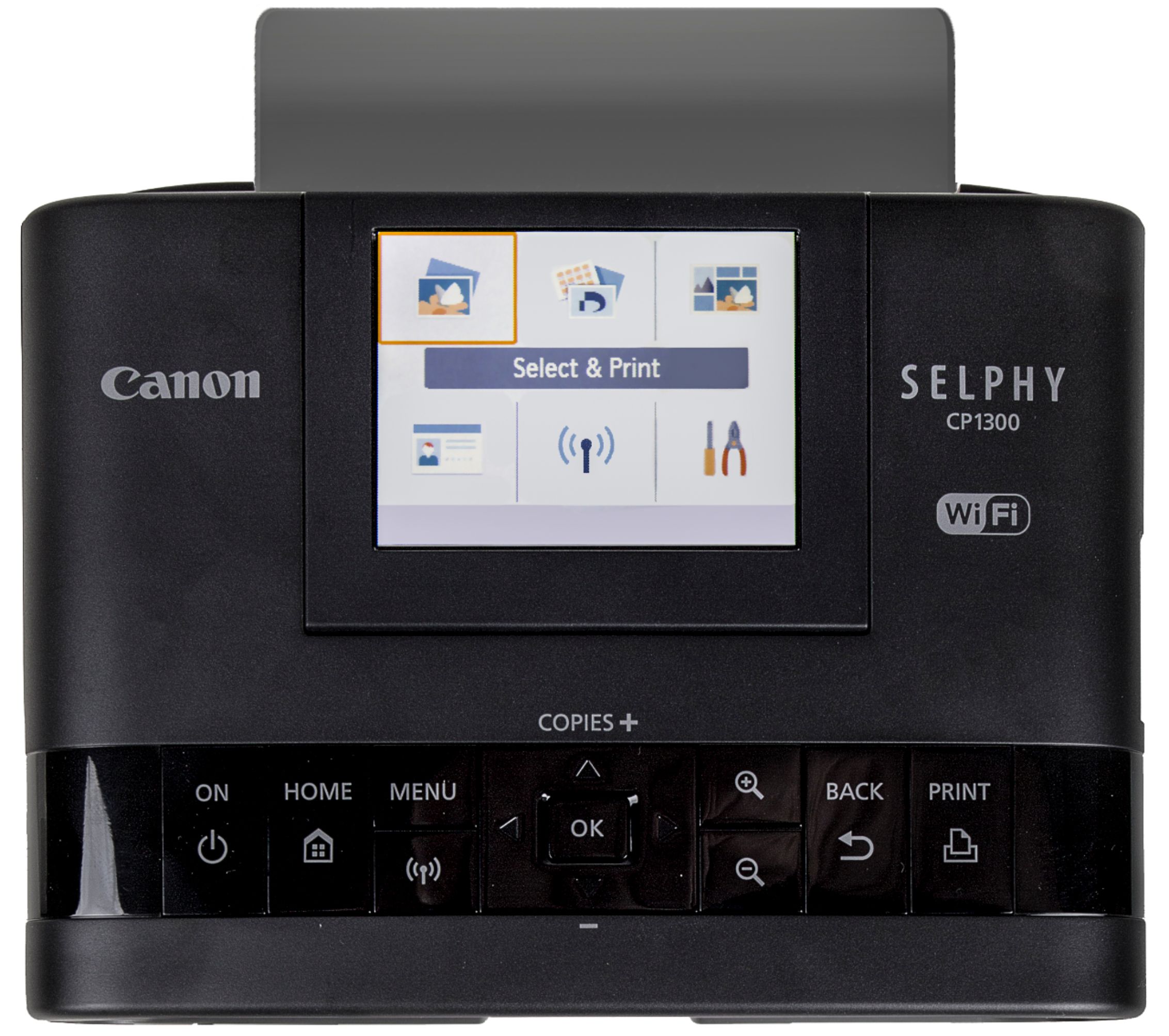
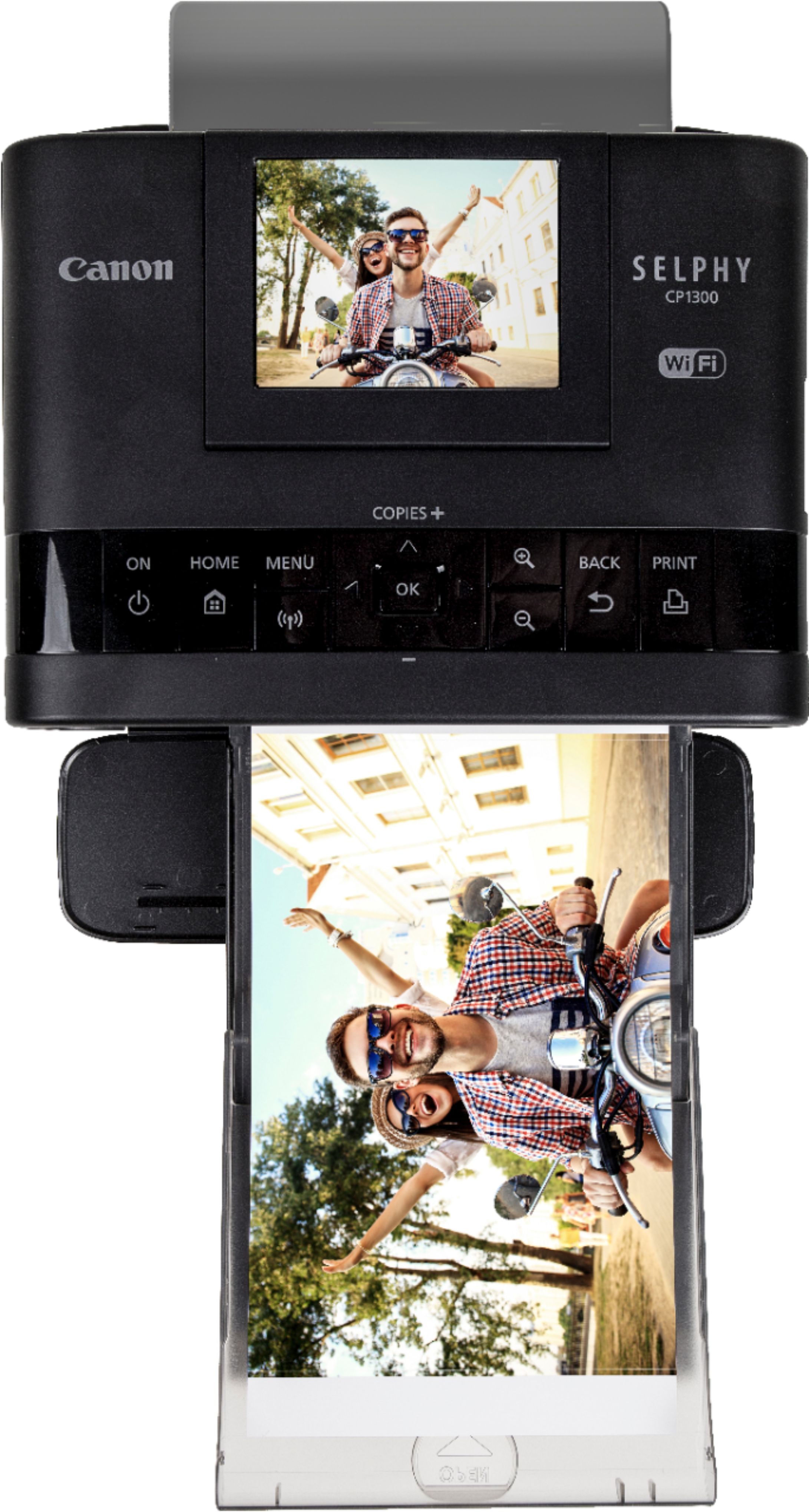
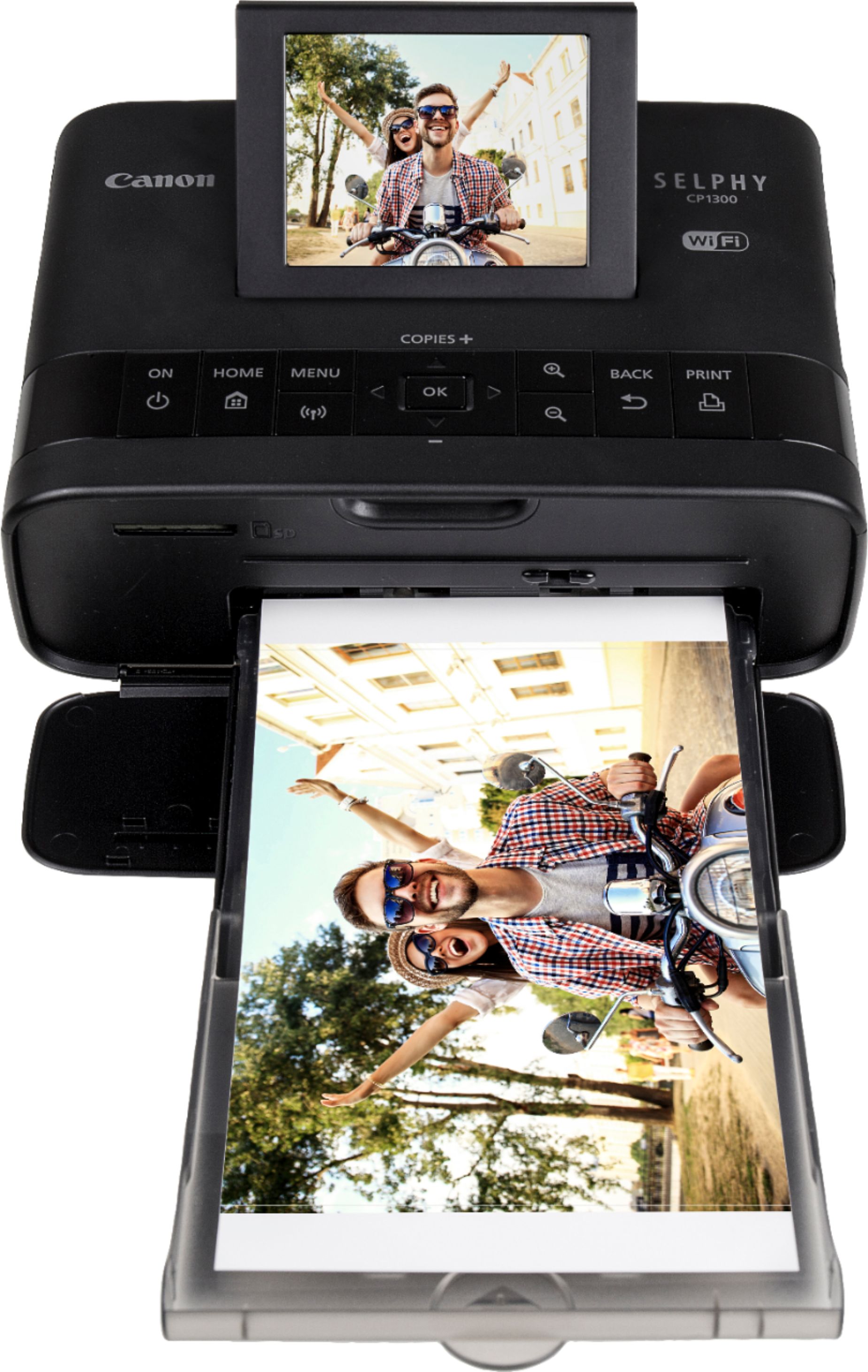
A:AnswerYou can connect with any device that has a Wifi option, so any brand phone, tablet or computer will work. You just turn on Wifi, push the wifi button on the printer and then select the printer on your device. Once connected, you go to the photo, choose print on your device, and choose that printer. You can also password protect it.
You can also insert an SD card. (We use a micro SD with adapter. ) No phone app required.
A:AnswerYou can get photo paper and print cartridge bundles for a decent price on Amazon. Other retailers have them, but i haven't done a price comparison.
A:AnswerThis depends on the version of i phone. I have a very old version 6 and my husband has the newer version. His allows him to print, mine didn't work on the printer.
A:AnswerIt does not fold. It measures 2.5" x 7.1" and weighs 1.9 pounds so it is easier to bring and can be kept in your bag without consuming too much space.