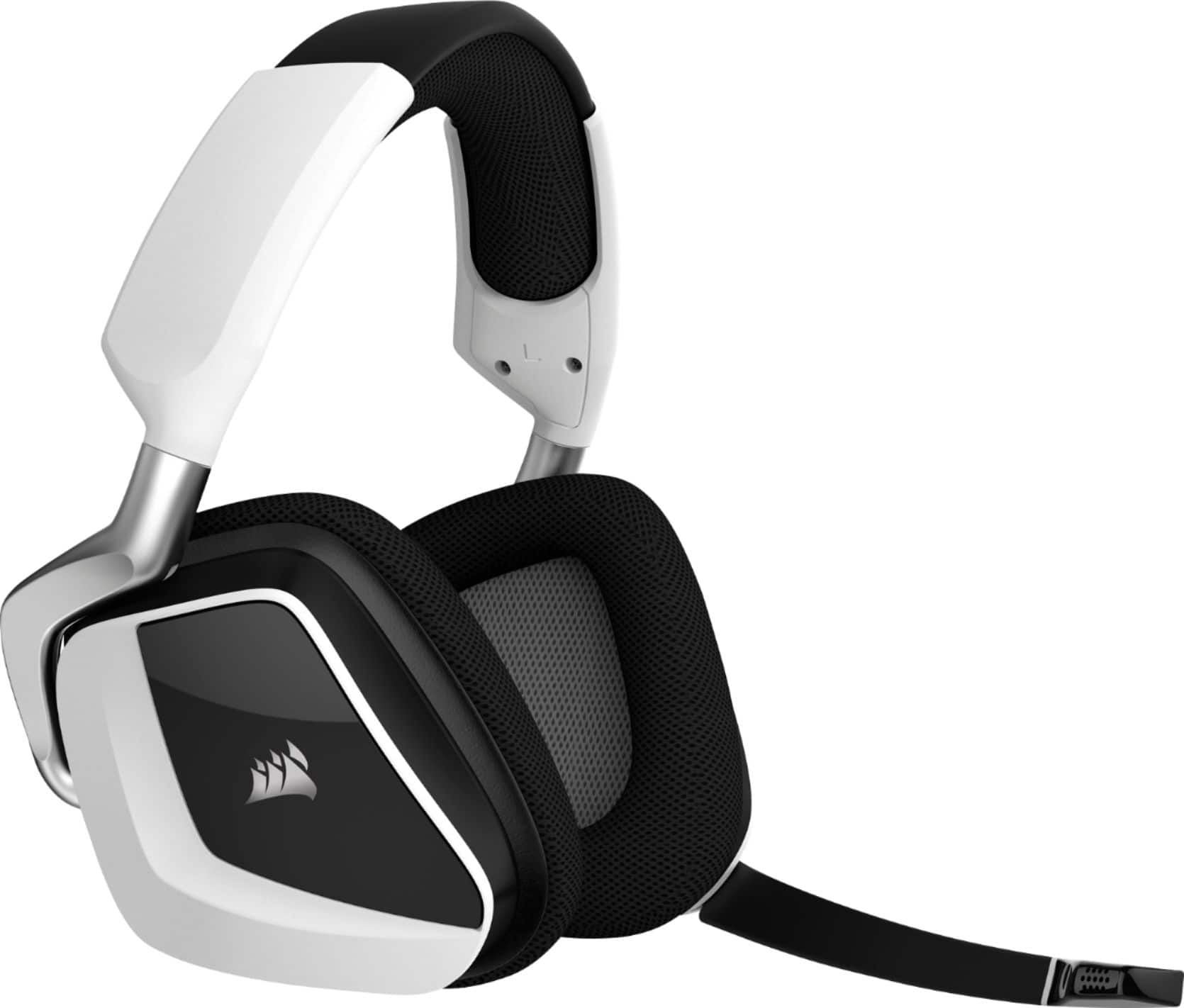
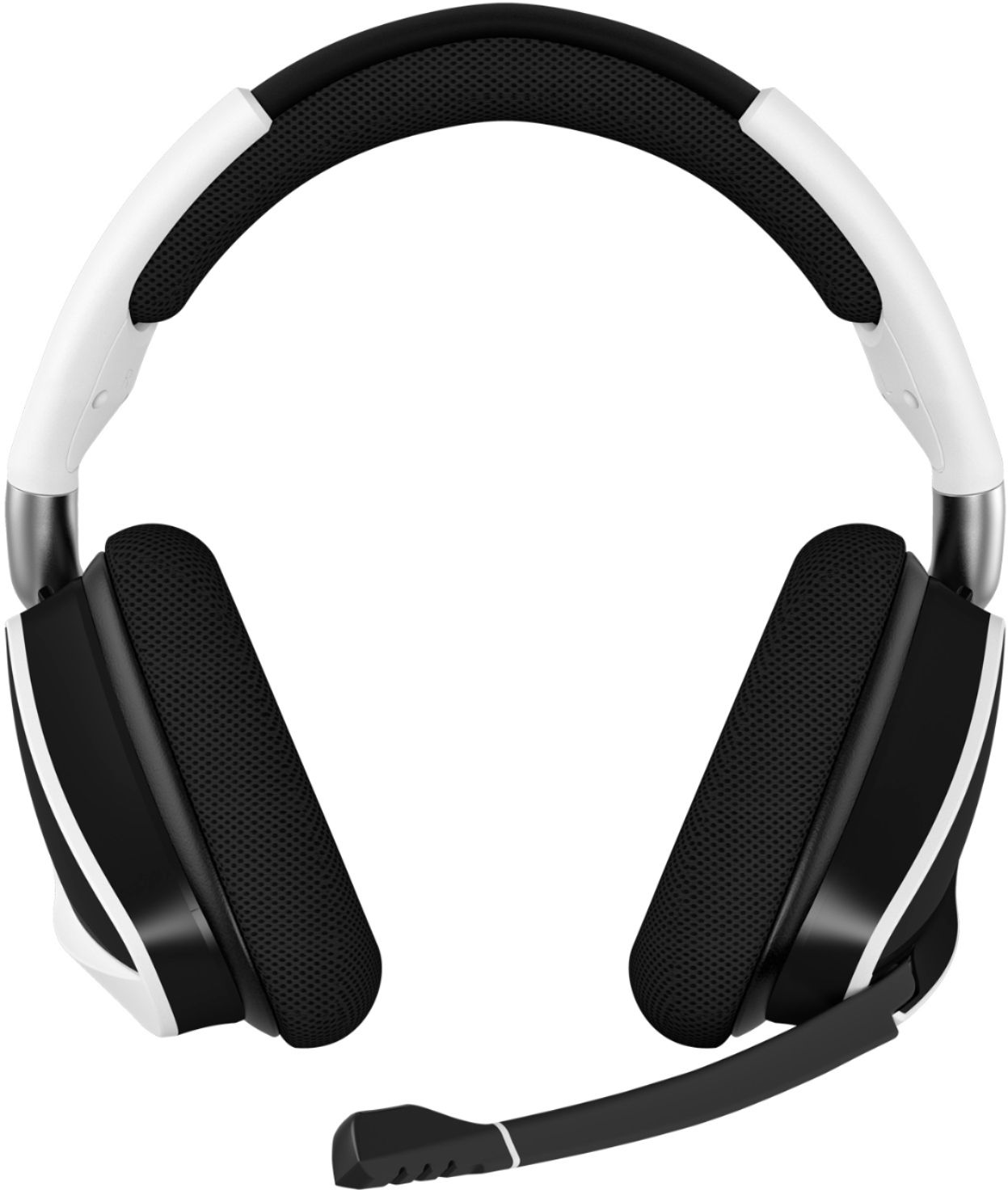
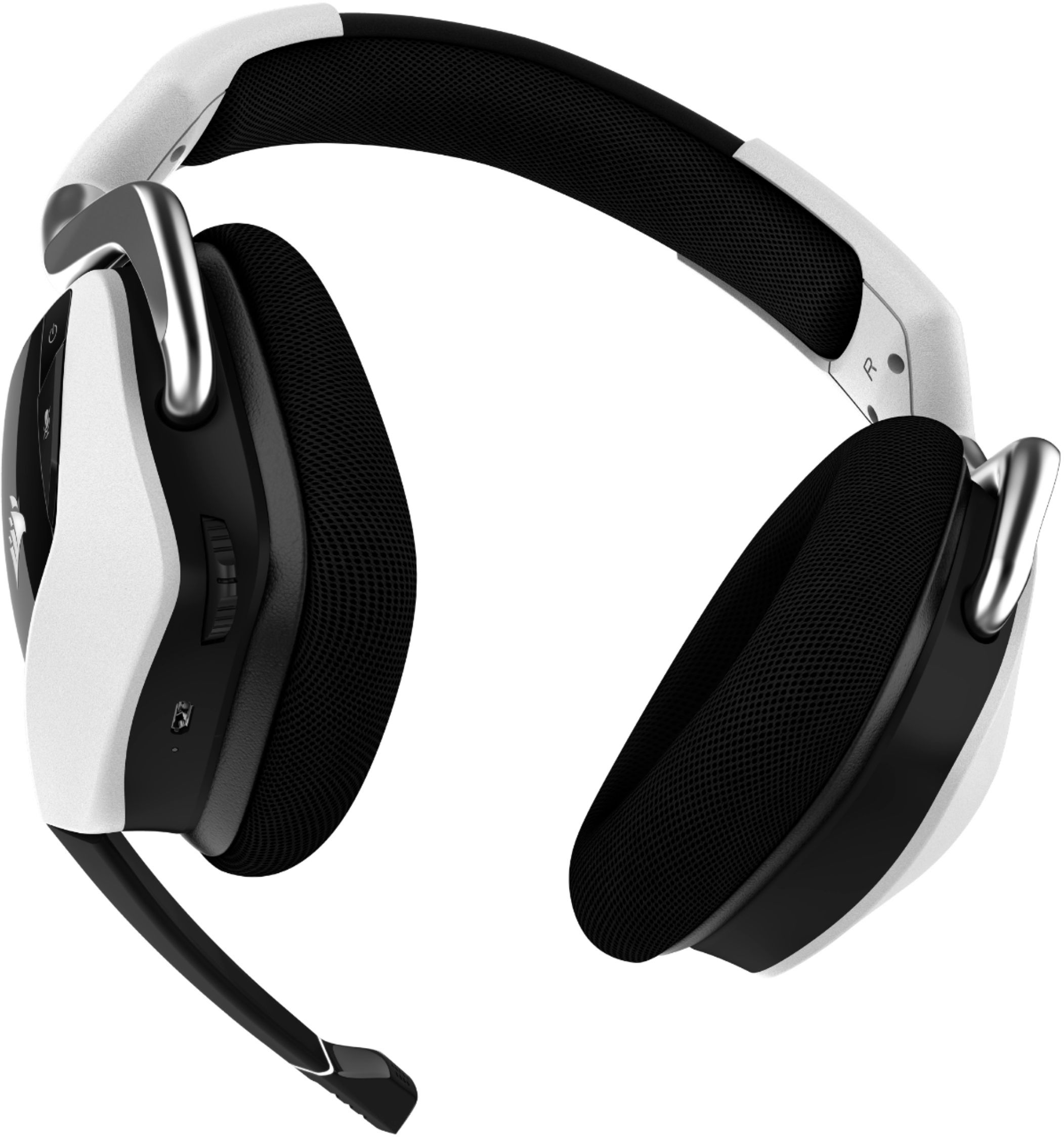
A:AnswerIt works for PS4, if your headset doesn't work specifically, you either haven't set it up correctly, or it's broken. Make sure to plug in the USB that comes with the headset before turning it on.
A:AnswerYes I think so, it comes with a Bluetooth usb connector, I would recon you’d be able to plug that it into the back of your Xbox to have it always wirelessly paired.
A:AnswerI have had the pro version of the headset. They are very durable for me. I used to throw them because I would get mad, but that doesn't happen anymore. I had tossed and smashed them multiple times and they survived until the mic part of the headset ended up breaking which isn't normal, but too much damage to the mic will cause it to break.
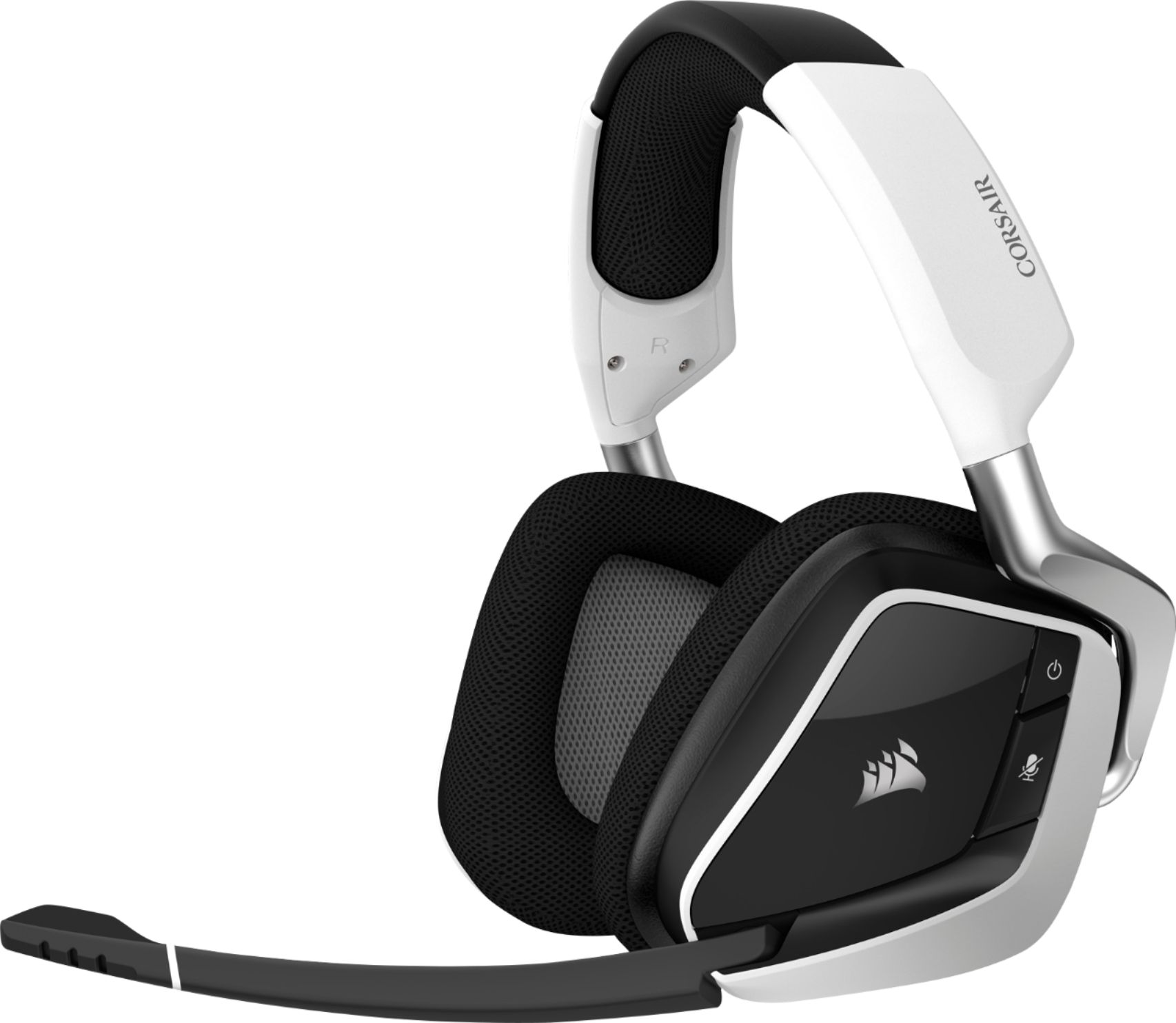
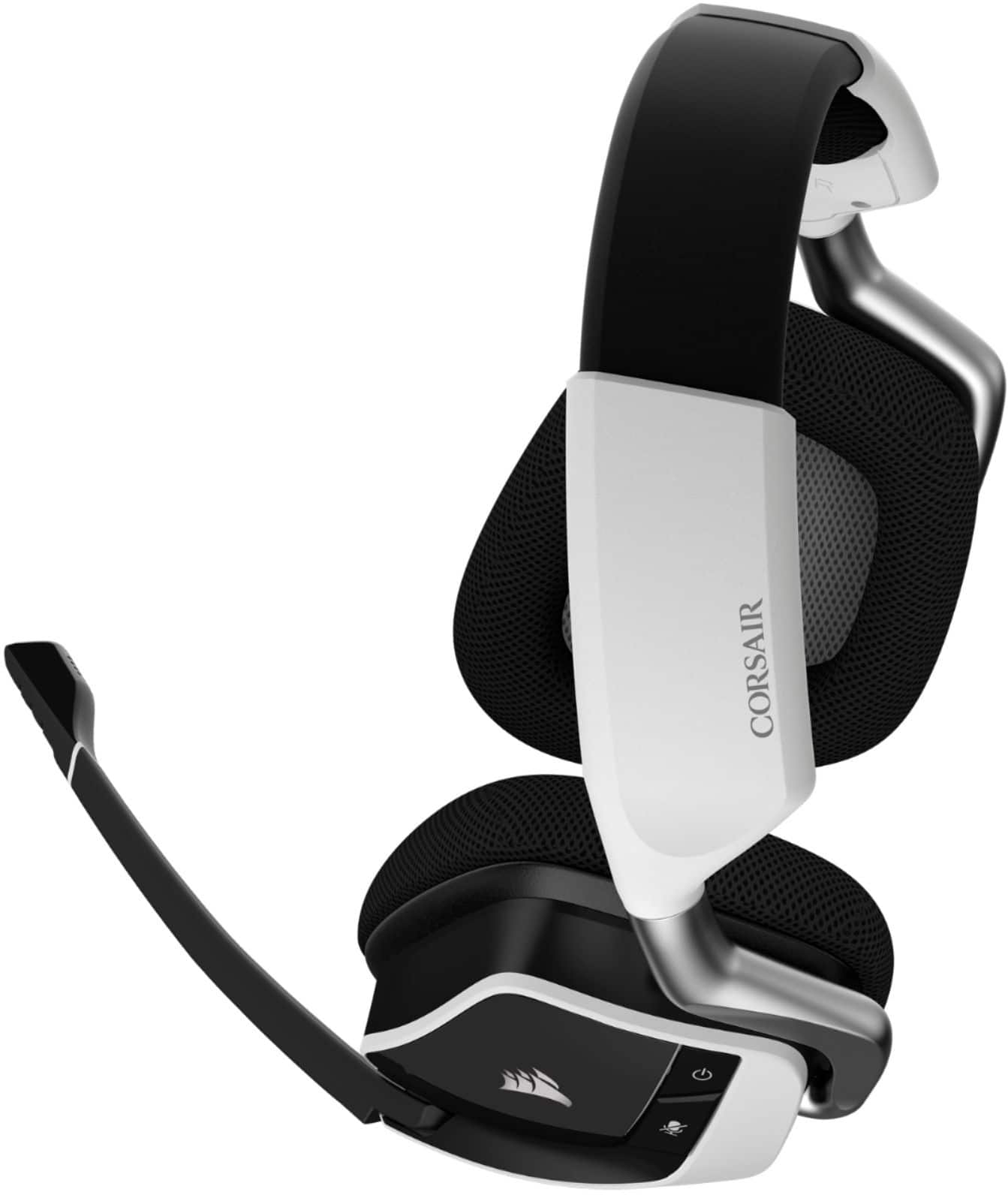
A:AnswerPress the microphone button, if your headphone microphone is lit up red that means you have it muted. There is a microphone button on the left side of the headphones.
A:Answerif you can't adjust it by the headset just go to the ps5 settings and go to AUDIO/MUSIC volume (playstation button) --> the volume icon --> there are two video and music turn them half way and you should be set.