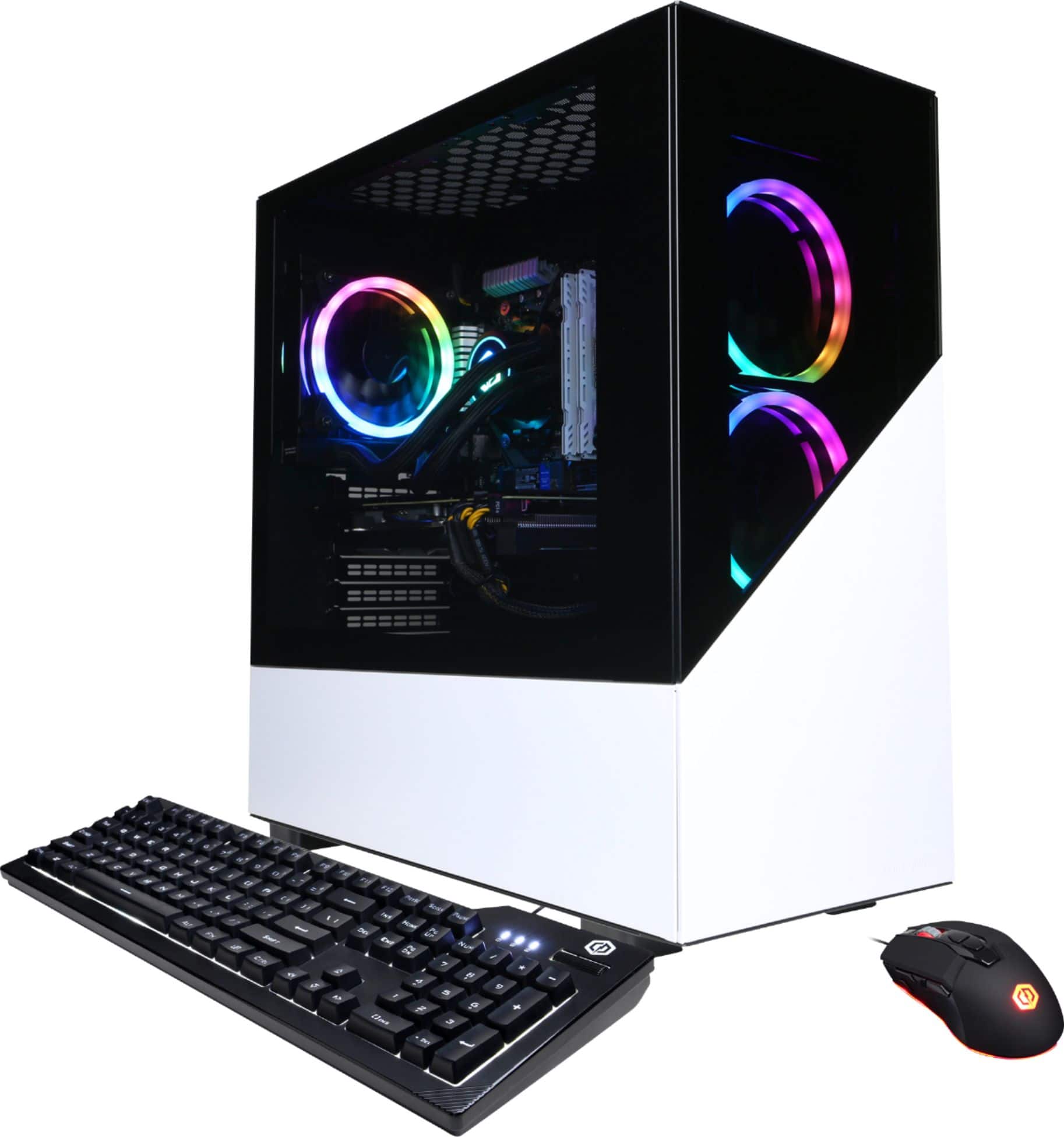
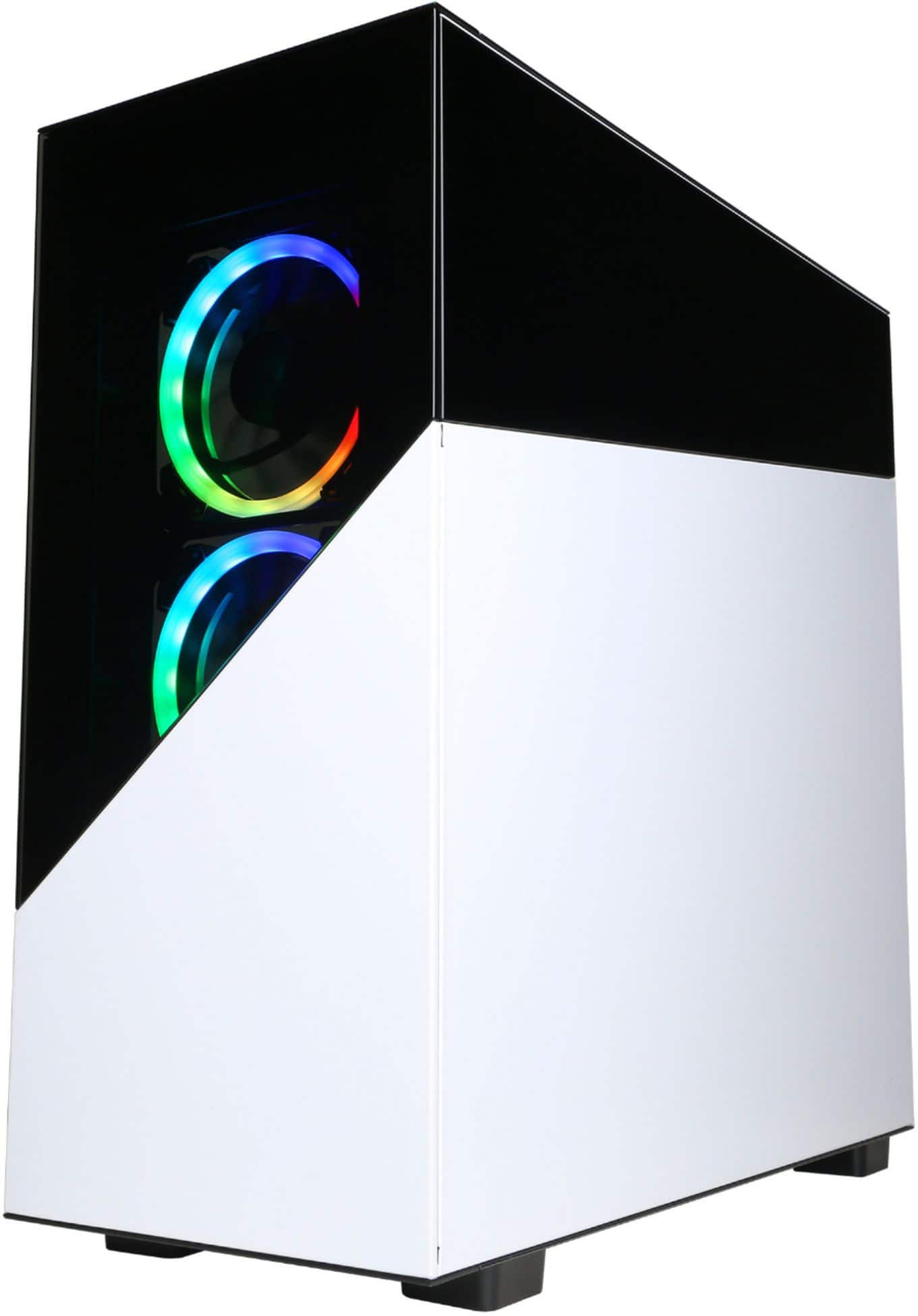
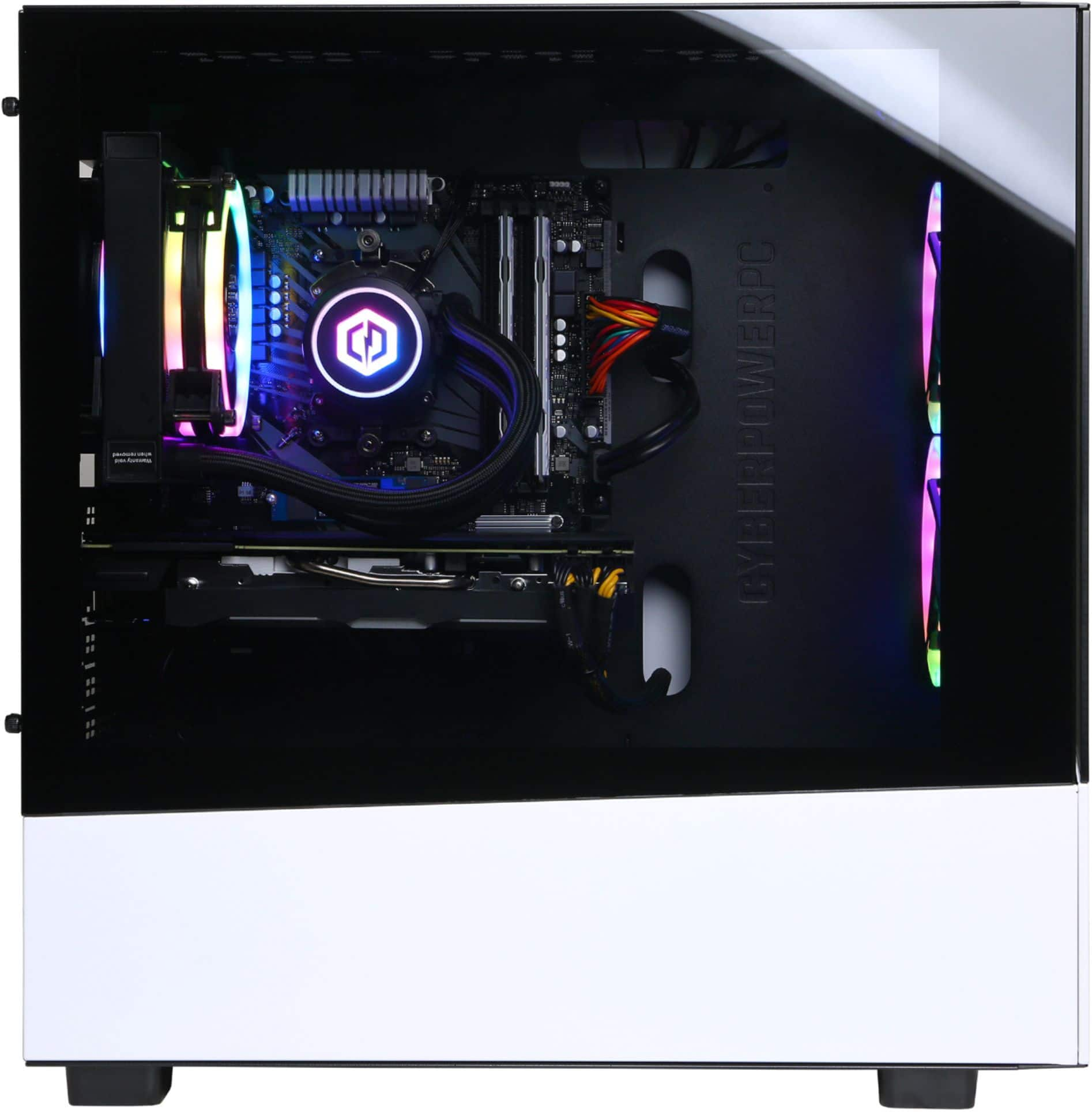
A:AnswerThanks for reaching out. This PC should come with a 120mm AIO closed-loop cooler. If you have any further questions or concerns then please do not hesitate to give our tech support agents a call for any assistance; we're always happy to help.
Tech Support:
(888)937-5582
-CyberpowerPC Support
A:AnswerThank you for reaching out to us ffxcl. This system should include WiFi capabilities. If you have any further questions or concerns then please do not hesitate to give our tech support agents a call for any assistance; we're always happy to help.
Tech support:
(855) 888-2039
-CyberpowerPC Support
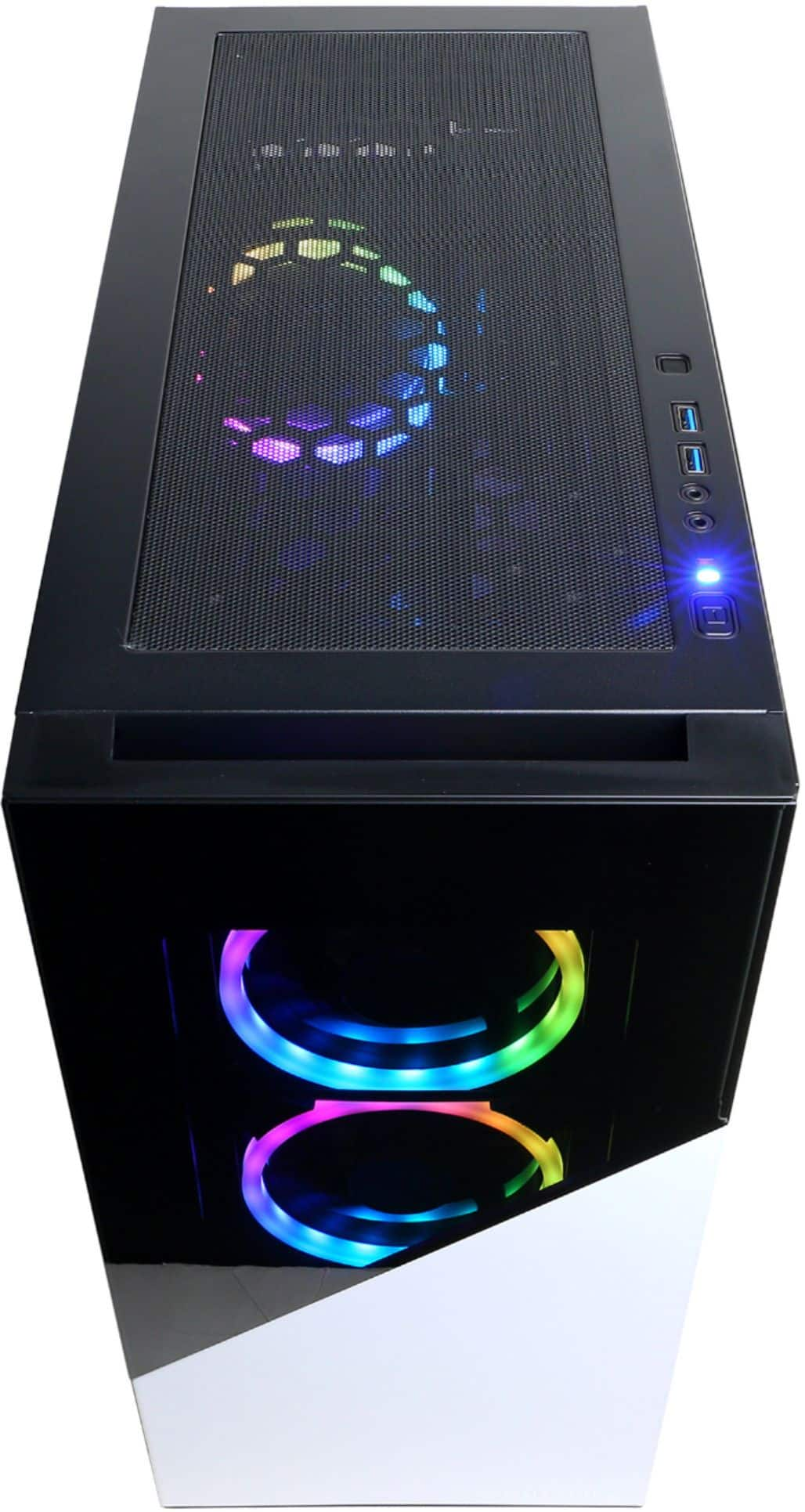
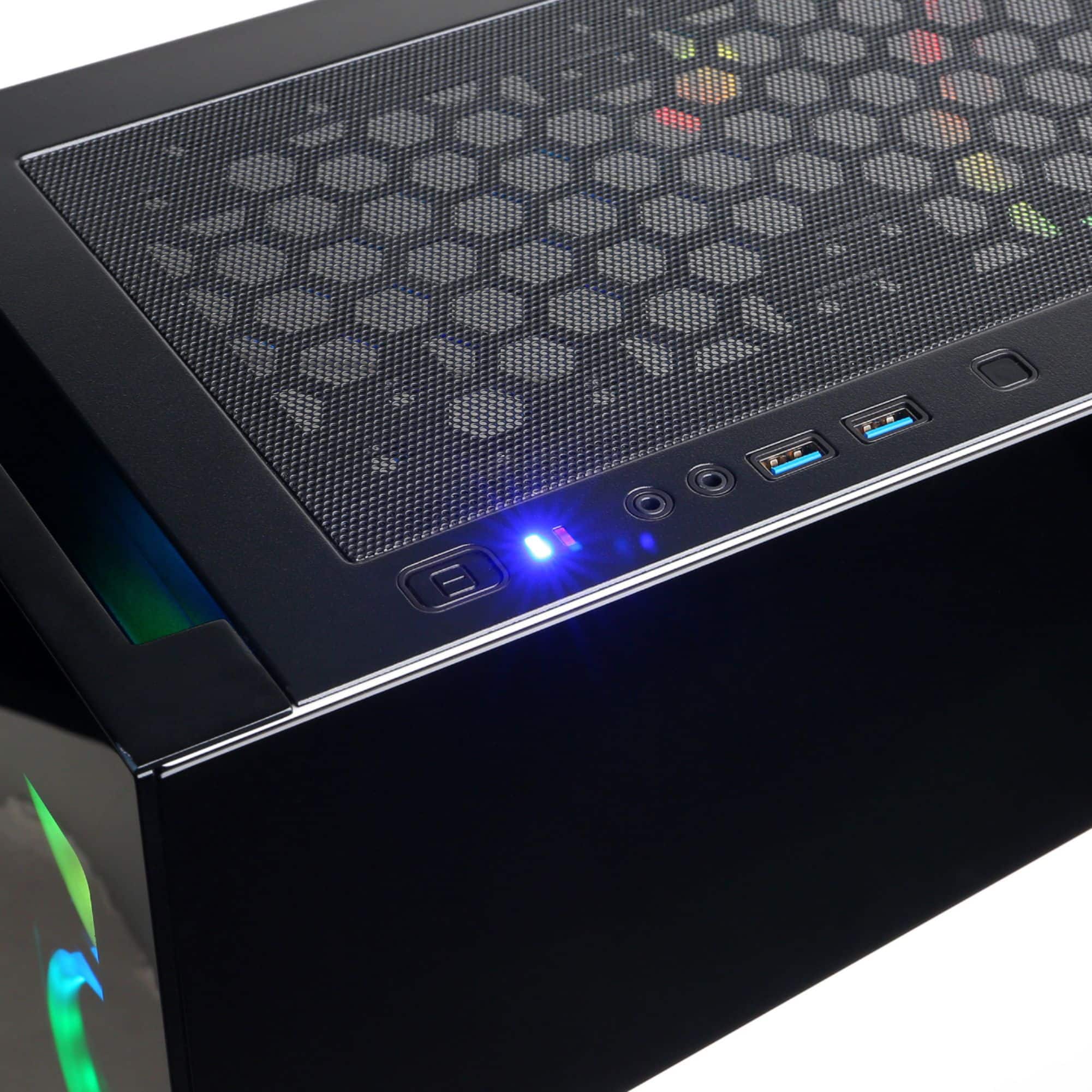
A:AnswerThe case does not have a USB C and the motherboard does not have one on the back either.
Unless you go through Cyberpower themselves you can not change any options here and I do not believe this case has a USB C in any configuration
A:AnswerMine has 1 PCIe 3.0 x16 and 1 PCIe 2.0 x16. the graphics card is using the 3.0 slot and the other slot is open.
Need to be careful because on mine the 2070 super is to close to that second slot and if anything gets put in it it will most likely block the graphics card fans.
A:AnswerYes, Gsync monitor (or gsync compatible) is the way to go to get the best picture, using Display Port (DP). Good monitors should come with a DP cable.
A:AnswerThank you for reaching out to us Eric. Unfortunately the manufacturer and number of RAM sticks included with this system may vary depending on what was currently available at the time the PC was built. However, in most cases this system should come with 2 sticks of RAM running in dual channel. If you have any further questions or concerns then please do not hesitate to give our tech support agents a call for any assistance; we're always happy to help.
Tech support:
(855) 888-2039
-CyberpowerPC Support
A:AnswerThank you for reaching out to us ky. This PC should be able to run Minecraft as it does meet the minimum system requirements. However, the amount of FPS you receive in-game will vary depending on the resolution and refresh rate of your display, in-game graphics settings, as well as your network connection. It is always recommended that you check the system requirements of the game you would like to play before making your purchase. Also the components included with this system are upgradeable, however, it is always recommended that you check for compatibility before making your purchase on new hardware. If you have any further questions or concerns then please do not hesitate to give our tech support agents a call for any assistance; we're always happy to help.
Tech support:
(888)937-5582
-CyberpowerPC Support
A:AnswerHonestly, I had a hard time with that too. I don’t have a headset, I use my Apple headphones for the audio as of right now until I can get a proper headset. With that said I had to go and change the output of the sound to Speakers (Realtek(R) Audio). Go to Sound Settings, then click on Sound Control Panel and it should be there. Mess around with it and hopefully it helped.
A:AnswerThe fans always run on mine and I can not hear them unless they all start to run at around 70% to 80%.
And my machine is sitting on my desk right next to me.
A:Answercould be the gpu's coil wind. Some graphics cards make a humming buzzing nioce when running graphically intensive application. Sucks but youll get used to it.
A:AnswerThank you for reaching out to us dnai. This PC should be able to run Fortnite as it does meet the minimum system requirements. However, the amount of FPS you receive in-game will vary depending on the resolution and refresh rate of your display, in-game graphics settings, as well as your network connection. It is always recommended that you check the system requirements of the game you would like to play before making your purchase. If you have any further questions or concerns then please do not hesitate to give our tech support agents a call for any assistance; we're always happy to help.
Tech support:
(888)937-5582
-CyberpowerPC Support
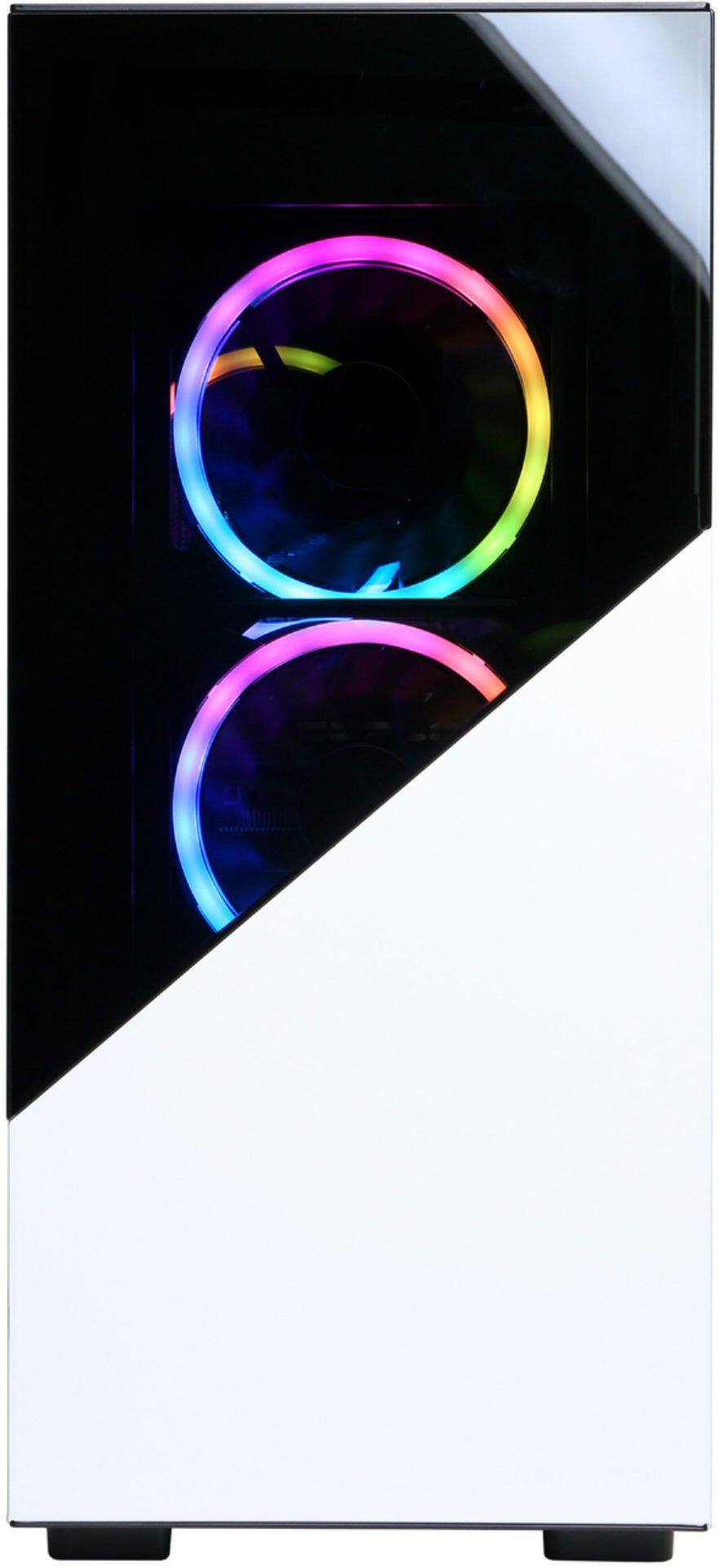
A:AnswerI have the PC as well. The front fans should always be on when PC is on. I would take off the back panel (panel on right side of unit) and check the connections near the middle area I believe is where the fans connect to.
A:AnswerThank you for reaching out to us Joe. The AIO (All in One) liquid cooler included with this PC is a closed loop system. If you have any further questions or concerns then please do not hesitate to give our tech support agents a call for any assistance; we're always happy to help.
Tech support:
(855) 888-2039
-CyberpowerPC Support
A:AnswerThank you for reaching out to us Don1. The graphics card included with this system is upgradeable, however, it is always recommended that you check for compatibility before making your purchase on new hardware. If you have any further questions or concerns then please do not hesitate to give our tech support agents a call for any assistance; we're always happy to help.
Tech support:
(855) 888-2039
-CyberpowerPC Support