A:AnswerThank you for reaching out Reysofly. This PC should be able to handle playing Fortnite as well as recording. Please be aware that the software you pick to record as well as settings on Fortnite will affect your FPS in-game. If you have any further questions or concerns then please do not hesitate to give our tech support agents a call for any assistance; we're always happy to help.
Tech support:
(888)937-5582
- CyberpowerPC Support
A:AnswerThanks for reaching out Zoeeee. You should be able to average above 60 FPS on League of Legends. However, uncapping your frame limit and tweaking your settings maybe able to raise your FPS even higher. If you have any further questions or concerns then please do not hesitate to give our tech support agents a call for any assistance; we're always happy to help.
Tech support:
(888)937-5582
- CyberpowerPC Support
A:AnswerThank you for reaching out Guillermo. There may possibly be some user-created videos testing the PC out. However, we don't do videos on PC tests. If you have any further questions or concerns then please do not hesitate to give our tech support agents a call for any assistance; we're always happy to help.
Tech support:
(888)937-5582
- CyberpowerPC Support
A:AnswerThank you for reaching out Zesty. If you are referring to resolution of a PC, that depends on the monitor. The monitors can vary as listed: 16:9 aspect ratio resolutions: 1024×576, 1152×648, 1280×720, 1366×768, 1600×900, 1920×1080, 2560×1440 and 3840×2160 and 16:10 aspect ratio resolutions: - 1280×800, 1440×900, 1680×1050, 1920×1200 and 2560×1600. Depending if you want to do more high definition gaming, you would want a higher resolution monitor. Hope that helps. If you have any further questions or concerns then please do not hesitate to give our tech support agents a call for any assistance; we're always happy to help.
Tech support:
(888)937-5582
- CyberpowerPC Support
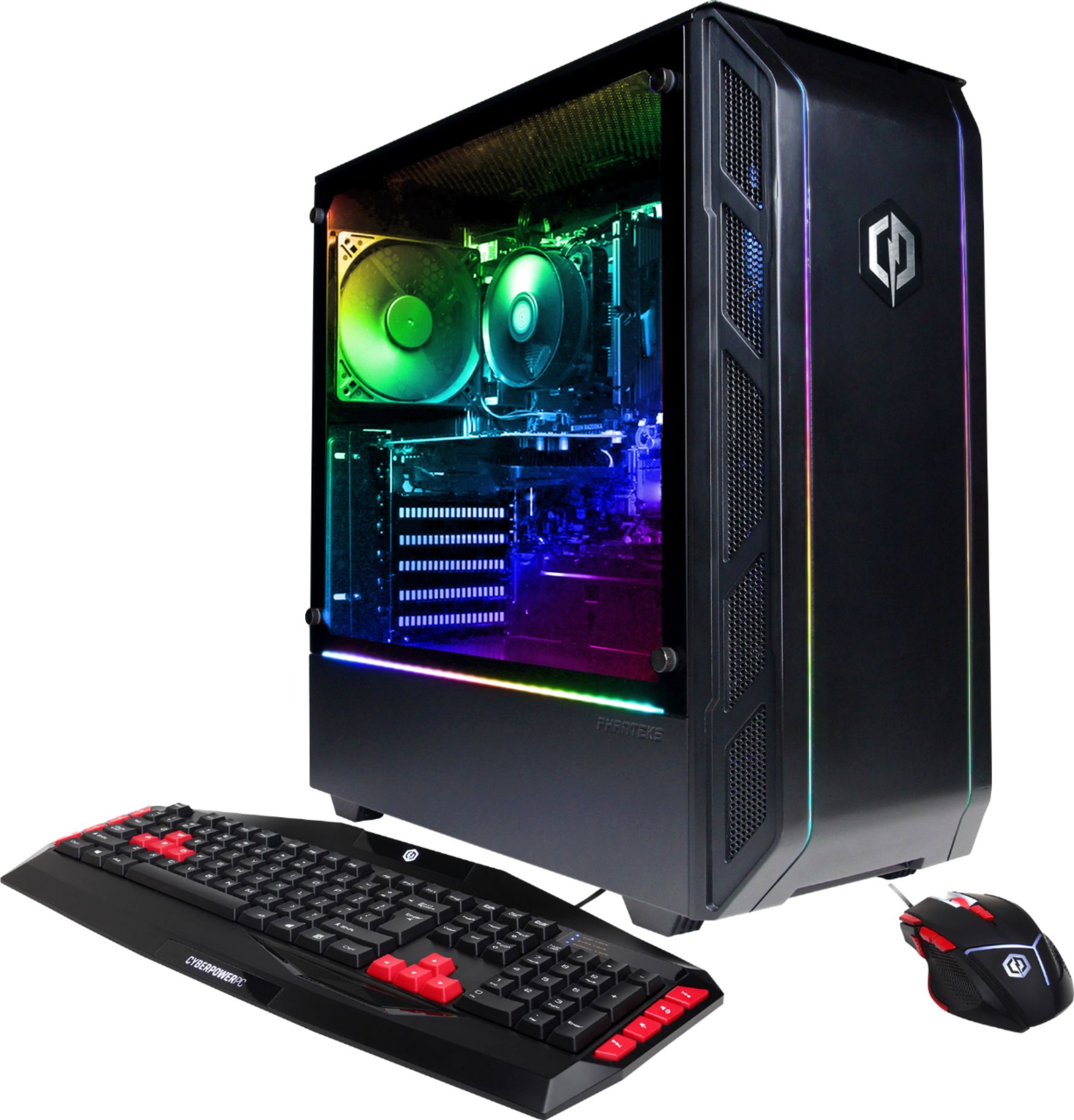
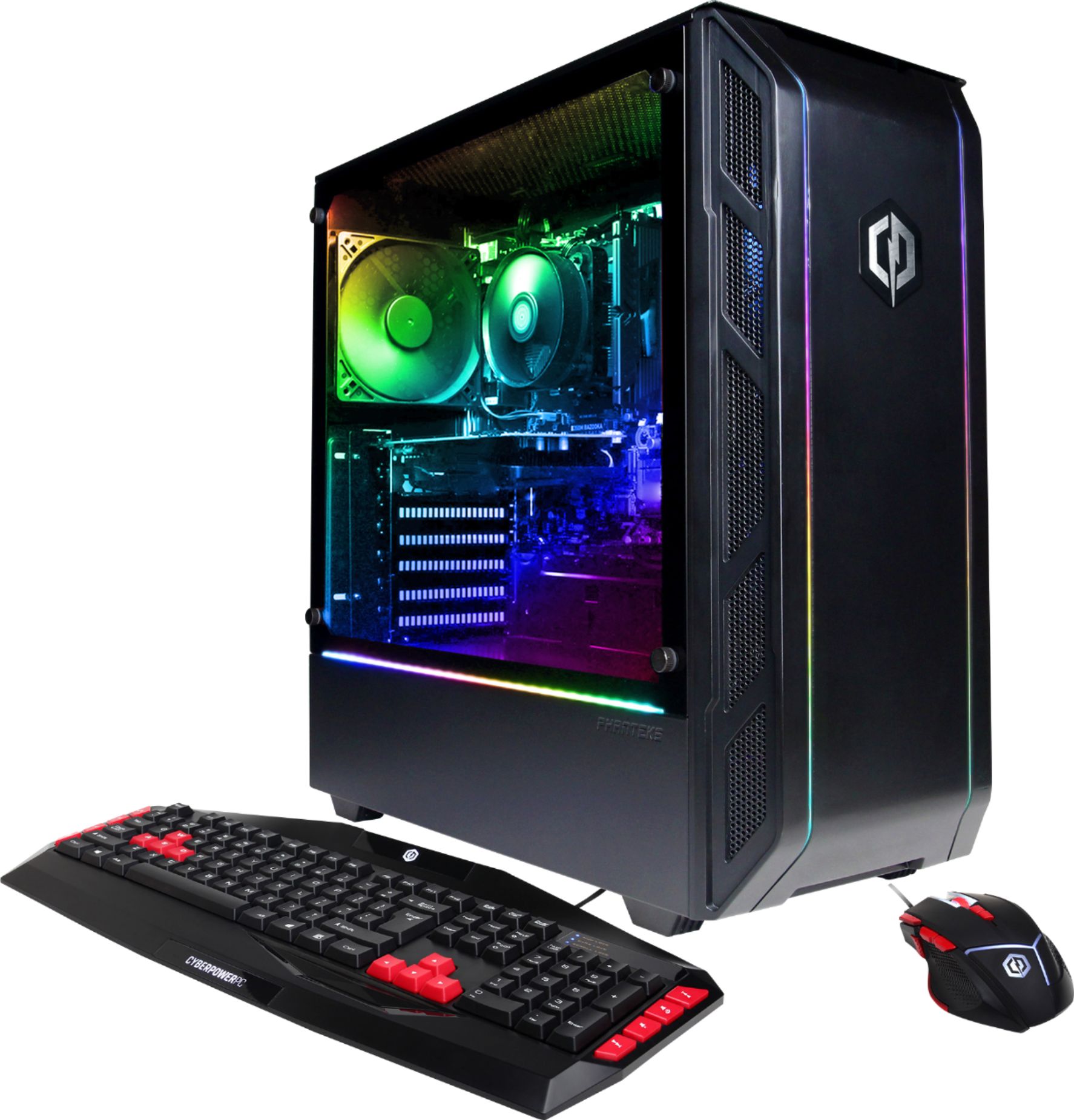
A:AnswerThank you for reaching out Mike. The model of keyboard that comes with this PC is called CYBERPOWERPC MULTIMEDIA/INTERNET USB KEYBOARD. If you have any further questions or concerns then please do not hesitate to give our tech support agents a call for any assistance; we're always happy to help.
Tech support:
(888)937-5582
- CyberpowerPC Support
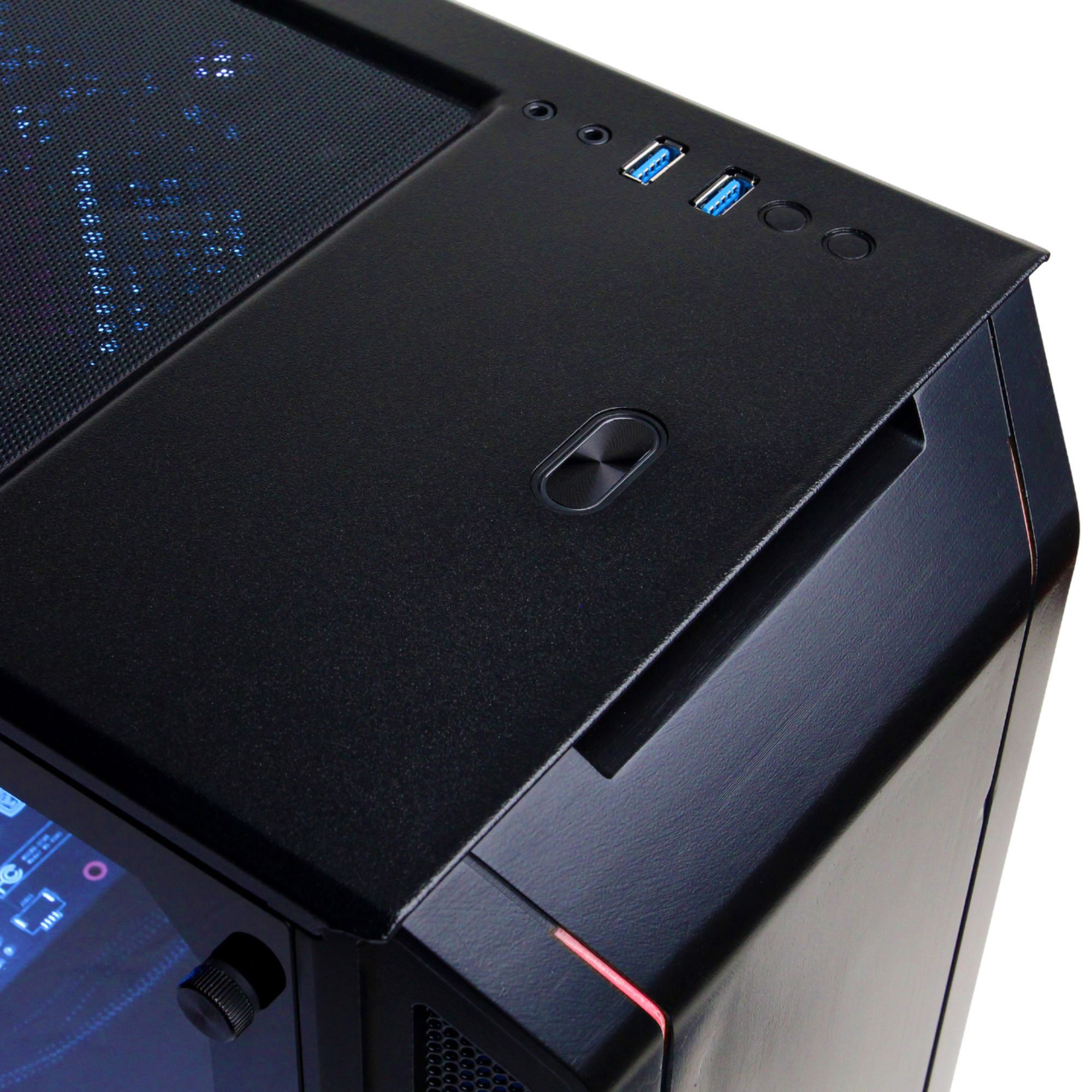
A:AnswerThank you for reaching out Shim. This PC should be able to run all 3 games. However, we recommend you lower your settings and tweak them afterwards if there are no drops in PC performance. If you have any further questions or concerns then please do not hesitate to give our tech support agents a call for any assistance; we're always happy to help.
Tech support:
(888)937-5582
- CyberpowerPC Support
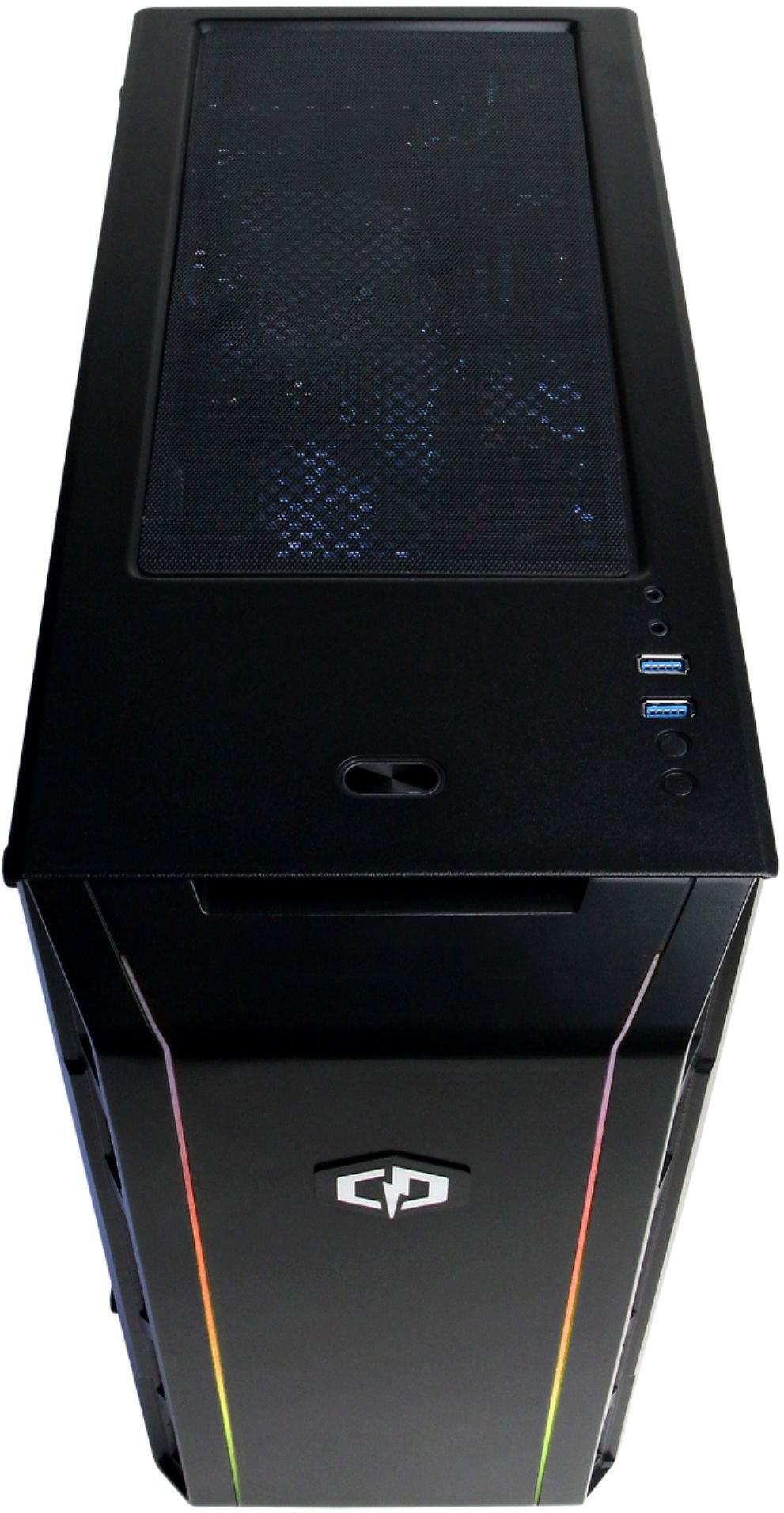
A:AnswerThank you for reaching out TjGervs. With any PC, you are able to upgrade everything. The easier components to upgrade are usually the graphics card, hard drive, power supply and RAM. Again, you are able to upgrade everything. However, if you happen to want to upgrade the processor or motherboard etc, you want to make sure you are all components are compatible with each other as well as make sure the case is big enough to fit the new motherboard and components. Make sure to do your research first. Another thing to note, is if you happen to change out a part, make sure if it has a corresponding driver connected to it, you may need to uninstall it and download a new driver. If you have any further questions or concerns then please do not hesitate to give our tech support agents a call for any assistance; we're always happy to help.
Tech support:
(888)937-5582
- CyberpowerPC Support
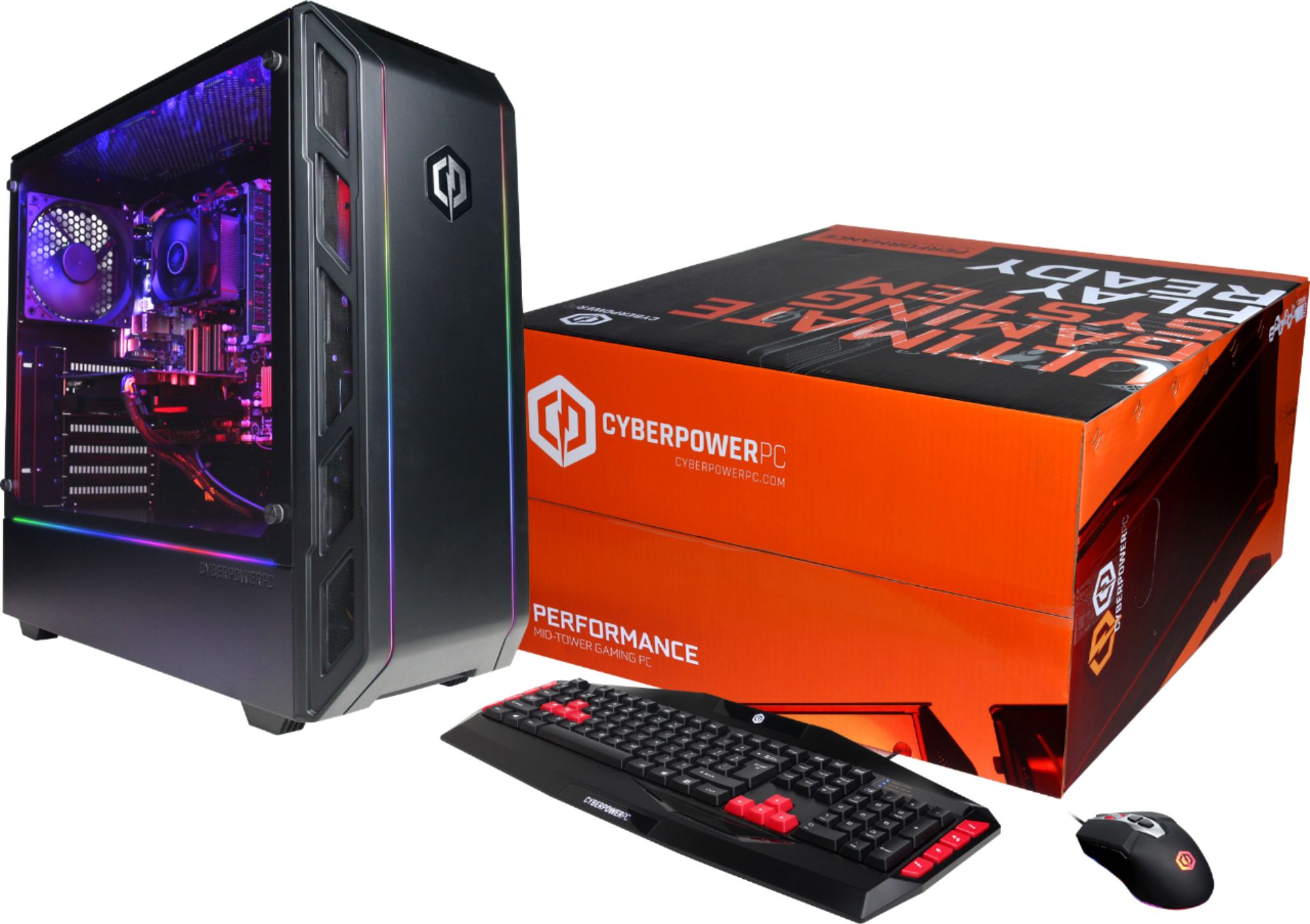
A:AnswerThank you for reaching out Thaedeus. To answer your second question first, yes. You should be able to move everything to another case, just make sure the case is big enough for your components. Now, if you wanted to get better FPS and graphics, then you would most likely want to upgrade your processor, graphics card, and ram. Please be aware that internet connection and your settings also affect performance. If you have any further questions or concerns then please do not hesitate to give our tech support agents a call for any assistance; we're always happy to help.
Tech support:
(888)937-5582
- CyberpowerPC Support
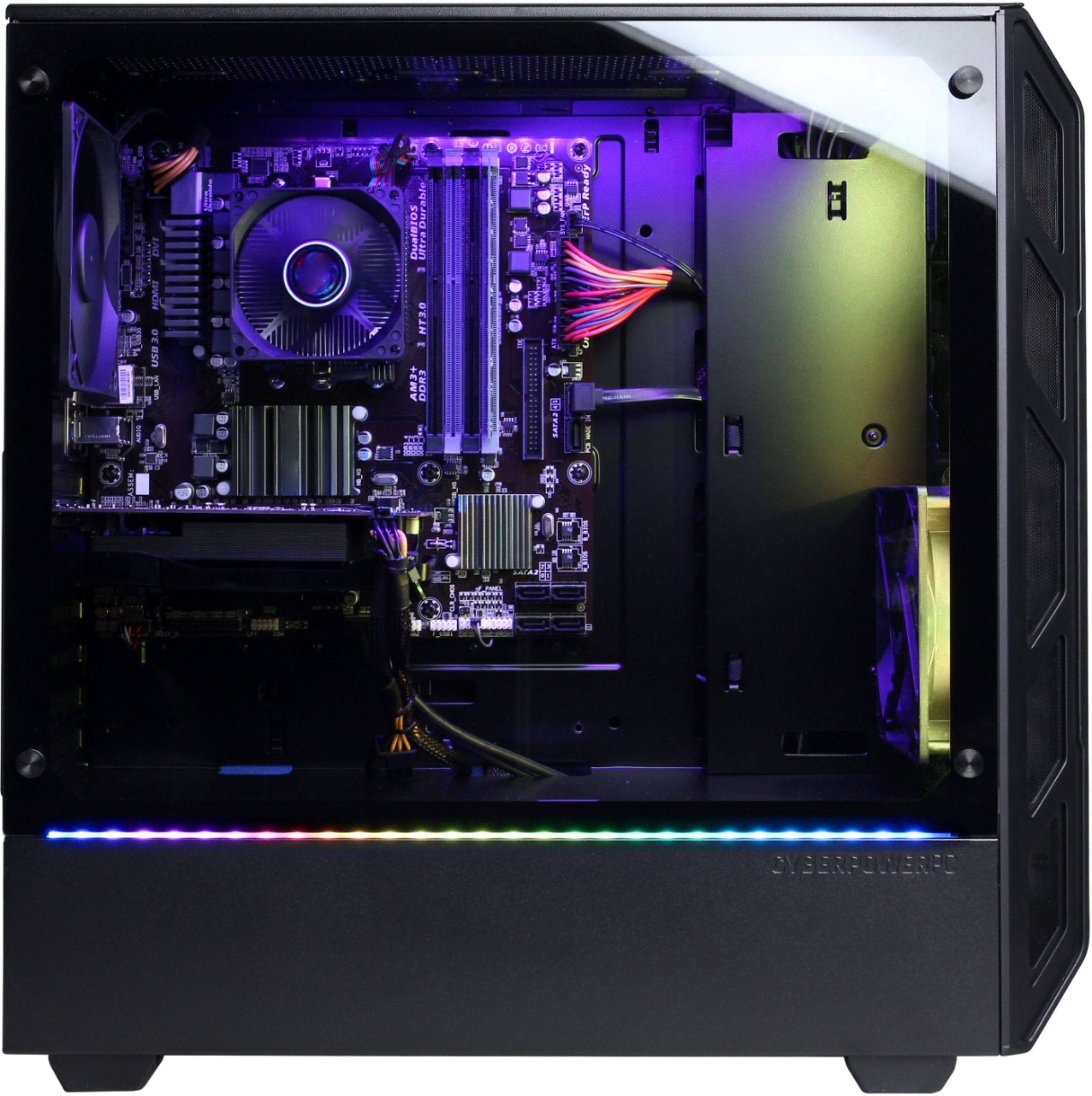
A:AnswerThank you for reaching out Sam. Unfortunately, you cannot plug your Xbox One into your PC and play, as they are two different components. One is a computer, the other is a console. You can use the monitor of your computer to display and play your Xbox 1. If you have any further questions or concerns then please do not hesitate to give our tech support agents a call for any assistance; we're always happy to help.
Tech support:
(888)937-5582
- CyberpowerPC Support
A:AnswerThank you for reaching out Jimmy. The motherboard on this PC should be able to handle up to 32gb of RAM no problem, so 16gb of RAM should definitely be no problem. If you have any further questions or concerns then please do not hesitate to give our tech support agents a call for any assistance; we're always happy to help.
Tech support:
(888)937-5582
- CyberpowerPC Support
A:AnswerThis pc runs games pretty well out the gate. Its equipped to run gtx cards but would probably be better optimized for amd cards. Since cards are so expensive at the moment due to the crytomining demand it's a really solid deal.
A:AnswerThe CPu wont affect the frame rate that drastically. You would want to upgrade the video card instead. If you have any further questions or concerns then please do not hesitate to give our tech support agents a call for any assistance; we're always happy to help.
Tech support:
(888)937-5582
- CyberpowerPC Support

A:AnswerThank you for reaching out Bobby. You can set it to just one color if you want to. If you have any further questions or concerns then please do not hesitate to give our tech support agents a call for any assistance; we're always happy to help.
Tech support:
(888)937-5582
- CyberpowerPC Support

A:AnswerThank you for reaching out Samakouri13. This computer should be able to handle Jurassic World Evolution as it passes the minimum requirements for the game. However, please be aware that it may not be able to handle max graphic settings of the game. We recommend you try low to medium graphics first, and if there are no performance drops, then tweak the settings to your liking. If you have any further questions or concerns then please do not hesitate to give our tech support agents a call for any assistance; we're always happy to help.
Tech support:
(888)937-5582
- CyberpowerPC Support

A:AnswerThank you for reaching out Kamron. This model should be able to run games such as Fortnite and Arma 3. We recommend you start with lower settings and proceed to maximize your settings afterwards. For your FPS, you made need to tweak your settings in order to keep a constant average of 60 FPS. If you have any further questions or concerns then please do not hesitate to give our tech support agents a call for any assistance; we're always happy to help.
Tech support:
(888)937-5582
- CyberpowerPC Support










