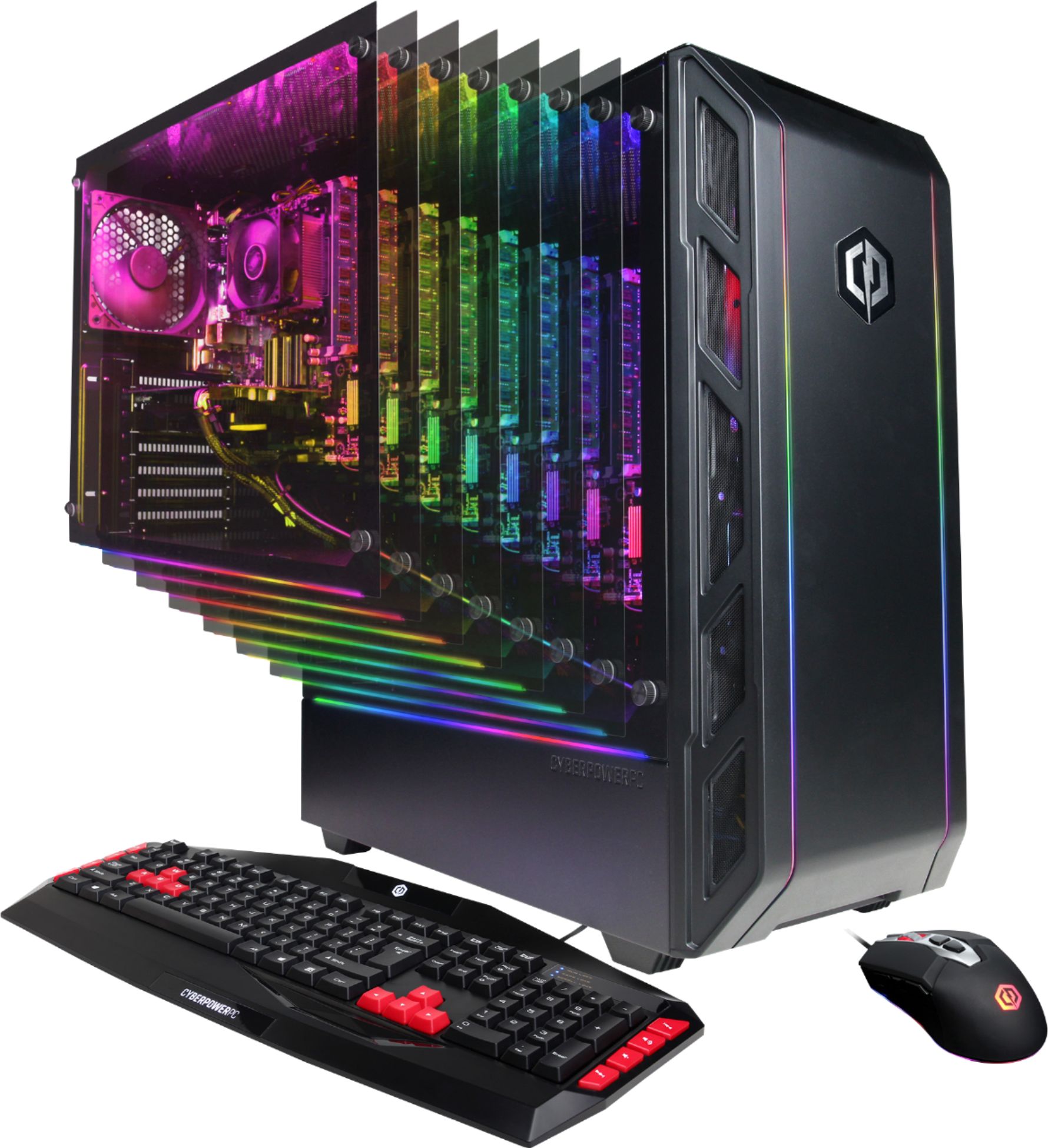
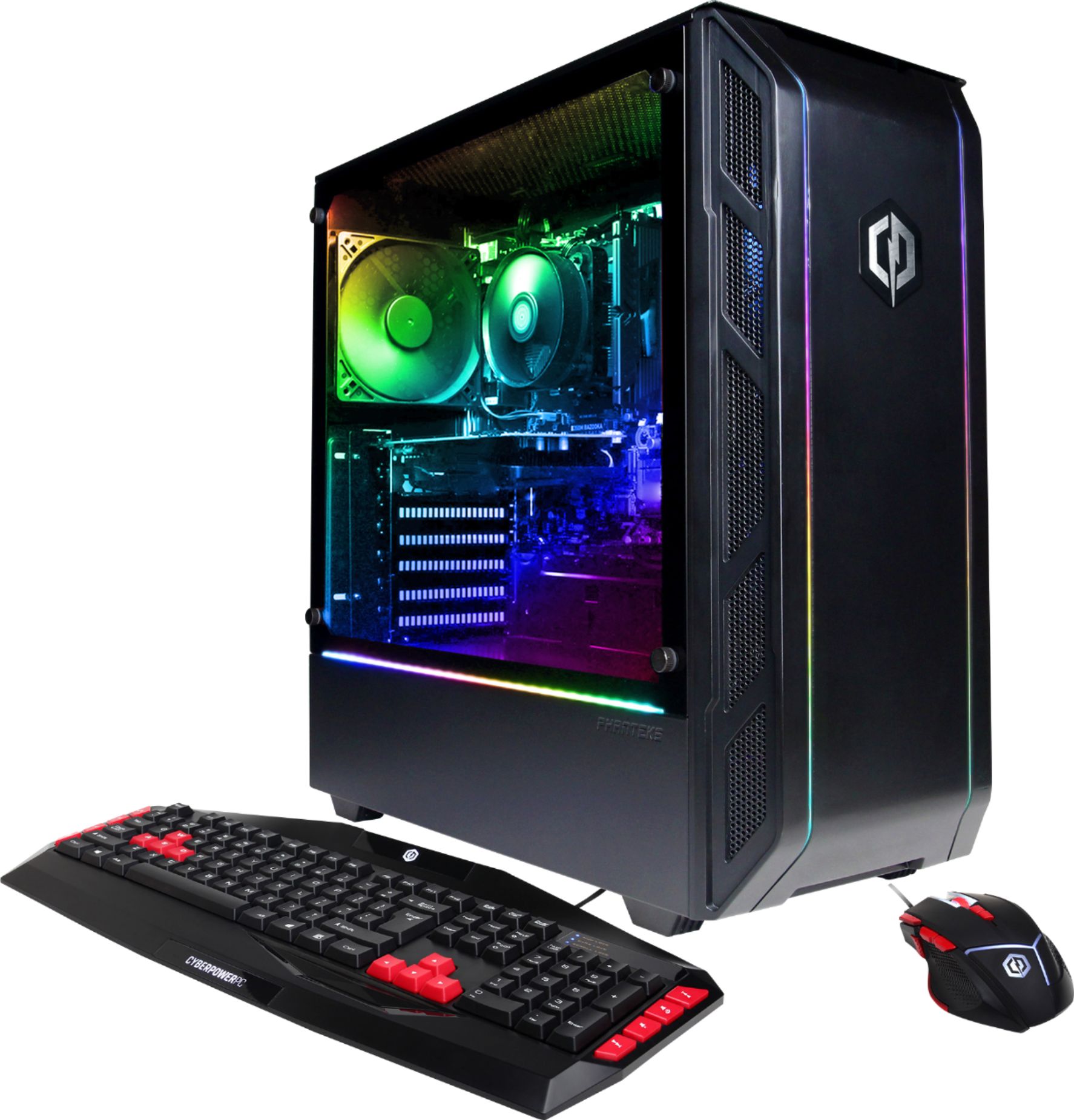
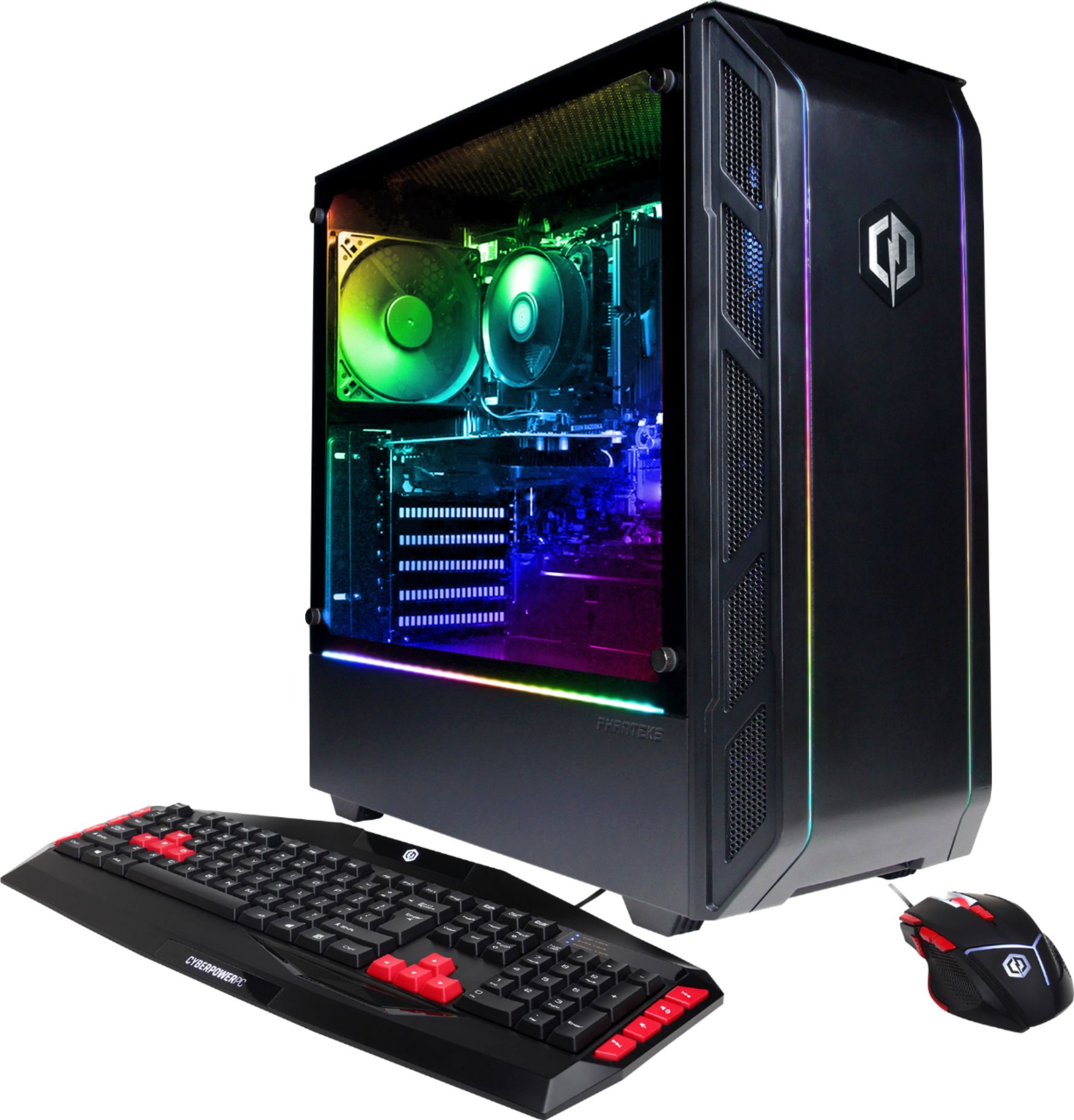
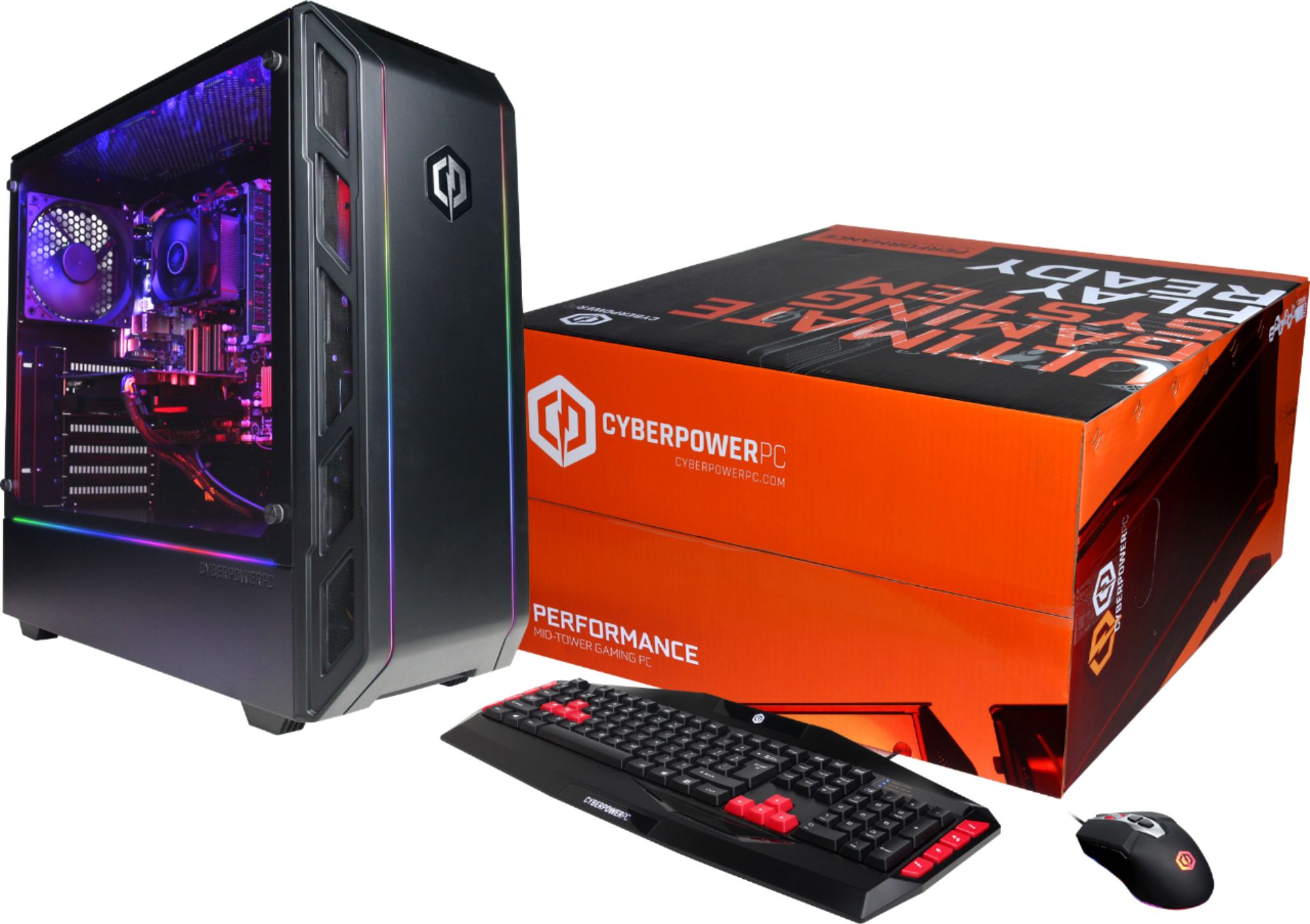
A:AnswerMy son got the Cyberpower desk top. It's good. You may have to adjust a setting to make Fortnite run properly. Otherwise it's good product at affordable price. The keyboard isn't his favorite but it obviously works fine.
Hope this helps,
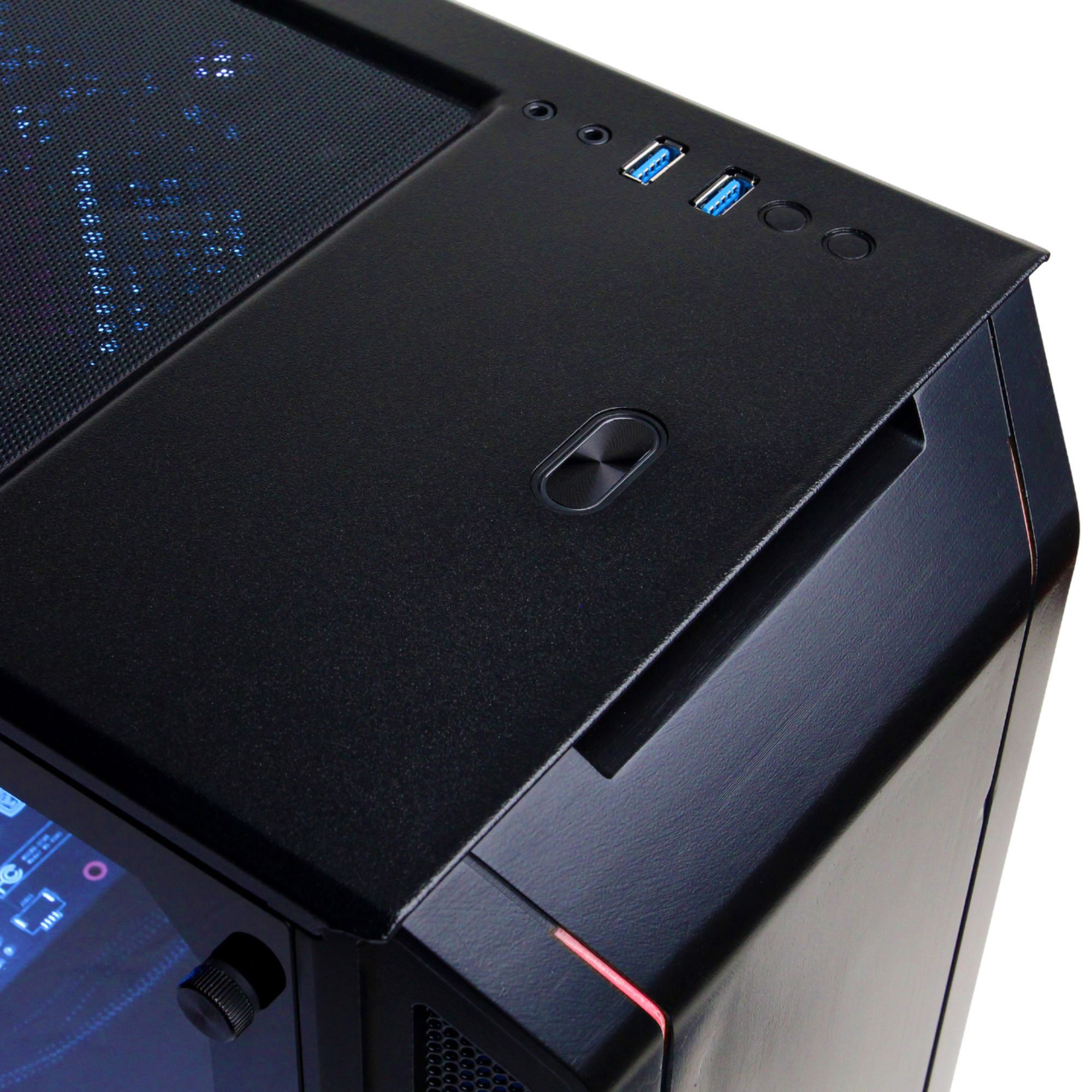
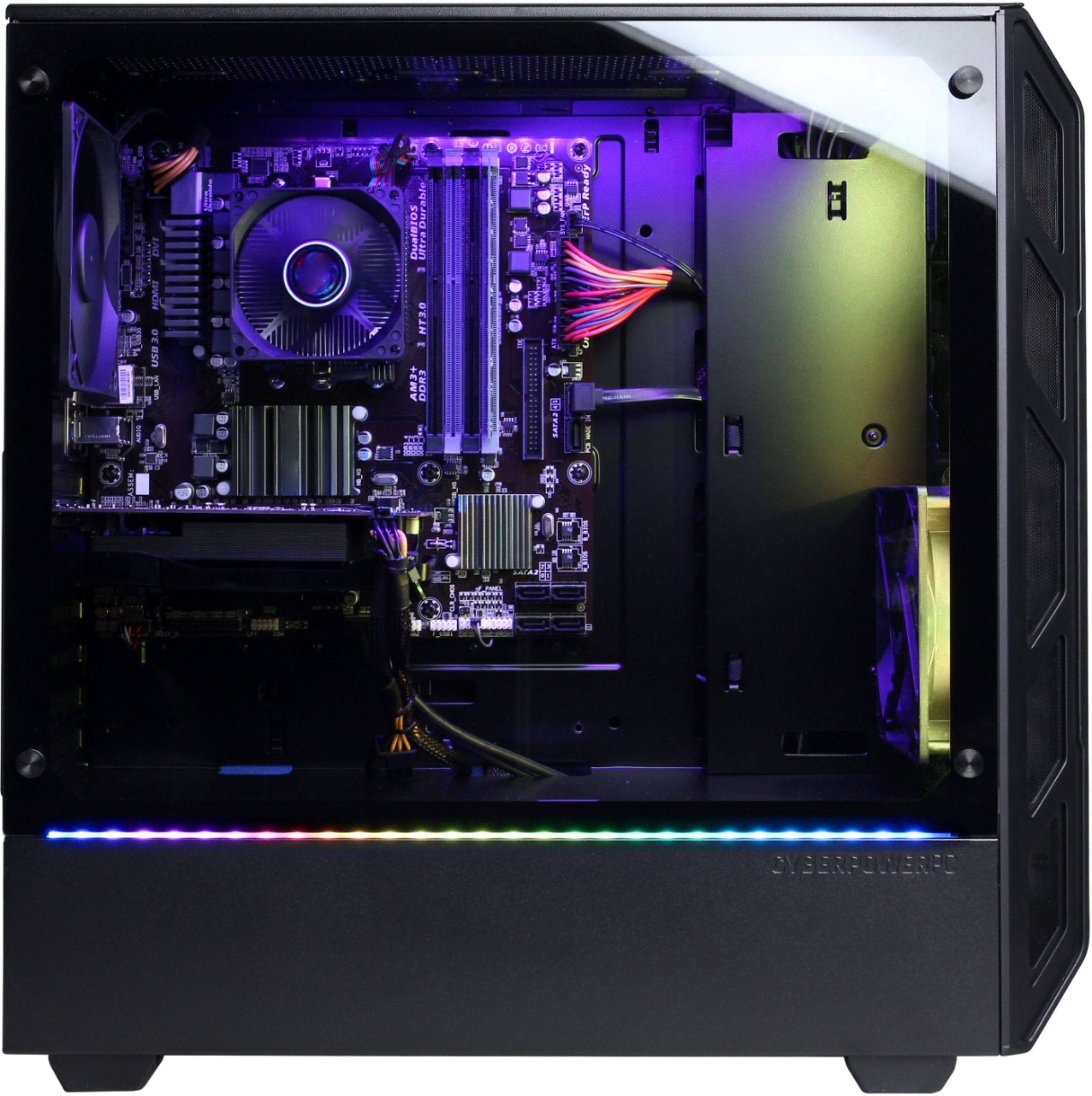
A:AnswerThanks for reaching out Eric. There should be a glass side panel. The power supply should have 4 pin molex connectors. If you have any further questions or concerns then please do not hesitate to give our tech support agents a call for any assistance; we're always happy to help.
Tech support:
(888)937-5582
-CyberpowerPC Support
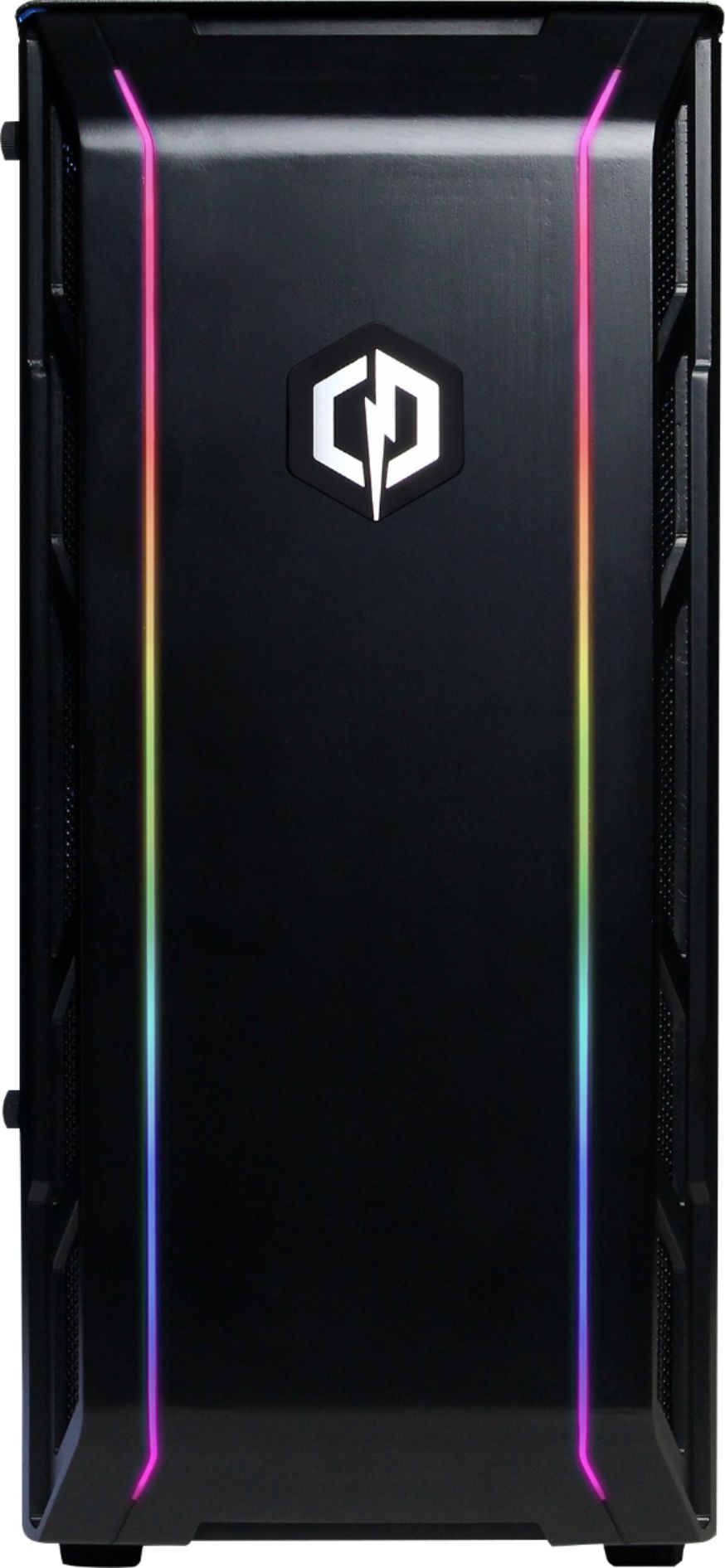
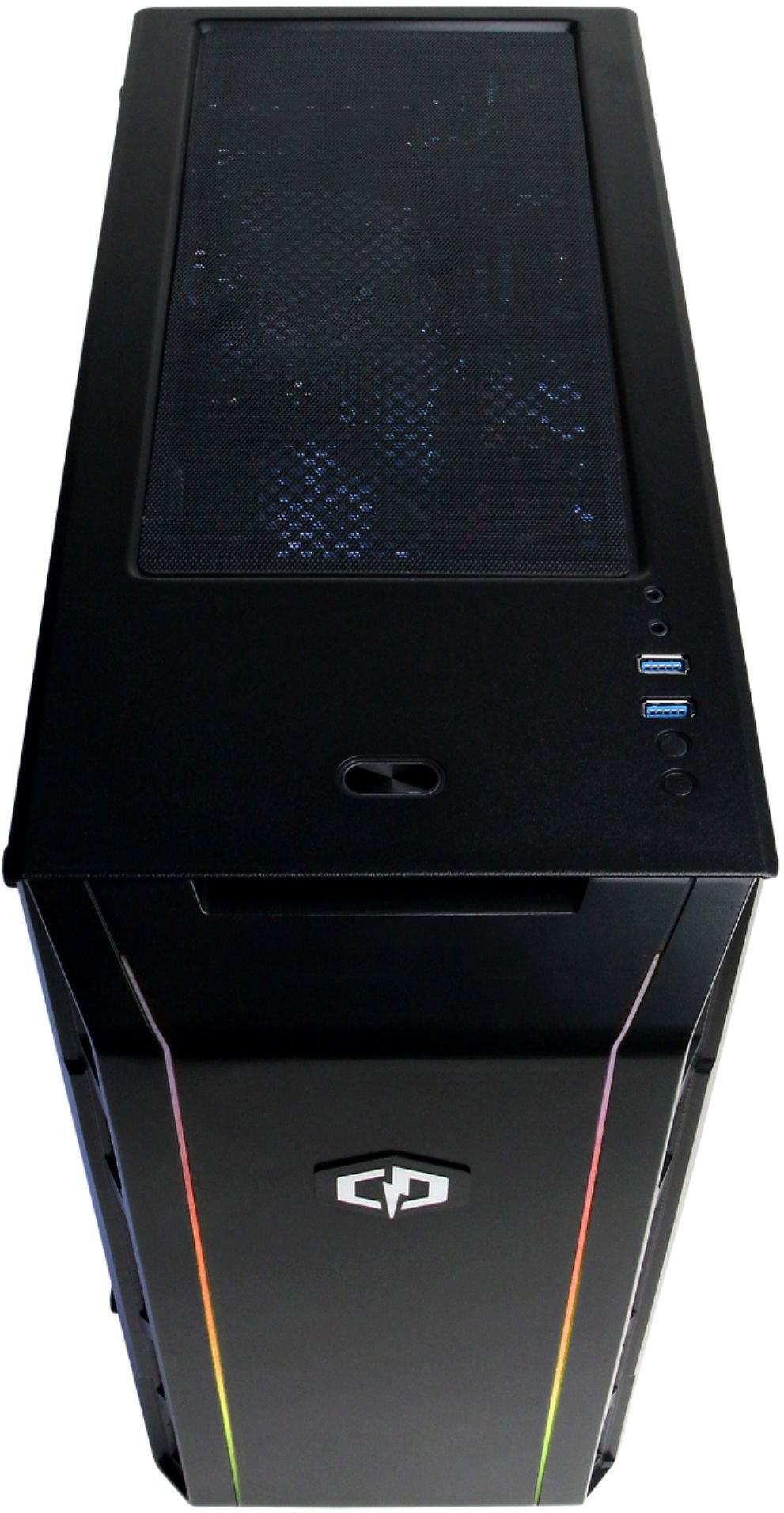
A:AnswerThanks for reaching out. Unfortunately, the RGB on this case should be on the front and side panel. Any lights on the inside would be through the case fans. If you have any further questions or concerns then please do not hesitate to give our tech support agents a call for any assistance; we're always happy to help.
Tech support:
(888)937-5582
-CyberpowerPC Support
A:AnswerThanks for reaching out Parker. This PC should be able to handle Fortnite. However, streaming and gaming may affect your performance as well as your settings and connection. If you have any further questions or concerns then please do not hesitate to give our tech support agents a call for any assistance; we're always happy to help.
Tech support:
(888)937-5582
- CyberpowerPC Support
A:AnswerThanks for reaching out Jeremy. You should be able to average at least 60 FPS. Anything else would depend on your connection and settings. If you have any further questions or concerns then please do not hesitate to give our tech support agents a call for any assistance; we're always happy to help.
Tech support:
(888)937-5582
- CyberpowerPC Support
A:AnswerThanks for reaching out Buyer. This CPU is good for this PC. Of course, newer models would outperform this CPU. If you have any further questions or concerns then please do not hesitate to give our tech support agents a call for any assistance; we're always happy to help.
Tech support:
(888)937-5582
- CyberpowerPC Support
A:AnswerThanks for reaching out Austin. Depending on your settings, you should be around an average of 50-60 FPS. If you have any further questions or concerns then please do not hesitate to give our tech support agents a call for any assistance; we're always happy to help.
Tech support:
(888)937-5582
- CyberpowerPC Support
A:AnswerThanks for reaching out larryw781. The PSU on this PC should be a 500 watt PSU. If you are planning to upgrade to a GTX 1070, you may need to increase the PSU to at least a 600 watt PSU. If you have any further questions or concerns then please do not hesitate to give our tech support agents a call for any assistance; we're always happy to help.
Tech support:
(888)937-5582
- CyberpowerPC Support
A:AnswerThanks for reaching out Jrouse. Most computers are able to handle at least two monitors because it is a lot easier to setup dual monitors. You can however use as many monitors as your PC can hold using it's existing ports. You made need additional cables or adapters for other monitors. If you have any further questions or concerns then please do not hesitate to give our tech support agents a call for any assistance; we're always happy to help.
Tech support:
(888)937-5582
- CyberpowerPC Support
A:AnswerThanks for reaching out Jay. Yes, these PCs are pre-built when you buy them. There are several things you need to look at when you get your PC and there should be a guide in the box that tells you as well. If you have any further questions or concerns then please do not hesitate to give our tech support agents a call for any assistance; we're always happy to help.
Tech support:
(888)937-5582
- CyberpowerPC Support
A:AnswerThanks for reaching out Joey. If you want better graphics and higher settings, you would need to upgrade your graphics card first. Make sure the graphics card is compatible and that you uninstall and install necessary drivers as well as make sure you have enough wattage to supply the new graphics card, depending on how big of a jump you do. If you have any further questions or concerns then please do not hesitate to give our tech support agents a call for any assistance; we're always happy to help.
Tech support:
(888)937-5582

- CyberpowerPC Support
A:AnswerThanks for reaching out Andres. Unfortunately, Ark: Survival is not optimized as well as other games, therefore need more resources. This PC doesn't meet the minimum requirements to play the game. If you have any further questions or concerns then please do not hesitate to give our tech support agents a call for any assistance; we're always happy to help.
Tech support:
(888)937-5582

A:AnswerThanks for reaching out Gnomie86. This PC should be able to handle World of Warcraft. However, if you are trying to play the new expansion coming out: Battle for Azeroth, it does meet the minimum requirements to play the game, however, it doesn't meet the recommended requirements. If you have any further questions or concerns then please do not hesitate to give our tech support agents a call for any assistance; we're always happy to help.
Tech support:
(888)937-5582
A:AnswerThank you for reaching out Ryan. You need to make sure that your new graphics card is compatible with the motherboard first. Secondly, you can pay a professional to do it for you, however, you may have to go to a computer technician shop or ask your local Best Buy to see what they can do about it. If you have any further questions or concerns then please do not hesitate to give our tech support agents a call for any assistance; we're always happy to help.
Tech support:
(888)937-5582

- CyberpowerPC Support
A:AnswerThank you for reaching out Will. The software you are asking about are highly optimized for a higher end PC. This PC may possibly meet the minimum requirements for the software listed, but just be aware it may not be able to function at it's full potential. If you have any further questions or concerns then please do not hesitate to give our tech support agents a call for any assistance; we're always happy to help.
Tech support:
(888)937-5582

- CyberpowerPC Support