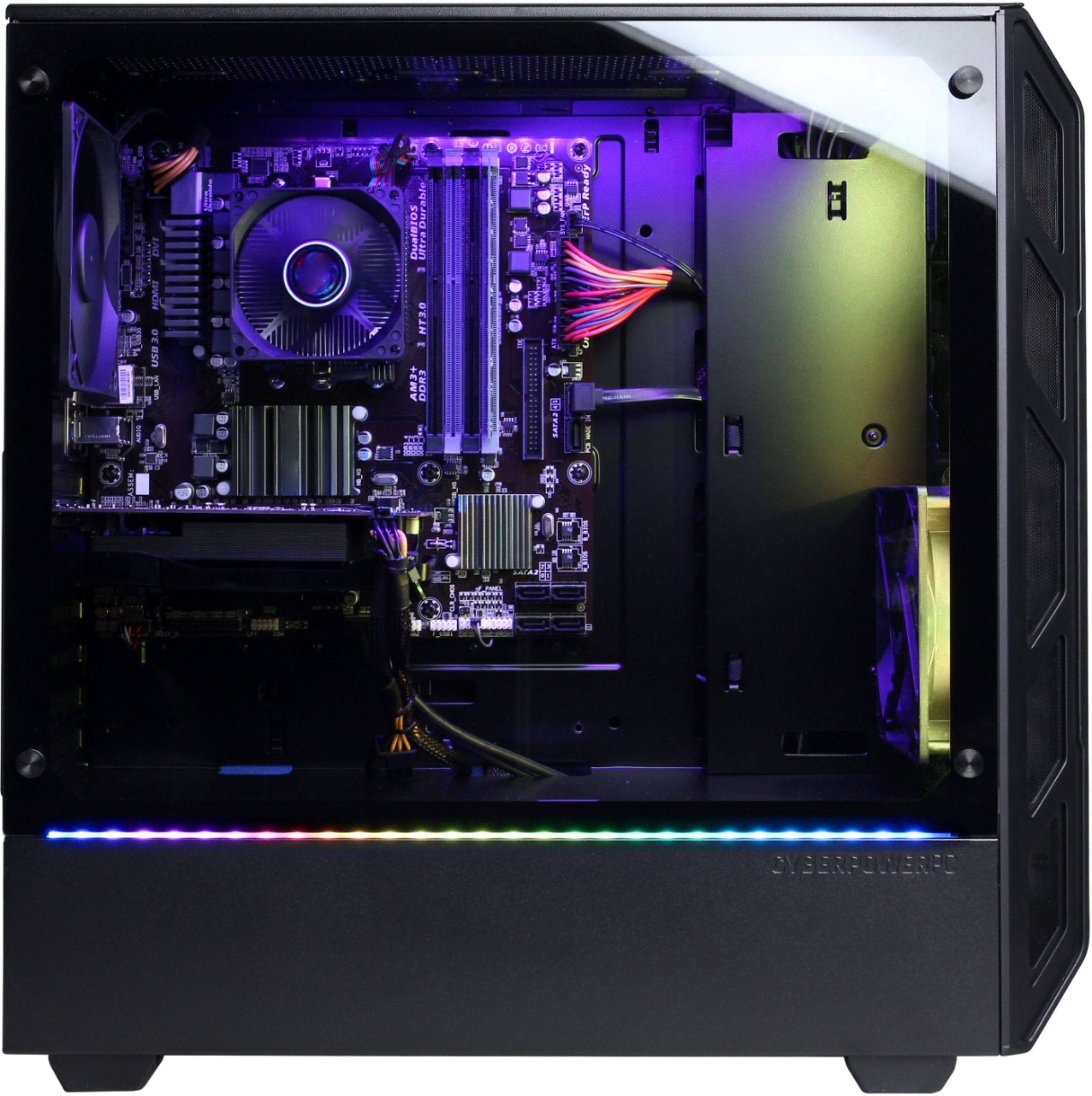
A:AnswerThanks for reaching out Cannon, The motherboard brand varies on each system. If you have any further questions or concerns then please do not hesitate to give our tech support agents a call for any assistance; we're always happy to help.
Tech support:
(888)937-5582
- CyberpowerPC Support
A:AnswerThank you for reaching out Mo35. For future sales and promotions in regards to this product, please contact your local BestBuy.
-CyberPower PC Support
A:AnswerThanks for reaching out. The brand of the motherboard may vary on each system. If you have any further questions or concerns then please do not hesitate to give our tech support agents a call for any assistance; we're always happy to help.
Tech support:
(888)937-5582
-CyberpowerPC Support
A:AnswerThanks for reaching out Cyber. The button pressed to get into BIOS may vary, however, it is usually the DEL key when you boot up your computer. If you have any further questions or concerns then please do not hesitate to give our tech support agents a call for any assistance; we're always happy to help.
Tech support:
(888)937-5582
- CyberpowerPC Support
A:AnswerThanks for reaching out. Depending on your motherboard, you would need to press the DEL or F2 keys on your keyboard during the motherboard screen. If you have any further questions or concerns then please do not hesitate to give our tech support agents a call for any assistance; we're always happy to help.
Tech support:
(888)937-5582
-CyberpowerPC Support
A:AnswerThanks for reaching out Boii. The motherboard on each system varies. If you have any further questions or concerns then please do not hesitate to give our tech support agents a call for any assistance; we're always happy to help.
Tech support:
(888)937-5582
- CyberpowerPC Support
A:AnswerThank you for reaching out. The motherboard that comes with this system may vary according to brand and chipset. If you have any further questions or concerns then please do not hesitate to give our tech support agents a call for any assistance; we're always happy to help.
Tech support:
(888)937-5582
- CyberpowerPC Support
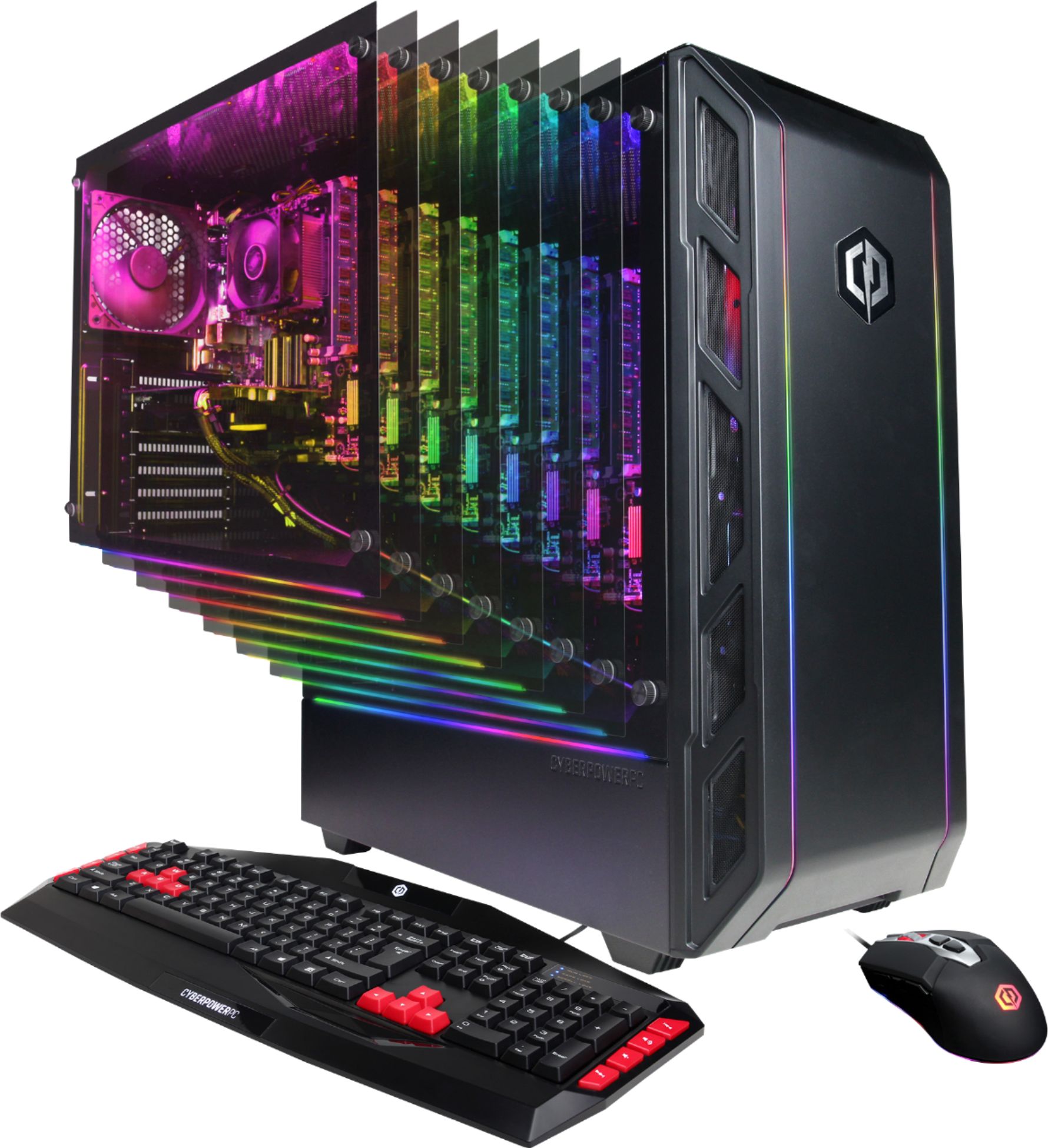
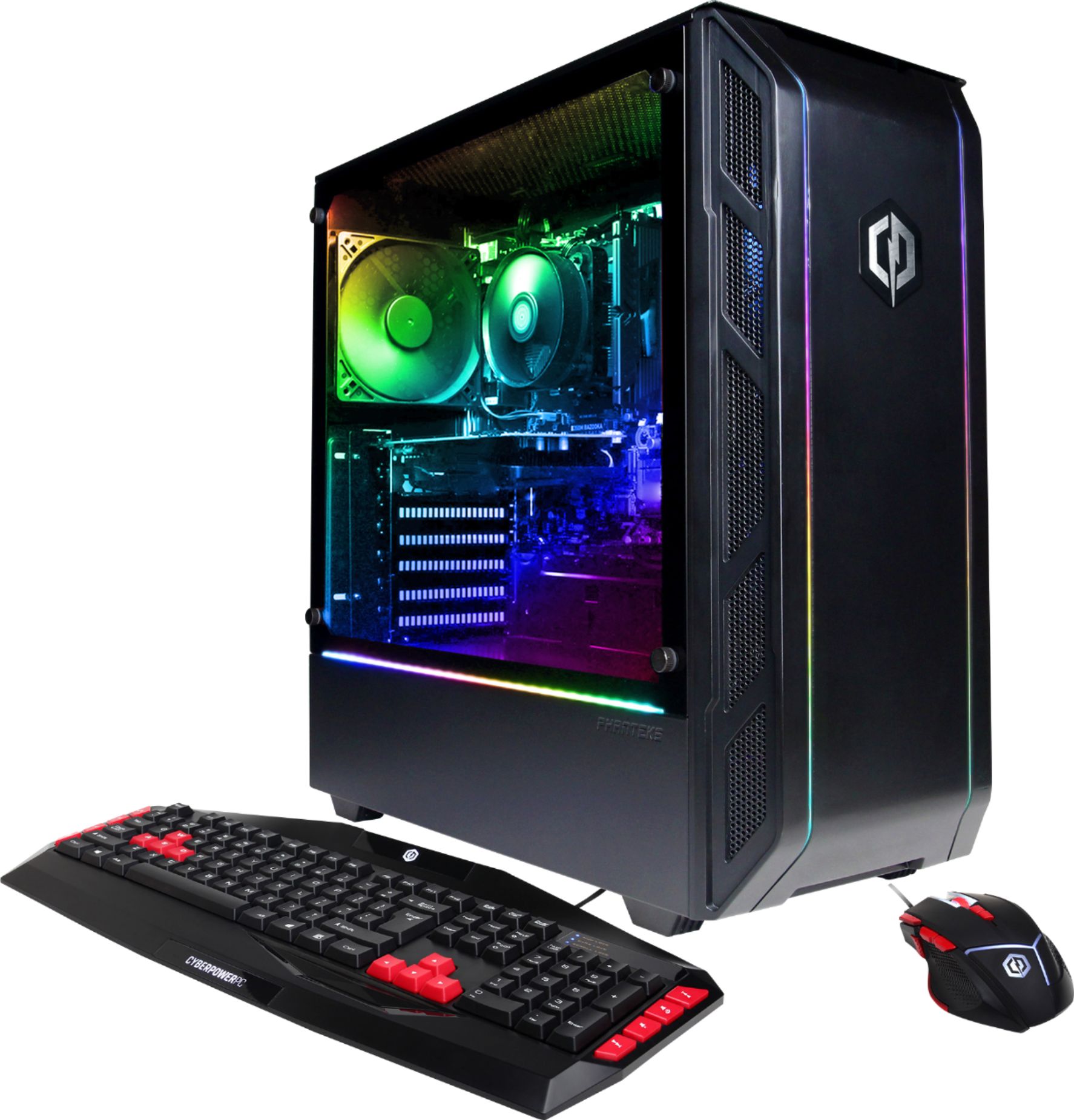
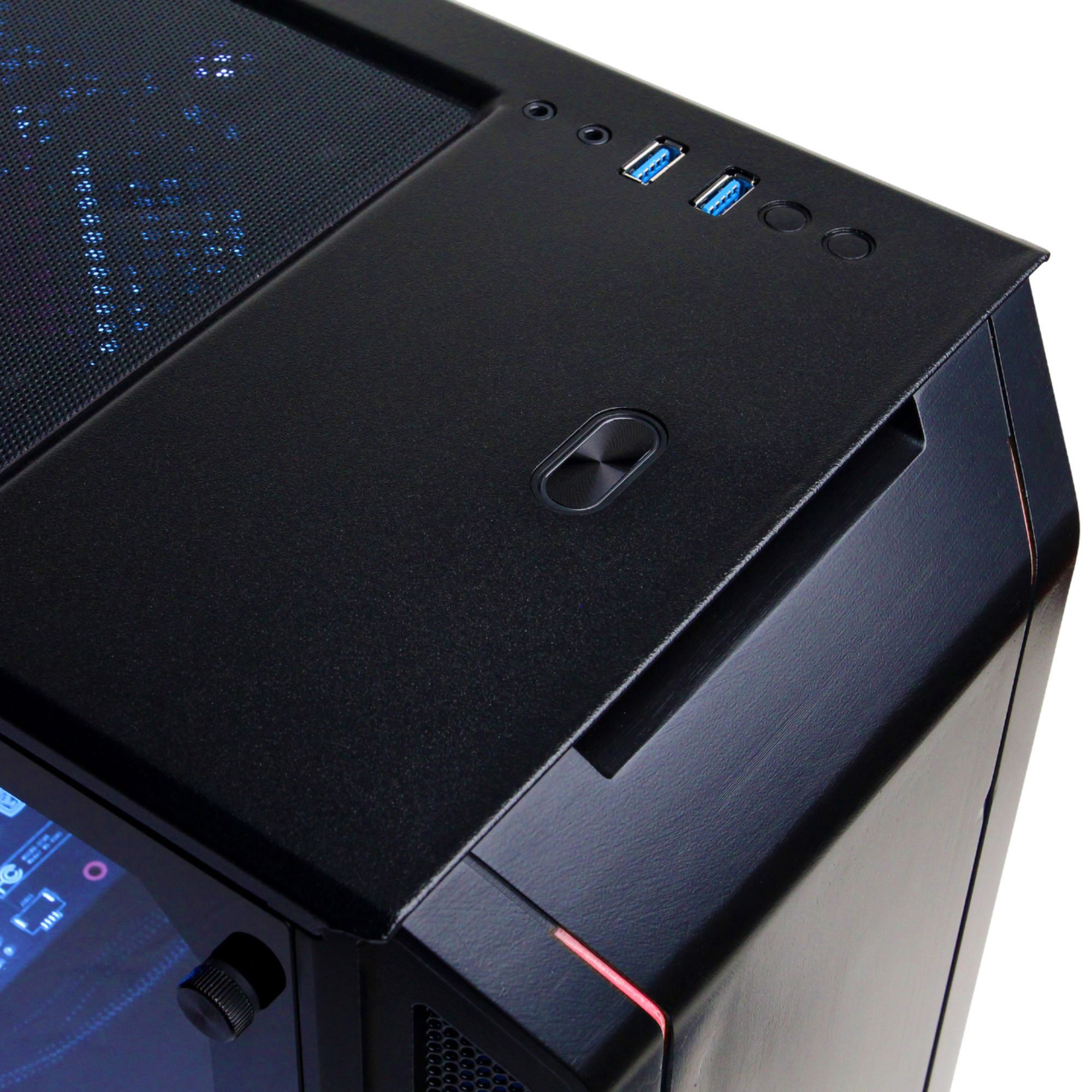
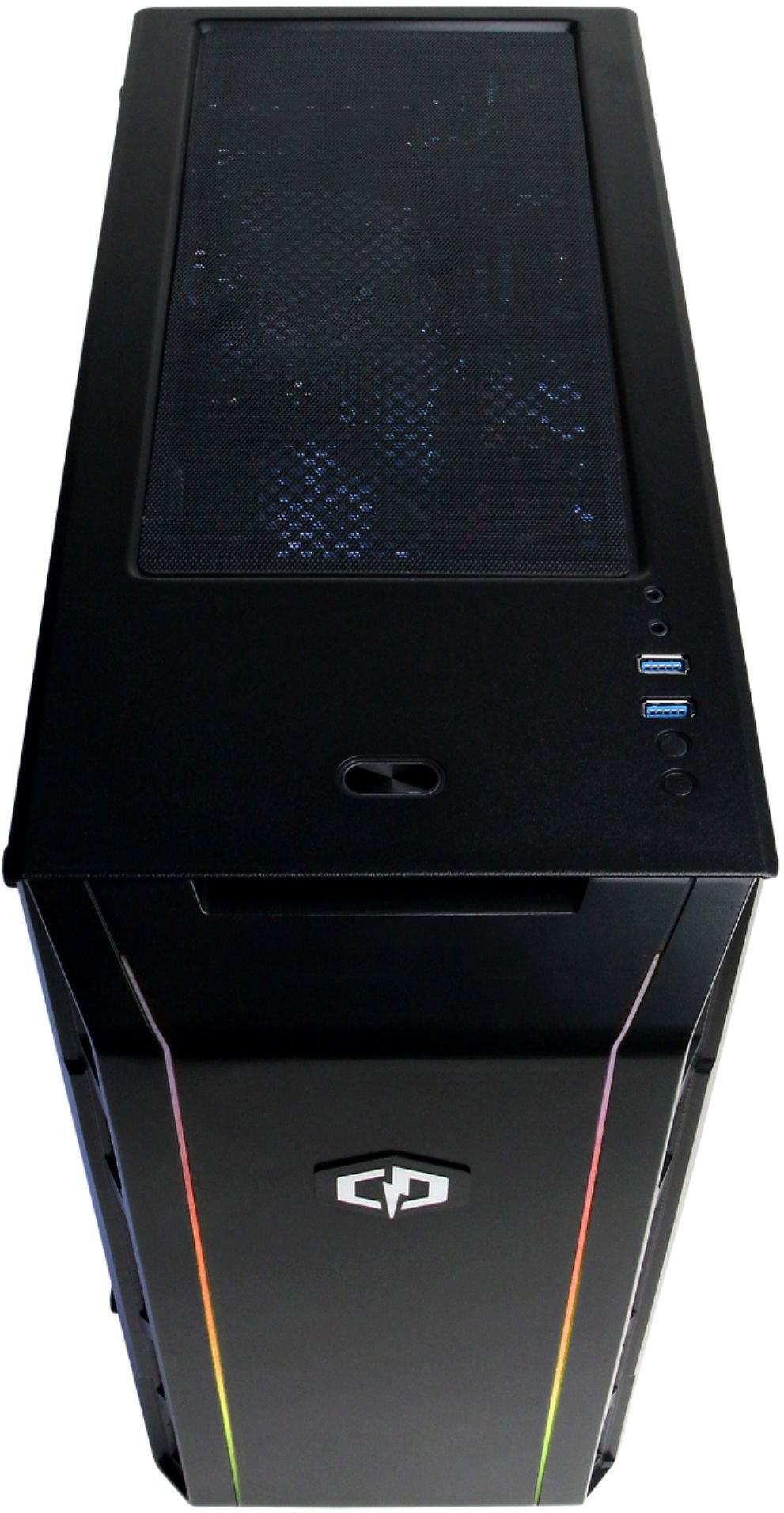
A:AnswerThere are not LEDs inside the case. Its simply the LED strip located on the bottom of the window. If you have any further questions or concerns then please do not hesitate to give our tech support agents a call for any assistance; we're always happy to help.
Tech support:
(888)937-5582
- CyberpowerPC Support
A:AnswerThanks for reaching out coyote. There is not any specific manuals for the PC itself, however, you can get the manual for your components from the manufacturer's website. If you have any further questions or concerns then please do not hesitate to give our tech support agents a call for any assistance; we're always happy to help.
Tech support:
(888)937-5582
-CyberpowerPC Support
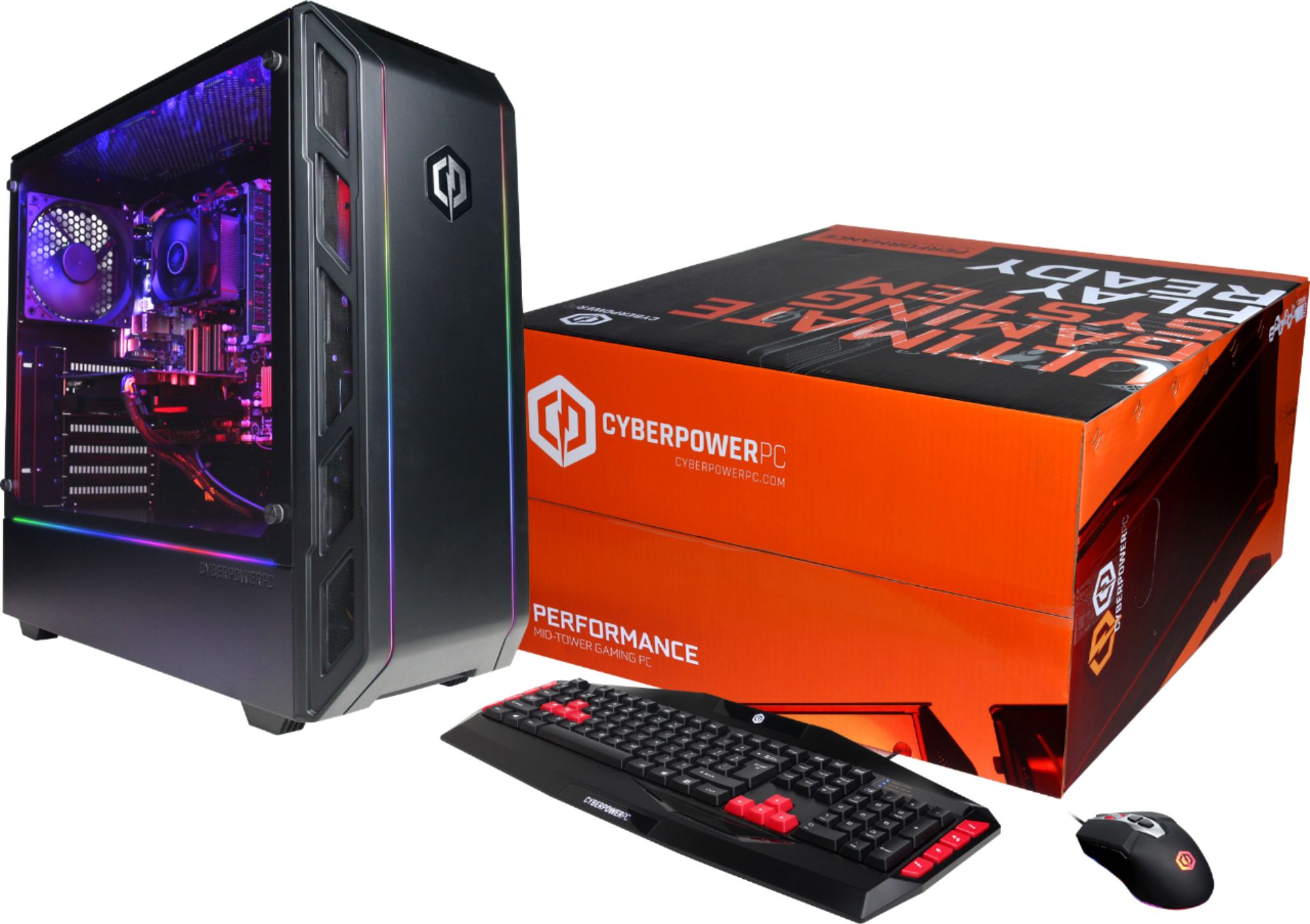
A:AnswerThere are two mice unfortunately, the Elite Pro, and the Elite. Mine is the lesser Elite version and has six colors: Red, Orange, Green, Blue, Light Blue, and Purple/Pink in ascending order. However no where on the internet can I find a list that follows the same order. Its frustrating when I'm trying to calculate eDPI but cant determine what setting I'm using. Not to mention the software offered only works with the pro version of the mouse which wasn't shipped with the pc... So I'll be buying a mouse from another company next time.