

Best Buy Tech Fest SaleEnds Sunday. Limited quantities. No rainchecks.Shop now

Skip to contentGo to Product Search
Main Content

Questions & Answers

Tech Fest Deal
Loading...
$1,199.99
Save $160
The comparable value is $1,359.99
Page Showing 1-20 of 37 questions
  • QuestionWhat operating system is installed on this gaming desktop?

    • Answer This gaming desktop comes with Windows 11 Home.
    This question and answer was generated by AI based on customer and product data.
  • QuestionHow many CPU cores does this desktop have?

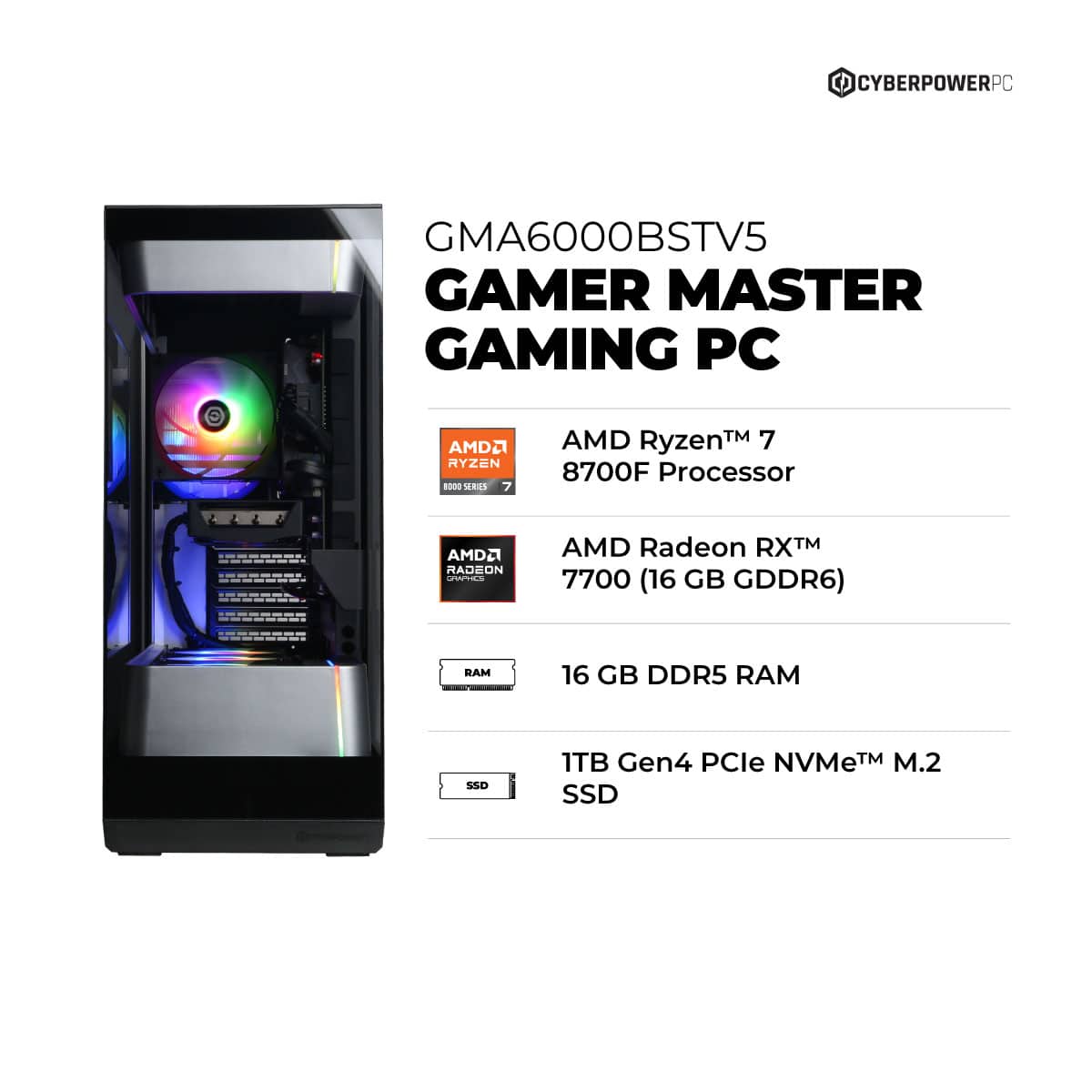
    • Answer This desktop has an 8-core CPU.
    This question and answer was generated by AI based on customer and product data.
  • QuestionWhat is the maximum wattage of the power supply?

    • Answer The power supply has a maximum wattage of 850 watts.
    This question and answer was generated by AI based on customer and product data.
  • QuestionHow much storage space does the solid state drive have?

    • Answer The solid-state drive has 1000 gigabytes of storage.
    This question and answer was generated by AI based on customer and product data.
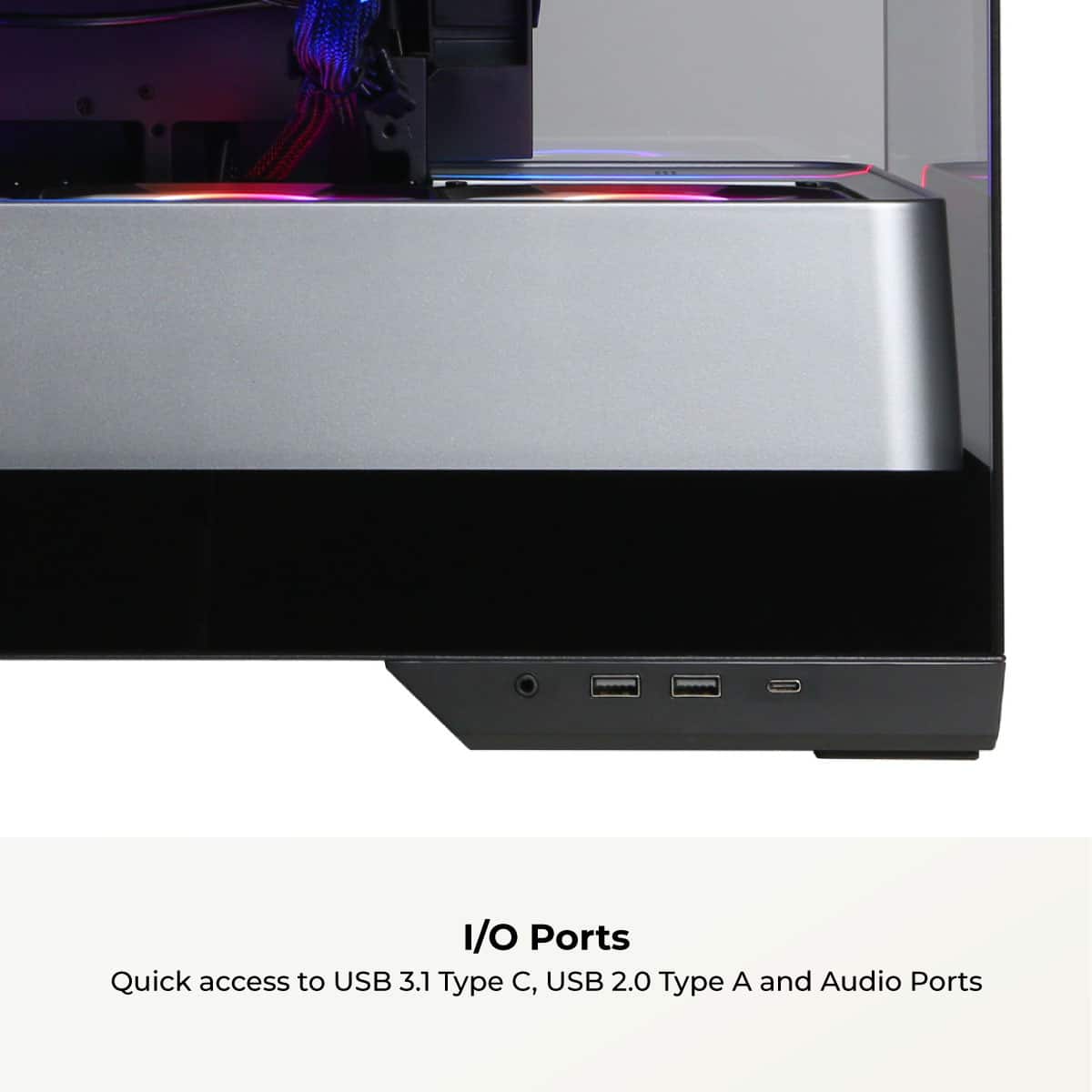
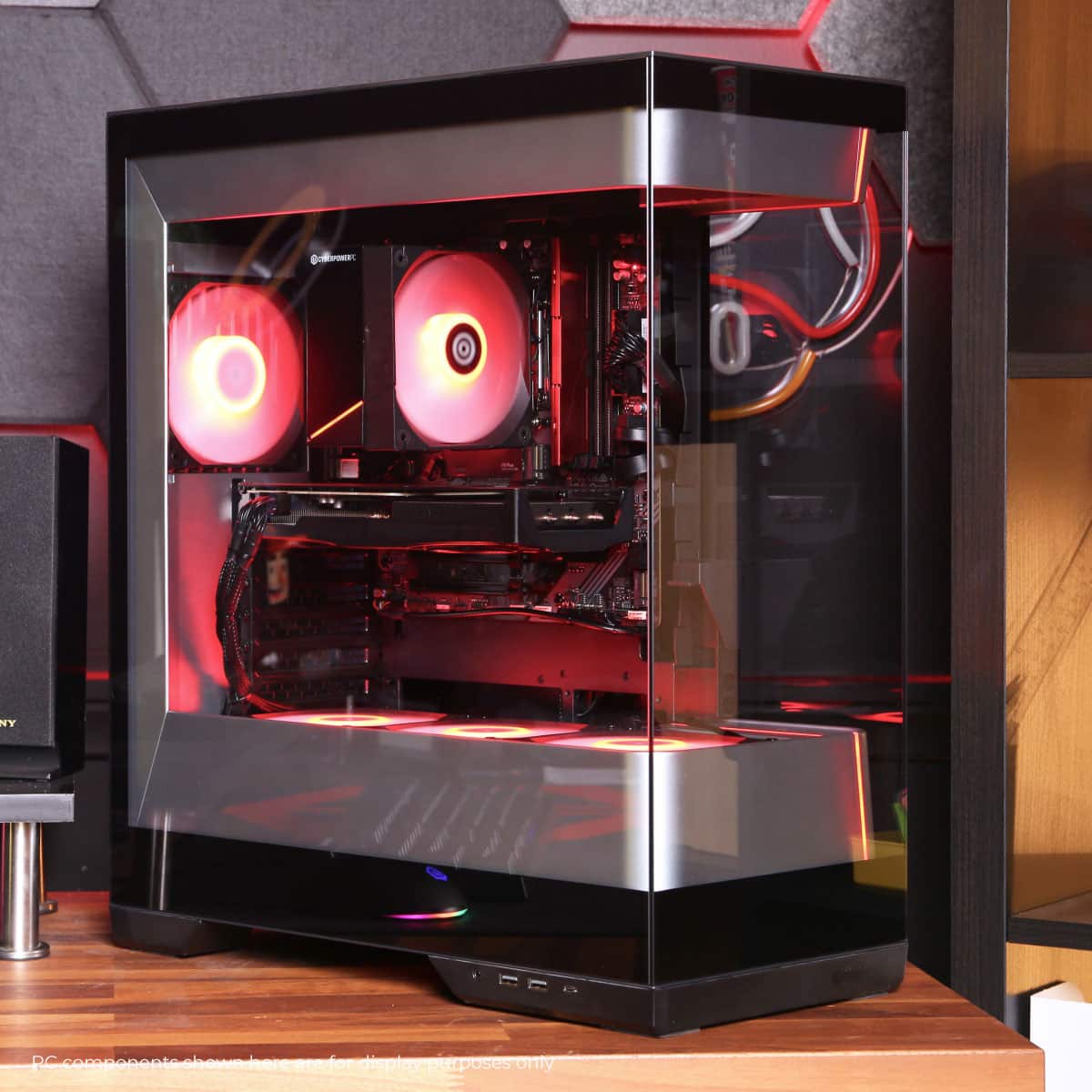
  • QuestionAre there any USB Type-C ports on this computer?

    • Answer Yes, there are two USB Type-C ports on this computer.
    This question and answer was generated by AI based on customer and product data.
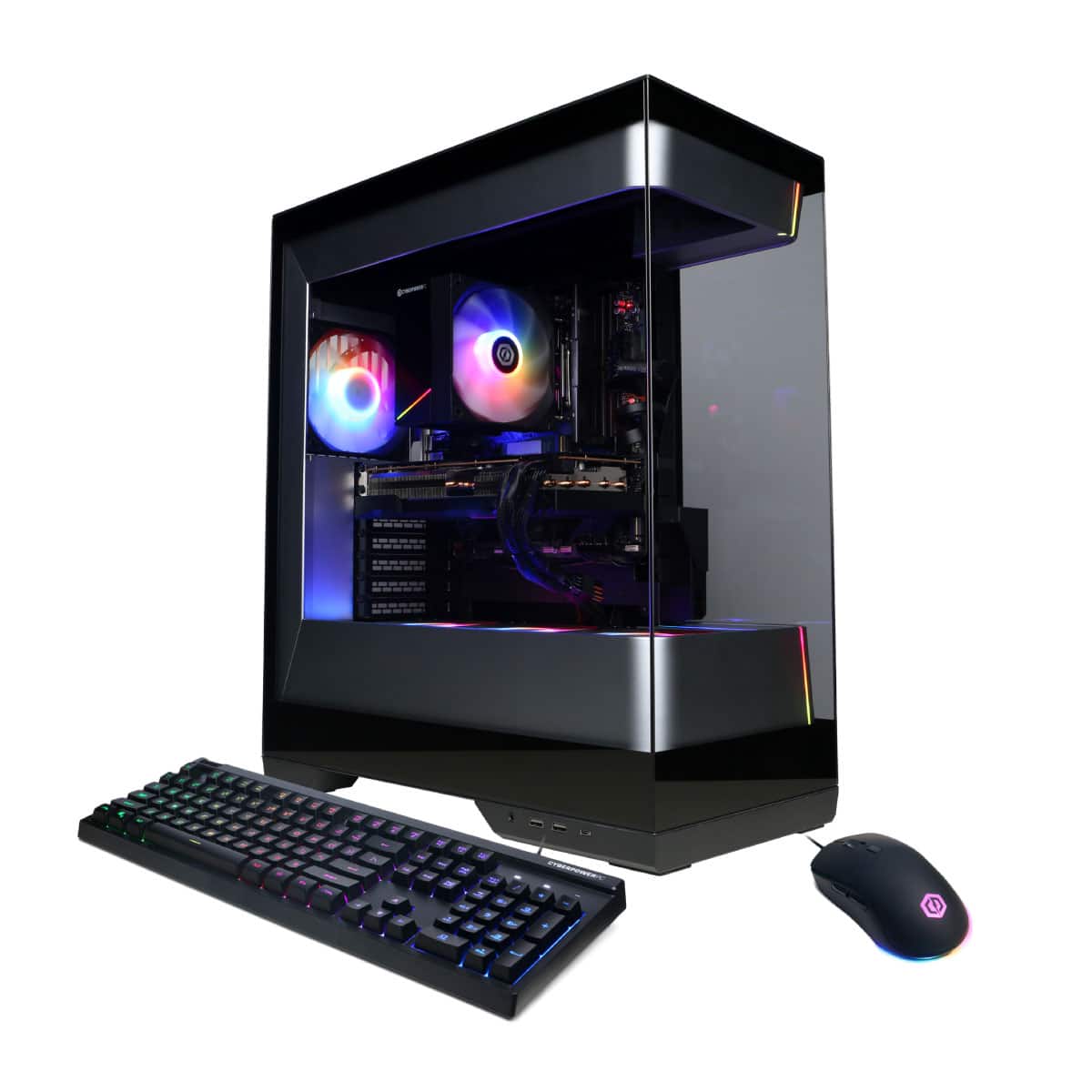
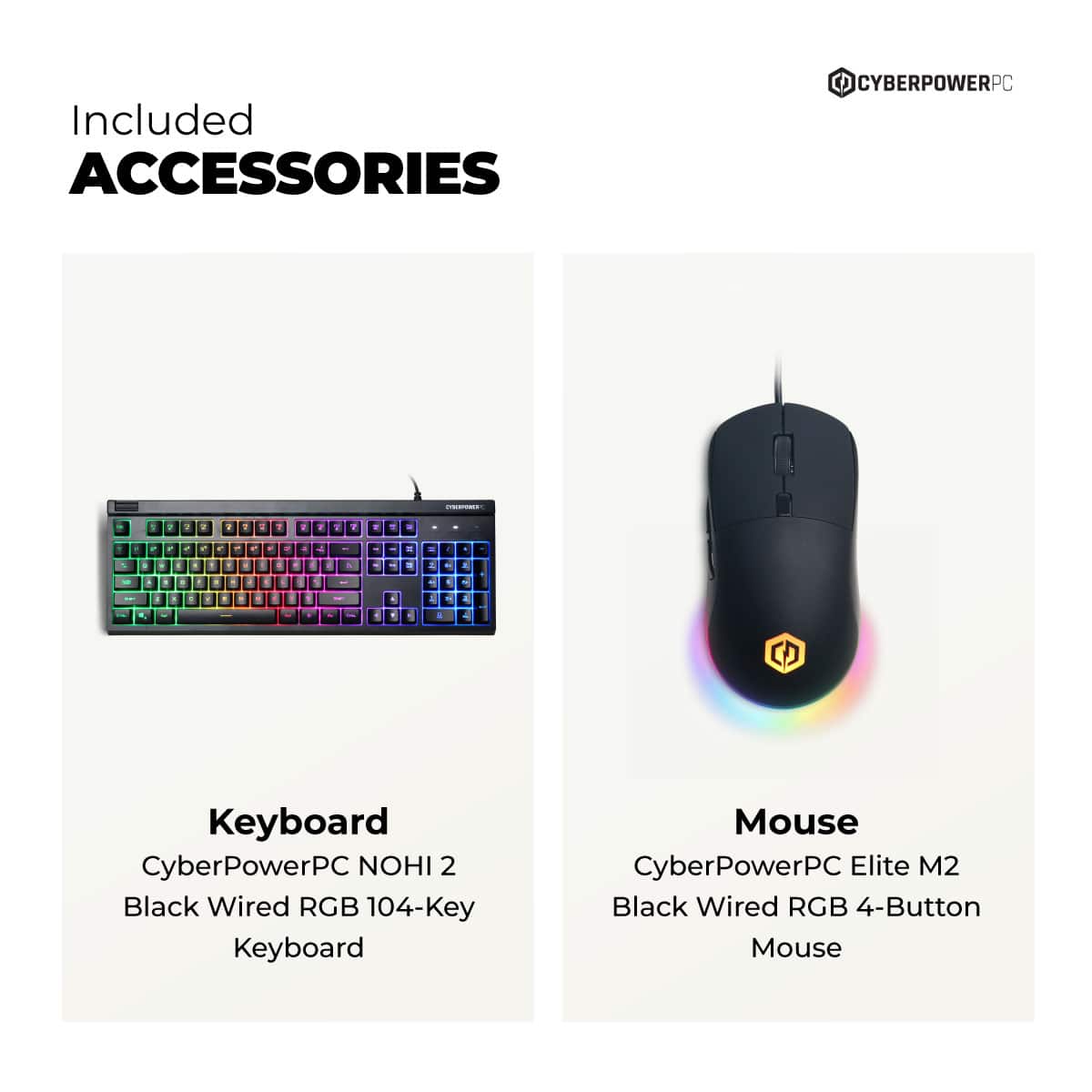
  • QuestionDoes this gaming desktop come with a keyboard included?

    • Answer Yes, this gaming desktop includes a keyboard.
    This question and answer was generated by AI based on customer and product data.
  • QuestionWhat kind of wireless connectivity does this desktop have?

    • Answer This desktop has Wi-Fi wireless connectivity.
    This question and answer was generated by AI based on customer and product data.
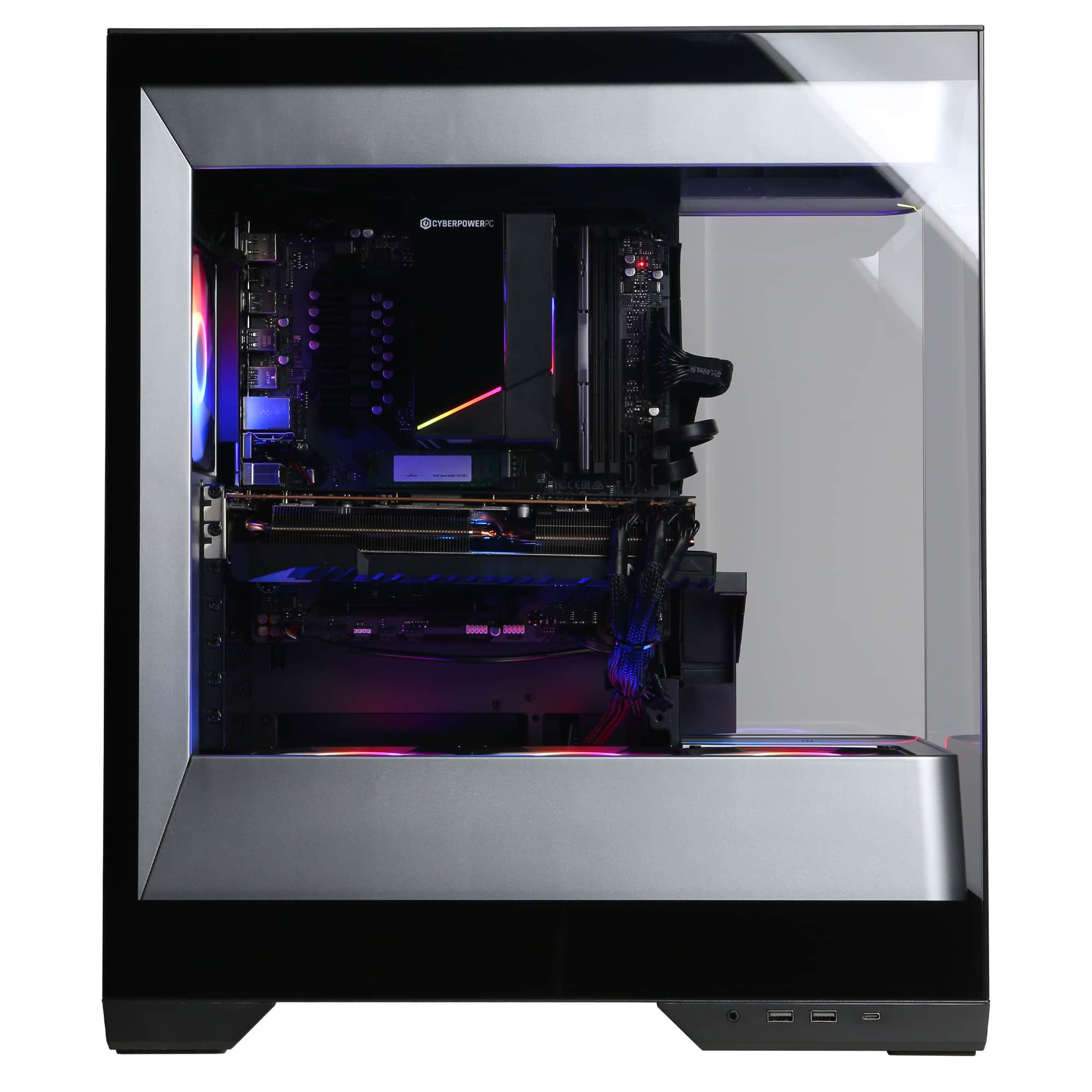
  • QuestionI see there are 4 ram slots with 1 taken by a 16GB ram stick. If I want to add an additional stick of RAM (matched pair)!would I add it to slot 2 or slot 3? Thanks

    Asked by DavidB.

    • Answer To get the best performance (Dual-Channel mode), you should usually populate slots 2 and 4. ​If your current 16GB stick is in slot 1, it’s highly recommended to move it to slot 2 and put the new stick in slot 4. (Check your motherboard manual to confirm, but 2 and 4 is the standard for most modern boards).

      Answered by peter

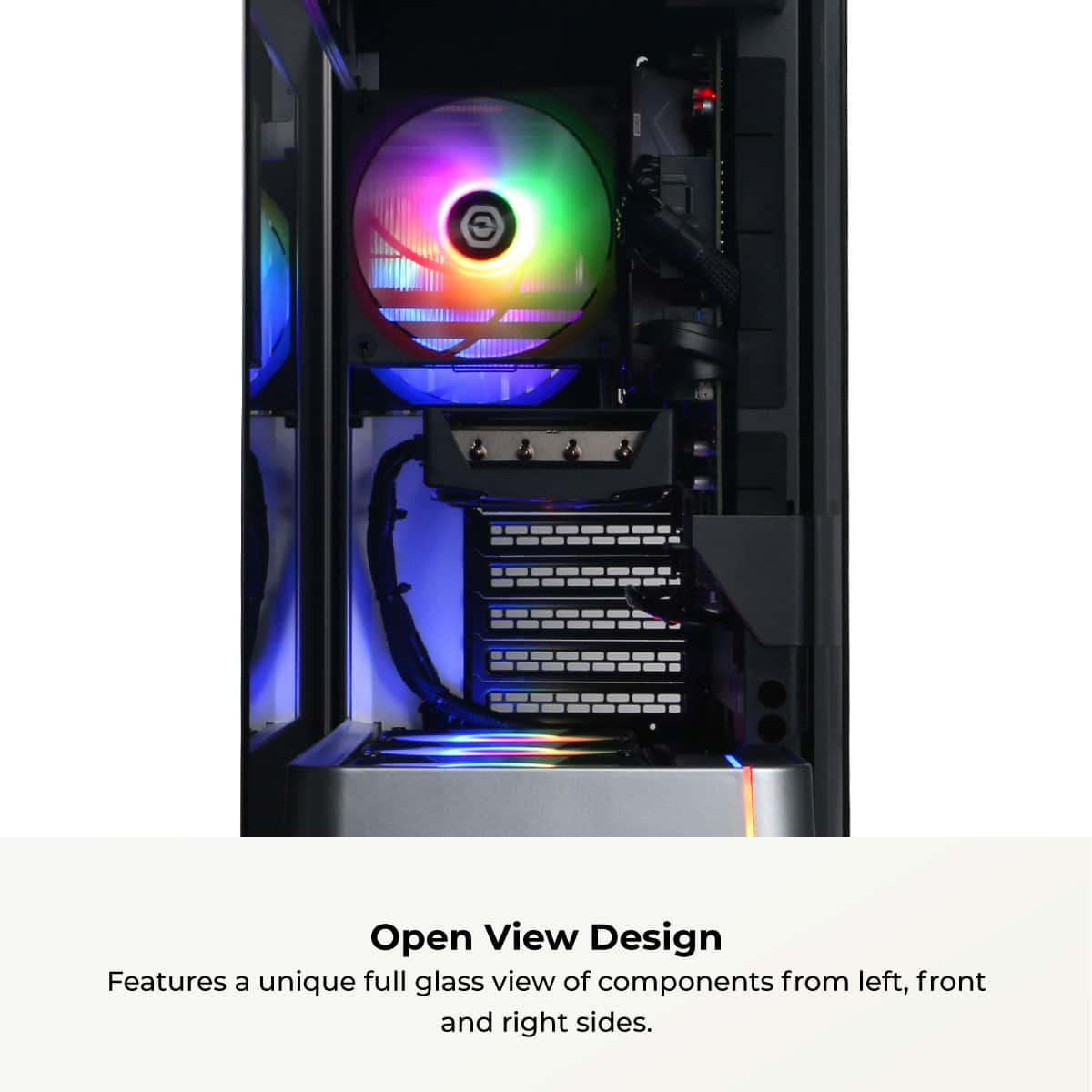
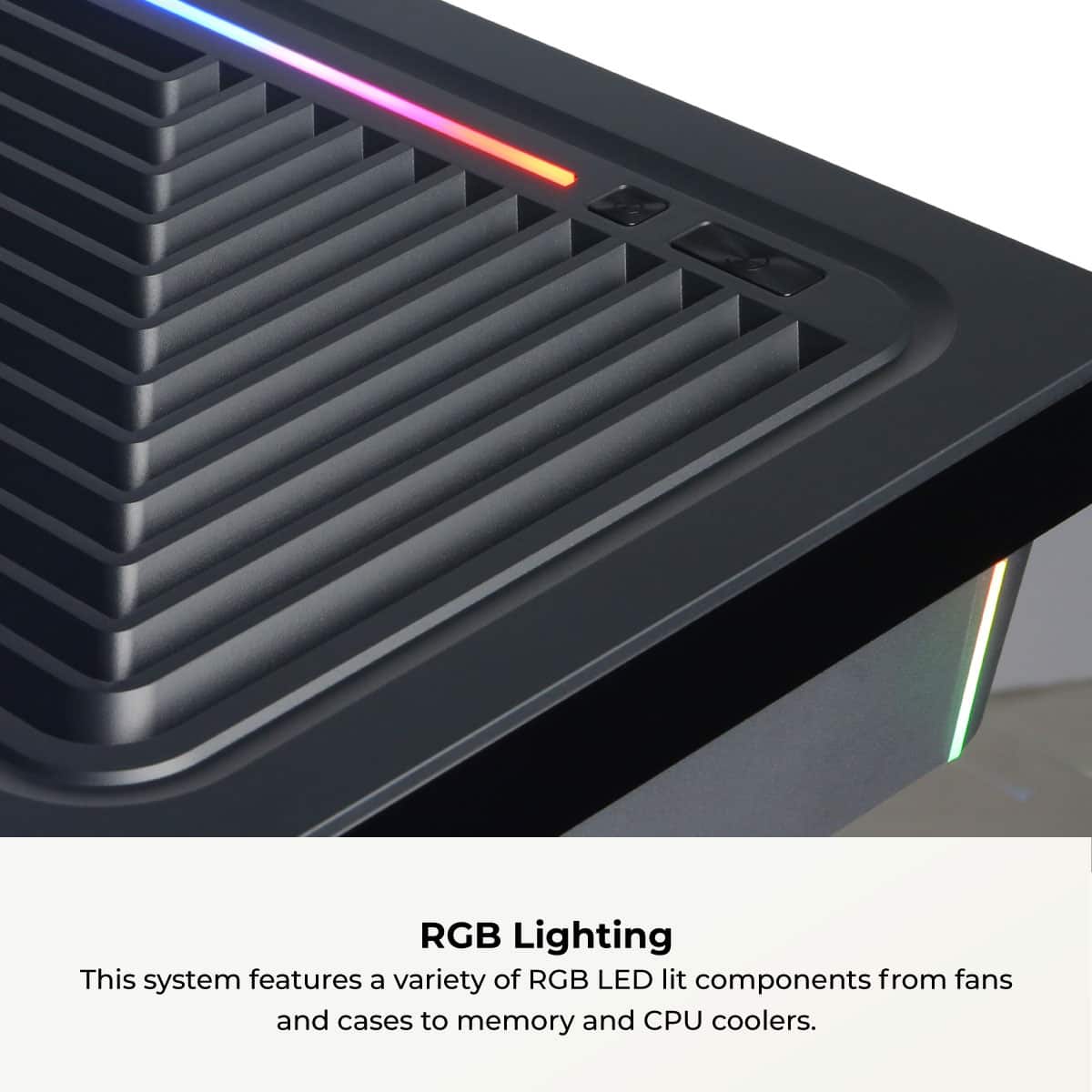
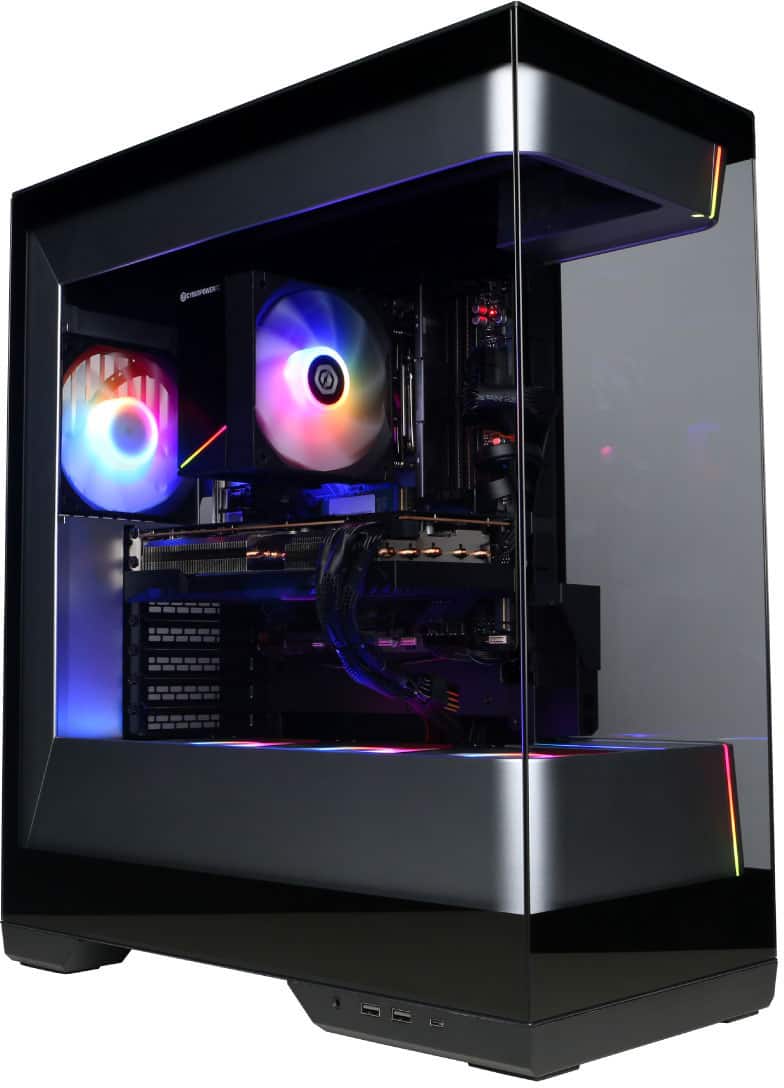
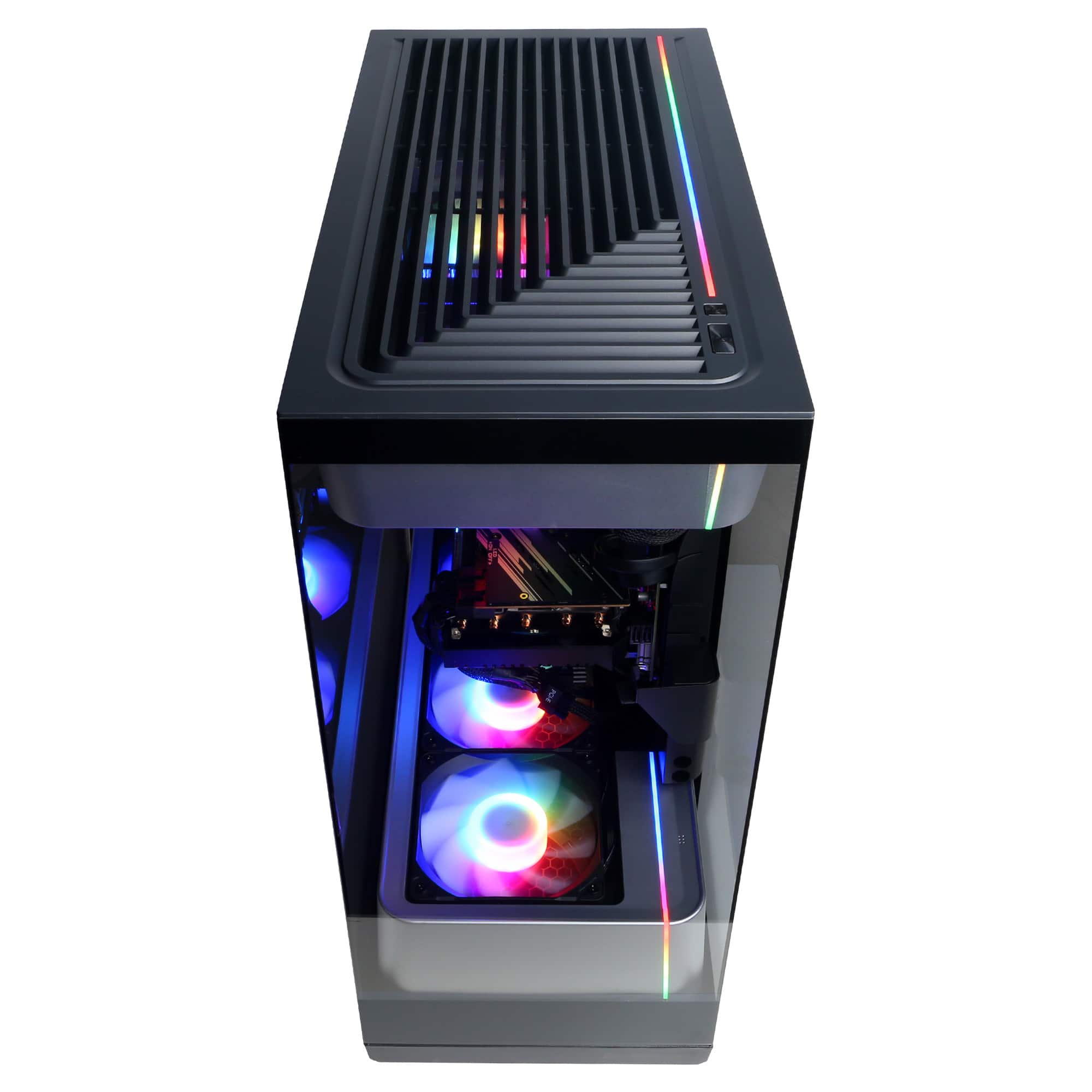
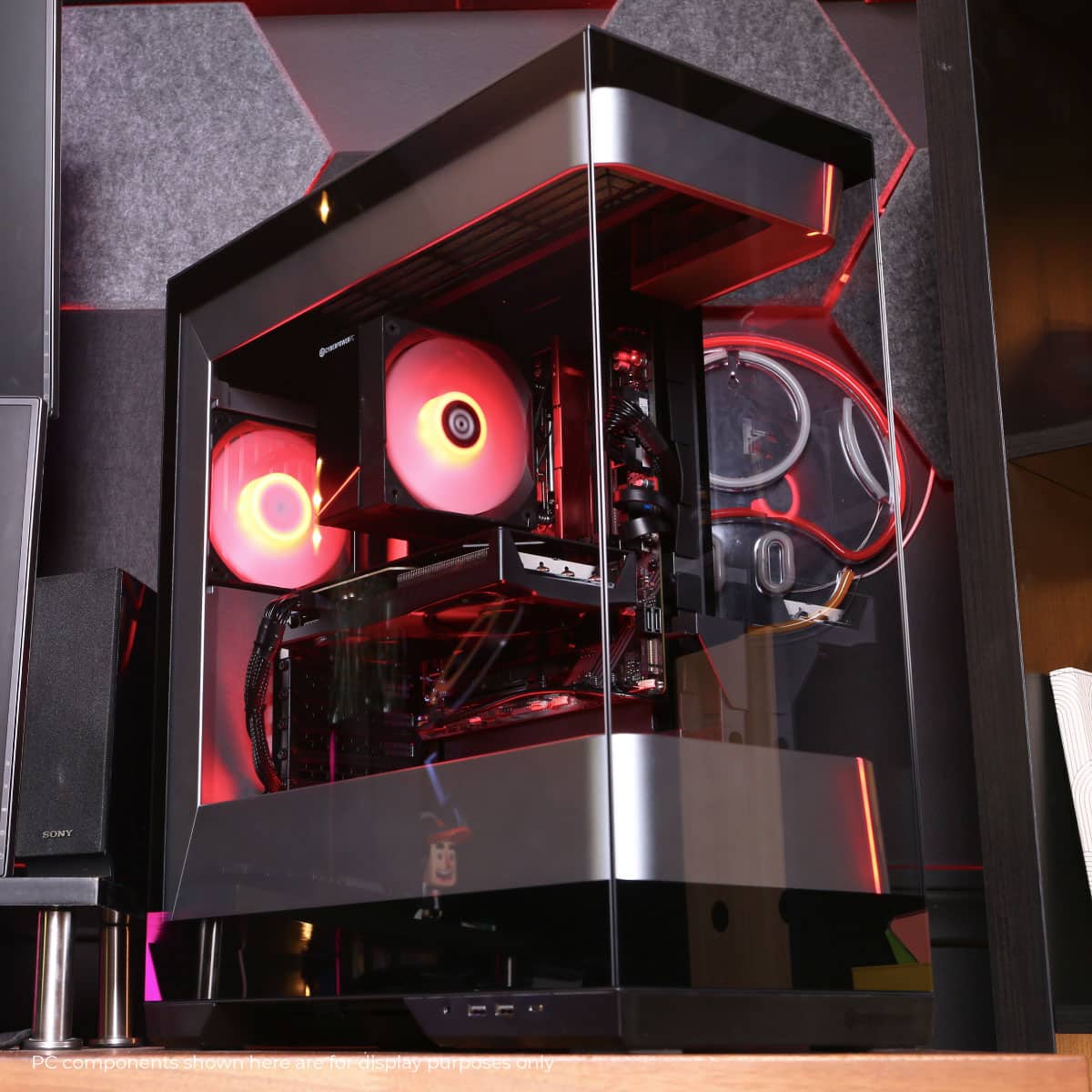
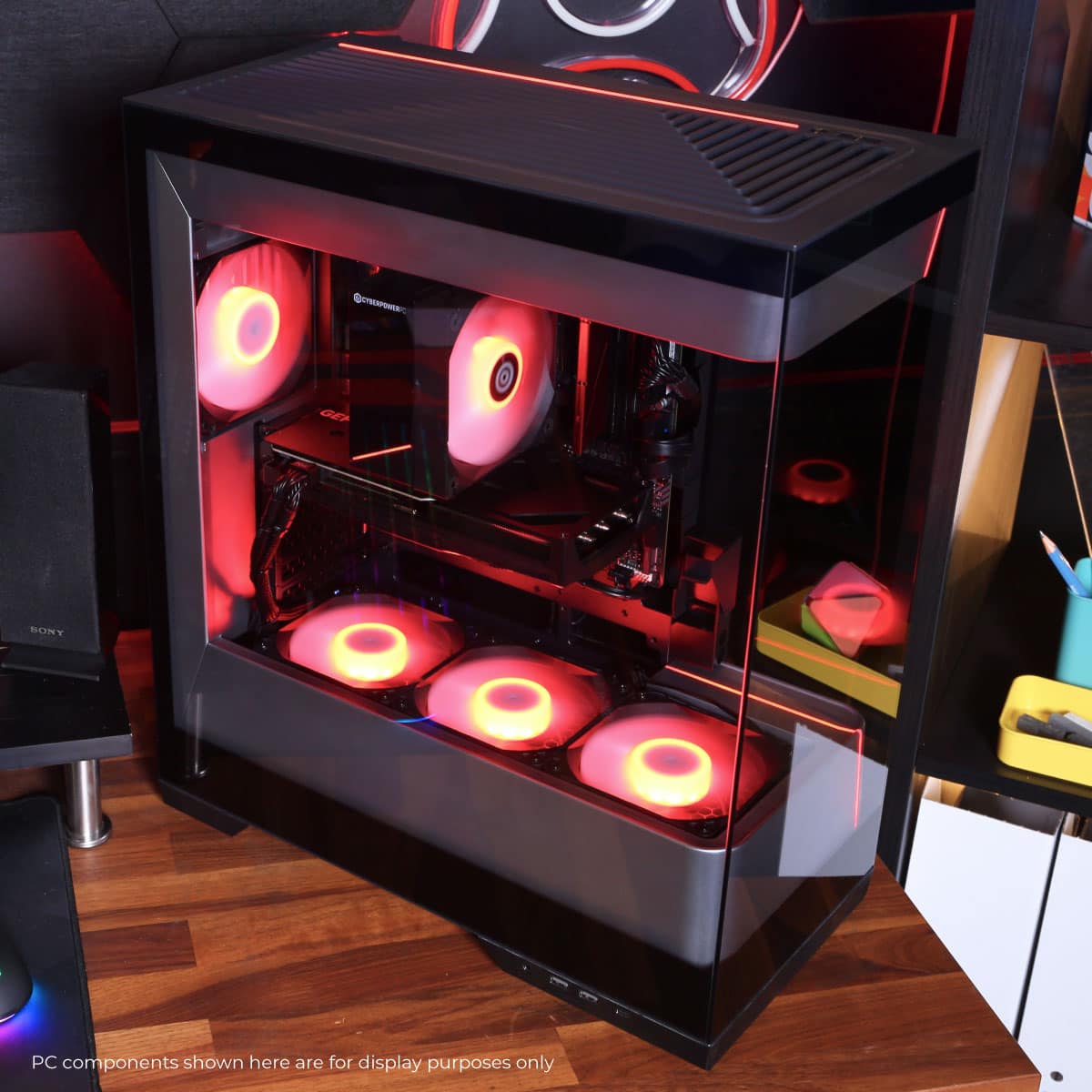
  • QuestionHow do you turn the fan lights off?

    Asked by noah.

    • Answer It comes with Armoury Crate Soiftware to control all lights inside the case. Can set to multiple effects and colors.

      Answered by DaveB

  • QuestionWhat's the PSU?

    Asked by Dan.

    • Answer Thank you for reaching out to us. The PC is equipped with an 850 Watt power supply.

      Answered by CyberPowerPC Brand Expert

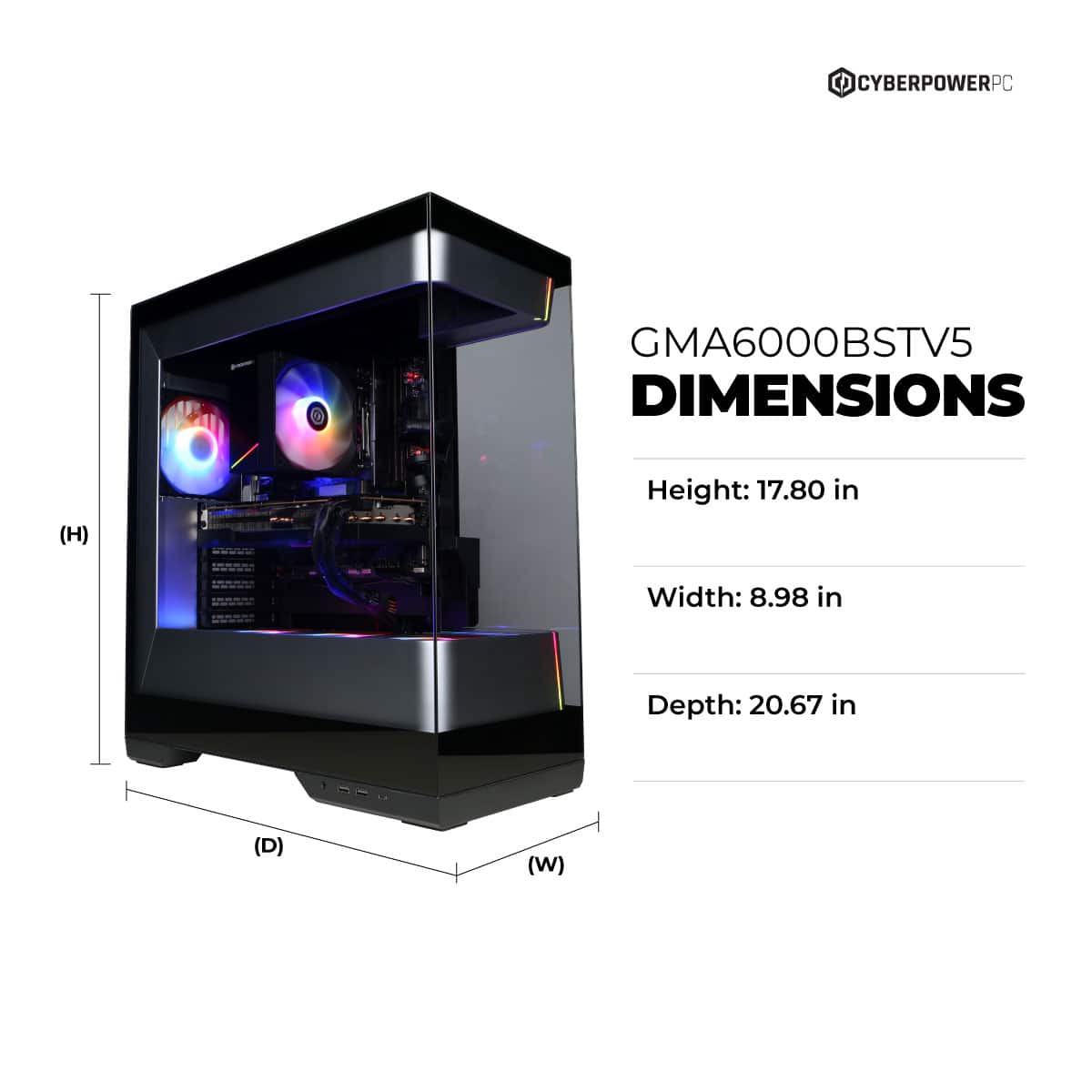
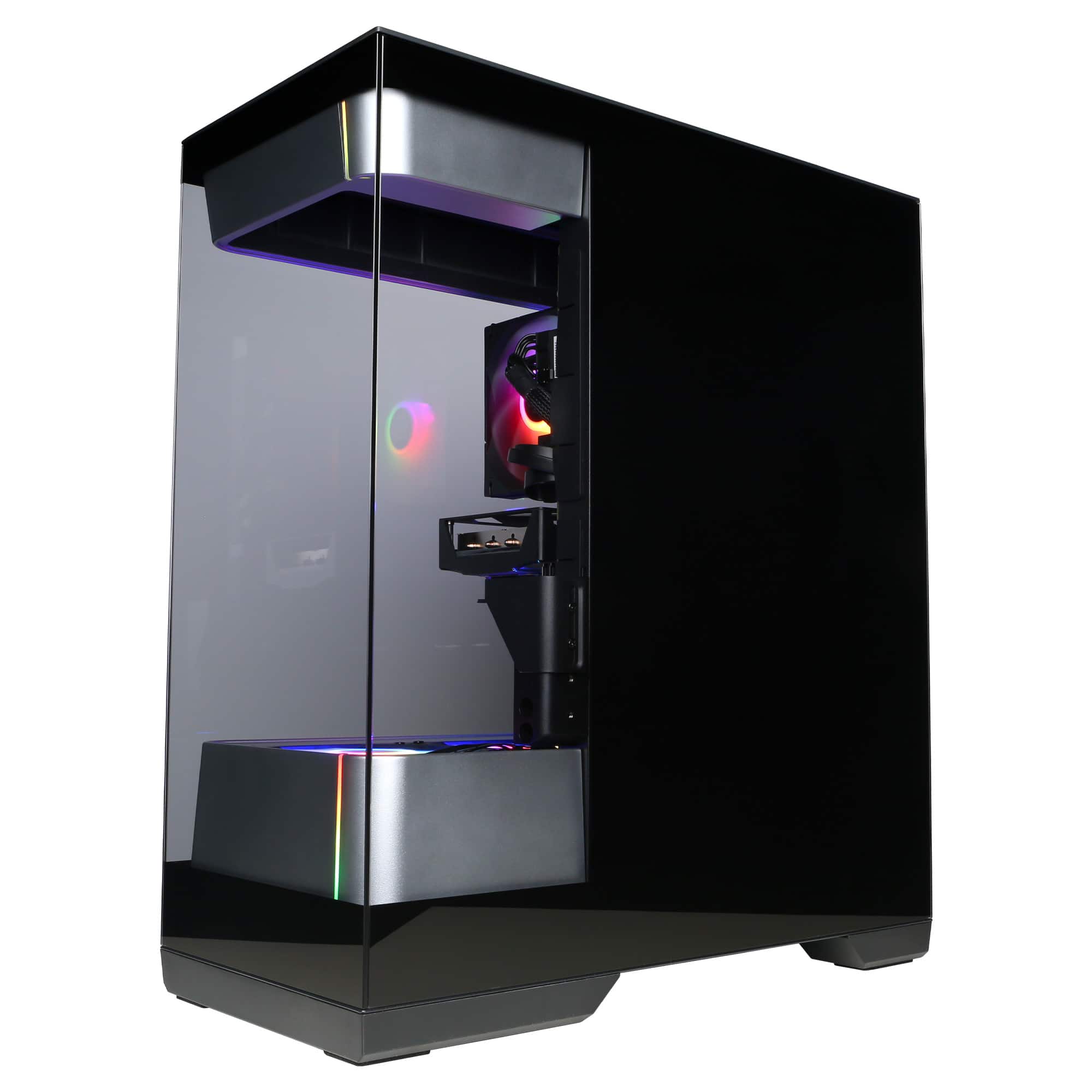
  • QuestionIs this a Full tower?

    Asked by Kimiko.

    • Answer Thank you for reaching out to us. Please feel free to contact our sales team at your earliest convenience for further assistance on this matter; we're always happy to help. Sales: (800)707-0393 sales@cyberpowerpc.com Hours of Operation: Monday - Friday: 8:30 AM - 5:30 PM PST

      Answered by CyberPowerPC Brand Expert

  • QuestionWhat is the speed of the RAM?

    Asked by Anonymous.

    • Answer Thank you for reaching out to us. Please feel free to contact our sales team at your earliest convenience for further assistance on this matter; we're always happy to help. Sales: (800)707-0393 sales@cyberpowerpc.com Hours of Operation: Monday - Friday: 8:30 AM - 5:30 PM PST

      Answered by CyberPowerPC Brand Expert

  • QuestionWhere does the Asus wifi antenna connect to? There are no ports for it to screw in to.

    Asked by Sage.

    • Answer Thank you for reaching out to us. Please feel free to contact our tech support team at your earliest convenience for further assistance on this matter, we're always happy to help. Tech Support: (855) 888-2039 techsupport@cyberpowerpc.com Hours of Operation: Monday - Friday: 8:30AM - 6:00PM PST Saturday: 9:30AM - 3:00PM PST -CyberPowerPC Support

      Answered by CyberPowerPC Brand Expert

  • QuestionI have tried two different screen with my new PC here and no signal at all on either. what causing this or did I buy junk?

    Asked by JasonP.

    • Answer Thank you for reaching out to us. Please make sure you are connected to the GPU and not the motherboard. Please feel free to contact our tech support team at your earliest convenience for further assistance on this matter, we're always happy to help. Tech Support: (855) 888-2039 techsupport@cyberpowerpc.com Hours of Operation: Monday - Friday: 8:30AM - 6:00PM PST Saturday: 9:30AM - 3:00PM PST -CyberPowerPC Support

      Answered by CyberPowerPC Brand Expert

  • QuestionBought a monitor with the pc. Can not connect it hdmi or port are showing no signal at all. Why?

    Asked by JasonP.

    • Answer Thank you for reaching out to us. Please make sure you are connected to the GPU and not the motherboard. Please feel free to contact our tech support team at your earliest convenience for further assistance on this matter, we're always happy to help. Tech Support: (855) 888-2039 techsupport@cyberpowerpc.com Hours of Operation: Monday - Friday: 8:30AM - 6:00PM PST Saturday: 9:30AM - 3:00PM PST -CyberPowerPC Support

      Answered by CyberPowerPC Brand Expert

  • QuestionWill this pc run well at 3440x1440?

    Asked by Resolution.

    • Answer Thank you for reaching out to us. This PC should be able to run at the stated resolution as it does meet the minimum system requirements. However, the amount of FPS you receive in-game will vary depending on the resolution and refresh rate of your display, in-game graphics settings, as well as your network connection. It is always recommended that you check the system requirements of the game you would like to play before making your purchase. If you have any further questions or concerns then please do not hesitate to give our tech support agents a call for any assistance; we're always happy to help. Tech support: (888)937-5582 -CyberpowerPC Support

      Answered by CyberPowerPC Brand Expert

  • QuestionDoes this PC have a built in wifi?

    Asked by WIFI.

    • Answer Thank you for reaching out to us. The PC can connect to WIFI and Ethernet.

      Answered by CyberPowerPC Brand Expert

  • QuestionIs this modifiable storage wise?

    Asked by Nick.

    • Answer Thank you for reaching out to us. The components included with this system are upgradeable, however, it is always recommended that you check for compatibility before making your purchase on new hardware.

      Answered by CyberPowerPC Brand Expert

  • QuestionI recently got this pc. It keeps crashing when I try to run any game. Usually can't get past the title screen. Why is this happening?

    Asked by AVP.

    • Answer Thank you for reaching out to us. Please feel free to contact our tech support team at your earliest convenience for further assistance on this matter, we're always happy to help. Tech Support: (855) 888-2039 techsupport@cyberpowerpc.com Hours of Operation: Monday - Friday: 8:30AM - 6:00PM PST Saturday: 9:30AM - 3:00PM PST -CyberPowerPC Support

      Answered by CyberPowerPC Brand Expert

  • QuestionWhat motherboard does this build come with?

    Asked by bigal.

    • Answer B650M

      Answered by Anonymous