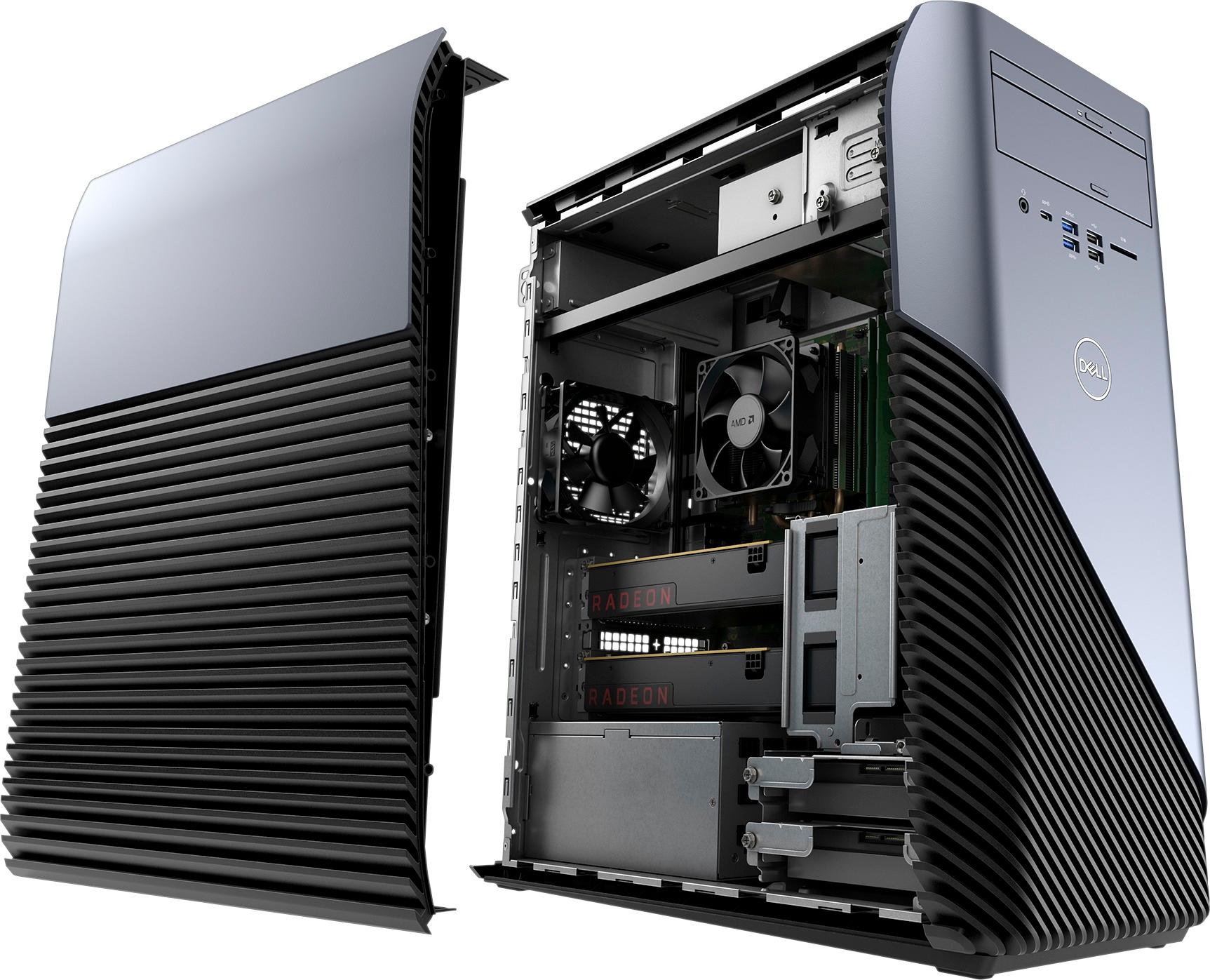
A:AnswerYes you can upgrade to new processors, I believe it in intel processor compatible but I’m not sure. It will definitely run AMD processors though. I recommend the Ryzen 5 2400G or the Ryzen 5 2600 if your looking for a decent budget processor. The system says it supports 32GB and according to previous questions it has 2 RAM slots so each supports up to a 16GB ram stick.
A:AnswerSo far, it works fine for me, but it does sometimes randomly freeze, but my guess is that Windows is the culprit, as it often is. It runs Fortnite very well. But in hindsight, I wish I had built my own computer. I would've gotten more for the money.
A:AnswerIt is a nice computer, it will be able to run any basic app you would want it too like chrome or Power Point. I don't know what kind of games you like but i can run games like Minecraft, Fortnite and harder games at around 25-30 FPS like Pubg and Call Of Duty. This is not a power house but it will get to job done but don't expect to run all games at Ultra High settings.
A:AnswerProbably not, the BIOS are almost impossible to reset. I tried replacing the a10 with a ryzen 5 2600 but then the computer would not boot and the BIOS jumper/cmos resetter is impossible to figure out and taking out the CMOS battery will not work either.
A:AnswerIt is a decent GPU. It mostly depends on what games you are trying to play. CS:GO and games like that won't be an issue but more demanding games like BATTLEFIELD 1 will be a bit harder to run. The VRAM is mostly what is bottle necking the GPU I had to buy a 4GB version just so I can get some better GPU action but overall it is a mediocre GPU.
A:AnswerJust buy one with how man gb's you want and plug and play, pretty simple. Also, try to look up the specs for the ram and make sure you have the same mhz as the one on the motherboard. Just to be safe.
A:AnswerMost likely. I tried swapping my a10 with a ryzen 5 2600 but the computer would not boot up and the BIOS were almost impossible to reset with the confusing CMOS jumpers. And removing the battery is not an option either cause it does not work either.
A:Answerwell typical if the socket size is right then yes but Bios mite not accept it. and no u cant just update the bios becuase the manufacturer didnt have that in mind for that board your better off building your own PC.