Questions & Answers
- Model:
- S2721HGF
- |
- SKU:
- 6425903
Highly rated by customers for: Picture Quality, Curvature, Refresh Rate
Page Showing 161-174 of 174 questions
Q: QuestionWill the dell sound bar AC511m work with this monitor?
Asked by Nolaboi7.
- A:Answer No, this sound bar would not work with the Dell S2721HGF.
Answered by YourDellTeam

Q: QuestionIs this monitor compatible with a Dell G7 15.6" Gaming Laptop with Intel Core i7 (NVIDIA GeForce GTX 1060 - 256GB Solid State Drive)?
Asked by DMM.
- A:Answer Yes, this monitor is compatible with the Dell G7 and will give you the best gaming experience while you connect the monitor with the laptop.
Answered by YourDellTeam

Q: QuestionHow do you change the response time mode
Asked by AJ.
- A:Answer You use the Game option on the OSD menu to personalize your visual gameplay experience. Here is where you can also change the response time for the monitor.
Answered by YourDellTeam

Q: QuestionCan it run 4kUHD
Asked by Marsh.
- A:Answer not at all. however the 1080 HD is decent
Answered by Sirscott
Q: QuestionDoes the monitor have speakers or do you have to buy those separately?
Asked by Sam.
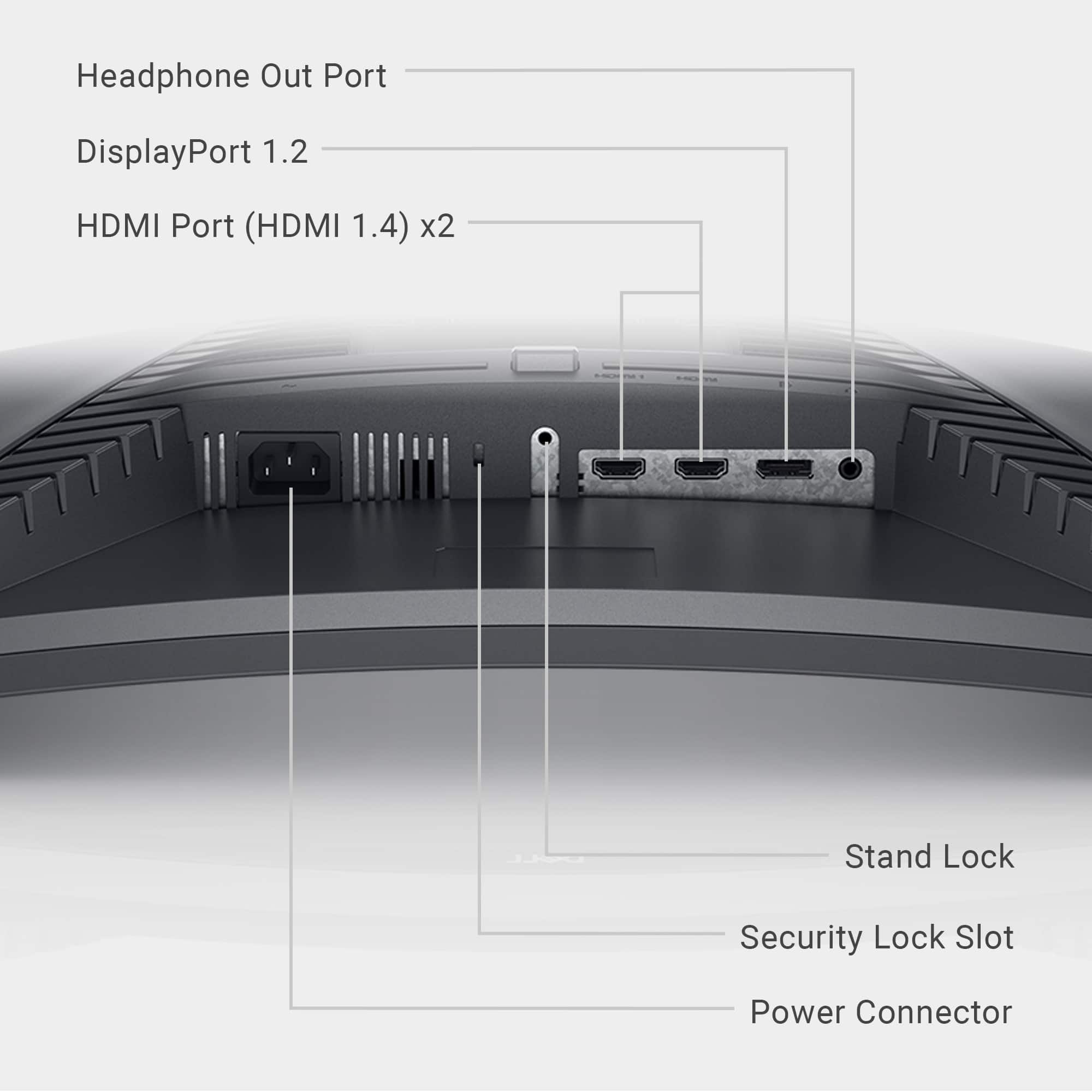
- A:Answer No, this monitor does not have built-in speakers. However, this display has a headphone port to connect headphones.
Answered by YourDellTeam

Q: QuestionDoes it work on ps5 and fully support all fps
Asked by Plewis.
- A:Answer This monitor could be connected to PS5 through an HDMI connector and supports up to 144 Hz frame rate.
Answered by YourDellTeam

Q: Questionis this 4k?
Asked by shai.
- A:Answer This monitor has a maximum preset resolution of 1920 x 1080 at a 144 MHz refresh rate.
Answered by YourDellTeam

Q: QuestionDoes this support next gen graphics for the Ps5
Asked by Johnny.
- A:Answer You will be able to use this monitor with any device that supports HDMI or DP 1.2 for display connectivity.
Answered by YourDellTeam

Q: QuestionHow do you put the monitor in 144hz mode. Can only get it to go into 60 hz mode?
Asked by Rocky.
- A:Answer To get it to 144 hz, go on display settings, then like display properties and monitor and switch to the highest hz available
Answered by Tausif
Q: QuestionCan I run 120fps on my ps5 with just the hdmi cable? I currently have a ASUS VG248QE but unfortunately only the display port runs 120fps but I already have my pc connected to that. I need a monitor that can support 120 fps on both ports…
Asked by Jesus.
- A:Answer Both the HDMI and DisplayPort connectors support 1080p@120Hz when connected to PS5.
Answered by YourDellTeam

Q: QuestionCan this monitor support 120 hz with the ps5 with a 1.4 display port?
Asked by Kii.
- A:Answer Yes, this monitor supports 120 Hz with the ps5 with a 1.4 display port.
Answered by YourDellTeam

Q: QuestionWhat is the response time of the monitor?
Asked by Eugene.
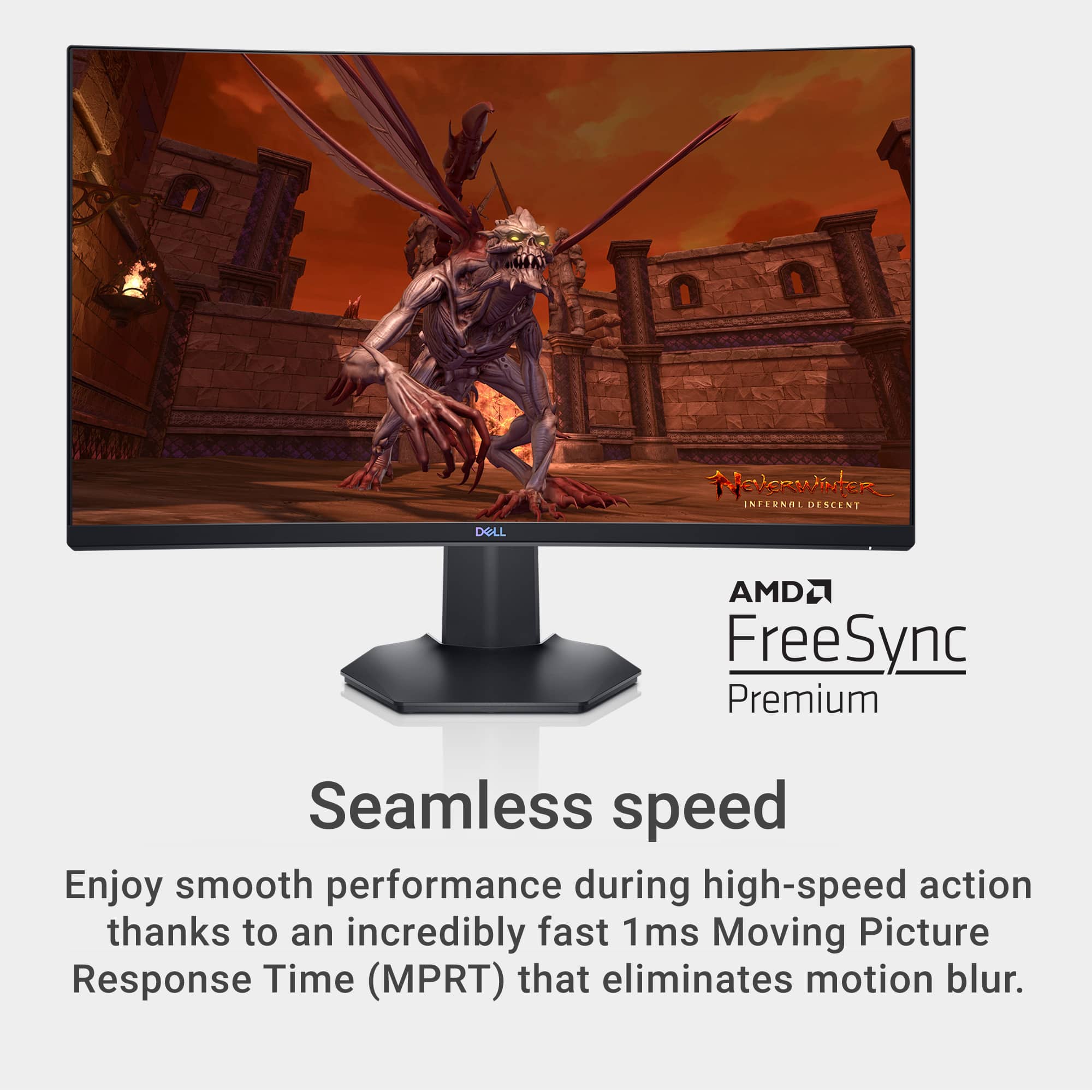
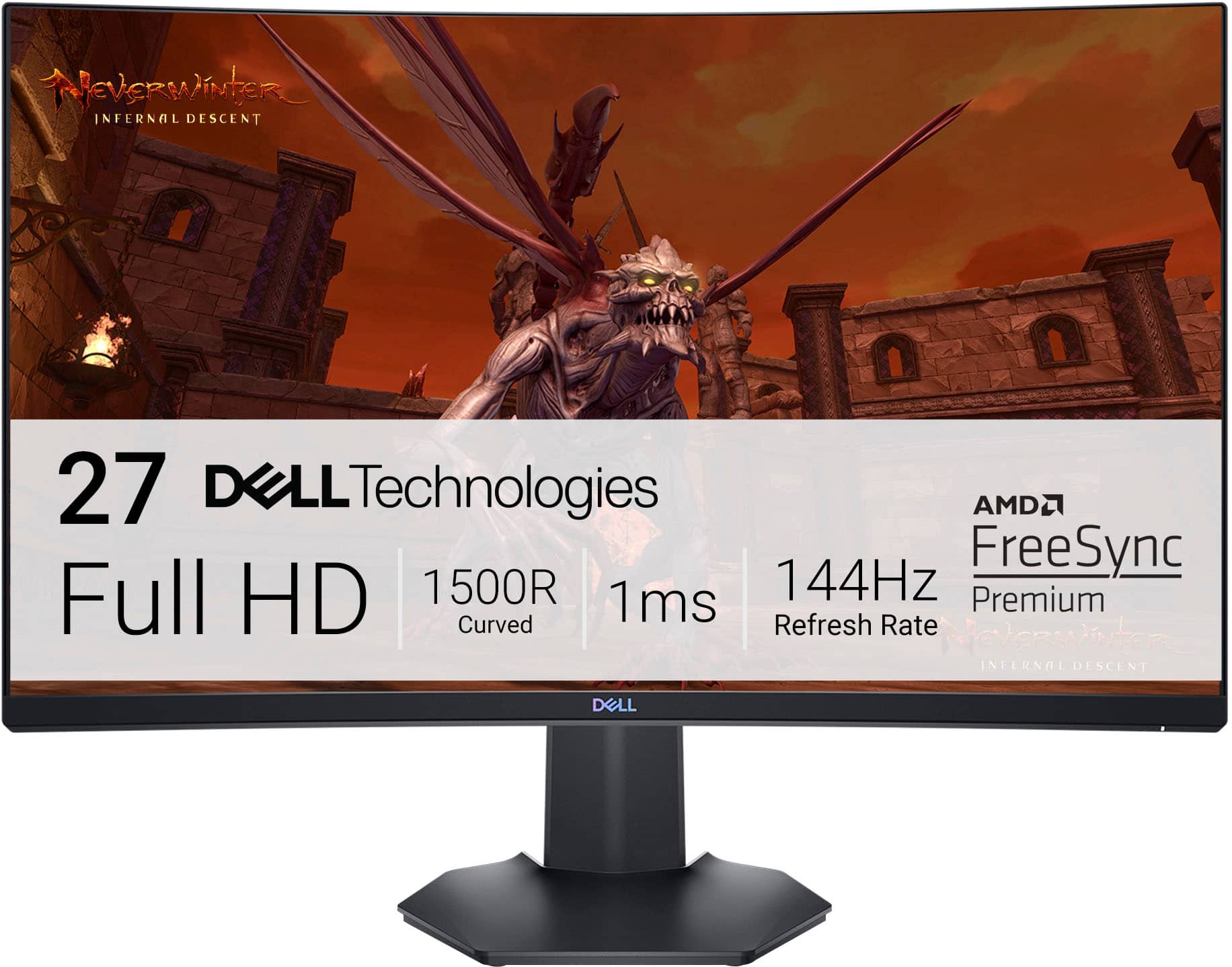
- A:Answer Here are the response time of the monitor: Response Time (Gray to Gray) 8 ms (Fast mode), 6 ms (SuperFast mode), 4 ms (Extreme mode), 1 ms (MPRT mode).
Answered by YourDellTeam

Q: QuestionHow many fps does this monitor support?
Asked by Anonymous.
- A:Answer The monitor FPS depends on the system specifications and settings.
Answered by YourDellTeam