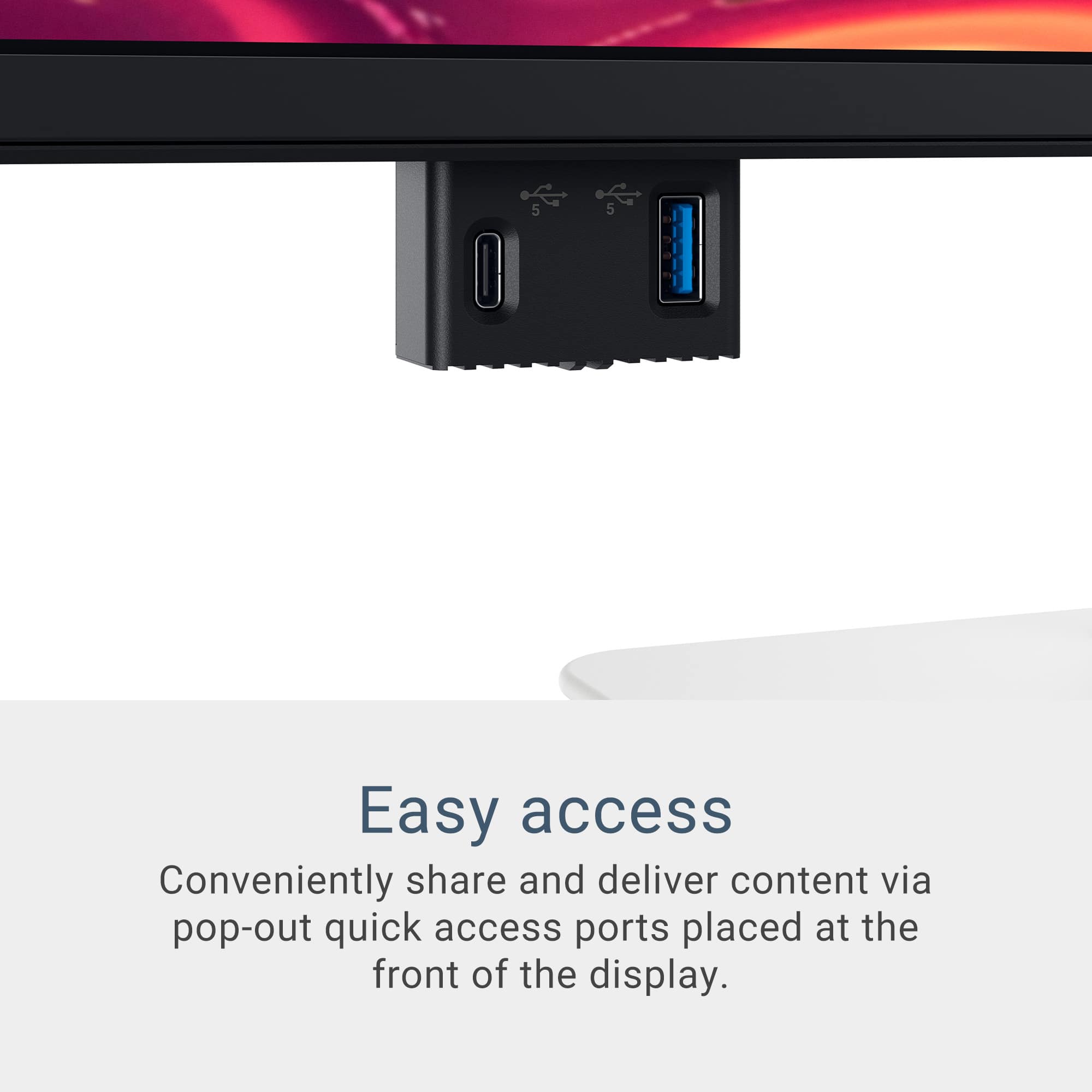
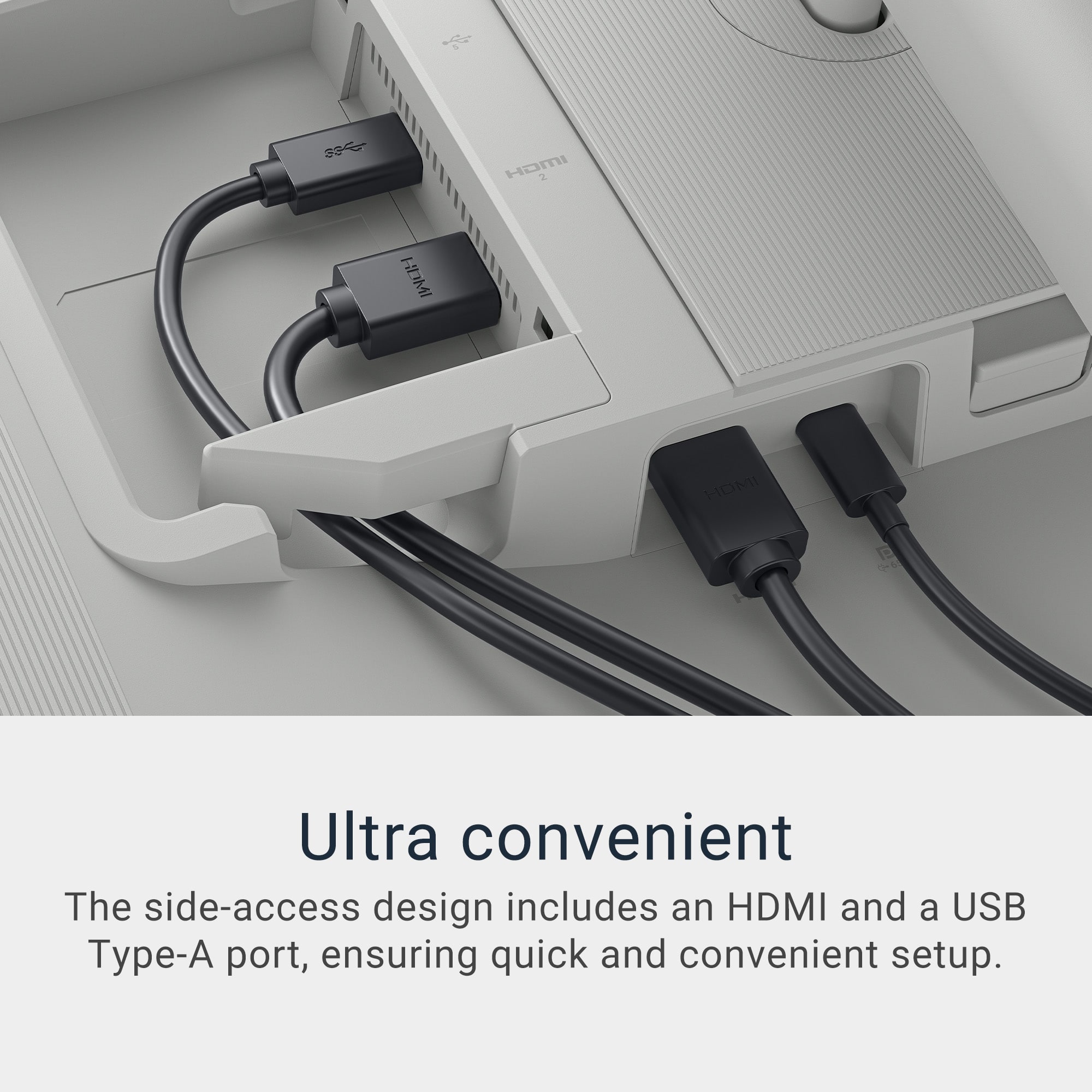
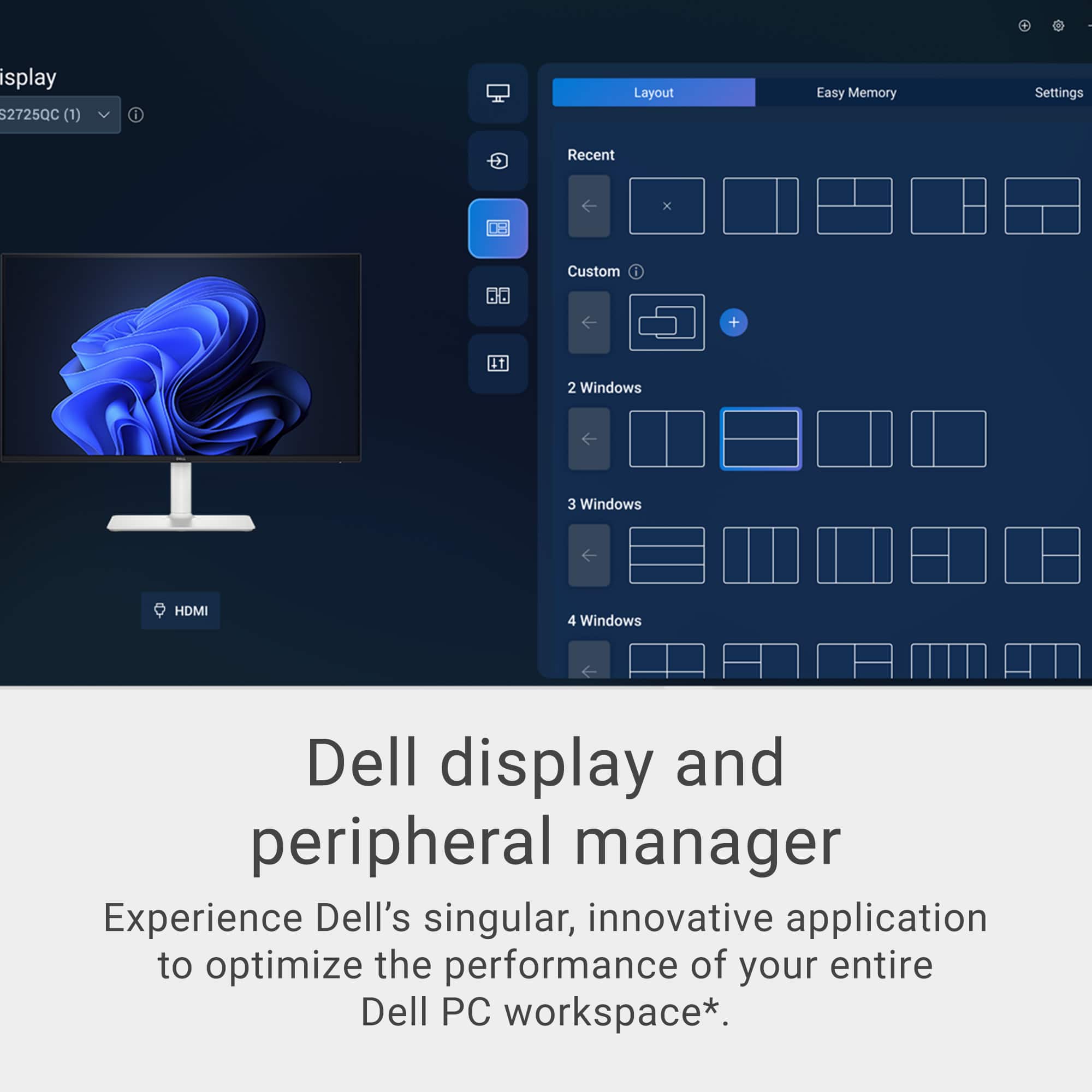
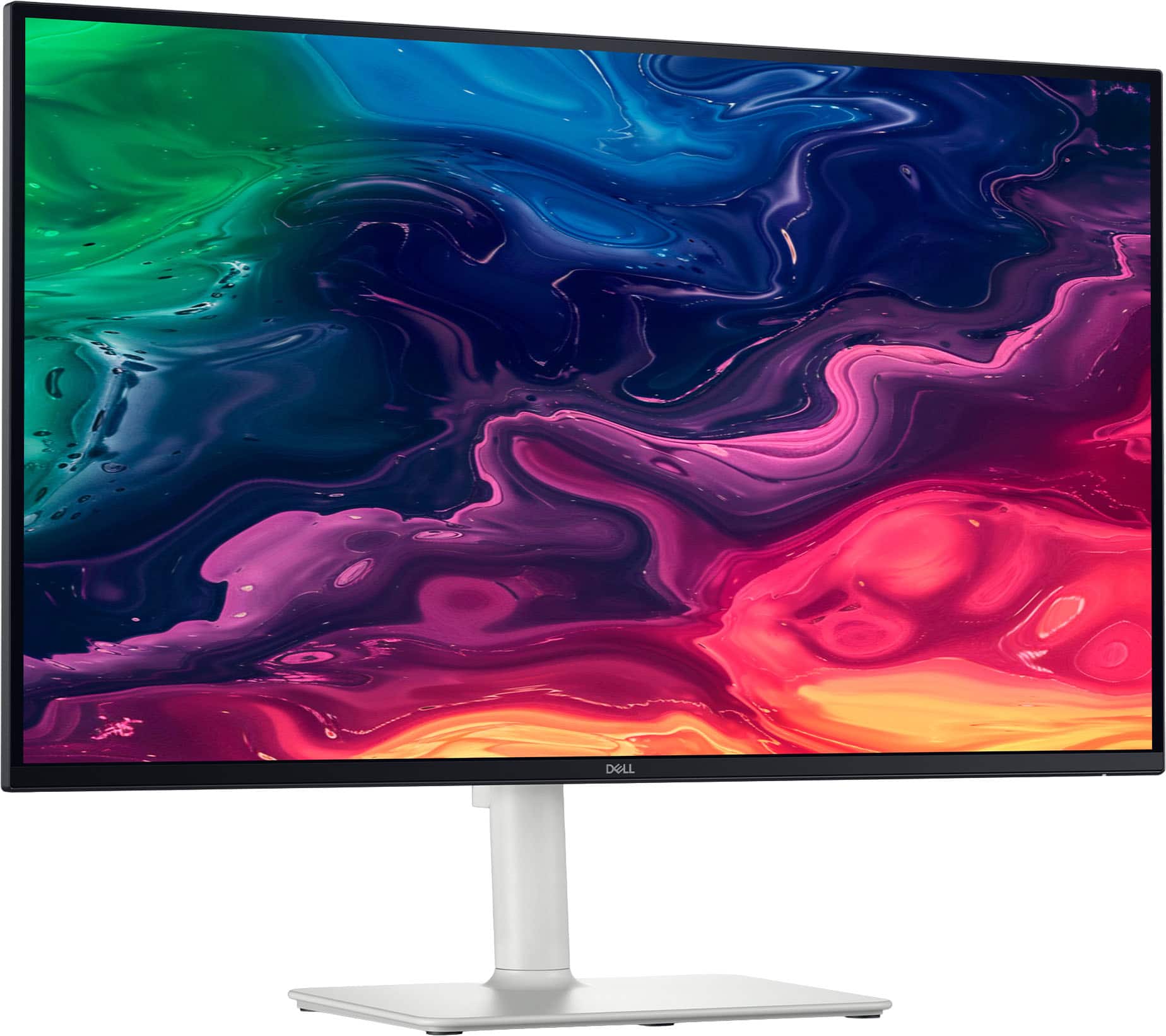
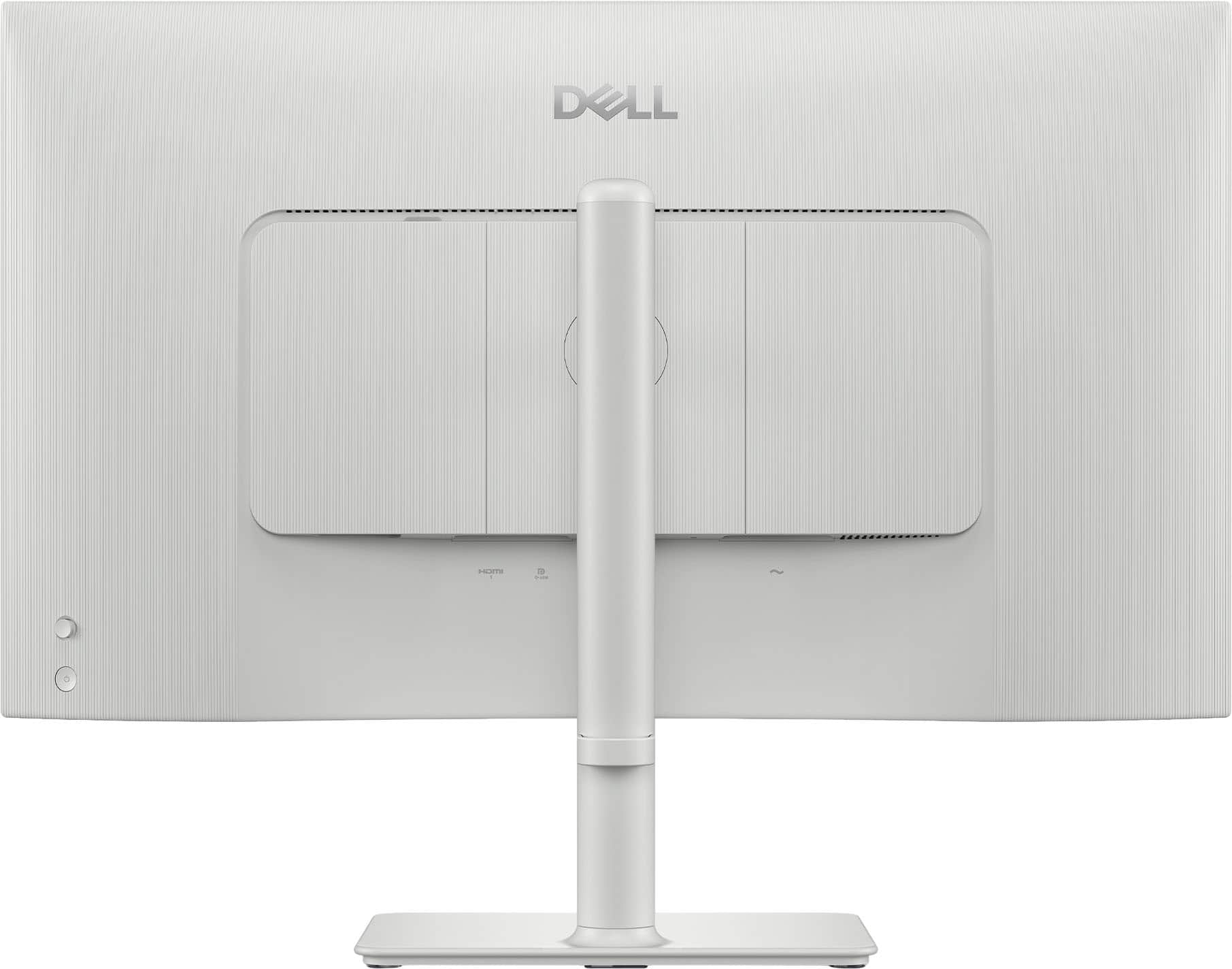
A:AnswerI am using this monitor with my M2 Pro. Works with either HMDI or Display port (USB-C). You will need the Dell app to be able to control volume and brightness with your keyboard.
A:AnswerYes, you can attach your ASUS NUC to this monitor using a VESA mount.
Things to check (important):
Your ASUS NUC VESA plate must be 100×100 mm (some smaller kits also include 75×75 adapters, please check yours).
Ensure adequate airflow behind the monitor don’t block the NUC vents.
Allow space for USB‑C, HDMI, and power cables coming out of the NUC.
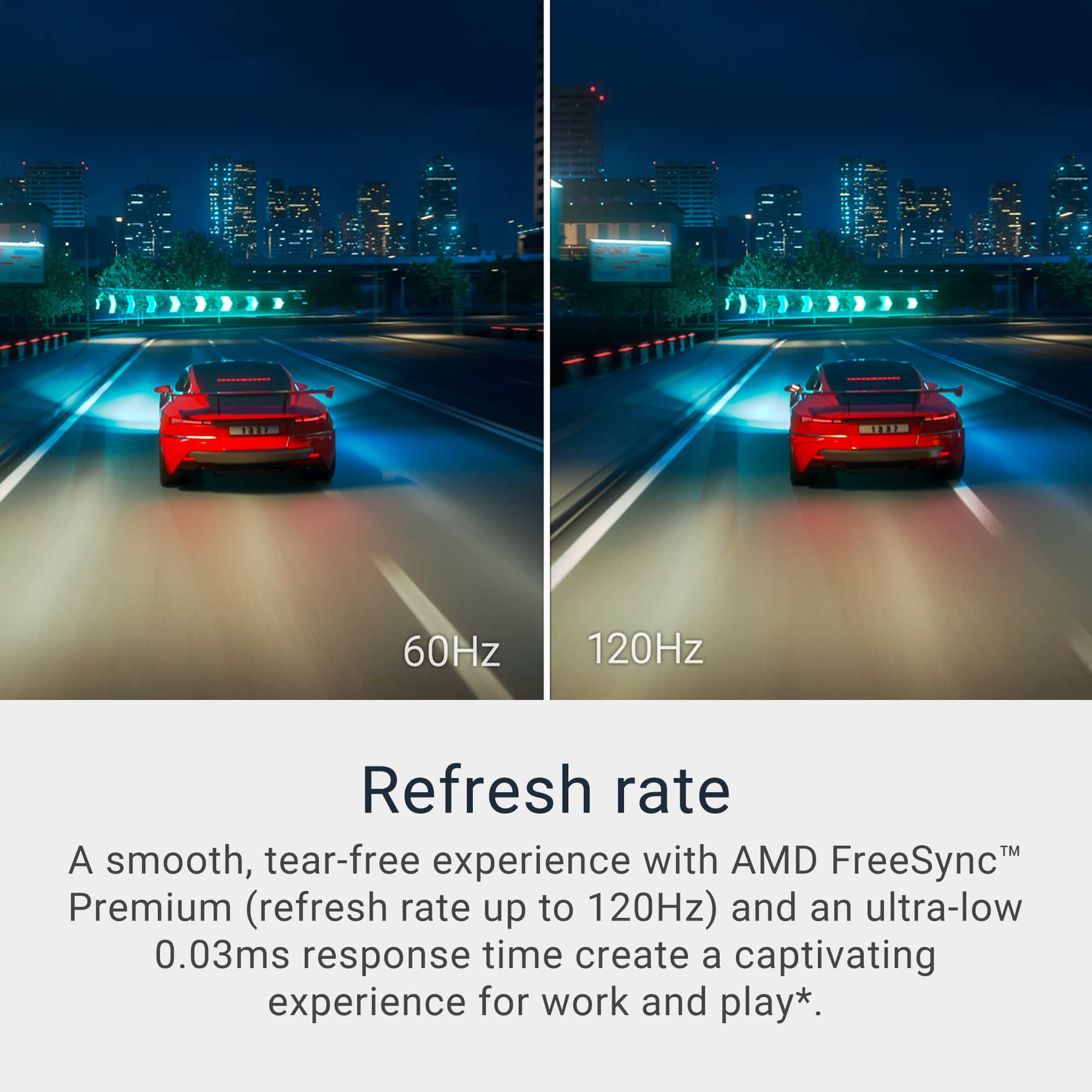
A:AnswerGreat catch! Both numbers appear in listings, but they do not mean the same thing. Only one of them reflects the real pixel response time of the Dell S2725QC.According to Dell’s official specifications, the Dell S2725QC (IPS panel) has these gray‑to‑gray (GtG) response times:
8 ms GtG (normal/default).
5 ms GtG (Fast mode).
4 ms GtG (Extreme overdrive mode).
These values are listed directly on Dell’s product page and official spec sheet, So the factual, spec‑correct response time is 8 ms (typical), with overdrive reducing it to 5 ms or 4 ms.
A:AnswerYes, the OSD (On‑Screen Display) menu of the Dell S2725QC works perfectly under Linux (including Linux Mint).
And yes, this is true for essentially all Dell monitors, regardless of Linux distro.
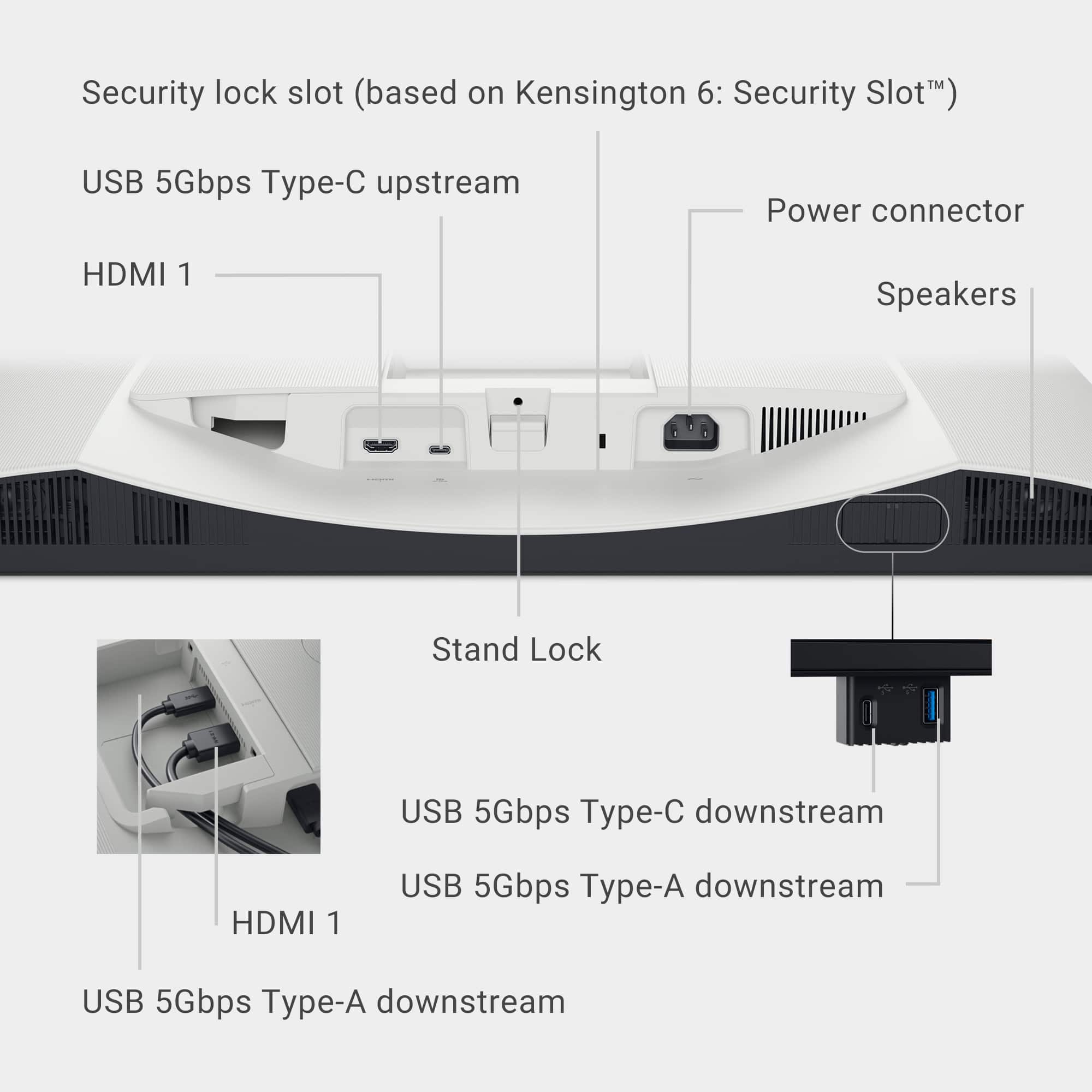
A:AnswerYes, the Dell S2725QC supports DisplayPort Alt Mode over USB‑C, however your proposed cable (DP → USB‑C Display) will not work. A DisplayPort output on your graphics card is not capable of generating USB‑C DP Alt Mode signaling.
DP Alt Mode is not passive
It requires:
A USB‑C controller,
USB‑C lane negotiation (CC pins, power role detection),
A plain DP port cannot do this, even DP 2.1.
Option A — Use HDMI 2.1 (Best for desktops). Option B — USB‑A + HDMI combo (if you want USB hub). Option C — Only if your GPU has native USB‑C.
A:AnswerWe apologize for the inconvenience caused due to this. We recommend you perform the following steps. 1.Check and Re-seat Your Video Cable.
2. Disable or Adjust FreeSync / VRR.
3. Update Monitor Firmware.
4. Check GPU Drivers.
5. Reduce Game Mode Switching Behavior.
6. Test with Another Display. If the issue persists, please contact Dell Technical Support Team.
A:AnswerYes, The Dell S2725QC supports USB‑C DisplayPort Alt Mode. This is exactly what MacBook Air models need for single‑cable external display support.
A:AnswerThe monitor weighs With stand and cables: 14.79 lb (6.71 kg) and
Without stand and cables: 10.69 lb (4.85 kg). Weights vary depending on configurations and manufacturing variability.
A:AnswerYes, the Dell S2725QC does support split‑screen. The Dell S2725QC includes Picture‑in‑Picture (PiP) and Picture‑by‑Picture (PbP) modes, which allow you to display two input sources simultaneously on the screen.
A:AnswerYes, the Dell S2725QC features an anti-glare matte (3H hardness) coating on its IPS panel, which reduces reflections and glare for a more comfortable viewing experience.