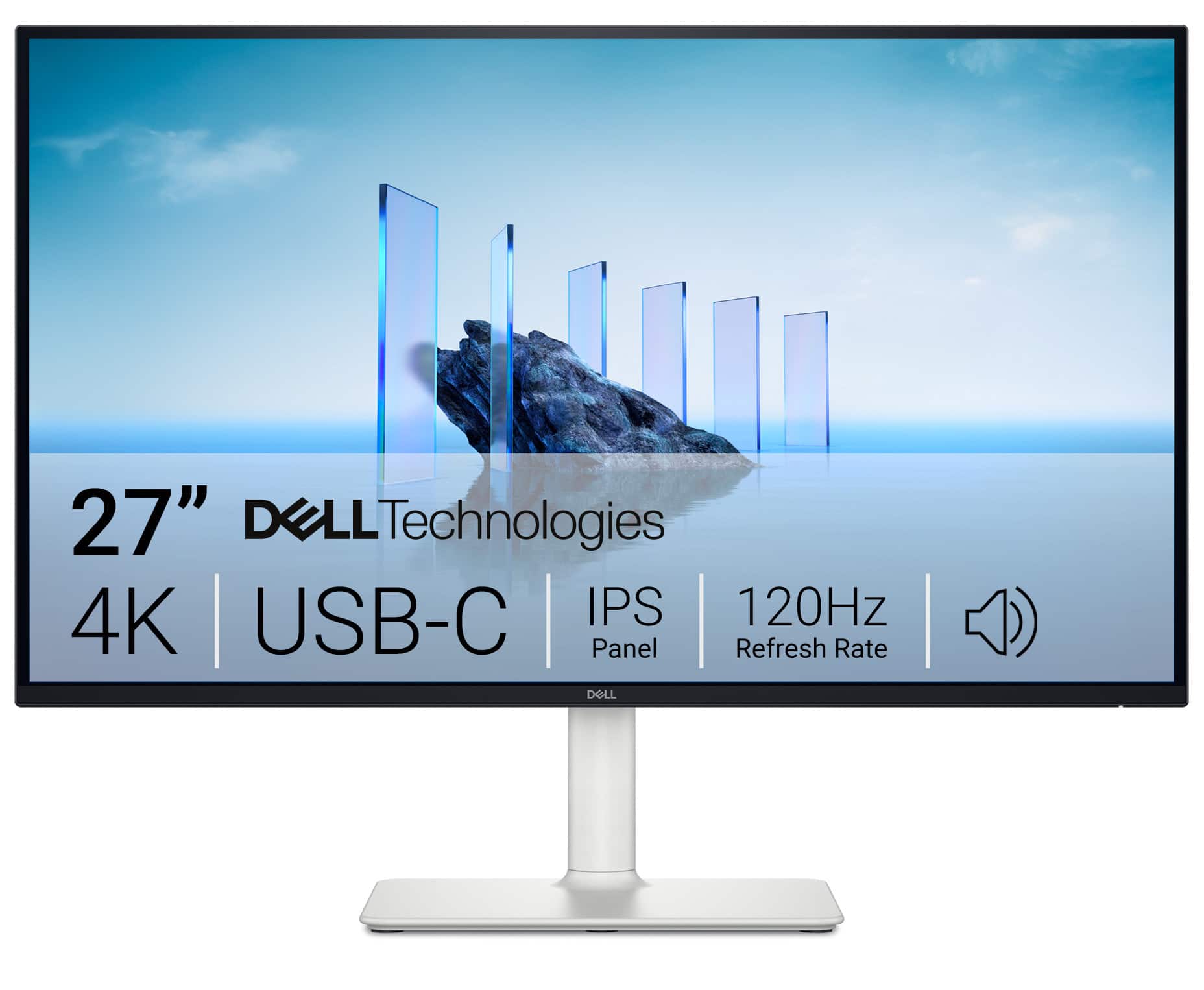
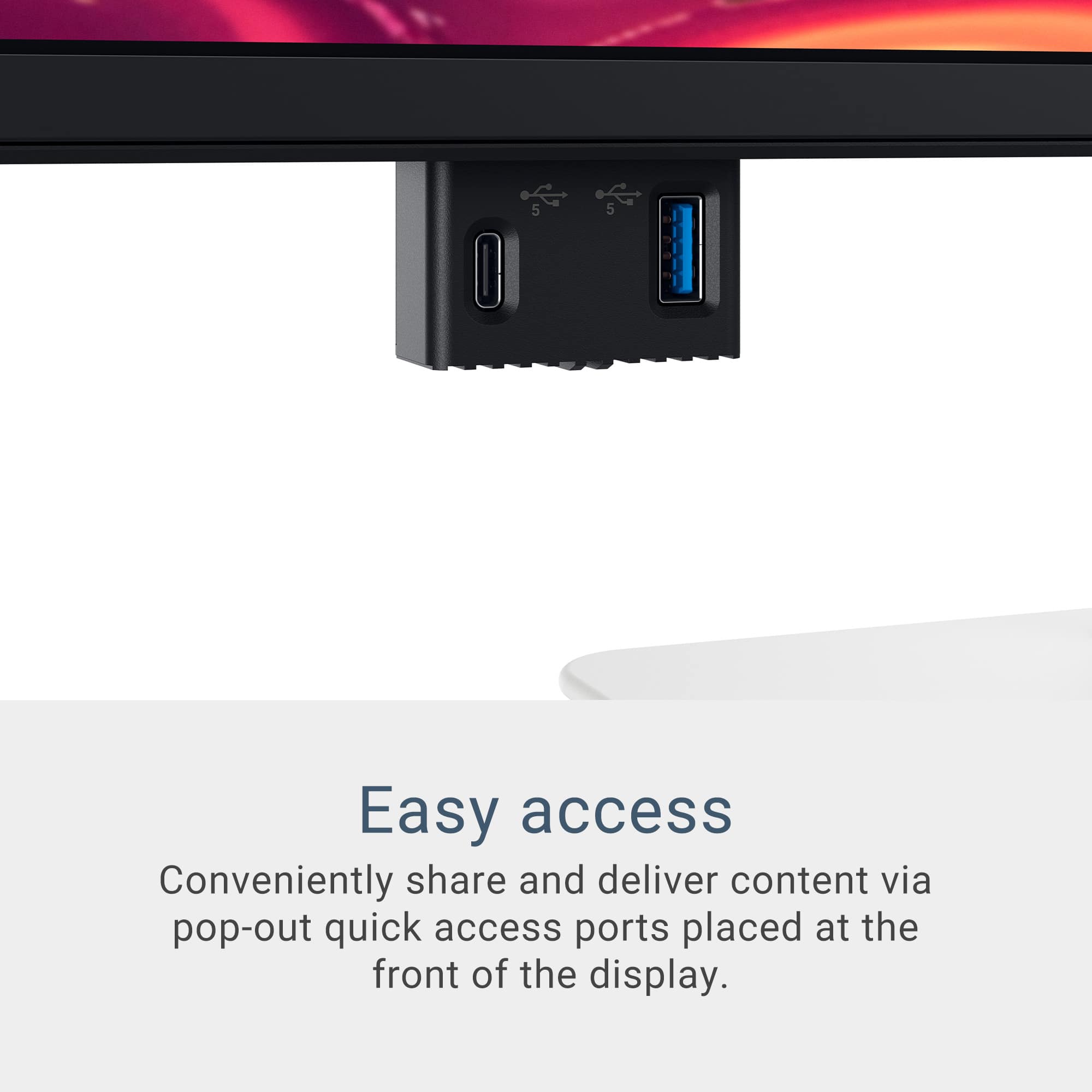
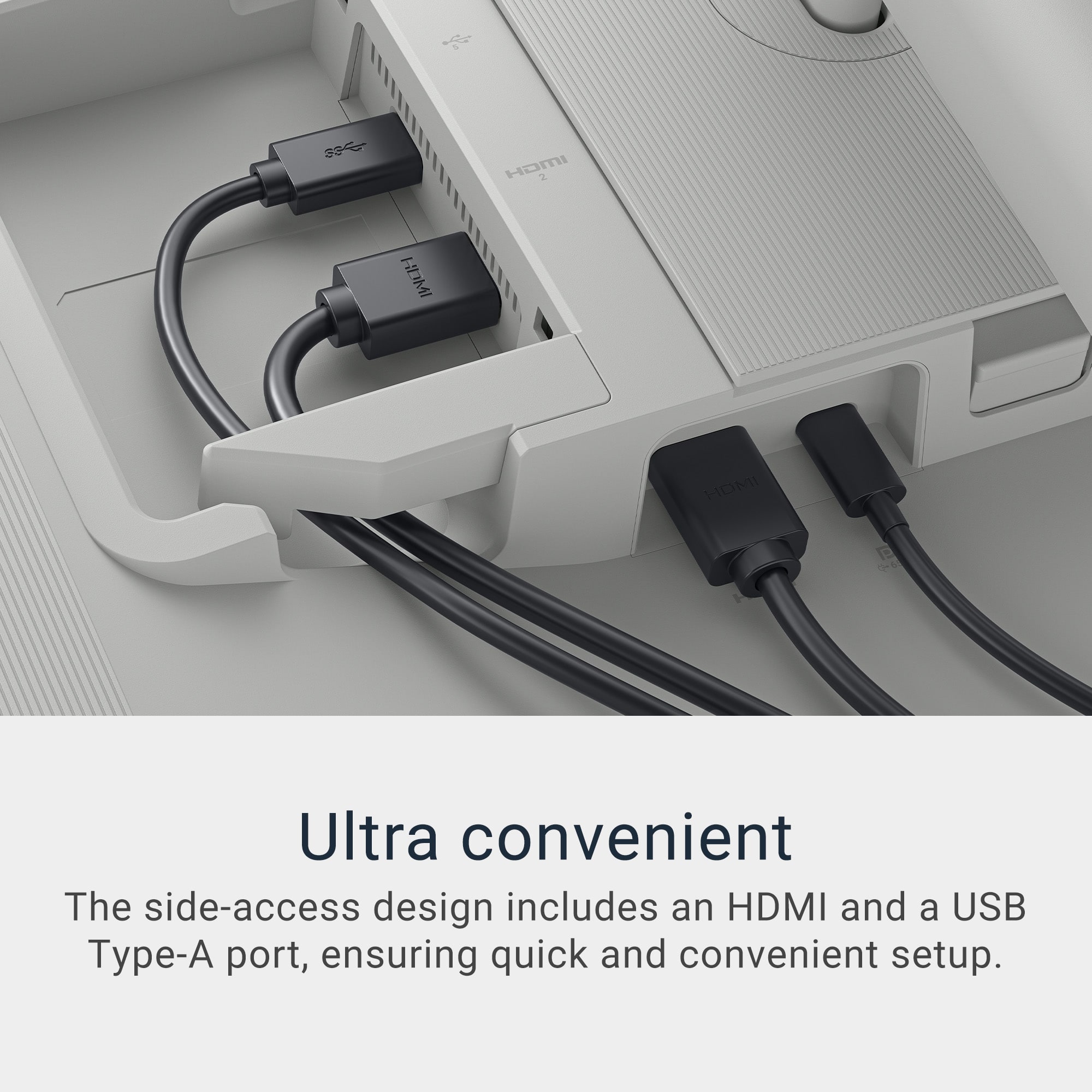
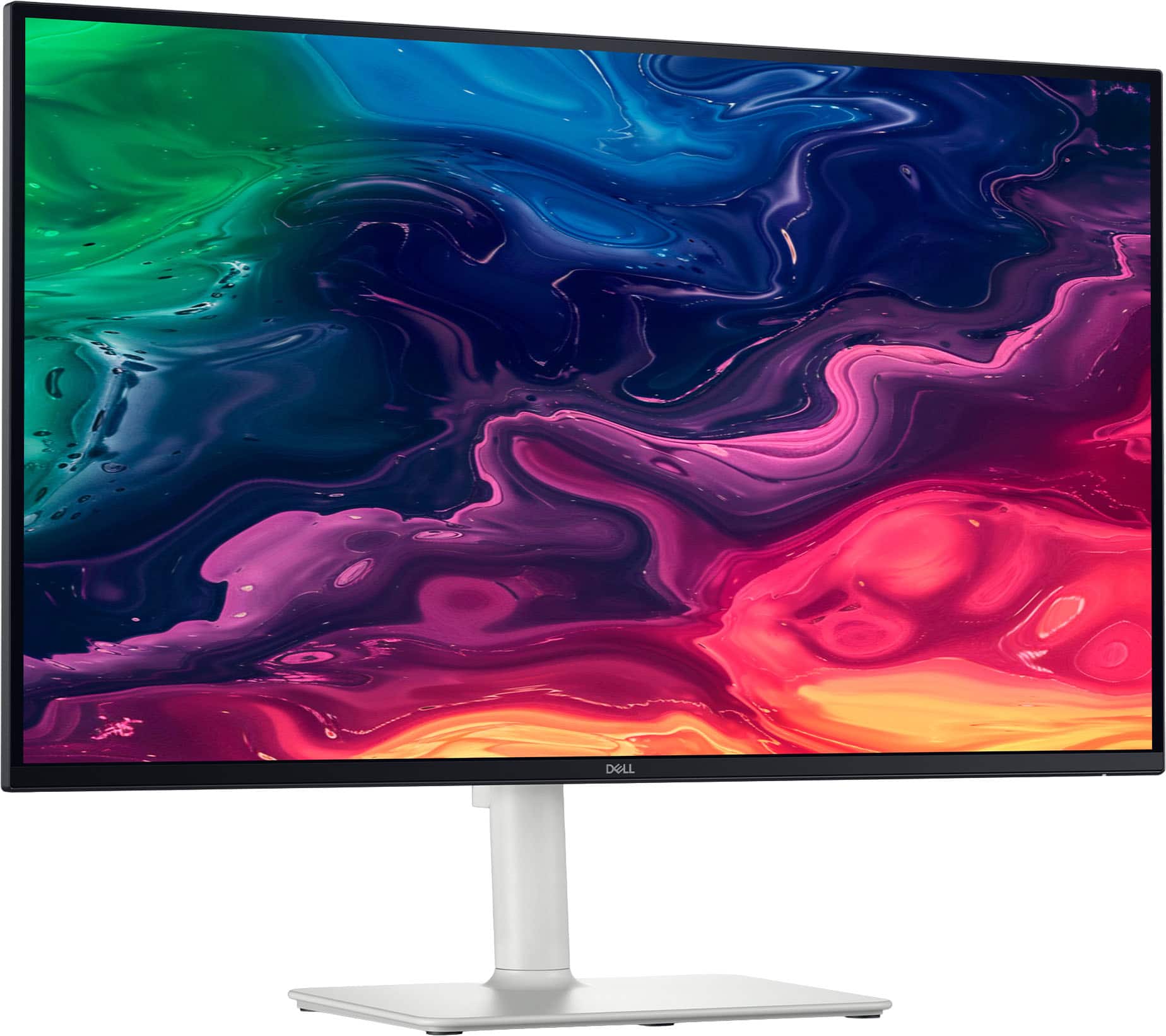
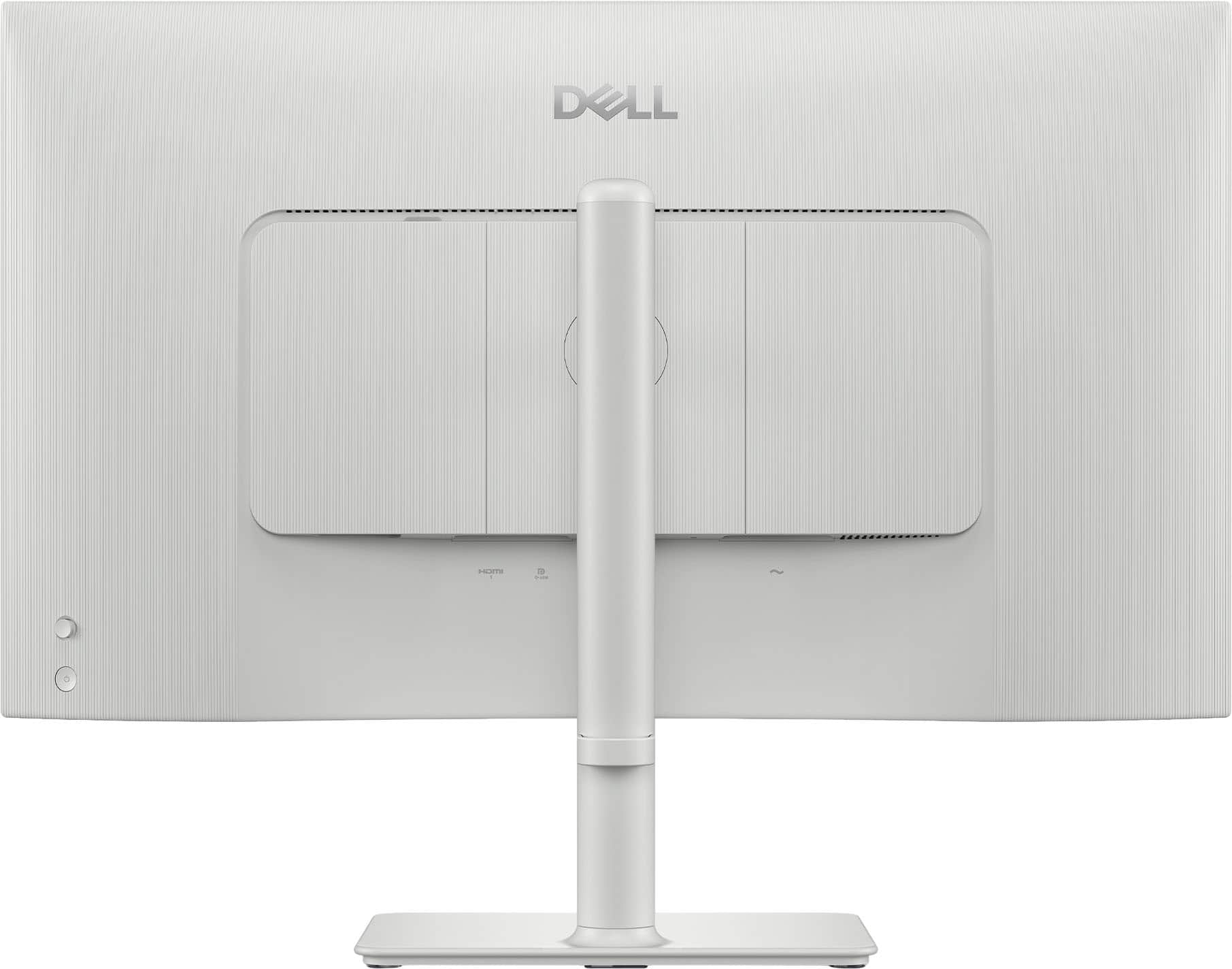
A:AnswerYes, the Dell S2725QC 27" 4K UHD monitor can work with an older MacBook (2015) running macOS 12.7.6, but there are a few important points:. The monitor supports USB‑C with DisplayPort Alt Mode and HDMI. A 2015 MacBook (depending on model):
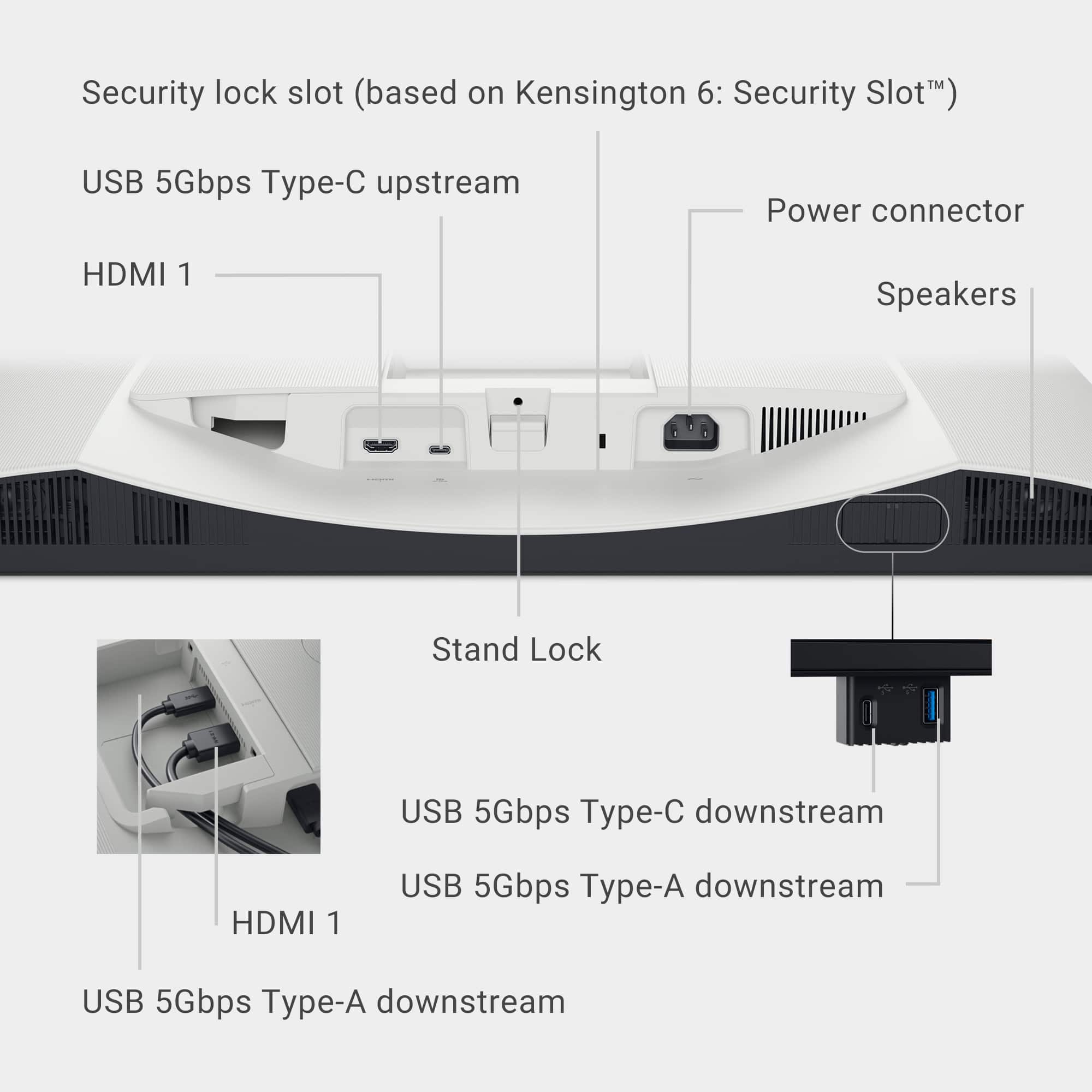
MacBook Pro (2015) → has Thunderbolt 2 / Mini DisplayPort.
MacBook (12-inch, 2015) → has USB‑C, but only USB 3.1 Gen 1, not DisplayPort Alt Mode.
macOS 12.7.6 (Monterey) supports external displays, but the connection depends on the port type.
A:Answeryes, when you use the usb-c port connection. That is the exact reason why I chose this model.
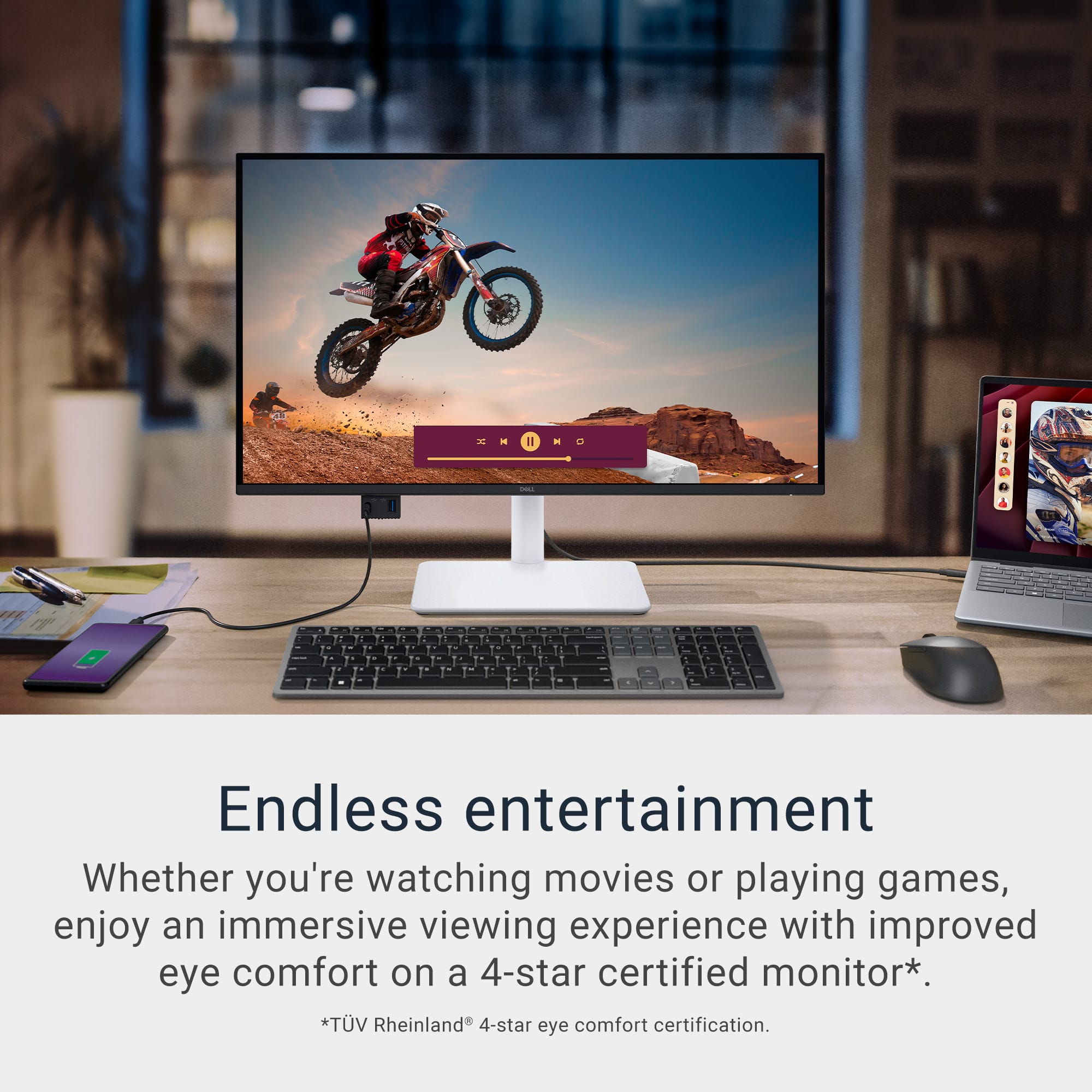
But basically all new monitors with usb-c port can charge the MacBook when it is connected
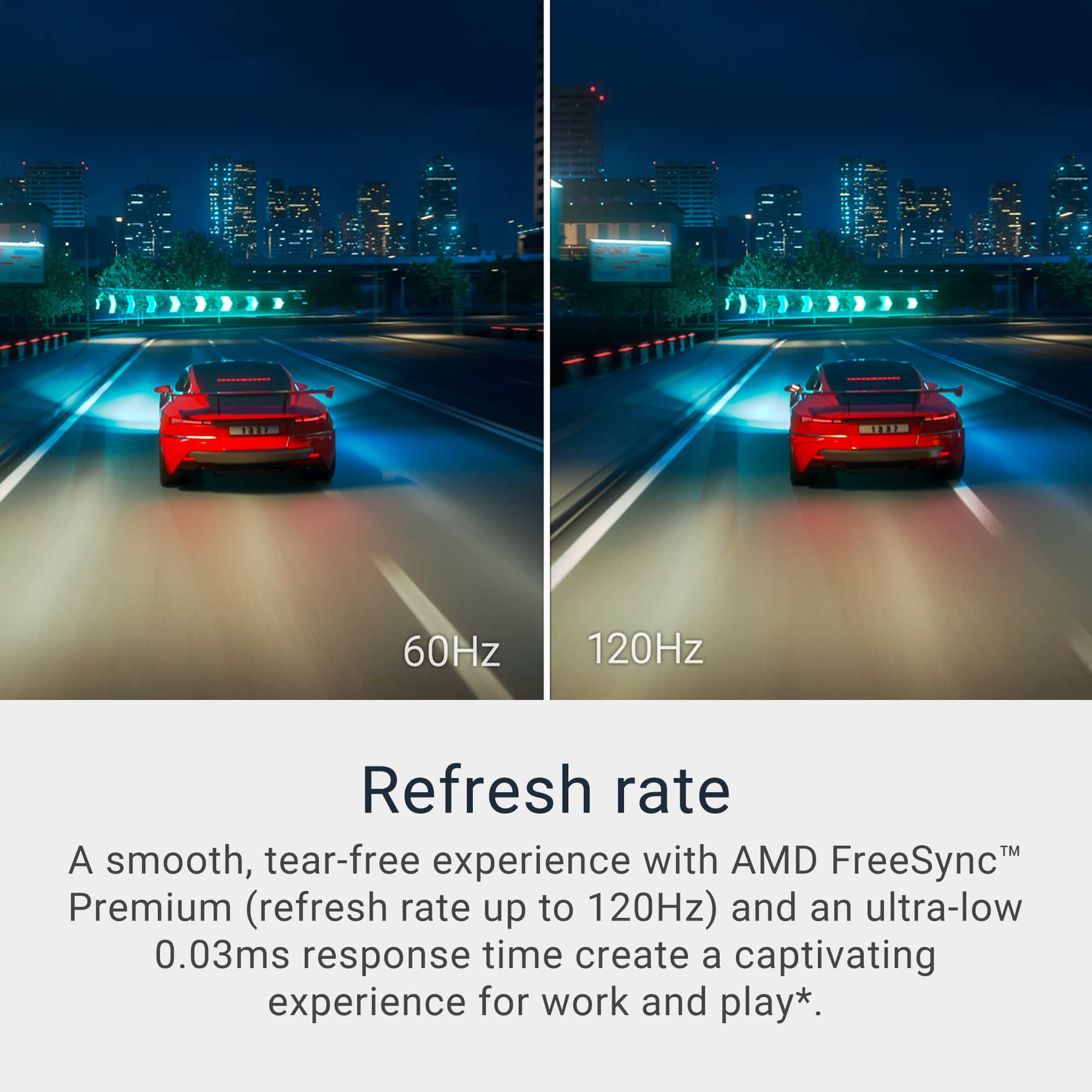
A:AnswerYes! the monitor supports up to 120Hz refresh rate on both HDMI and DisplayPort (via USB-C):
HDMI 2.1 ports: Support 3840 × 2160 at 120Hz, HDR, and VRR (great for gaming consoles and PCs).
USB-C (DisplayPort 1.4 Alt Mode): Also supports 4K at 120Hz when connected to a compatible device (like a laptop or desktop with DP Alt Mode).
A:AnswerYes, the monitor is very good for photo editing. Here’s why:
4K UHD Resolution (3840 × 2160).
High pixel density (~163 PPI) gives sharp details, which is essential for editing.
IPS Panel: Provides wide viewing angles and accurate color reproduction.
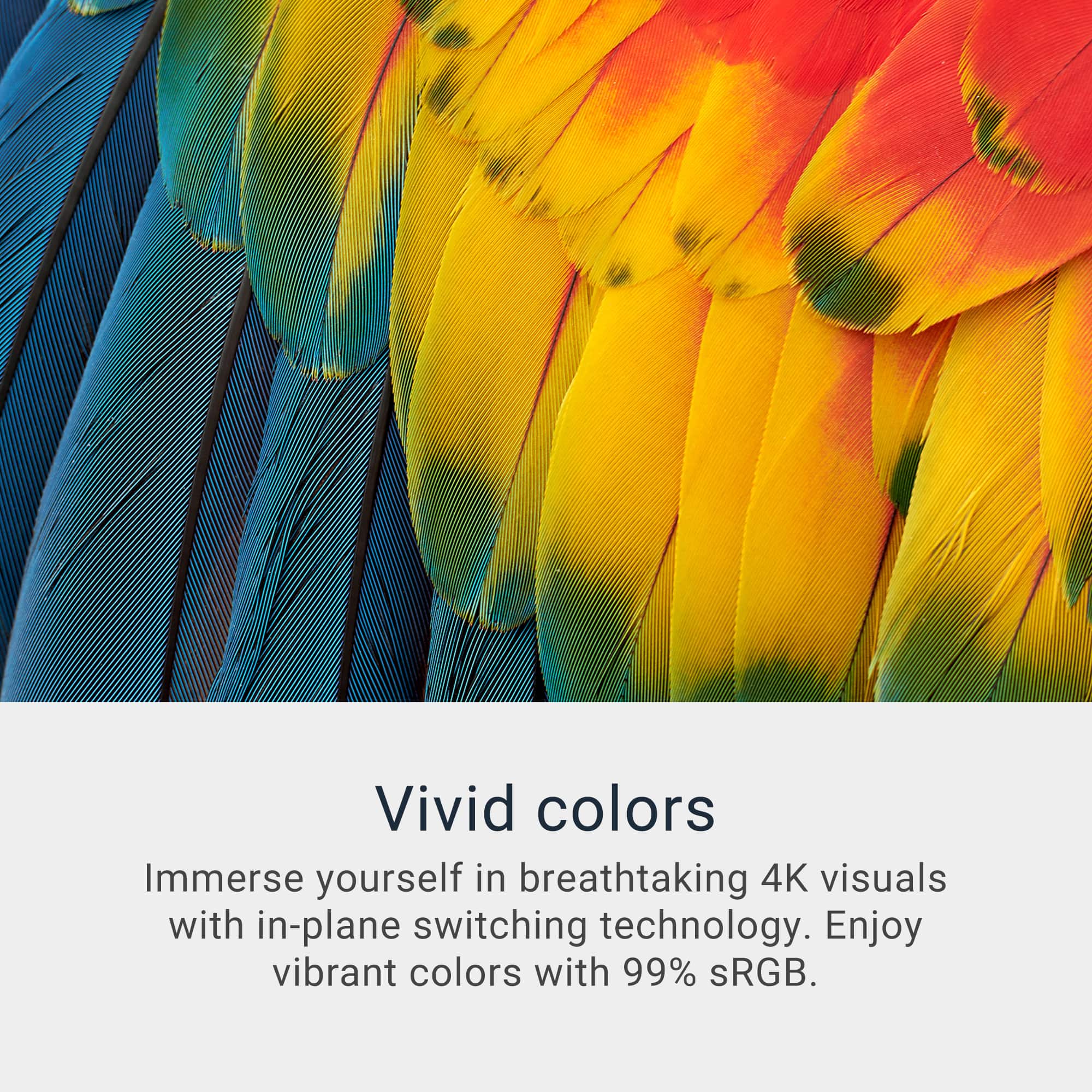
Color Coverage: Typically covers 99% sRGB and often supports HDR, which is great for vibrant and accurate colors.
120Hz Refresh Rate: While not critical for photo editing, it makes the overall experience smoother.
A:AnswerThe Dell S2725QC monitor does have built-in speakers (2 x 5W), and it can play audio from HDMI sources, including a DVD player. However, if you're not getting sound, here are some things to check:
Checklist to Get Sound from Your DVD Player via HDMI:
Confirm HDMI Audio Output from DVD Player.
Use the Correct HDMI Port: The S2725QC has two HDMI 2.1 ports. Either should work, but try both to rule out port-specific issues.
Set the Monitor as the Audio Output Device.
Check Monitor Volume.
Try a Different HDMI Cable.
Firmware Update.
A:AnswerIt depends if you connect the monitor to a set-top box with tv channels or to a computer to stream videos, you can watch them. But if you are referring to in-built tv channel capabilities - no, it doesn't have that feature.