A:AnswerDon't use it with a soundbar. Defeats the purpose of both.
Either passive speakers and powered sub with this, or go the soundbar route. One or the other. Not both.
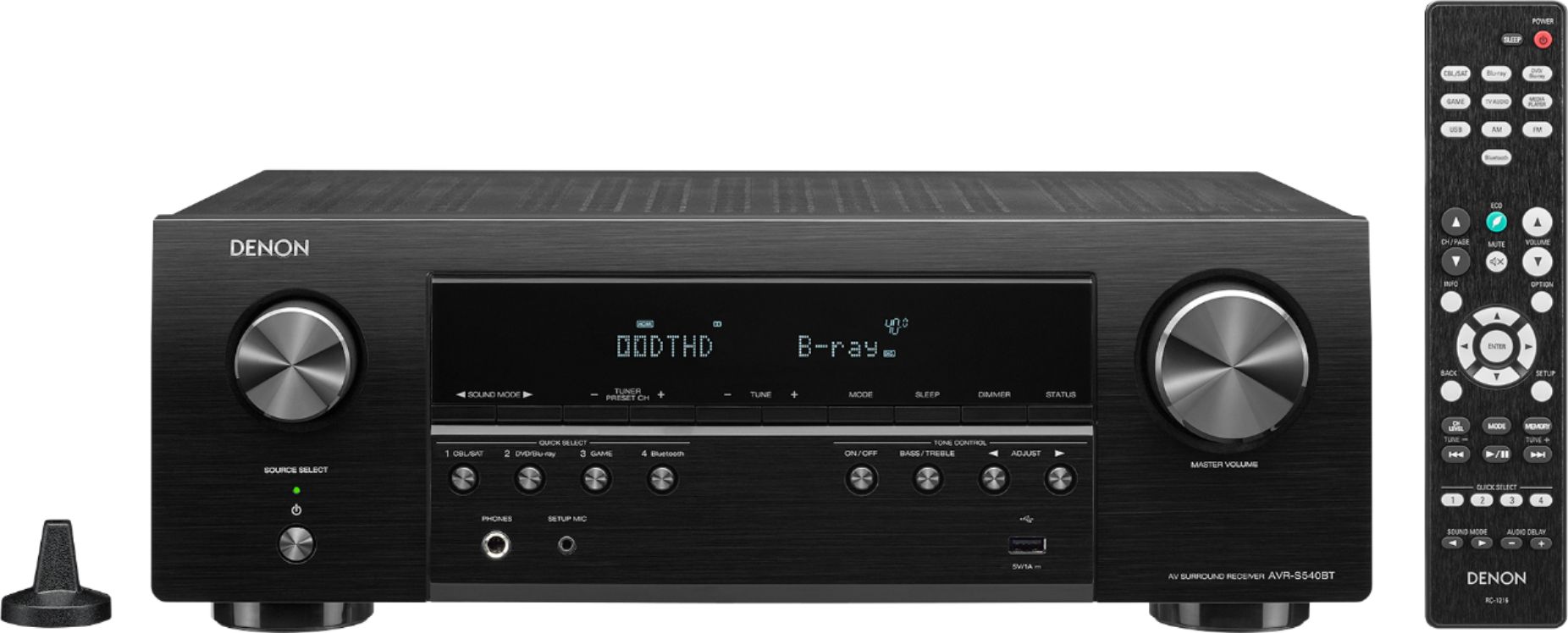
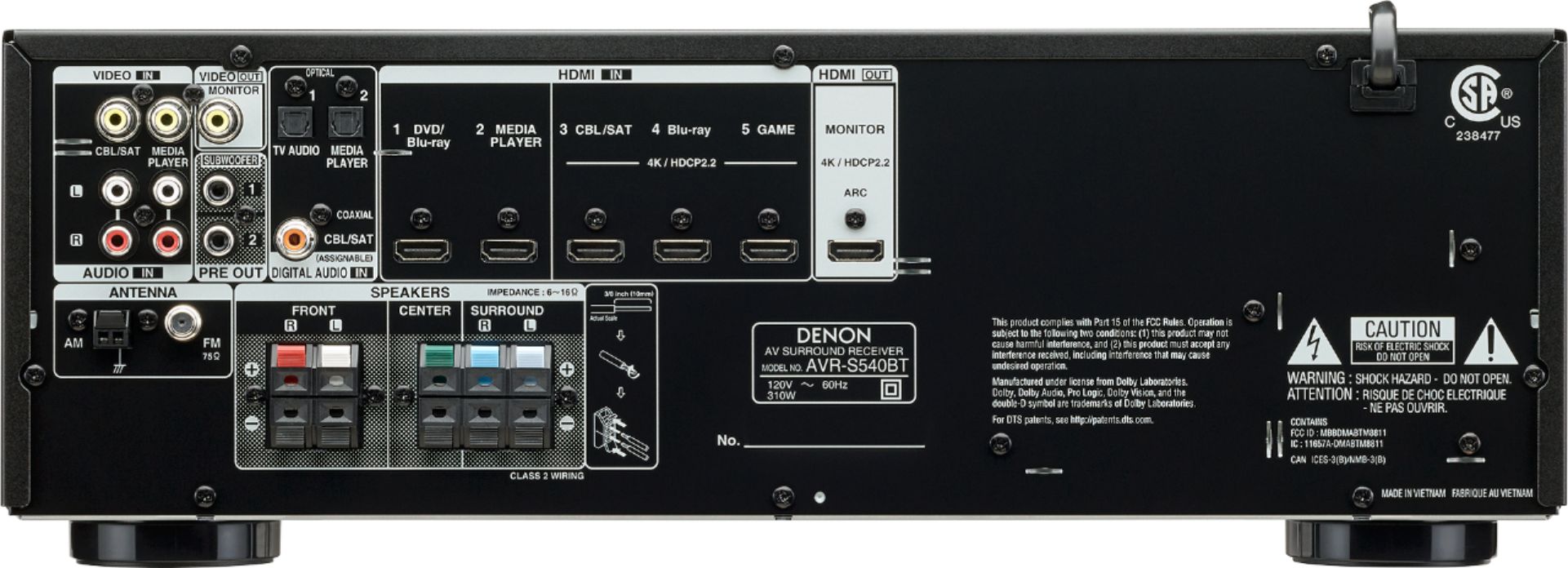
A:AnswerWith the Denon receiver, you must have a monitor ( or TV) to add devices. The connection is simply an HDMI cable. We connected an Onkyo 6 cd player (aka Media Player) to the receiver with the audio cables included with the cd player. There are 2 sets of analog audio inputs and 1 digital input for the Denon receiver. Once your device is connected, you no longer need the monitor. Good luck with your decision.
A:AnswerNo, the S540BT is a 5 channel amp and only supports a Main Zone. Our S750H is the first model in our lineup that supports an independent Zone 2.
A:AnswerYou're better off connecting the video connection (yellow) to the TV directly as the S540BT doesn't support video conversion to HDMI. The audio connection (red and white) can be connected to the AVR directly.
Thanks,
Denon North America
A:AnswerComposite video only provides 480 resolution. You would also need to input the signal from the player to the AVR via composite as there's no HDMI to Composite video conversion allowed in any AVR.
A:AnswerNo, the S540BT is not a network capable unit. Our S650H is the first model in the lineup that supports networking and will support Home Pod, AirPlay 2, Alexa, etc.