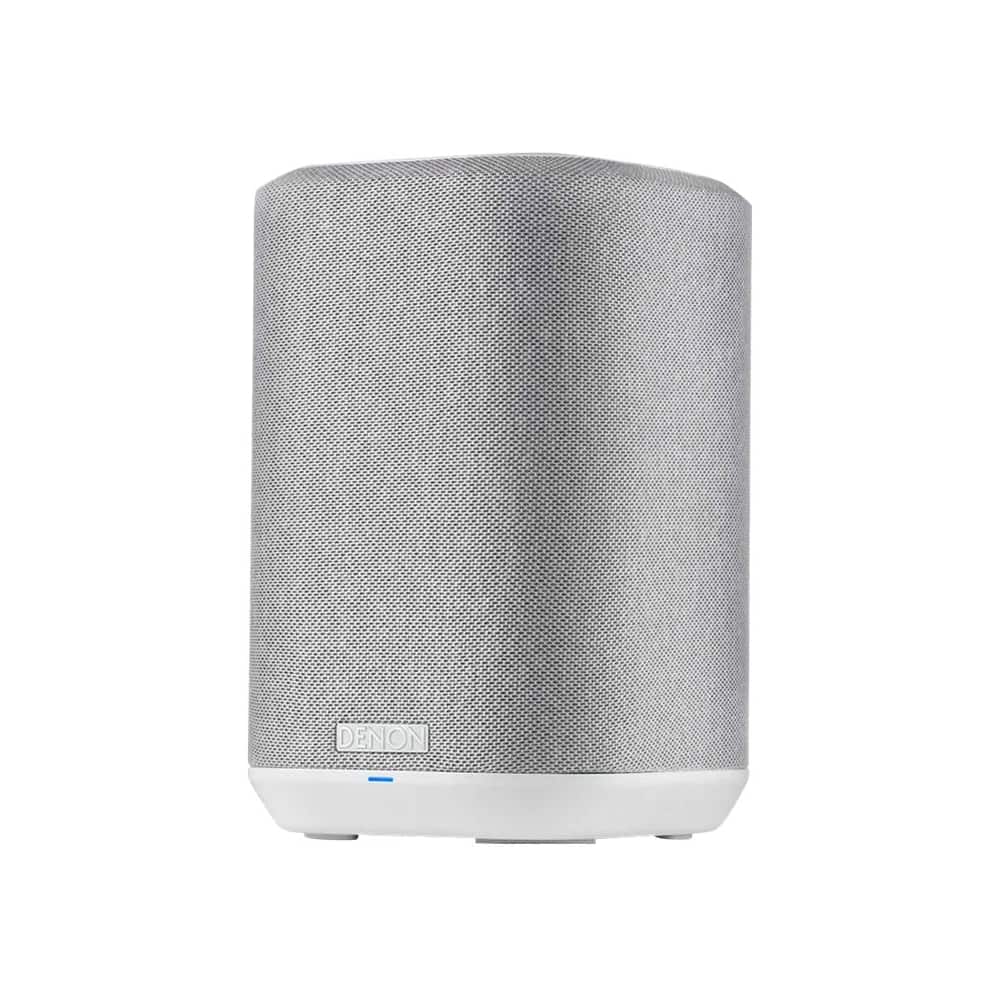
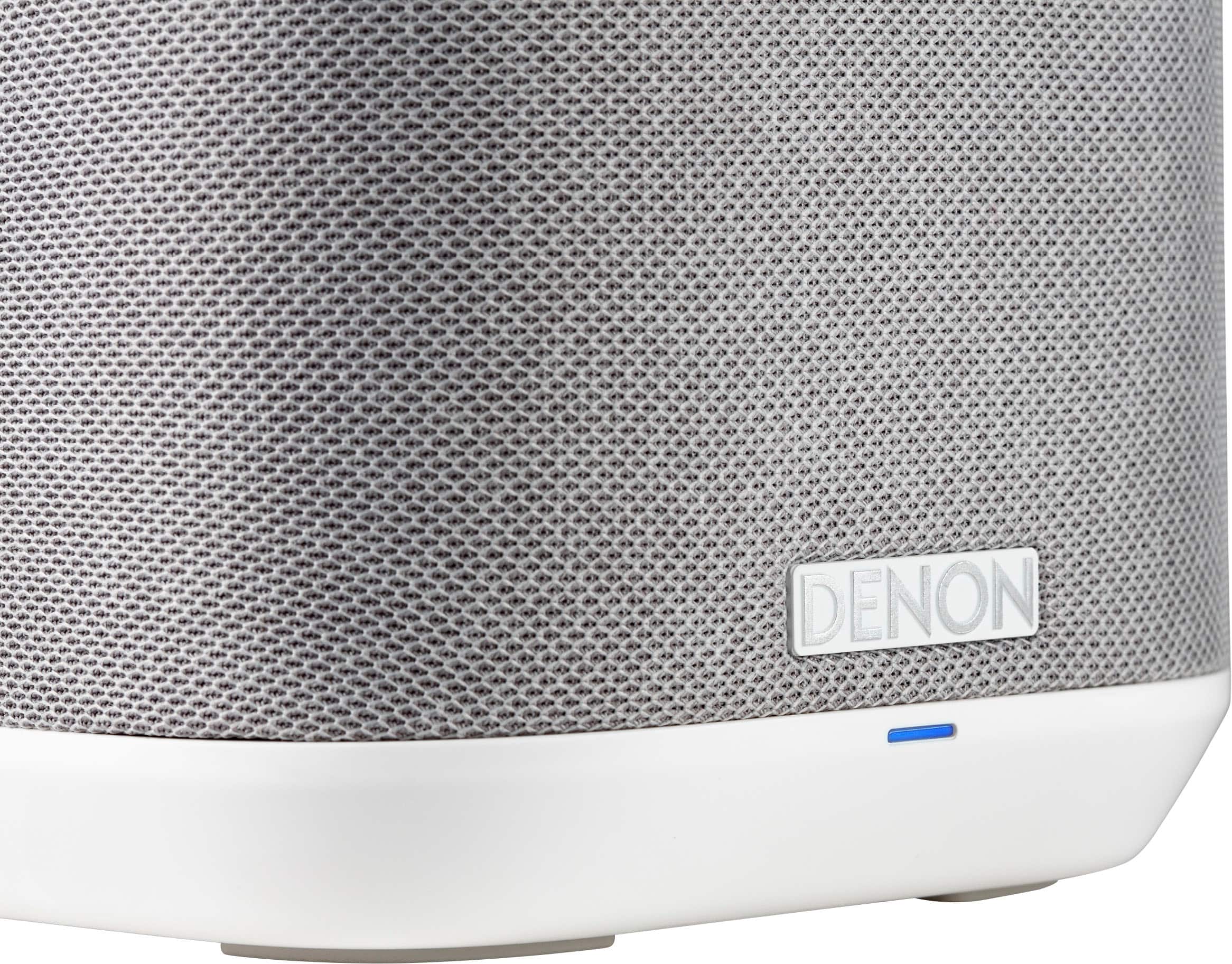
A:AnswerHello, we do not recommend using Bluetooth for streaming from a television, as it can result in sync delays. Instead, we suggest adding a Denon Home 550 soundbar, which allows for an HDMI eARC connection, providing better audio quality. Additionally, you can pair it with a set of Denon Home 150 speakers to create a wireless surround sound experience.
A:AnswerHello Amar. The Home 150NV have been designed to be used in rooms other than the Main Zone in your home. As the wireless Home speakers (including the Home 150NV) can only receive a stereo source feed, it means they are not capable of receiving a discrete wireless surround sound feed.
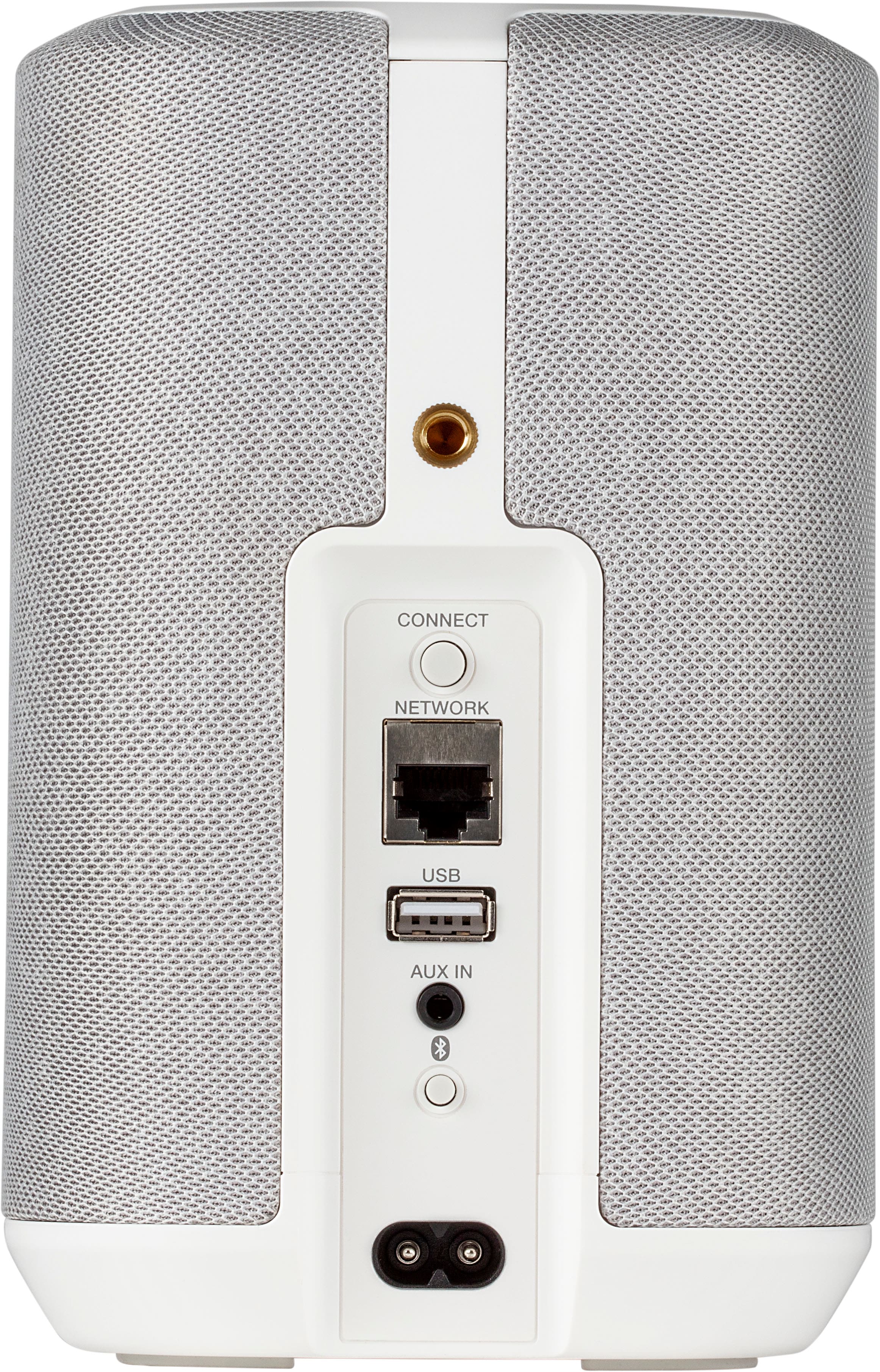
A:AnswerHello Henny. Yes - if your LP120XUSB has a Bluetooth transmitter, the Home 150 can receive the signal as it has a Bluetooth receiver built-in. There is also the option of an analog connection using a 3.5mm to RCA interconnect adaptor.
A:AnswerHello. Congratulations on your new purchase. The Home 150 speakers and Home Subwoofer are HEOS-enabled. This means they can play 2 channel sources selected from your AVR-S760H, as well as streaming from a variety of other sources, courtesy of the free HEOS app.
As the DHT-S517 is not a HEOS-enabaled device, it does not work wirelessly with your HEOS devices. Once connected to your TV, the DHT-S517 will be able to deliver all the audio from the sources you select from your TV.
A:AnswerHello,
Unfortunately, the Home 150 will only support a wireless surround sound feed from the Home 550 Soundbar. Otherwise they are designed only to support a feed from a 2 channel source either wired or wirelessly.
All speakers in the Main Zone require hard-wiring.
A:AnswerHi IRambler,
HEOS wireless speakers are used to receive a signal from any stereo source. They are not equipped to receive a discrete surround signal feed from a surround sound source.
A:AnswerHi Richard,
HEOS Home 150 speakers will work with any HEOS equipped device, or bluetooth equipped source.
Your Yamaha Music Cast can be used with HEOS speakers wirelessly with bluetooth. Hard-wiring is an option too.
A:AnswerHi Penny, The best thing to do is to contact our CS Support team to troubleshoot the issue. They can tell you if it's an issue with the product or possibly an issue on your network. https://support.denon.com/
A:AnswerHello, Bluetooth will work to a Stereo Pair as long as it also is connected to a Network and Stereo Paired before connecting to one of the speakers via Bluetooth. Stereo pairing must be done using the HEOS app.
A:AnswerHello, a pair of home 150 speakers can easily be set up as a stereo pair in another room using the HEOS app. Simply add the Home 150 speakers to your existing HEOS account. The HEOS app will allow for control of the Marantz PM7000N and the Denon Home 150 speakers.
A:AnswerHello and thank you for your question. Yes, the Denon Home 150 can be used as a Bluetooth speaker. Keep in mind that It does need to be plugged into an outlet as it does not have a battery.
A:AnswerHello, the HEOS app will direct music to the speaker. The Denon receiver and Denon Home 150 can be linked in the HEOS app as a group to play the same music stream or playback different streams.
A:AnswerNo, the Denon Home Series speakers can only be set up as wireless Surrounds with the DHT-S716H soundbar or an older HEOS AVR. You can Group the 150 via the HEOS App with the S650H for stereo output.