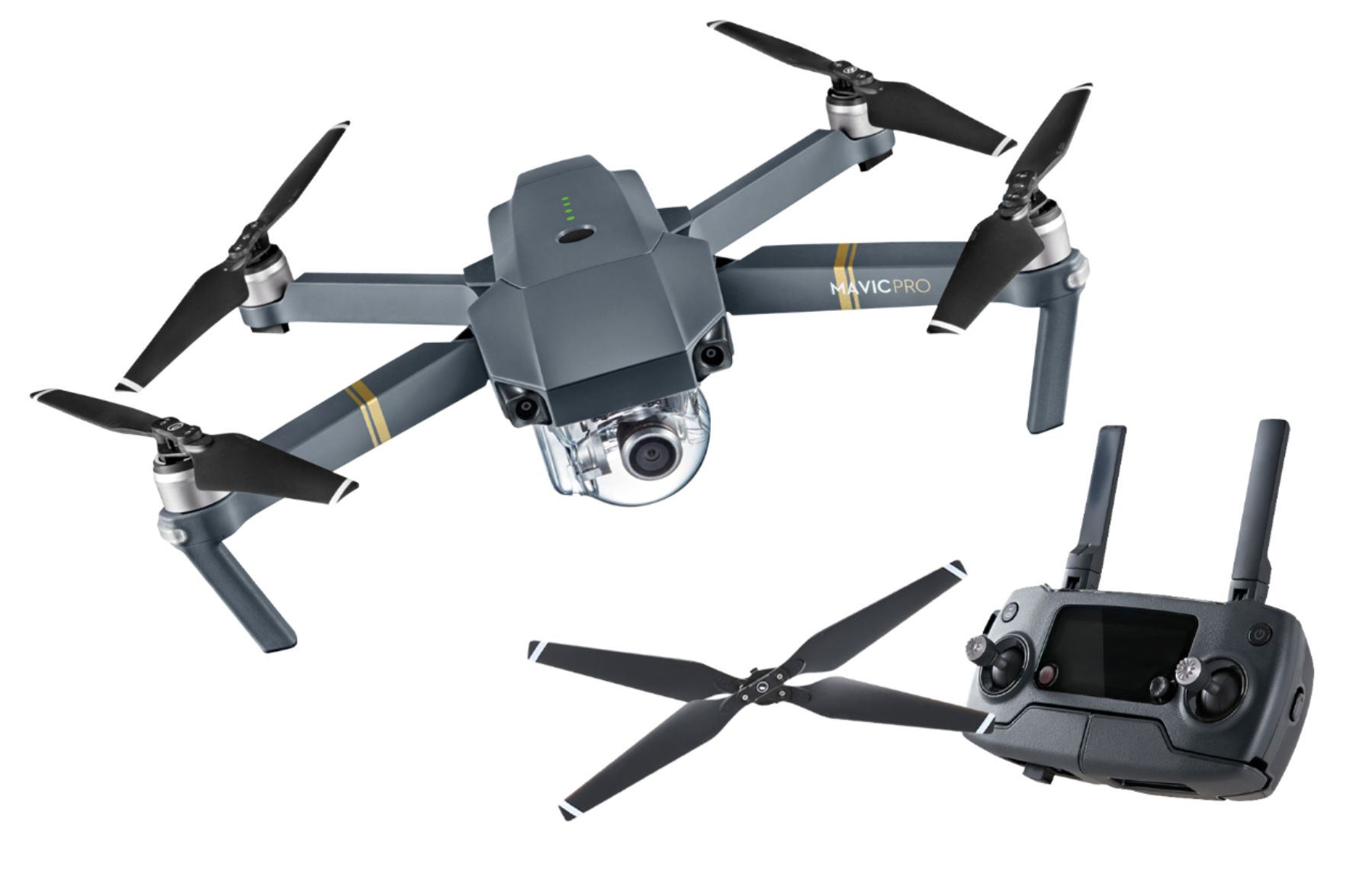
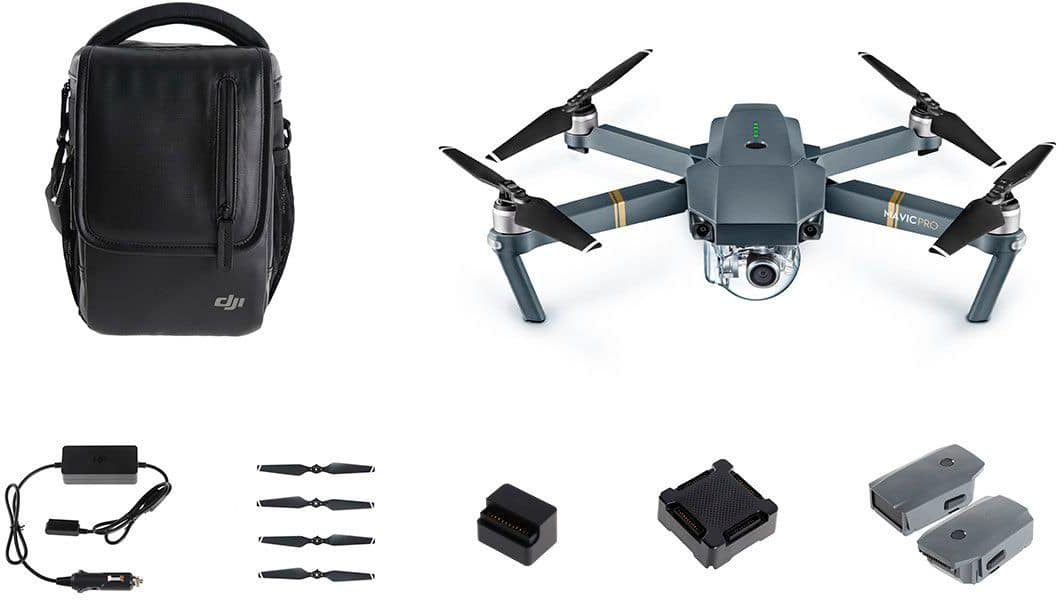
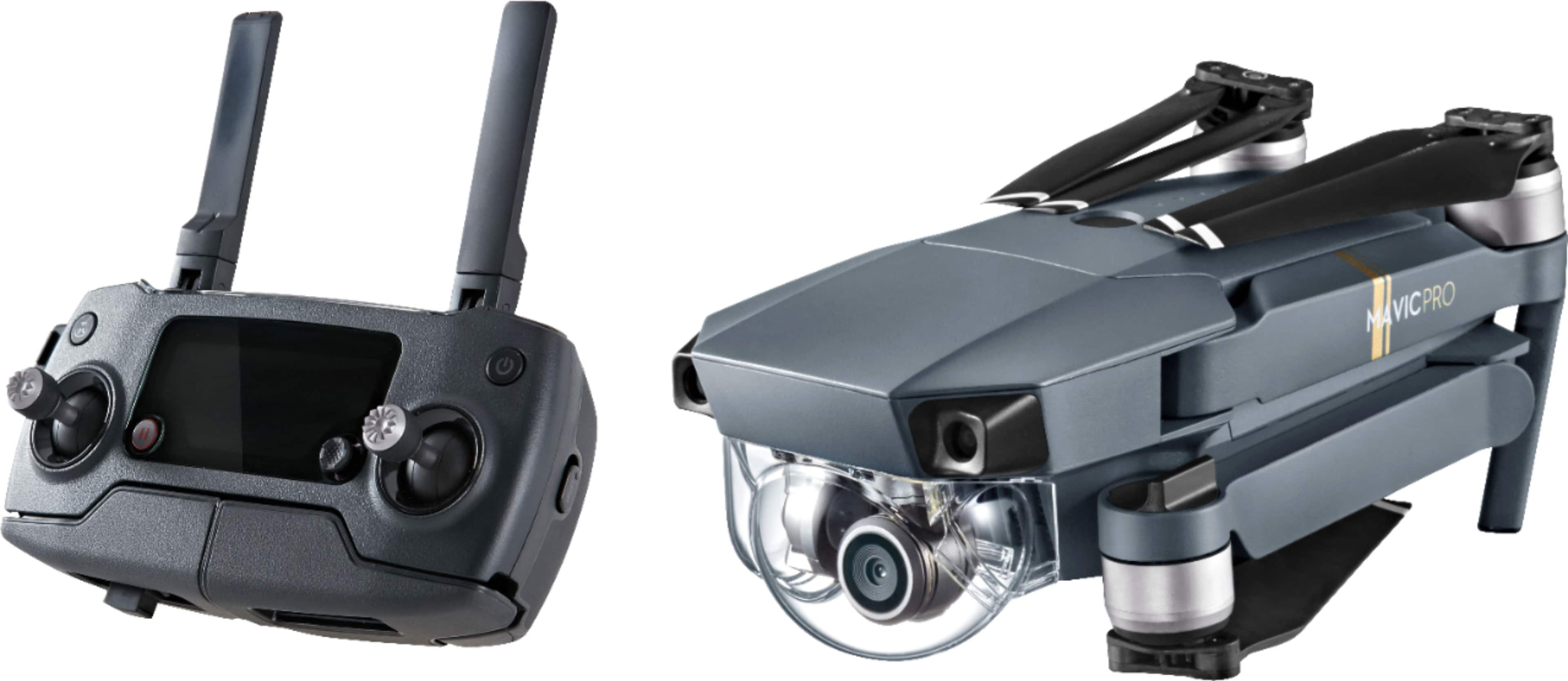
A:AnswerThe color for the MavicPro is a matte gray finish that is very durable. The drone comes with a full warranty that will protect you from product defects but not if you crash your drone. I would recommend purchasing the DJI Refresh warranty from DJI to help reduce the cost of replacing your MavicPro in the 1st year if you do damage it as a result of operator error. Hope this helps.
A:AnswerIf you do not have dji remote- you need to fly with WiFi - which doesn’t have that much of range , I think 30 to 40 feet ( read manual), but if fly with remote -you can fly up to 4 miles. No- it doesn’t need phone signal- macvic has its own WiFi . And you need to set up video configuration on your phone dji go 4 app so that video will keep storage on your phone , in fact 4K videos come with it micro as card. - not by your phone memory.
You need flush you app , otherwise it app will crash.
A:AnswerYes. You can fly with the controller only. But you need to keep the Drone in visual range because you won't be able to see what the Drone sees without the phone
A:AnswerYes it comes with a standard warranty, and after you buy it you can buy dji refresh ( within 48 hours of turning it on) for like $120 which goes above the warranty in case you crash it you can get it fixed. Crashes are not covered under warranty .
A:AnswerNo, a battery only lasts about 24 minutes hovering and 27 minutes moving, at best. So, you'd need to swap batteries multiple times. And, I don't think it's realistic to expect a drone to fly 3+ hours at a time. Better to buy a nice video recorder and put it on a tripod to record the game. Much quieter, too -- the other fans will appreciate that!
A:AnswerPossibly 2 issues. One is the direction of the included usb cable (is "upside down" to properly plug into my Unu case with an iphone. So I'm not sure if the flat side of the usb is up for the Galaxy you have but if it is plan on having to use a longer cable and attaching it into the bottom of the controller or buying a cable that has this configuration. The second issue is obviously size and fitting into the controller. Like I said I have an iphone 6s in an Unu case which measures 6 1/8 x 2 7/8 and the fit is very tight.
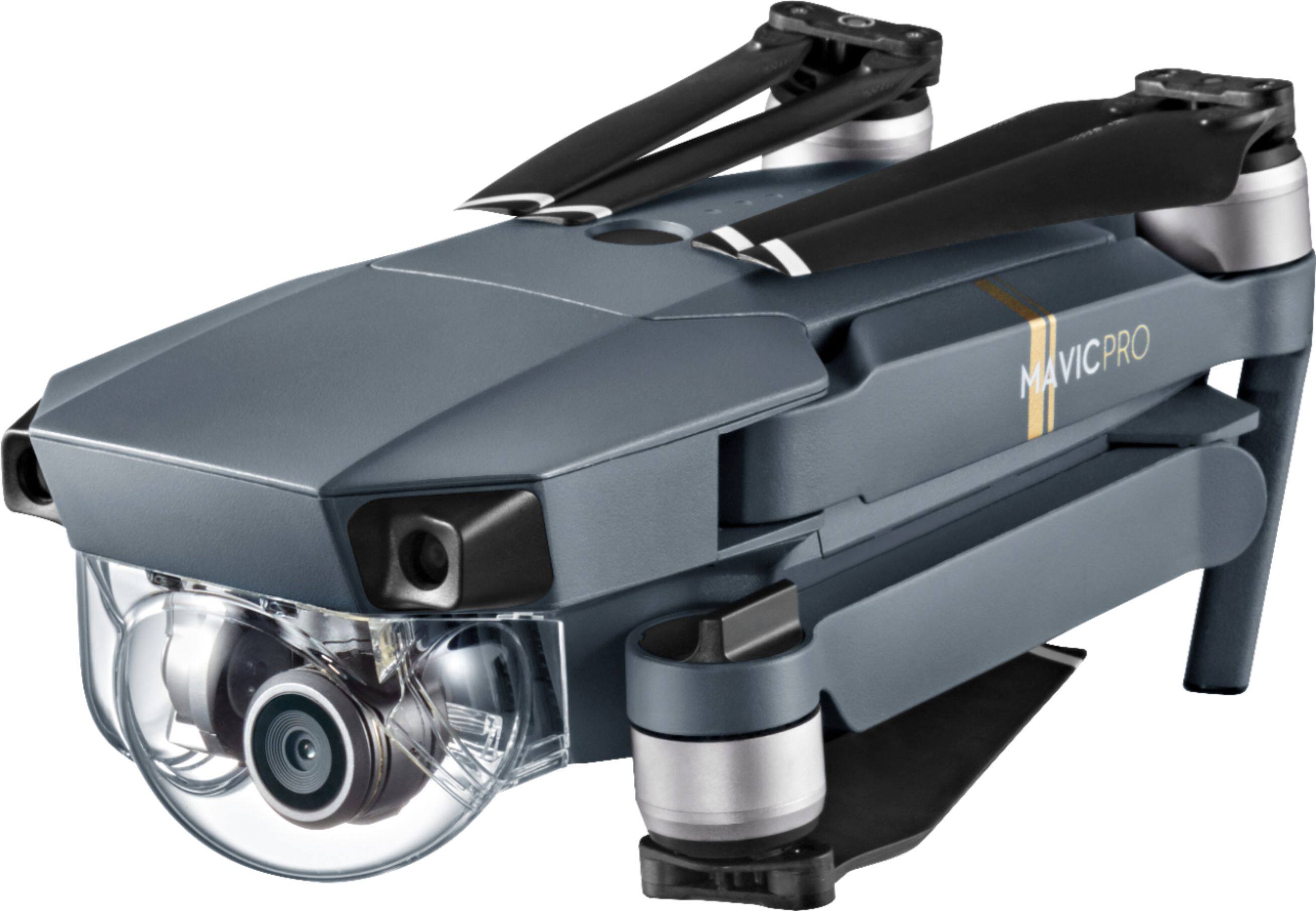
A:AnswerYes it' is replaceable - do a search for 'DJI Gimbal Cover'. (Alternatively you can 3D print one yourself). The DJI Gimbal Cover is not scratch/chip resistant. I don't understand your final question - what do you want to know? Certainly if you crash the aircraft, the Gimbal Cover will become damaged. But anyway you are not supposed to fly with the Gimbal Cover on. It is only meant to be used when transporting the aircraft or travelling with it. I hope I've helped with your questions!