A:AnswerDear Customer, thank you for reaching out to us. Before we proceed, could you please share the proof of purchase? This information will help us provide you with the most accurate assistance. Looking forward to your reply. Thanks.
A:AnswerYes! It can be used as a dashcam, it has a built-in loop recording function. You can choose from 5 min / 20 min / 1 hour, or max loop duration option.
A:AnswerDear Customer,
This will depend on what resolution you are using. Please note that the DJI Osmo Action 4 has optimized the video splitting feature, now the videos will only be split when they reach approximately 16GB in size.
Should you need any further assistance, please feel free to contact our DJI support at http://www.dji.com/support, we are always here to help.
Best Regards,
DJI SupportDear Customer,
This will depend on what resolution you are using. Please note that the DJI Osmo Action 4 has optimized the video splitting feature, now the videos will only be split when they reach approximately 16GB in size.
Should you need any further assistance, please feel free to contact our DJI support at http://www.dji.com/support, we are always here to help.
Best Regards,
DJI Support
A:AnswerI would call it Good to OK, to be honest. Really depends on the size of the pitch you are trying to record. (Smaller = Good) (Larger=OK) - Not the best at the far end of the sideline, some players wont be very noticeable. Unless you are on Very bright daylight.
A:AnswerDear Customer,
Thank You for reaching out. Yes, you can play videos recorded on your DJI Osmo Action 4 directly on your TV or laptop. However, the playback quality might vary depending on the TV's capabilities.
Should you need any further assistance, please feel free to contact our DJI support at http://www.dji.com/support, we are always here to help.
Best Regards,
DJI Support
A:AnswerDear customer. Thank you for inquiring. If your TV has a USB port for massive storage input, you can directly connect the DJI Action 4 to the TV using a Type-C to Type-A cable. Should you need any further assistance, please feel free to contact our DJI support at http://www.dji.com/support, we are always here to help. Best Regards, DJI Support.
A:AnswerDear Customer,
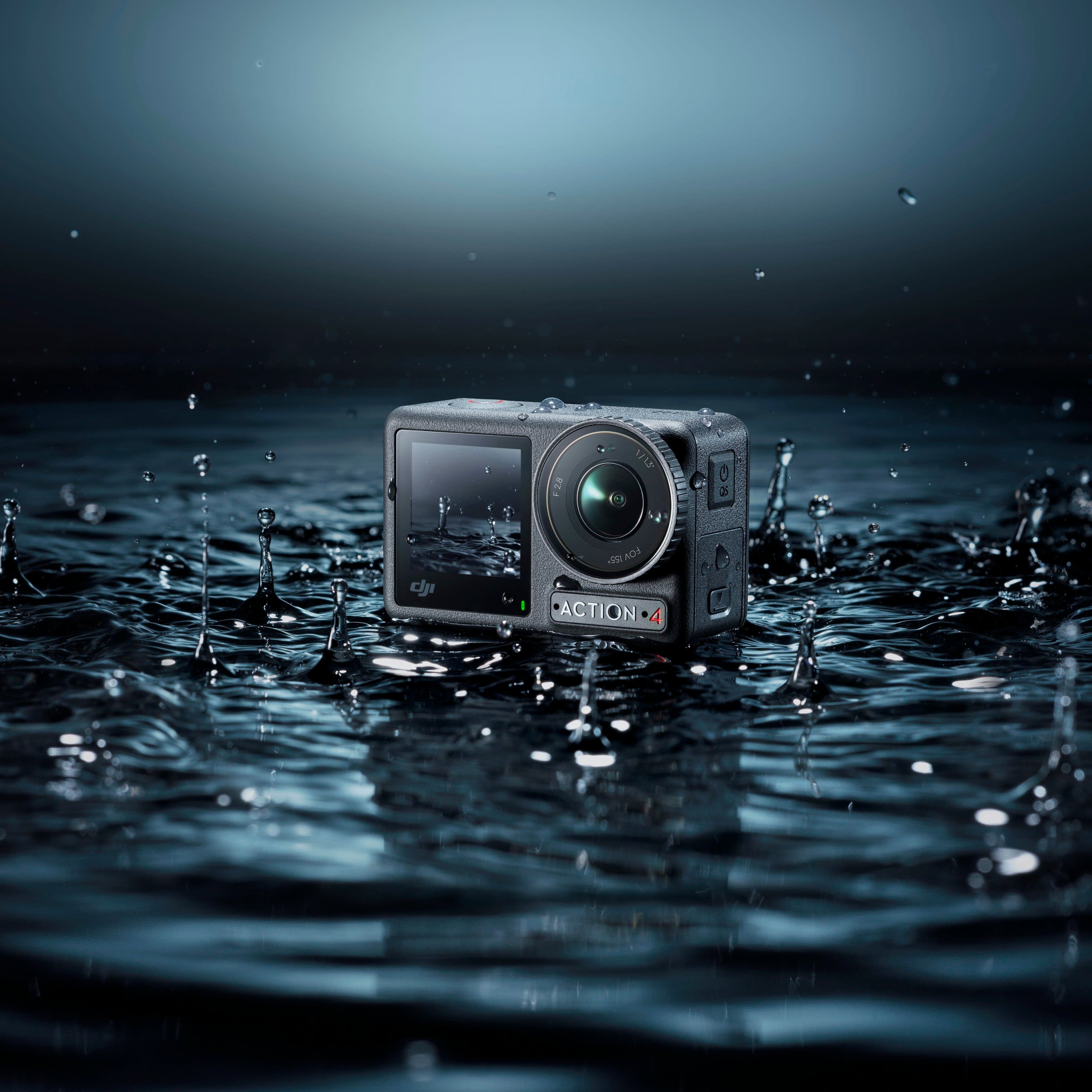
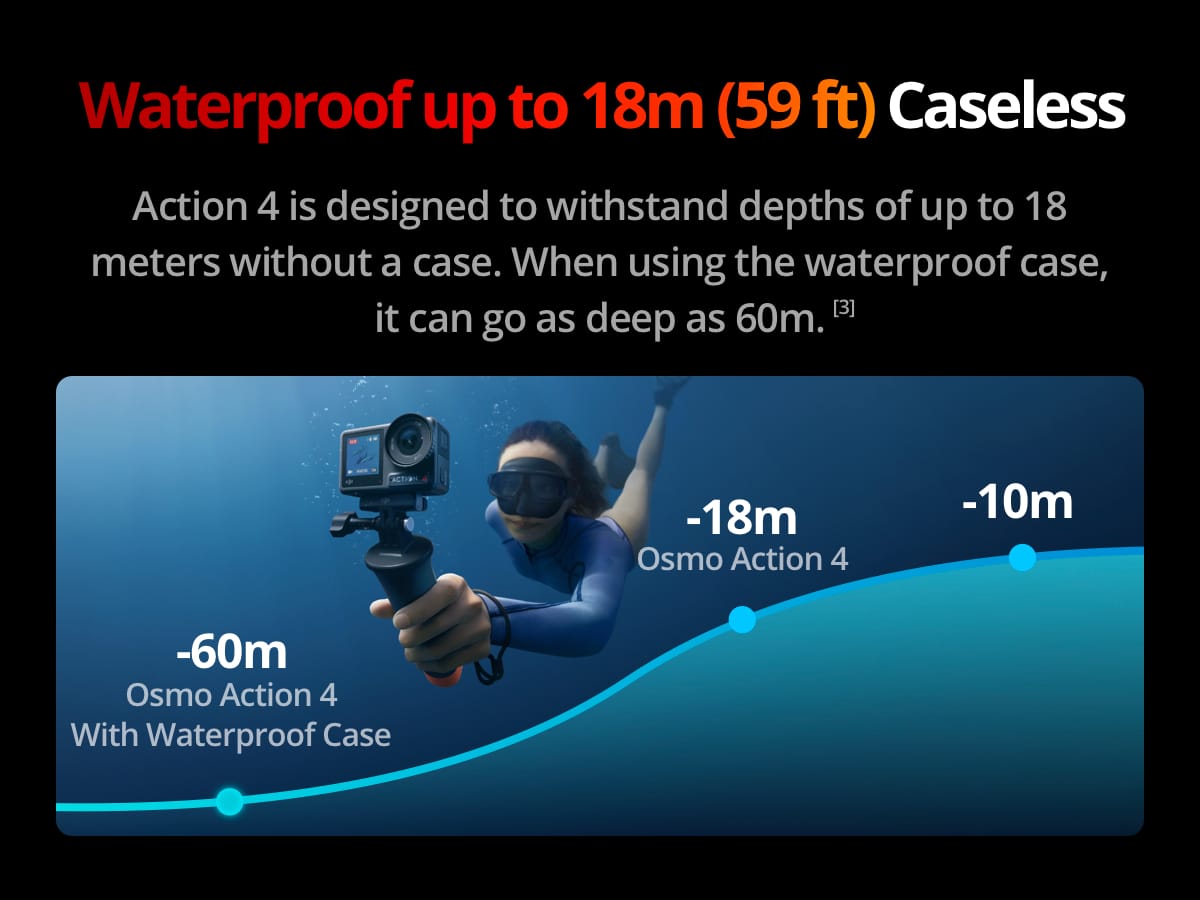
Hello, thank you for your inquiry. The waterproof capability is as follows:
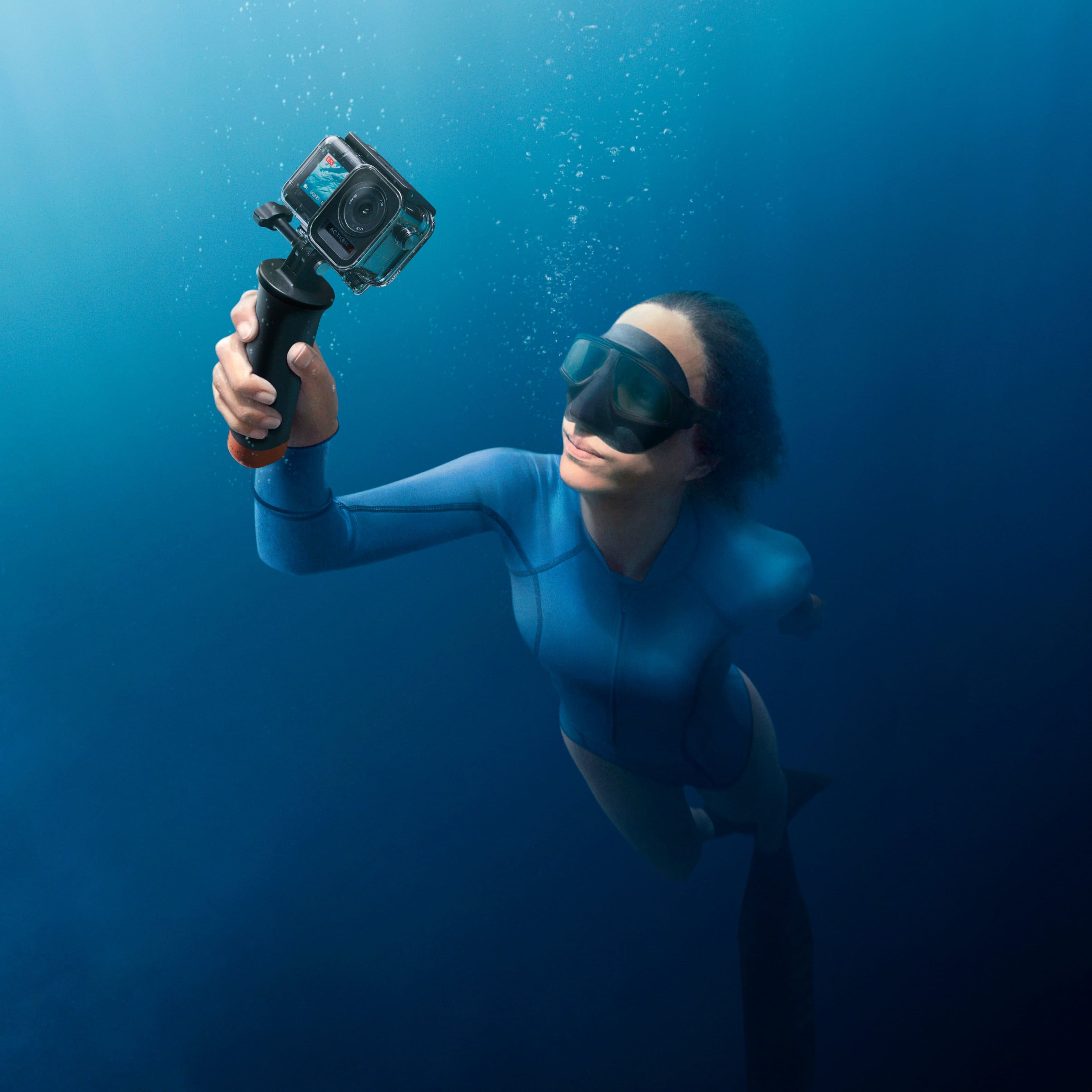
The DJI Osmo Action 4 (when used bare, with the lens protective cover, USB-C port cover, and battery compartment cover properly installed) is waterproof up to 18 meters. With the waterproof case installed, it is waterproof up to 60 meters.
Should you need any further assistance, please feel free to contact our DJI Support at http://www.dji.com/support
We are always here to help.
Best regards,
DJI Support
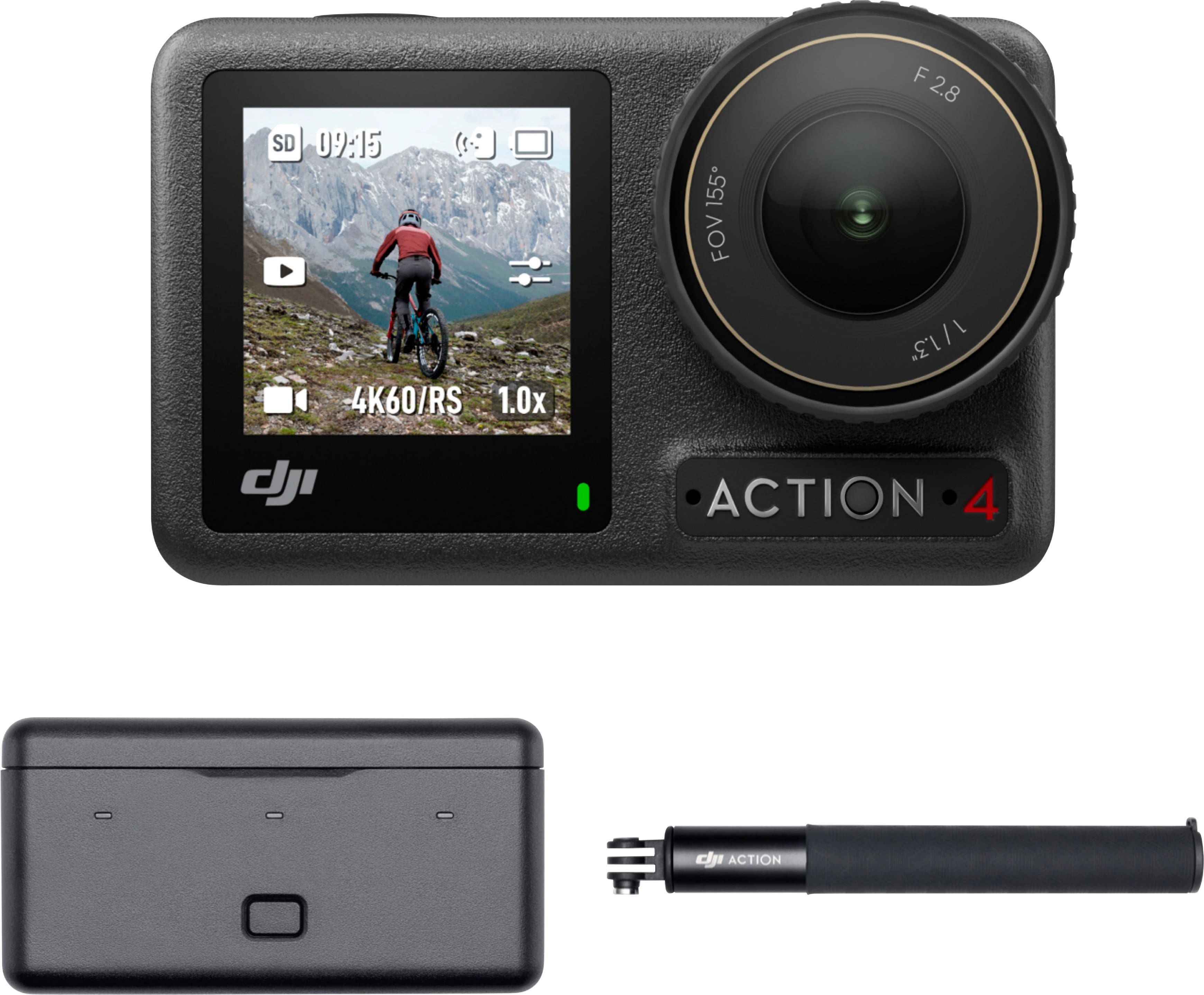
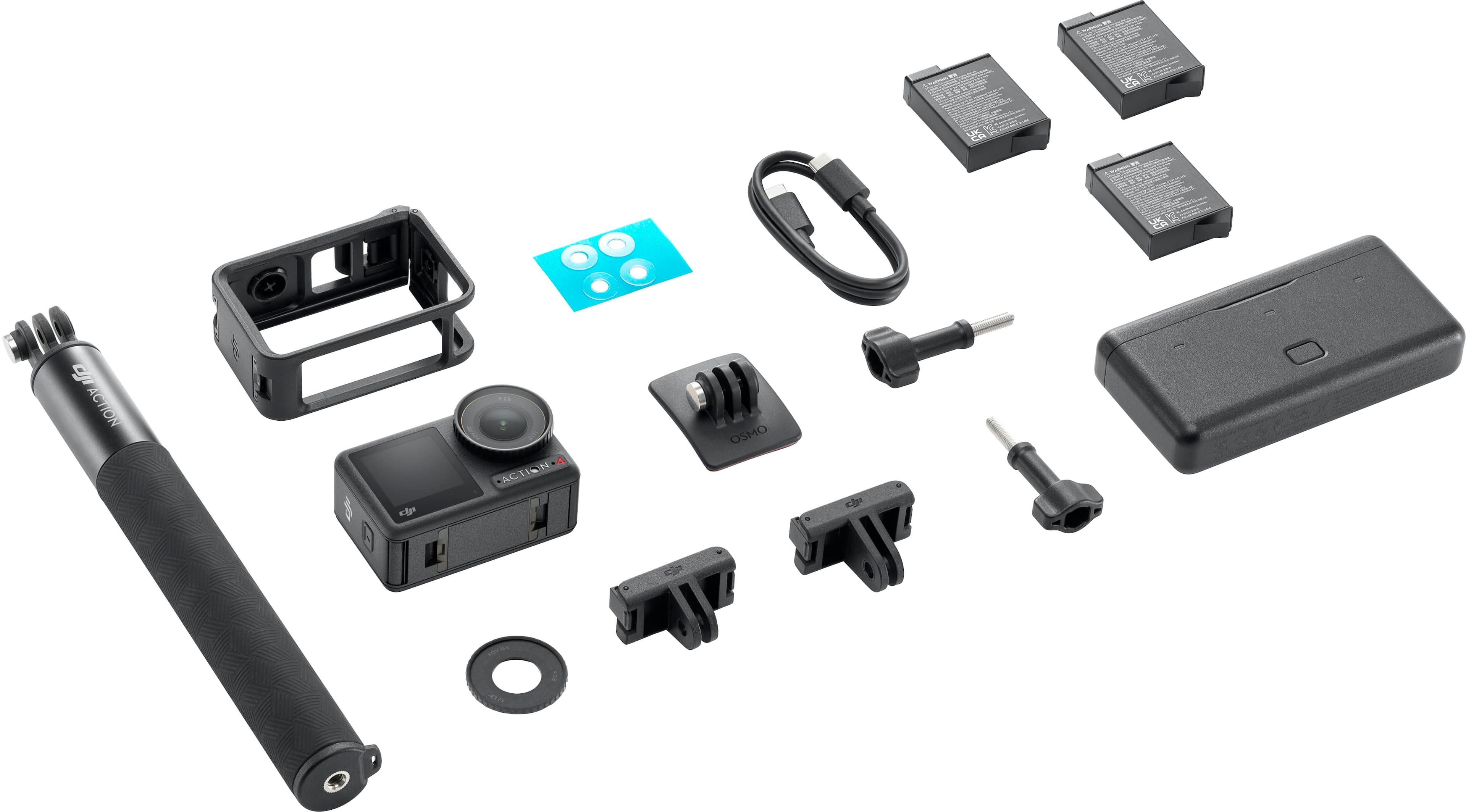
A:AnswerCamera , camera protector, selfie stick, 3 batteries , and charging battery case that will charge the 3 batteries at the same time its a super bundle you will save like 80 dollars i just purchase it yestarday
![The text on the image is grouped and corrected as follows:
Expand the View With a Immersive Slow Motion:
155 Ultra-Wide Angle 4K at 120fps
The expansive field of view
The best moves deserve buttery delivers a powerful impact, slo-mo.
That's why Action 4 has 4K UHD [1] ensuring your footage truly comes 120fps alive. [1]](https://pisces.bbystatic.com/image2/BestBuy_US/images/products/6399c749-b63a-4bbd-b2a8-bb87e4f6f7bf.jpg)