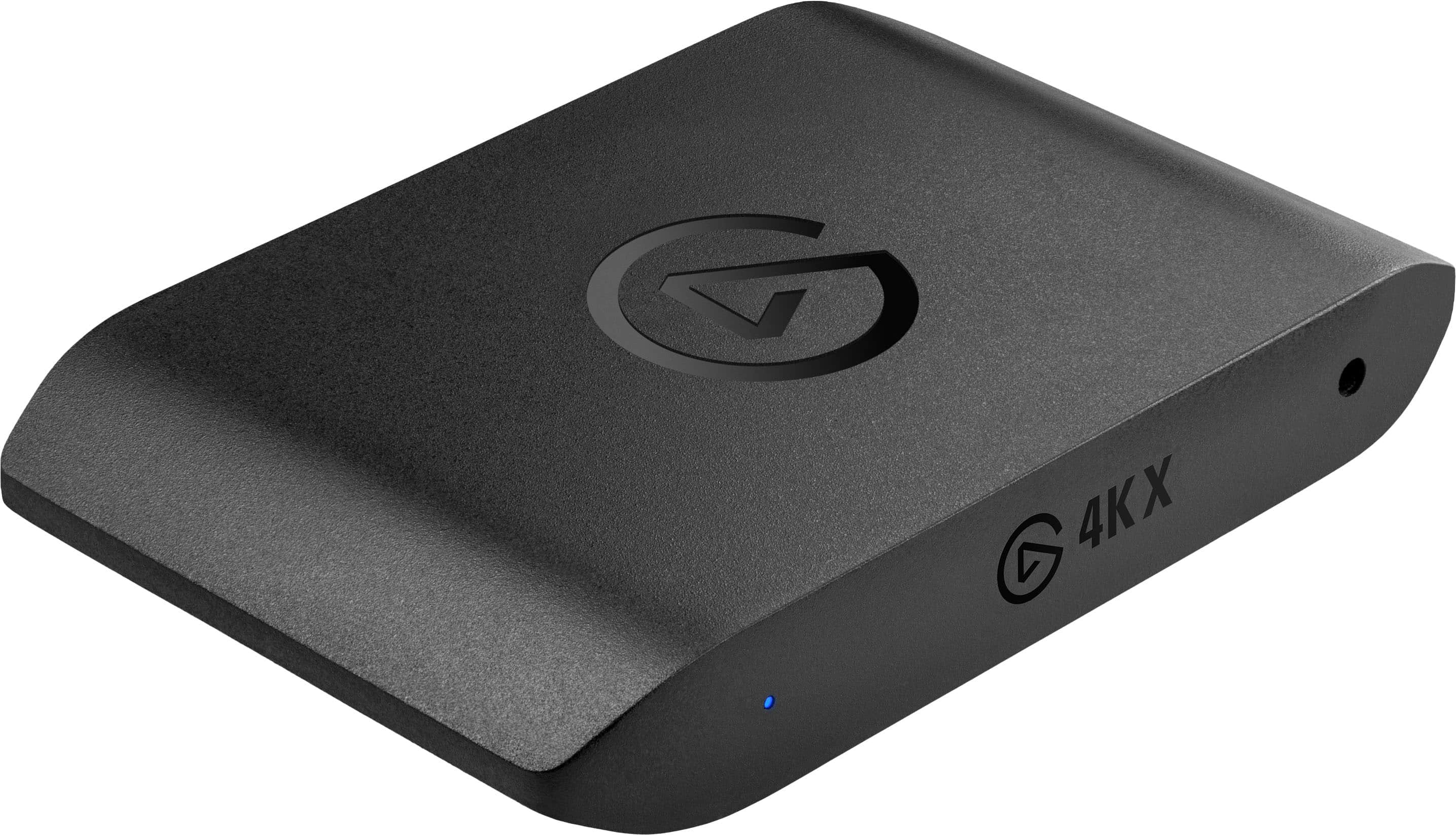
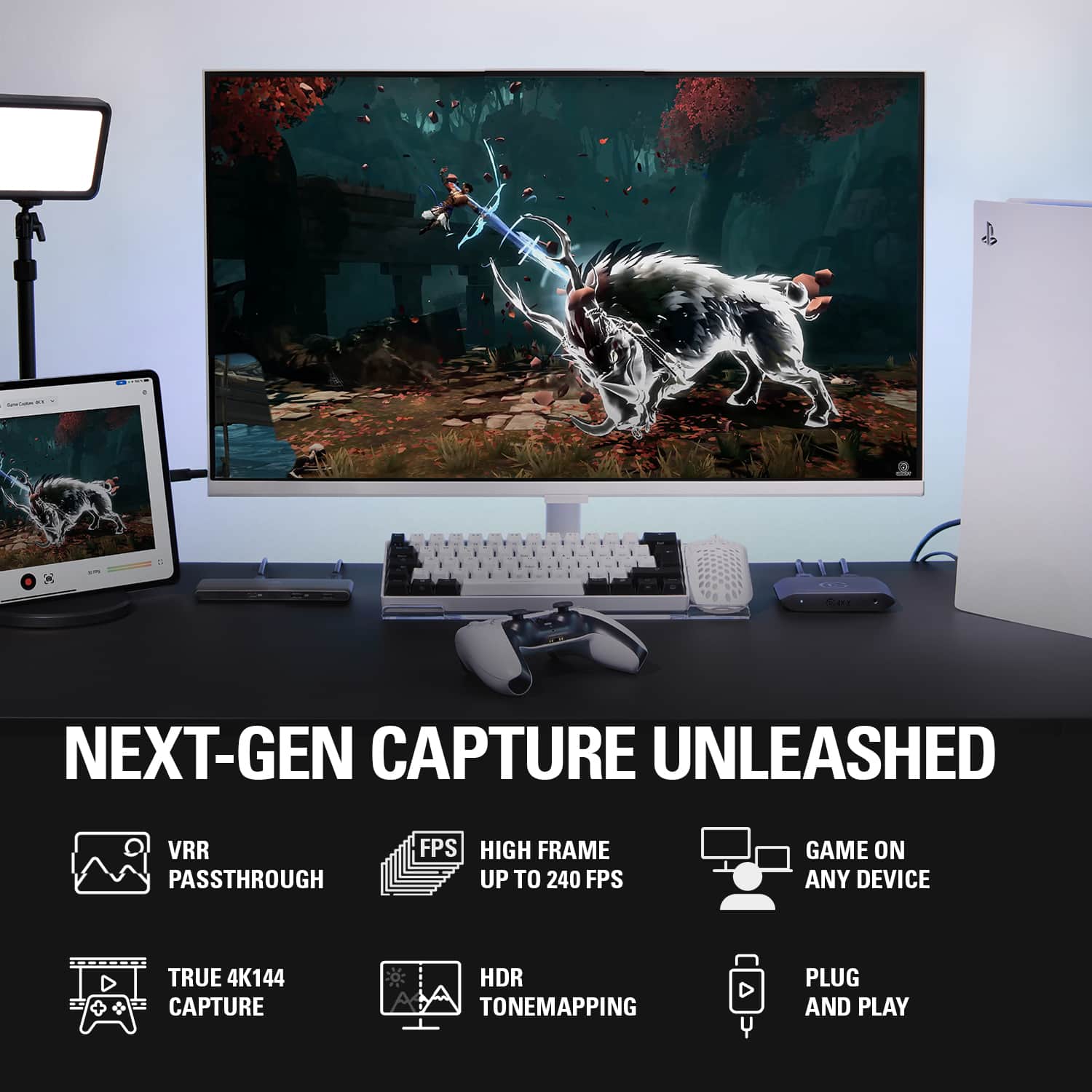
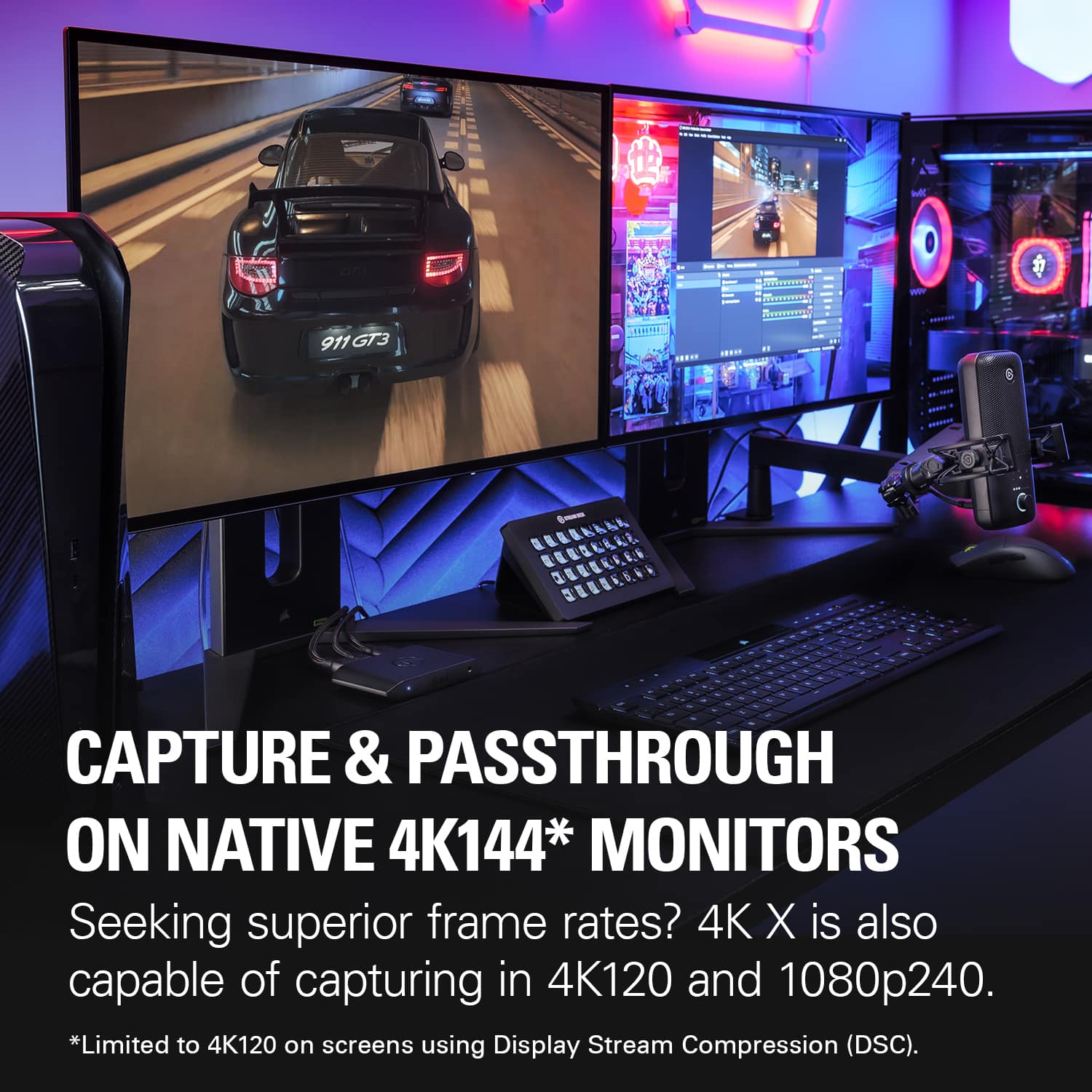
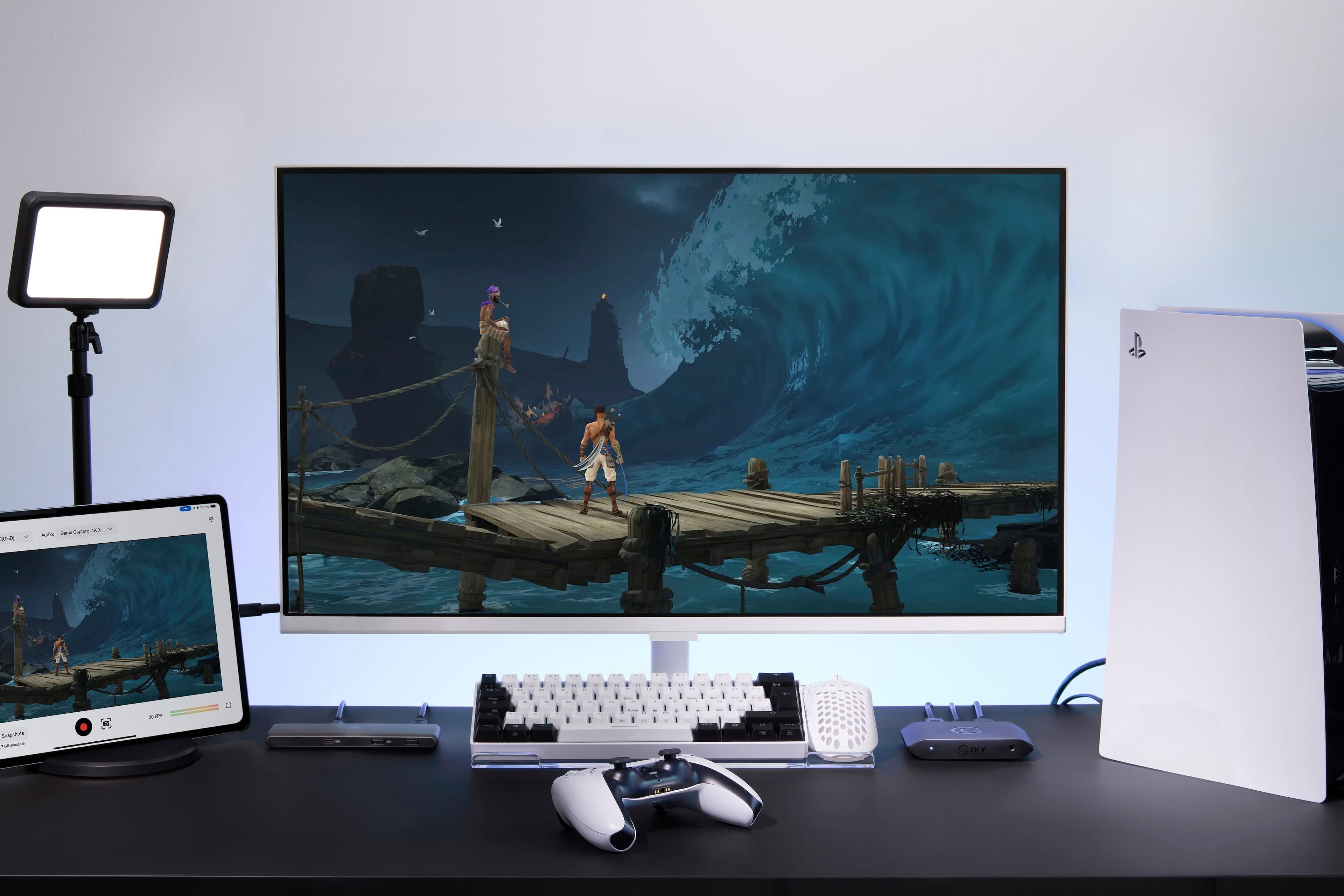
A:AnswerYes, you can. Capture resolution (and other quality settings) are separate than what you see in the preview window in the 4k utility app. You can scale the preview window to what ever window or resolution size you want and it won't affect the capture settings. But be warned, the input lag in the 4k utility app is extremely bad and barely playable imo.
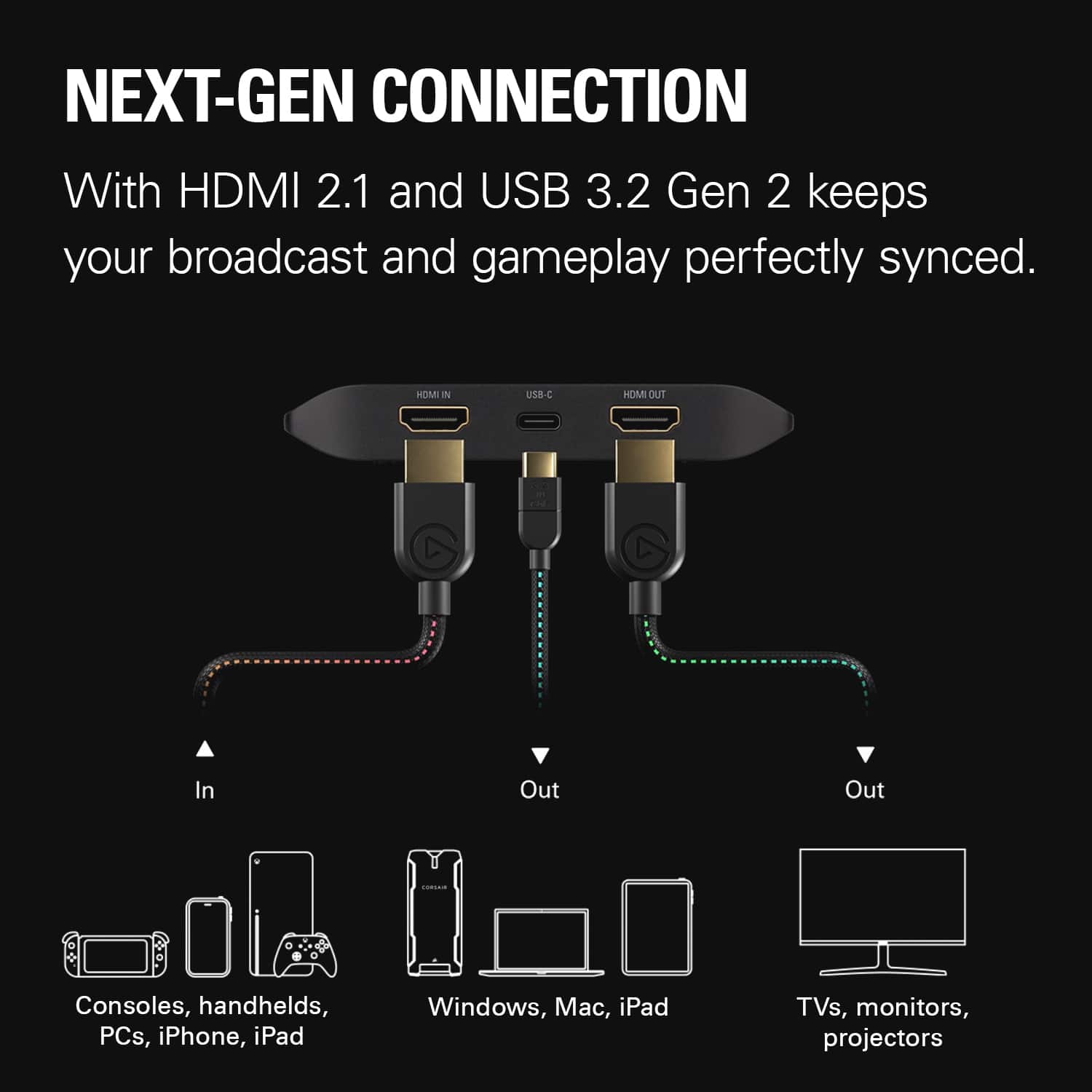
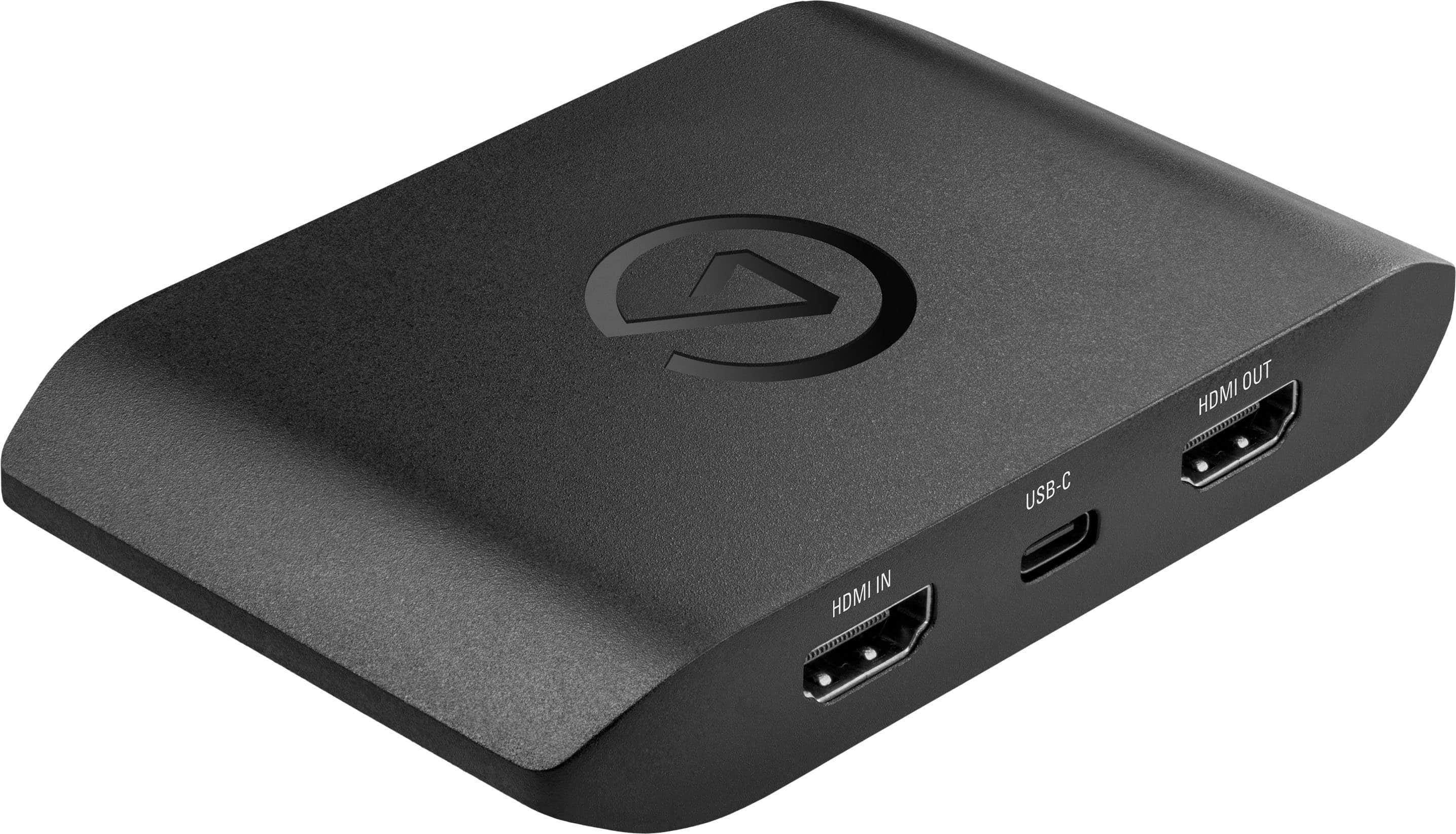
A:AnswerWhen a headset is plugged into your PS5 controller, the console sends audio to the headset instead of over HDMI. To capture game audio with Game Capture 4K X, unplug your headset, or use Chat Link Pro to split audio between your headset and the capture card simultaneously.