A:AnswerElgato's website stated that it transmit Raw video from the camera to a PC and it requires high amount of USB bandwidth. Not sure if that is the answer you are seeking, but I hope it helps. Reddit also has some information there on what formats this device can output/input.
A:AnswerI've said this before, but the manufacturer should have a better idea of availability than the retail outlets. Is Corsair shipping out 50K units a month? or 10K, or 100K? where are they going? I haven't seen one for sale in months. B&H says 'available in Aug', but are they just thinking out loud? Are until being delivered to large corporate entities first, before retailers?
A:AnswerHi Barone,
You'll have to contact Best Buy directly, these answers are not always monitored by their staff.
If you have anything else we can help with, please reach out: help.elgato.com
-Art
A:AnswerHi,
You can check here: https://www.youtube.com/watch?v=o6KsYpEPoss
If you have anything else we can help with, please reach out: help.elgato.com
-Art
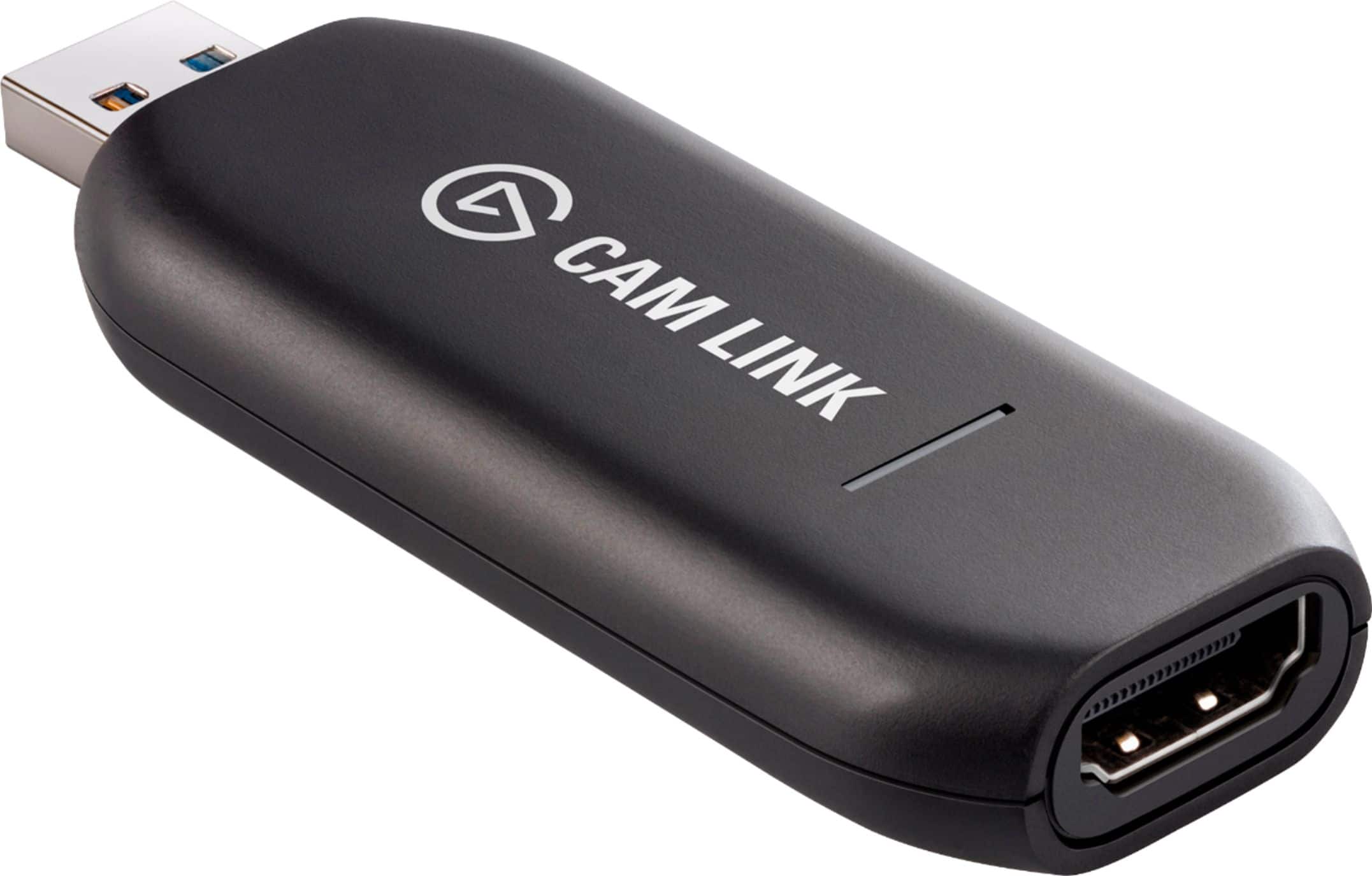
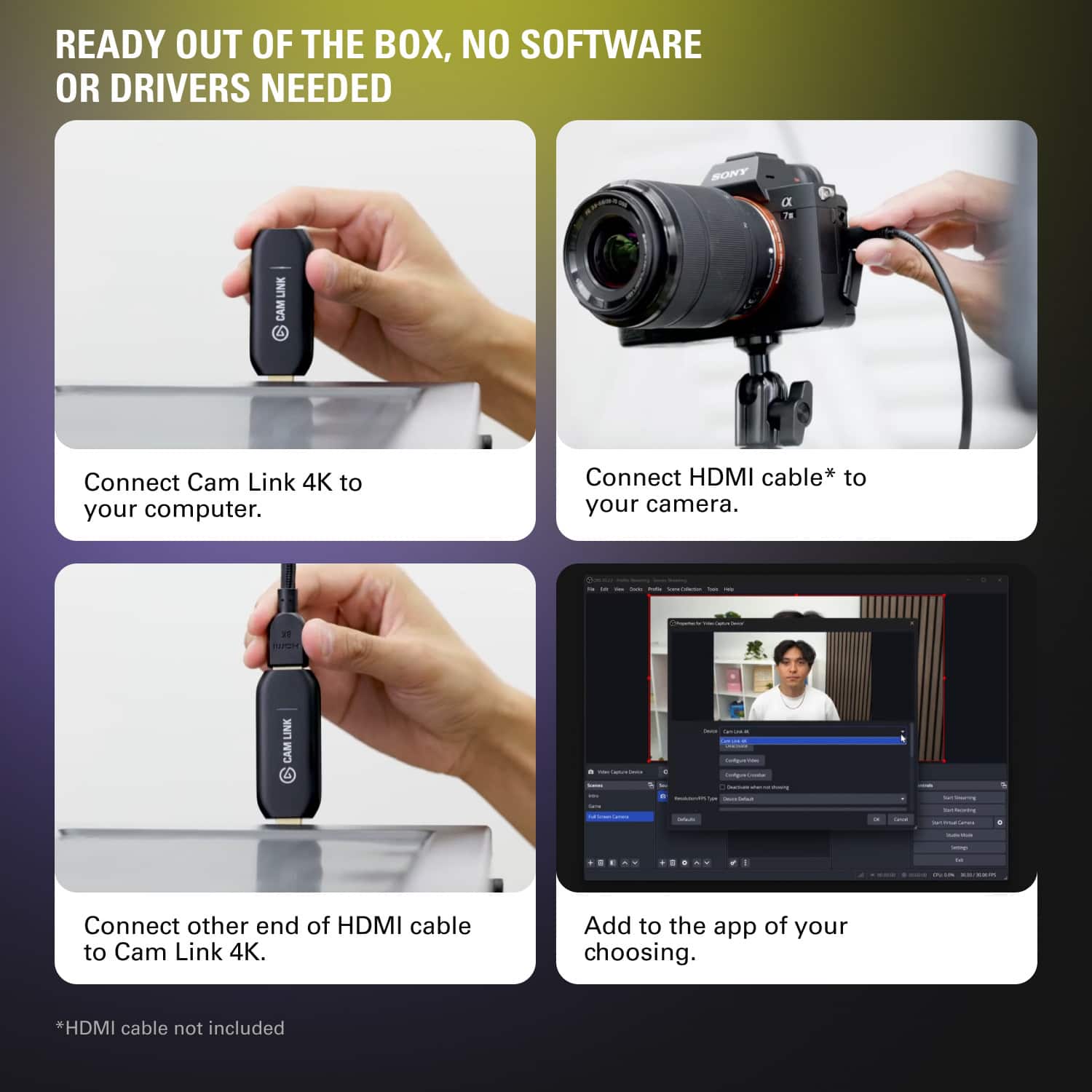
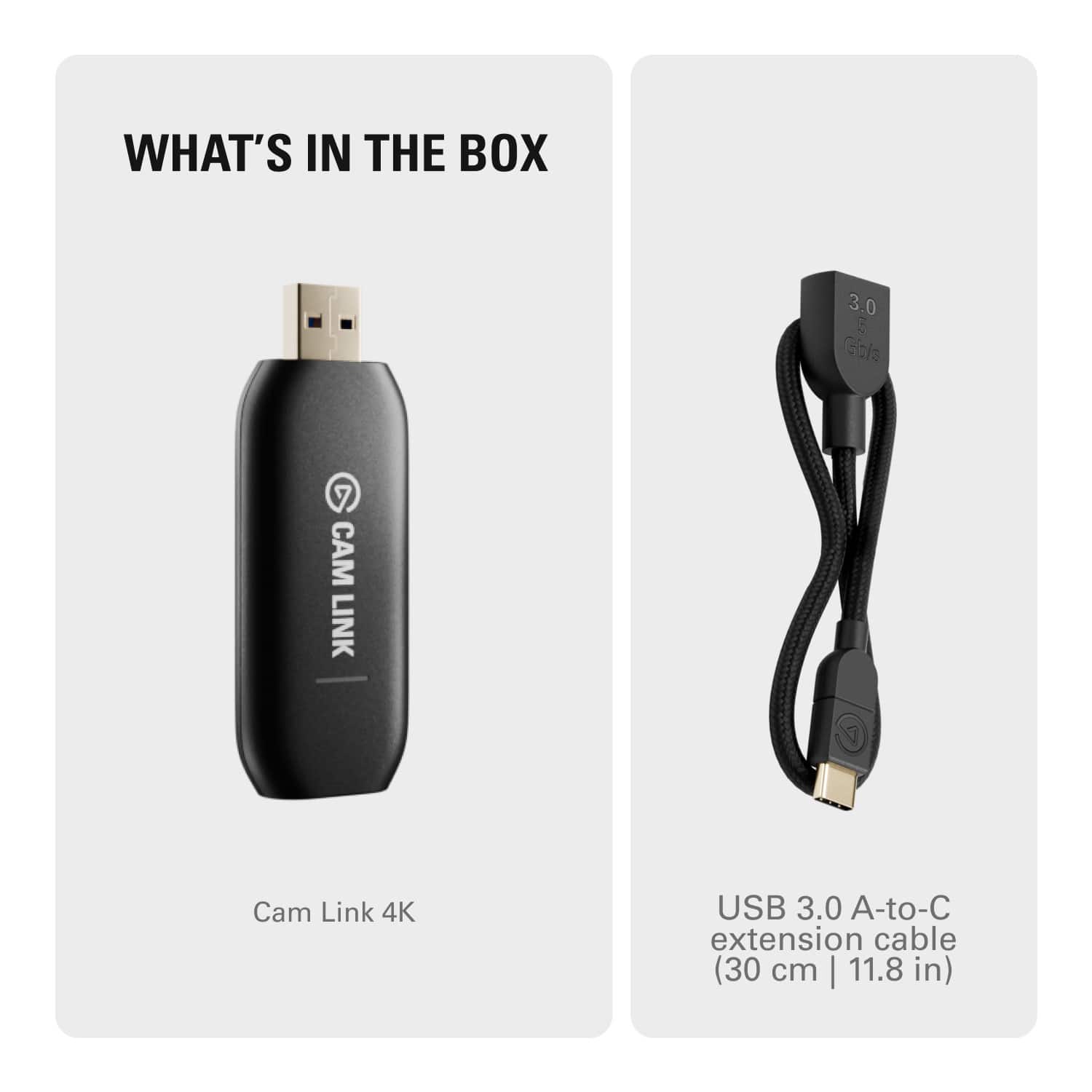
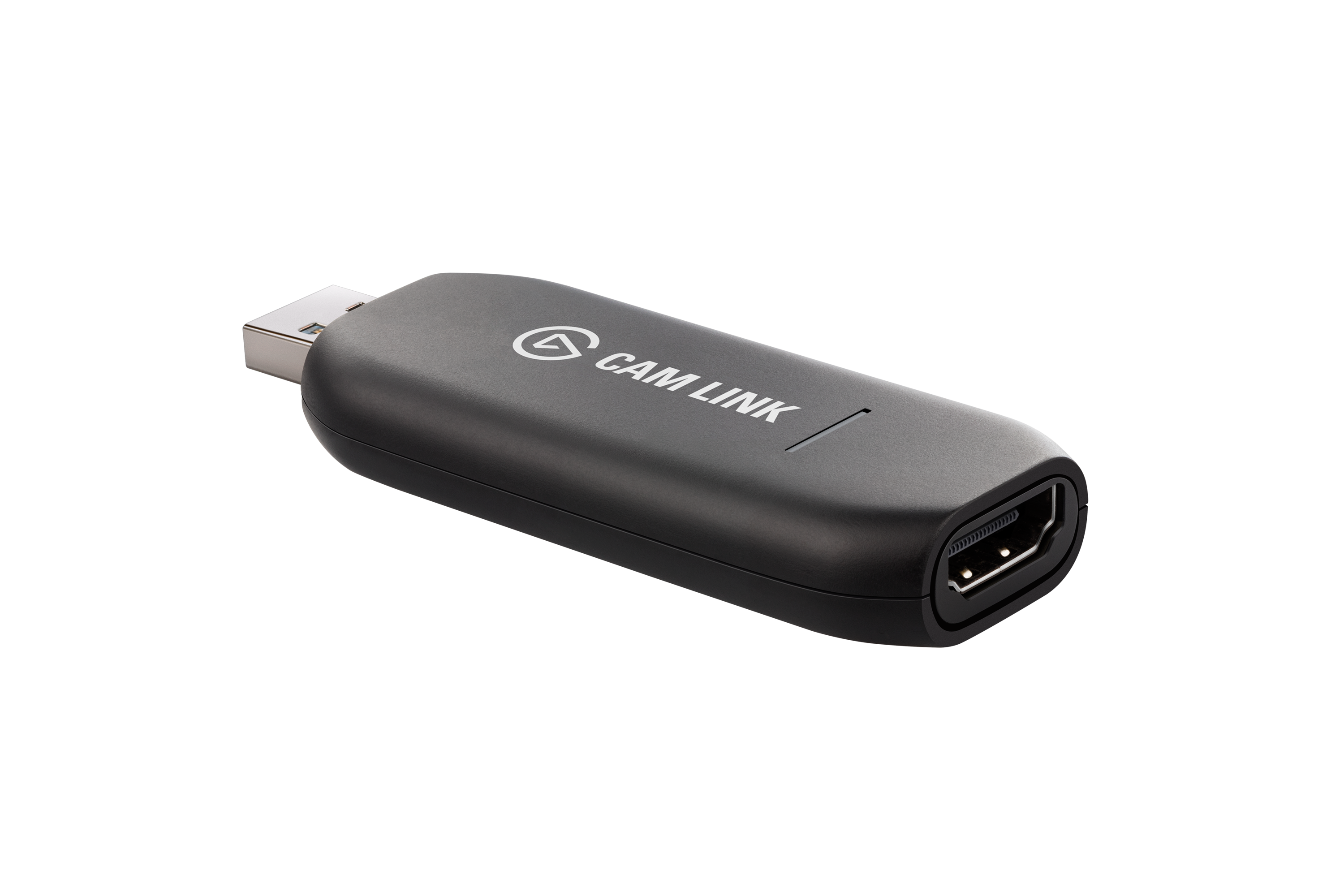
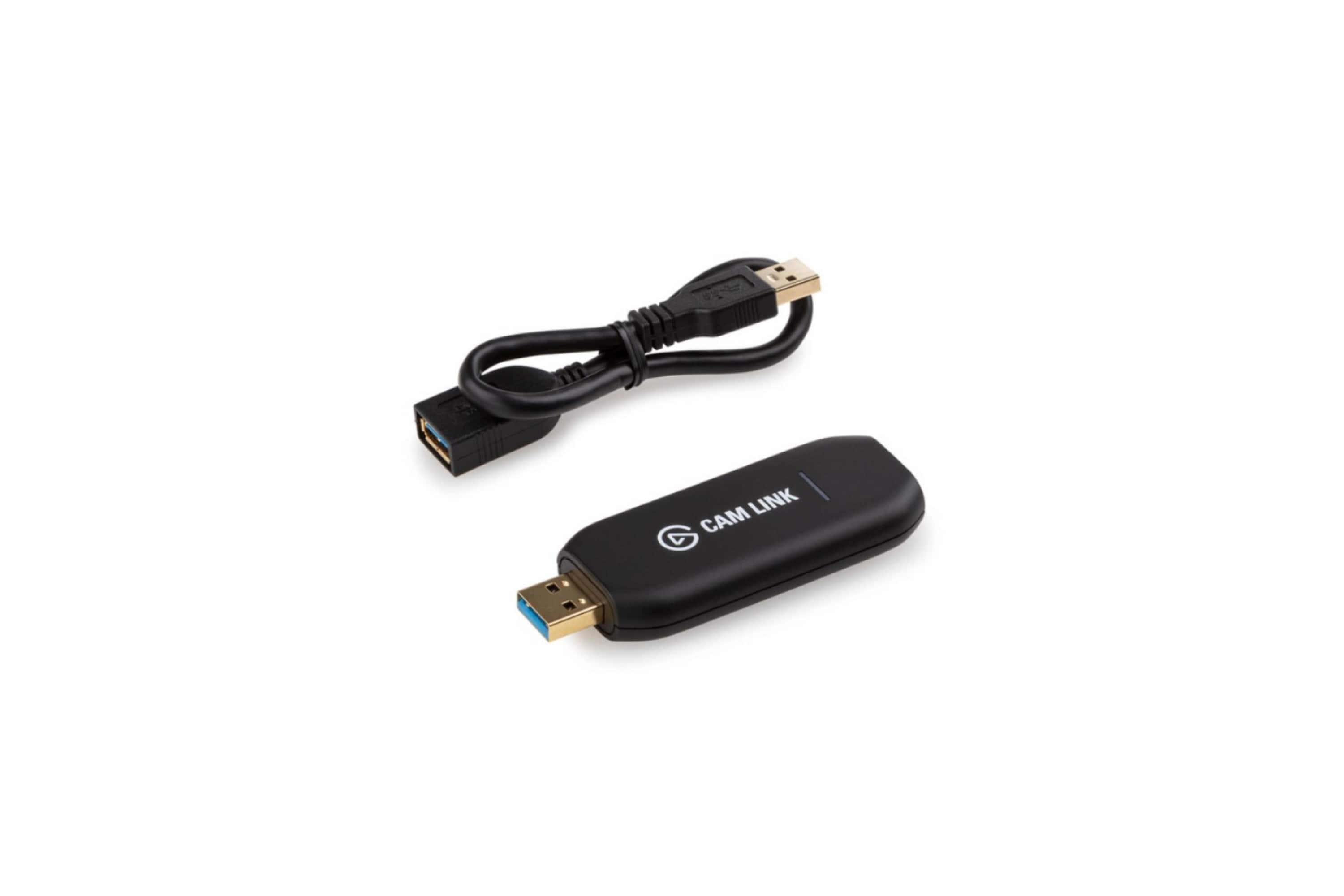
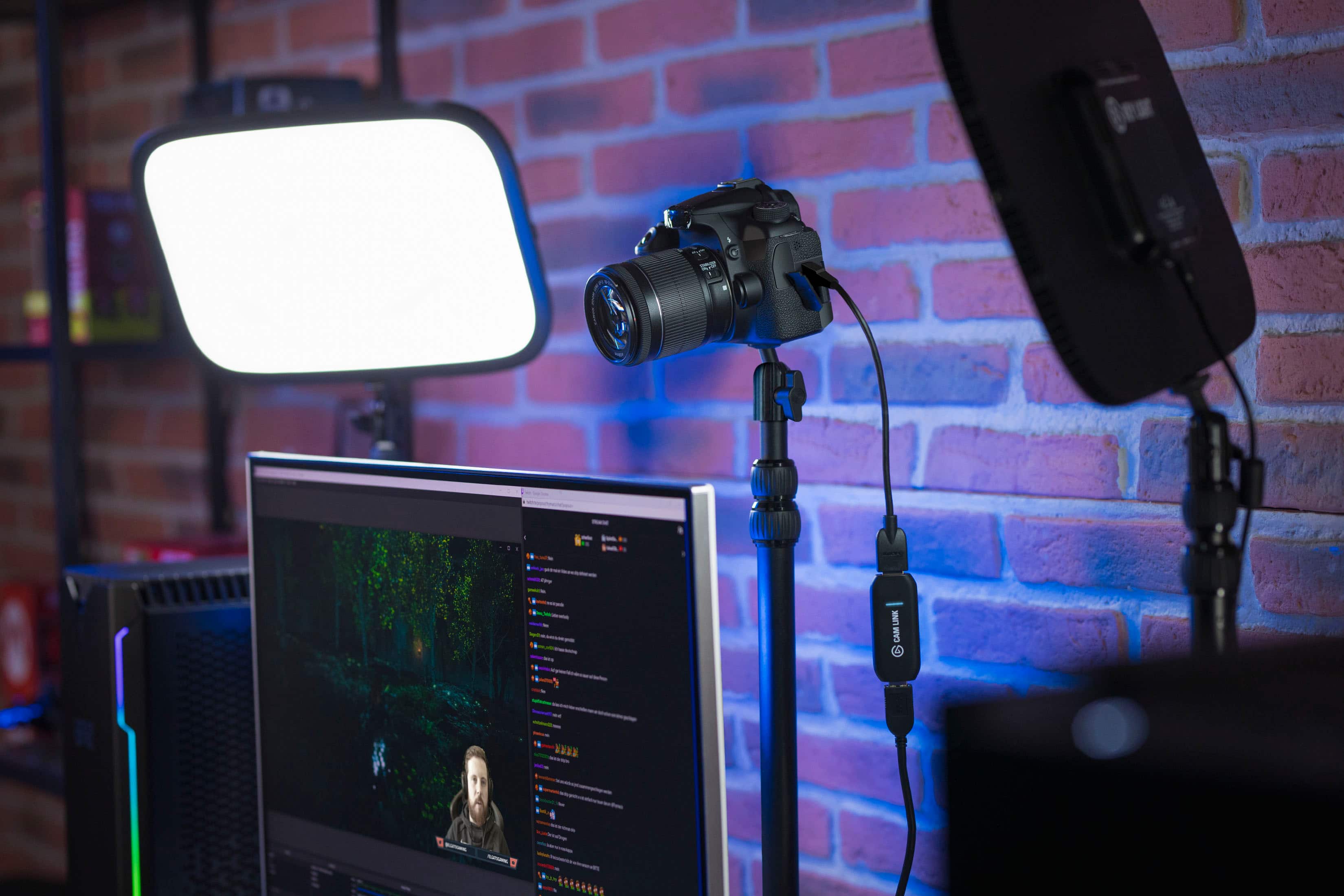
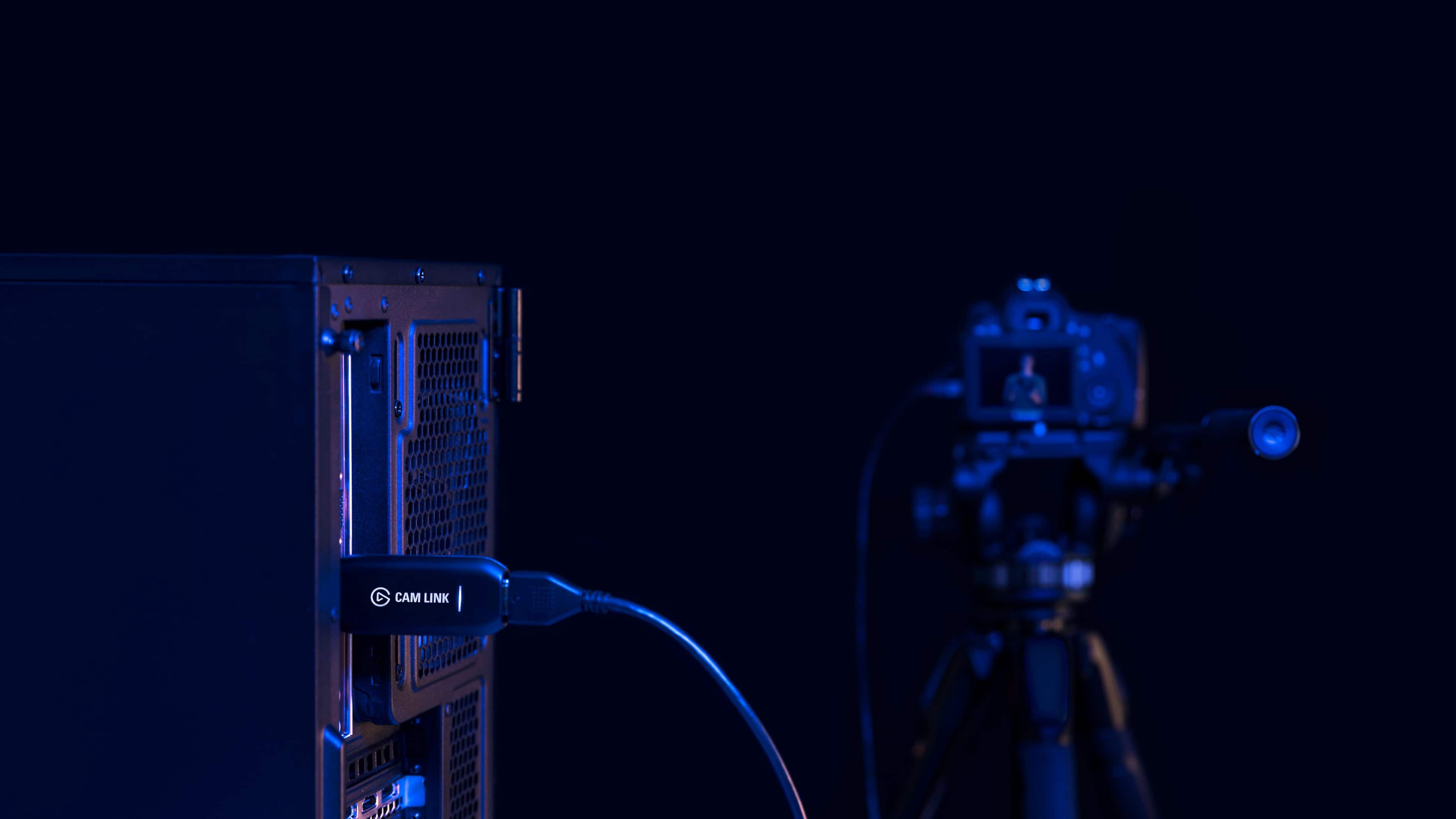
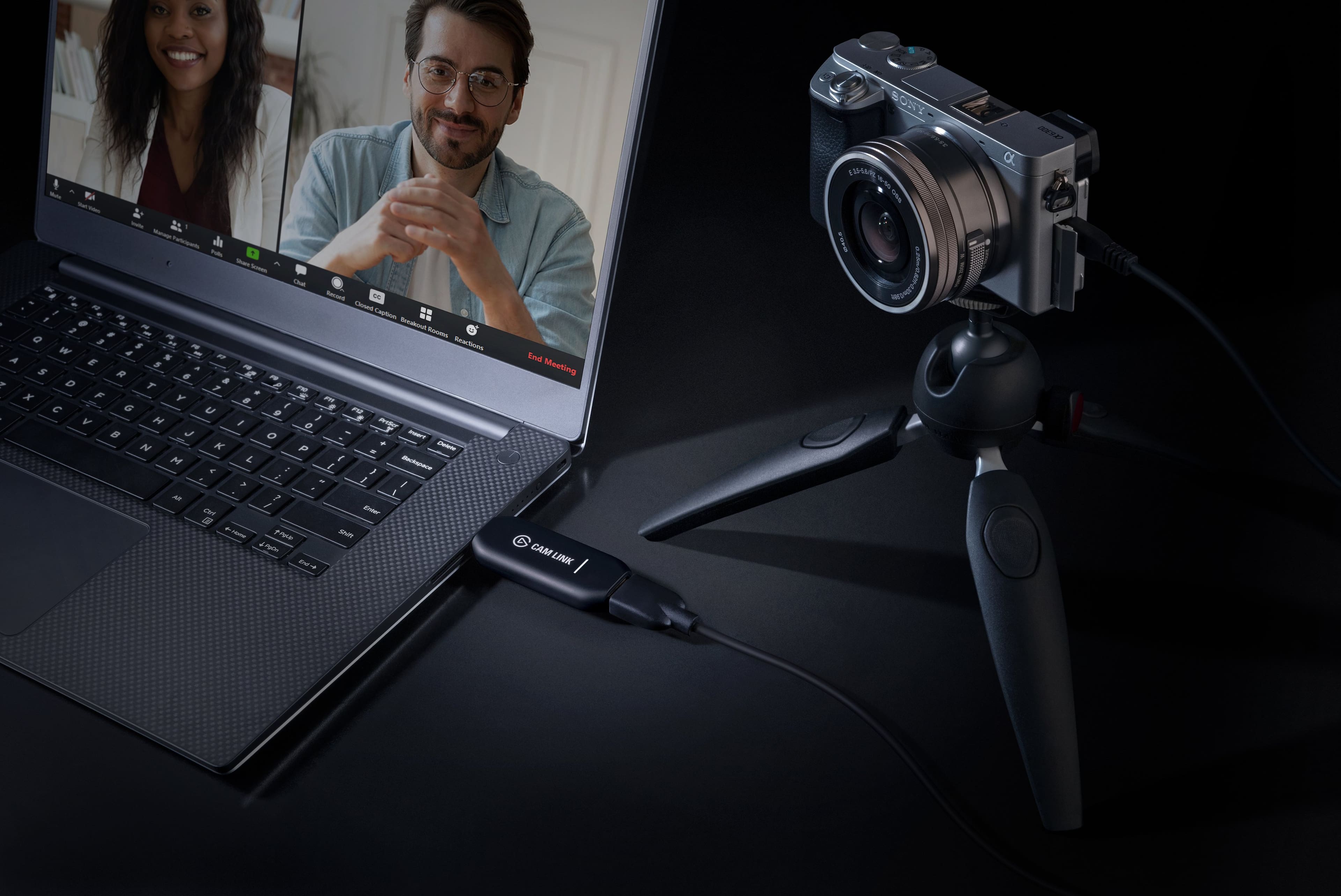
A:AnswerThe Cam Link 4k connects to any available USB 3.0 port. That's your input. The HDMI port on the Cam Link 4k connects to your source, such as a video camera, PS4, XBox, etc. using the supplied cable that came with the Cam Link 4k. The built-in HDMI port on your computer can be used to connect an external device such as an additional monitor, projector, etc. to output the video from the camera/PS4/XBox, etc. source device via the Cam Link 4k.
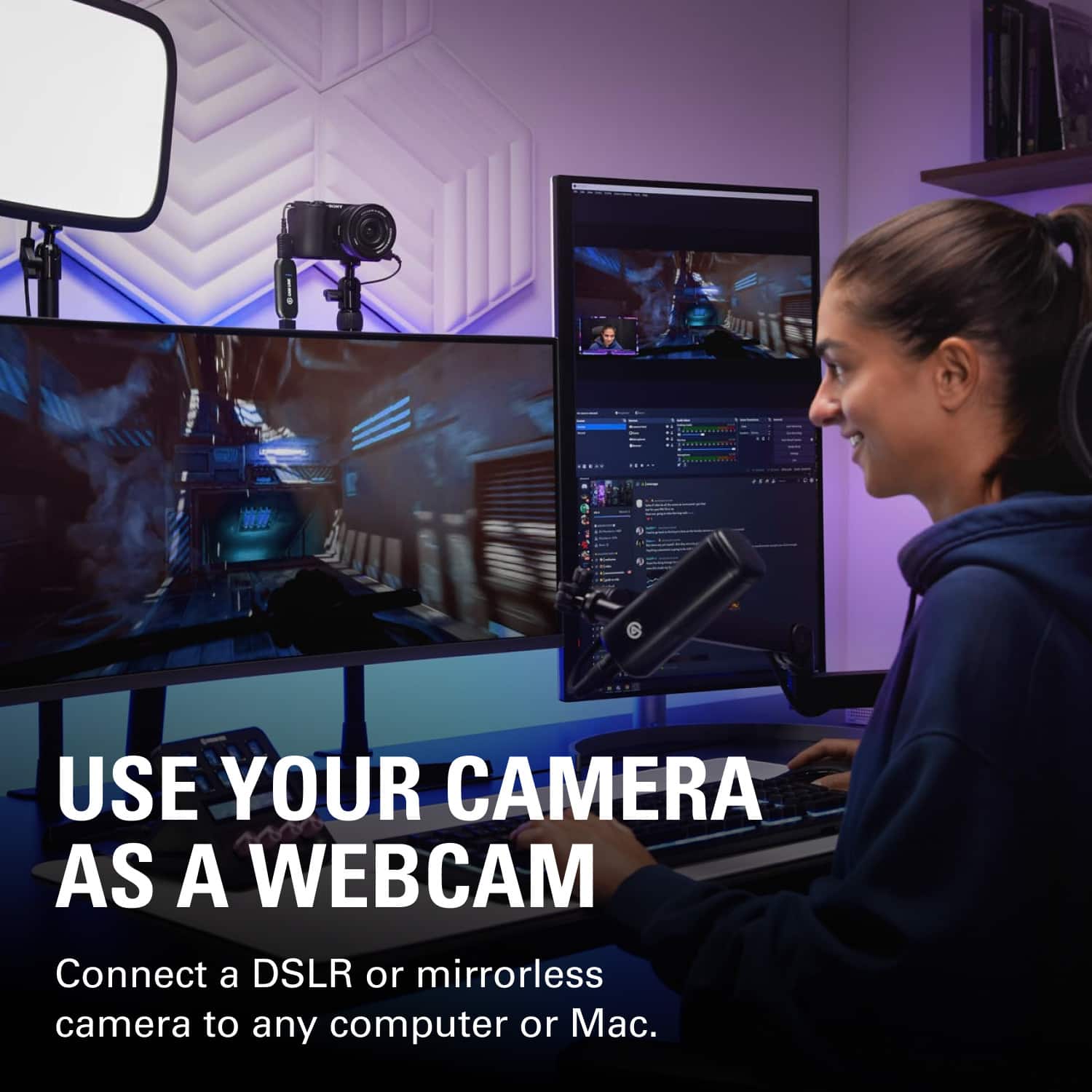
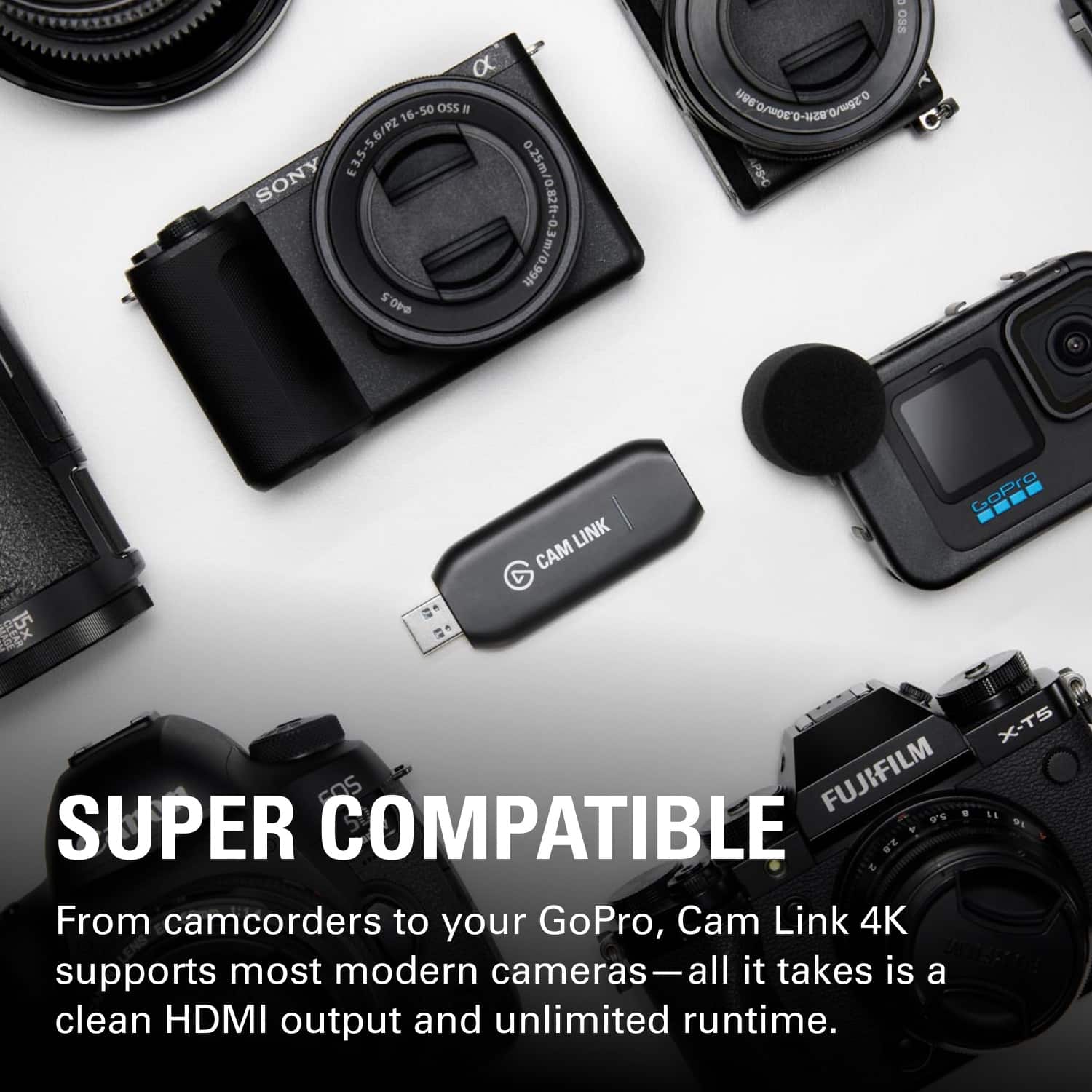
A:AnswerThis is a hard one to answer, as I do not own a Nikon (though I have owned many Canon and Sony cameras, which I've tried using with the Cam Link 4K). What I CAN say is, your listed camera (Nikon D3500) is not listed as a "known" compatible camera. This doesn't mean it won't work, but it means they've not tested it and can't guarantee it. Assuming there isn't some Nikon software that lets you see a "clean" feed without a lot of delay, you would need either something like this device, or a different camera. To see if yours is compatible, it needs to meet the below requirements (from Elgato's site). Good luck!
1. Your camera needs to output video via an HDMI port. Most cameras have a mini or micro HDMI output jack.
2. You need to have a cable that connects your camera from the video output jack to a standard HDMI port.
3. Connect your camera to any HDTV or HDMI monitor. Check that the HDMI output is "clean" — meaning whether the extra information overlays can be disabled, Most likely you'll need to check with your camera's manual to find the menu item that turns off all overlays.
4. For DSLRs, check whether your camera can be operated continuously. Check with your camera's manual whether you can disable battery save mode. Some cameras also always power down after a set period of time of continuous operation, to safeguard the camera's sensor.
5. Can your camera be powered by an external power supply while outputting video, and while mounted on a tripod?
A:AnswerHard to say. Officially, the Sony RX10 MKII isn't listed as a compatible camera on Elgato's website. The RX10 MKIII is, however, and they do say that they haven't tested every camera, so their list is not exhaustive. Here's what your camera needs in order to work with this. Good luck!
1. Your camera needs to output video via an HDMI port. Most cameras have a mini or micro HDMI output jack.
2. You need to have a cable that connects your camera from the video output jack to a standard HDMI port.
3. Connect your camera to any HDTV or HDMI monitor. Check that the HDMI output is "clean" — meaning whether the extra information overlays can be disabled, Most likely you'll need to check with your camera's manual to find the menu item that turns off all overlays.
4. (this one won't be relevant for you, but I'm including it just in case) For DSLRs, check whether your camera can be operated continuously. Check with your camera's manual whether you can disable battery save mode. Some cameras also always power down after a set period of time of continuous operation, to safeguard the camera's sensor.
5. Can your camera be powered by an external power supply while outputting video, and while mounted on a tripod?