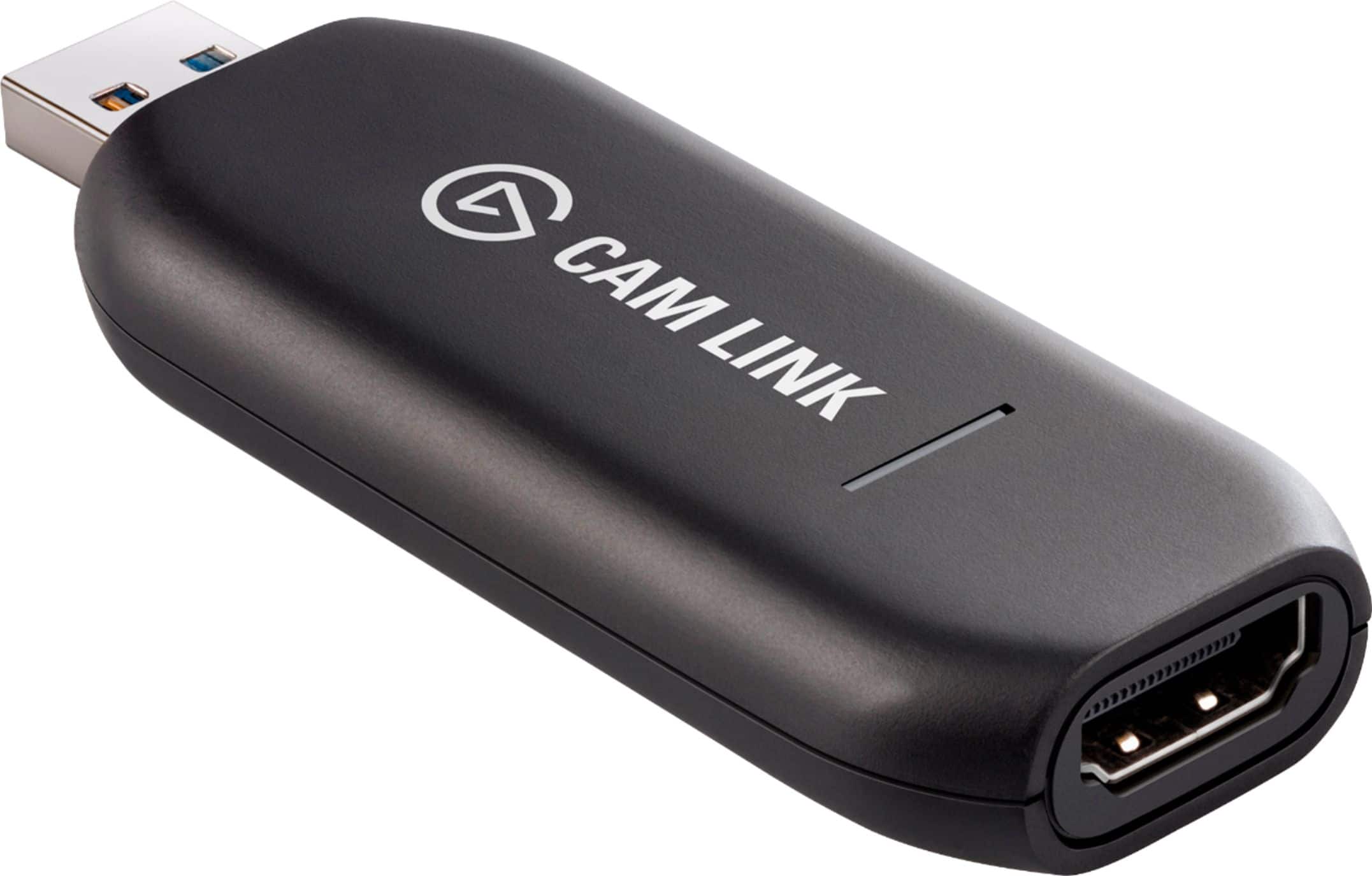
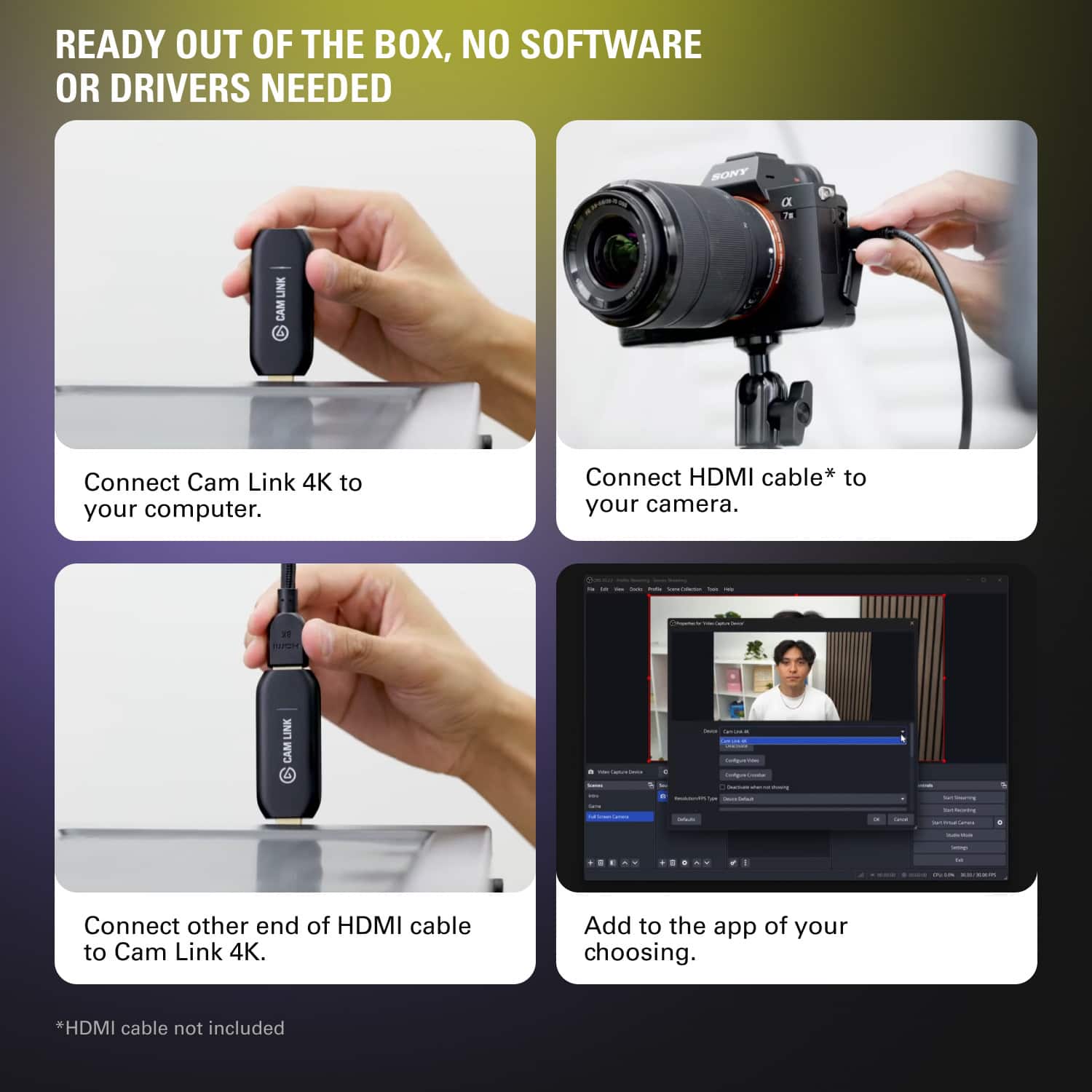
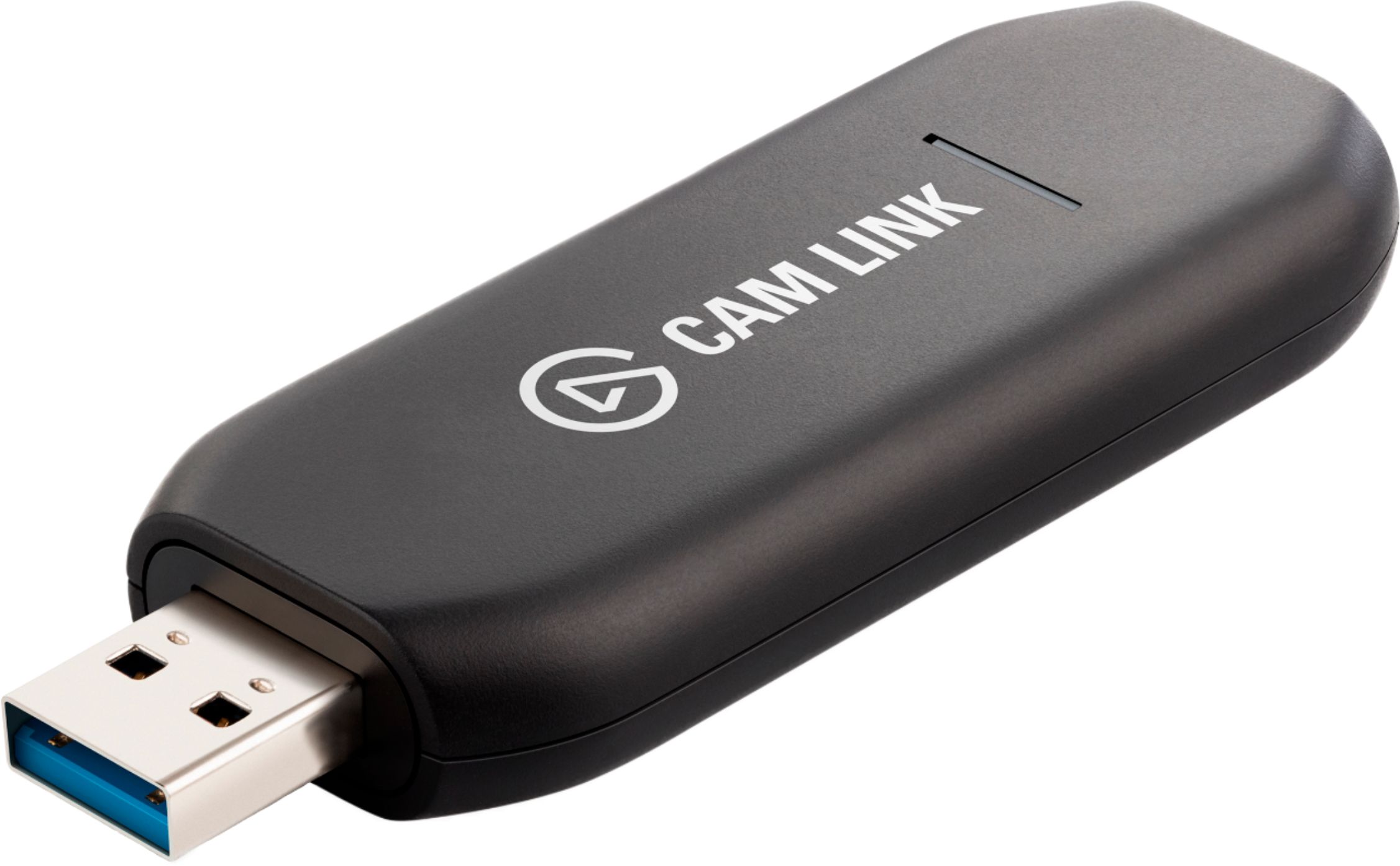
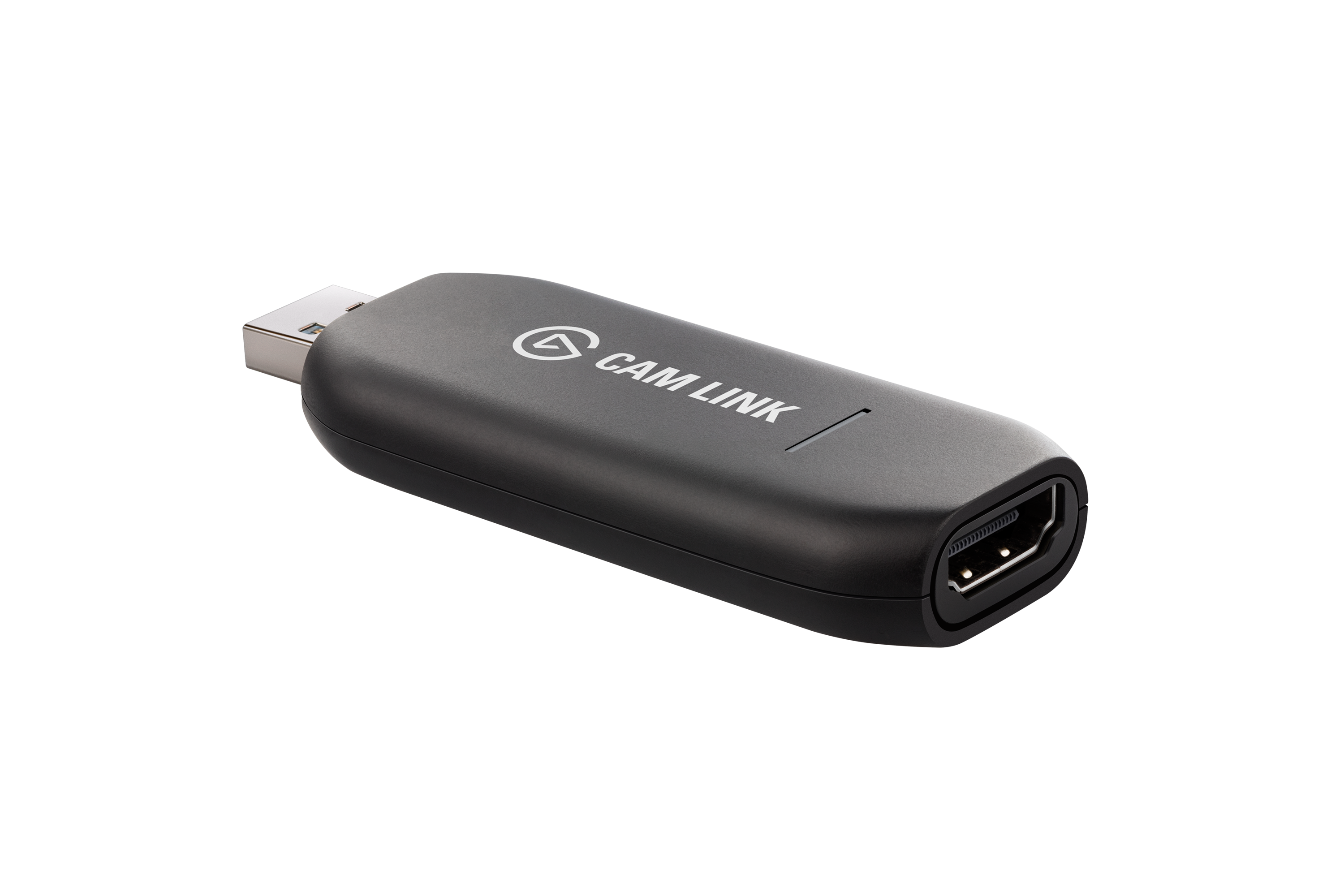
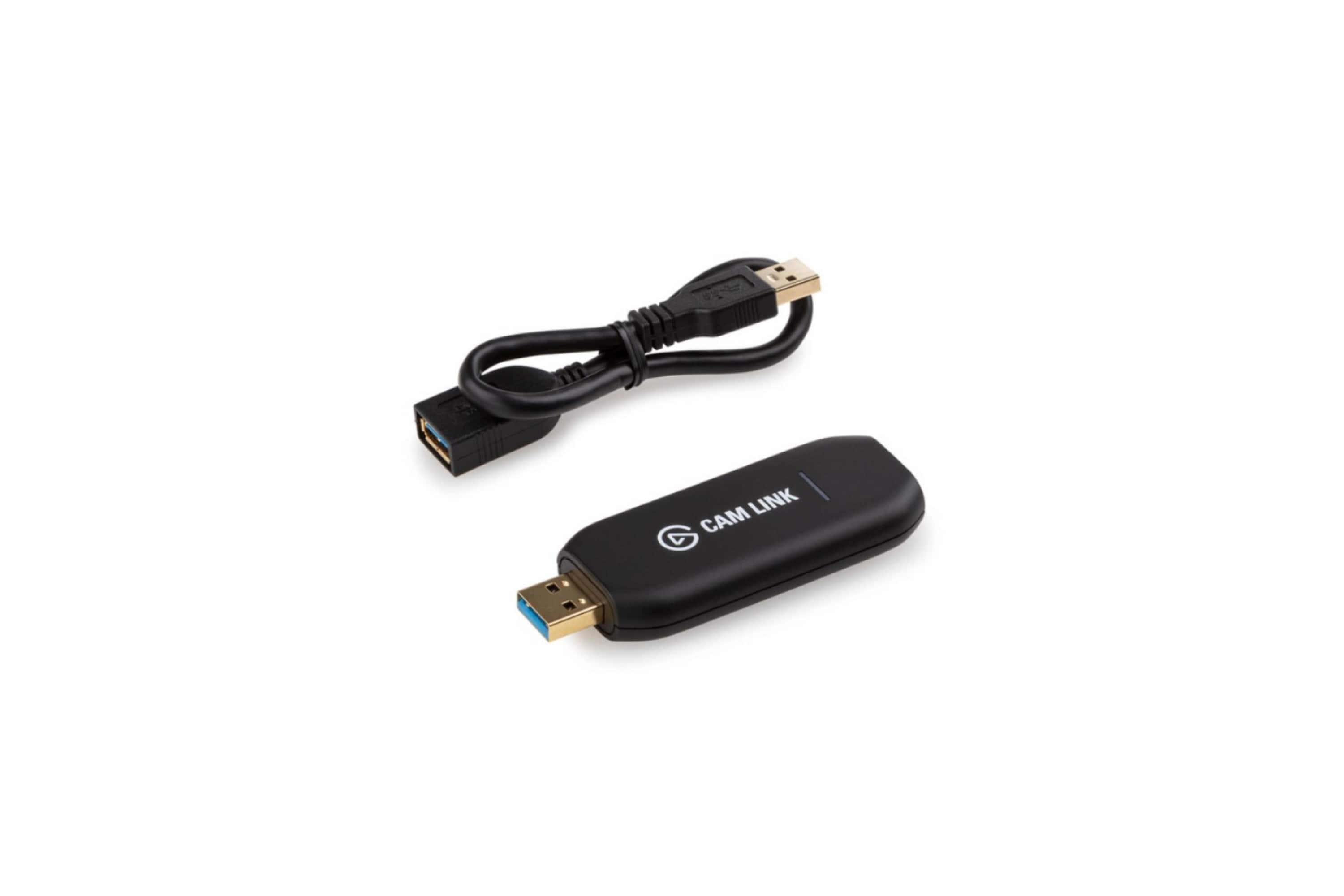
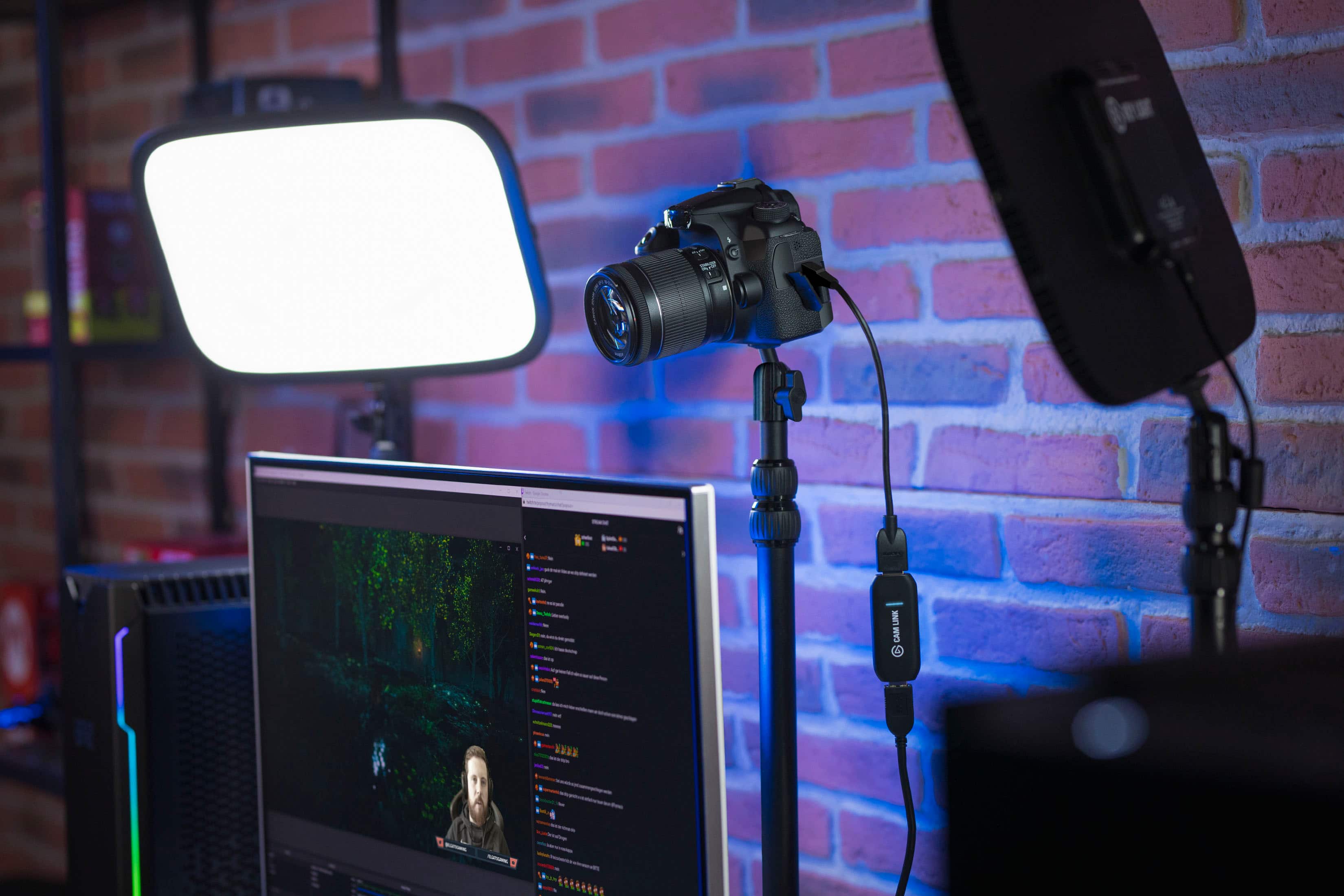
A:AnswerUnlikely. According to Elgato's website, the Cam Link 4K will only capture devices without HDCP (an HDMI "protection" protocol). Without trying to circumvent this "protection", I'm afraid your Firestick will use HDCP, and you will not be able to capture it with this device.
Reference: https://help.elgato.com/hc/en-us/articles/360027959052-Cam-Link-4K-works-with-unencrypted-HDMI-sources
A:AnswerHi Lee,
To capture footage from your Nintendo Switch, I suggest taking a look at our capture cards that are compatible such as HD60 X and HD60 S+. You can find the setup process here: (https://youtu.be/T_N4AmYKzV8). If you have any additional questions, please feel free to reach out: support.elgato.com
-Albert
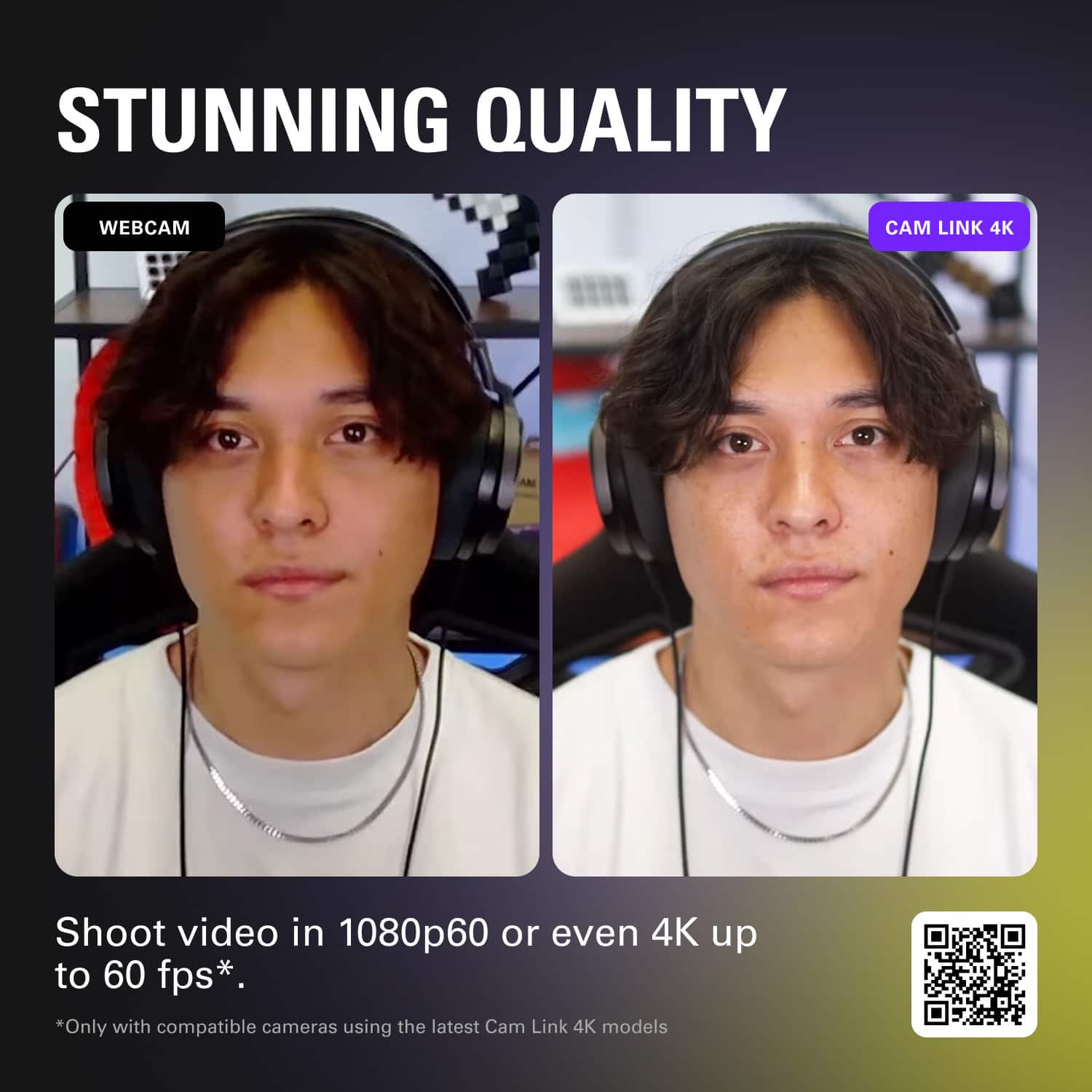
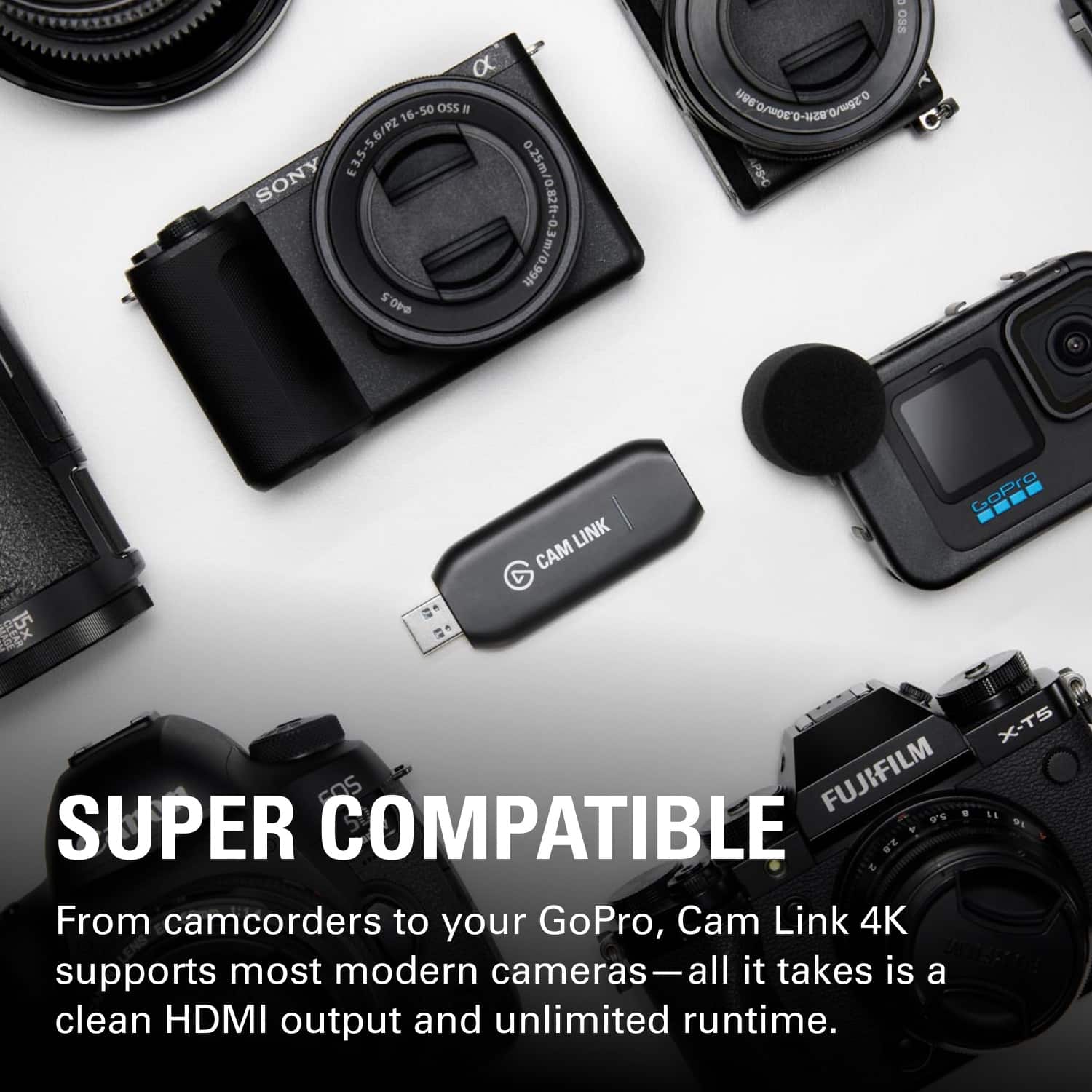
A:AnswerUsed it with a Decimator (a kind of quad splitter) and that worked well. As long as you output to HDMI, it should work just fine. My output was only 1080P for a high quality zoom call and I was happy with that.
A:AnswerHi,
That wouldn't be a setting within this device, but the camera.
If you need help, please search for your camera online and see on how to override the limit if it exists, and if possible.
If you have anything else we can help with, please reach out: support.corsair.com
-Art
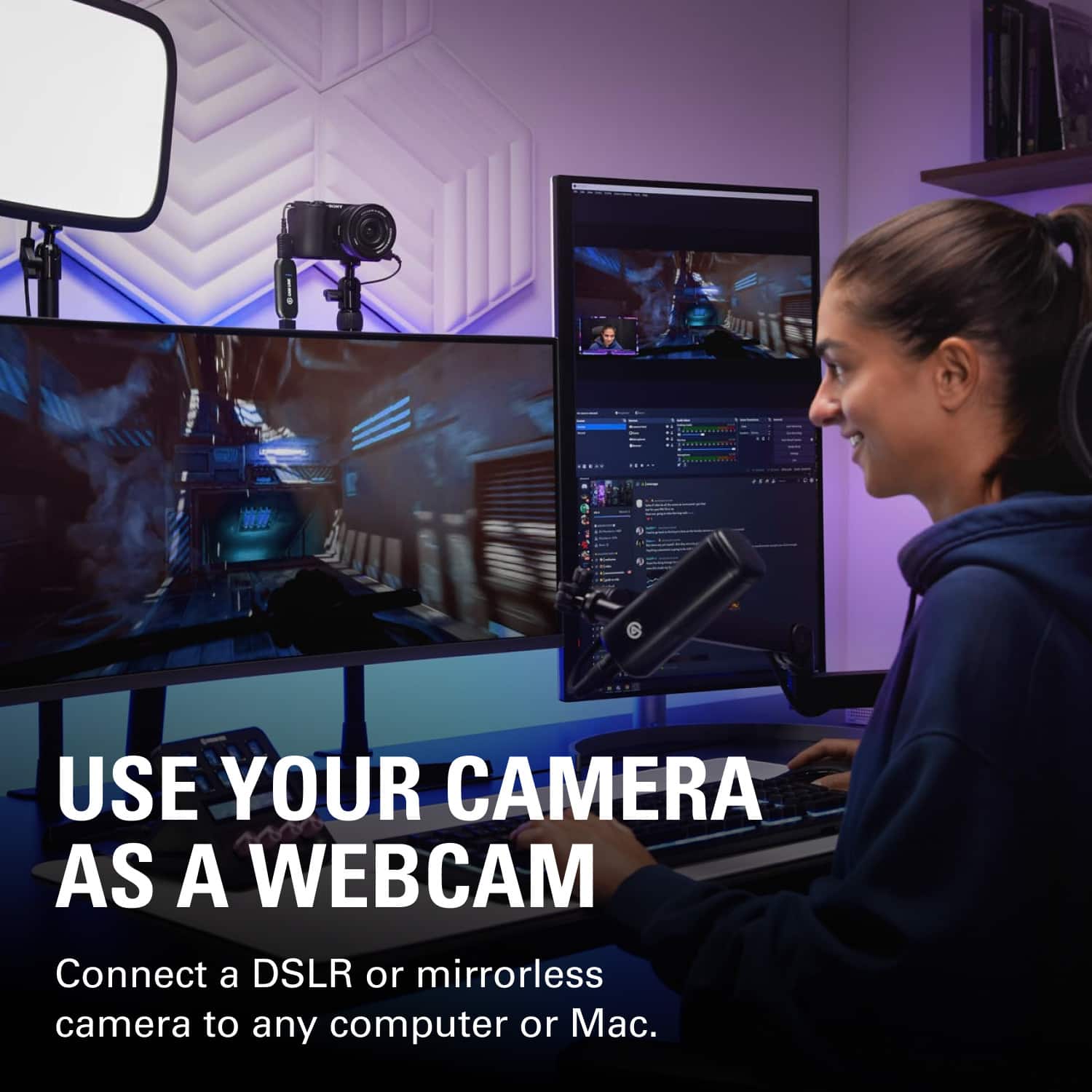
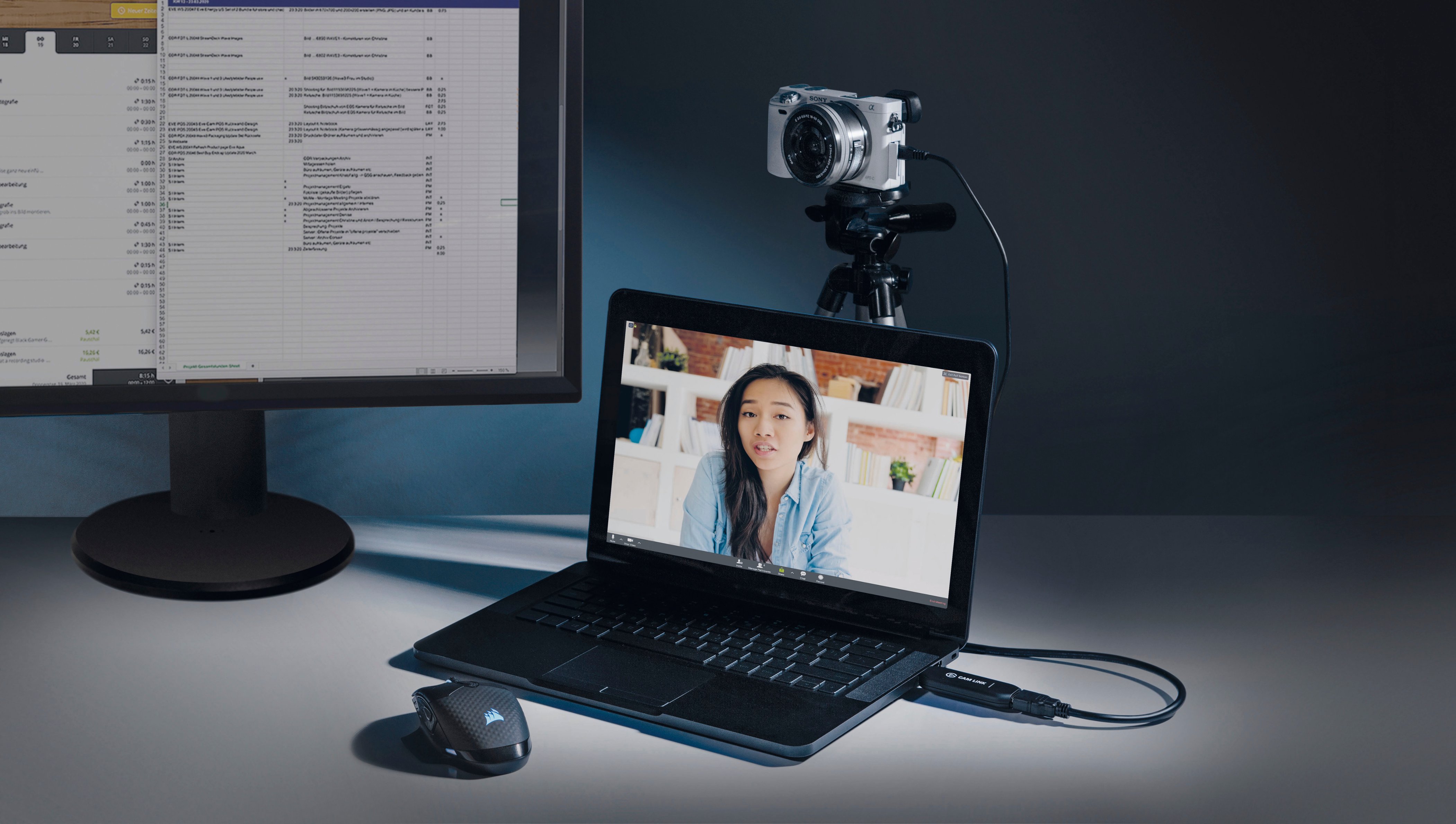
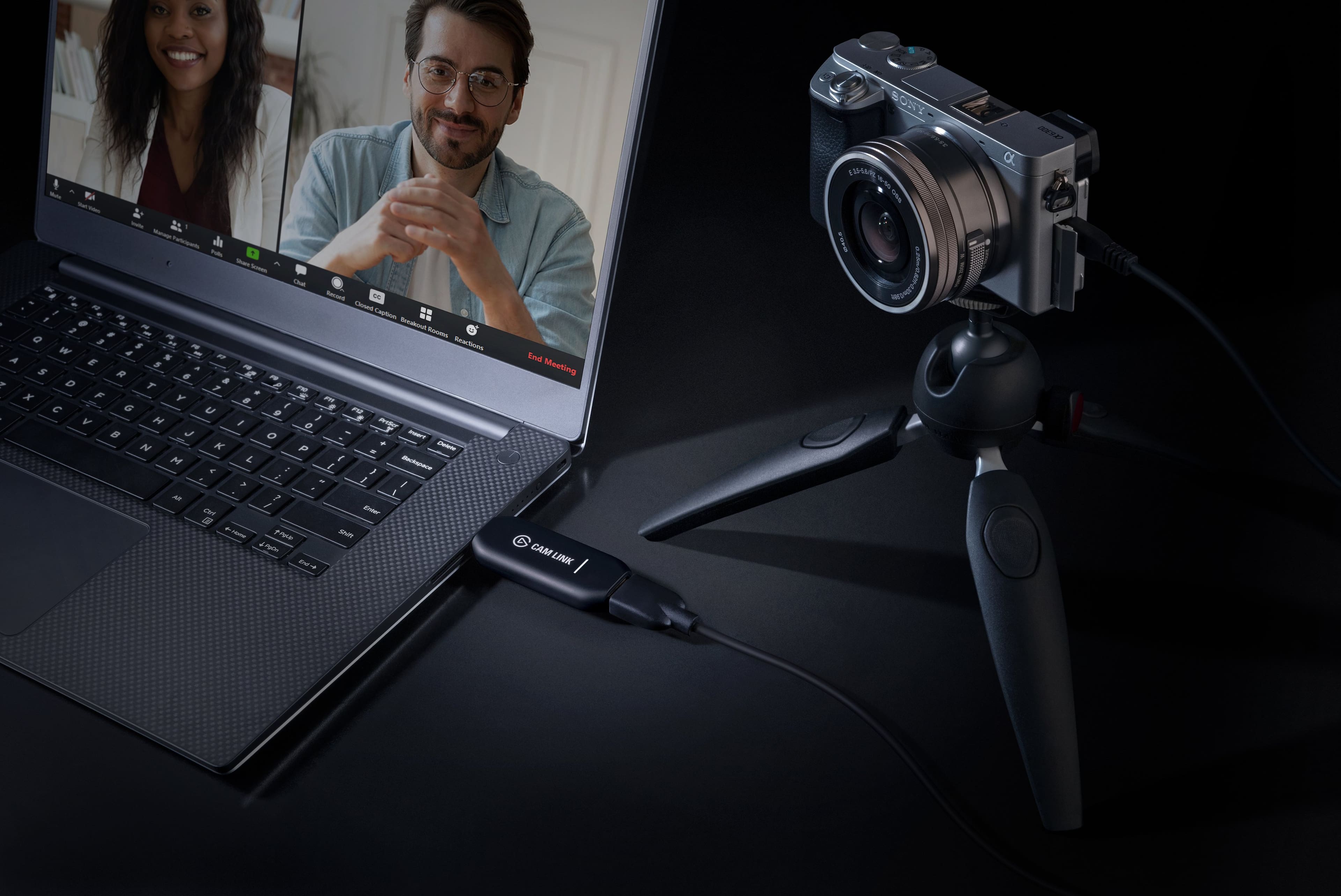
A:AnswerWith the pandemic, online conferences are the way to work from home. With this being so prevalent, people are stepping up the presentation with cameras and microphones. Thus, items like the Cam Link don't stay in stock long. I recently purchased one and looked online in many stores until finding that a nearby Best Buy had one in stock.