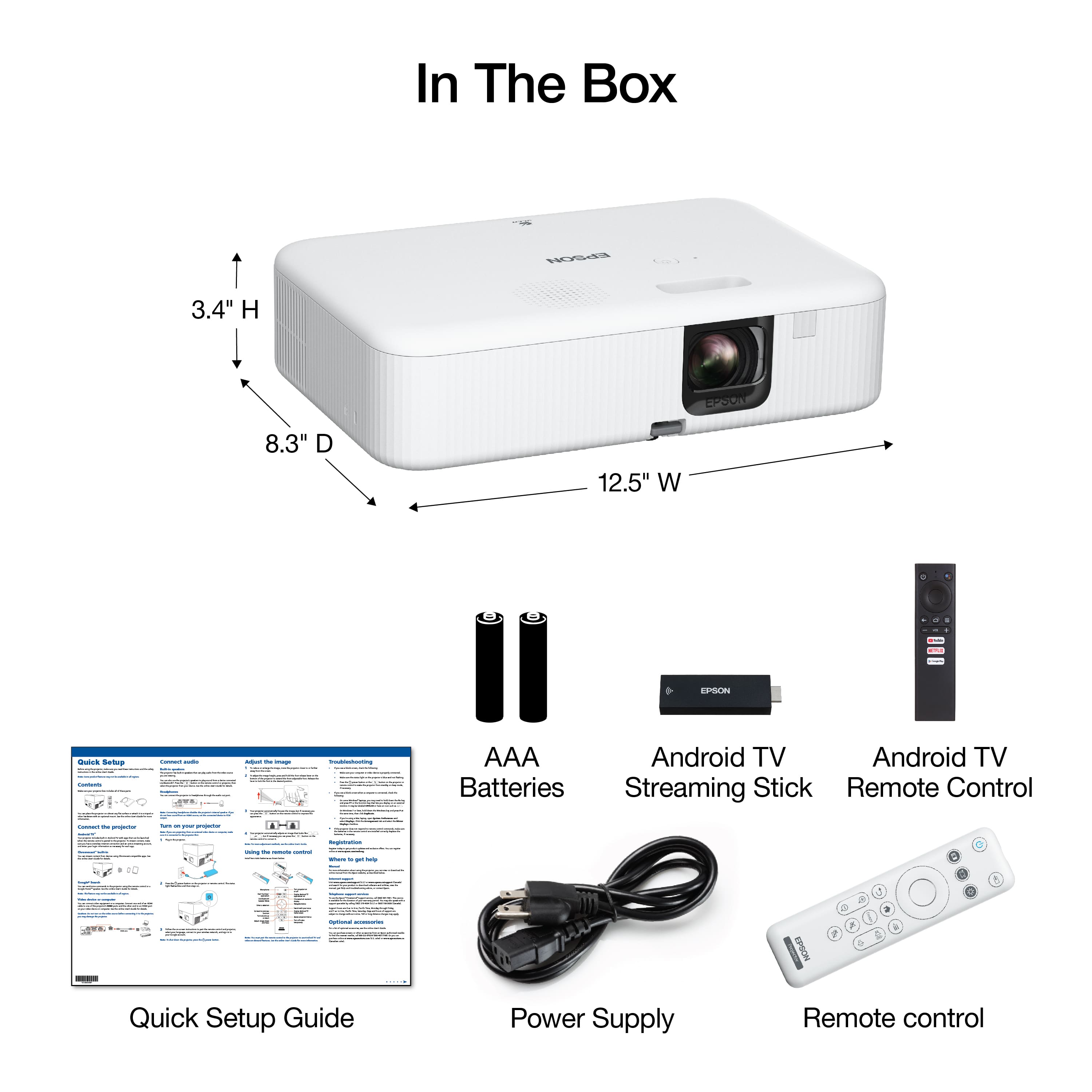
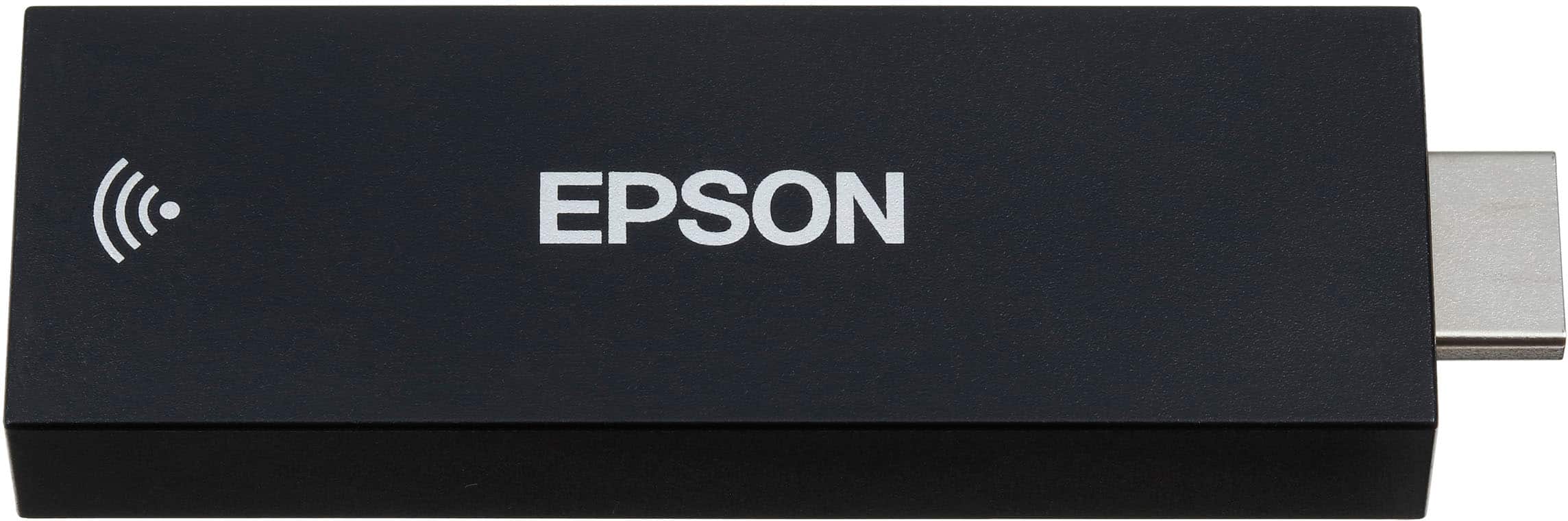
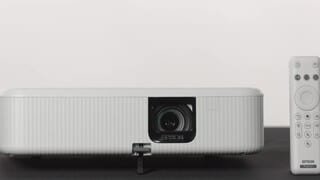
A:AnswerHello Chuck. You can only connect an external Bluetooth speaker to the included Android TV streaming device. If you plan to use a different video device with the projector, please ensure it includes Bluetooth functionality to connect your speaker separately. Regards, Kevin - The Epson Team.
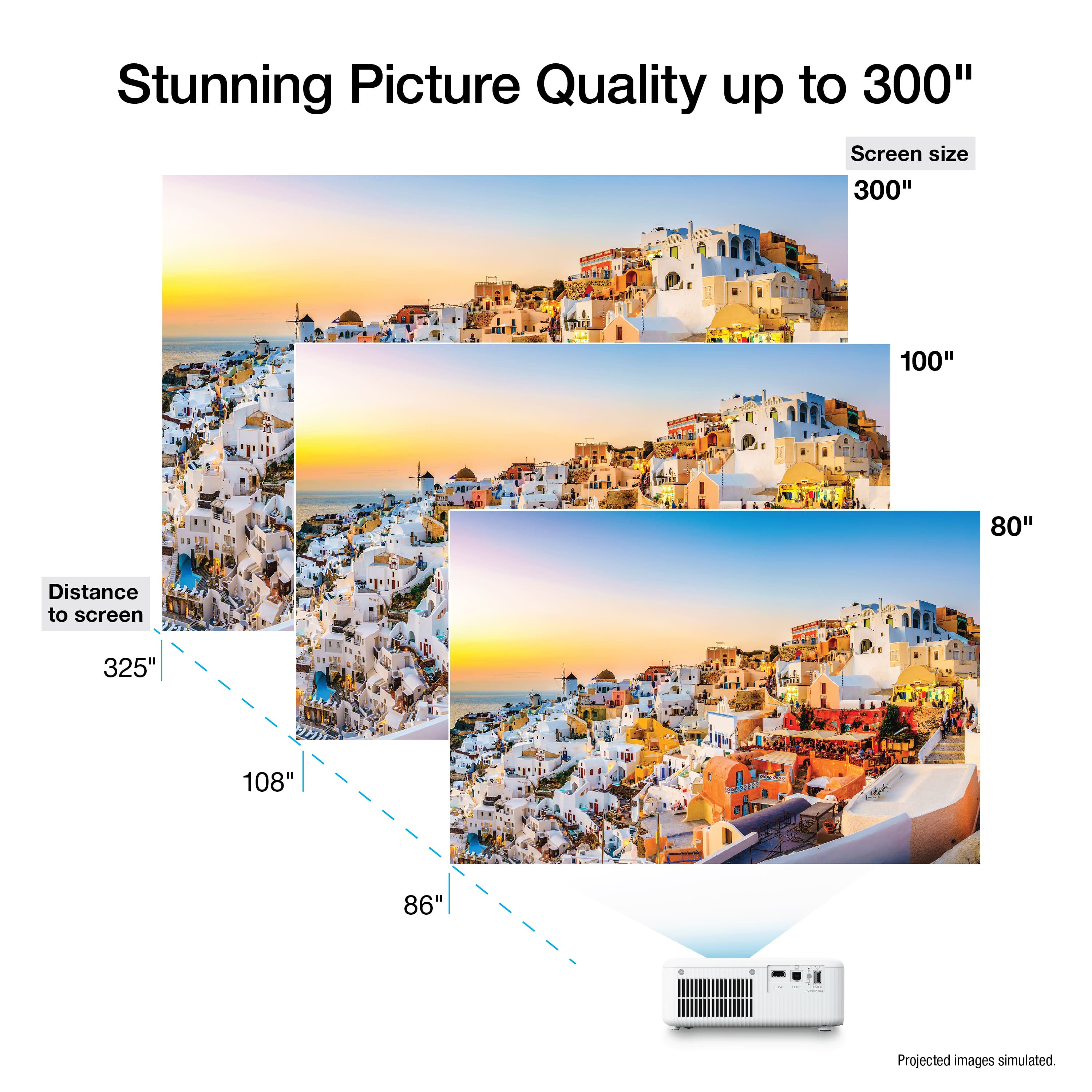
A:AnswerHello Basil. The image size would be approximately 390 inches if you place the projector 40 feet away from the screen. Regards, Kevin - The Epson Team.
A:AnswerHello. Yes, you can connect a soundbar via Bluetooth to your Apple TV and the included Android TV streaming device. Regards, Kevin - The Epson Team.
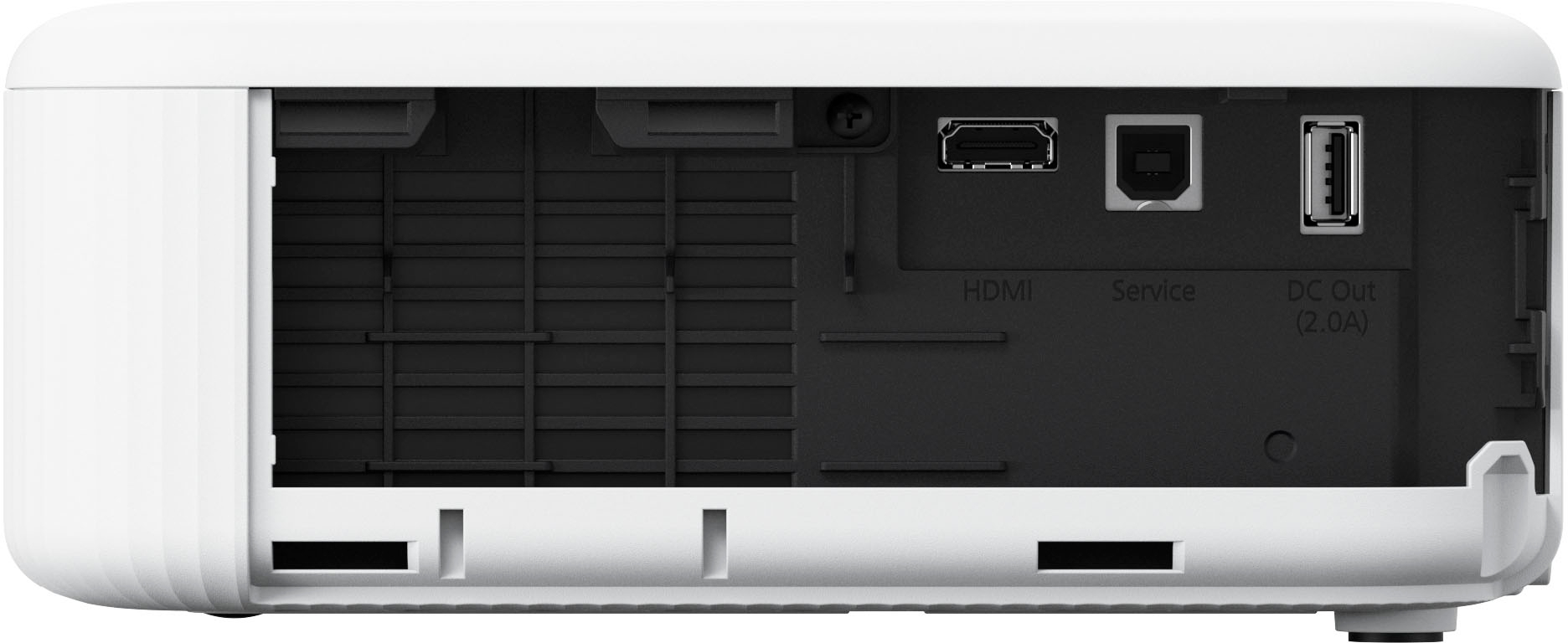
A:AnswerHello stonecarver. You can view your presentations by connecting your MacBook Air to the projector via an HDMI connection. Please note depending on your computer model you might need a separate adapter to use an HDMI cable. Regards, Kevin - The Epson Team.
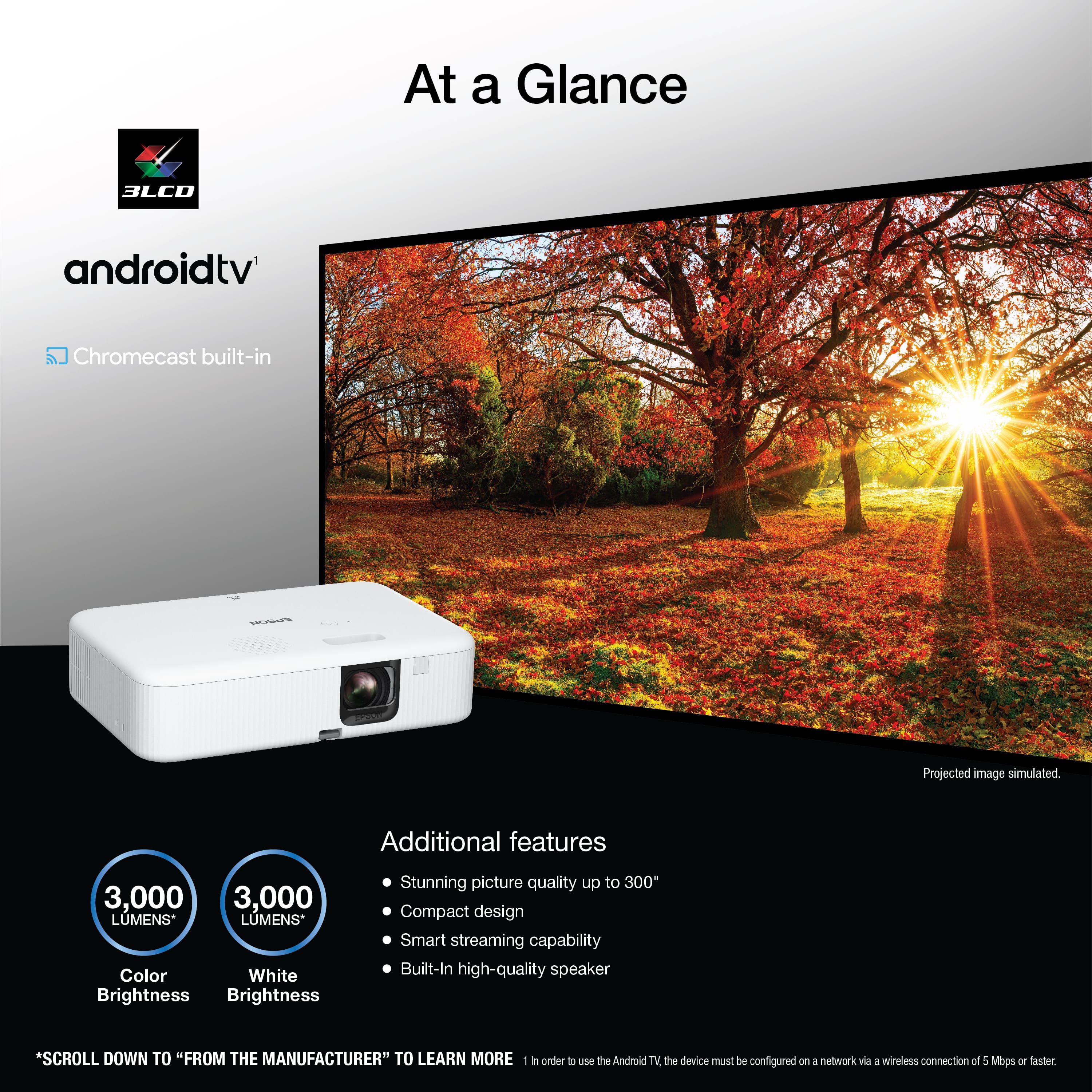
A:AnswerHello Ash. The 3,000 lumens of color brightness are IDMS Rated and the 3,000 lumens of white brightness are ISO Rated. Regards, Kevin - The Epson Team.
A:AnswerHello KonaShark. Unfortunately, you cannot play video files via USB using an Android device. However, the projector does have Chromecast, so you can Wirelessly cast your content directly from your smartphone. Regards, Kevin - The Epson Team.
A:AnswerHello Lee. The EpiqVision CO-FH02 can project on screen sizes ranging from 26 to 391 inches at a distance between 26 to 554 inches. With room measurements, you can find the best distance and screen size by reviewing the "Projector Placement" section in the User's Guide on our official Epson Support page. Regards, Kevin - The Epson Team.
A:AnswerHello Nate. Yes, the CO-FH02 has an integrated high-quality speaker. You can also use Chromecast to wirelessly cast your favorite content directly from your smartphone, tablet or computer, including Android and Apple devices. Regards, Kevin - The Epson Team.
A:AnswerHello Fred. Yes, the CO-FH02 supports rear projection. If you project from the rear, be sure to select the correct Projection option in the projector's Settings menu. Regards, Kevin - The Epson Team.
A:AnswerHello Dv. Either option will work for playing video games. Laser projection will generally provide better picture quality but please be aware that different variables beyond the projector can affect gaming performance. We offer models better suited for gaming with lower latency above the $1000 range, but for under $1000, we recommend looking at the EX9240 or the CO-FH02. Regards, Kevin - The Epson Team.
A:AnswerHello Obus. The EpiqVision Flex CO-FH02 can run on power supply voltages from 100 – 240 V AC +/- 10%, at 50/60 Hz. If you use a power supply ranging from 100 to 120 V, the projector uses 284 W in High Power Consumption mode, 223 W in ECO Power Consumption mode, and 0.5 W in Standby. For a power supply ranging from 220 to 240 V, the projector uses 270 W in High Power Consumption mode, 214 W in ECO Power Consumption mode, and 0.5 W in Standby. Regards, Kevin - The Epson Team.
A:AnswerHello Patrick. The Epson Pro CO-FH02 includes a power supply that can run voltages ranging from 100 – 240 V AC +/- 10% at 50/60 Hz. Regards, Kevin - The Epson Team.