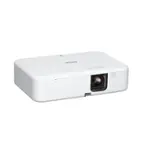
A:AnswerHello Z. The EF12 can display 4K HDR with the following refresh rates 23.98/24/25/29.97/30. The refresh rate on your console may be set higher than the supported options. With 1080p HDR, the EF12 supports higher refresh rates such as 23.98/24/25/29.97/30/50/59.94/60. We recommend starting there; if you need additional assistance, please reach out to our Technical Support team by phone. Regards, Kevin - The Epson Team.
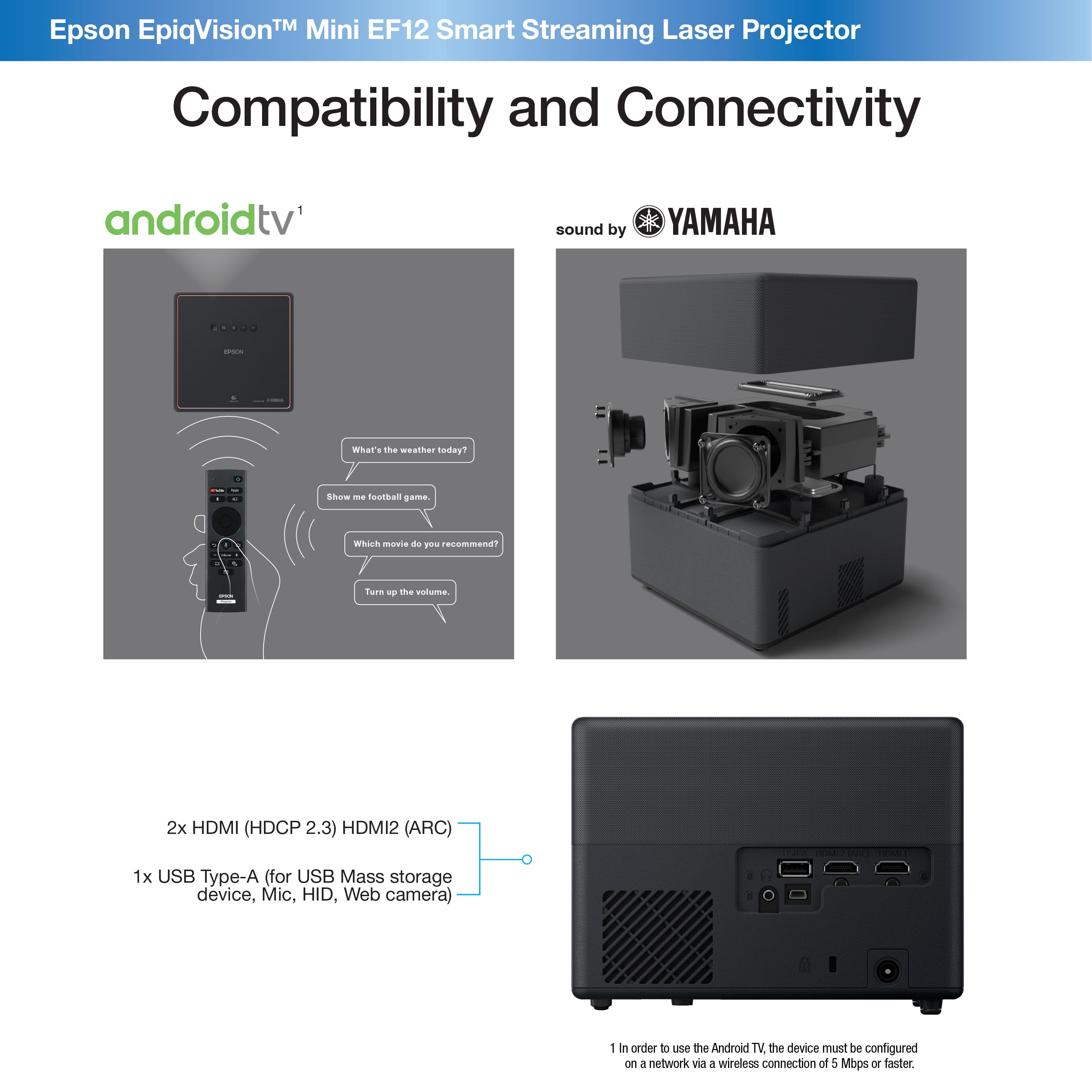
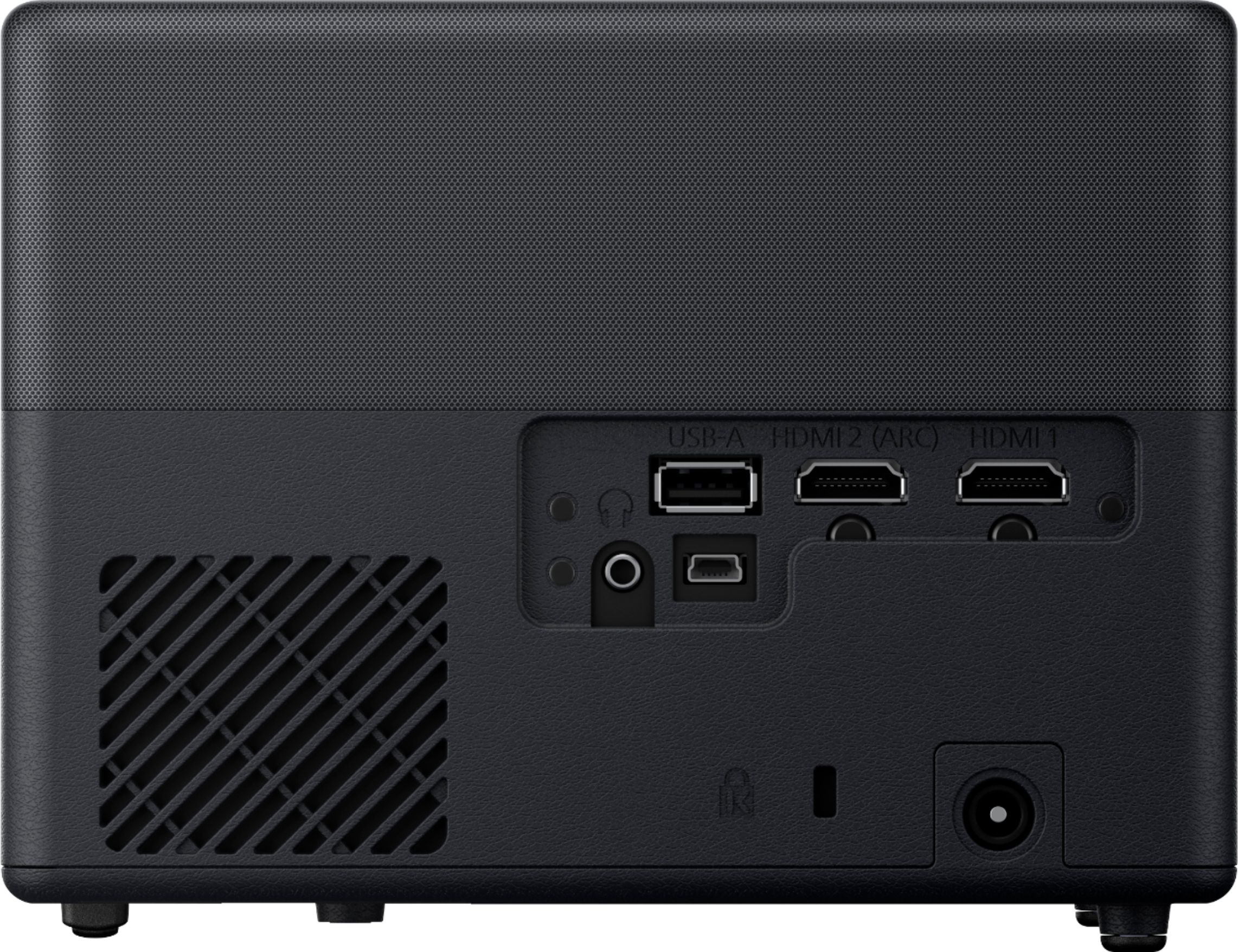
A:AnswerHello Silverwolf. The EF12 does not include a built-in channel tuner. However, you can connect devices to the projector using an HDMI connection. Regards, Kevin - The Epson Team.
A:AnswerThis unit may not be what you’re looking for in a gaming experience. I got this unit for my disabled grandson because the picture is great and he sees not very well.
A:AnswerHello JG. We have not tested a Sonos amp to confirm compatibility with the Epson EF12. However, the projector supports connecting external speaker devices using Bluetooth via the Android TV interface. Regards, Kevin - The Epson Team.
A:AnswerHello RK. It's best to have the EF12 Projector mounted parallel with your screen. If you need to tilt the Projector an angle, you can use the vertical and horizontal keystone adjustments to correct the image. Regards, Kevin - The Epson Team.
A:AnswerHi KilgoreTrout, You can use the EF12 as an external monitor on computers with an HDMI port, so it should not present any lag issues or other problems. Regards, Eliot - The Epson Team.
A:AnswerHello Murph. When using the EF12 Projector in Normal/Quiet mode, the light source life expectancy is 20,000 hours. Regards, Kevin - The Epson Team.
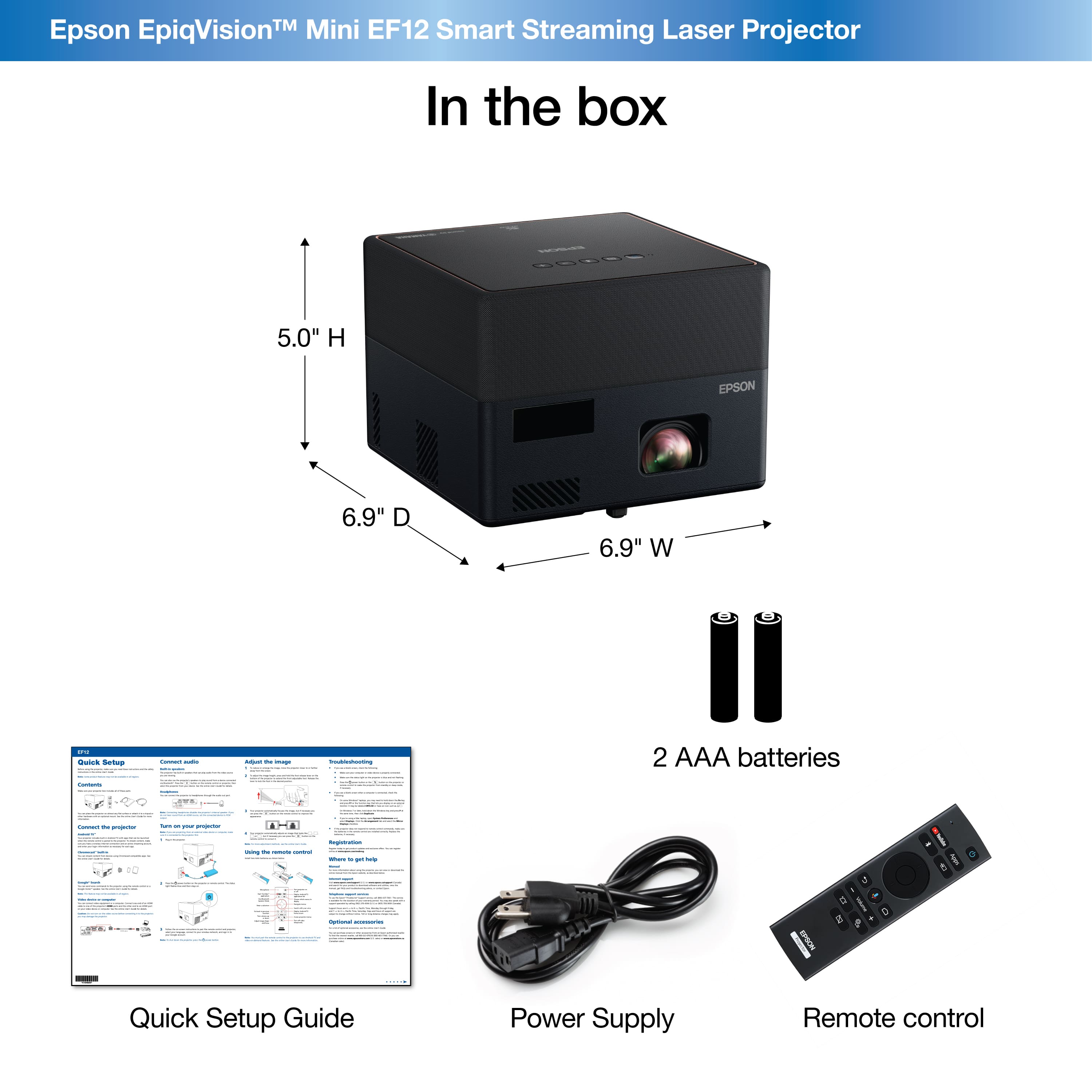
A:AnswerHi tay, We recommend using mount plate model V12HA40AA0 and a standard projector mount that can hold at least 4.7 lbs. Please use a safety cable, too. Regards, Mark - The Epson Team.
A:AnswerHello Jaliskilla01. This could happen due to resolution issues. We recommend Pressing and holding the power button on your PS4 for about 7 seconds (until you hear the second beep from the console. You should then see instructions to have the PS4 controller connected using the USB cable and press the PS Button. You will then go into a menu where you can select Change Resolution. You will then get a message that the PS4 will restart. Once it comes up, choose Automatic or 1080P. Regards, Kevin - The Epson Team.
A:AnswerHello Nickb. The EF12 includes Android TV. You can try connecting your iPad via Chromecast. Please remember that additional Google Apps might be necessary for setup, so your results will vary. Regards, Kevin - The Epson Team.
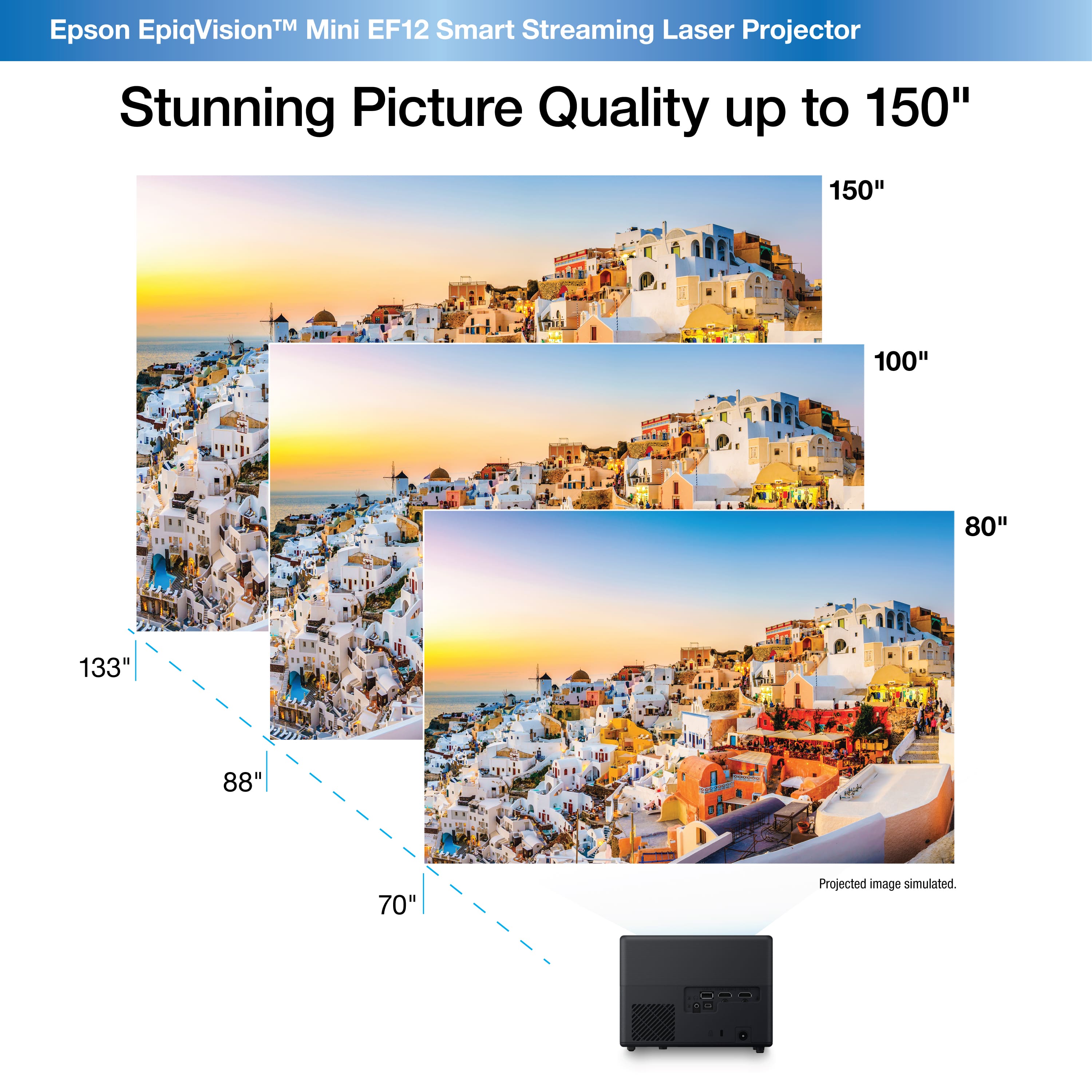
A:AnswerHello Cary. Depending on the aspect ratio image, you can place the EF12 between 106 - 130 inches from the screen. Unfortunately, we do not have recommendations on screens for outdoor usage. Regards, Kevin - The Epson Team.
A:AnswerHello Mia. We recommend confirming that you do not have an external device connected to the EF12 being used as a Bluetooth speaker. If this is not the case, we would like to look into this further and see if we can troubleshoot to resolve this unique issue. Please reach out to our Technical Support team for additional assistance. Regards, Kevin - The Epson Team.
A:AnswerHi Ray, Currently You can stream Disney+, ESPN, HBO Max, Hulu, YouTube, and YouTube TV with the Android TV device included with the Mini EF12. More services will be added as they become available. The projector has a standard HDMI port so you have the option of connecting the streaming device of your choice. Regards, Mark - The Epson Team.
A:AnswerHello cwf77. Unfortunately, internal storage is not accessible on the EF12. However, you can plug a USB mass storage device into the projector to view supported media. Regards, Kevin - The Epson Team.
A:AnswerNot sure if the average person is watching TV that much? I know I do not and the projector should last much longer than that. It is a clear picture and the speakers are pretty solid for this little unit. I enjoy it and think it will last much longer than 2 years.
A:AnswerHi, TheEpiqVision™ Mini EF12 Smart Streaming Laser Projector with HDR and Android TV does not have a built-in TV antenna to watch regular TV channels. It does have a built-in Android TV device that can stream content over the Internet. You also have the option of connecting other sources by using a standard HDMI cable. Regards, Mark - The Epson Team.