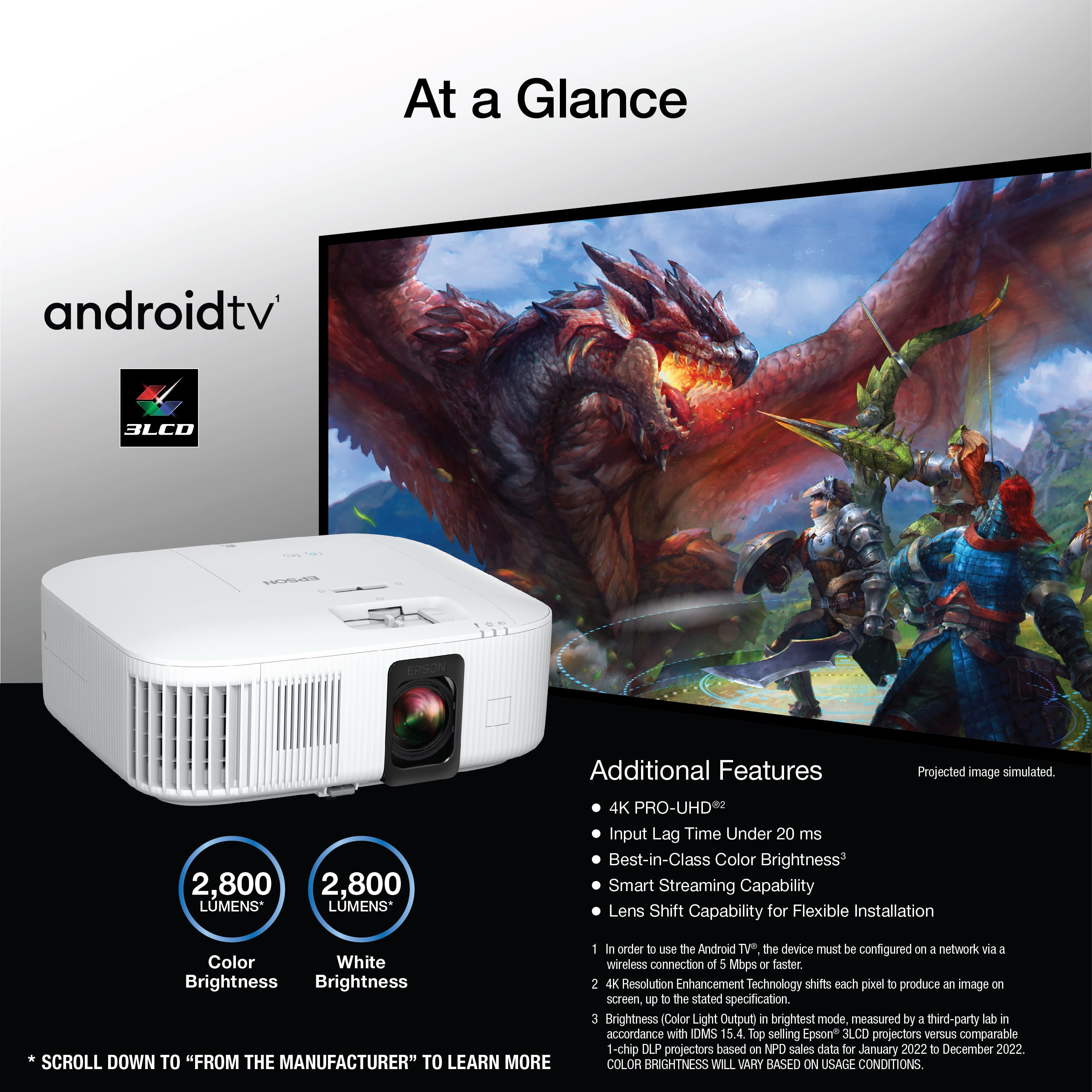
A:AnswerHello TT. Android TV is an integrated streaming device on the Home Cinema 2350, where you can watch all your favorite streaming channels, including Netflix, Amazon Prime Video, Hulu, Disney+, HBO Max, YouTube, and more. Regards, Kevin - The Epson Team.
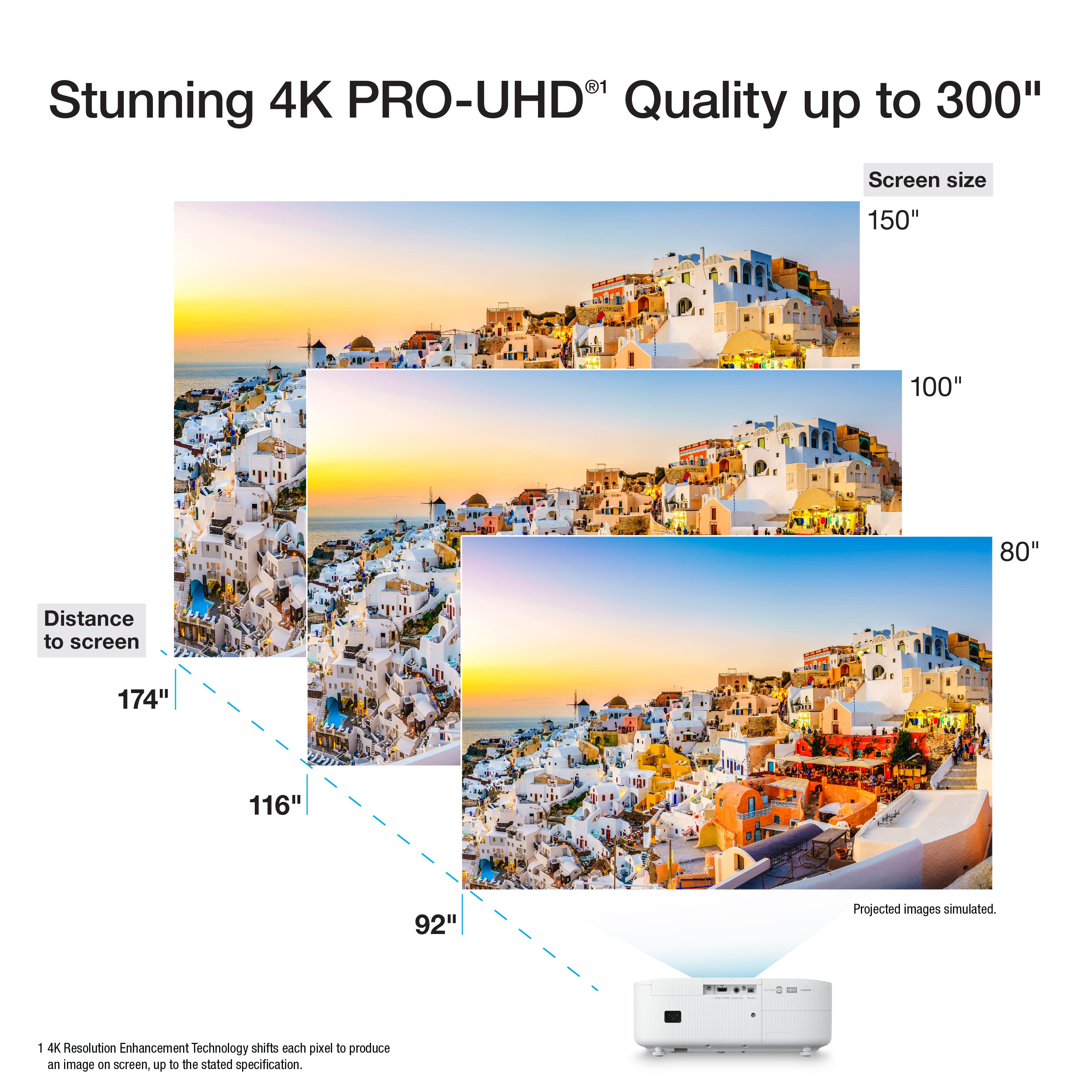
A:AnswerHello Surya. For a 120" projector screen, we recommend placing the Home Cinema 2350 about 139 to 225.6 inches from the display. The projected image might be slightly large for your screen. Regards, Kevin - The Epson Team.
A:AnswerHello Candied. The Home Cinema 2350's maximum refresh rate is 60 Hz. Unfortunately, 120 Hz is not supported on the projector. Regards, Kevin - The Epson Team.
A:AnswerHello ChurchUser. If the projector is connected to a computer to view your presentations, then it could possibly be the power settings on your machine. We recommend looking at the settings on your computer to ensure nothing is affecting the projector. If you need additional assistance, please do not hesitate to contact our Technical Support team by phone. Regards, Kevin - The Epson Team.
A:AnswerIt can work. But it is a Home Cinema projector. You might look into purchasing a office projector. They are cheaper and brighter for office lighting.
A:AnswerIt is possible, but going thru a A/V receiver is what I would recommend. The 3.5 audio jack on needs to hook into something that provides more power.
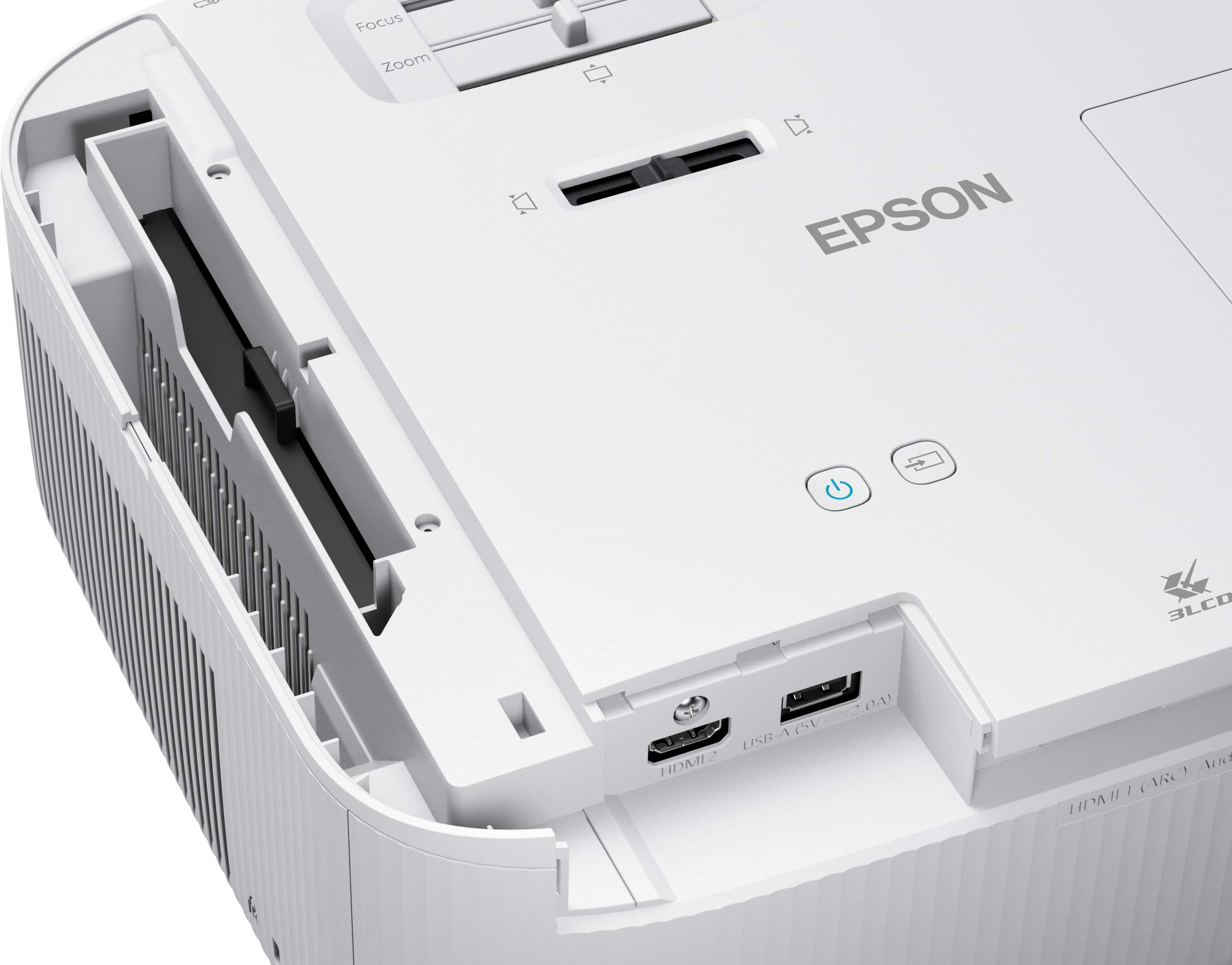
A:AnswerStart with the small things first. Hdmi, try it in a different port, or switch the hdmi cable for a different one. Try another gaming console, or dvd player on it.
A:AnswerSometimes it is trying to determine which input. We live in a right now generation. 4 to 5 sec isn’t a long time. I used to have dial up internet. So 4 to 5 seconds is blazing to me.