A:AnswerHello Douga. The EX9240 is only supported to work with our Epson Universal Ceiling Mount accessory. The part number for the mount is ELPMBPJG. Regards, Kevin - The Epson Team.
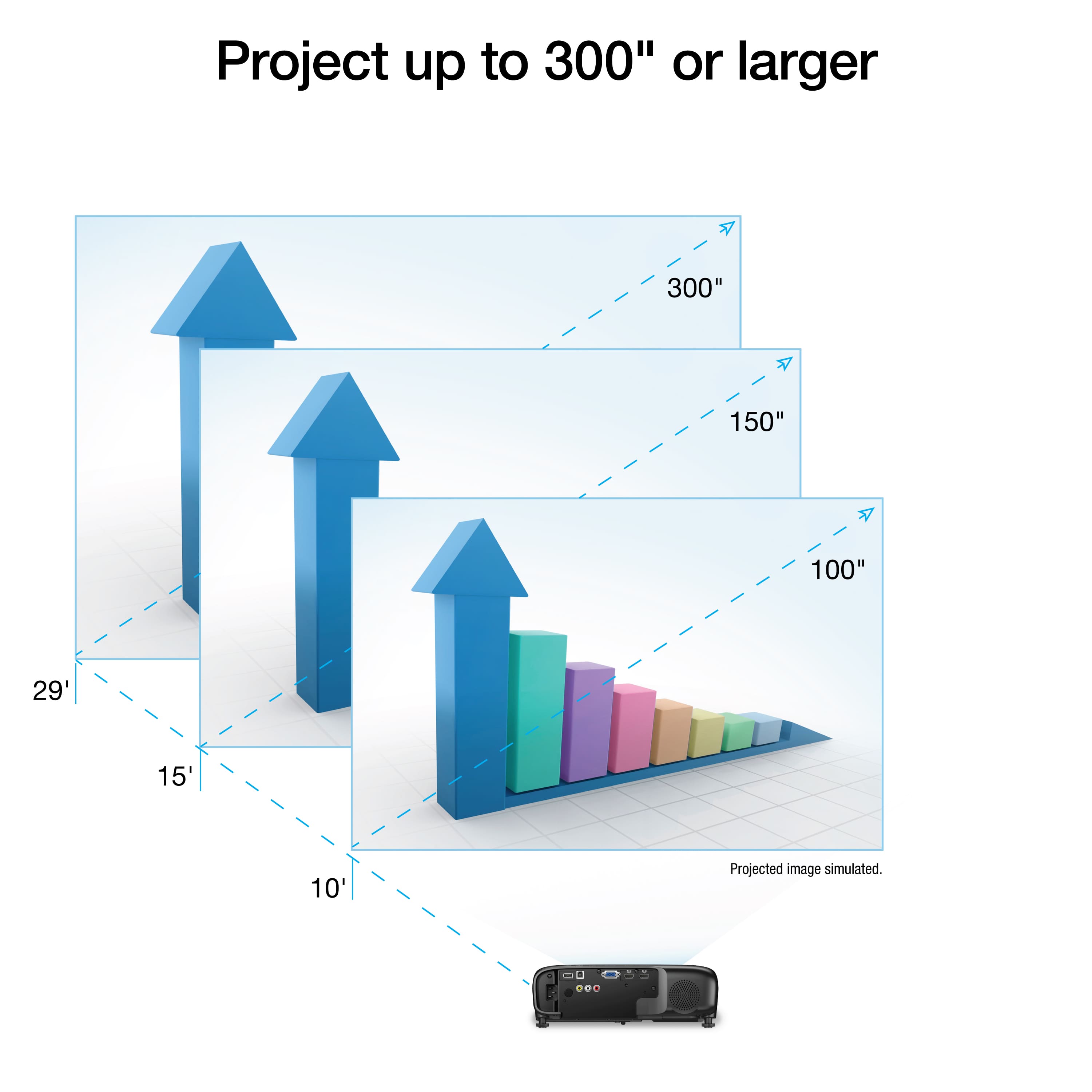
A:AnswerHello ET. The EX9240 should be able to fill the screen at that distance. For a 9ft. screen, we generally recommend placing the projector between 116 to 188 inches. Regards, Kevin - The Epson Team.
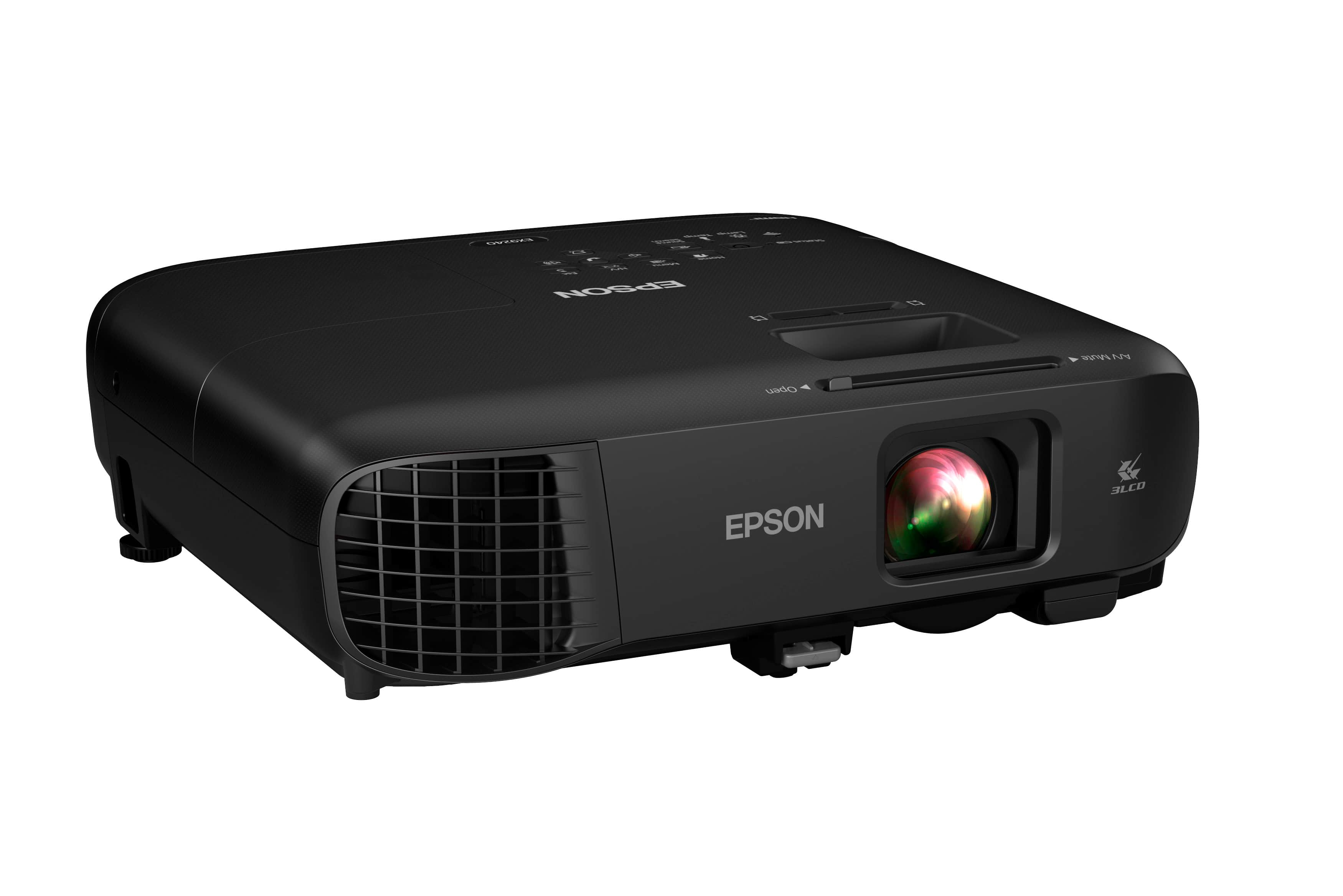
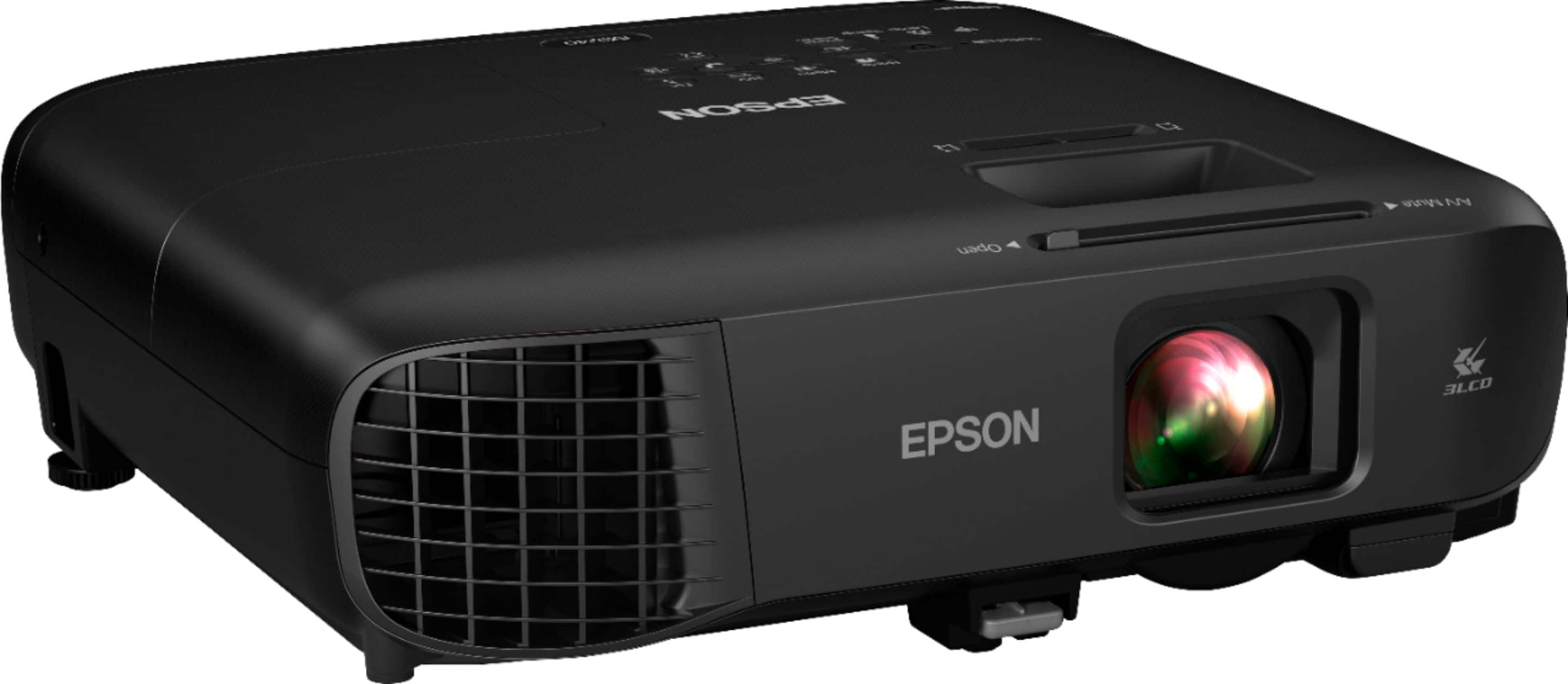
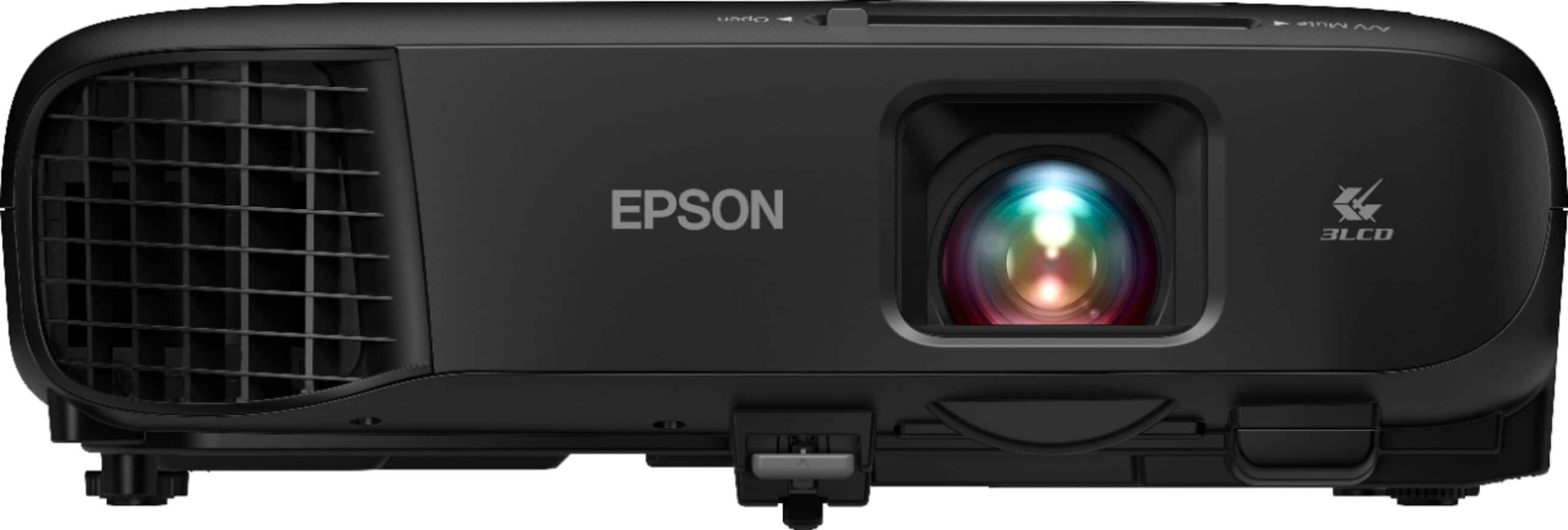
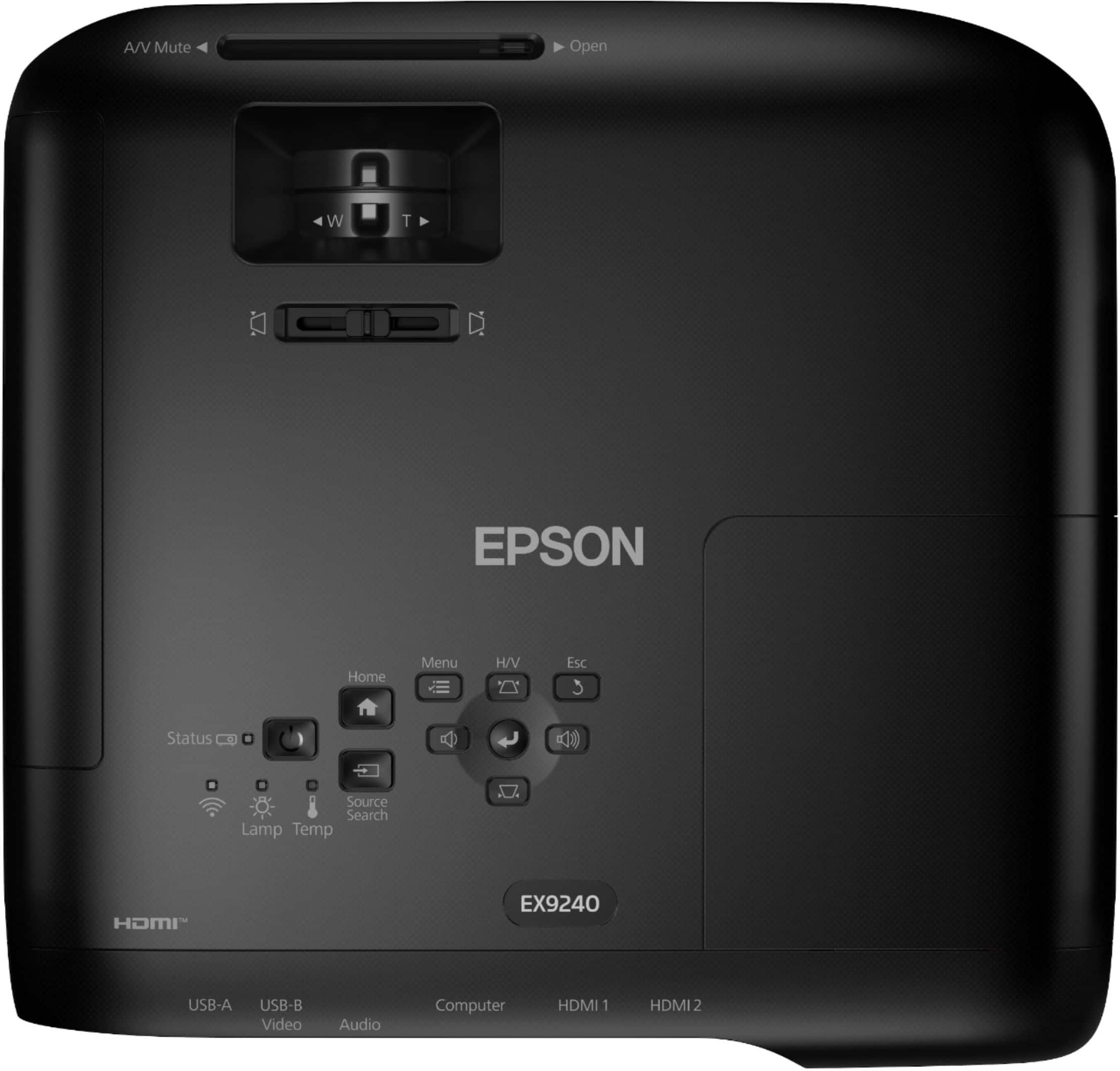
A:AnswerHello JCGND. Epson does not sell a lens cap for the EX9240 projector. The projector already has a built-in sliding cover that protects the lens. Slide the A/V Mute lever until you hear a click to open and close. Regards, Kevin - The Epson Team.
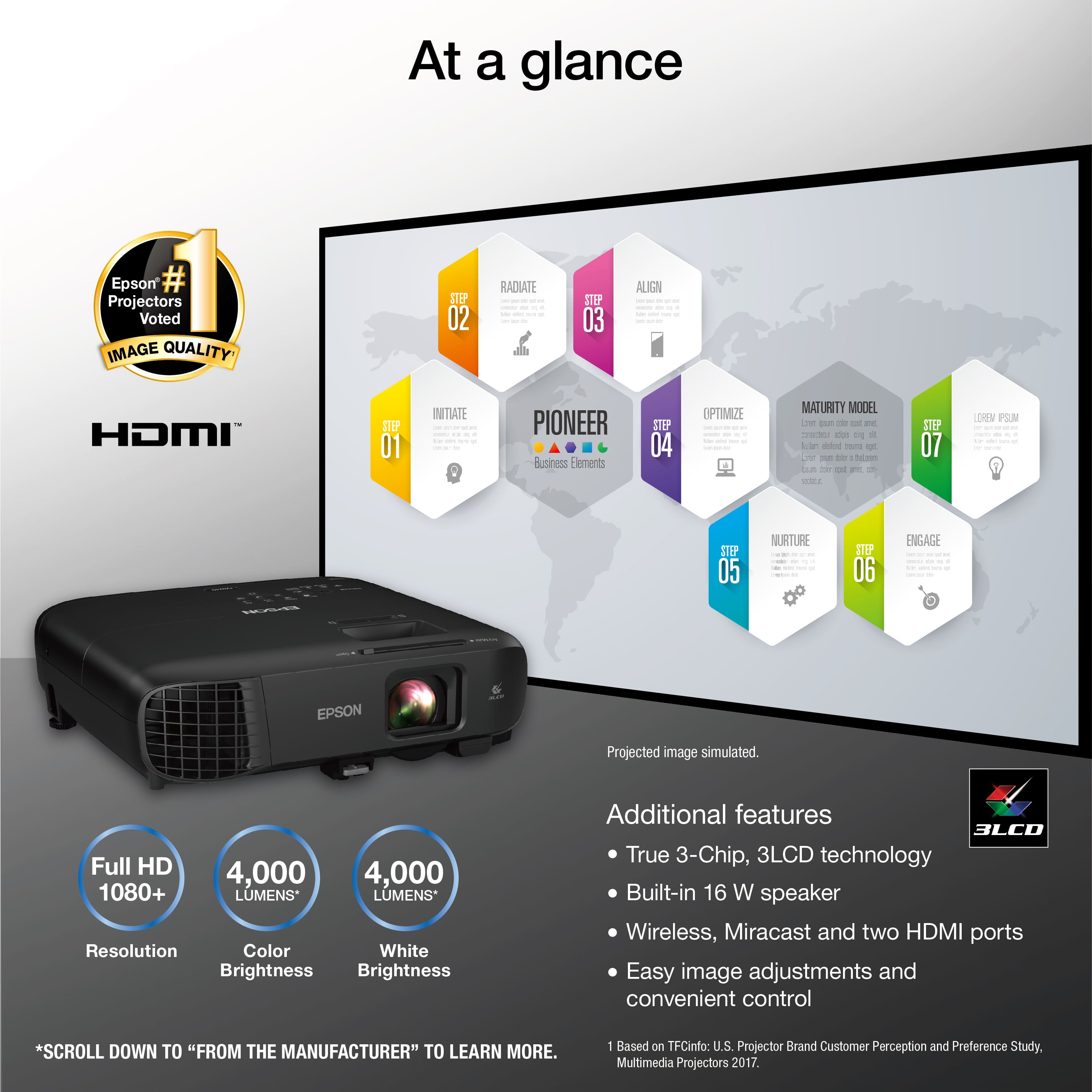
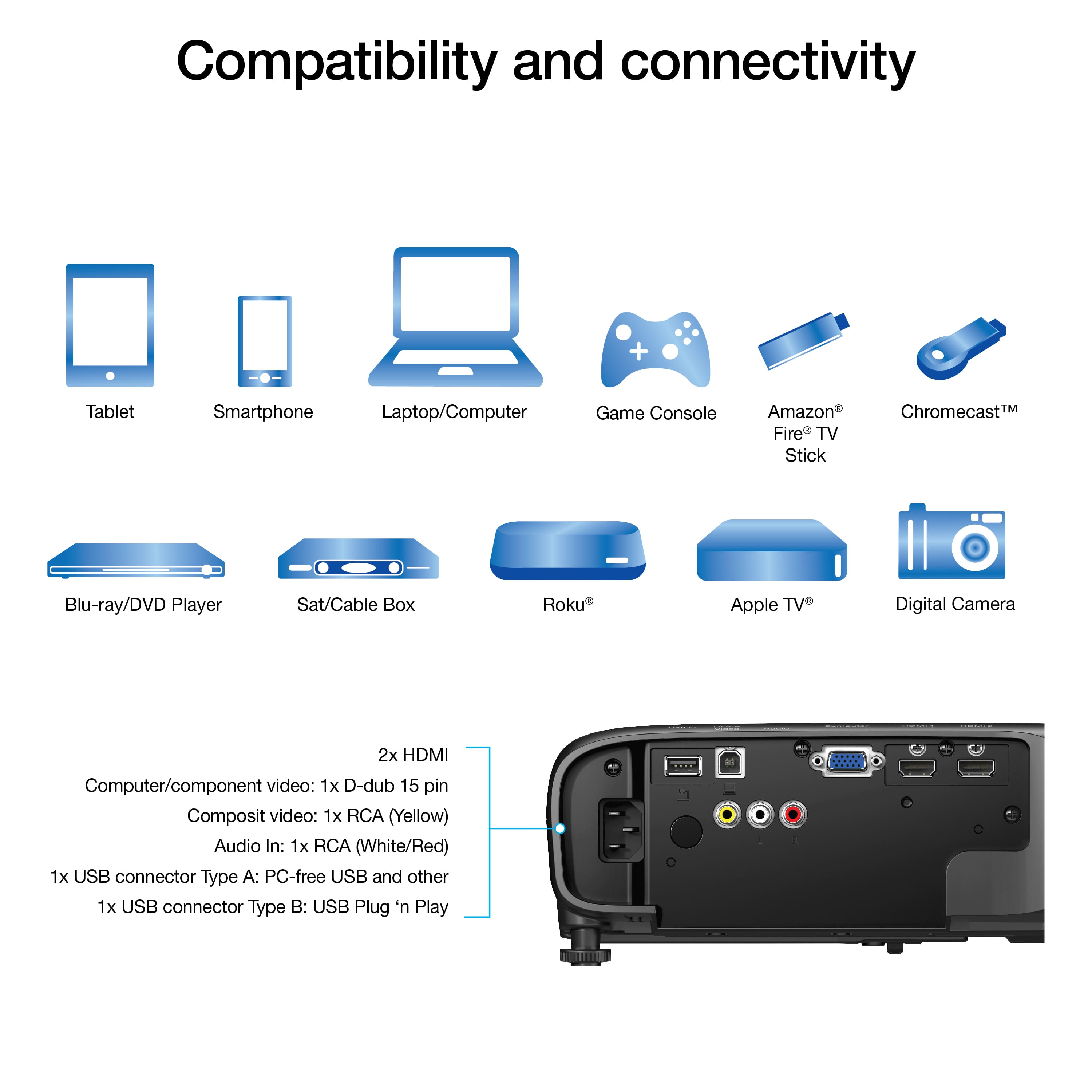
A:AnswerHi Nova, The Pro EX9240 features Wi-Fi and Miracast. You can use a Miracast app, or the Epson iProject app to mirror your screen on the projector display. Video with audio may lag, but slideshows or presentations should work well. Regards, Mark - The Epson Team.
A:AnswerHello dejjjavuu. The Epson EX9240 on BestBuy's website is sold as new. If a product is refurbished or Open Box, it will be specified on the product's page. Regards, Kevin - The Epson Team.
A:AnswerHi Anindya, The EX9240 does not have Bluetooth audio capabilities. The Epson Home Cinema 2250 does support Bluetooth audio. It is currently available at BestBuy.com. Inventory can change without notice. Regards, Mark - The Epson Team.
A:AnswerHello Alex. Unfortunately, the EX9240 projector does not support a 4k signal. The maximum supported resolution is 1080p. Regards, Kevin - The Epson Team.
A:AnswerHello DJ7. Unfortunately, without having the exact dimensions of the auditorium, it would be difficult to confirm. However, the minimum distance the projector requires for a 30-inch image is 34 to 46 inches from the device to the screen. We recommend visiting our Epson Support page and looking at the "Projector Placement" section in the User's Guide, which should help determine if the projector is suitable for your space. Regards, Kevin - The Epson Team.
A:AnswerHi Julie, Yes, you can connect your MacBook to the Pro EX9240 as long as they are both on the same 2.4 GHz Wi-Fi network. If you want to view full-motion video a cable connection is more suitable. Regards, Mark - The Epson Team.
A:AnswerHello rlee. Unfortunately, the EX9240 cannot project images with a resolution above 1920 × 1080 and a frame rate above 30 fps. Regards, Kevin - The Epson Team.
A:AnswerHello Therman. Unfortunately not, the Universal projector mount for the EX9240 is only offered in one color. However, you can find the compatible mount on BestBuy's website under SKU 5304412. Regards, Kevin - The Epson Team.
A:AnswerHello Dave. The EX9240 provides crisp, rich detail for graphs, images and videos. It has an amazing dynamic contrast ratio of 16,000:1. Please see the official Epson Support page for more details on Projector specifications. Regards, Kevin - The Epson Team.
A:AnswerHello WishKE24. Yes, the EX9240 supports rear projection; however, Epson does not recommend using the projector in outdoor settings for best results. For more information, please visit the official Epson Support page. Regards, Kevin - The Epson Team.