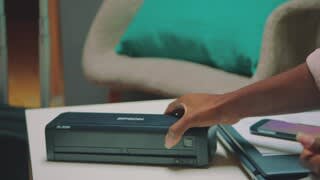
A:AnswerHi Nyteryder30, Sorry, the WorkForce ES-300W does not include Wi-Fi Direct connectivity. It requires either an existing wireless network or a USB connection to work. Epson does not have ES-300W USB drivers for iPhones or iPads. Regards, Mark - The Epson Team.
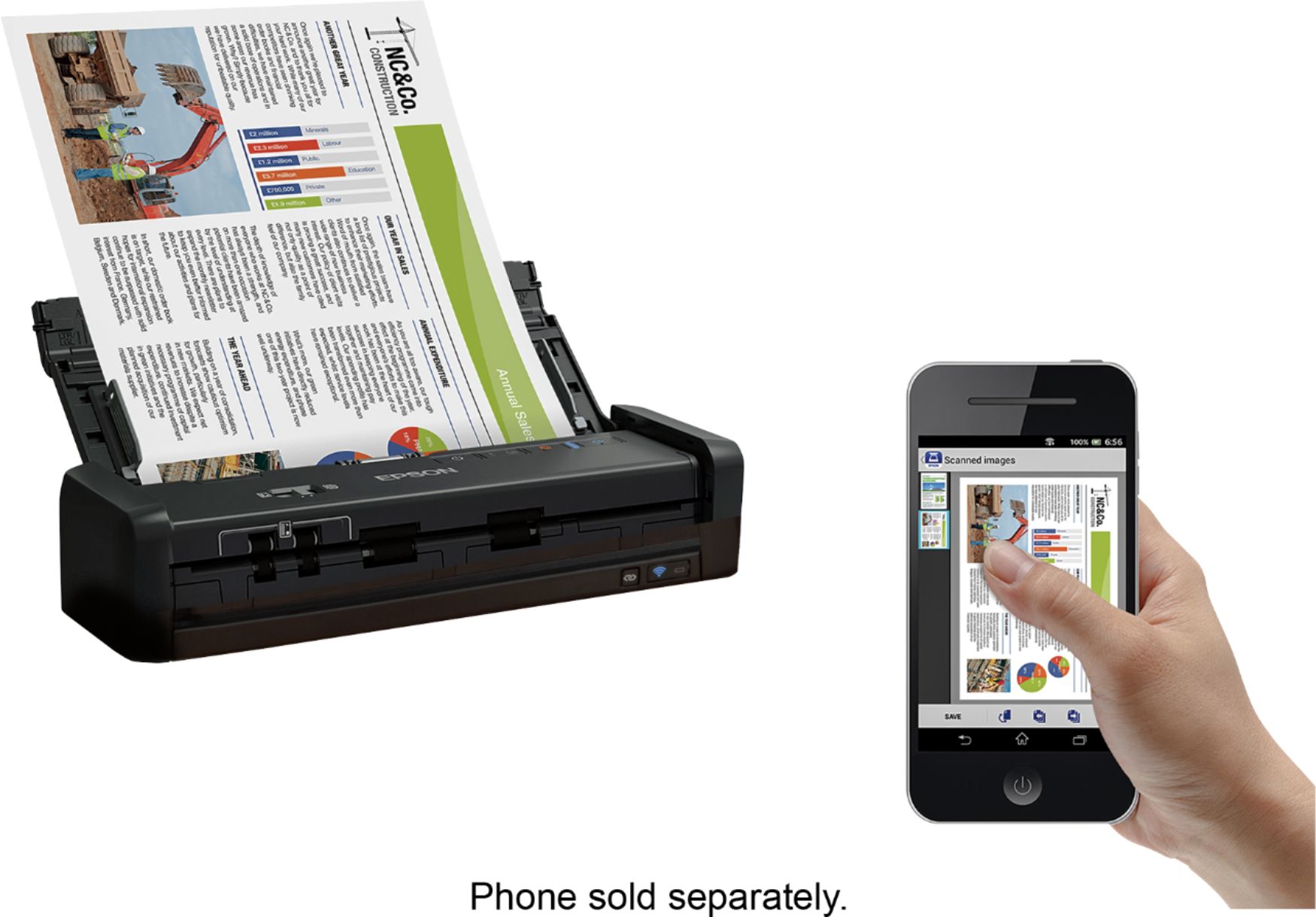
A:AnswerHi Curious1. Yes, you can scan from your Android device using the Epson DocumentScan app. Regards, Bobby - The Regards, Bobby - The Epson Team.
A:AnswerHi Karolyn, If you are using Epson Scan 2 to scan, the Image Format selection box is at the bottom of the Main screen. If you are using Epson ScanSmart scan an image, then click Next. On the next screen select PDF from the File Type list. Visit the Epson support site for helpful videos, FAQs and manuals. Regards, Mark - The Epson Team.
A:AnswerYes, you can use Document Capture Pro (Windows) to save your scans in one of the following Microsoft Office file formats: Microsoft Word (.docx), Microsoft Excel (.xlsx), or Microsoft PowerPoint (.pptx).
A:AnswerJust like adding a new printer or drive to your system, each device gets its own unique address and connection. You will just have to choose between the devices when you want to scan - usually based on the software (program) you select when you request to scan. BTW, love my scanner.
Chuck
A:AnswerHello ZooKeeper. When used with the Windows Scan app on Windows 11 ARM, the ES-300W will have limited features. We want to get further details to help see if we can troubleshoot. Please contact our Technical Support team by phone for further assistance. Regards, Kevin - The Epson Team.
A:AnswerHi nicky, Sorry, no. The WorkForce ES-300W must be connected to a computer, smart phone or tablet using Wi-Fi to scan. Regards, Mark - The Epson Team.
A:AnswerHello. Unfortunately, the ES-300W does not have a scan-to USB drive feature. The scanner can only be connected via a USB cable or wirelessly via Wi-Fi. Regards, Kevin - The Epson Team.
A:AnswerHello Dave. Yes, the ES-300W can create OCR pdf documents in Japanese. Using the Epson ScanSmart software, you can select the language you want to use before scanning the original. Regards, Kevin - The Epson Team.
A:AnswerHi 401kLatina, The WorkForce ES-300W is a scanner. It does not print. You can send scanned documents to a smartphone or tablet that is connected to the same Wi-Fi network as the ES-300W. The Epson WorkForce WF-110 is a similarly sized portable printer that you can use to print from your iPhone over a Wi-Fi network. If a Wi-Fi network is not available, you can connect your iPhone to the printer using Wi-Fi Direct. The WF-110 is currently available at Bestbuy.com (inventory can change). Regards, Mark - The Epson Team.
A:AnswerHello Holiday. Yes, the Epson ScanSmart software allows you to create separate files for every document scanned on the ES-300W. To download the latest ScanSmart software, please visit our official Epson Support page. Regards, Kevin - The Epson Team.
A:AnswerHello Ted. Unfortunately, the ES-300W does not have printing capabilities. It is a compact duplex document scanner only. Regards, Kevin - The Epson Team.