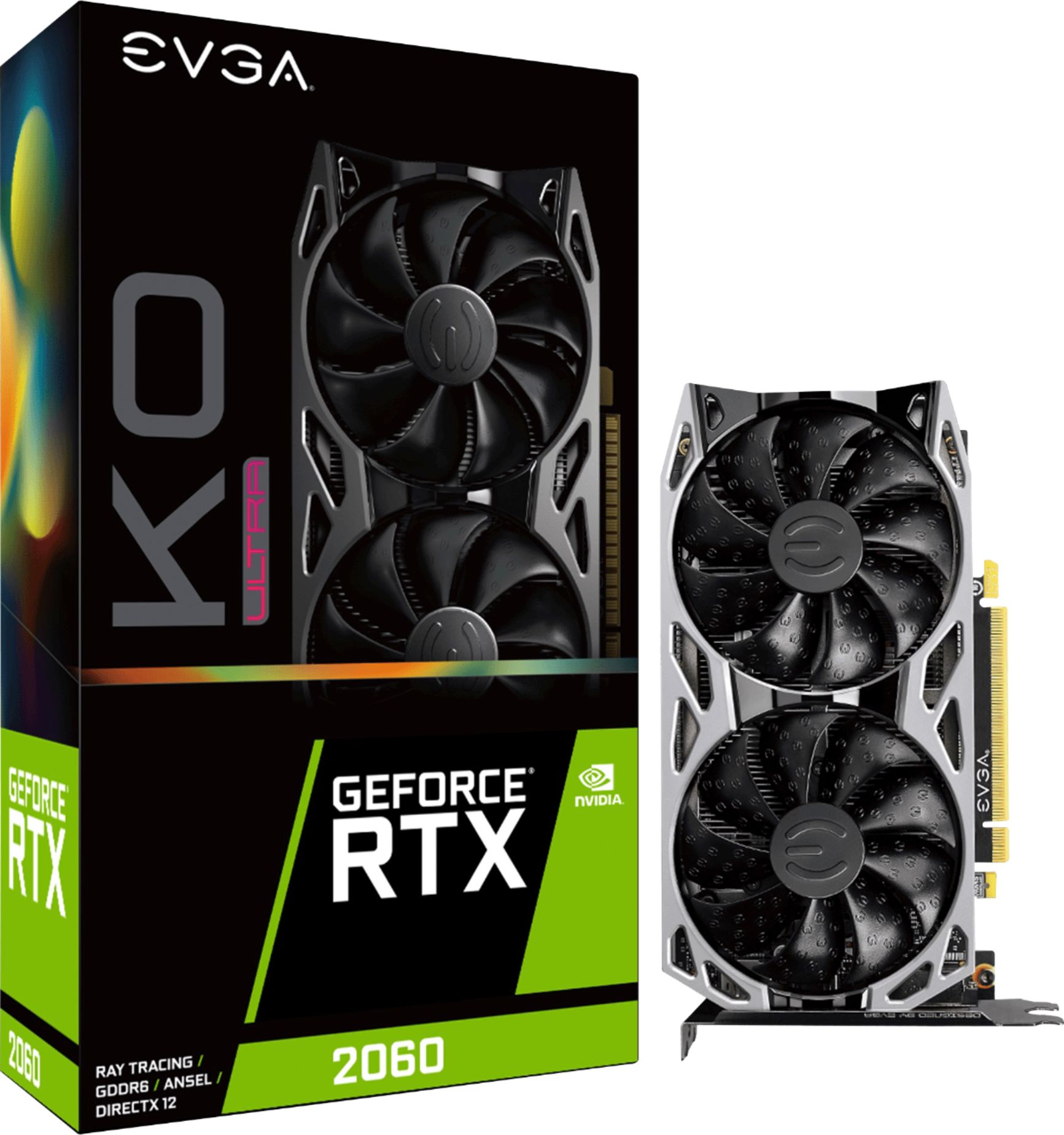
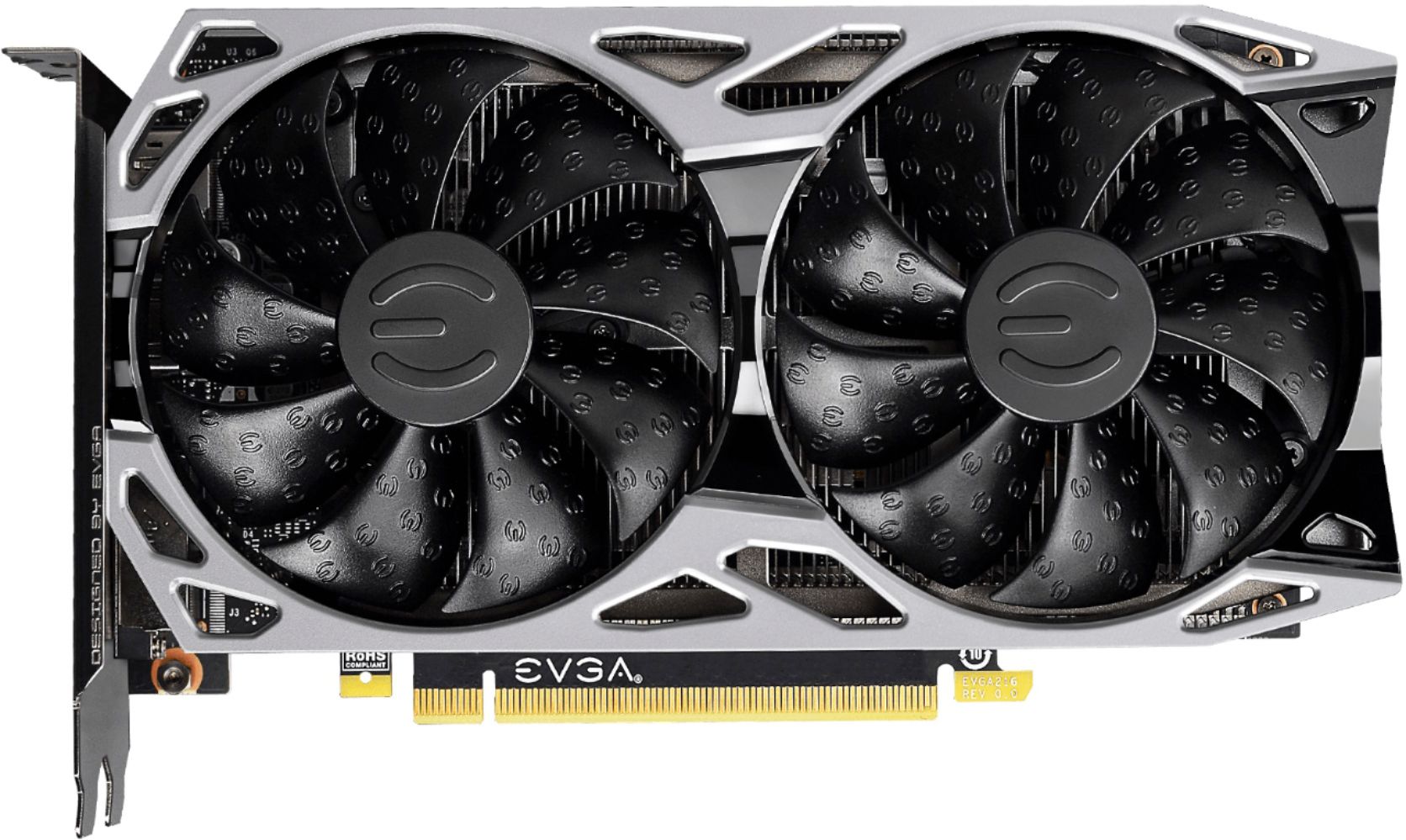
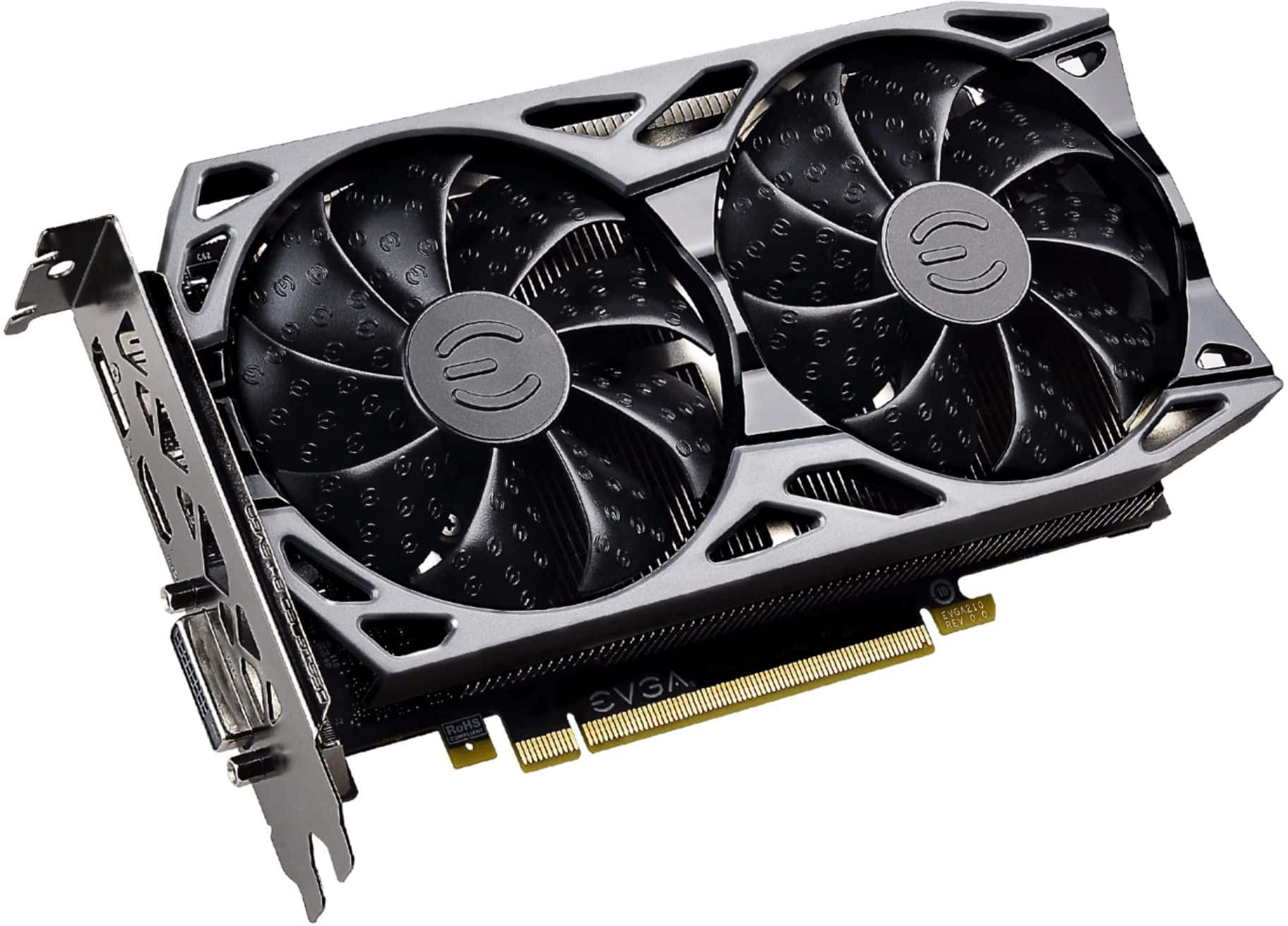
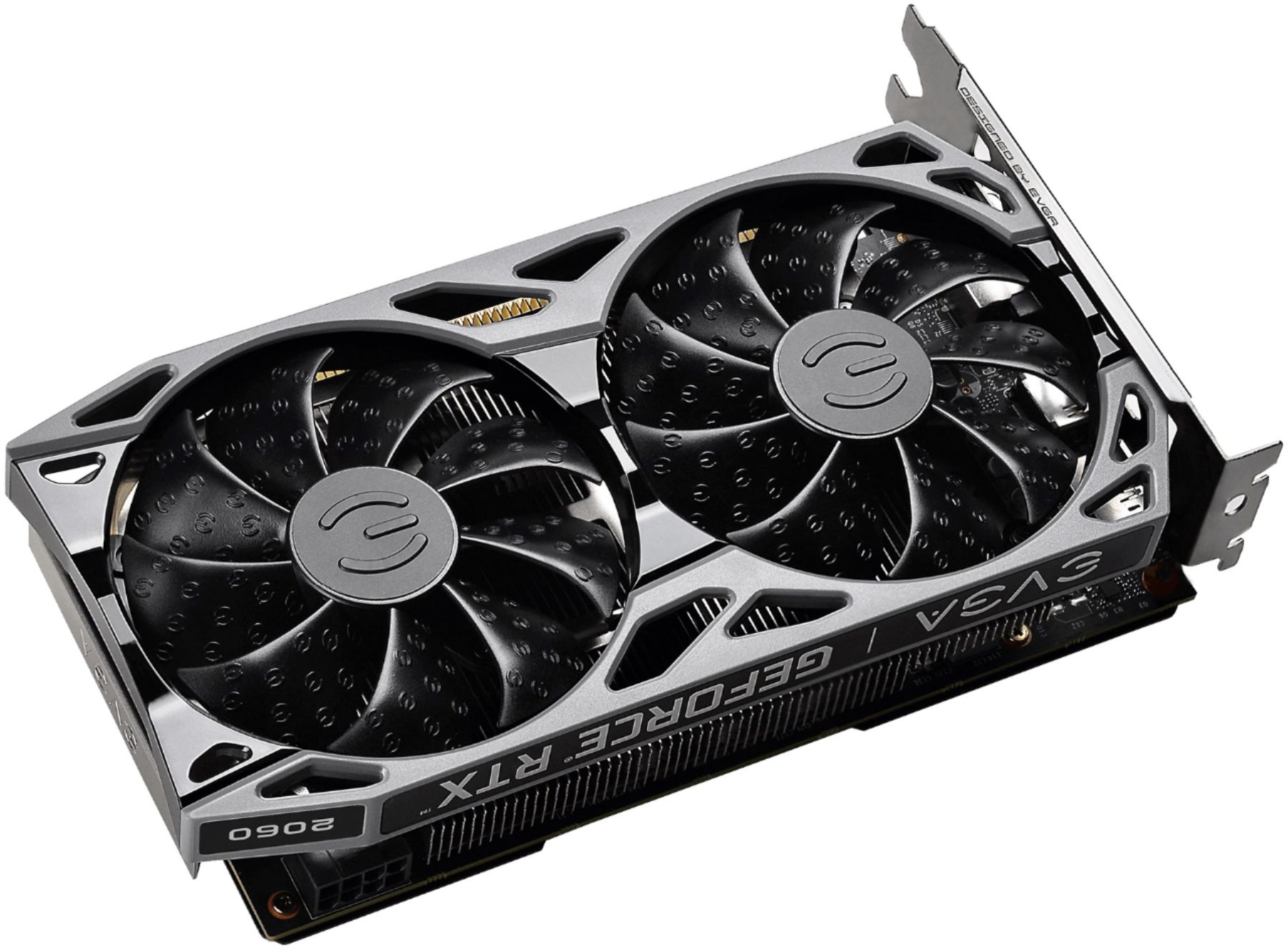
A:Answerthis mother board has a pcie 4.0 x16 slot on it. the graphics card is a pcie 3.0 x16 plug-in. lucky for you pcie is backwards compatible. this means, yes, it will absolutely work.
A:AnswerAbout 2-3 weeks. It also depends on store location. If I were you, I would just keep checking back here each day because Best Buy is probably one of the only stores that I've seen that actually offers the card at a decent price.
A:Answerthe power connector is a 8 pin pcie connector. this means it will take a 6 pin, and a 2 pin side by side (they are separate, but are meant to be combined). considering the power draw of the card, it would be a no.
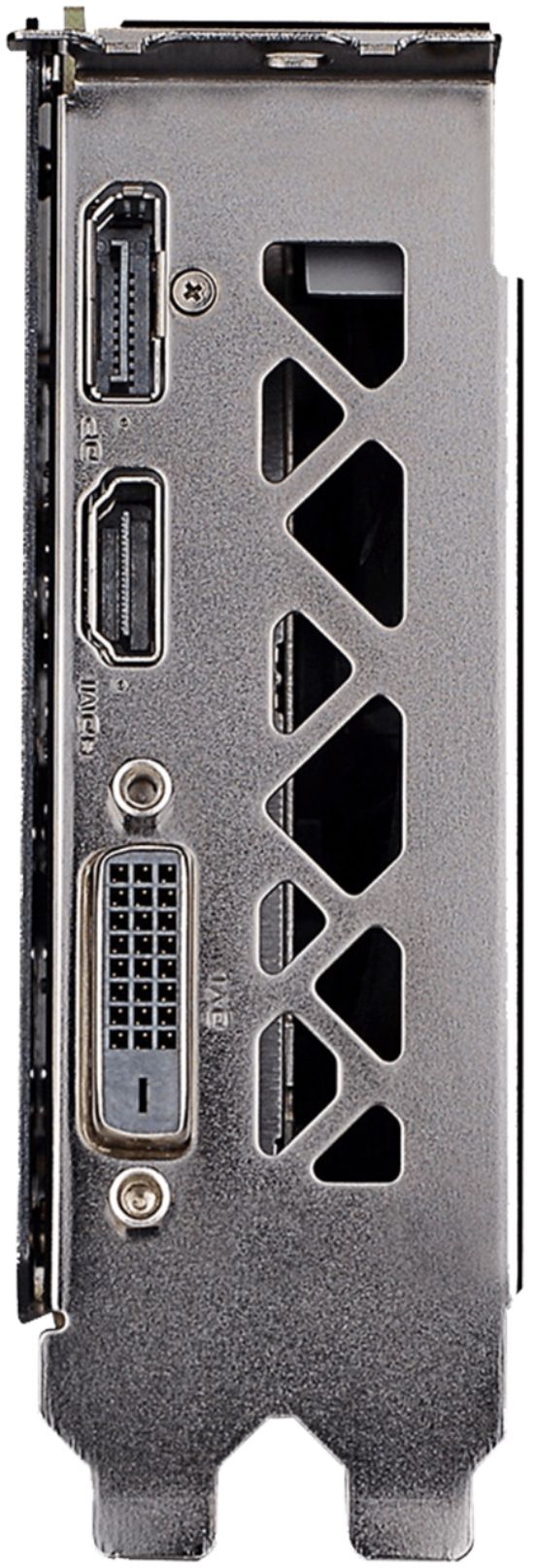
A:Answerthe graphics amplifier has enough clearance for a full size graphics card, so it should fit in without a hitch. the ports on a rtx 2060 varies between who makes it, however this has 2 display ports (one that has the older style, and the other one that kinda looks like a HDMI port) and 1 HDMI port. however I would recommend getting a pcie riser, or a exp gdc beast. essentially what this is is a tray you put a graphics card on, you put power to it, then plug it into your laptop in various ways. Linus Tech Tips has a youtube video titled "Put a Desktop GPU in a LAPTOP… The CHEAP WAY!" which gives a lot more detail. the reason i suggest this is it can save you quite a bit of money, granted, it wont look as clean cut as a dell alienware graphics amplifier.
A:AnswerThis is a CPU but Asus ROG STRIX b450 is a GREAT motherboard to pair with this CPU, as of some time ago most Rog strix b450 mobo's ship with the latest update so it should have out of the box compatibility BUT if it doesn't AMD will send you a CPU to boot up the PC and download the latest bios updates