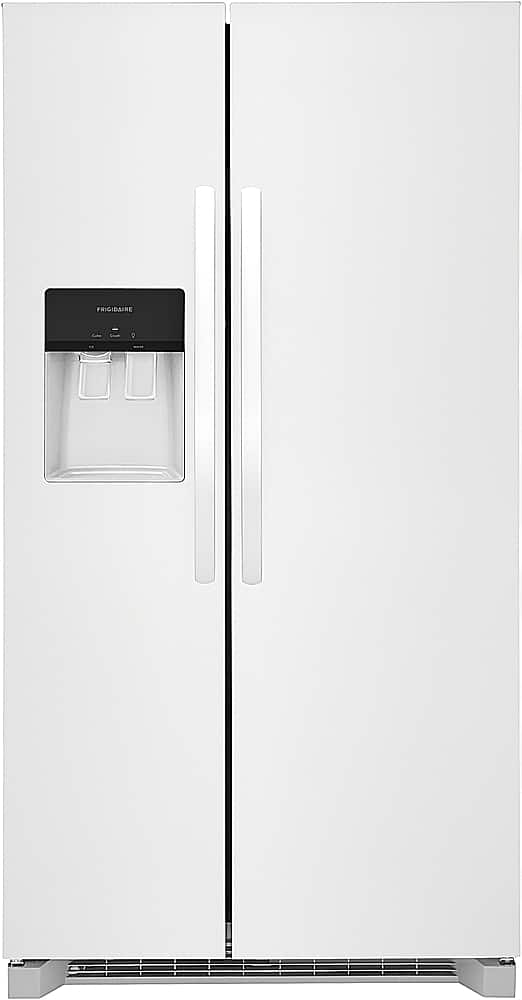
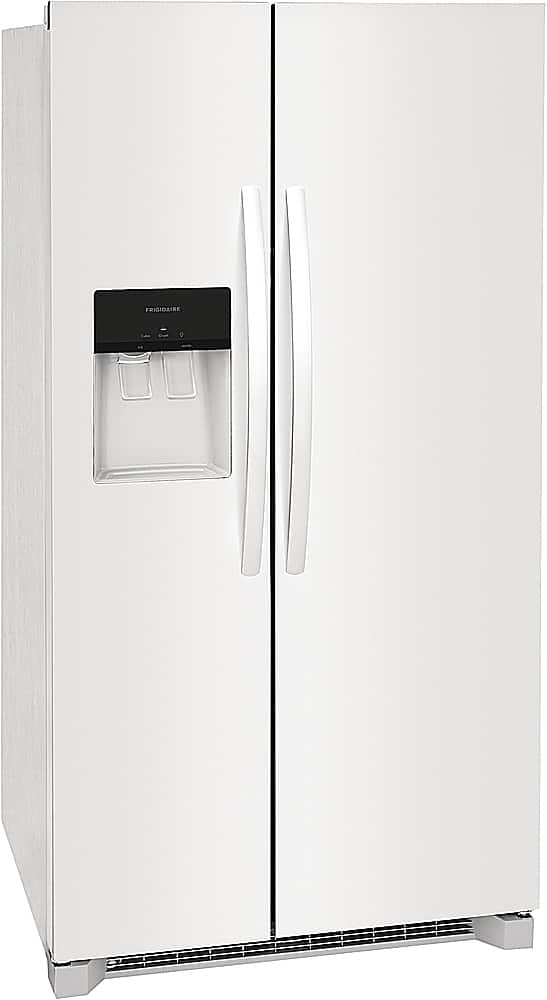
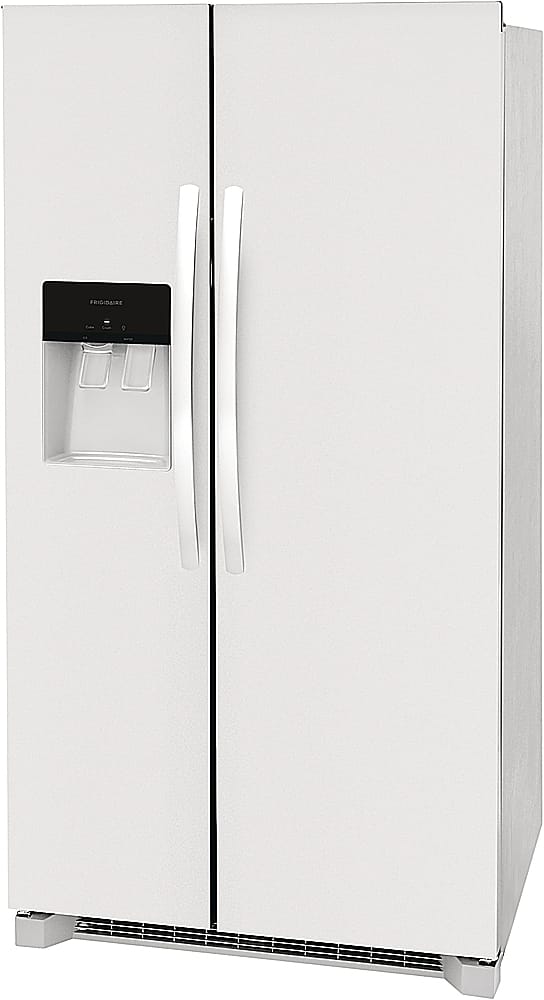
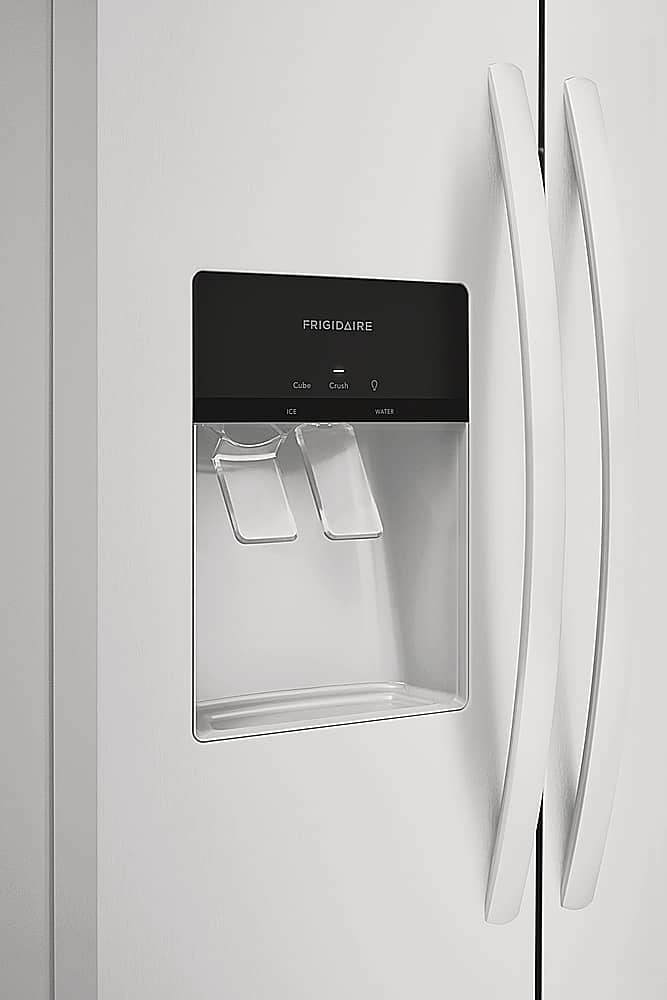
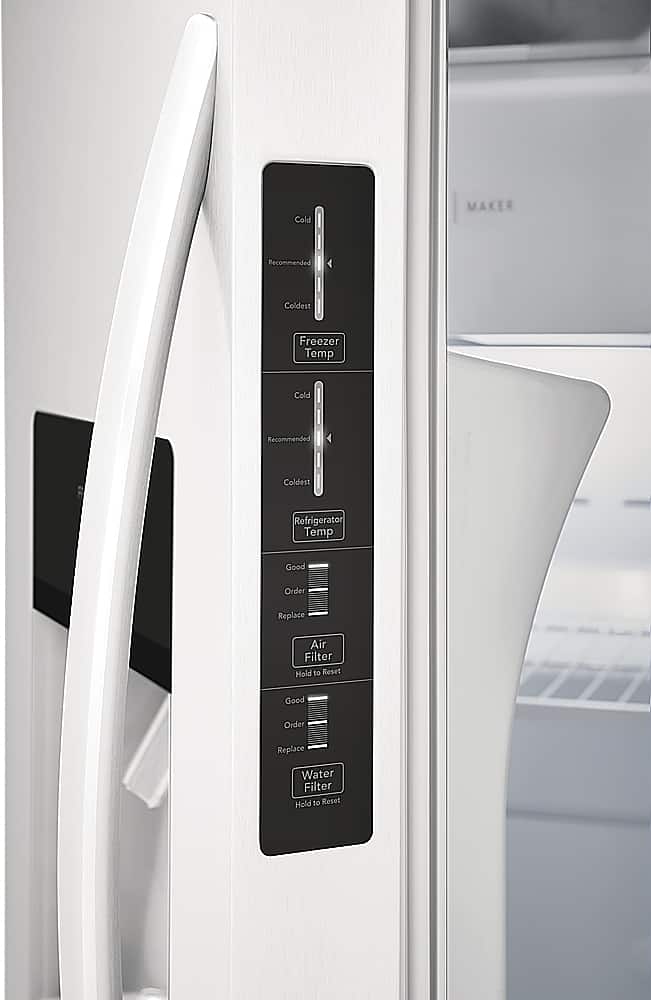
A:AnswerThank you for reaching to us! The external Water and Ice Dispenser of this model has a light feature, there is a light indicator that will show if you are using Cube or Crush Ice. We hope this information help you and your shopping experience. -Angel
A:AnswerI asked about the width, but the answer tells the depth. Again, please, what's the WIDTH with the right door open (far enough to open the drawers). Thanks.
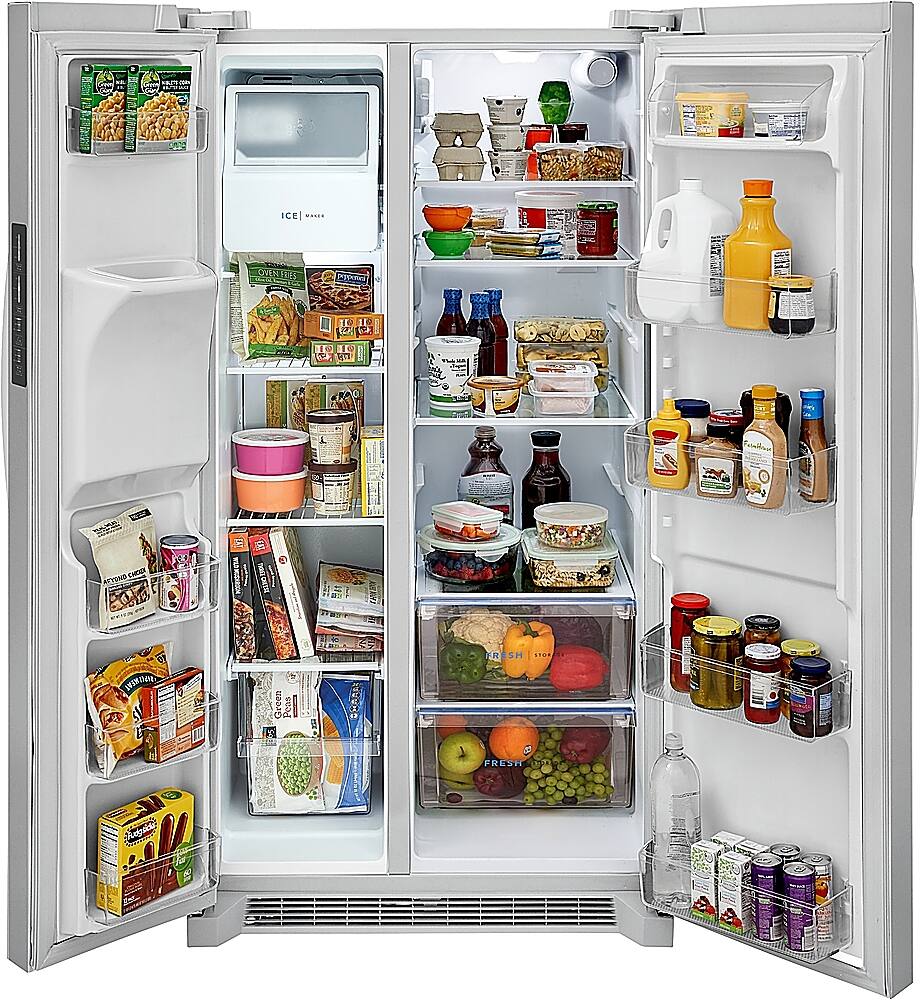
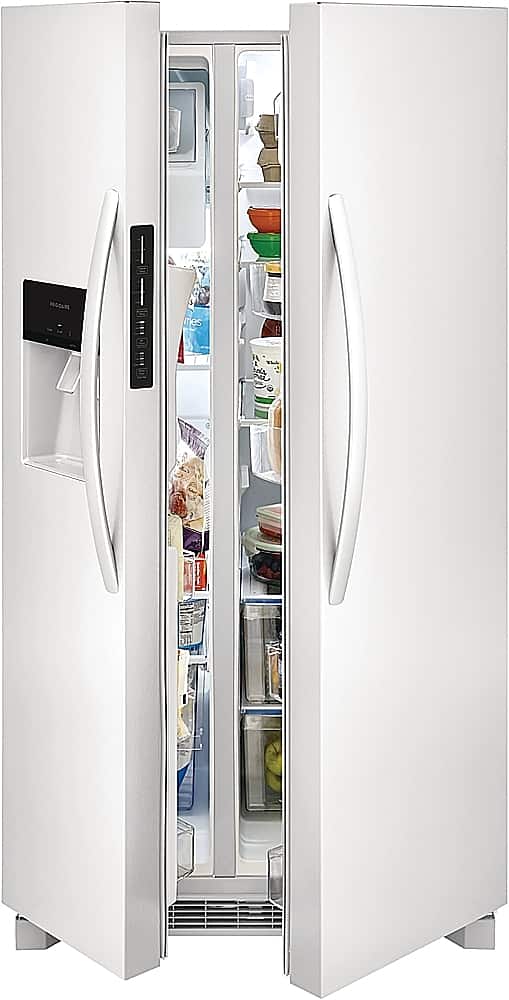
A:AnswerThanks for the inquiry, Tkbreezy. It does not say how much width this model needs to fully open the doors. However, the depth with the door open 90 degrees is 50 inches. If your unit is placed with the hinge side against a wall, you may have to allow additional space for the handle so the door can be opened wider. For the best use of drawers and freezer baskets, position the appliance where both doors can fully open. We hope this helps with your shopping experience. -Christi
A:AnswerHi there, Leo! To activate (or deactivate) the Control Lock / Child Lock on your Frigidaire FRSS2623AS refrigerator:
1. Locate the “Control Lock” or “Lock” button on the control panel.
On most Frigidaire models with a digital display, there will be a dedicated button labeled "Control Lock", "Lock", or an icon of a lock — check the panel above the ice/water dispenser or fridge temp controls.
2. Press and hold that button for about 3 seconds.
A light on the display should illuminate, indicating the lock is active.
The panel will become unresponsive to presses, preventing accidental changes.
3. To deactivate, press and hold the same button for about 3 seconds again—the indicator light will go off, and full control returns.
Quick Summary:
Activate: Press & hold Lock for ~3 seconds → display light turns on.
Deactivate: Same action → light turns off, control panel enabled.
This feature doesn’t affect cooling — it's solely for locking the control panel. If your model lacks a dedicated lock key, check the user manual or look for a button combination (e.g., hold two buttons simultaneously) as noted in various Frigidaire guides.
If the button doesn’t respond or the display behaves unexpectedly (e.g., freezing or showing “demo mode”), you may want to check the manual for a panel reset or consult Frigidaire support to ensure you're in standard mode. Let me know if you want help tracking down the control panel diagram or troubleshooting further! - Maico